

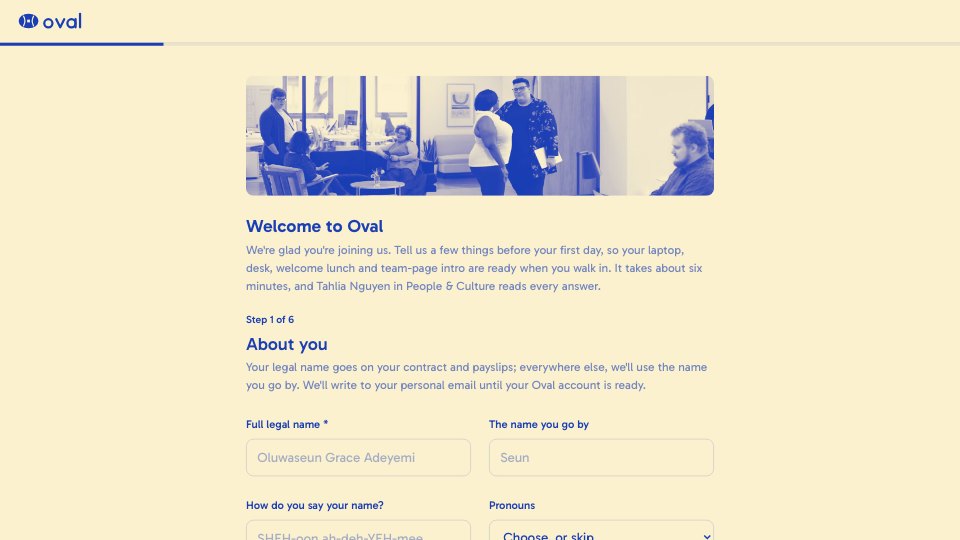
What’s inside the New Hire Onboarding.
Real content in every part, ready to rewrite with your own.
- 1About you: legal and preferred names, how to say your name, pronouns, personal email, mobile and home address
- 2Your first day: start date check (asks for the new date if it changed), Mac or Windows, laptop delivery, keyboard, monitors, desk extras and accessibility needs
- 3Your welcome lunch: dietary requirements (with a follow-up for allergies) and a first-day coffee order
- 4Emergency contact: name, relationship and two ways to reach them
- 5For the team page: a short bio, a fun fact, a headshot, LinkedIn and how they'd like to be introduced
- 6Paperwork: a note that payroll and right-to-work documents go through a separate secure link, then the handbook acknowledgement and signature
When to use it.
New Hire Onboarding is a six-step form a new starter fills in between signing their offer and their first day; most people answer 27 questions in about six minutes. It collects legal and preferred names, pronouns and contact details, then a start-date check, Mac or Windows, keyboard, monitors and accessibility needs. It also covers dietary needs for a welcome lunch, an emergency contact, a bio, fun fact and headshot for the team page, and the handbook sign-off. Payroll and right-to-work details are kept out on purpose, with a note pointing to a separate secure link.
Made for
- Founders hiring their first team
- In-house recruiters and talent teams
- Agencies hiring designers and developers
- Operations and people managers
Make it yours in four steps.
Open it in Forms and work through it, or let Docsiv AI do the first pass with your details.
- Step 1
Swap in your company name, logo and colours, and replace the office photos.
- Step 2
Edit the laptop, monitor and desk options to match what your IT team supplies.
- Step 3
Rewrite the first-day details, the lunch plan and the paperwork note for your office and payroll system.
- Step 4
Send the link with every signed offer, then set each starter up from their answers before day one.
Start from the New Hire Onboarding now.
Questions about this template.
Something else on your mind? Ask us in the chat, bottom right of the page.
Is the New Hire Onboarding template free?
Yes. Create a free account and it opens in Docsiv's Forms app, ready to edit and share. The Free plan includes every Docsiv app and 500 AI credits a month.
Can I change the colours, fonts and text?
Yes, all of it. The template uses Gabarito with #fbf1cf, #1a3fb4, and you can change any of them, rewrite every word and add or remove questions.
What can I export it as?
Forms in Docsiv offers: Responses exported as CSV. Once it's saved, you can also share it with a link.
Can Docsiv AI write the employee onboarding form for me?
Yes. Tell Docsiv AI about the client or project and it can draft the content in this template's style, which you then review and edit. AI uses credits; the Free plan includes 500 a month.
Where do the responses go?
Responses are collected in Docsiv with the form, and you can export them as a CSV file.
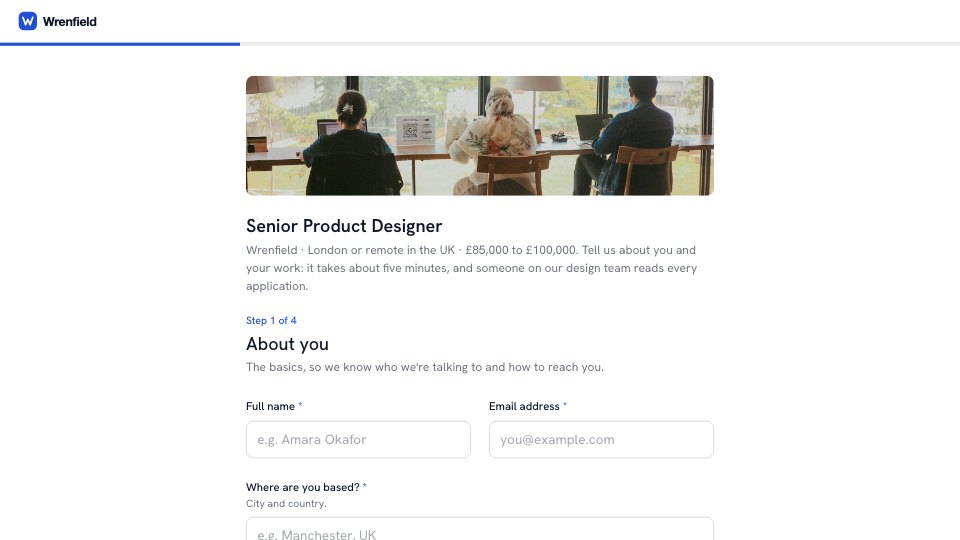
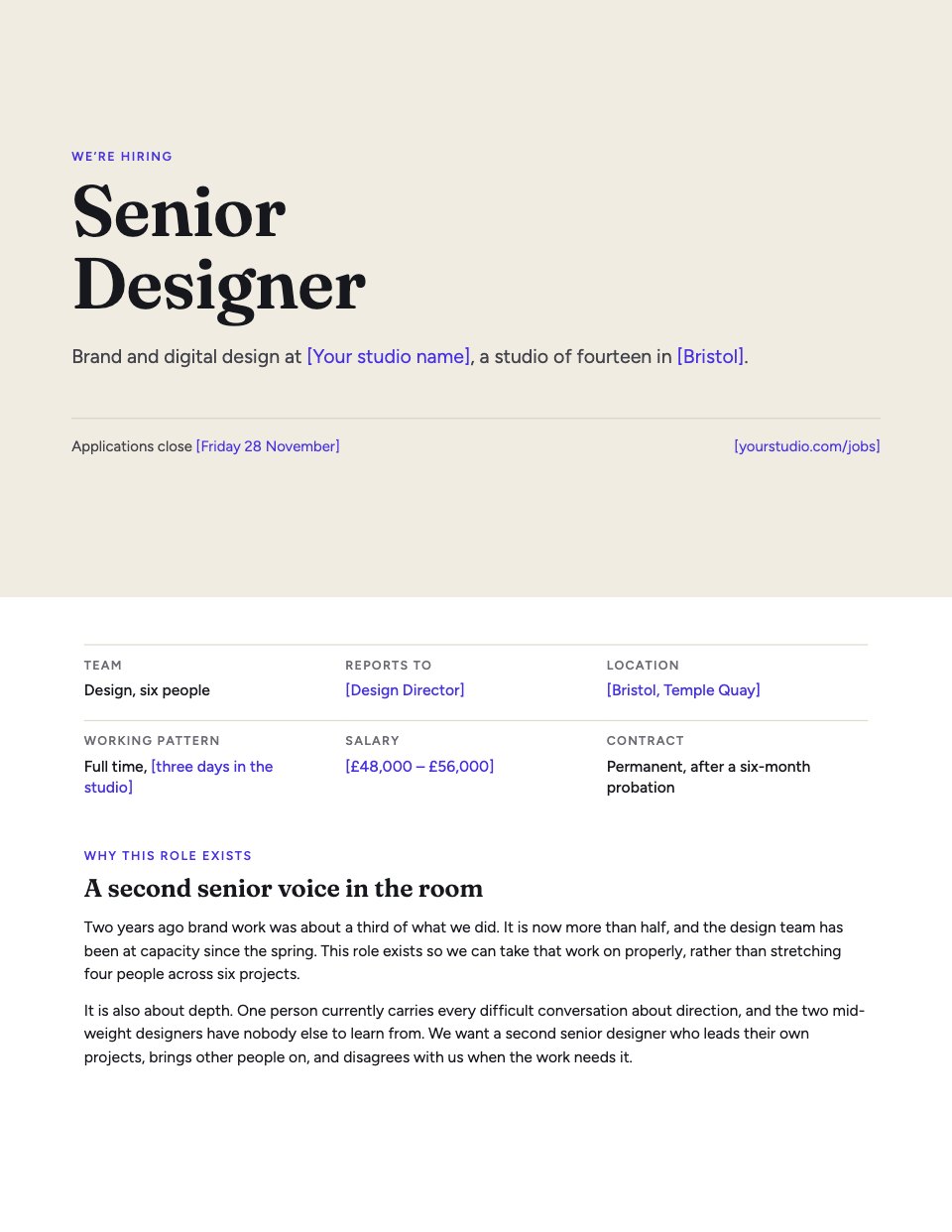
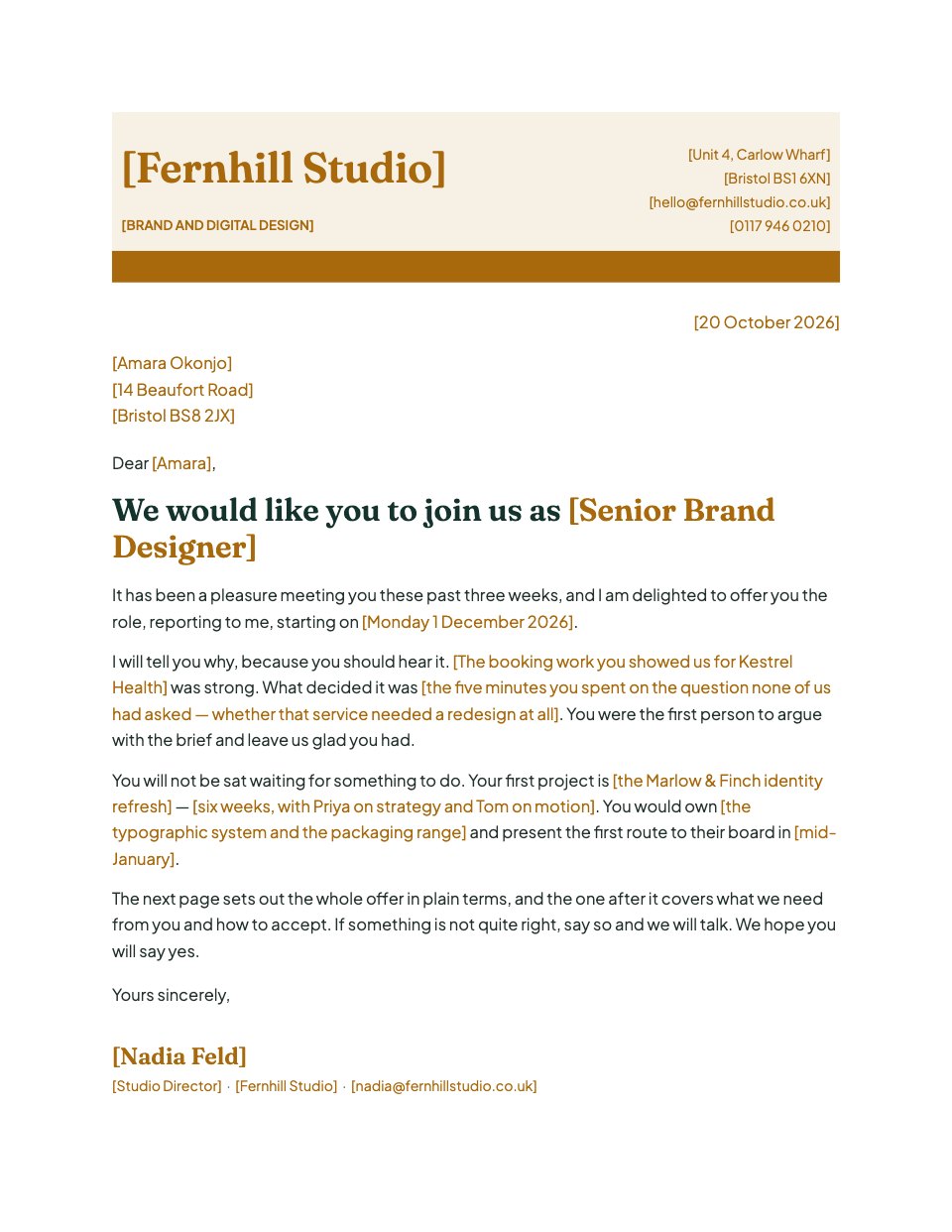



Start your hiring form with Docsiv AI
Describe the client or the project and Docsiv AI writes a first draft of your employee onboarding form for you to edit, share and send.