

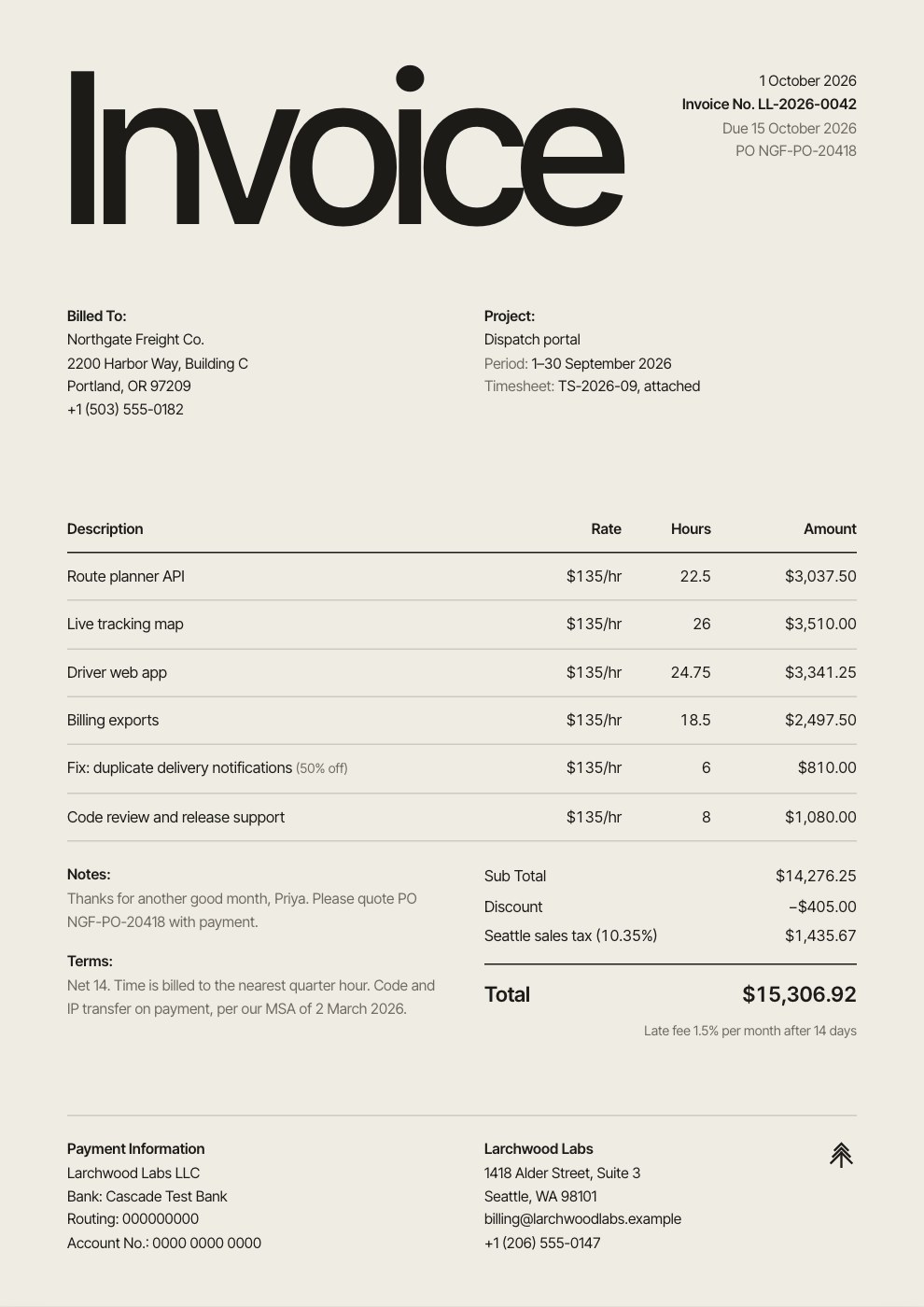
What’s inside the Hourly Invoice.
Real content in every part, ready to rewrite with your own.
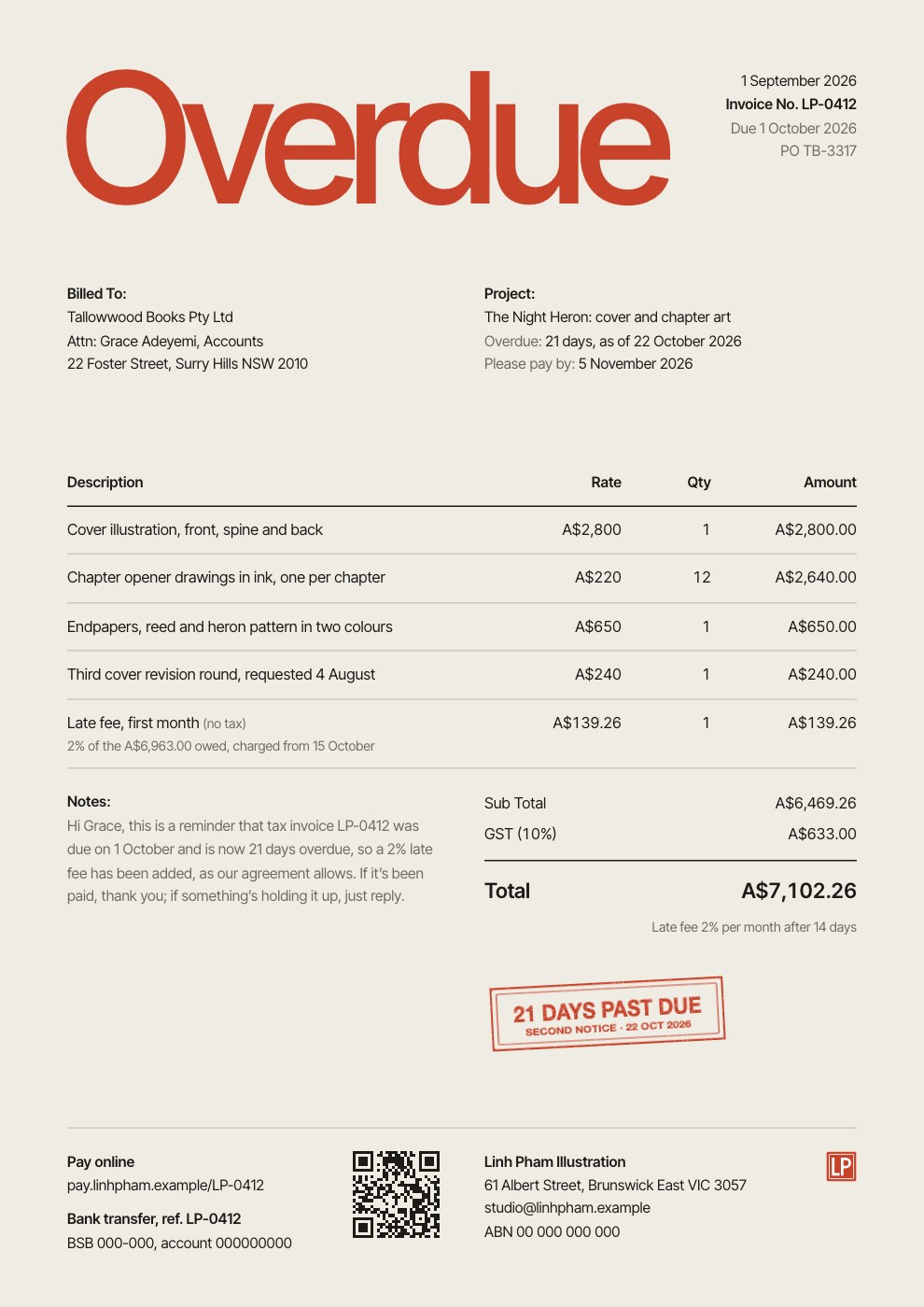
- 1An oversized Invoice title with the date and invoice number set small in the corner
- 2Billed-to details, the billing period and the timesheet reference
- 3Six lines of work with $135/hr rates and hours, one billed at half rate
- 4Subtotal, Seattle sales tax and total, then payment details and the sender at the foot
When to use it.
Hourly Invoice is a quiet, type-led invoice for freelancers and studios who bill by the hour. An oversized title and plenty of warm empty space make it look designed, while the Rate, Hours and Amount columns keep the maths easy to check. Rates print as $/hr, and tax, discounts and a late fee are worked out for you. Bank details and your contact information sit at the foot of the page, so clients know exactly how to pay.
Made for
- Freelancers who bill by the hour or day
- Agencies billing projects and retainers
- Consultants and advisers
- Studios quoting before work starts
Make it yours in four steps.
Open it in Invoices and work through it, or let Docsiv AI do the first pass with your details.
- Step 1
Open the template and add your studio name, logo and bank details.
- Step 2
Fill in the client's name and address, the invoice number and the dates.
- Step 3
Add a line for each task with your hourly rate and the hours worked; the totals update as you type.
- Step 4
Add notes or terms, then send the invoice or download it as a PDF.
Start from the Hourly Invoice now.
Questions about this template.
Something else on your mind? Ask us in the chat, bottom right of the page.
Is the Hourly Invoice template free?
Yes. Create a free account and it opens in Docsiv's Invoices app, ready to edit and share. The Free plan includes every Docsiv app and 500 AI credits a month.
Can I change the colours, fonts and text?
Yes, all of it. The template uses Inter Tight with #efece4, #1c1b18, #6f6b62, and you can change any of them, rewrite every word and add or remove pages.
What can I export it as?
Invoices in Docsiv offers: Invoices and PDF exports. Once it's saved, you can also share it with a link.
Can Docsiv AI write the hourly invoice for me?
Yes. Tell Docsiv AI about the client or project and it can draft the content in this template's style, which you then review and edit. AI uses credits; the Free plan includes 500 a month.
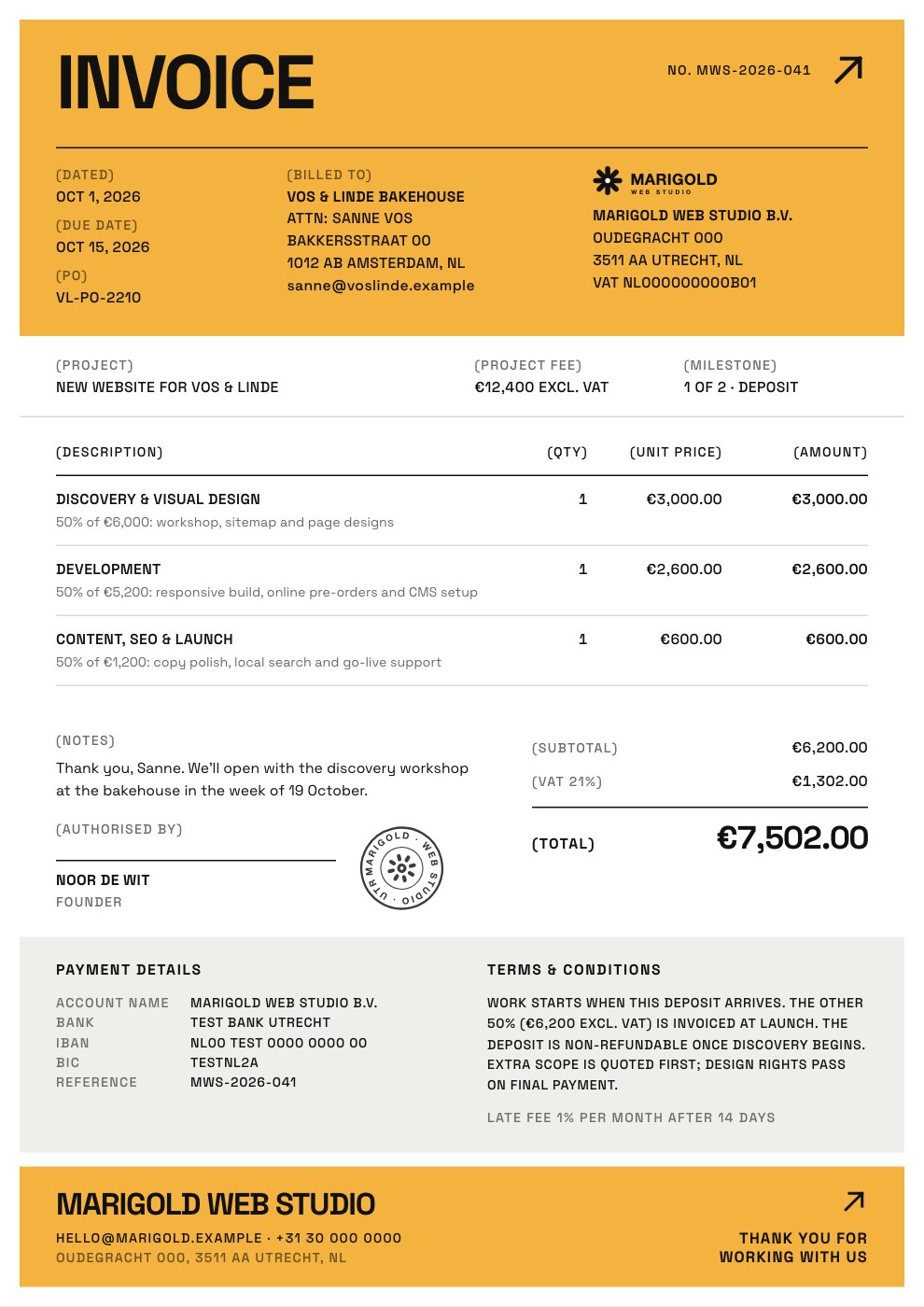
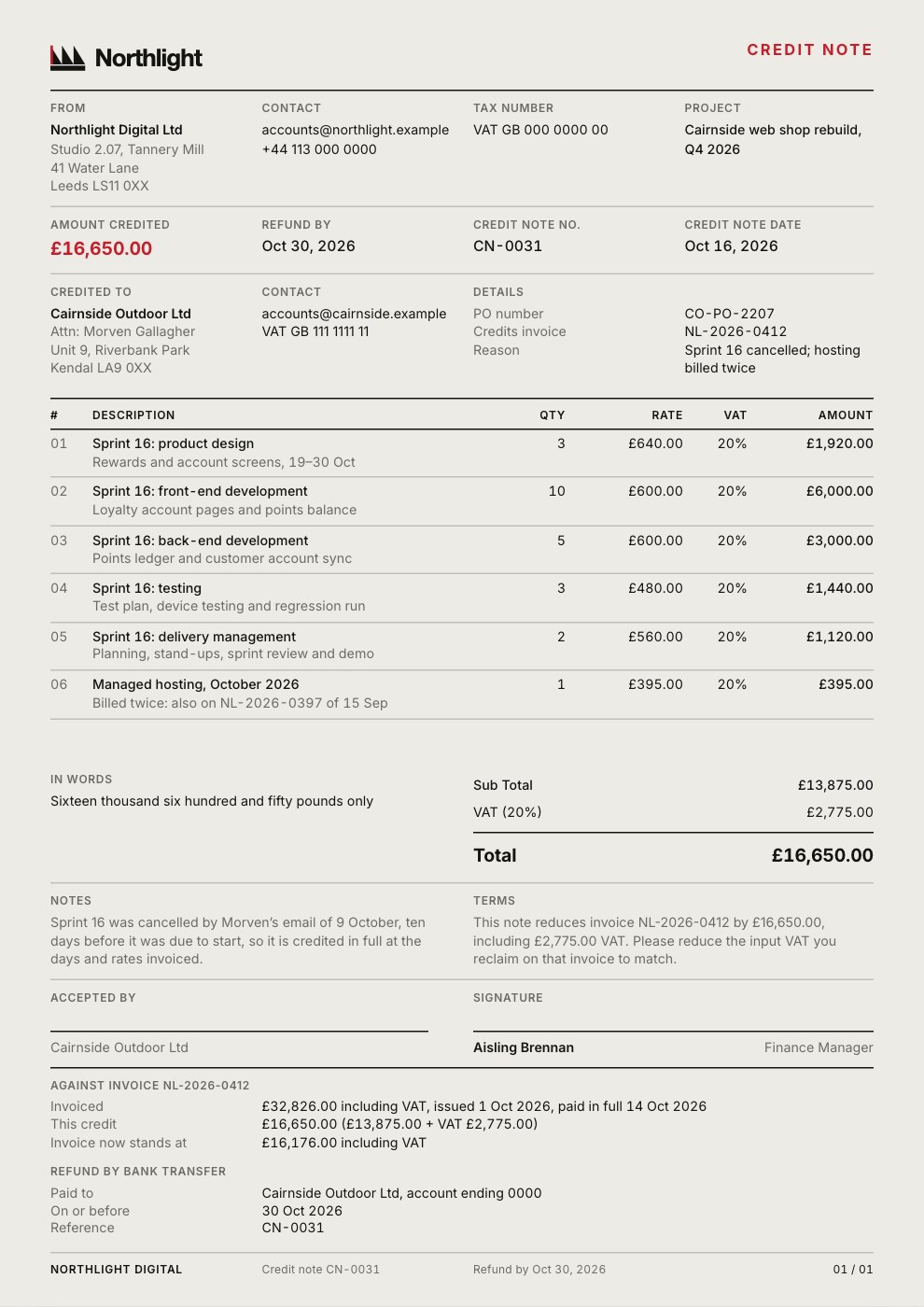
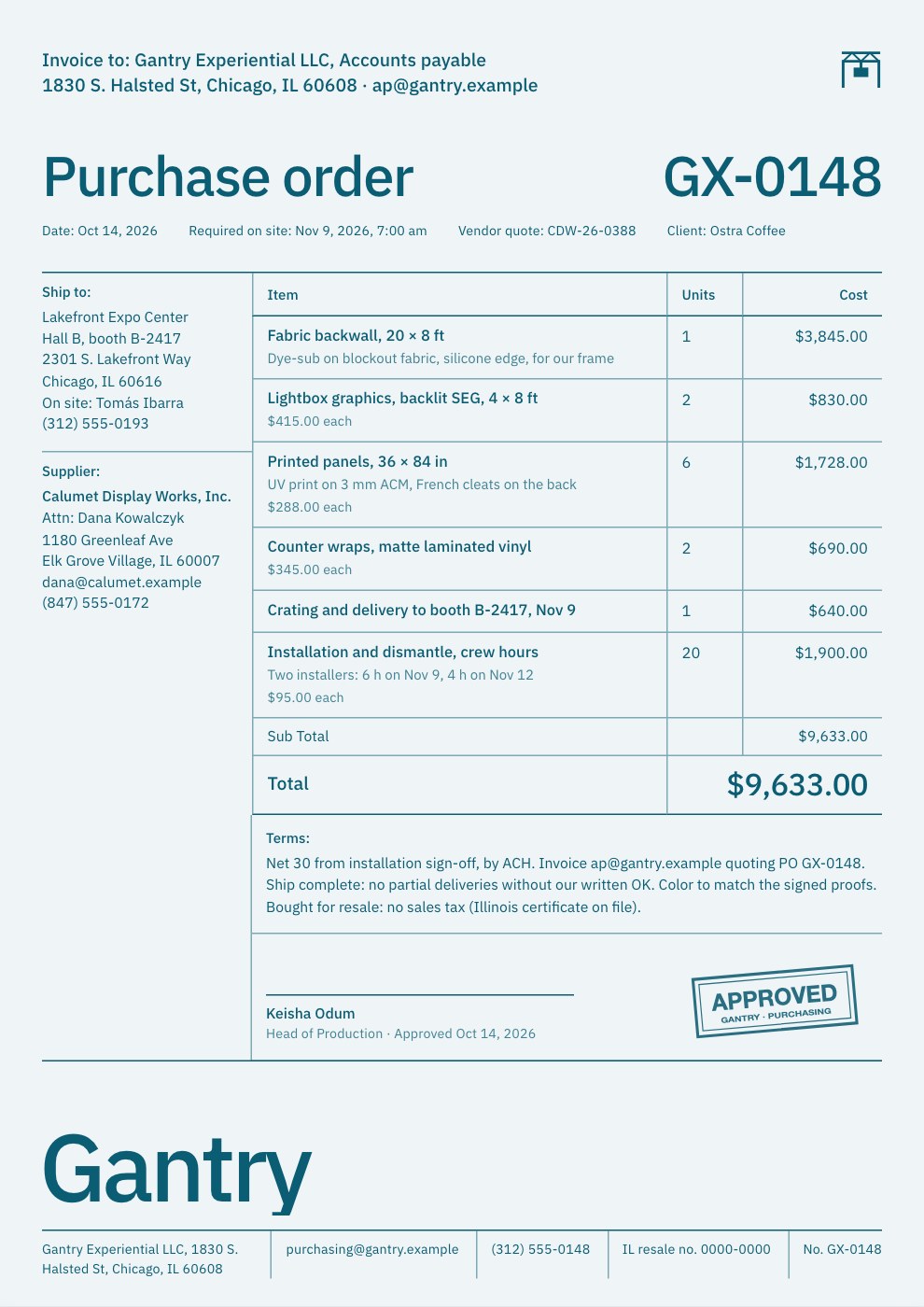
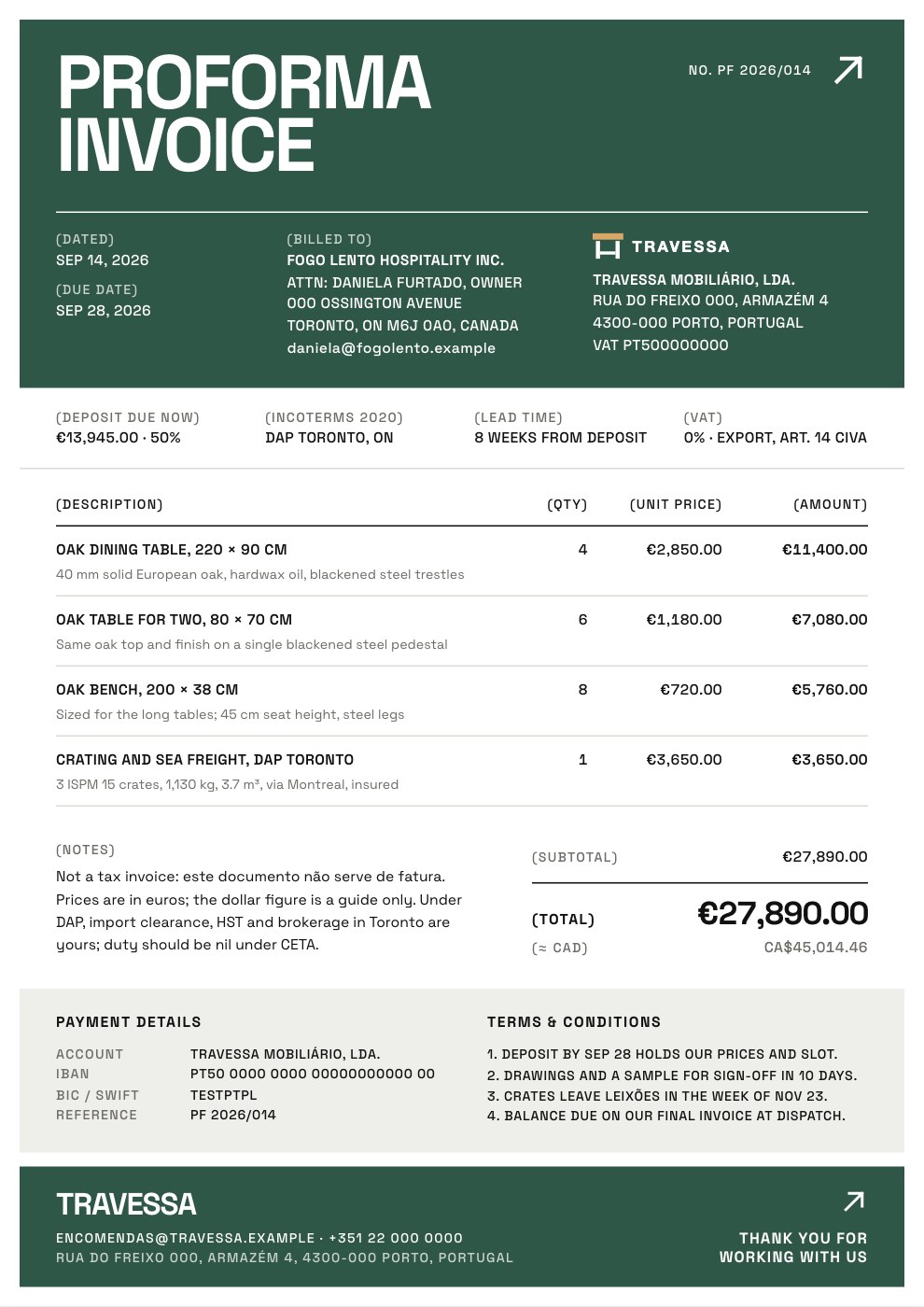
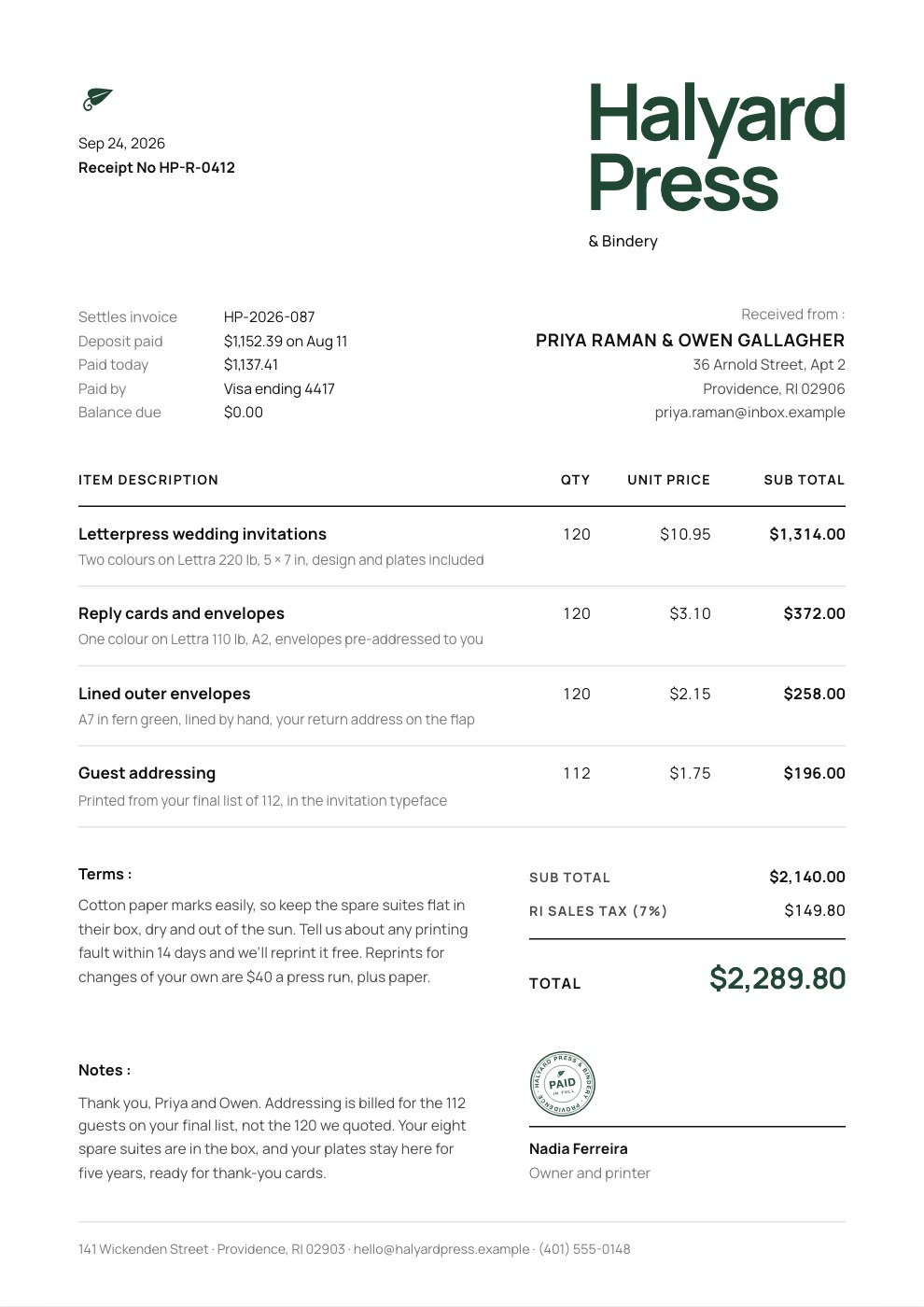
Project Invoice
PreviewRetainer Invoice
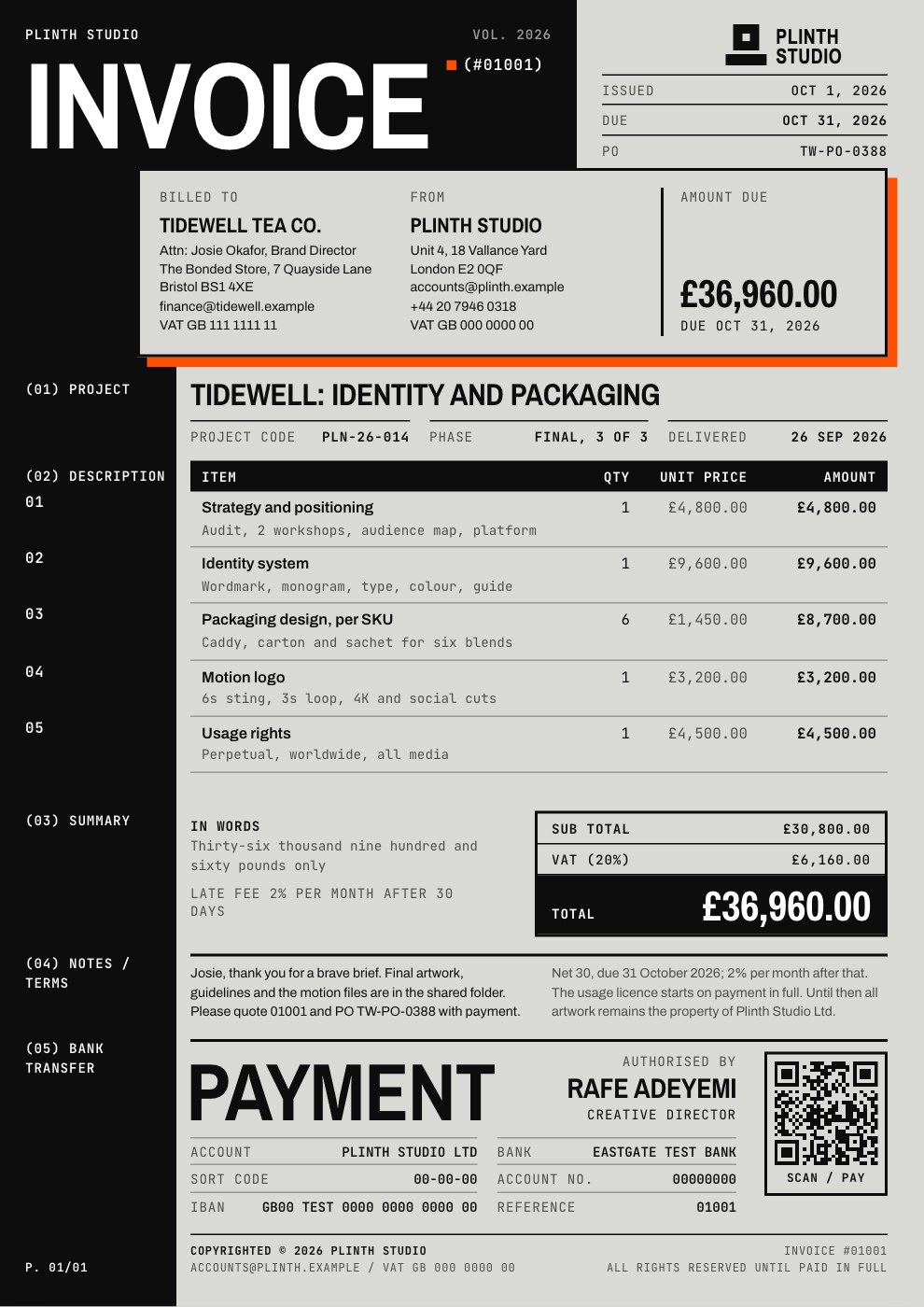
PreviewQuote / Estimate
PreviewConsulting Invoice
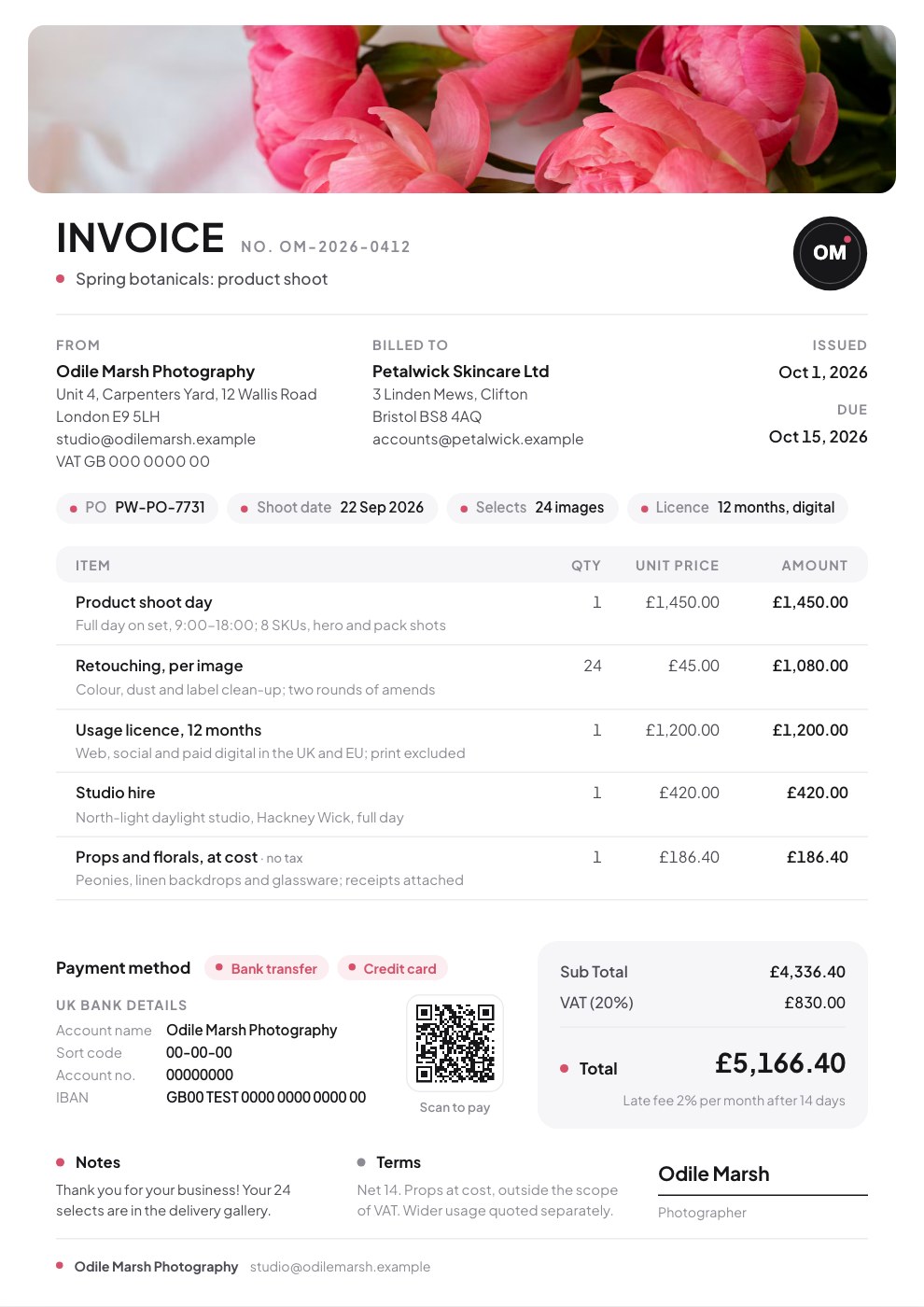
PreviewSimple Invoice
PreviewFreelance Invoice
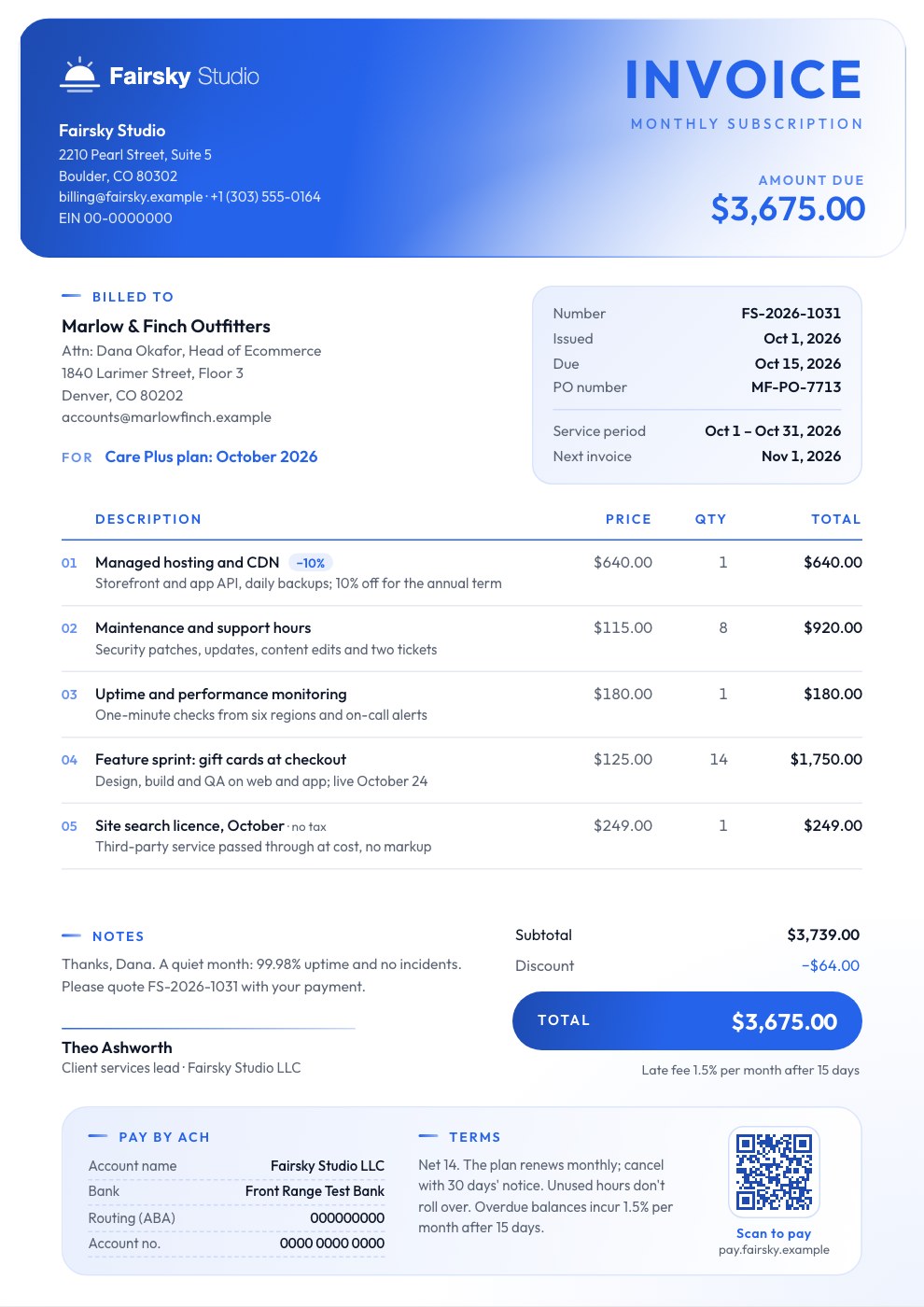
Preview
Starting from a description instead? Try the Invoice generator.
Start your invoice with Docsiv AI
Describe the client or the project and Docsiv AI writes a first draft of your hourly invoice for you to edit, share and send.