

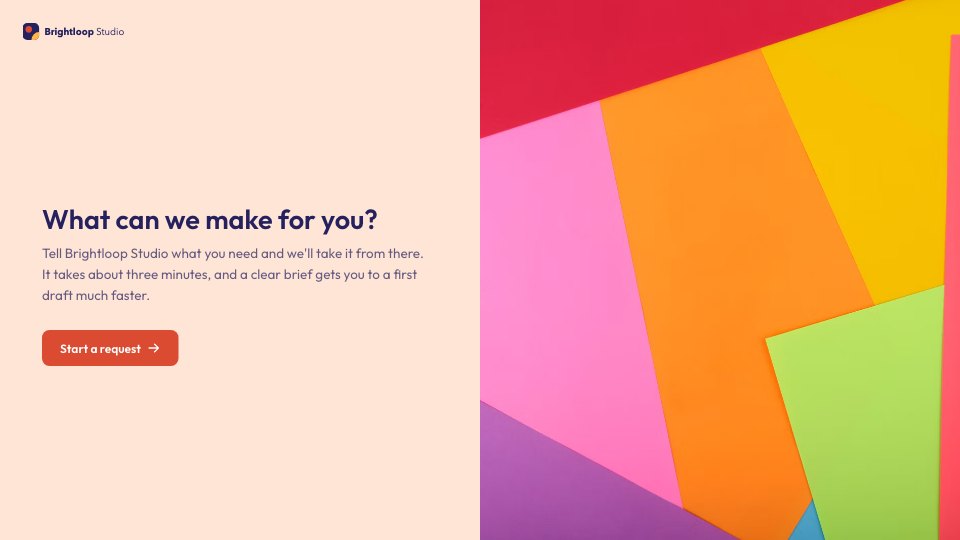
What’s inside the Creative Request.
Real content in every part, ready to rewrite with your own.
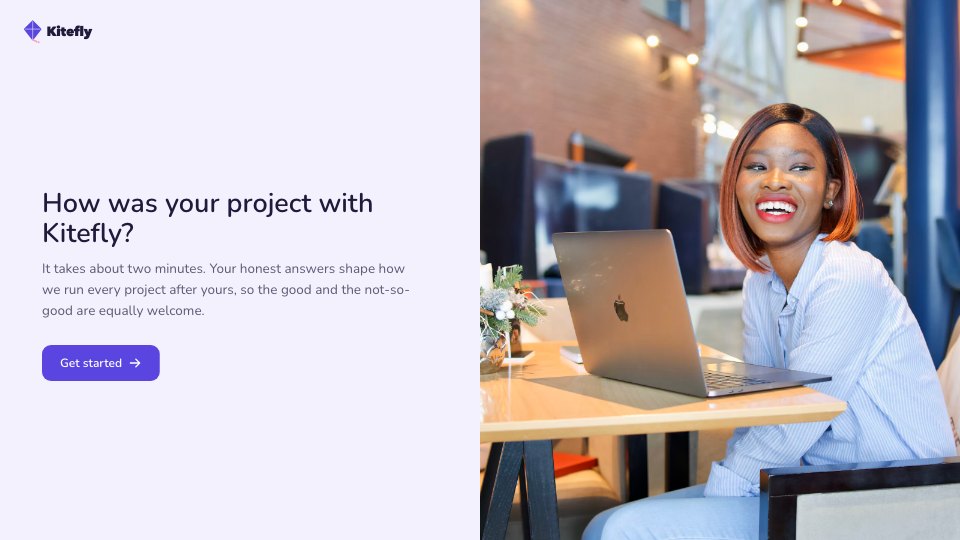
- 1Welcome: what the studio can make, with a cut-paper photo
- 2Name, email and team, chosen from a list
- 3What they need: social graphics, a presentation, a landing page, video, print or something else
- 4A follow-up for each type: sizes and platforms, slide count, page scope, video length or print specs
- 5The brief: a short break before the questions that matter most
- 6The main goal and who it's for
- 7The key message, in their own words
- 8Copy or assets that have to be used, as a file
- 9Due date and priority, with a reason asked for anything urgent
- 10The one person who signs it off
- 11Thank-you screen with when they'll hear back
When to use it.
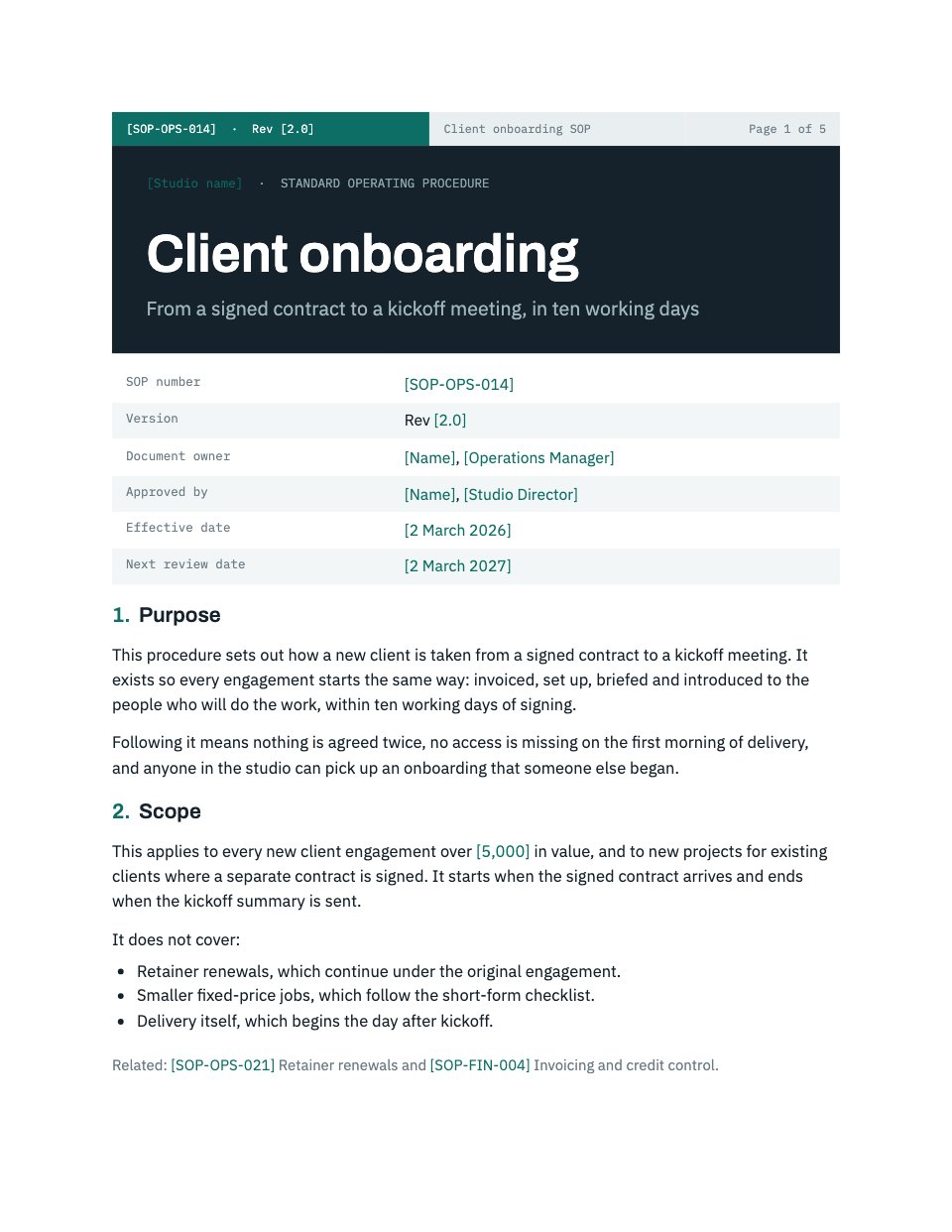
Creative Request is an intake form for in-house design and marketing teams, asked one question at a time; most people answer 13 or 14 questions. It asks what the colleague needs (social graphics, a presentation, a landing page, video, print or something else), then a follow-up for that type of work, such as sizes and platforms or a slide count. The brief covers the goal, audience, key message and any copy or assets, and it closes with the due date, an honest priority and the one person who gives final sign-off.
Made for
- Finance and accounts teams
- Operations managers
- In-house marketing and design teams
- Founders running their own back office
Make it yours in four steps.
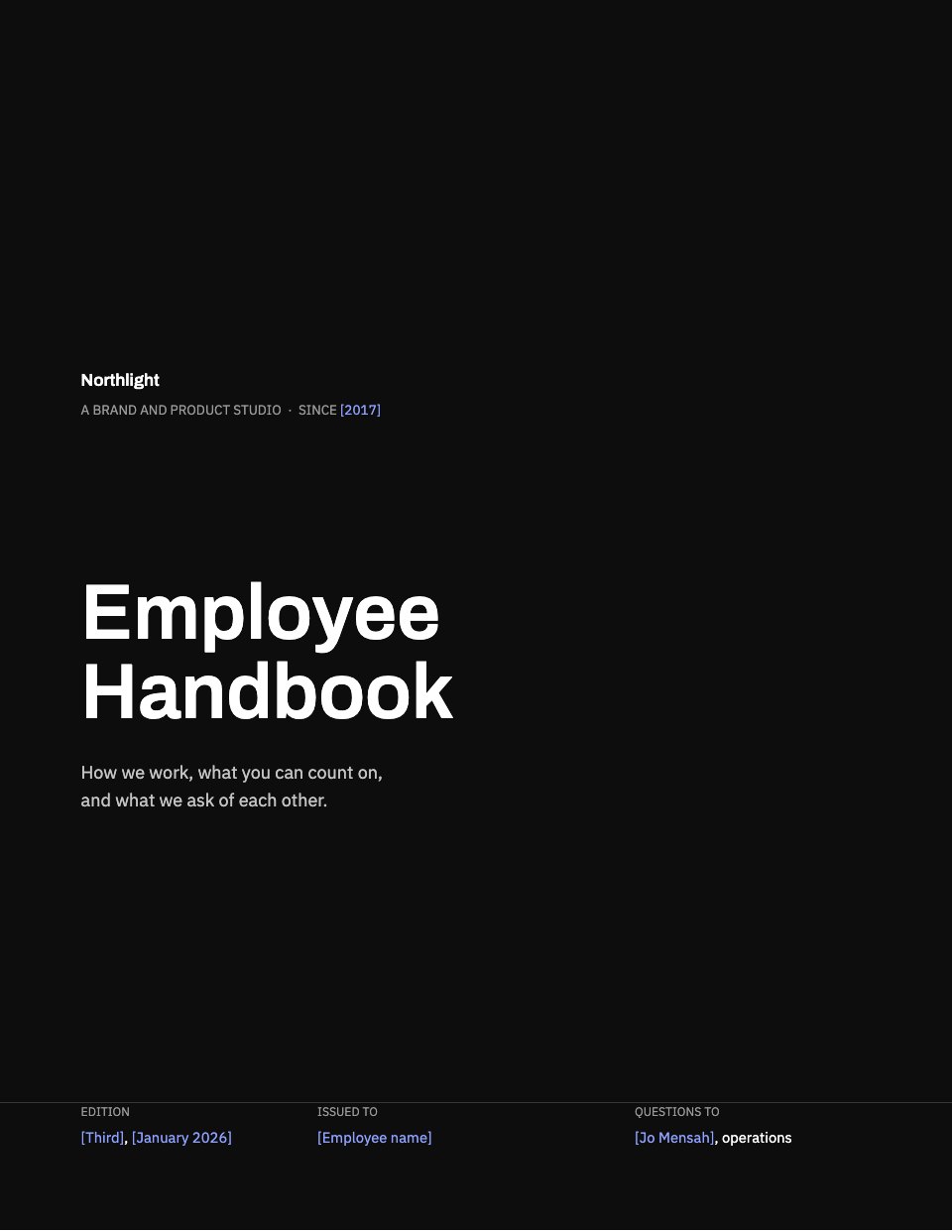
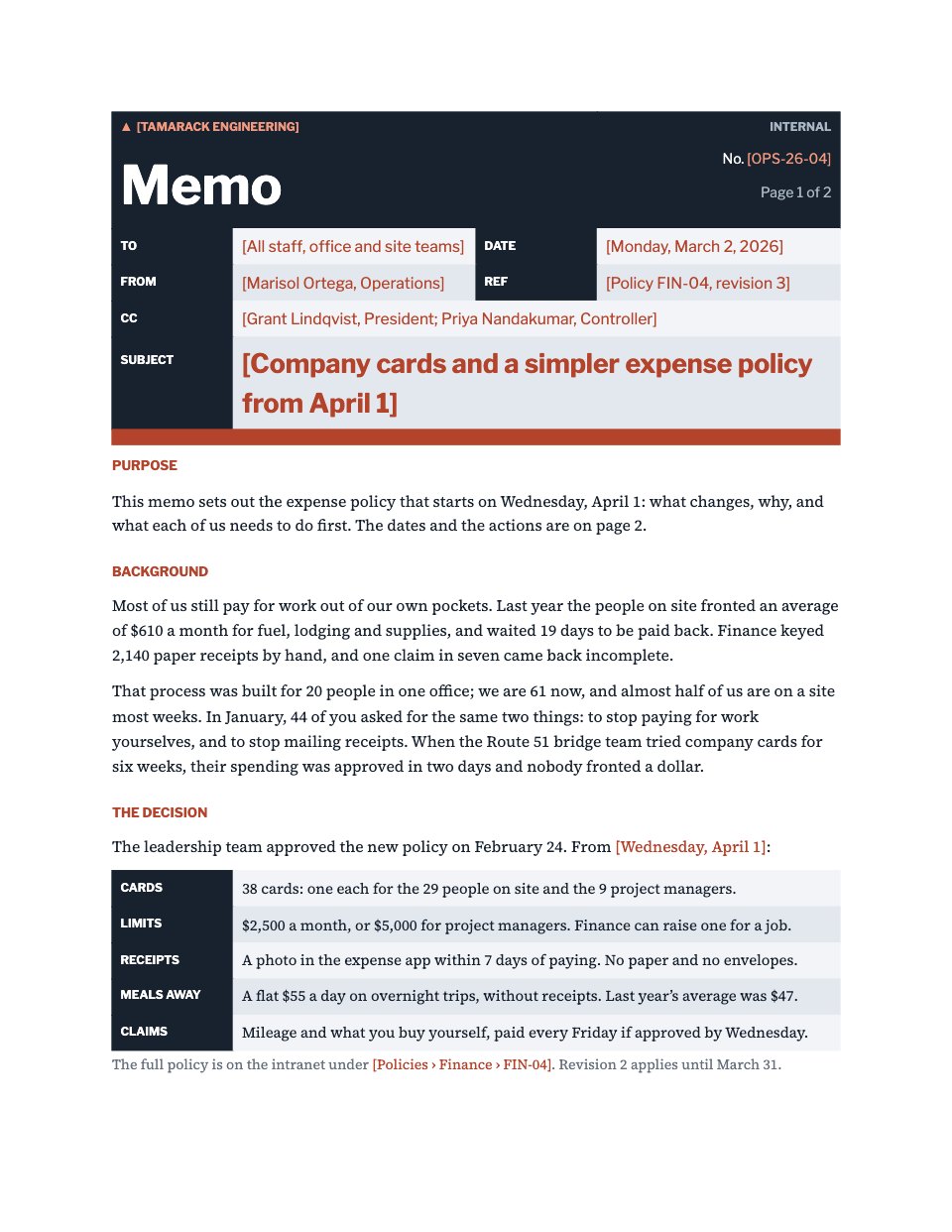
Open it in Forms and work through it, or let Docsiv AI do the first pass with your details.
- Step 1
Swap in your team's name, logo and colours, and edit the team list to match your company.
- Step 2
Adjust the request types and their follow-ups to the work your studio takes on.
- Step 3
Set the lead times in the due-date question to match how fast your team can turn work around.
- Step 4
Share the link on your intranet or in Slack so every request arrives with a complete brief.
Start from the Creative Request now.
Questions about this template.
Something else on your mind? Ask us in the chat, bottom right of the page.
Is the Creative Request template free?
Yes. Create a free account and it opens in Docsiv's Forms app, ready to edit and share. The Free plan includes every Docsiv app and 500 AI credits a month.
Can I change the colours, fonts and text?
Yes, all of it. The template uses Outfit with #ffe5d6, #25215e, #db4b32, #ffb547, and you can change any of them, rewrite every word and add or remove questions.
What can I export it as?
Forms in Docsiv offers: Responses exported as CSV. Once it's saved, you can also share it with a link.
Can Docsiv AI write the creative request form for me?
Yes. Tell Docsiv AI about the client or project and it can draft the content in this template's style, which you then review and edit. AI uses credits; the Free plan includes 500 a month.
Where do the responses go?
Responses are collected in Docsiv with the form, and you can export them as a CSV file.
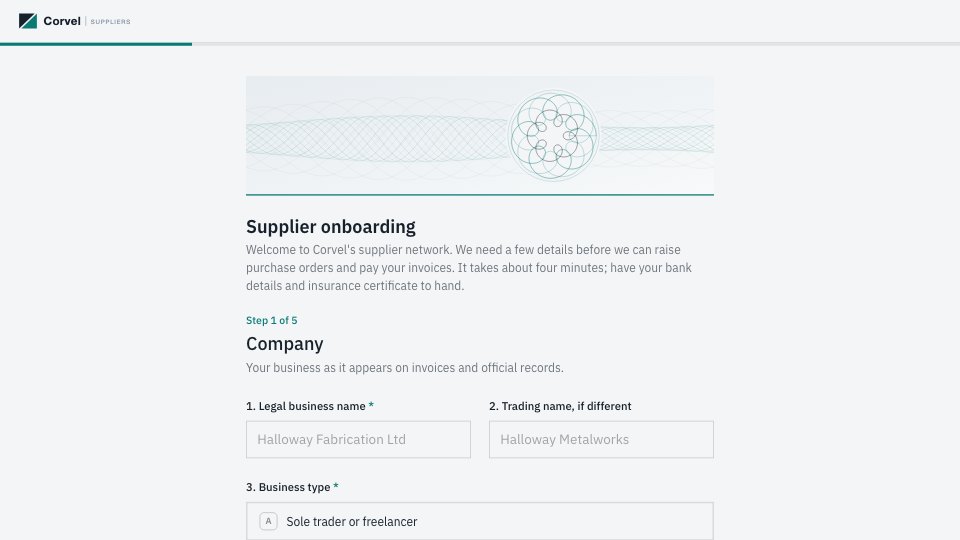
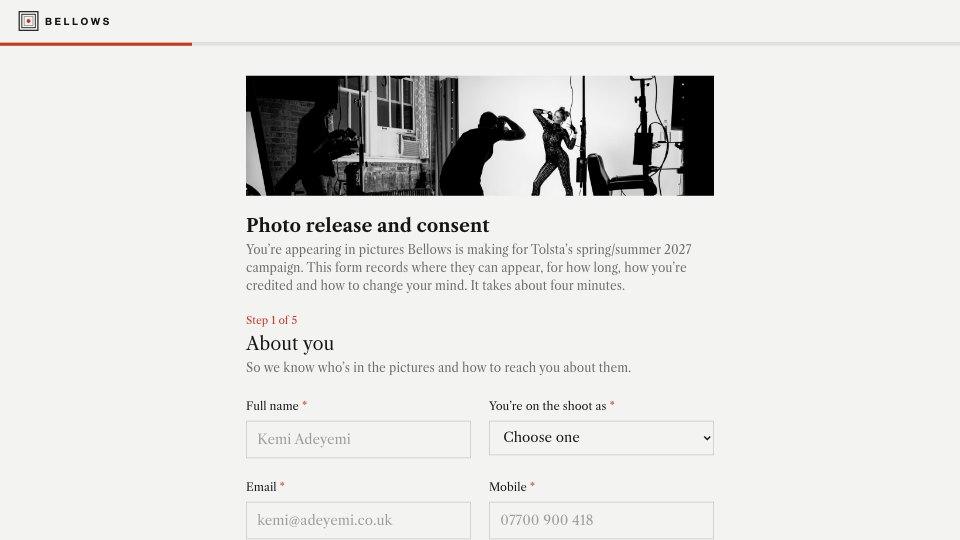
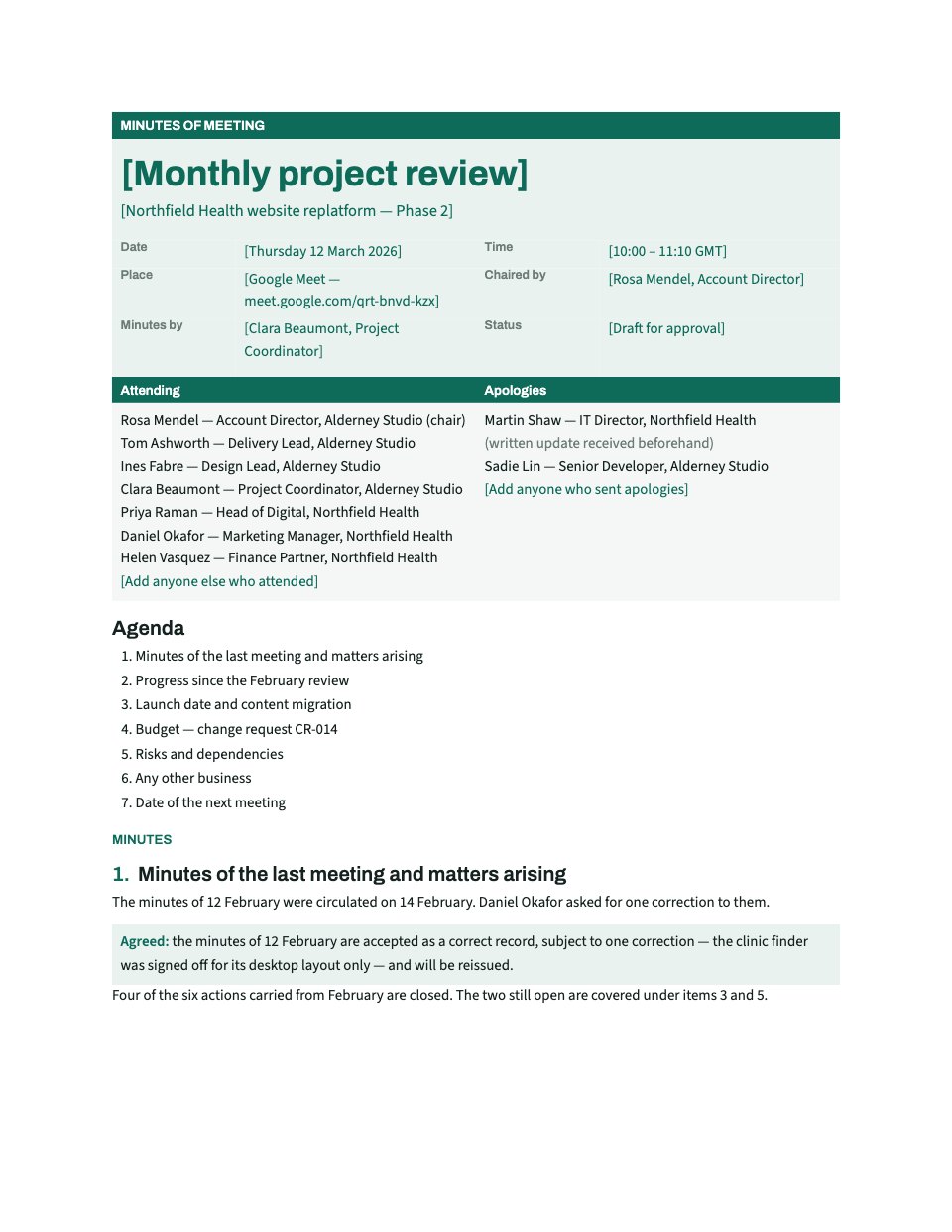


Start your document or form with Docsiv AI
Describe the client or the project and Docsiv AI writes a first draft of your creative request form for you to edit, share and send.