

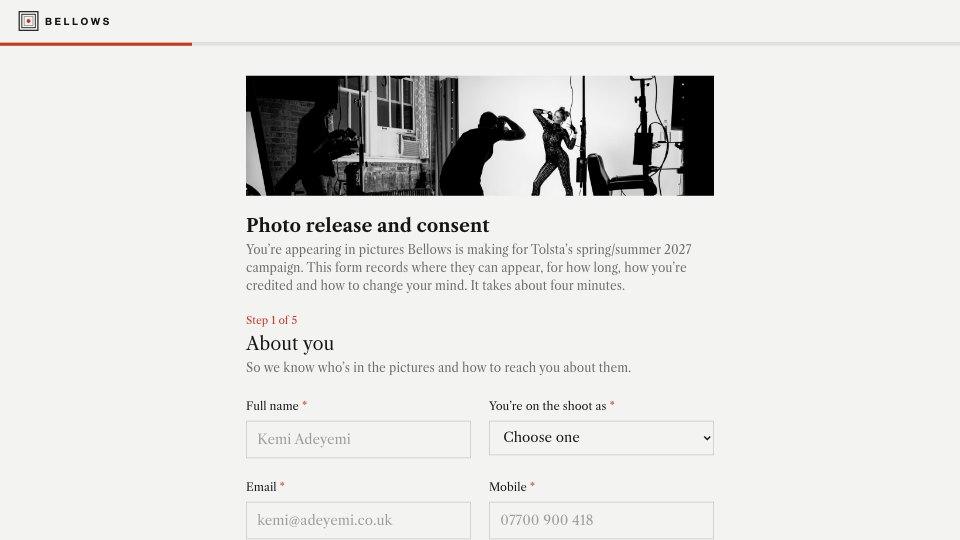
What’s inside the Photo Release Form.
Real content in every part, ready to rewrite with your own.
- 1About you: name, role on the shoot, email and mobile, with agency and booker for agency models
- 2Age check: under-18s get a parent or guardian step, a chaperone question and a second signature
- 3The shoot: who's involved, plus the shoot name, date and location as on the call sheet
- 4Usage: website, social, print, paid ads and press as separate ticks, portfolio use and a one-, two- or three-year period
- 5Credit and retouching: how to be named (with a handle when wanted), a retouching promise and anything to avoid
- 6Your rights: how to withdraw consent, what the studio will never do and how the form is kept
- 7Signing: a plain agreement statement, an I-agree tick, a typed signature and the date
When to use it.
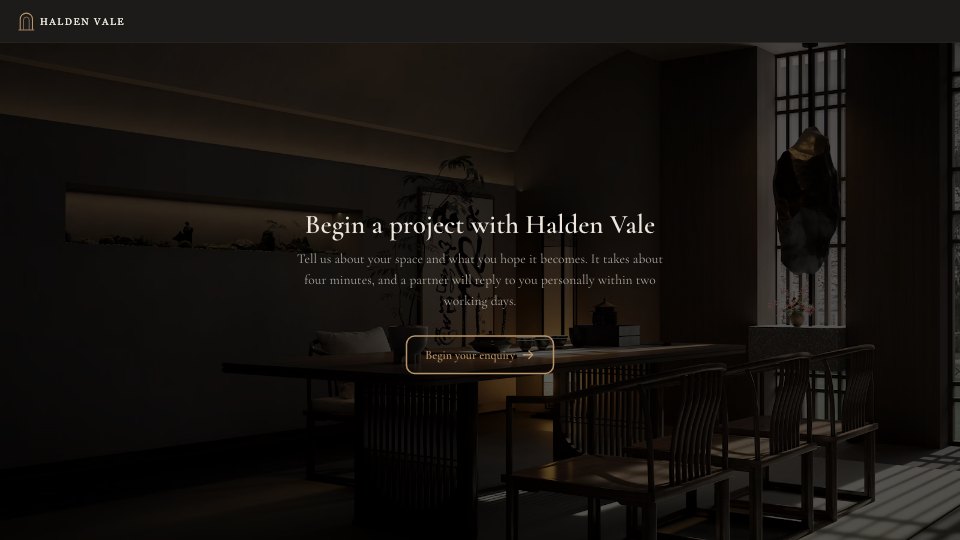
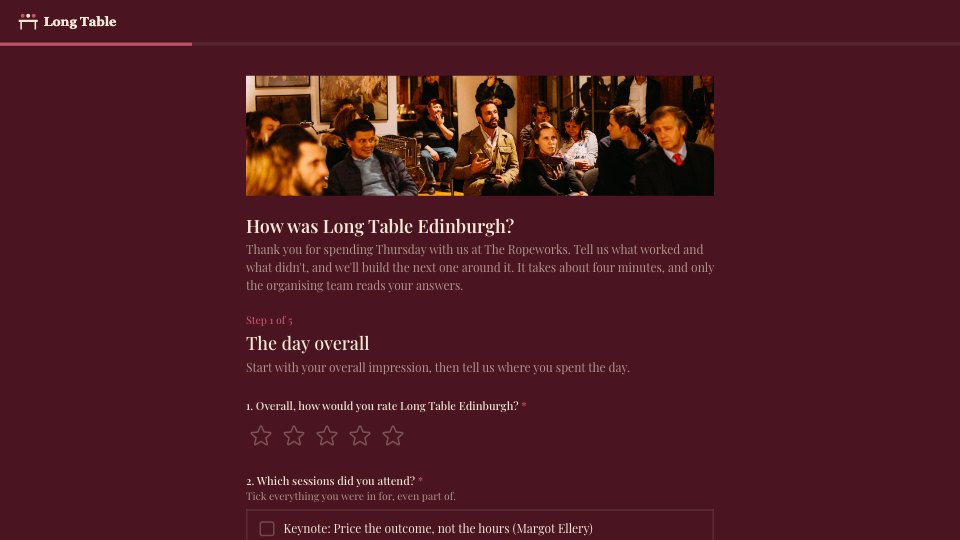
Photo Release Form is a five- or six-step model release that a photography studio or content team sends everyone appearing in a brand shoot. It collects contact and agency details, confirms the shoot, then asks where the pictures may appear (website, social, print, paid ads, press), for how long, whether the studio can use them in its portfolio and how the person wants to be credited. Under-18s get a parent or guardian step and a second signature, and it ends with plain-English rights, including how to withdraw consent, a clear agreement, a typed signature and the date.
Made for
- Finance and accounts teams
- Operations managers
- In-house marketing and design teams
- Founders running their own back office
Make it yours in four steps.
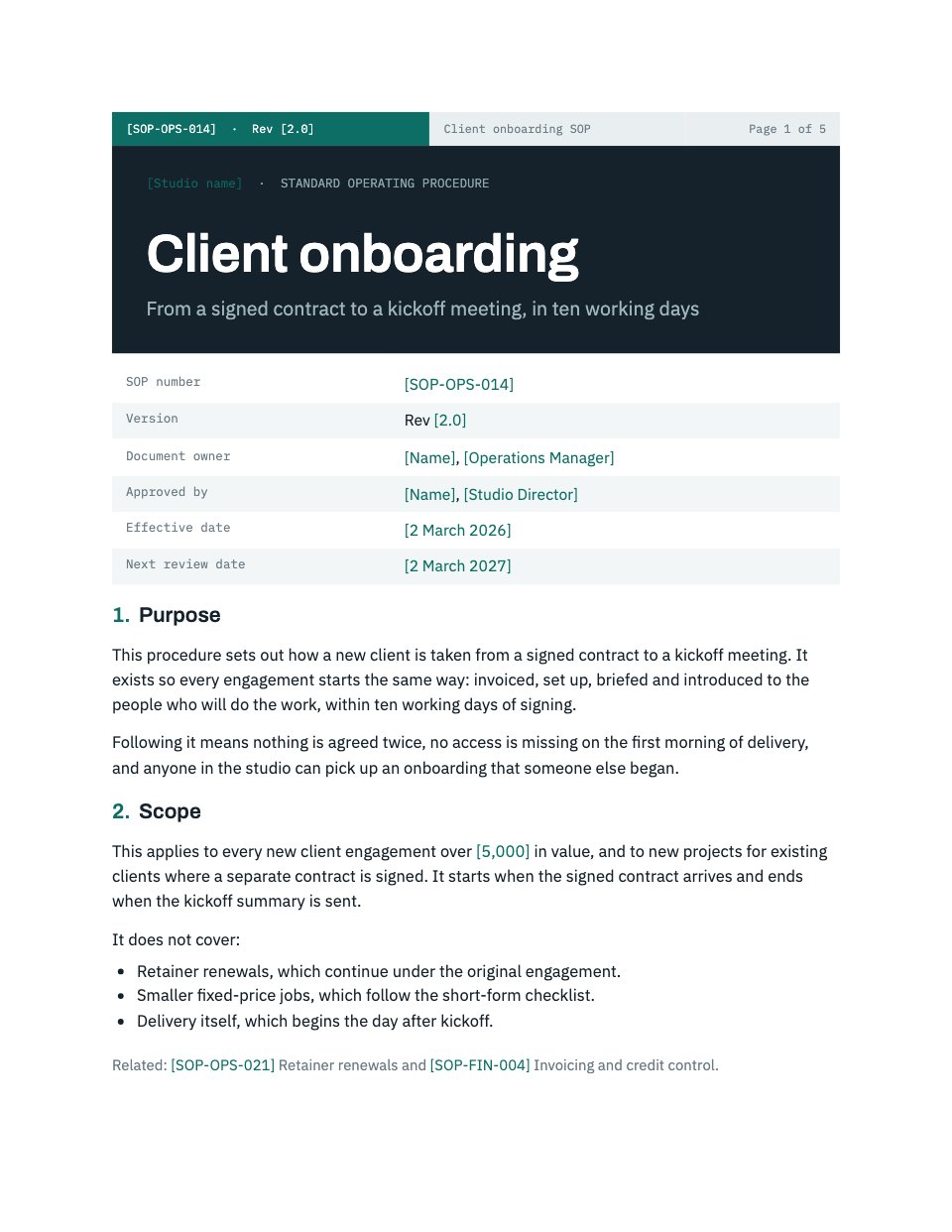
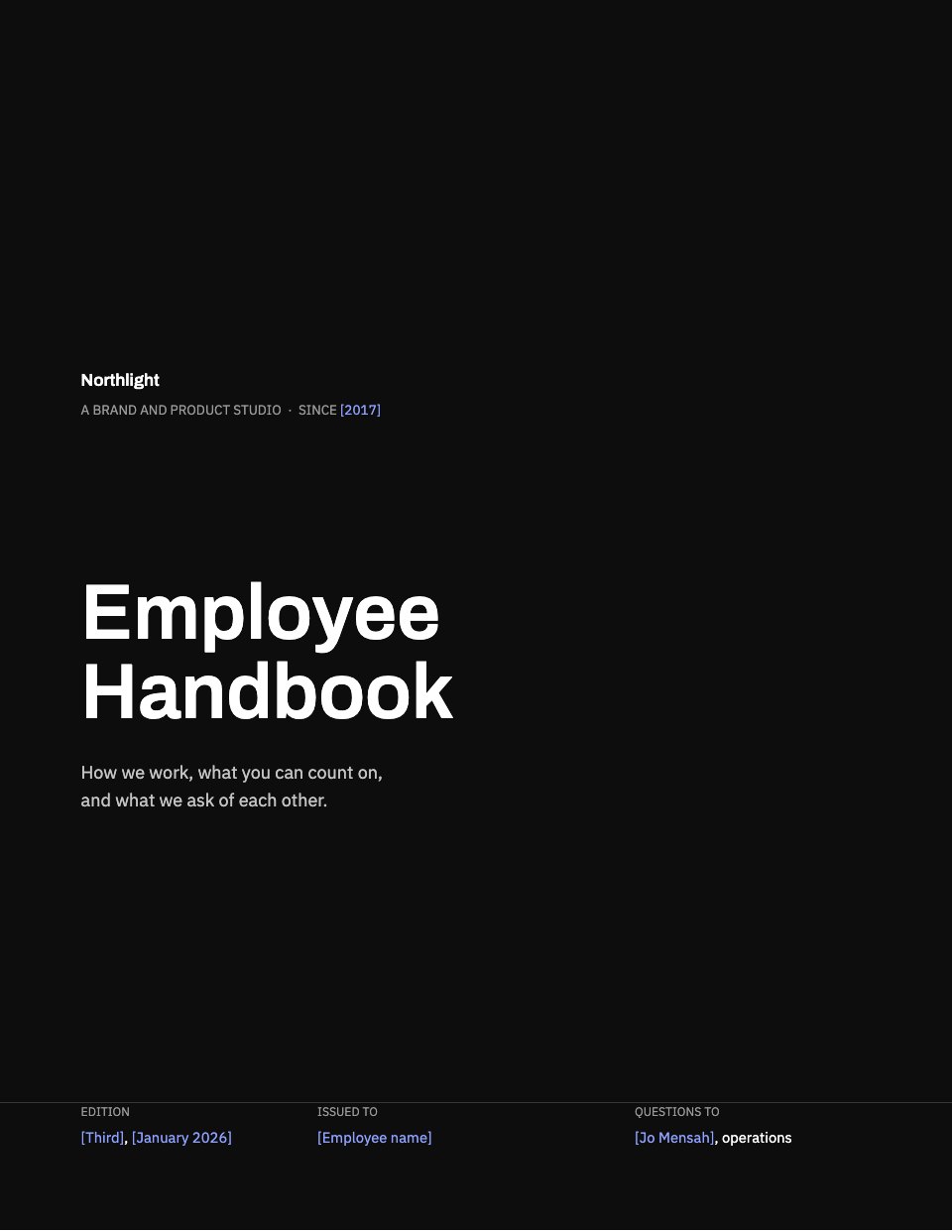
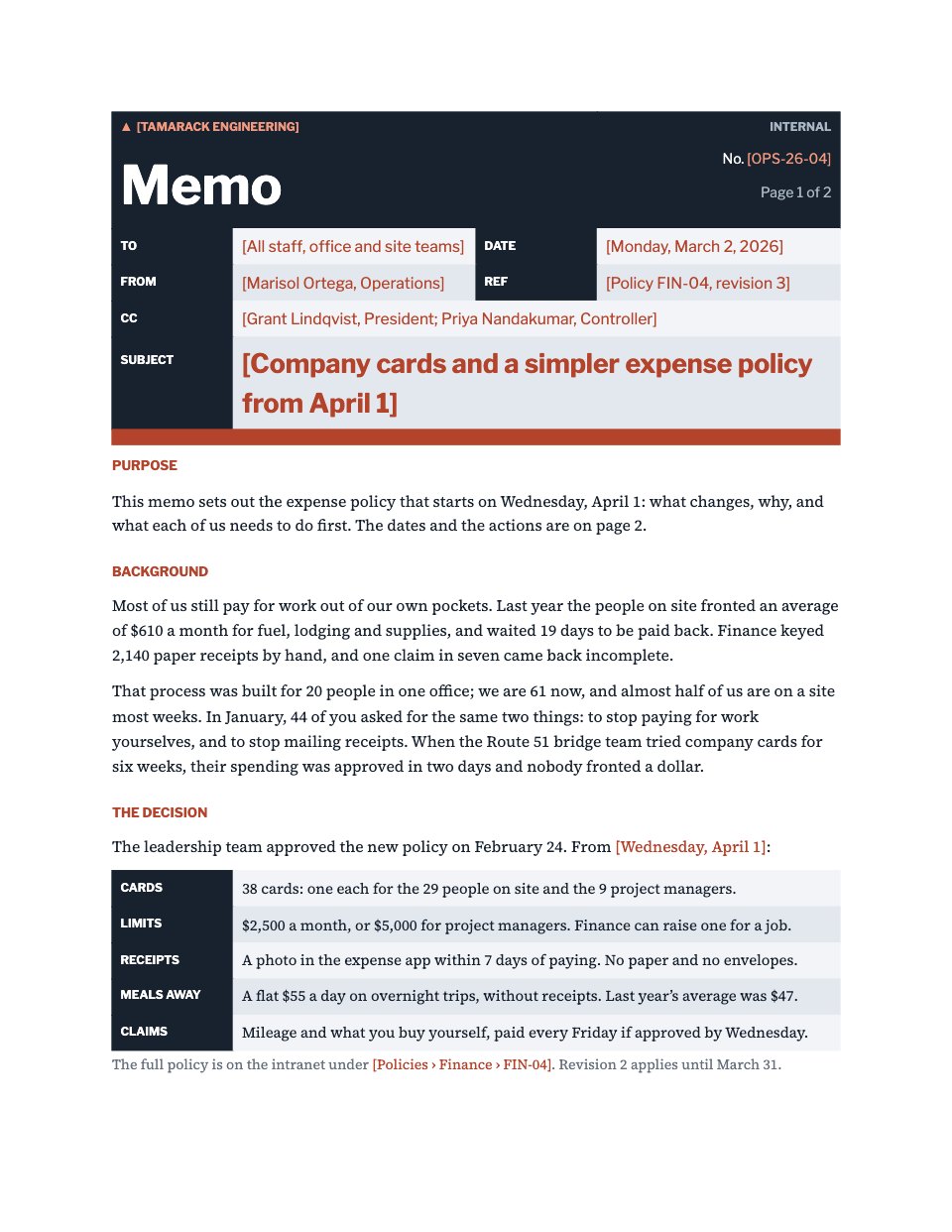
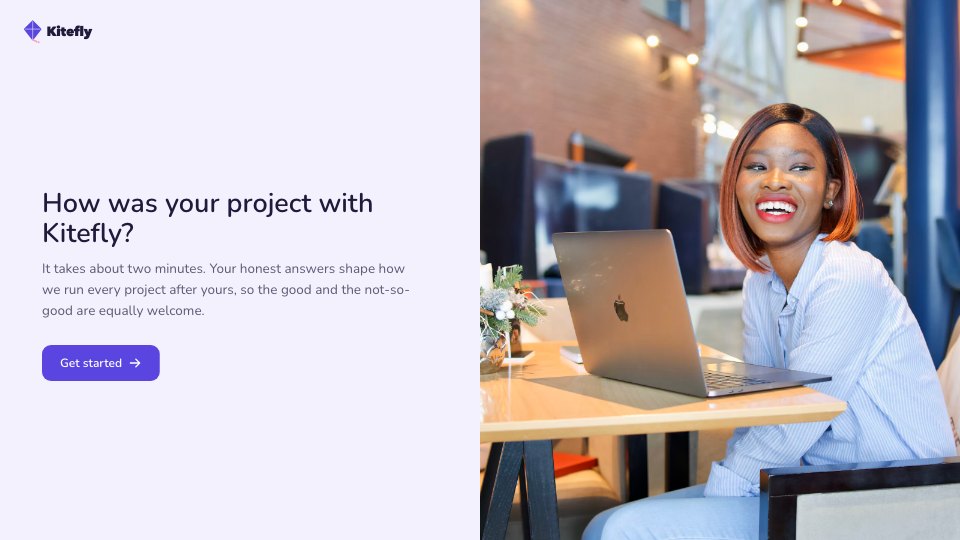
Open it in Forms and work through it, or let Docsiv AI do the first pass with your details.
- Step 1
Swap in your studio's name, logo and contact details, and the client and shoot details from your call sheet.
- Step 2
Edit the usage options, periods and credit choices to match what your client has booked.
- Step 3
Check the withdrawal, retouching and under-18 wording against your own policy and the rules where you shoot.
- Step 4
Send the link to everyone on the call sheet before the shoot, and keep the signed responses with the job.
Start from the Photo Release Form now.
Questions about this template.
Something else on your mind? Ask us in the chat, bottom right of the page.
Is the Photo Release Form template free?
Yes. Create a free account and it opens in Docsiv's Forms app, ready to edit and share. The Free plan includes every Docsiv app and 500 AI credits a month.
Can I change the colours, fonts and text?
Yes, all of it. The template uses Libre Caslon Text with #f3f3f1, #161616, #c8371d, #8a8a86, and you can change any of them, rewrite every word and add or remove questions.
What can I export it as?
Forms in Docsiv offers: Responses exported as CSV. Once it's saved, you can also share it with a link.
Can Docsiv AI write the photo release form for me?
Yes. Tell Docsiv AI about the client or project and it can draft the content in this template's style, which you then review and edit. AI uses credits; the Free plan includes 500 a month.
Where do the responses go?
Responses are collected in Docsiv with the form, and you can export them as a CSV file.
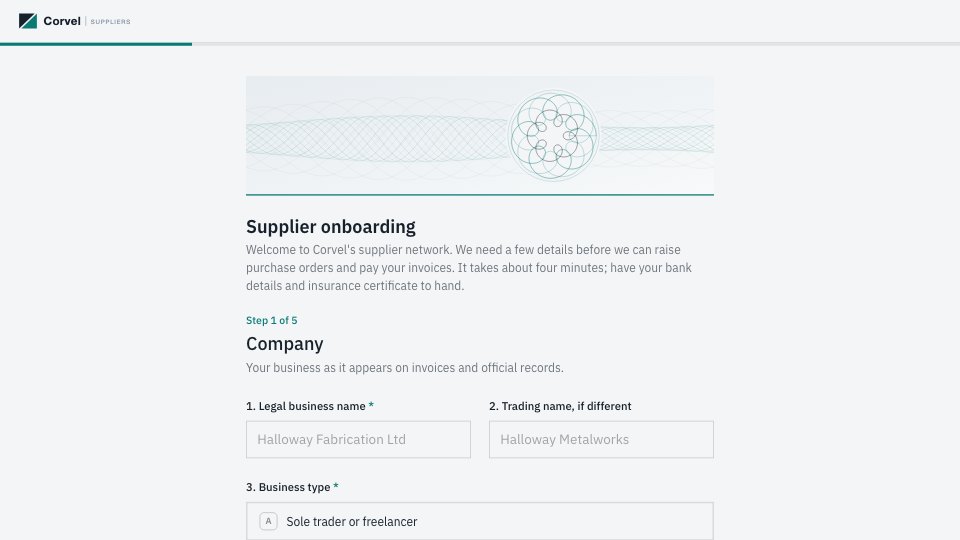
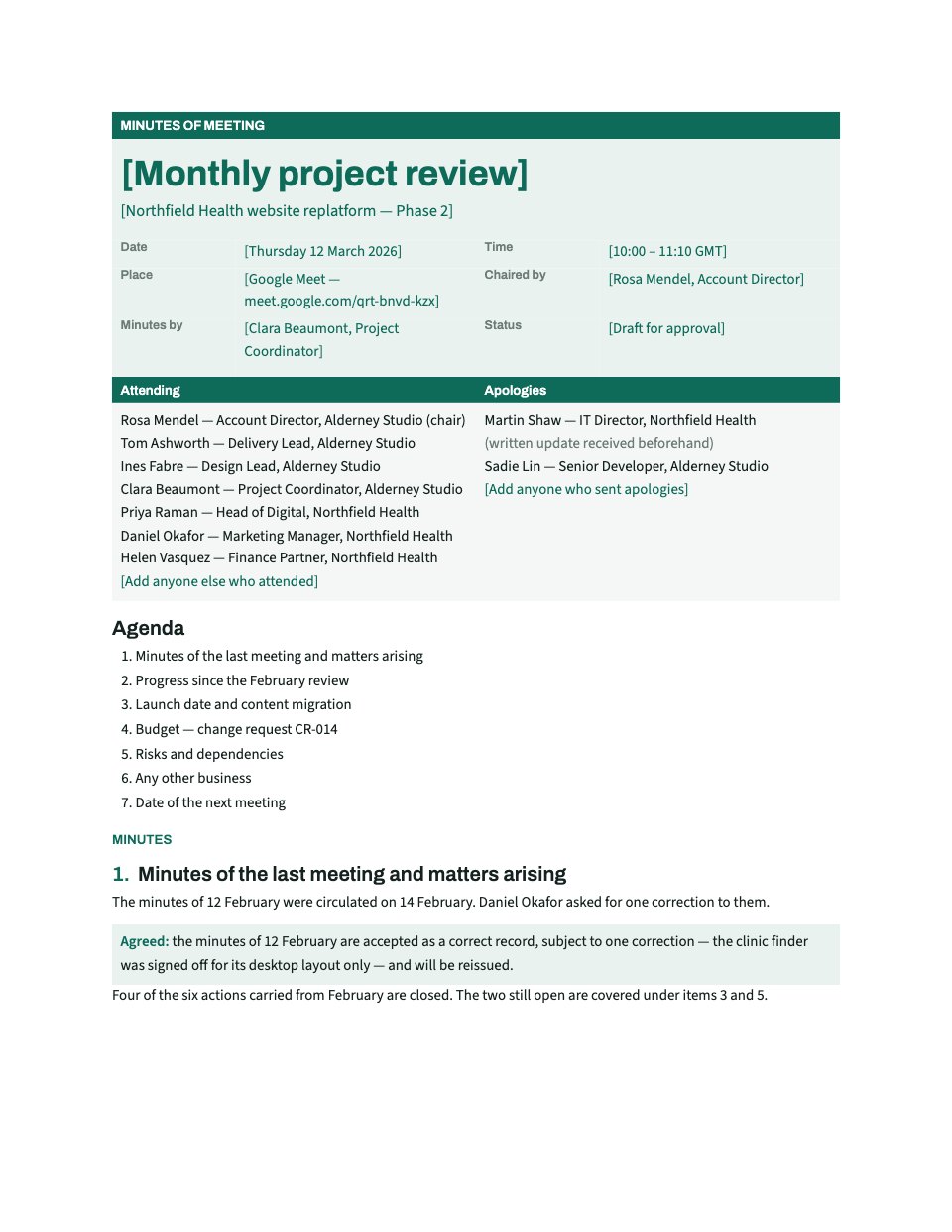


Start your document or form with Docsiv AI
Describe the client or the project and Docsiv AI writes a first draft of your photo release form for you to edit, share and send.