

What’s inside the Employee Handbook.
12 pages with real content in place. Rewrite them, reorder them, or add your own.
- 1Page 1A black cover with the handbook's title and who it was issued to
- 2Page 2A numbered contents list and how to read the handbook
- 3Page 3A welcome from the founder and a new starter's first week
- 4Page 4A black break: how we work, in three numbers
- 5Page 5Hours, flexibility, where we work and how we communicate
- 6Page 6Holiday, how to book it, and sick leave
- 7Page 7Parental and other leave, pay, pension and expenses
- 8Page 8Equipment, IT rules, first aid and wellbeing
- 9Page 9One-to-ones, reviews and the learning budget
- 10Page 10A black break: the code of conduct and harassment
- 11Page 11Raising a concern, whistleblowing and leaving well
- 12Page 12A checklist and a signature block for both sides
When to use it.
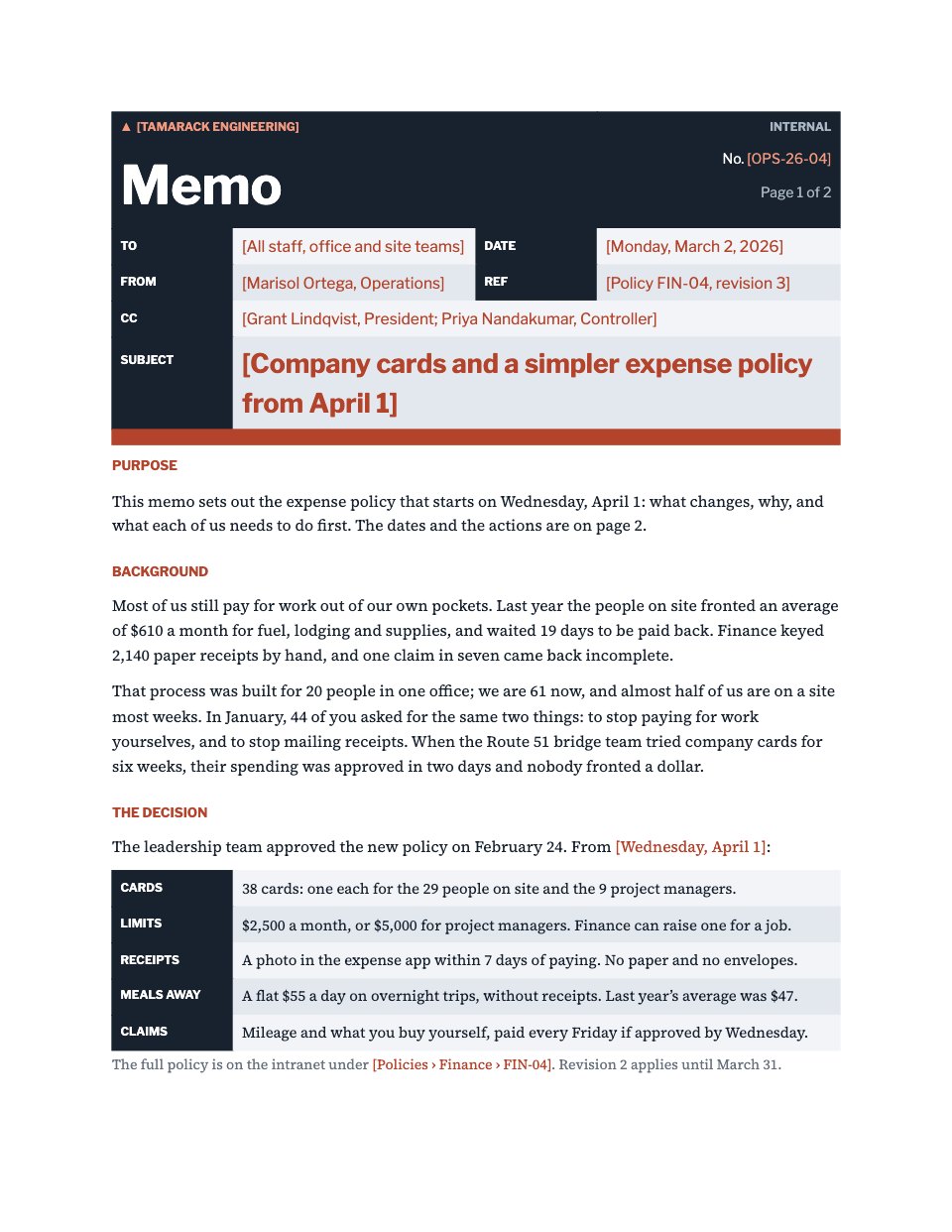
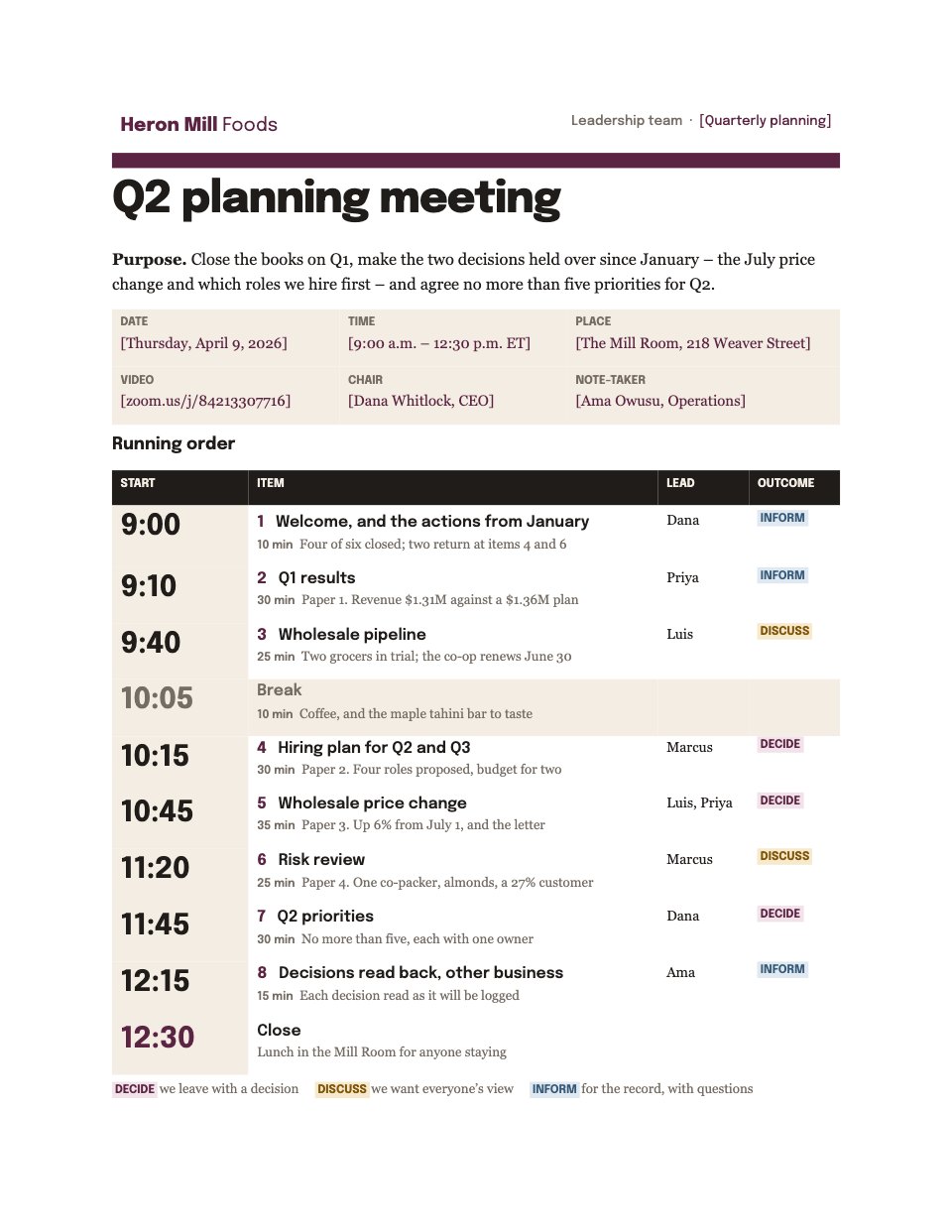
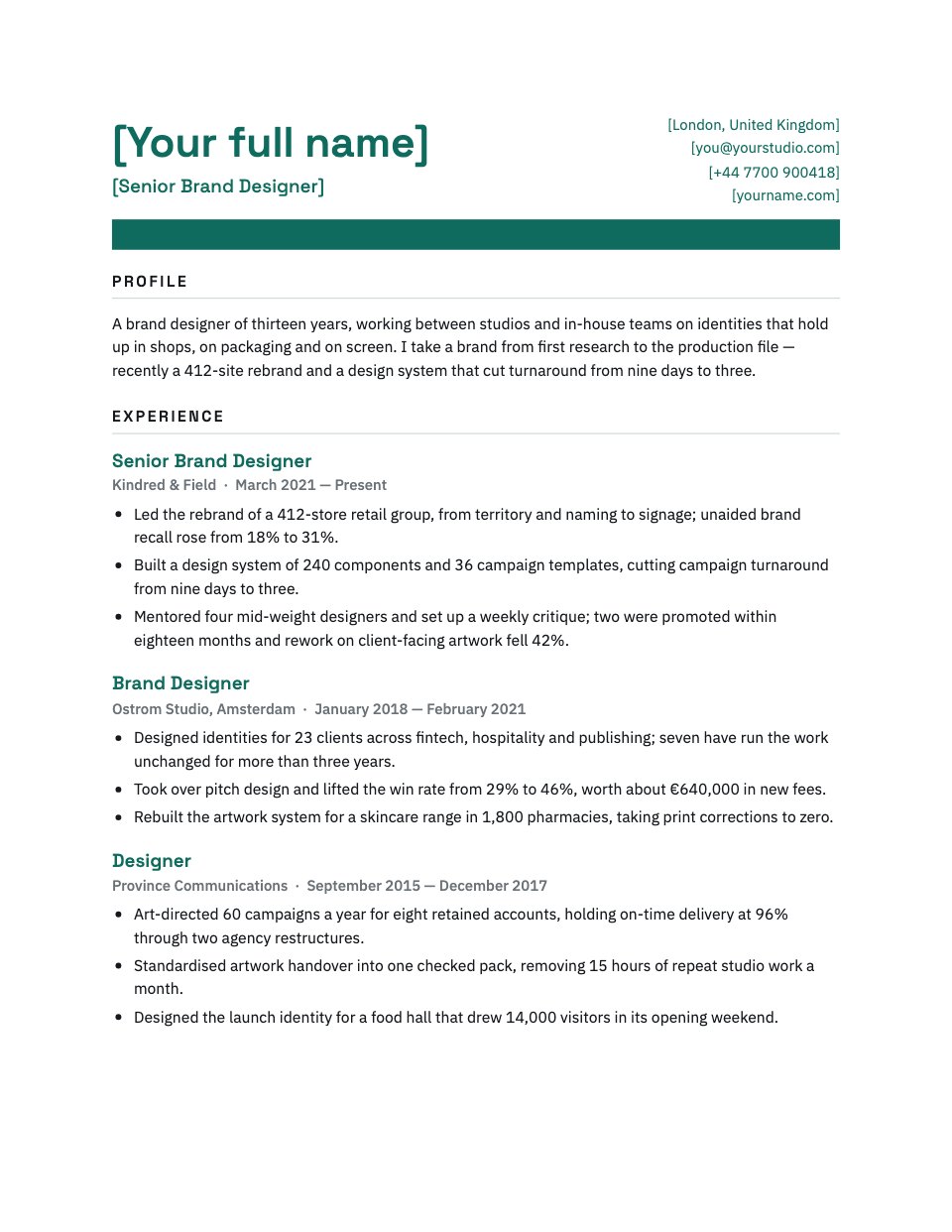
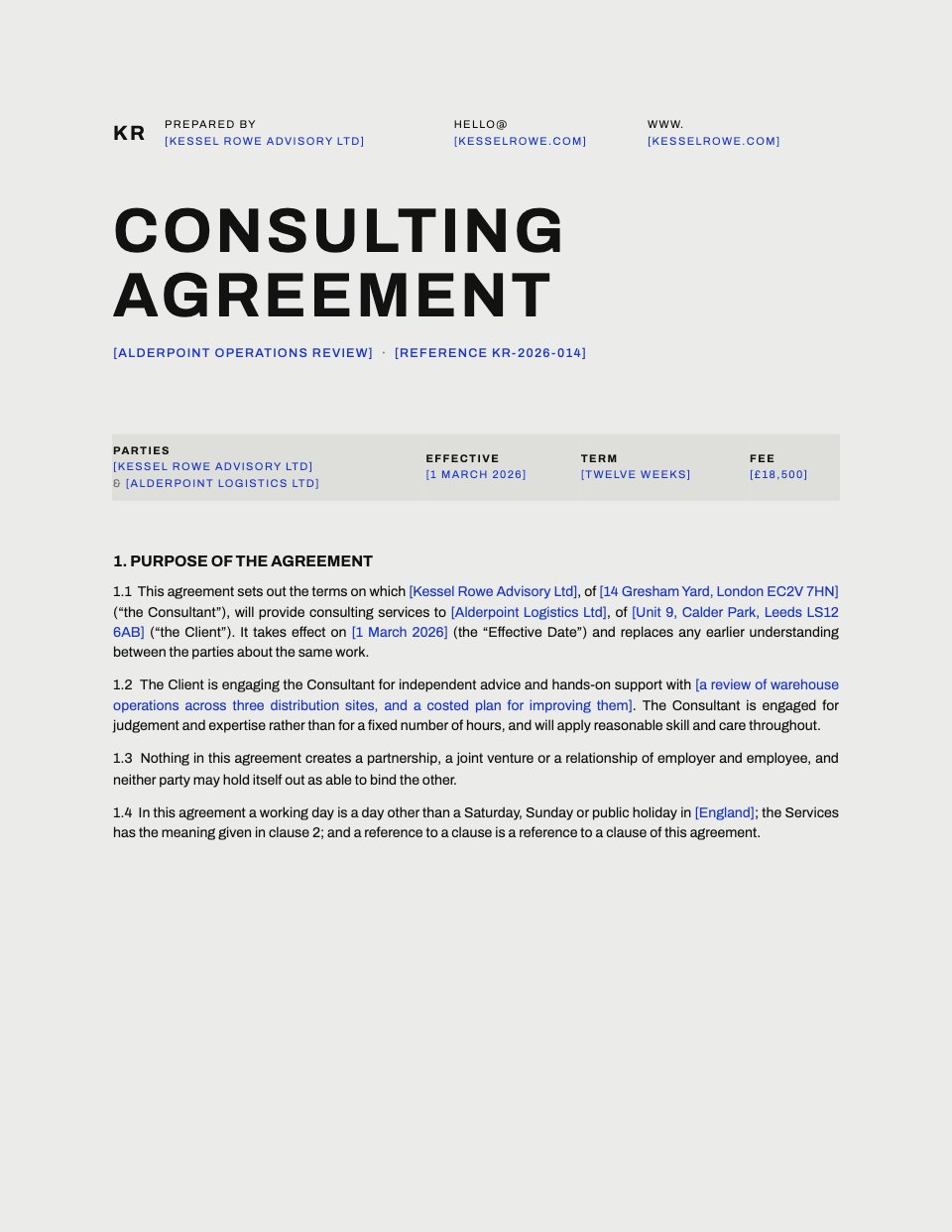
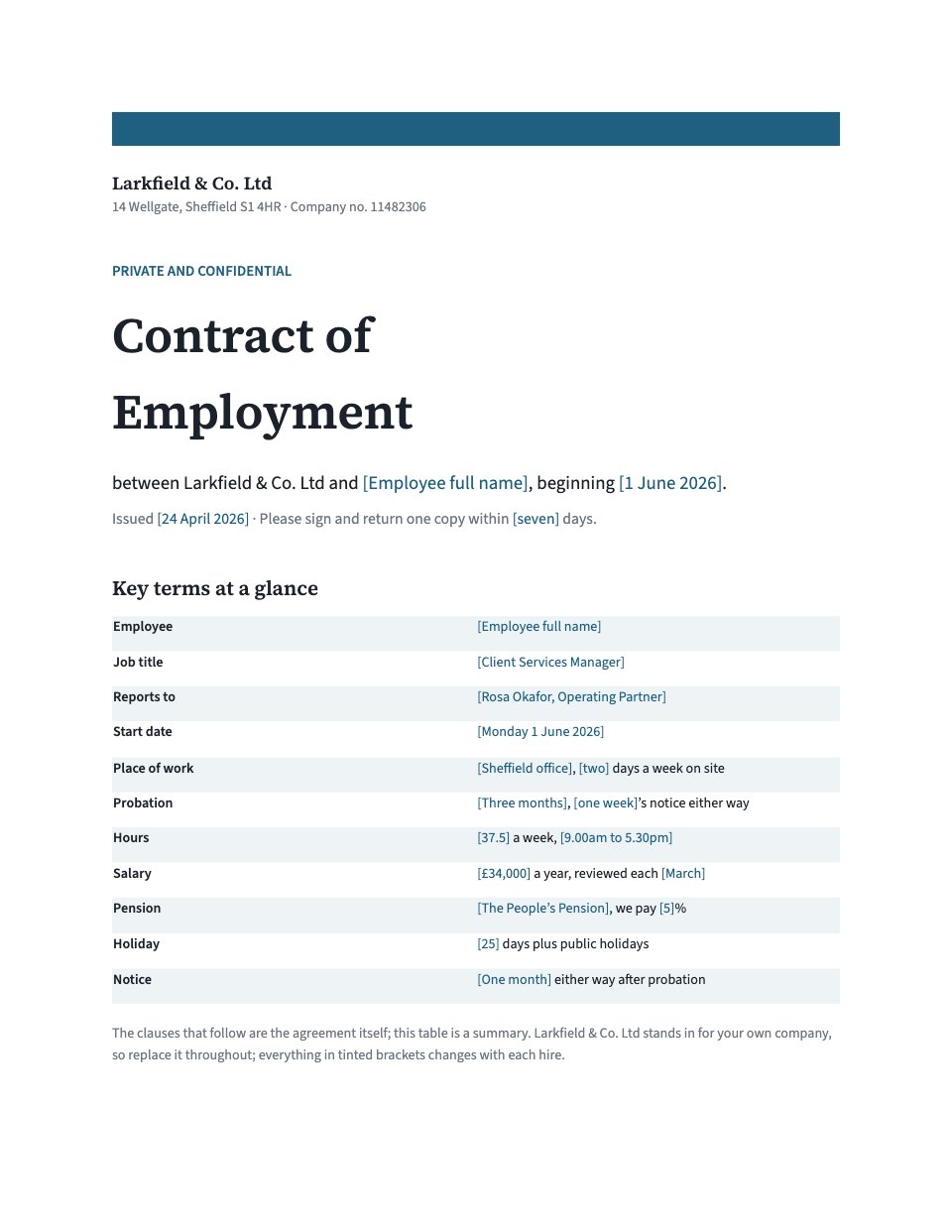
Employee Handbook is a complete staff handbook for a small company, written the way a good employer actually talks. It covers hours and flexible working, holiday and how to book it, sick leave, parental and other leave, pay, pension and expenses, equipment and IT, feedback and reviews, the learning budget, health and wellbeing, a short code of conduct with an anti-harassment statement, how to raise a concern, and leaving well. Every company-specific number — holiday days, notice weeks, sick pay, the learning budget — is marked so you can swap in your own, and the last page is a sign-off for the employee to confirm they have read it.
Made for
- Finance and accounts teams
- Operations managers
- In-house marketing and design teams
- Founders running their own back office
Make it yours in four steps.
Open it in Documents and work through it, or let Docsiv AI do the first pass with your details.
- Step 1
Replace the invented studio name with your own — Find and Replace does it in one pass — and set the edition and date on the cover.
- Step 2
Work through the tinted blanks: hours, holiday, notice, sick pay, pension, expense limits, the learning budget and the people to contact.
- Step 3
Cut the sections you do not run yet and rewrite the founder's welcome in your own voice; the handbook reads best when it sounds like you.
- Step 4
Have it checked for your jurisdiction, then send it with the sign-off page for each new starter to sign.
Start from the Employee Handbook now.
Questions about this template.
Something else on your mind? Ask us in the chat, bottom right of the page.
Is the Employee Handbook template free?
Yes. Create a free account and it opens in Docsiv's Documents app, ready to edit and share. The Free plan includes every Docsiv app and 500 AI credits a month.
Can I change the colours, fonts and text?
Yes, all of it. The template uses Archivo and IBM Plex Sans with #0d0d0d, #1b3df5, #f1f1f1, #ffffff, and you can change any of them, rewrite every word and add or remove pages.
What can I export it as?
Documents in Docsiv offers: DOCX, PDF, ODT, RTF and Markdown exports. Once it's saved, you can also share it with a link.
Can Docsiv AI write the employee handbook for me?
Yes. Tell Docsiv AI about the client or project and it can draft the content in this template's style, which you then review and edit. AI uses credits; the Free plan includes 500 a month.










Start your document or form with Docsiv AI
Describe the client or the project and Docsiv AI writes a first draft of your employee handbook for you to edit, share and send.