

Operations templates
Forms and documents that keep the back office running: onboarding suppliers, collecting paperwork and consent, taking requests from colleagues, and the agendas, minutes, memos and procedures in between.
Meeting Minutes
Minutes of a monthly client review, from the attendance block and agenda to numbered minutes with every decision called out, an actions table and a decision log.PreviewStandard Operating Procedure
A controlled procedure for onboarding a new client from signed contract to kickoff, in eight numbered steps with owners, timings, tools and exceptions.PreviewEmployee Handbook
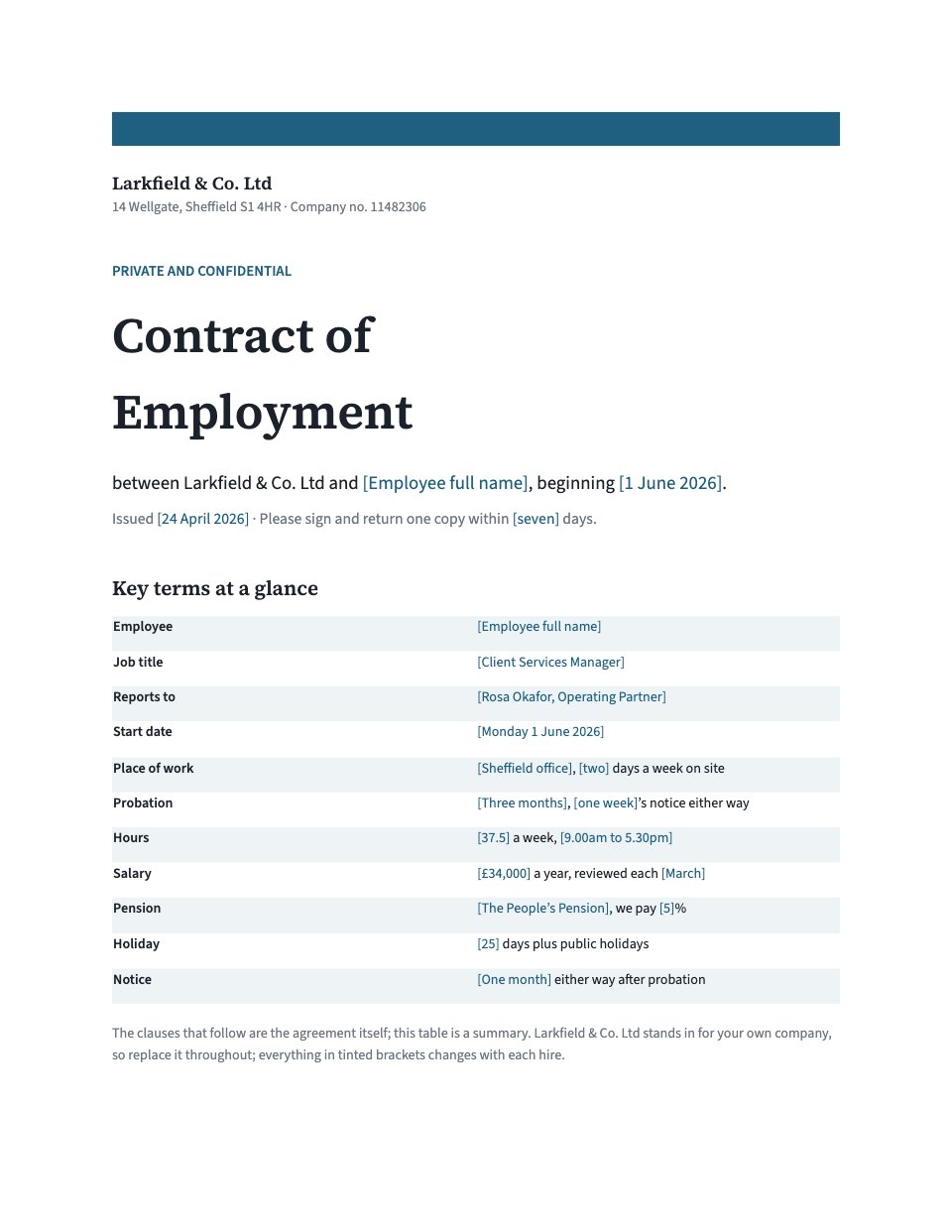
A warm, plain-English staff handbook for a small company, from hours, holiday and sick leave to pay, kit, conduct, raising a concern and a page to sign.PreviewVendor Onboarding
Collect a new supplier's company, contact, bank and tax details, plus insurance and a signature, before you pay them.PreviewCreative Request
A friendly intake form in-house design and marketing teams use to take requests from colleagues, with follow-ups for each type of work, the brief, due date, priority and who signs it off.PreviewBusiness Memo
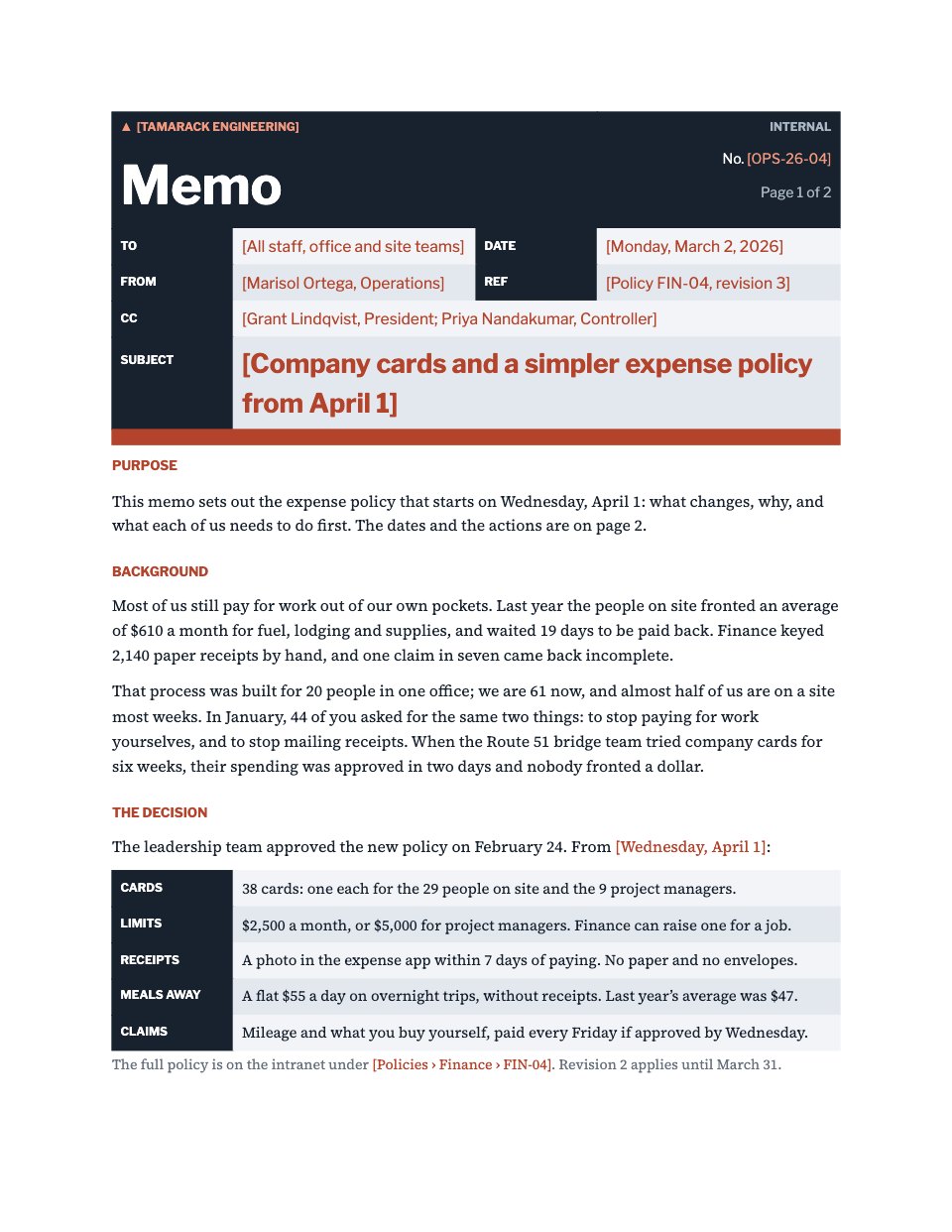
An internal memo announcing a policy change, from a form-style masthead with To, From, CC, Date, Ref and Subject to the background, the decision, who it affects, a timeline, actions and contacts.PreviewMeeting Agenda
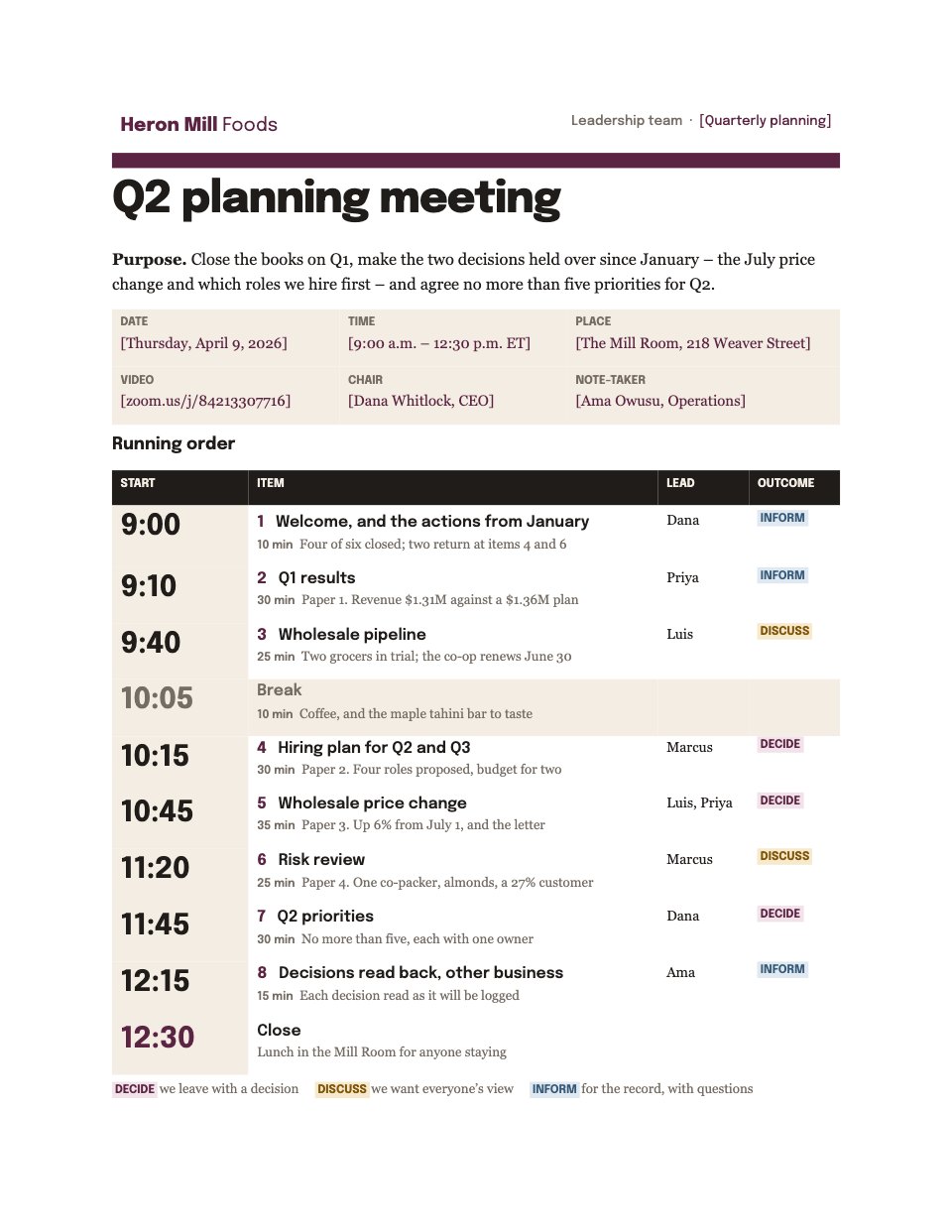
A two-page agenda for a leadership team’s quarterly planning meeting: purpose, meeting details, a timed running order with leads and Decide, Discuss or Inform tags, papers, attendees and house rules.PreviewPhoto Release Form
A plain-English model and photo release for everyone in a brand shoot: contact details, the shoot, where the pictures may appear and for how long, credit, guardian consent for under-18s and a typed signature.Preview






A closer look at Standard Operating Procedure.
A controlled procedure for onboarding a new client from signed contract to kickoff, in eight numbered steps with owners, timings, tools and exceptions. Here it is page by page.
- 1A dark title block, the document control panel, purpose and scope
- 2Definitions of every term, and a roles and responsibilities table
- 3Steps 1 to 4, each with its owner, timing, tools and what done looks like
- 4Steps 5 to 8, through access, scheduling, handover and kickoff
- 5Three exceptions and their handling, the records kept, and the version history
About operations templates.
Something else on your mind? Ask us in the chat, bottom right of the page.
Are these operations templates free?
Yes. They open in Docsiv’s Documents and Forms app with a free account, which collects the responses in your workspace. The Free plan includes every Docsiv app and 500 AI credits a month.
Which app do they open in?
Documents: dOCX, PDF, ODT, RTF and Markdown exports. Forms: responses exported as CSV.
Can Docsiv AI write the document or form for me?
Yes. Choose Customise with Docsiv AI on any template, tell it about the client or the project, and it drafts the content in that template’s style for you to review and edit. AI uses credits; the Free plan includes 500 a month.
Can I change the design?
Yes, all of it: the colours, fonts, photos and every word, and you can add or remove questions. Your brand kit’s colours are in every colour picker.
Where do the responses go?
Responses are collected in Docsiv with the form, and you can export them as a CSV file. Share the form with its fill link.































Describe the document or form you need
Docsiv AI drafts it in the style of these templates, with your details in place, ready for you to edit.