

What’s inside the Standard Operating Procedure.
5 pages with real content in place. Rewrite them, reorder them, or add your own.
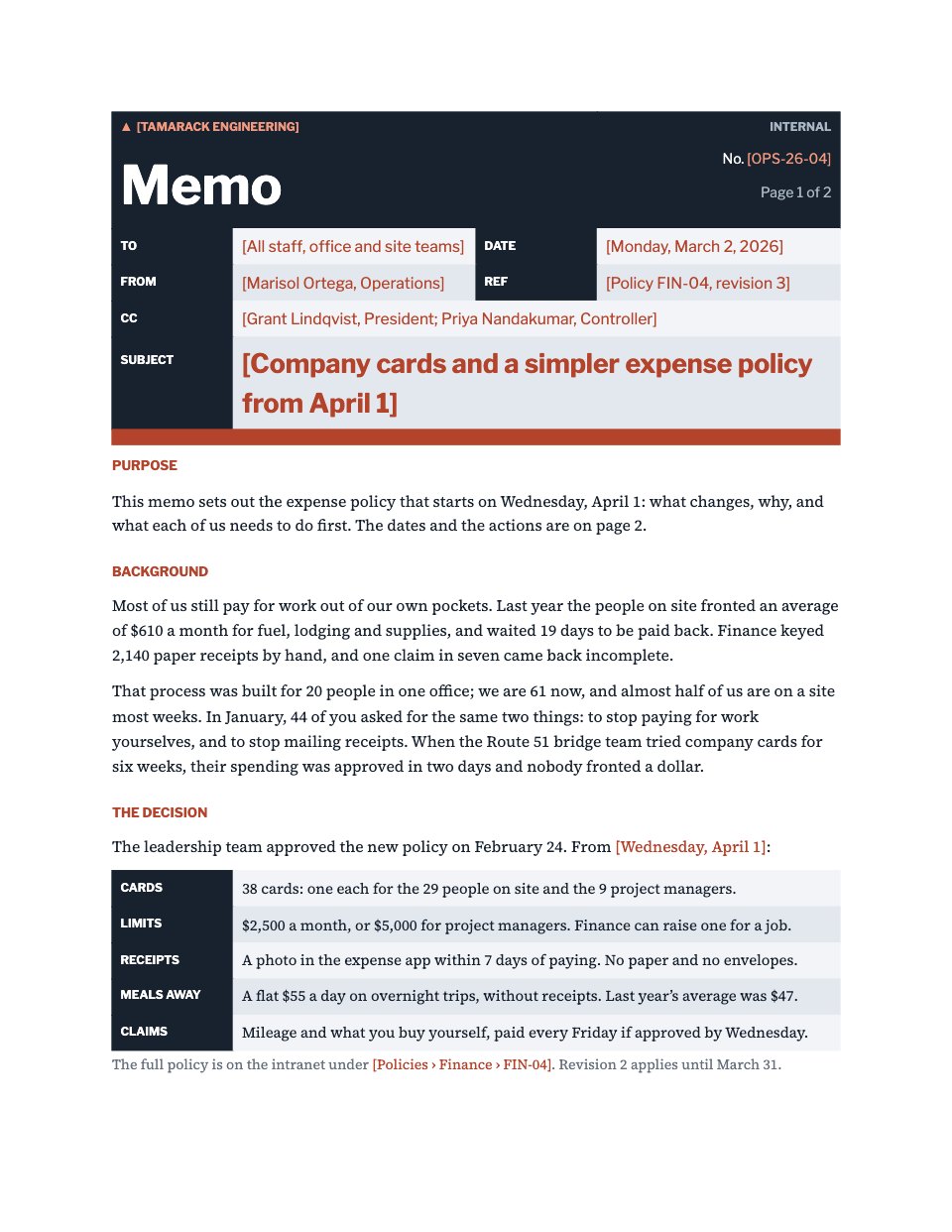
- 1Page 1A dark title block, the document control panel, purpose and scope
- 2Page 2Definitions of every term, and a roles and responsibilities table
- 3Page 3Steps 1 to 4, each with its owner, timing, tools and what done looks like
- 4Page 4Steps 5 to 8, through access, scheduling, handover and kickoff
- 5Page 5Three exceptions and their handling, the records kept, and the version history
When to use it.
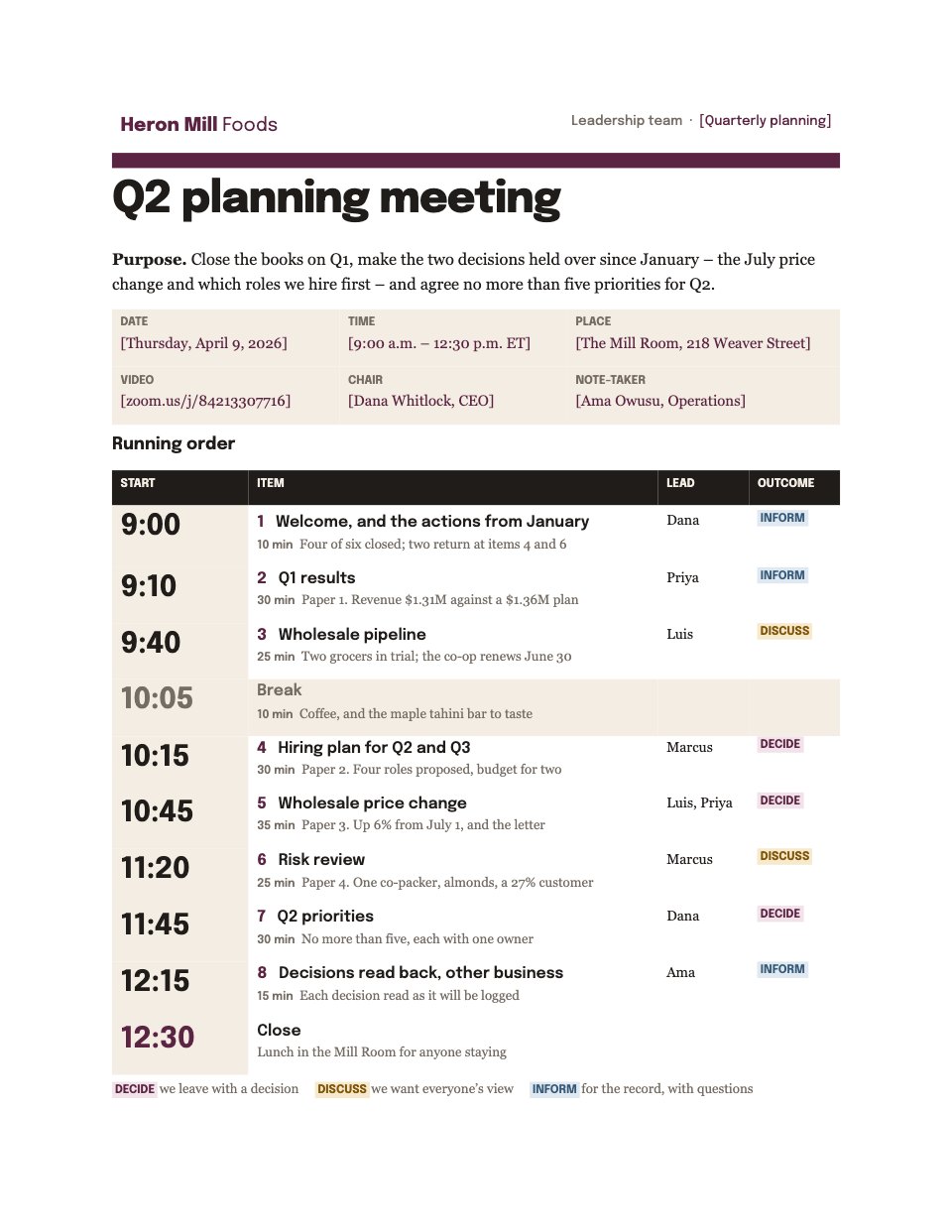
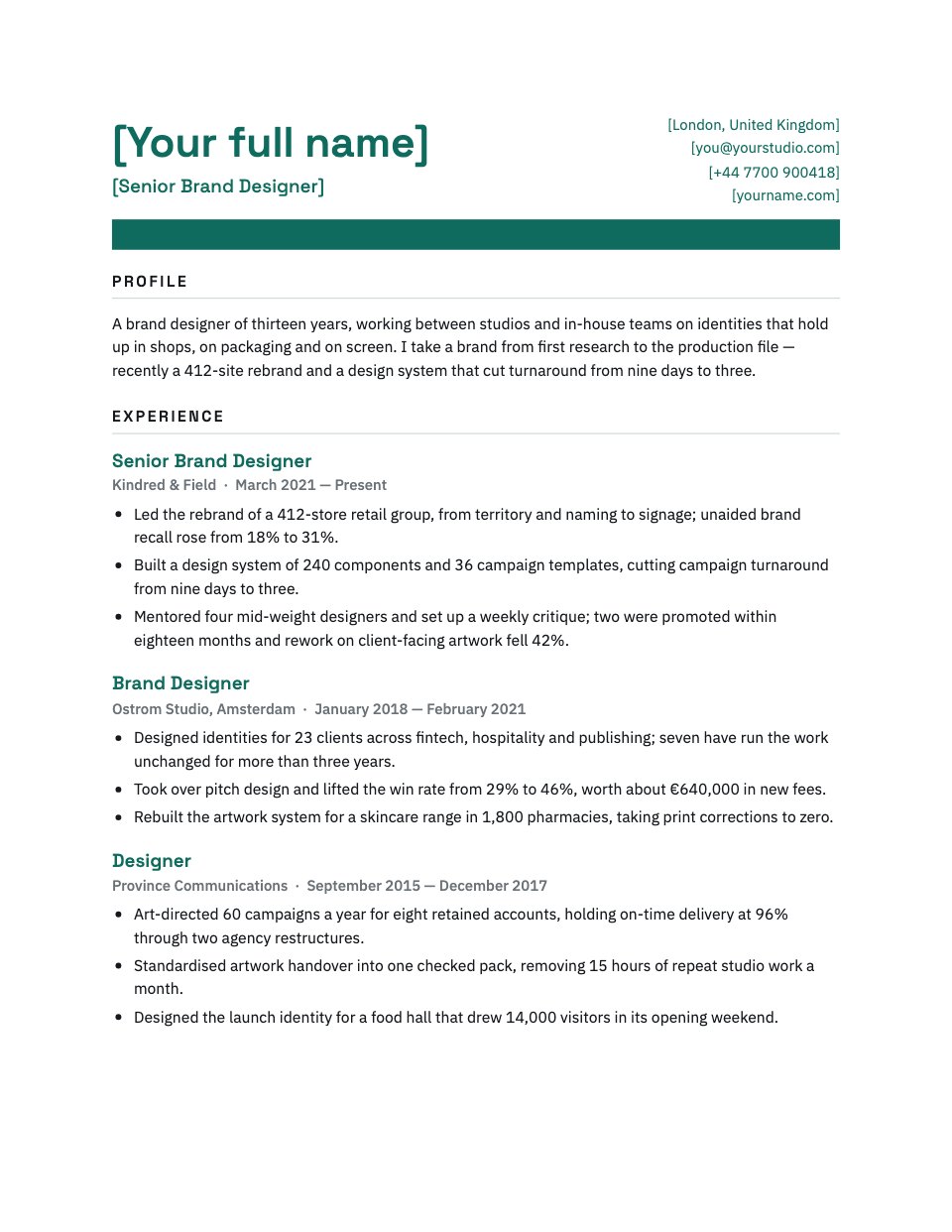
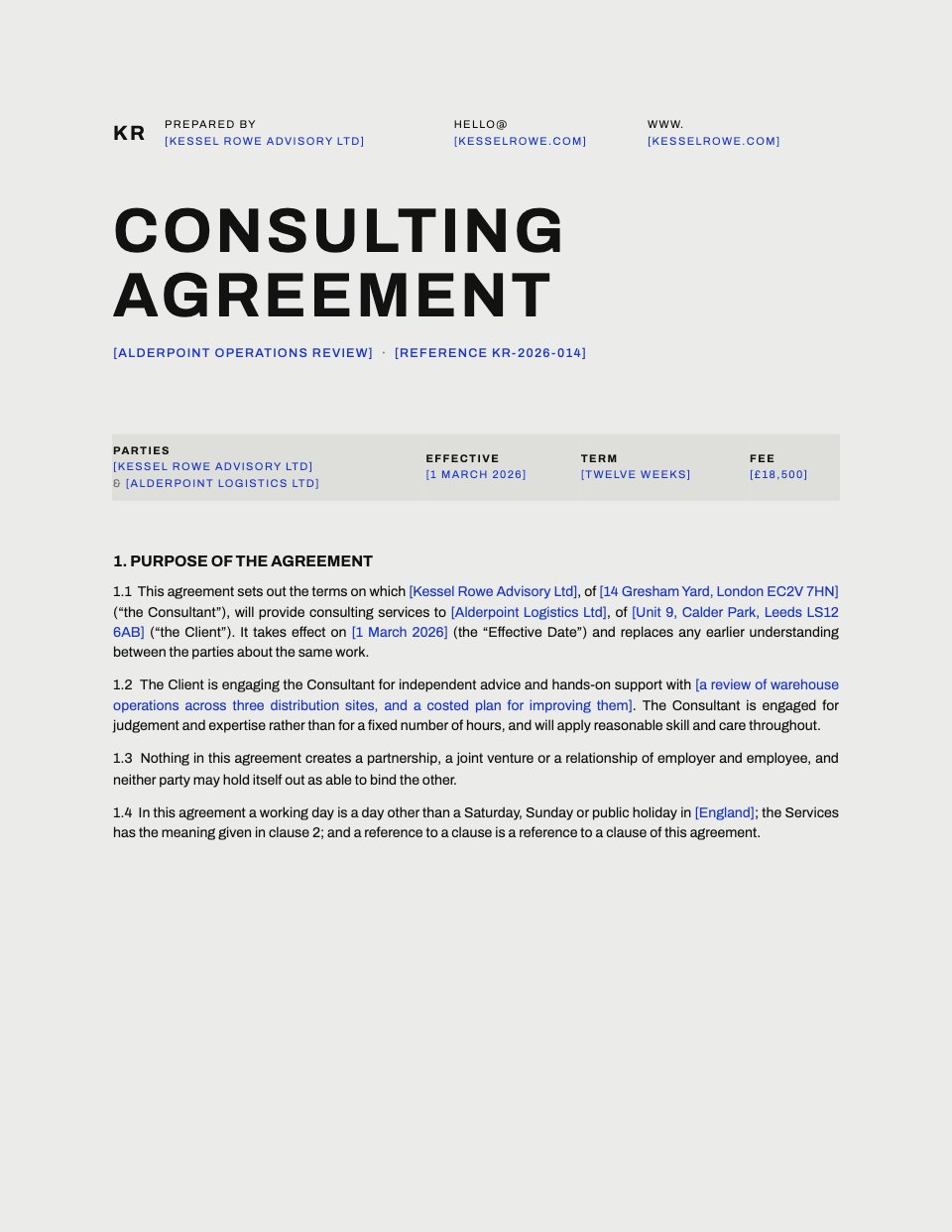
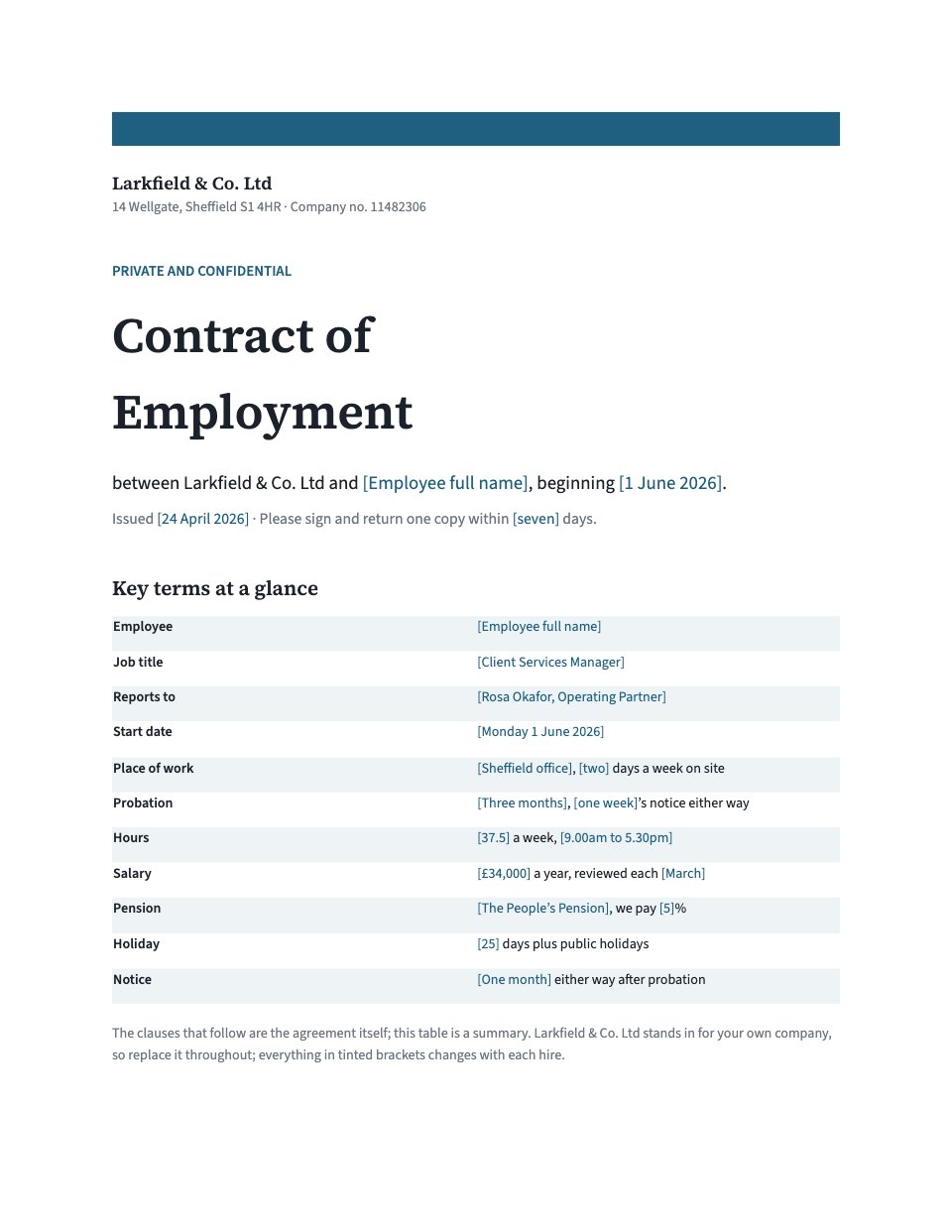
Standard Operating Procedure is a controlled document for writing down a process so it runs the same way whoever does it. It covers client onboarding from the signed contract to the kickoff meeting in eight numbered steps, each with its owner, how long it takes, the tools it uses and what finished looks like. Around the steps sit the things that make a procedure usable: purpose and scope, definitions, a roles table, three common exceptions and their handling, the records kept, and a version history. Every name, date, number and tool is a tinted fill-in, so a studio can make it its own in one pass.
Made for
- Finance and accounts teams
- Operations managers
- In-house marketing and design teams
- Founders running their own back office
Make it yours in four steps.
Open it in Documents and work through it, or let Docsiv AI do the first pass with your details.
- Step 1
Fill in the title block: your studio name, the SOP number, the revision, the owner, the approver and the two dates.
- Step 2
Change the roles and tools to match your studio, then rewrite the eight steps around how you actually start a project.
- Step 3
Set the timings and the 'done when' tests so a new starter can follow the steps without asking anyone.
- Step 4
Add the exceptions you hit most often, then issue it and record the change in the version history.
Start from the Standard Operating Procedure now.
Questions about this template.
Something else on your mind? Ask us in the chat, bottom right of the page.
Is the Standard Operating Procedure template free?
Yes. Create a free account and it opens in Docsiv's Documents app, ready to edit and share. The Free plan includes every Docsiv app and 500 AI credits a month.
Can I change the colours, fonts and text?
Yes, all of it. The template uses Archivo and IBM Plex Sans and IBM Plex Mono with #15212b, #0c6e64, #f2f6f6, and you can change any of them, rewrite every word and add or remove pages.
What can I export it as?
Documents in Docsiv offers: DOCX, PDF, ODT, RTF and Markdown exports. Once it's saved, you can also share it with a link.
Can Docsiv AI write the standard operating procedure for me?
Yes. Tell Docsiv AI about the client or project and it can draft the content in this template's style, which you then review and edit. AI uses credits; the Free plan includes 500 a month.










Start your document or form with Docsiv AI
Describe the client or the project and Docsiv AI writes a first draft of your standard operating procedure for you to edit, share and send.