

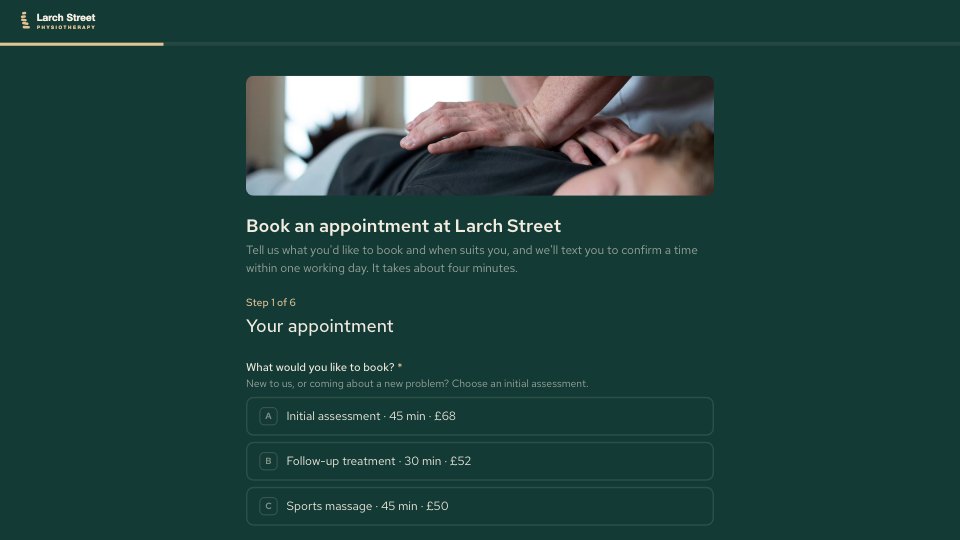
What’s inside the Appointment Booking.
Real content in every part, ready to rewrite with your own.
- 1Your appointment: initial assessment, follow-up or sports massage with length and price, and a preferred clinician
- 2When suits you: two preferred dates, the times you can make, and a short-notice list for earlier slots
- 3Your details: name, date of birth, mobile, email and GP practice
- 4What's bothering you: the areas, how long and how it started, what makes it worse and what you want to get back to
- 5A safety check for new patients, with a call-back note when something needs a physiotherapist's attention first
- 6Insurance: insurer, policy holder and membership details only when claiming, skipped for sports massage
- 7Before you book: the cancellation policy to acknowledge, consent to keep a patient record, and anything else
When to use it.
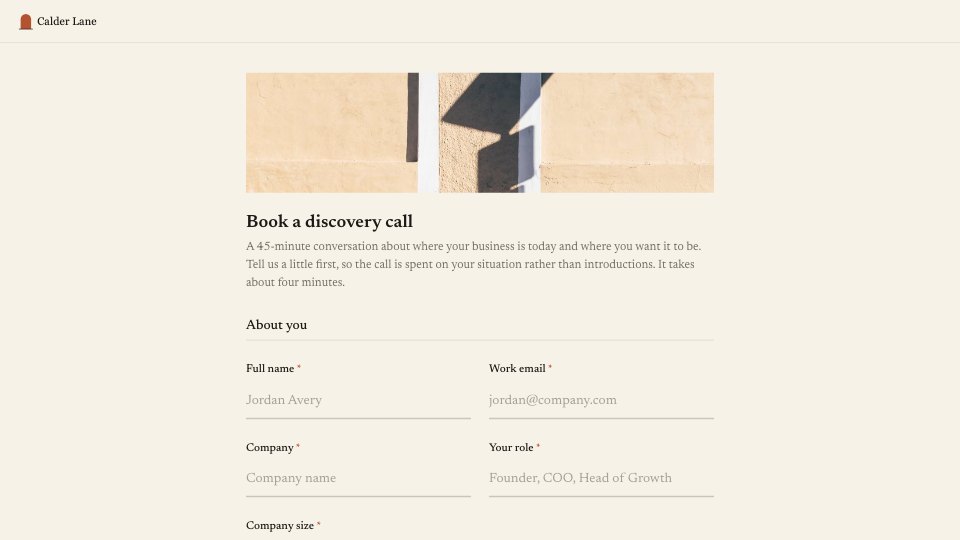
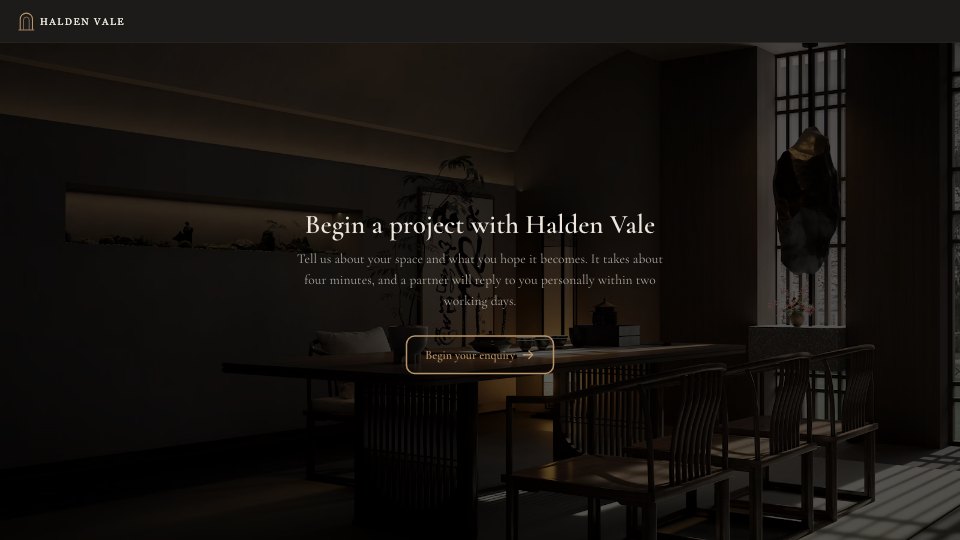
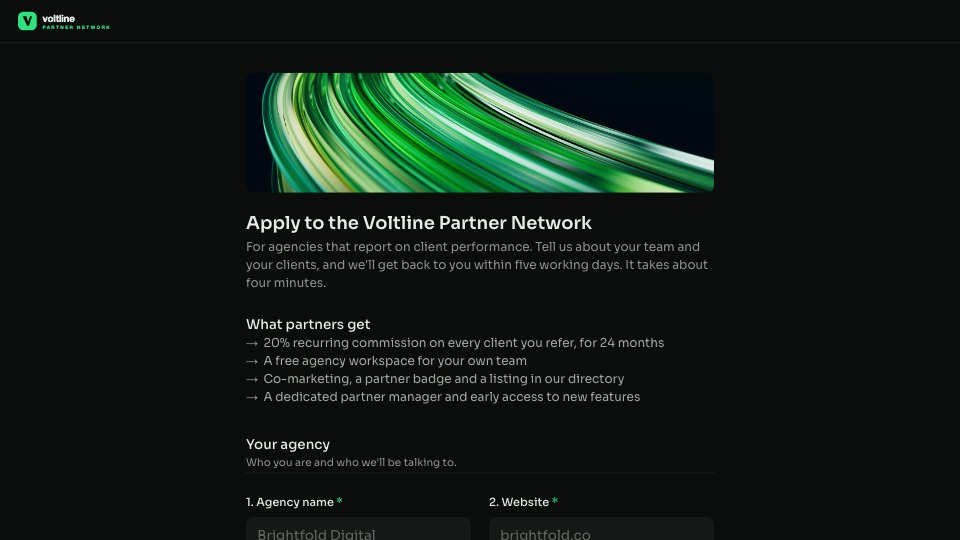
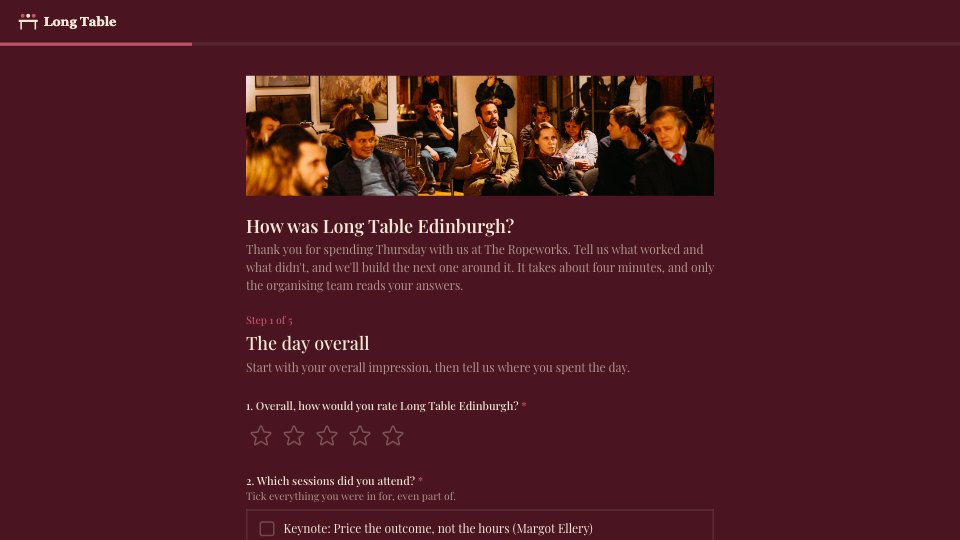
Appointment Booking is a six-step form for physiotherapists, sports therapists and other clinics that confirm each booking by hand. Patients choose an appointment type with its length and price, a clinician, two preferred dates and the times they can make, then give their details and describe what's bothering them. New patients answer a short safety check that flags anything needing a call first. Insurance questions appear only when someone is claiming, asking for the policy holder or employer when it isn't them, and the form ends with the cancellation policy to acknowledge and consent to keep a patient record.
Made for
- Event organisers
- Workshop hosts
- Teams running sign-ups
- Community groups
Make it yours in four steps.
Open it in Forms and work through it, or let Docsiv AI do the first pass with your details.
- Step 1
Swap in your clinic's name, logo, colours and photos, and set your own appointment types, lengths and prices.
- Step 2
List your clinicians with what each one specialises in, and update your opening times.
- Step 3
Check the safety-check wording, insurer list and cancellation policy against how your clinic works.
- Step 4
Link the form from your website and reminder emails, then confirm each request by text or phone.
Start from the Appointment Booking now.
Questions about this template.
Something else on your mind? Ask us in the chat, bottom right of the page.
Is the Appointment Booking template free?
Yes. Create a free account and it opens in Docsiv's Forms app, ready to edit and share. The Free plan includes every Docsiv app and 500 AI credits a month.
Can I change the colours, fonts and text?
Yes, all of it. The template uses Red Hat Text with #133a35, #f2ebdf, #e3c294, and you can change any of them, rewrite every word and add or remove questions.
What can I export it as?
Forms in Docsiv offers: Responses exported as CSV. Once it's saved, you can also share it with a link.
Can Docsiv AI write the appointment booking form for me?
Yes. Tell Docsiv AI about the client or project and it can draft the content in this template's style, which you then review and edit. AI uses credits; the Free plan includes 500 a month.
Where do the responses go?
Responses are collected in Docsiv with the form, and you can export them as a CSV file.






Start your registration form with Docsiv AI
Describe the client or the project and Docsiv AI writes a first draft of your appointment booking form for you to edit, share and send.