

Registration form templates
RSVP, sign-up and booking forms that collect what you need and nothing more.
Event Registration
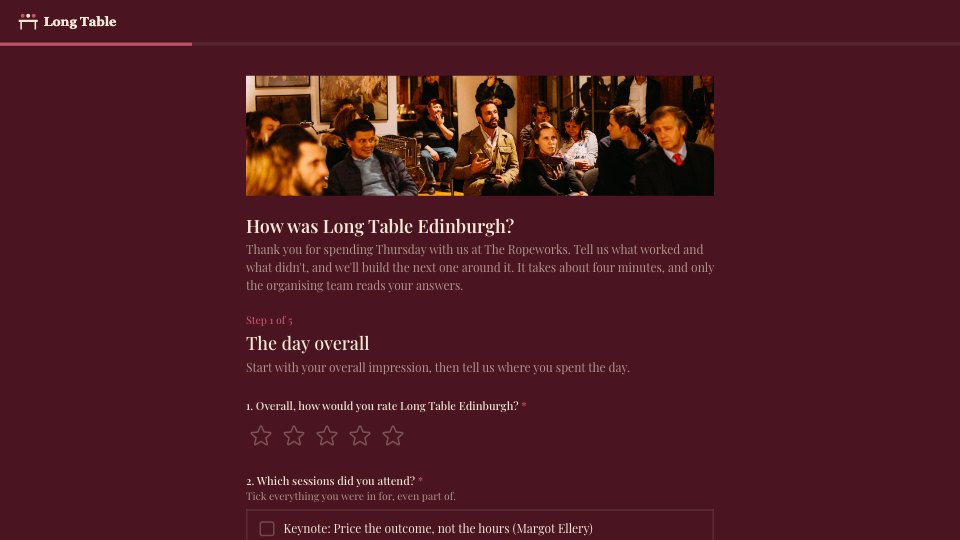
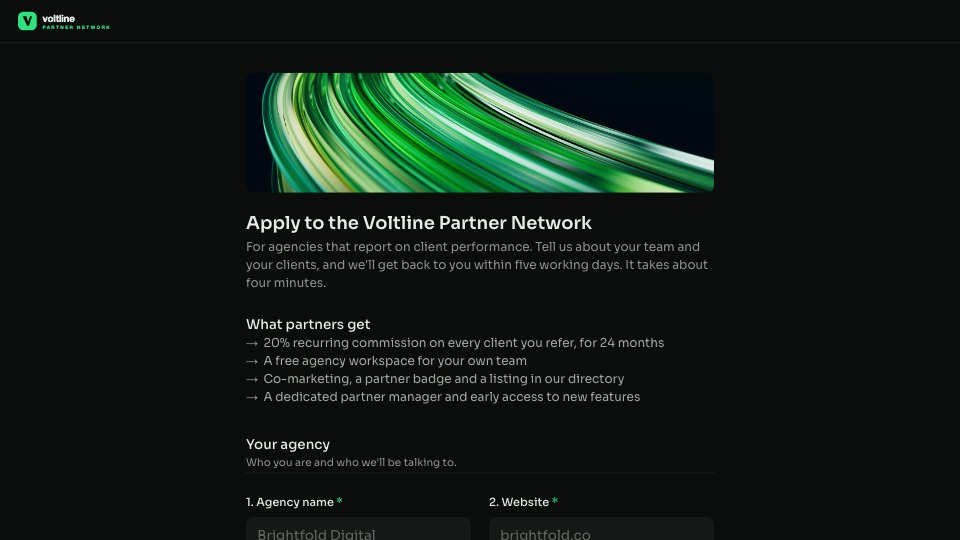
A single-page sign-up for a conference or workshop day: attendee details, ticket type, sessions, dietary and accessibility needs, and a plus-one.PreviewProduct Waitlist
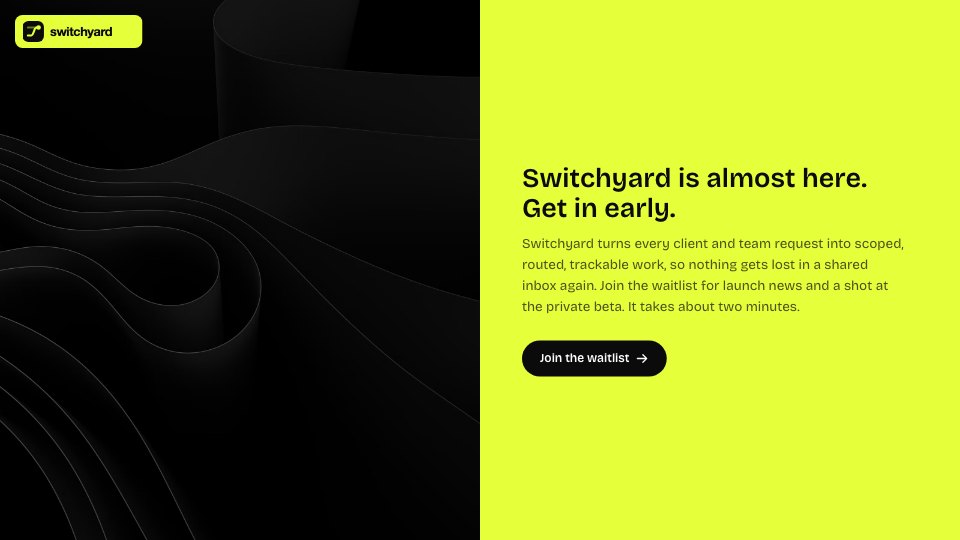
A launch waitlist that signs people up for early access and finds the right teams for your private beta.PreviewAppointment Booking
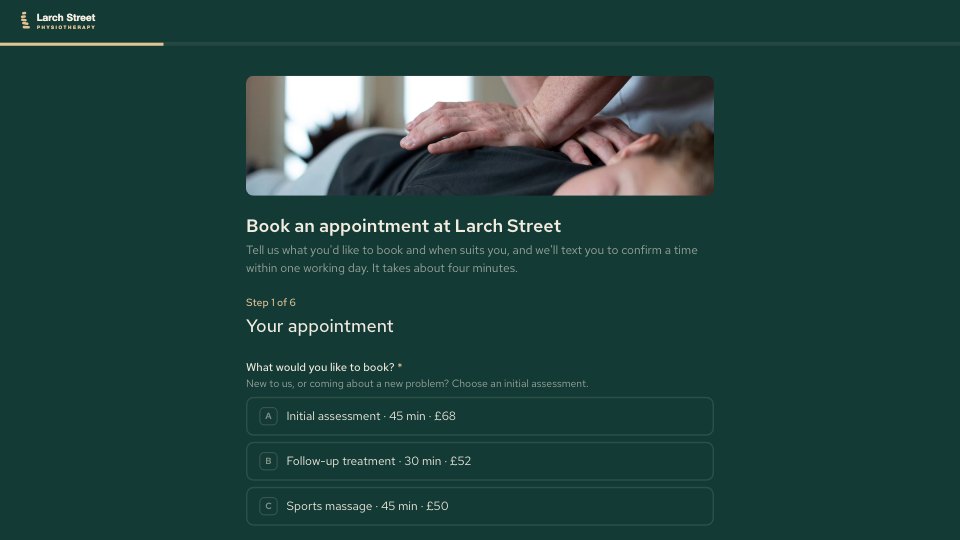
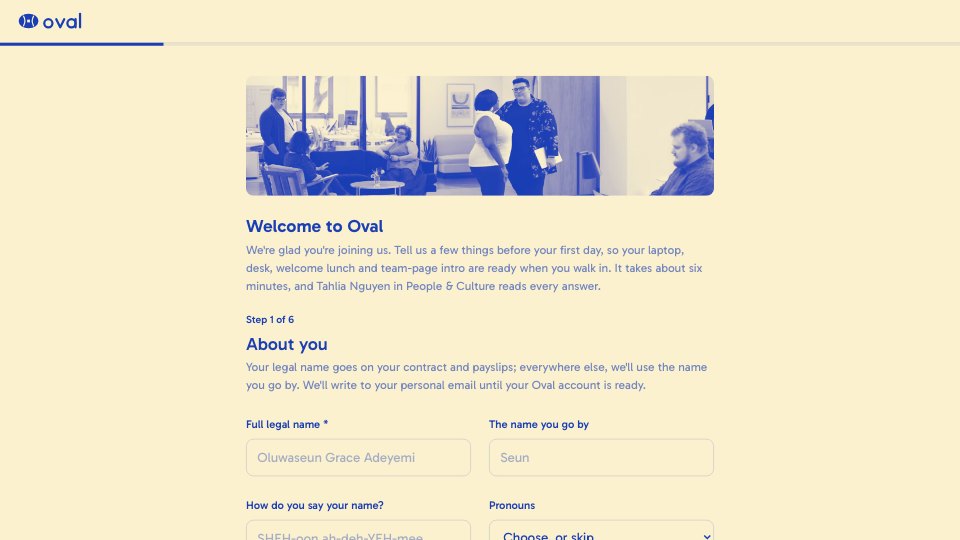
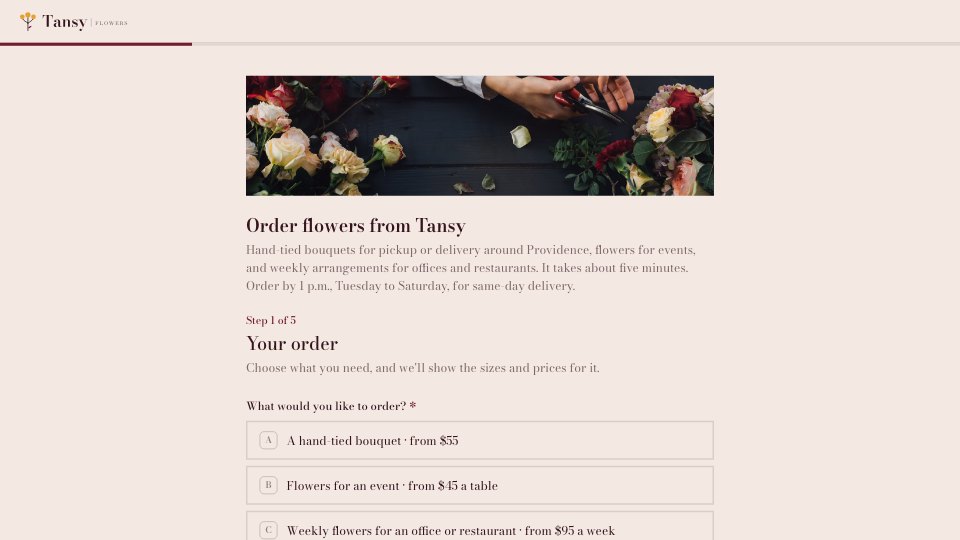
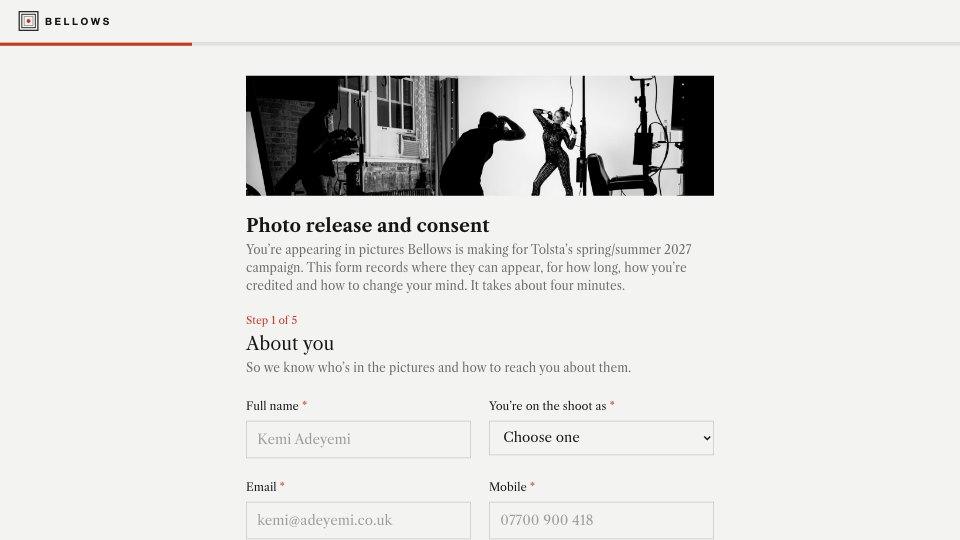
A six-step booking request for a physiotherapy or therapy clinic: appointment type with length and price, preferred clinician and times, patient details, the problem, insurance and the cancellation policy.Preview
A closer look at Event Registration.
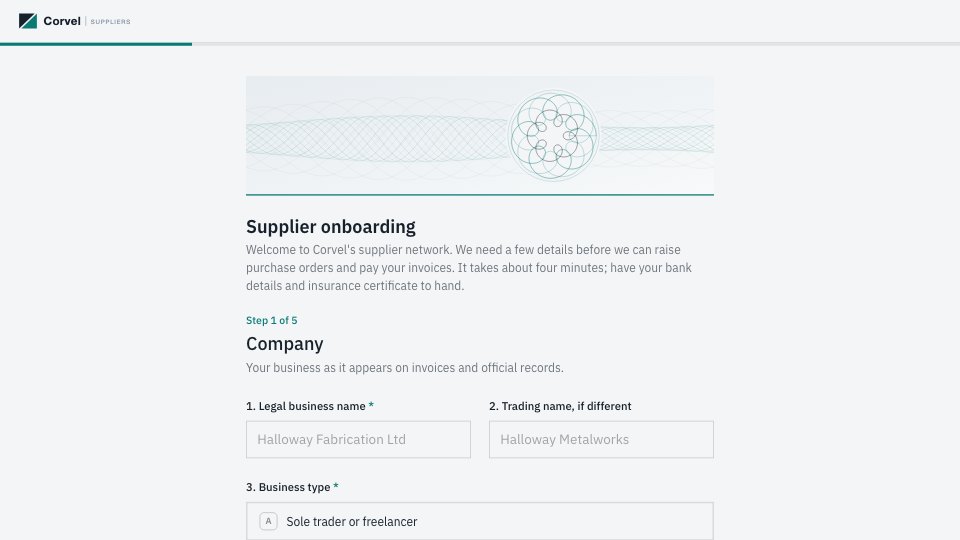
A single-page sign-up for a conference or workshop day: attendee details, ticket type, sessions, dietary and accessibility needs, and a plus-one. Here’s what it holds.
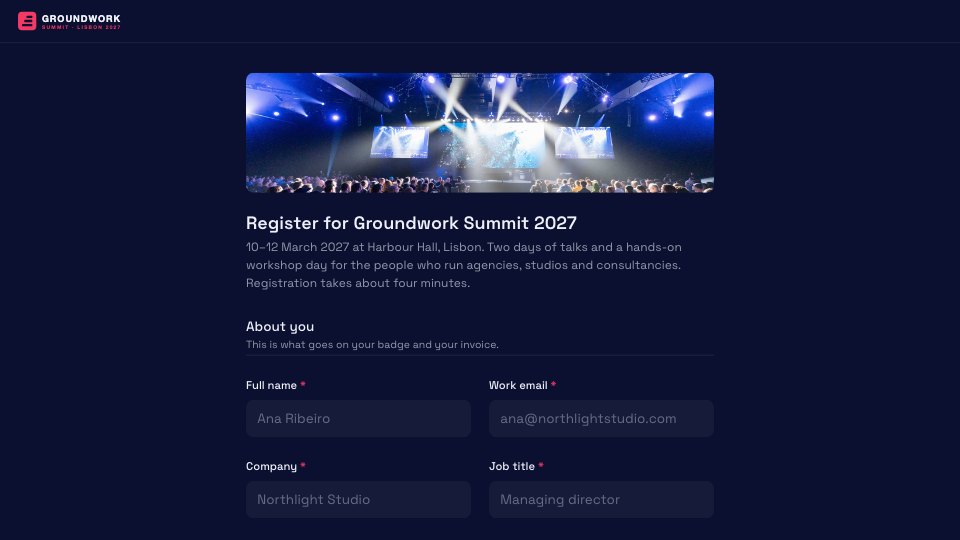
- 1About you: name, work email, company and job title, paired side by side
- 2Your pass: ticket type and a discount or invite code
- 3Your programme: summit breakout tracks, plus workshops for passes that include the workshop day
- 4On the day: dietary needs and accessibility requests
- 5Evening reception: a plus-one, with guest details only when you bring one
- 6Before you submit: how you heard about it, terms consent and optional updates
About registration form templates.
Something else on your mind? Ask us in the chat, bottom right of the page.
Are these registration form templates free?
Yes. They open in Docsiv’s Forms app with a free account, which collects the responses in your workspace. The Free plan includes every Docsiv app and 500 AI credits a month.
Which app do they open in?
Forms: responses exported as CSV.
Can Docsiv AI write the registration form for me?
Yes. Choose Customise with Docsiv AI on any template, tell it about the client or the project, and it drafts the content in that template’s style for you to review and edit. AI uses credits; the Free plan includes 500 a month.
Can I change the design?
Yes, all of it: the colours, fonts, photos and every word, and you can add or remove questions. Your brand kit’s colours are in every colour picker.
Where do the responses go?
Responses are collected in Docsiv with the form, and you can export them as a CSV file. Share the form with its fill link.















Describe the registration form you need
Docsiv AI drafts it in the style of these templates, with your details in place, ready for you to edit.