

Pin feedback on any live website.
Paste a web address, click anywhere on the page to leave a comment, and share a link so your client can do the same.
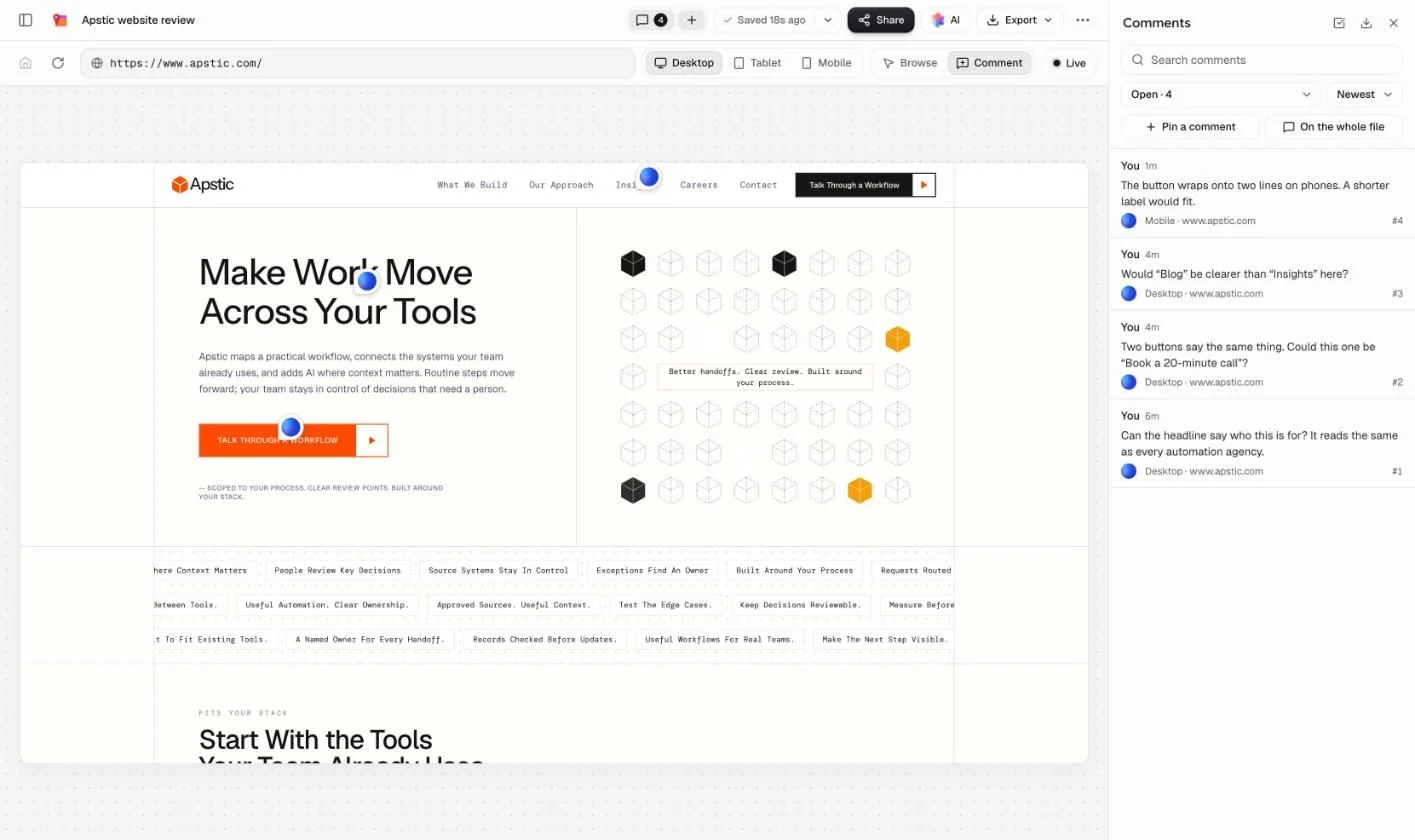
How it works.
No script on your site and nothing to install.
- Step 1
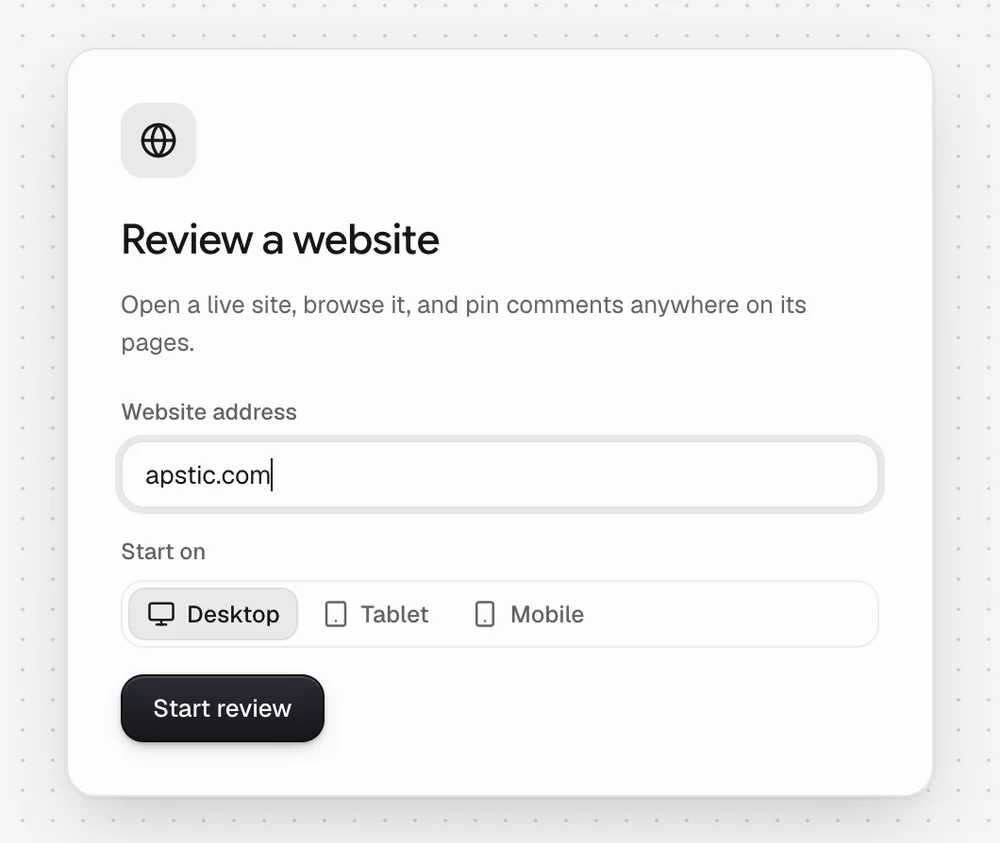
Paste the address
Type the website’s address and pick the device to start on. The site opens, ready to use.
- Step 2
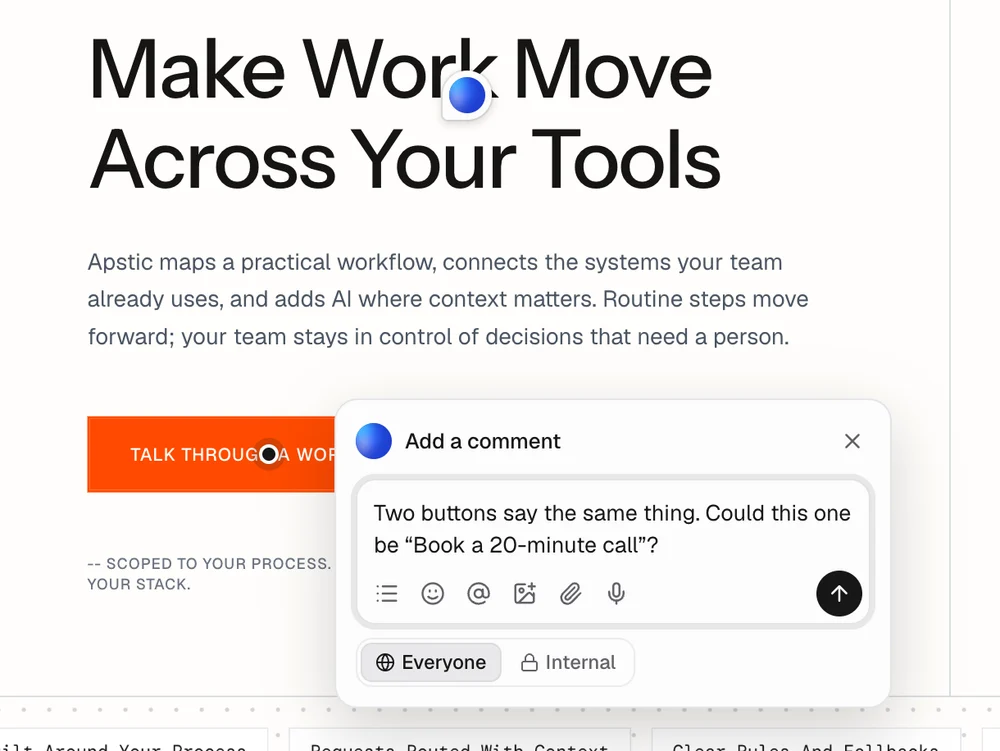
Click to pin a comment
Switch to Comment and click anything on the page: a heading, a button, a photo. Say what needs to change.
- Step 3
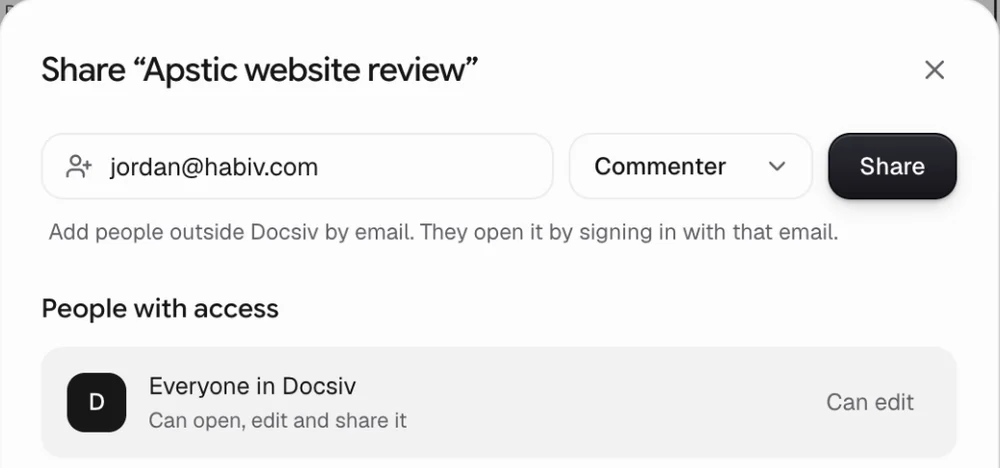
Share the link
Give your client or team comment access. They open the same site and add their own pins.
Feedback you can act on.
Each comment knows its page, its device and its spot, so nobody has to guess what it’s about.
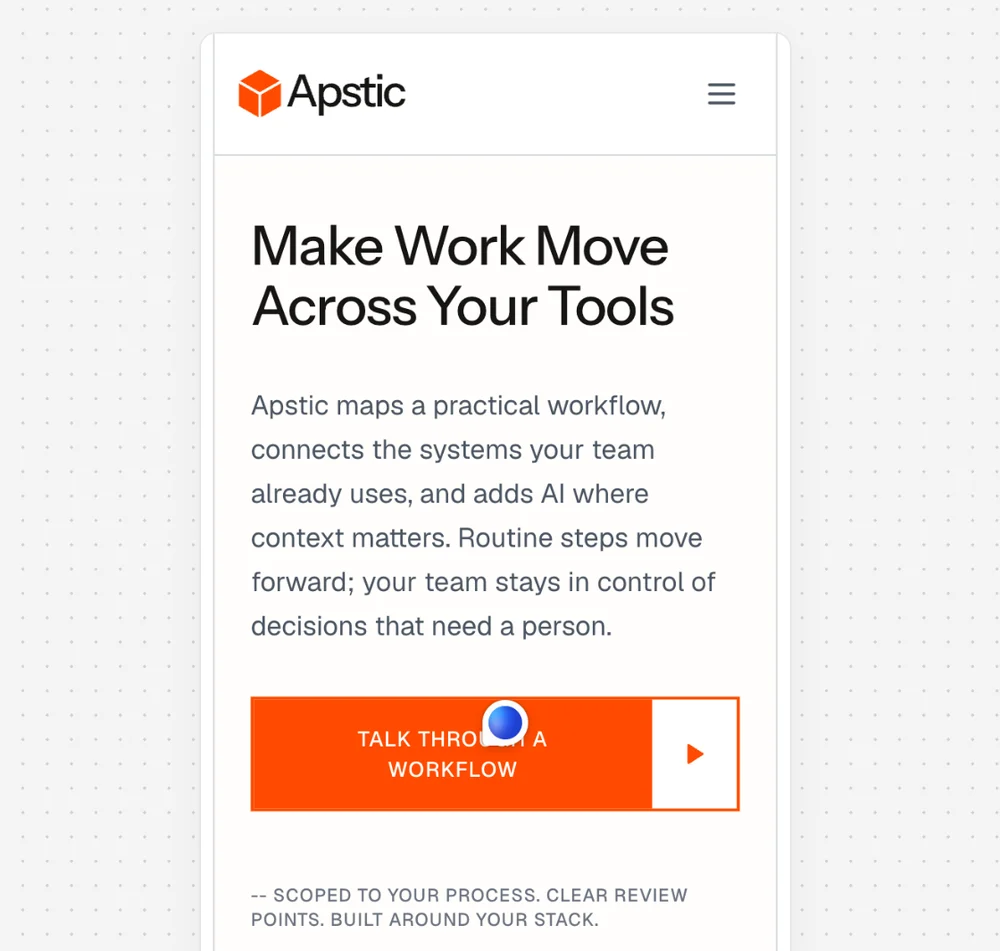
Desktop, tablet and mobile
Switch sizes at any time. A comment left on mobile stays with the mobile view.
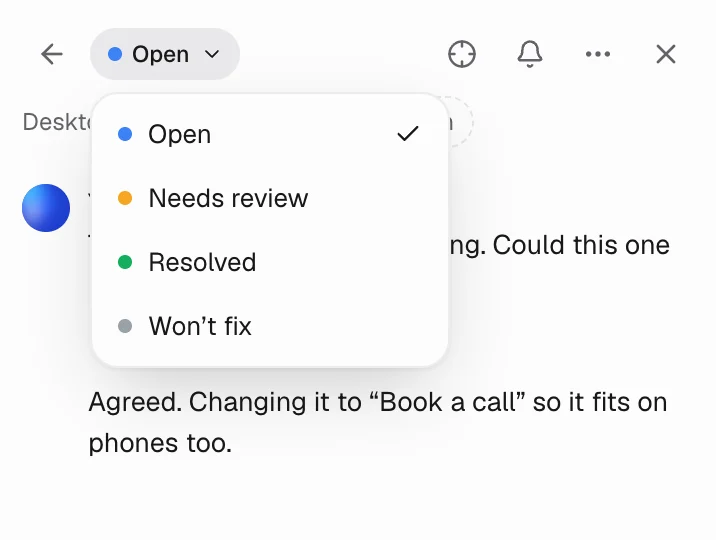
Reply, then resolve
Talk it through under the pin, then mark it resolved, or won’t fix.
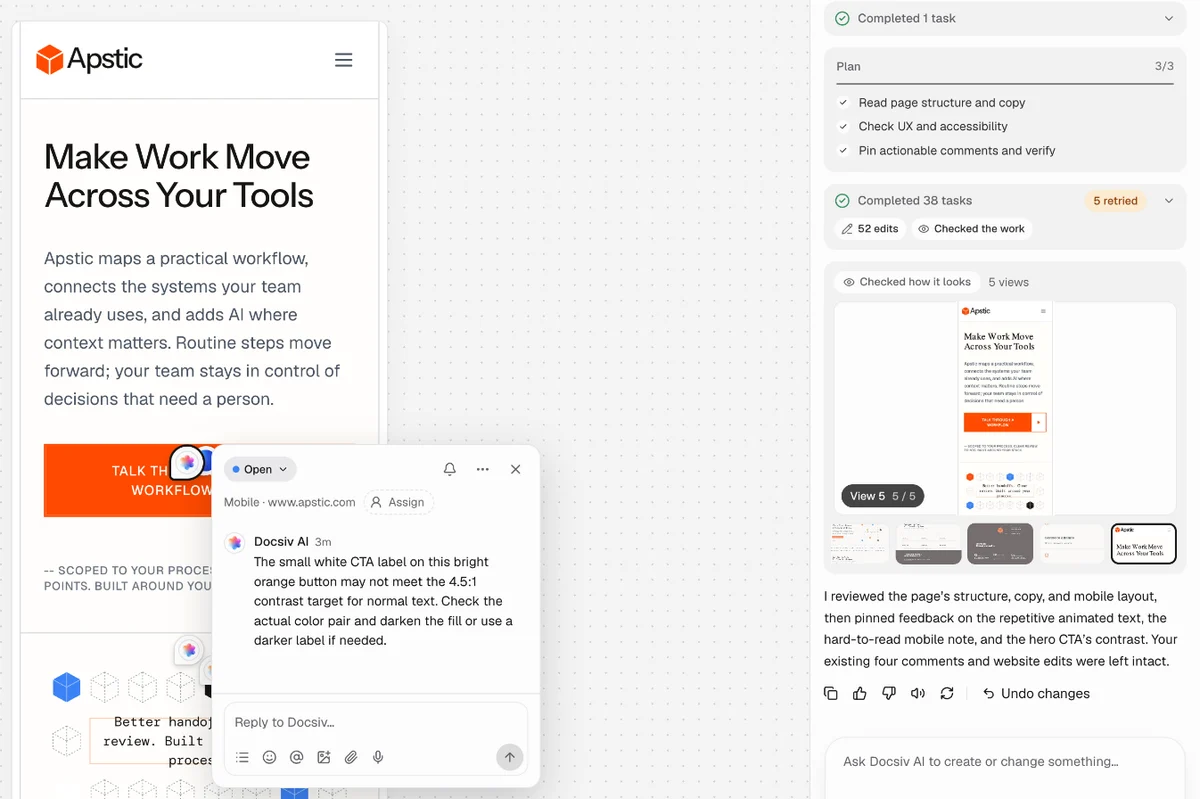
Docsiv AI reviews it too
Ask it to check a page for UX and accessibility problems or proofread the copy. It pins one comment per issue.
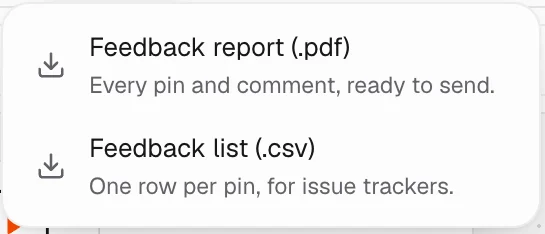
A report for whoever fixes it
Export a PDF feedback report, or a CSV with a row per comment for a spreadsheet or issue tracker.
Common questions.
Something else on your mind? Ask us in the chat, bottom right of the page.
Is this website feedback tool free?
Yes. Reviewing sites, pinning comments, sharing the review and exporting the report are included on the Free plan, along with Docsiv AI with credits included.
Do I need to install anything on my website?
No. There’s no script to add and no browser extension. Paste the web address and the site opens inside Docsiv, ready for comments.
Do my clients need an account to leave feedback?
Yes, a free one. Sites load through Docsiv’s secure proxy, which only opens pages for signed-in people. Share the review with comment access, and your client signs up with Google, Microsoft or email and starts pinning.
Which websites can I review?
Any public website, including staging sites on a public address. Private or internal addresses (like localhost or an office network) and unusual ports can’t be opened.
Can I check the mobile version?
Yes. Switch between desktop, tablet and mobile sizes at any time. Each comment remembers the size it was left on, so a mobile-only problem stays with the mobile view.
Can people click around the site while reviewing?
Yes. In Browse mode the site works as normal: follow links, open menus, go to other pages. Switch to Comment mode and a click pins a comment instead. Comments are kept per page.
Can Docsiv AI review the site?
Yes. Ask it to check a page for UX and accessibility problems, proofread the copy, or compare mobile with desktop, and it pins one comment per issue, marked as Docsiv AI. It can also sum up the open comments as a to-do list.
Can I hand the feedback to a developer?
Yes. Export a PDF feedback report, or a CSV with one row per comment (page, device, status, who wrote it and the replies) for a spreadsheet or issue tracker.
Get the feedback in one place.
Paste your site’s address, pin the first comment, and send the link. Free with an account.