

Client onboarding software, one space per client.
Send a new client one link. Their space asks for what you need before work starts: answers, brand files, account access and a signed agreement. You see each line come in, and they always know what’s left.
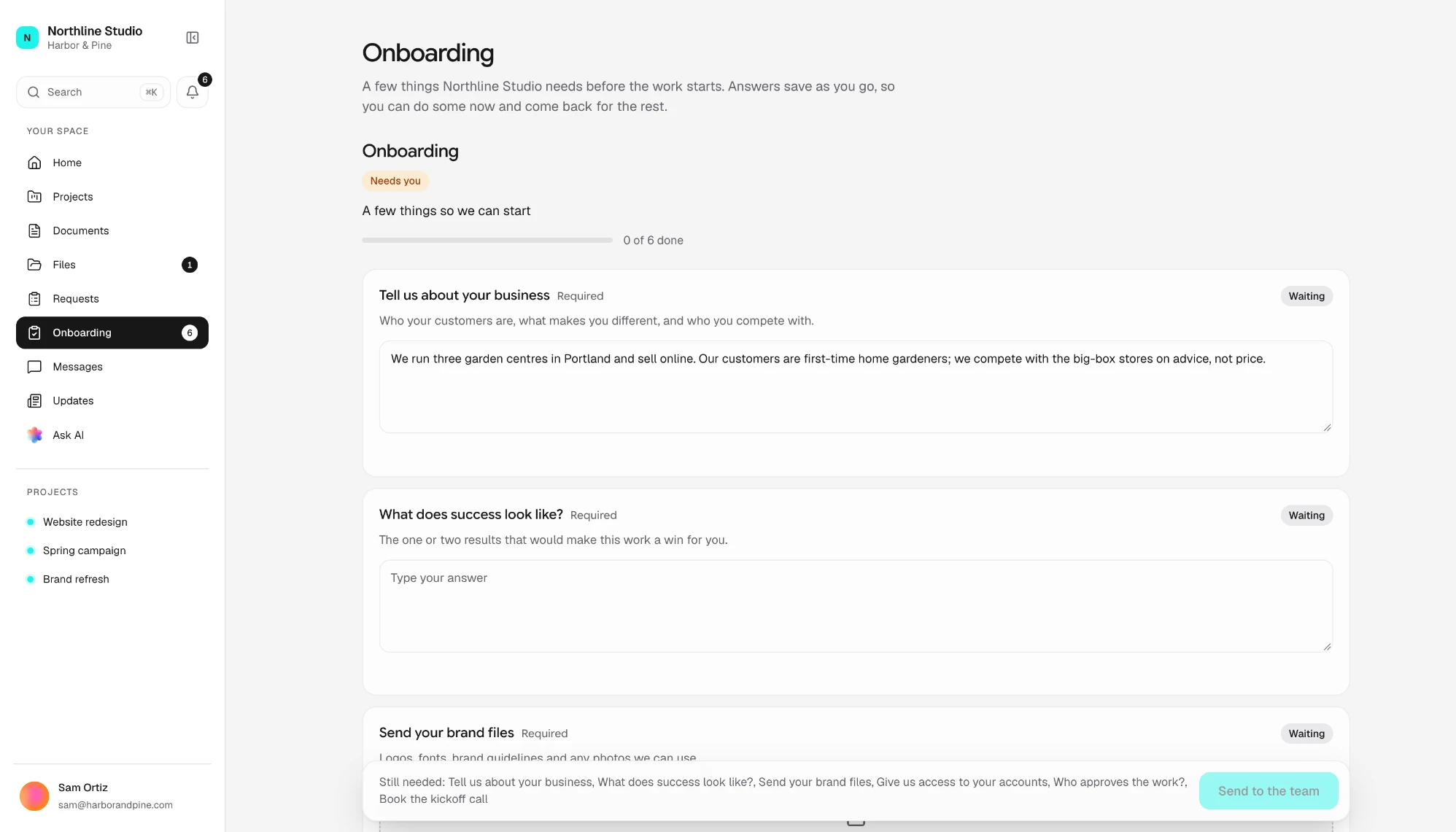
What your client goes through.
From the first email to the kickoff, in the order they meet it.
- Step 1
An email in your name
One button into their space. A six-digit code or the link signs them in, with no password to make.
- Step 2
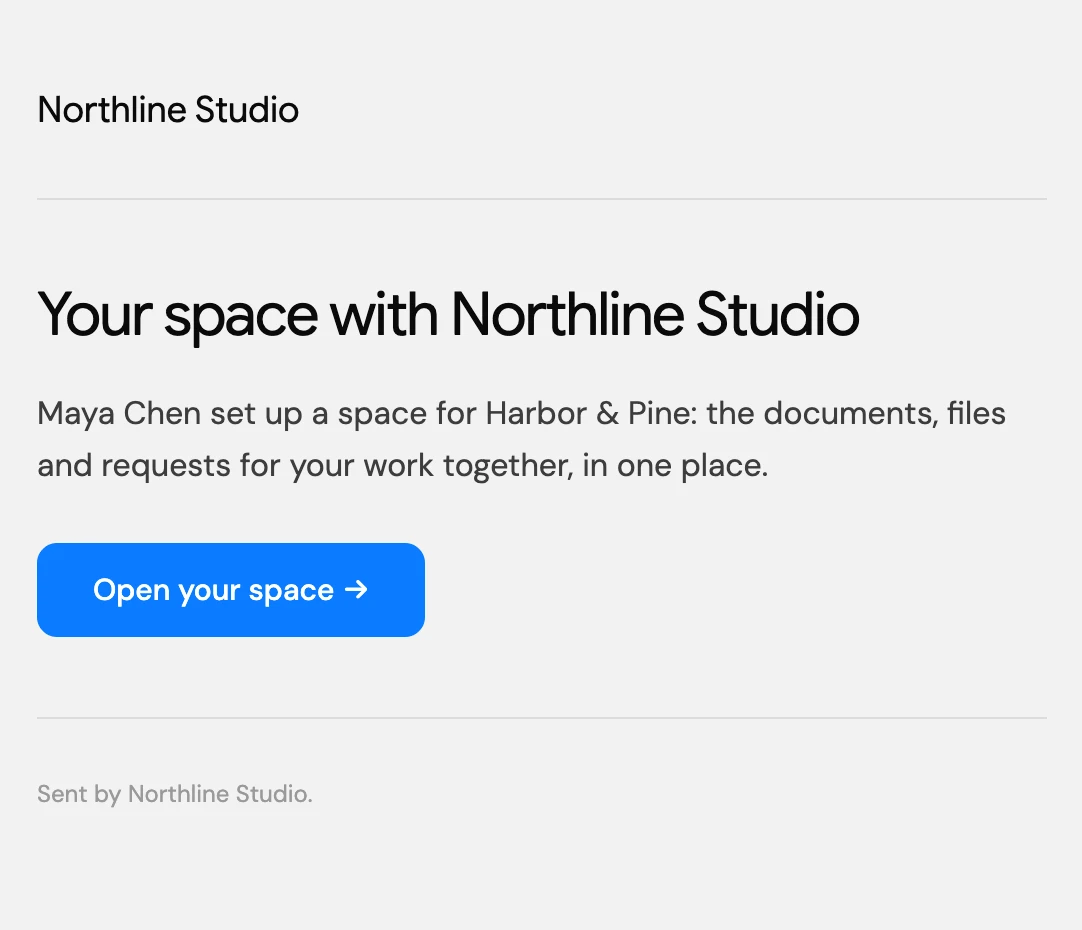
What needs them, first
Their space opens on what’s waiting: the checklist, anything to review, then the projects you’re running for them.
- Step 3
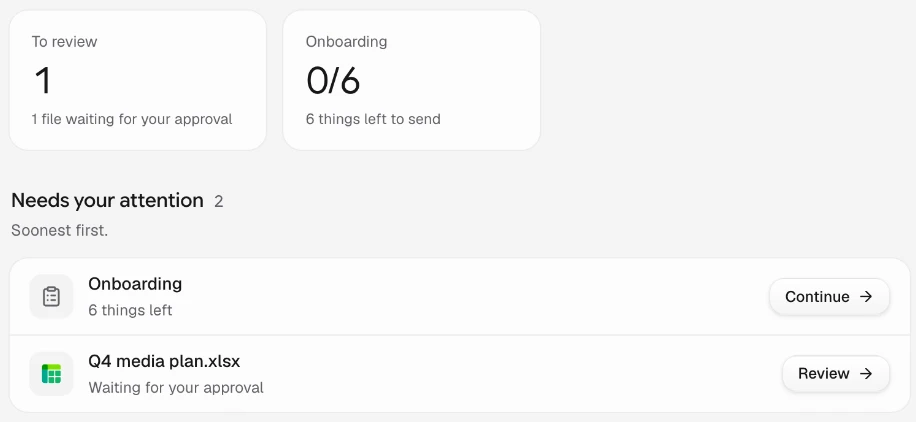
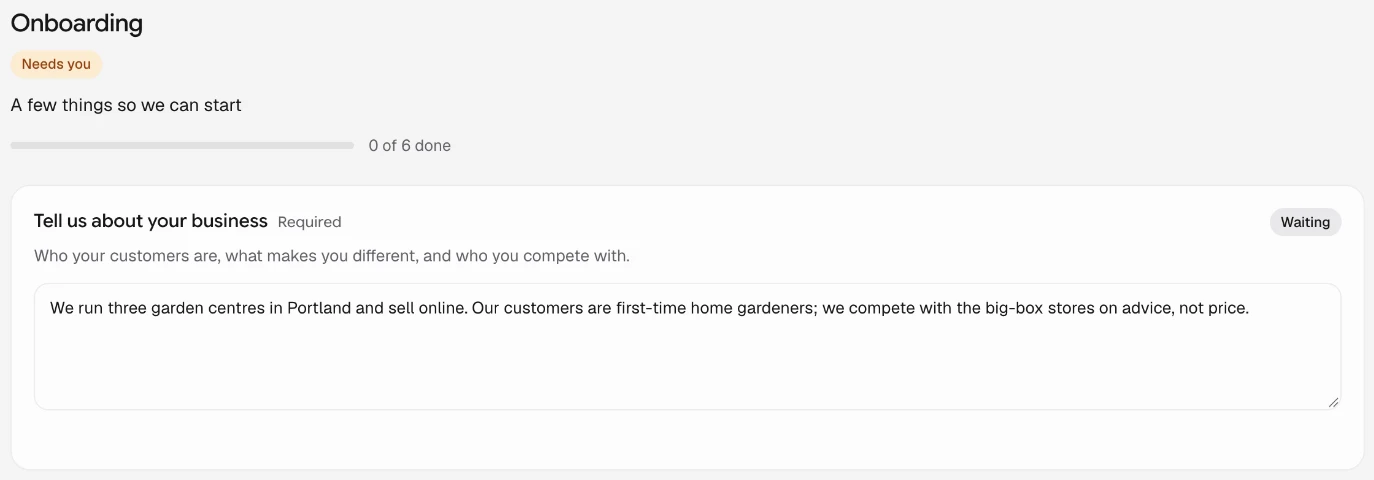
One checklist to work through
Answers save as they go, so they can do some now and come back for the rest.
- Step 4
Sign without another login
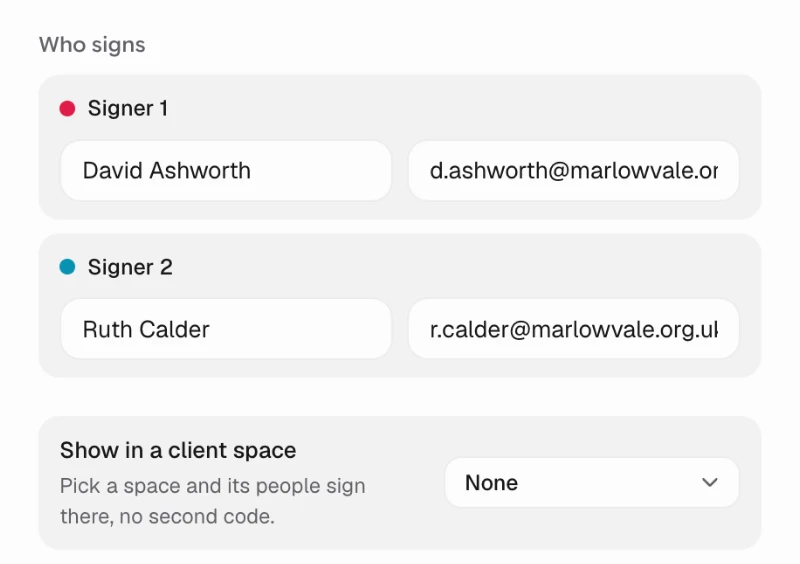
Send the agreement for signature into their space, and they sign there, already signed in.
Build the checklist once.
Write the lines every new client gets once, in Portal settings. The checklist is offered each time you open a space, ready to adjust for that client.
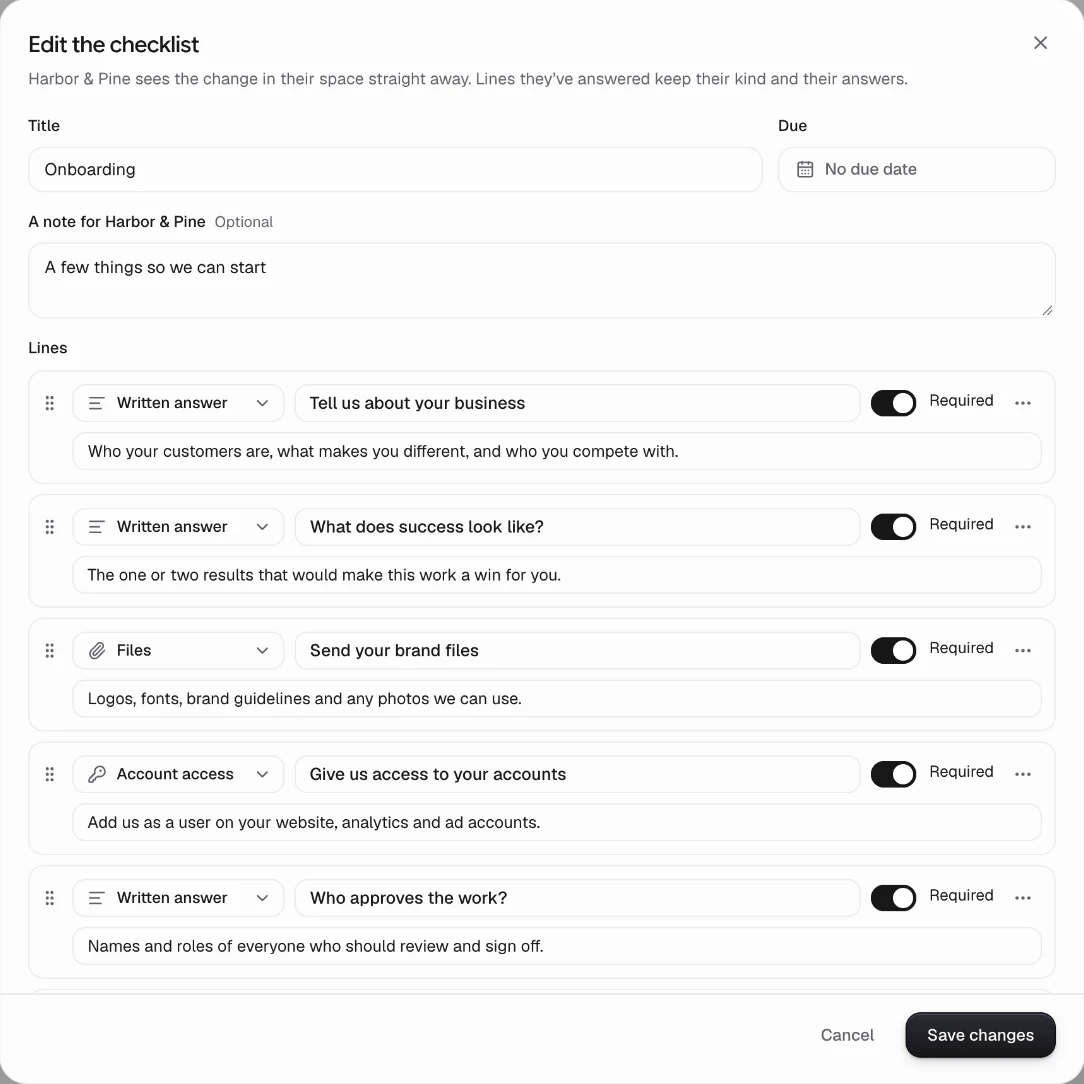
Eight kinds of line
Written answers, files, a pick-one list, a date, yes or no, account access, a task to tick, or one of your forms.
Changed for one client
Edit a space’s checklist any time. They see the change straight away, and lines they’ve answered keep their answers.
A date when it matters
Give the checklist a due date, and it shows as overdue on your Clients page once it passes.
See who’s holding things up.
Your side of every space, so the follow-up happens before the kickoff slips.
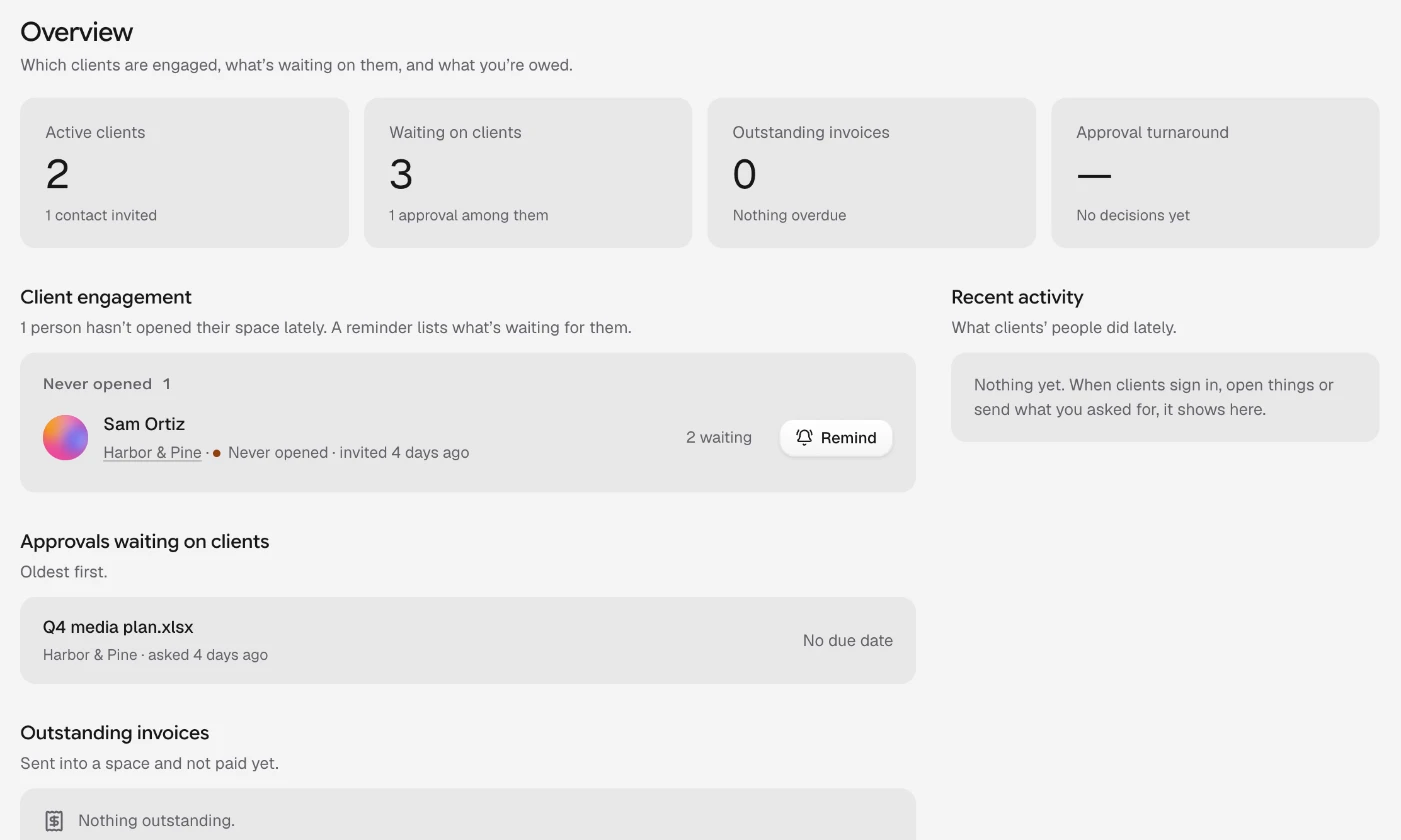
Every client at a glance
Who hasn’t opened their space, what’s waiting on each client and what’s overdue, with a reminder that lists what they still owe you.
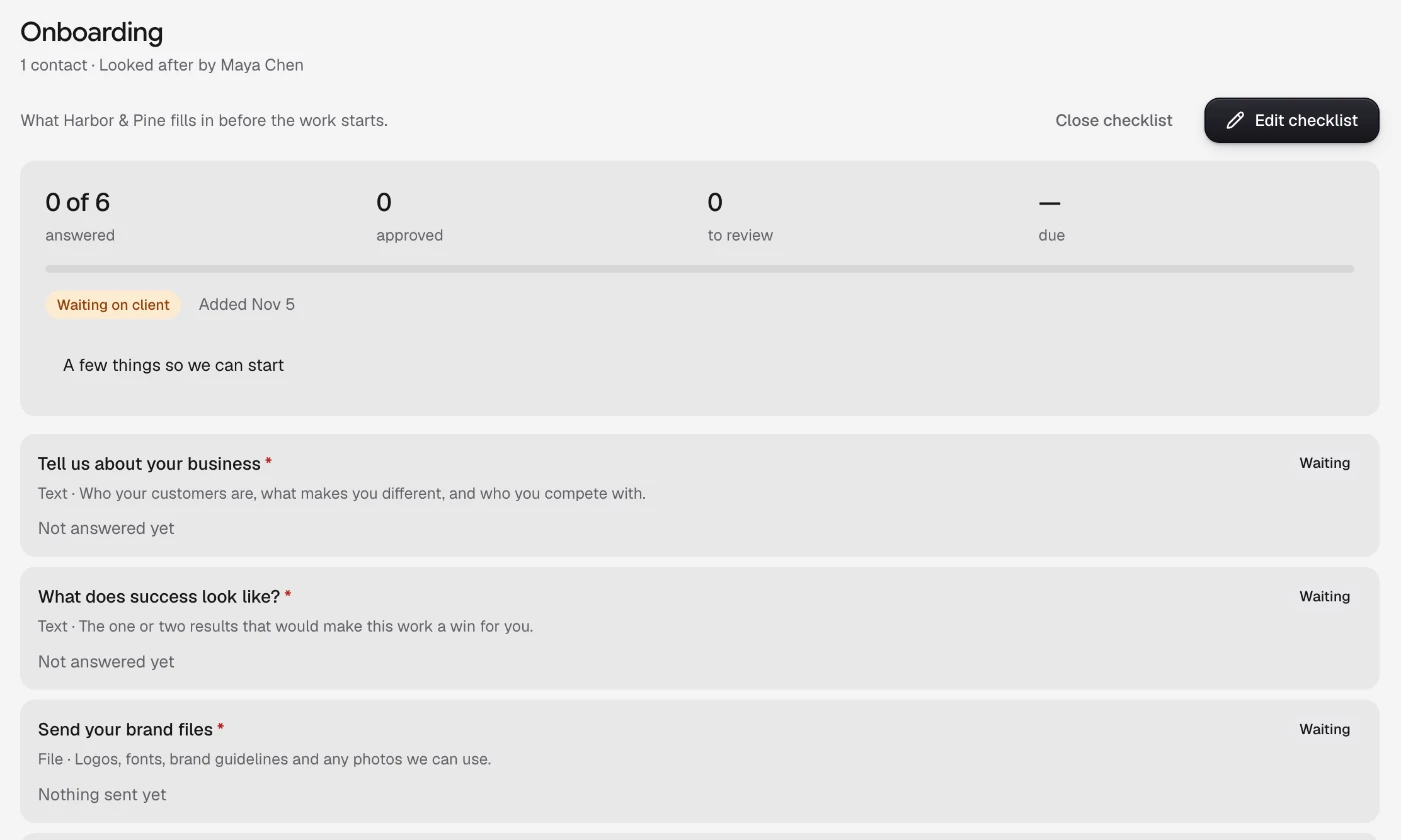
Answers as they come in
Each line shows whether it’s waiting, answered or approved, so you can check files and answers before work starts.
The documents onboarding needs.
Real templates for the first weeks with a client, ready for your details.
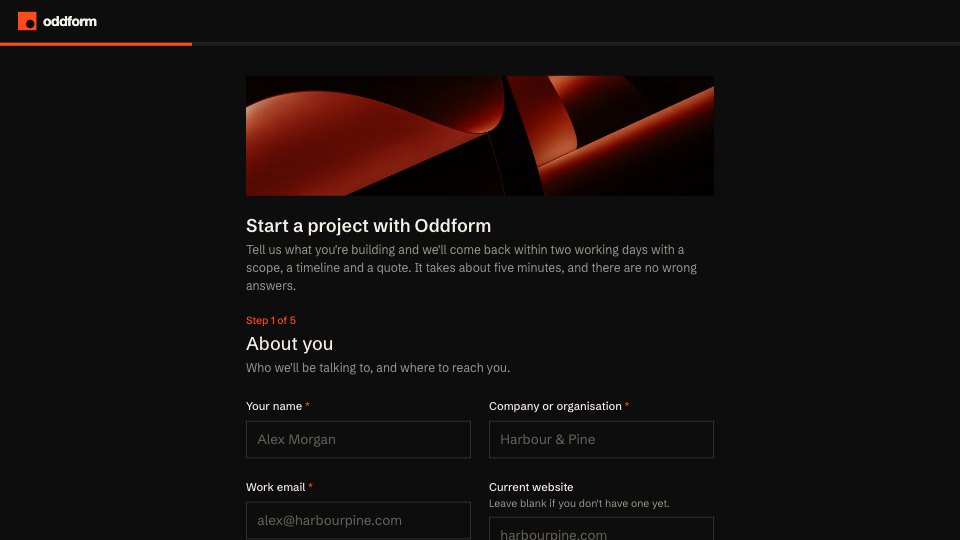
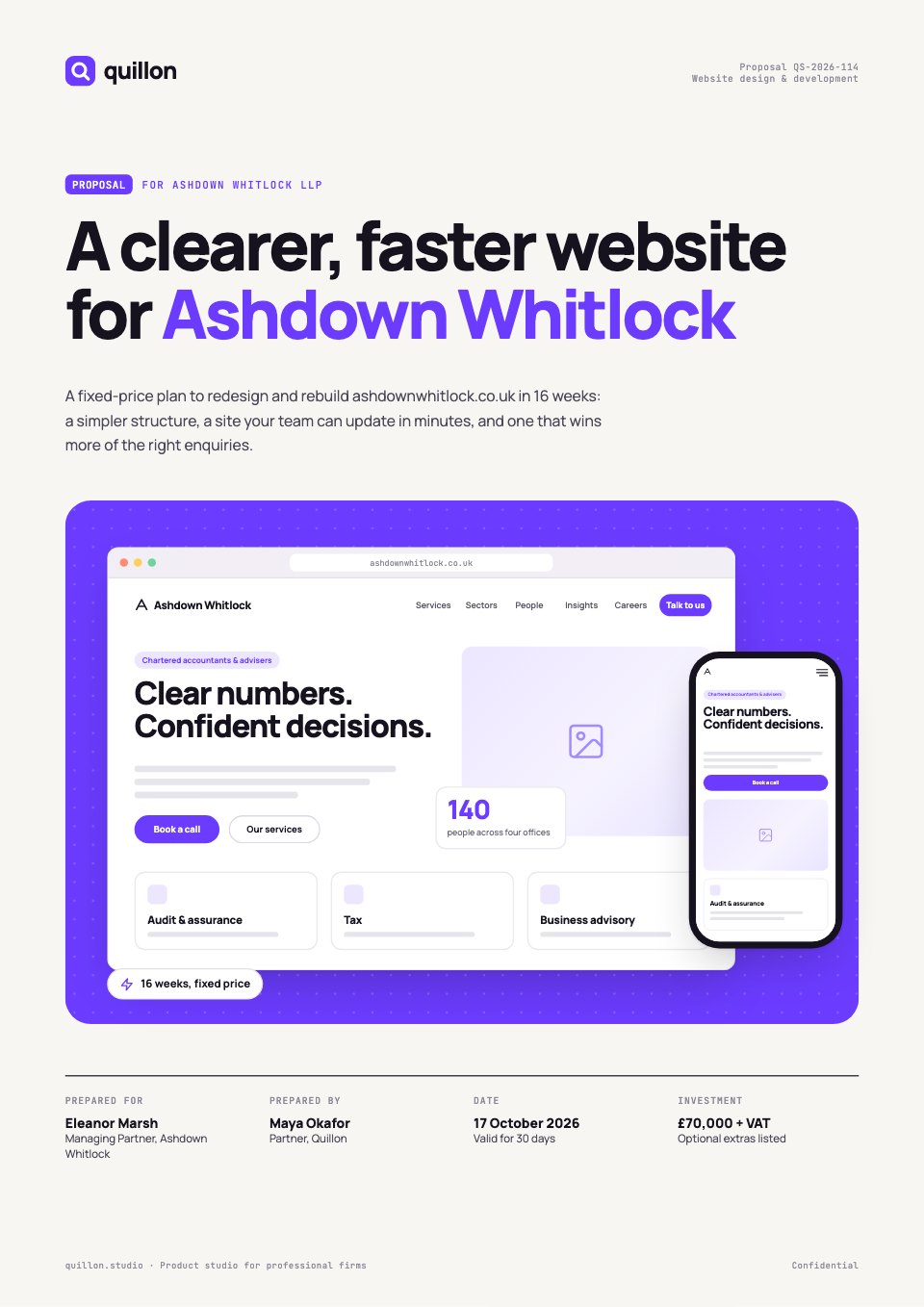
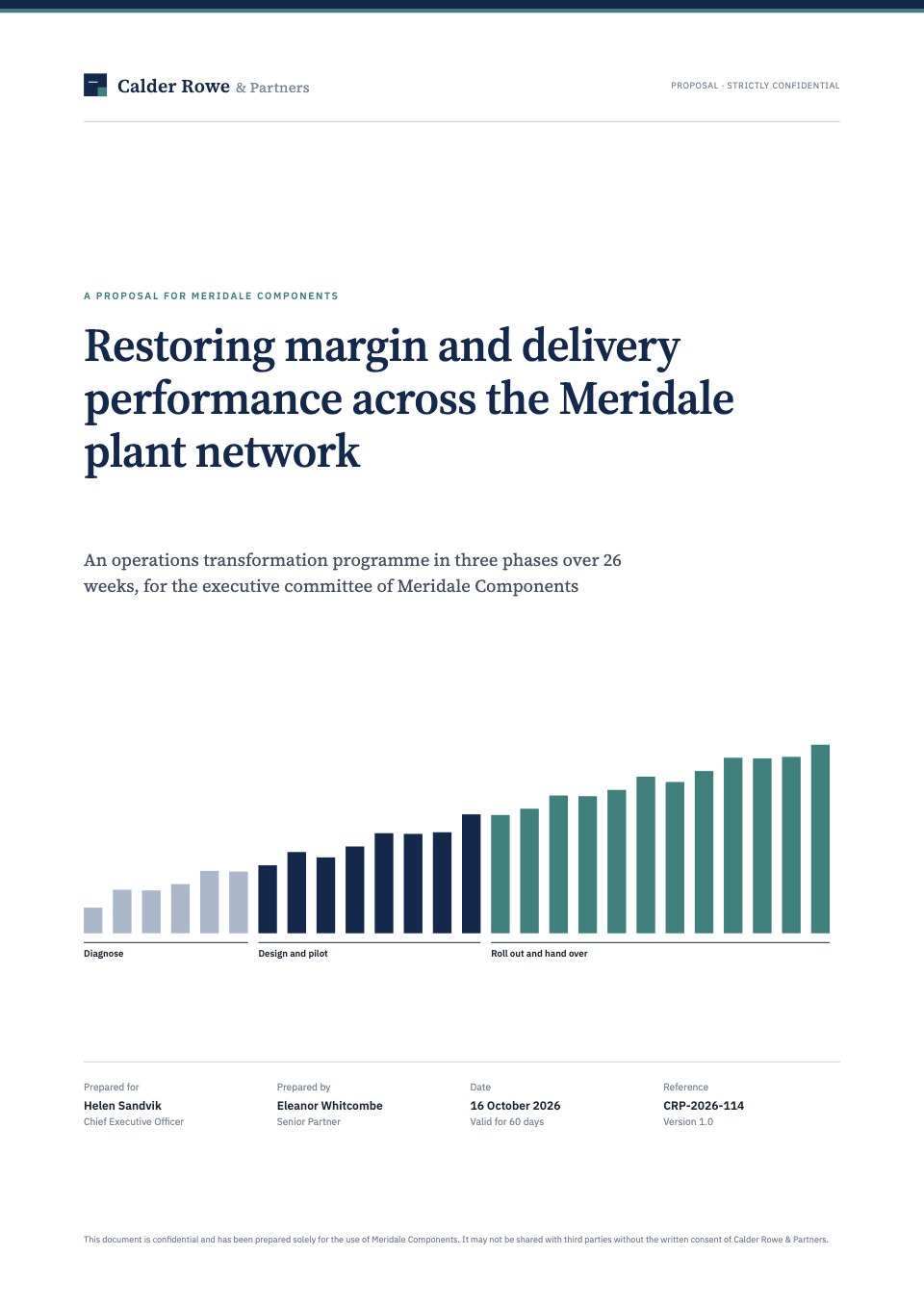
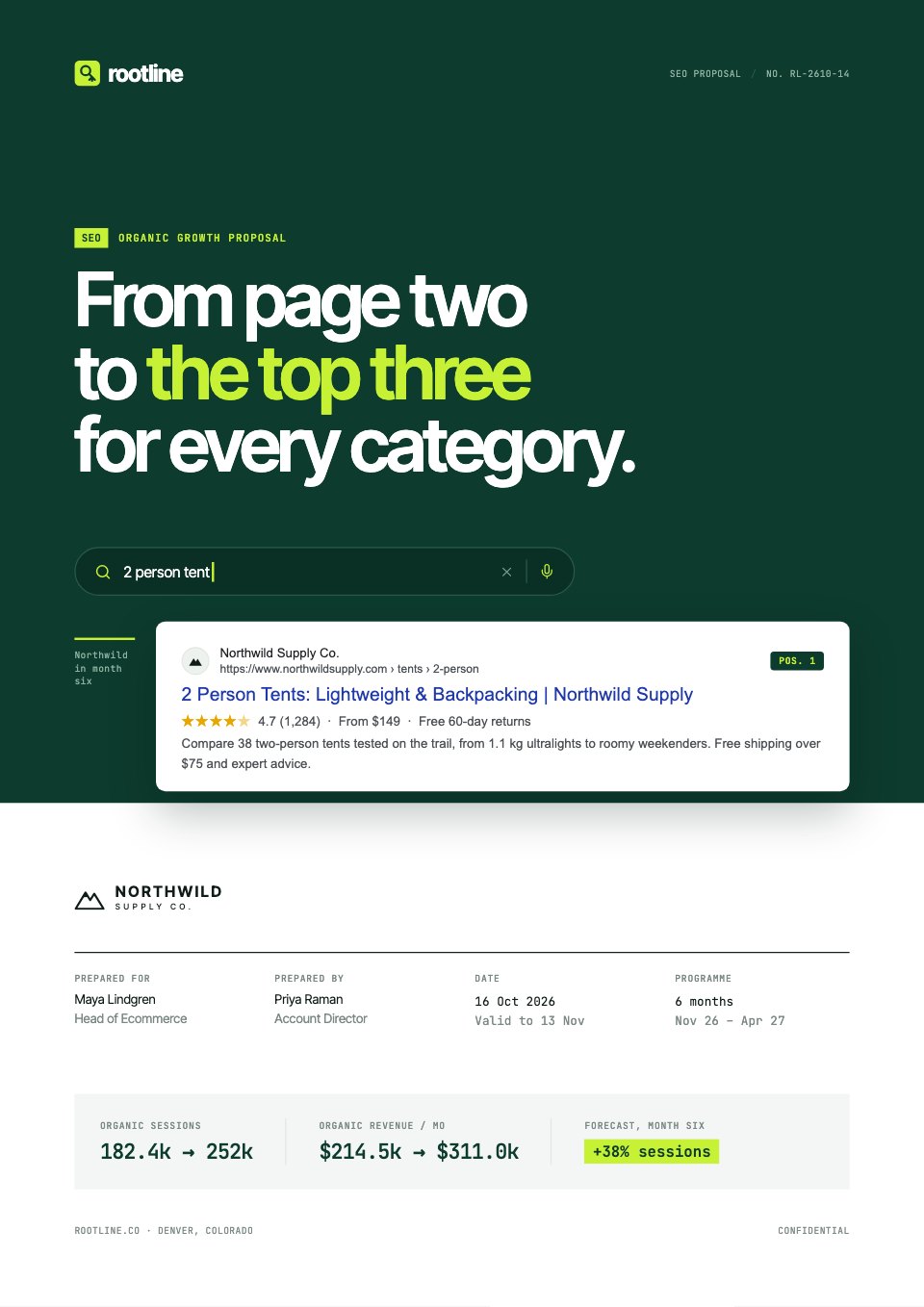
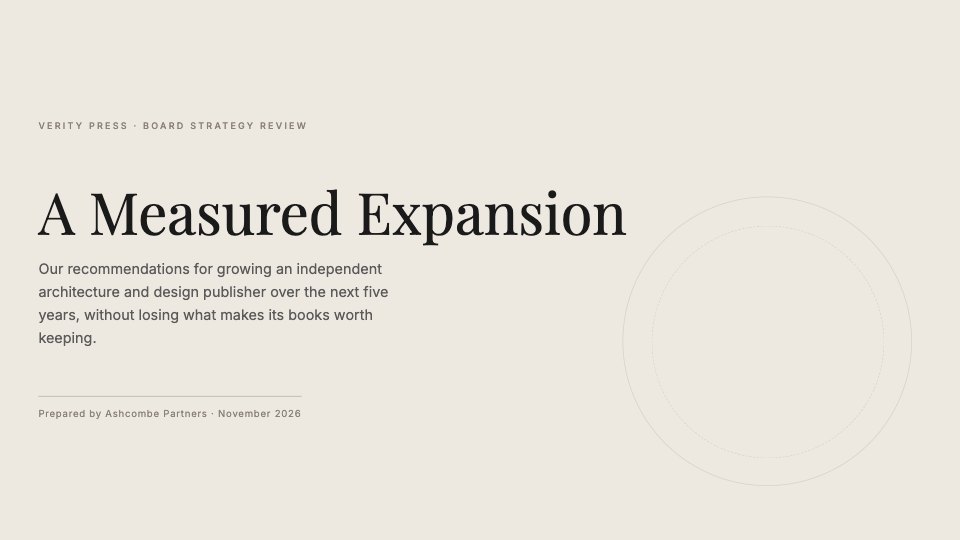
 Intake questionnaireContacts, goals, brand assets, access, approvals and key dates, step by step.Client Onboarding
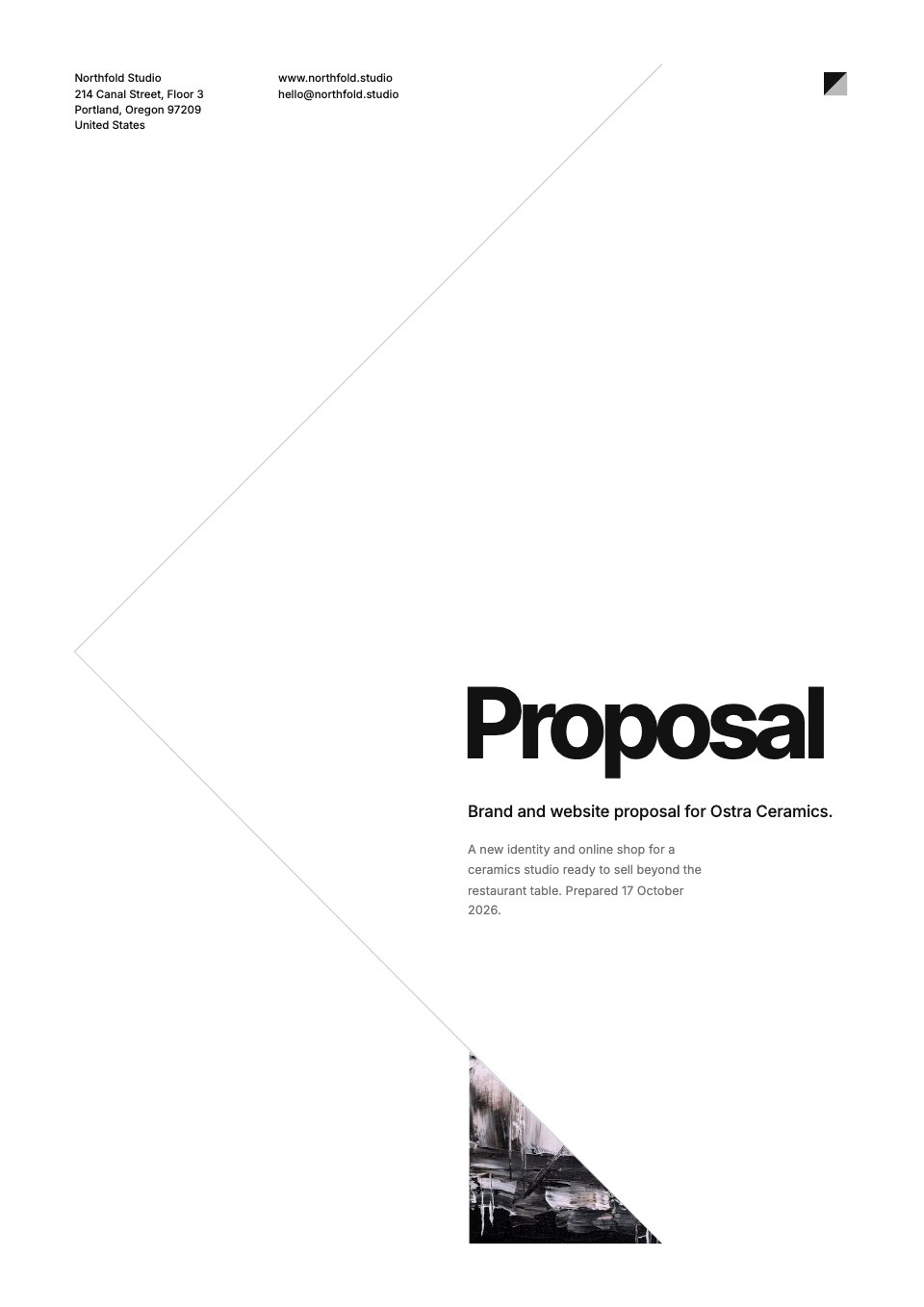
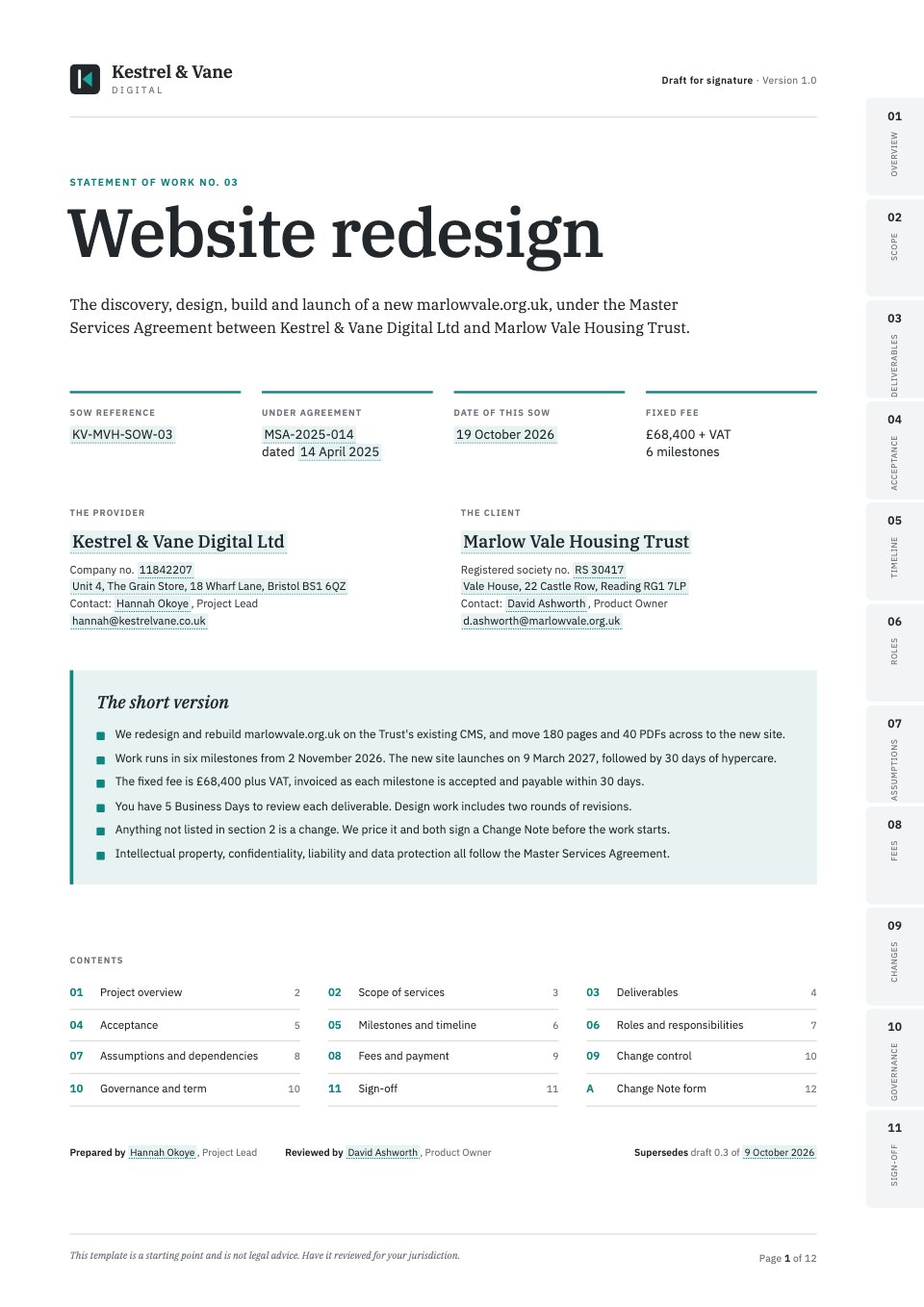 Statement of workScope, deliverables, a milestone timeline and fees, with signature blocks ready.Statement of Work
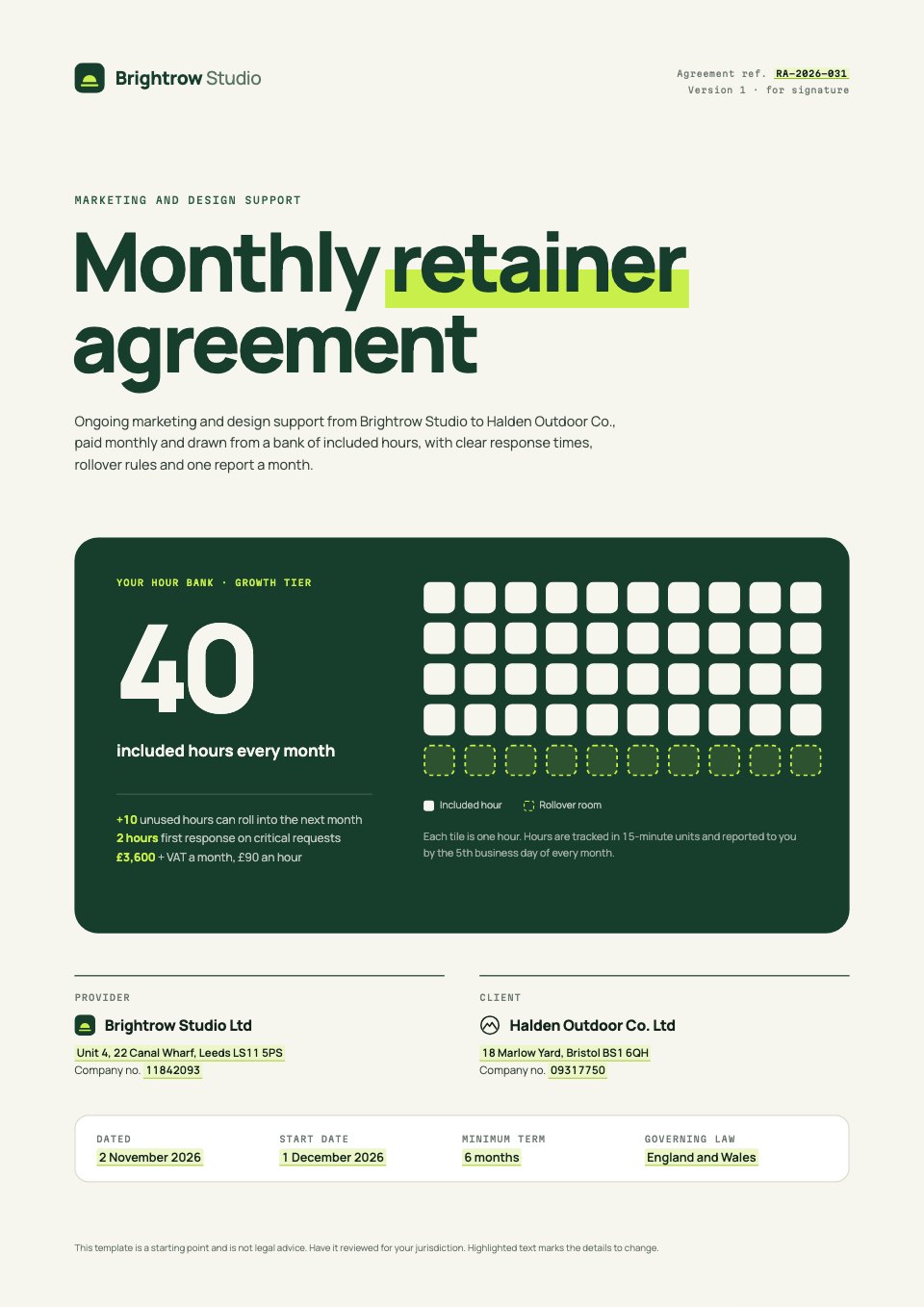 Retainer agreementHours by tier, rollover rules, response times and monthly reporting.Retainer Agreement
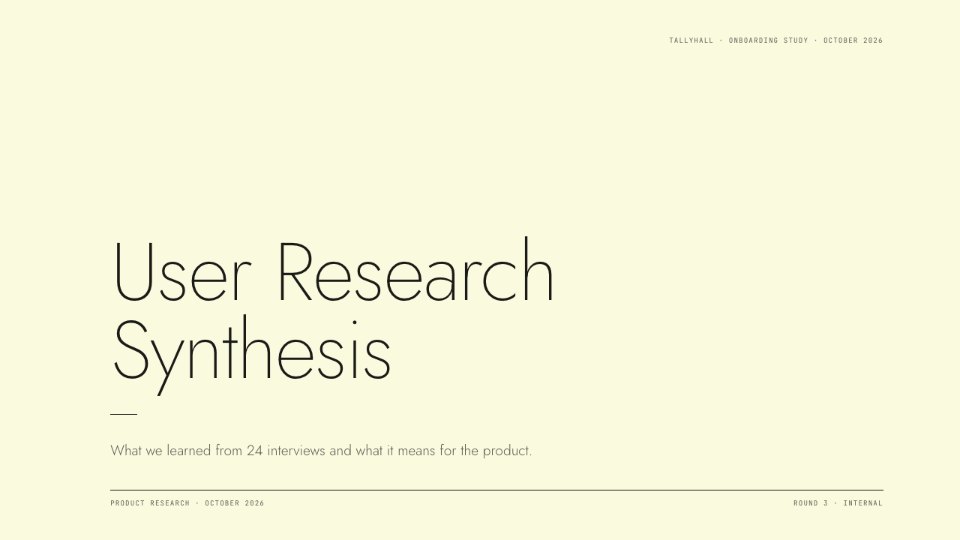
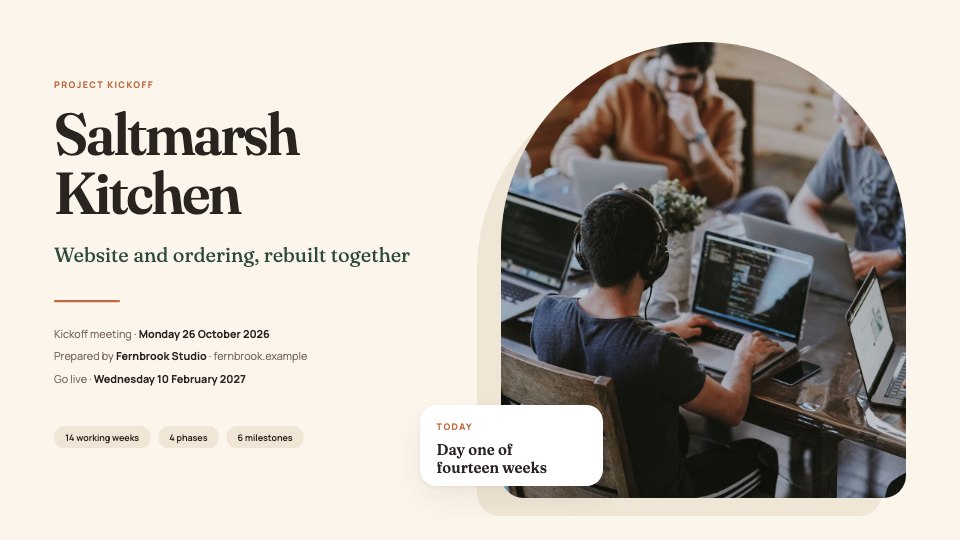 Kickoff deckWhat you’re building, who does what and how you’ll work together.Kickoff Deck
Open any of them as it is, or describe the client and let Docsiv AI fill one in.
Explore client intake templatesMore for client work.
The rest of what a client sees from you, and guides on getting onboarding right.
Features
Read and compare
Common questions.
Something else? Ask us in the chat, bottom right of the page, or see pricing.
What is client onboarding software?
It’s where a new client gives you what the work needs before it starts, and where you see what’s still missing. In Docsiv, each client gets a space with an onboarding checklist (answers, files, account access, dates, tasks and forms), the agreement to sign and the documents you share, opened from one email.
Which plans include it?
Client spaces are on Pro and Team. Pro ($20 a month, one person) has no limit on spaces. Team ($60 a month for up to five people, more seats at $12 each) includes 10 spaces. The Free plan doesn’t include client spaces.
Do my clients need an account?
No. They open their space from your email and sign in with a six-digit code or the link in it. There’s no password to make and nothing to install, and it works on a phone.
What can a checklist ask for?
Each line is one of eight kinds: a written answer, files, a pick-one list, a date, yes or no, account access, a task to tick, or one of your forms. Mark any line as required, add a hint under it and set a due date for the whole checklist.
How do clients give us access to their accounts?
With an Account access line, such as “Add us to Google Analytics”: they add you as a user on the account, then tick the line. Nobody has to send a password.
Where do the files they send go?
Into your workspace’s Files, in the client’s folder, beside the rest of their work. You can review them on the client’s page before you mark the line approved.
How does the agreement get signed?
Send it for e-signature from Proposals, Documents, the PDF editor or Files, and choose the client’s space: they sign there, already signed in, with no second code. Everyone gets the signed PDF and a certificate of completion. E-signatures are on Pro (40 requests a month) and Team (no limit).
What doesn’t it do?
Docsiv doesn’t take card payments, book meetings in a calendar or send automated email sequences. Add a Task line such as “Book the kickoff call” with your own booking link, and share invoices into the space with your payment link.




























Start your next client off well
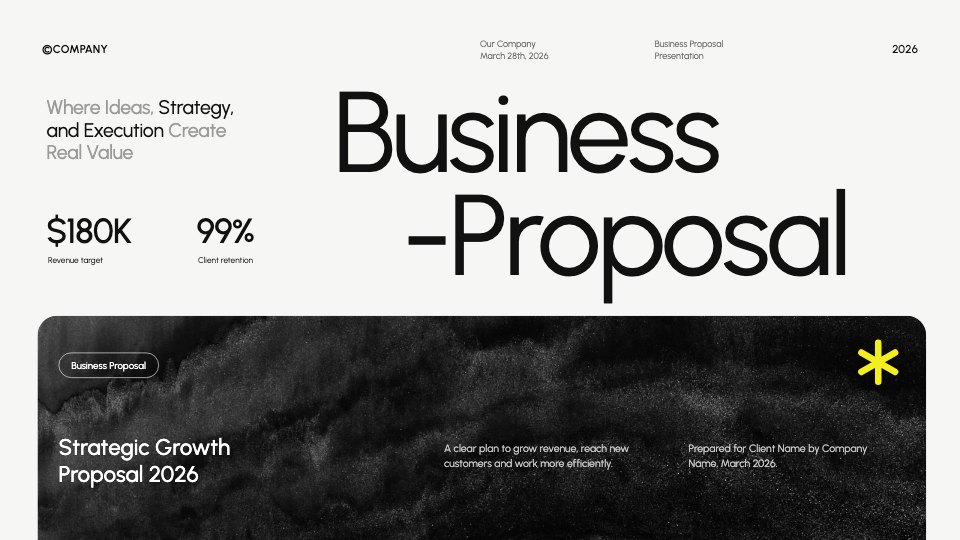
Draft the welcome, the statement of work and the kickoff deck with Docsiv AI, then open a space for the client and send it.