

A white-label client portal in your name.
Each client gets a space with your logo and colour, on your own domain, with their sign-in codes and updates sent from your email address. What they see is your agency.
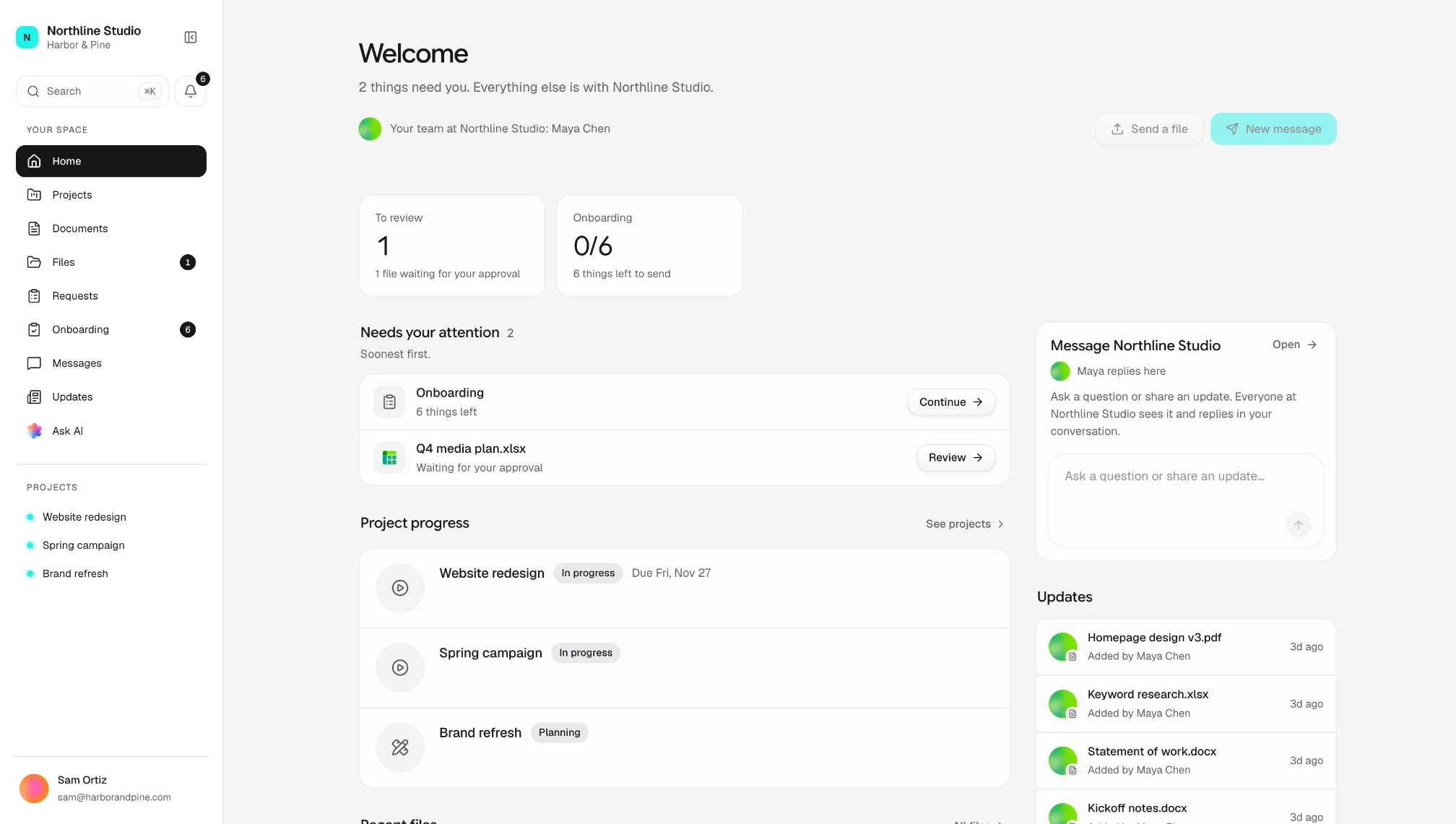
Your brand on every part.
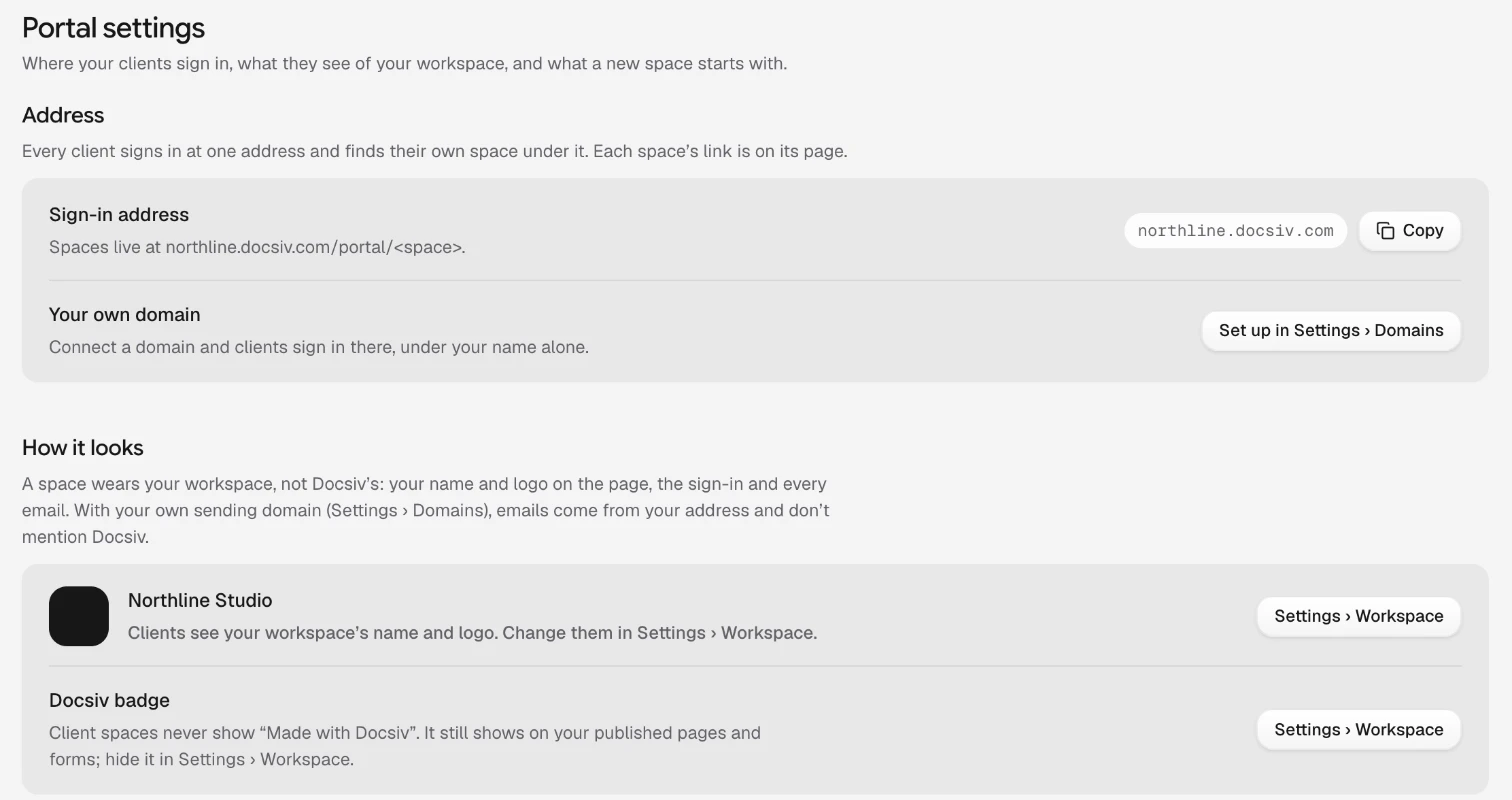
From the first email to the last sign-off, the client deals with you. Until you connect a domain, spaces open at your workspace’s own address.
Your logo and your colour
The space takes your workspace’s name, logo and accent colour, on the sign-in page and every button.
Your own address
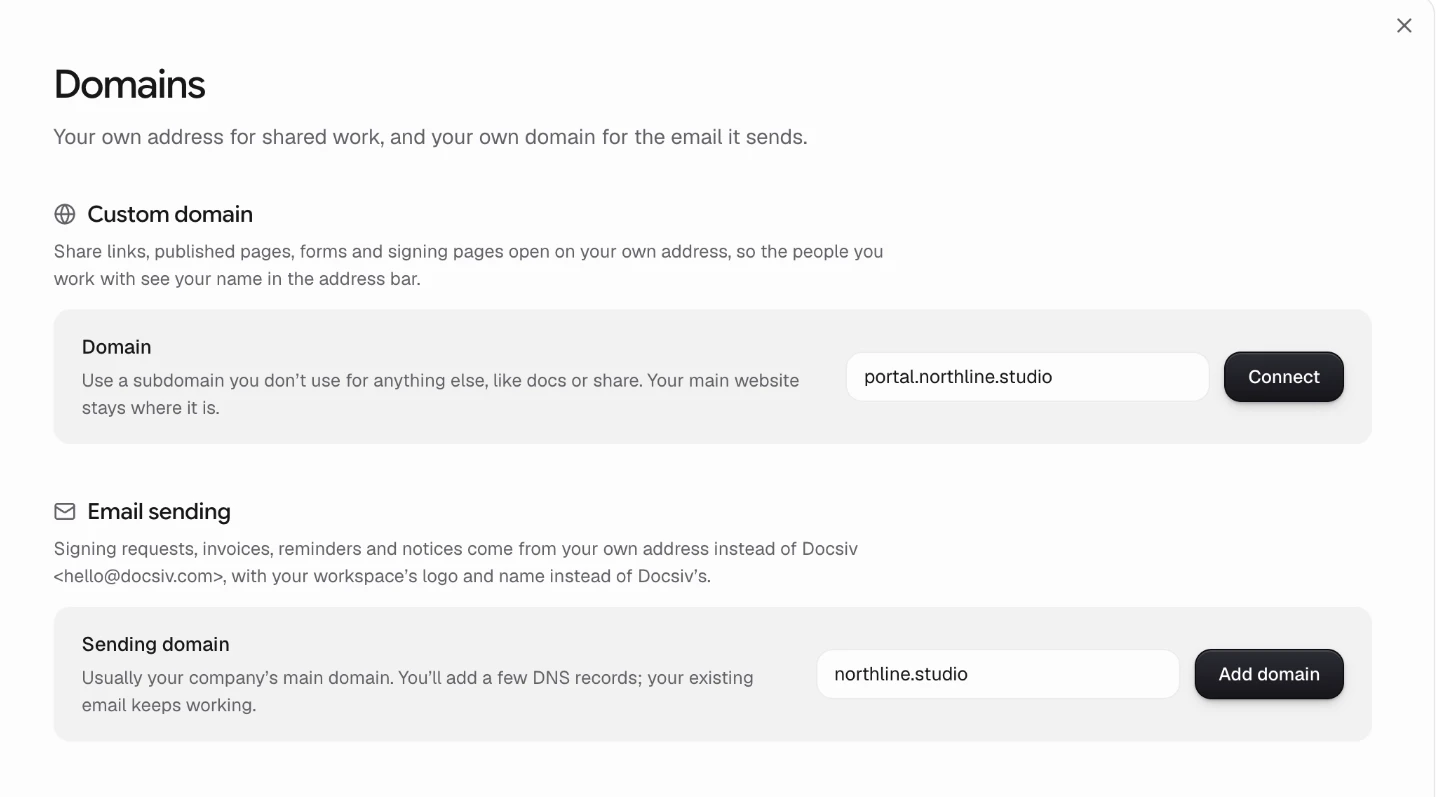
Connect a subdomain such as portal.youragency.com, and spaces, shared links and signing pages open there.
Email from your domain
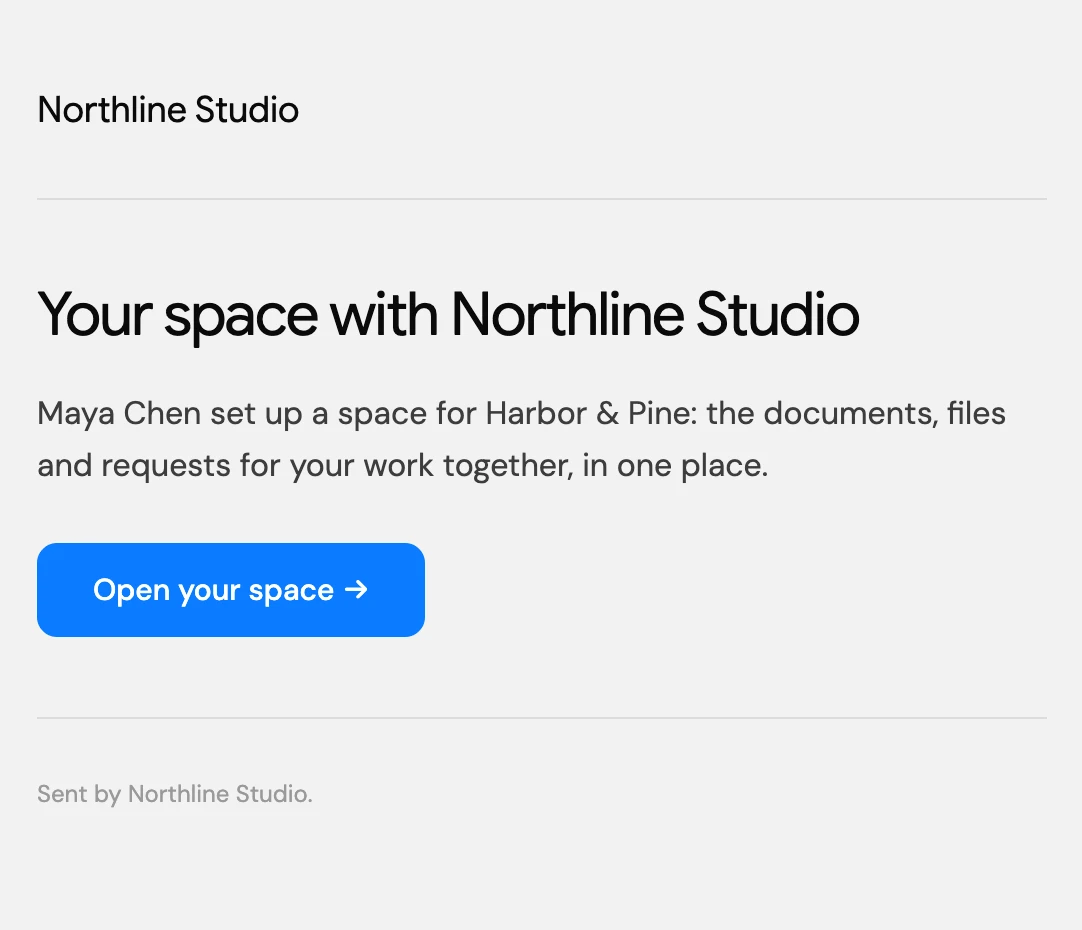
With a sending domain added, codes, invitations and updates come from your address and end with your name only.
No badge in the space
Client spaces never show “Made with Docsiv”. Portal settings shows how yours looks.
What clients do there.
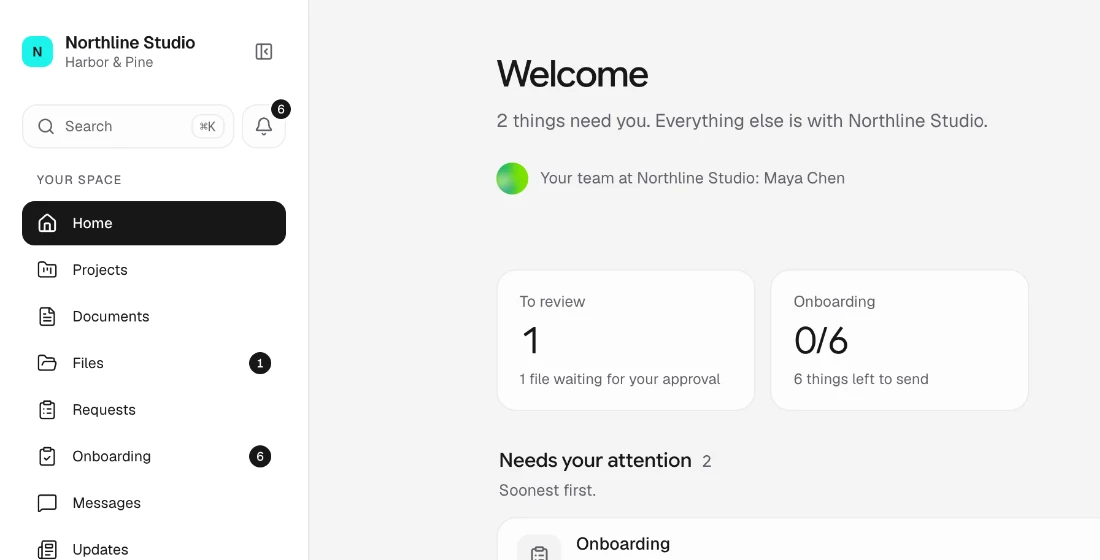
The back-and-forth of a piece of work, in the one place they already open.
See what needs them
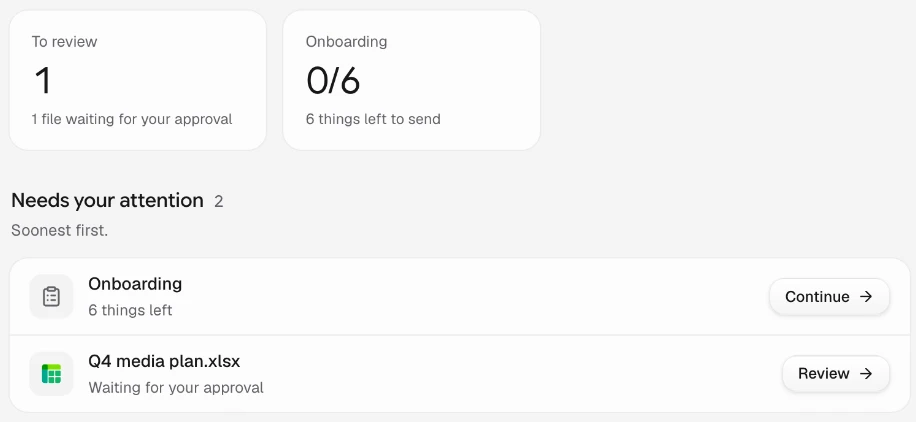
Things to review, sign or send come first, soonest due at the top, then the projects you’re running for them.
Work through onboarding
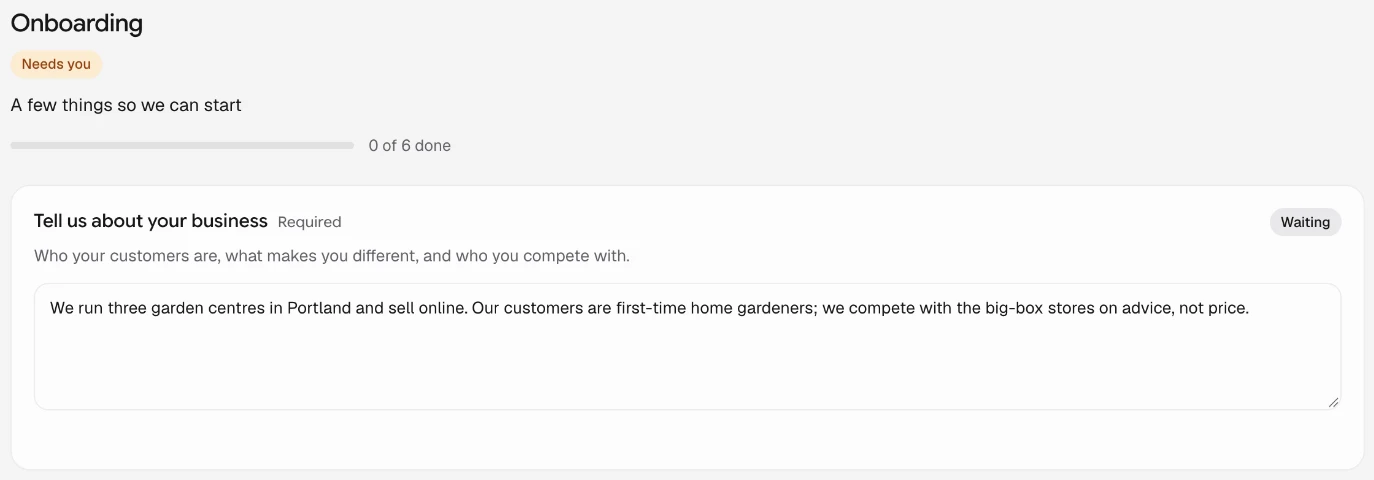
Answers, brand files and account access for a new piece of work, saved as they go.
Sign in the space
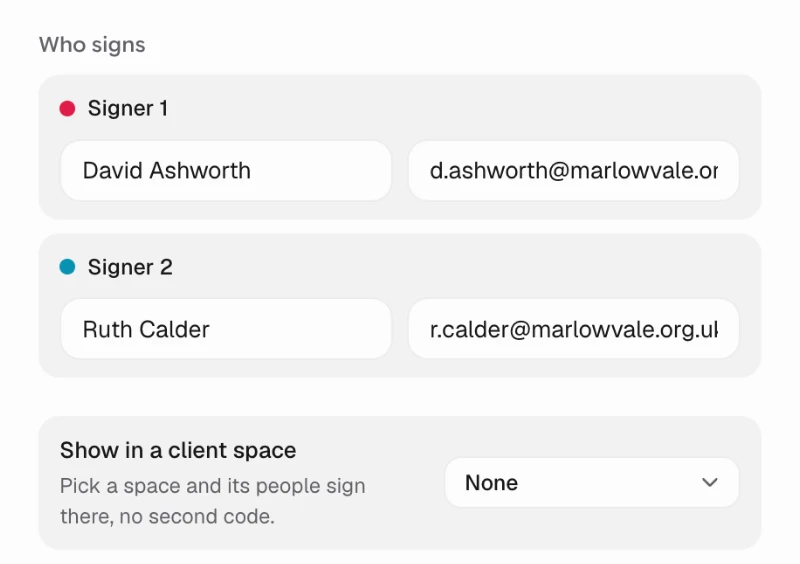
Send an agreement for signature into their space, and they sign there without a second code.
You see who’s engaged
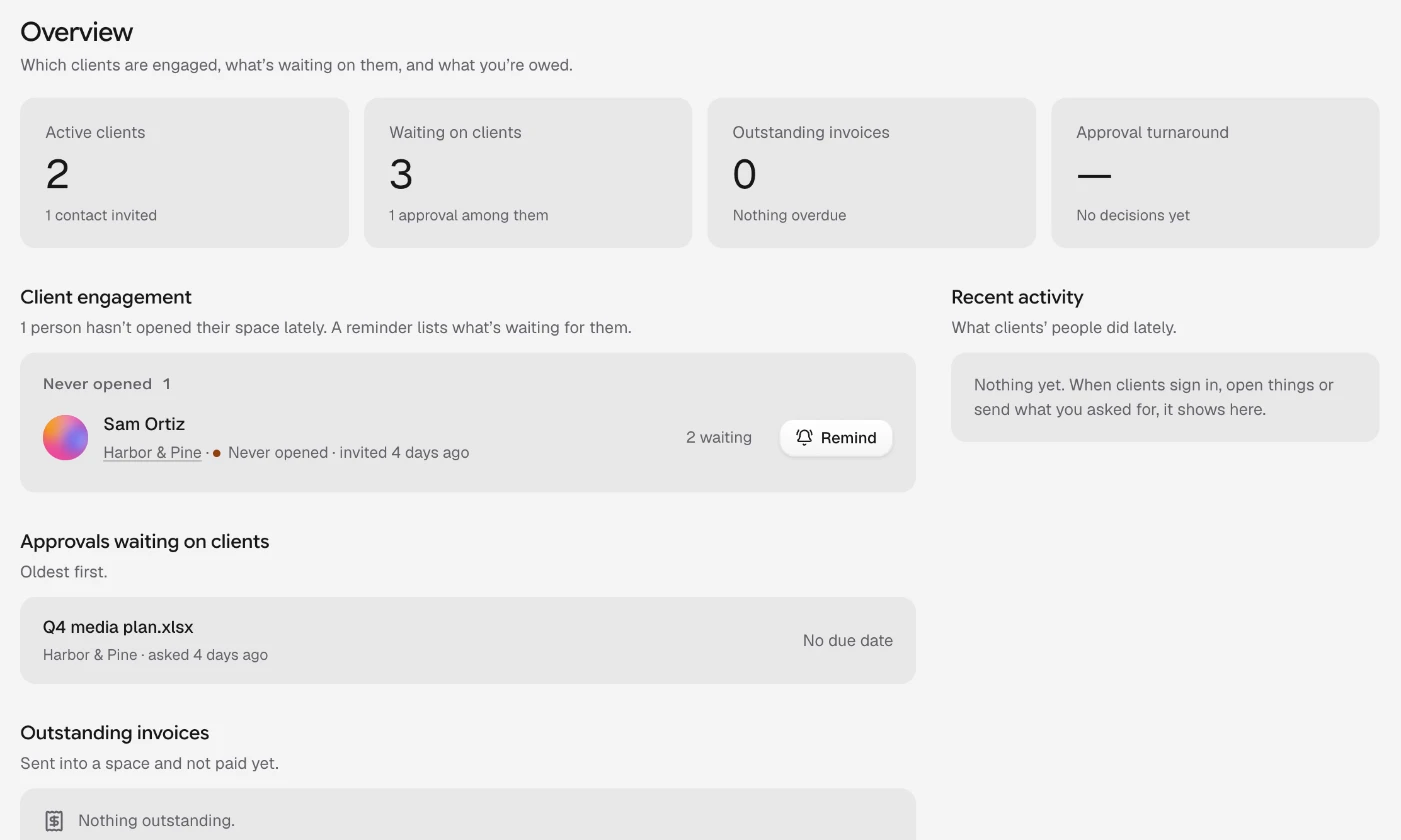
Who hasn’t opened their space, what’s waiting on each client and what’s overdue, from one page.
What to share in a new space.
Real templates for the first things a client opens, ready for your brand.
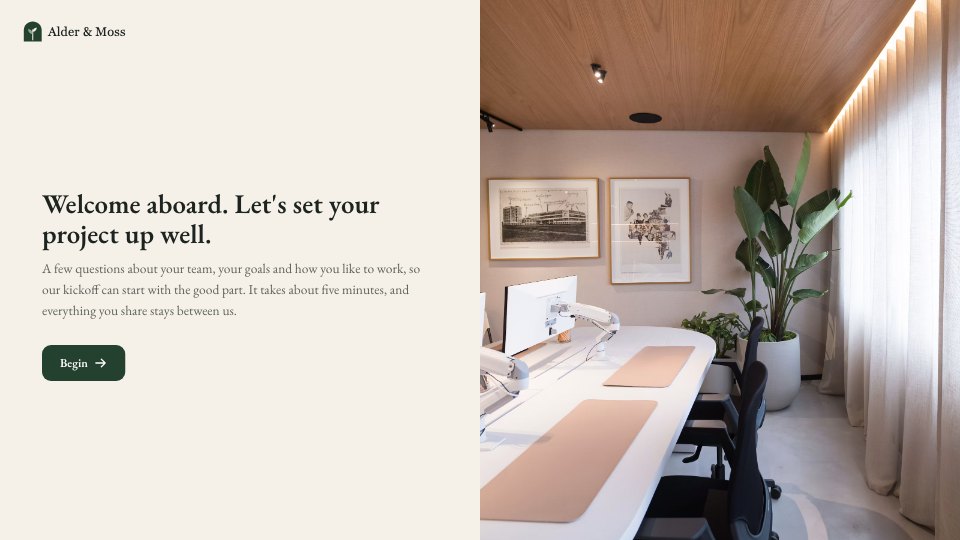 Intake questionnaireGoals, brand assets, access and approvals, before the work starts.Client Onboarding
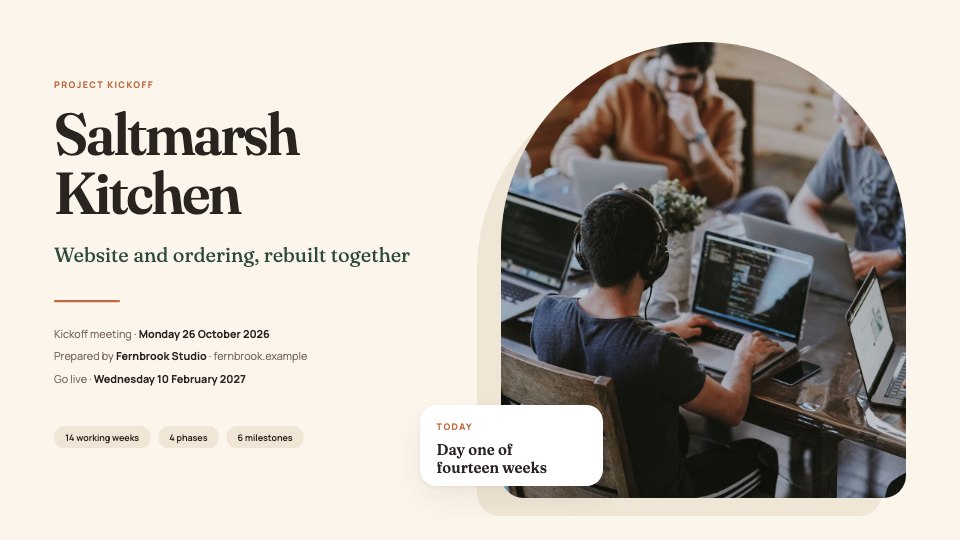 Kickoff deckWhat you’re building, who does what and how you’ll work together.Kickoff Deck
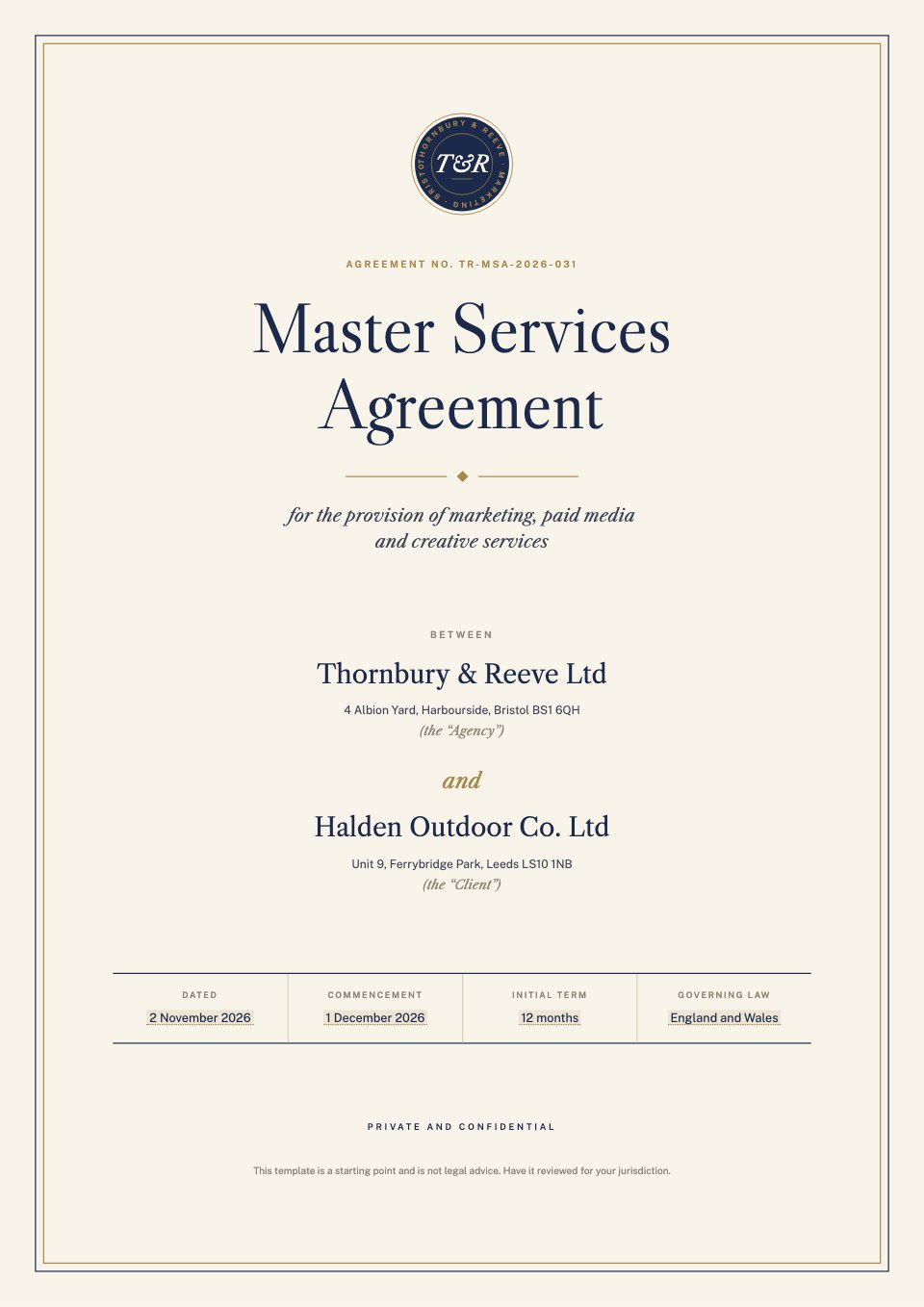
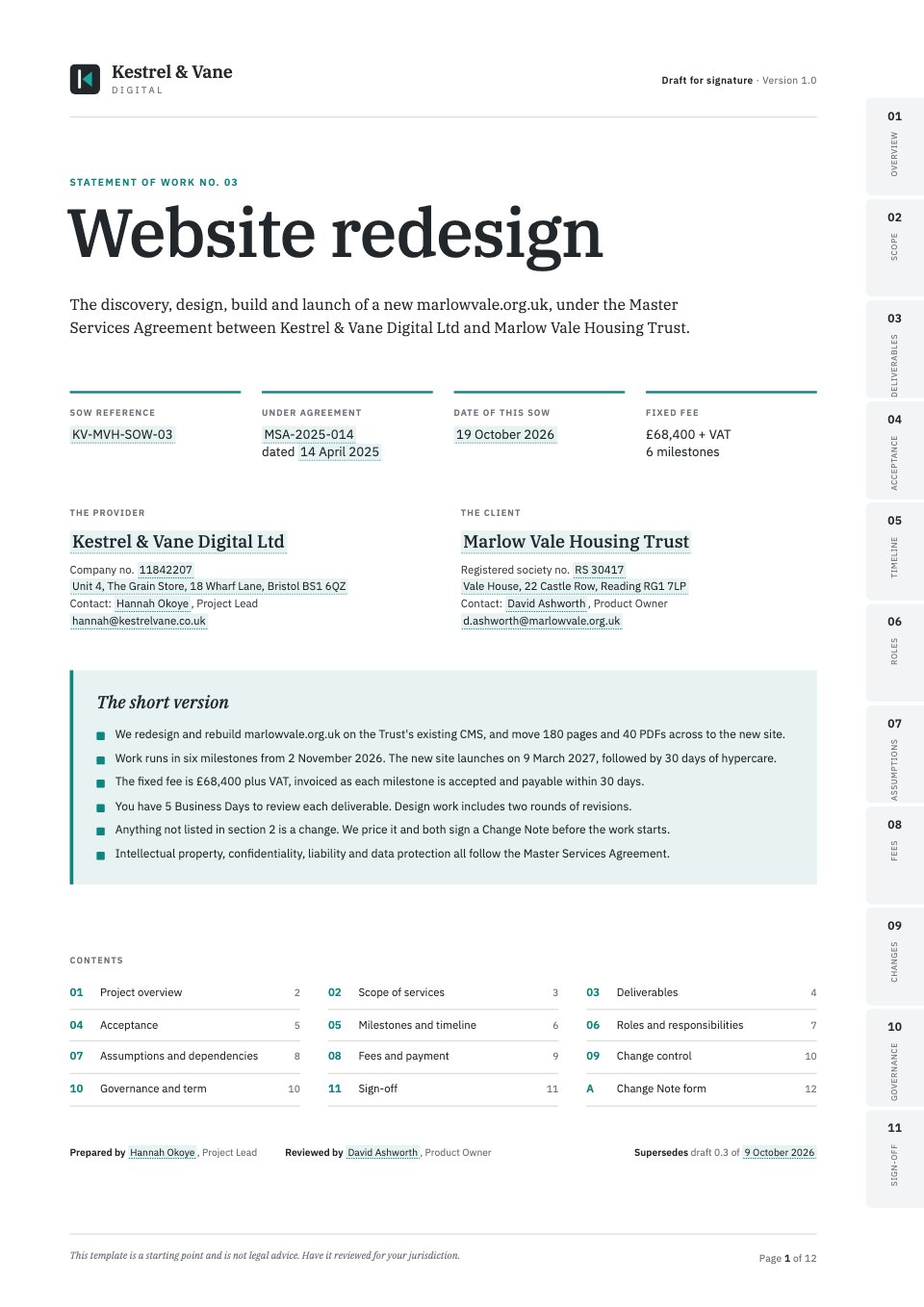 Statement of workScope, milestones and fees, with signature blocks ready.Statement of Work
 Monthly status reportMilestones, budget, risks and the next 30 days.Project Status Report
Open any of them as it is, or describe the client and let Docsiv AI fill one in.
Explore client intake templatesMore about client spaces.
How the portal works, and what to look for when you compare one.
Features
Read and compare
Common questions.
Something else? Ask us in the chat, bottom right of the page, or see pricing.
What does white-label mean here?
Each client’s space wears your workspace’s name, logo and accent colour, from the sign-in page to every button. Connect your own domain and spaces open there; add a sending domain and sign-in codes, invitations and updates come from your address. Client spaces never show “Made with Docsiv”.
Where does Docsiv’s name still appear?
In a few places on purpose. Signed PDFs and their certificate of completion name Docsiv as the e-signature service, because they’re the record of who signed. Until you add a sending domain, emails come from Docsiv’s address and end “Sent by <your name> with Docsiv”. Files’ own share and upload-request pages carry Docsiv’s logo, so send client work through their space. The general “Find your space” page on docsiv.com is ours too, though clients who use your link never need it.
Which plans include it?
Client spaces, your own domain and your own sending domain are on Pro and Team. Pro ($20 a month, one person) has no limit on spaces. Team ($60 a month for up to five people) includes 10 spaces. Free doesn’t include client spaces.
How do I connect my own domain?
In Settings › Domains. For spaces, shared links and signing pages, use a subdomain you don’t use for anything else, such as portal.youragency.com; your main website stays where it is. For email, add your company’s main domain and a few DNS records; your existing email keeps working.
Can each client have their own branding?
No. A space wears your workspace’s brand, since it’s your agency the client is working with. If you run more than one brand, give each its own workspace.
Do my clients need an account?
No. They open their space from your email and sign in with a six-digit code or the link in it: no password, nothing to install, and it works on a phone.
What can clients see?
Only what you add to their space: the documents, files, requests, invoices and signing you choose to share. Never your workspace, your other clients or your team’s comments.
Is there an agency reseller plan?
No. You pay for your own workspace on Pro or Team, and your clients use their spaces at no cost to them. Docsiv isn’t sold for resale under your name.


















Put your name on client work
Start with the proposal, brief or report the work needs, drafted by Docsiv AI in your brand, then share it into the client’s space.