

Proposal tracking that shows who read it.
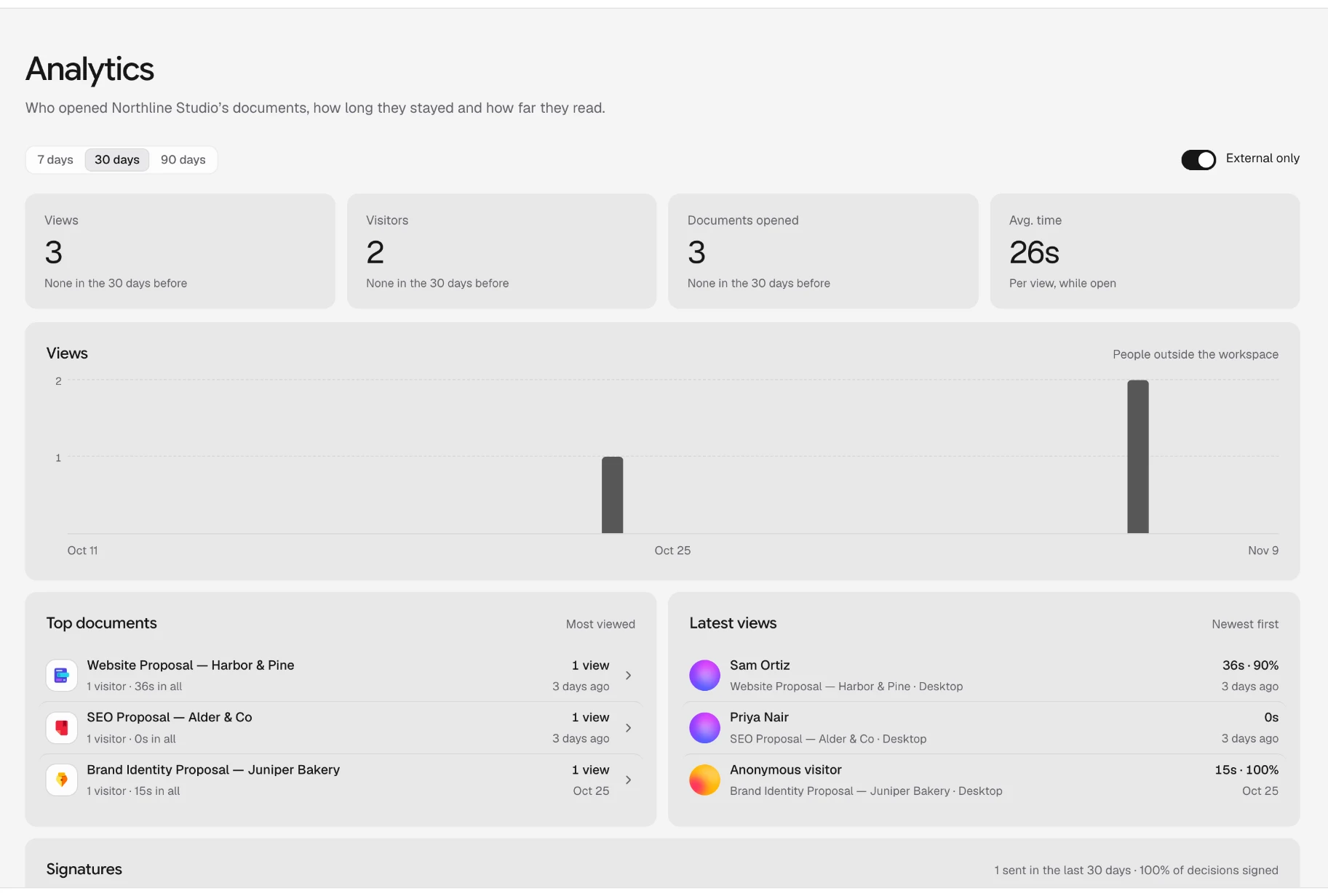
Send your proposal as a link instead of an attachment. You’re told when the client opens it, and Analytics shows who read it, for how long and how far, so you follow up at the right moment.
From sent to signed.
Four things you know about a proposal once it’s out of your hands.
- Step 1
Share a link
Share it with people by email, as a link on your own domain, or publish it as a web page. An attachment can’t tell you anything once it’s sent.
- Step 2
Hear when it’s opened
Whoever wrote it gets a notification when someone outside your workspace opens it, with how and where from.
- Step 3
See how far they read
Time on each page, and how far each visit got, so you know whether they reached the pricing.
- Step 4
Track the signature
Send it for signature and see who has opened, signed or declined, with reminders sent for you.
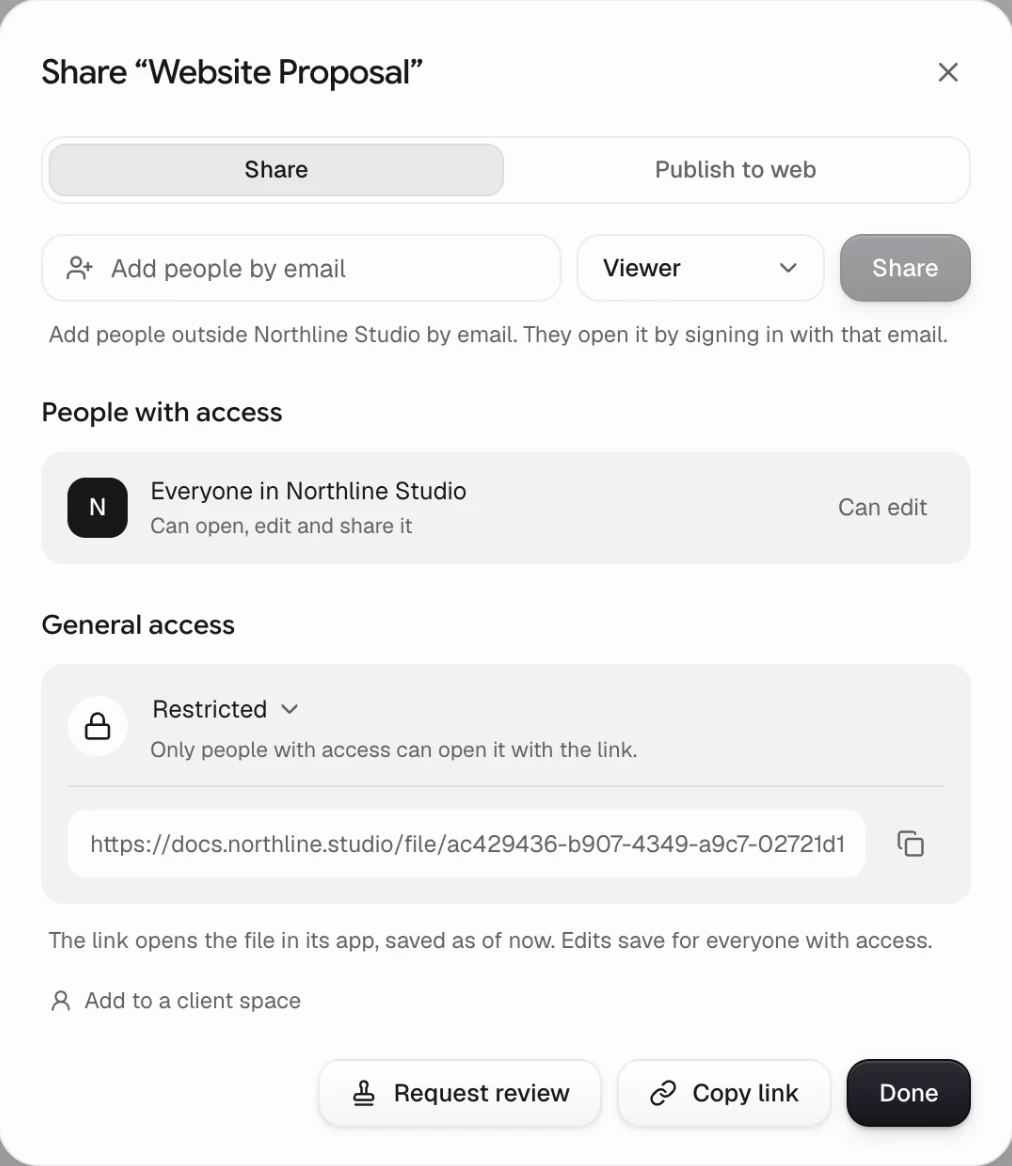
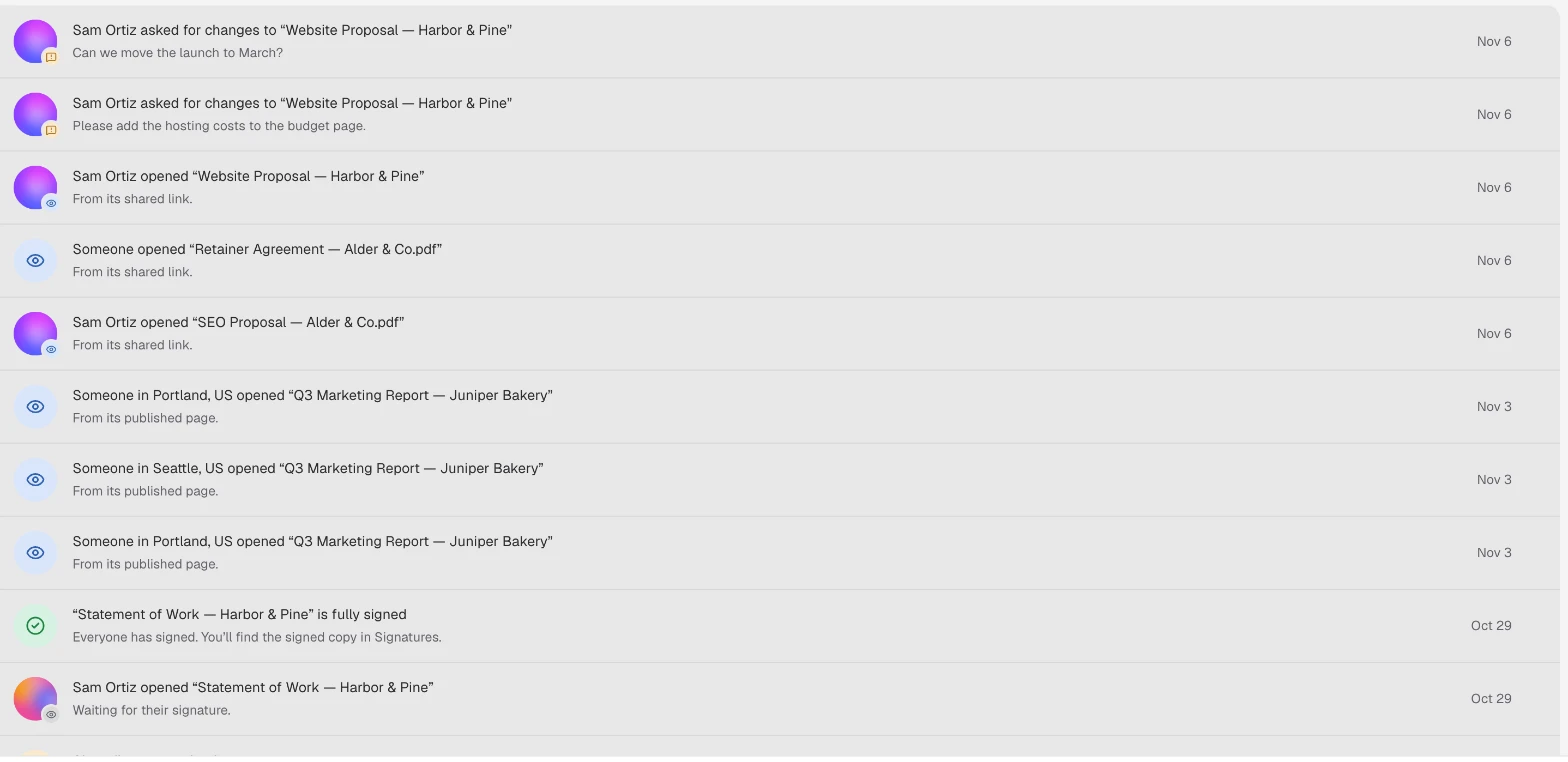
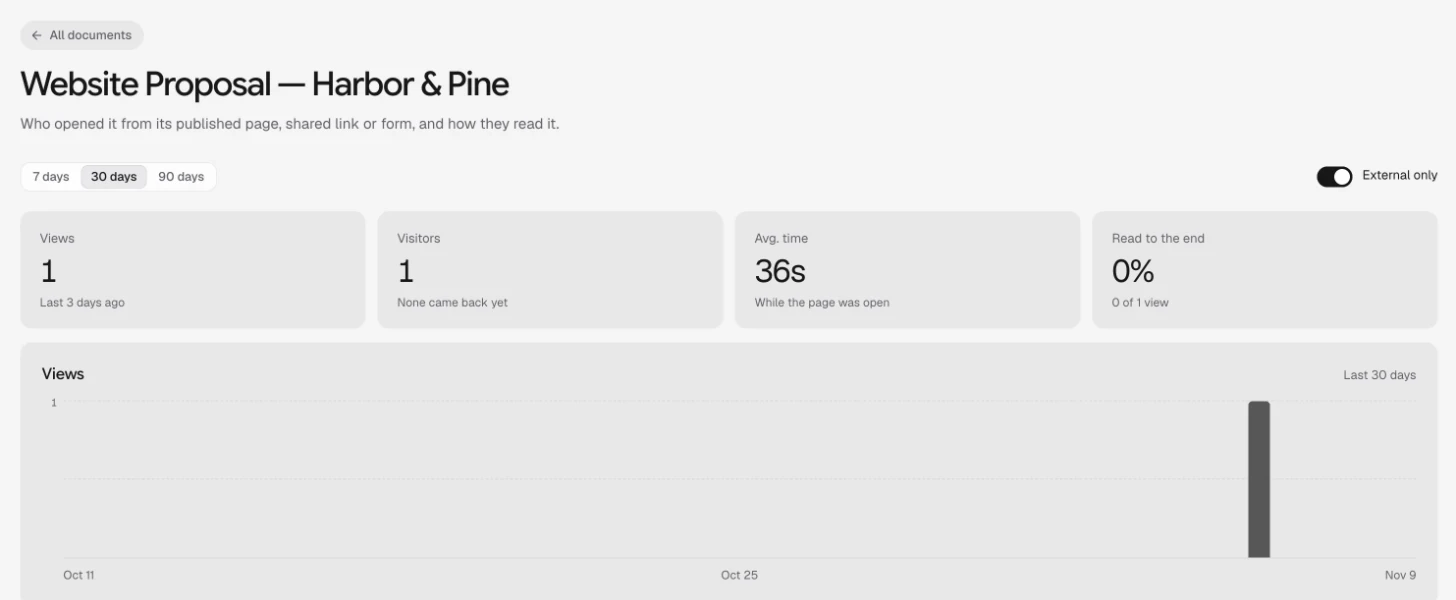
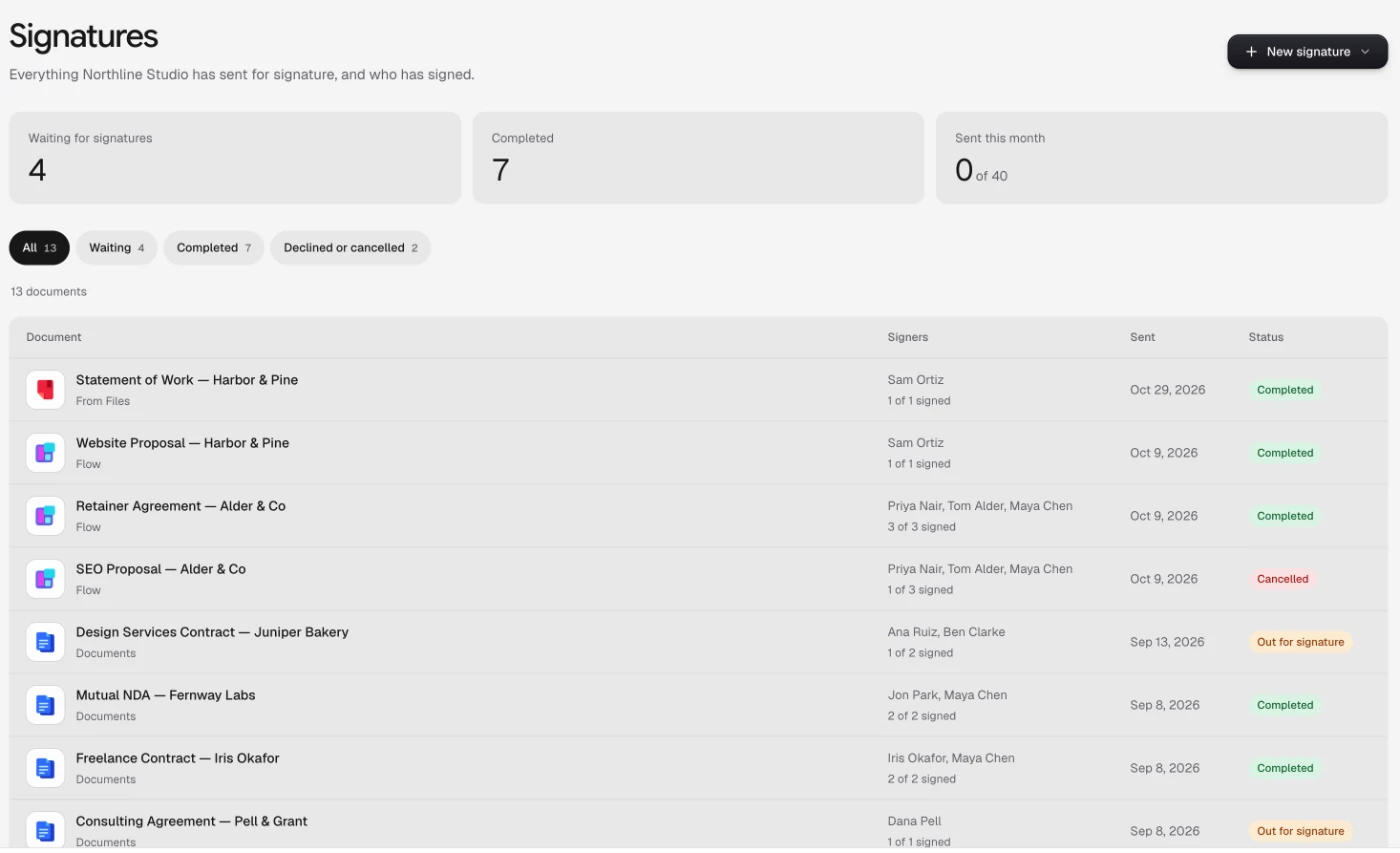
Every view, one proposal at a time.
Open any proposal in Analytics, or its version history’s Views tab, for the whole story.
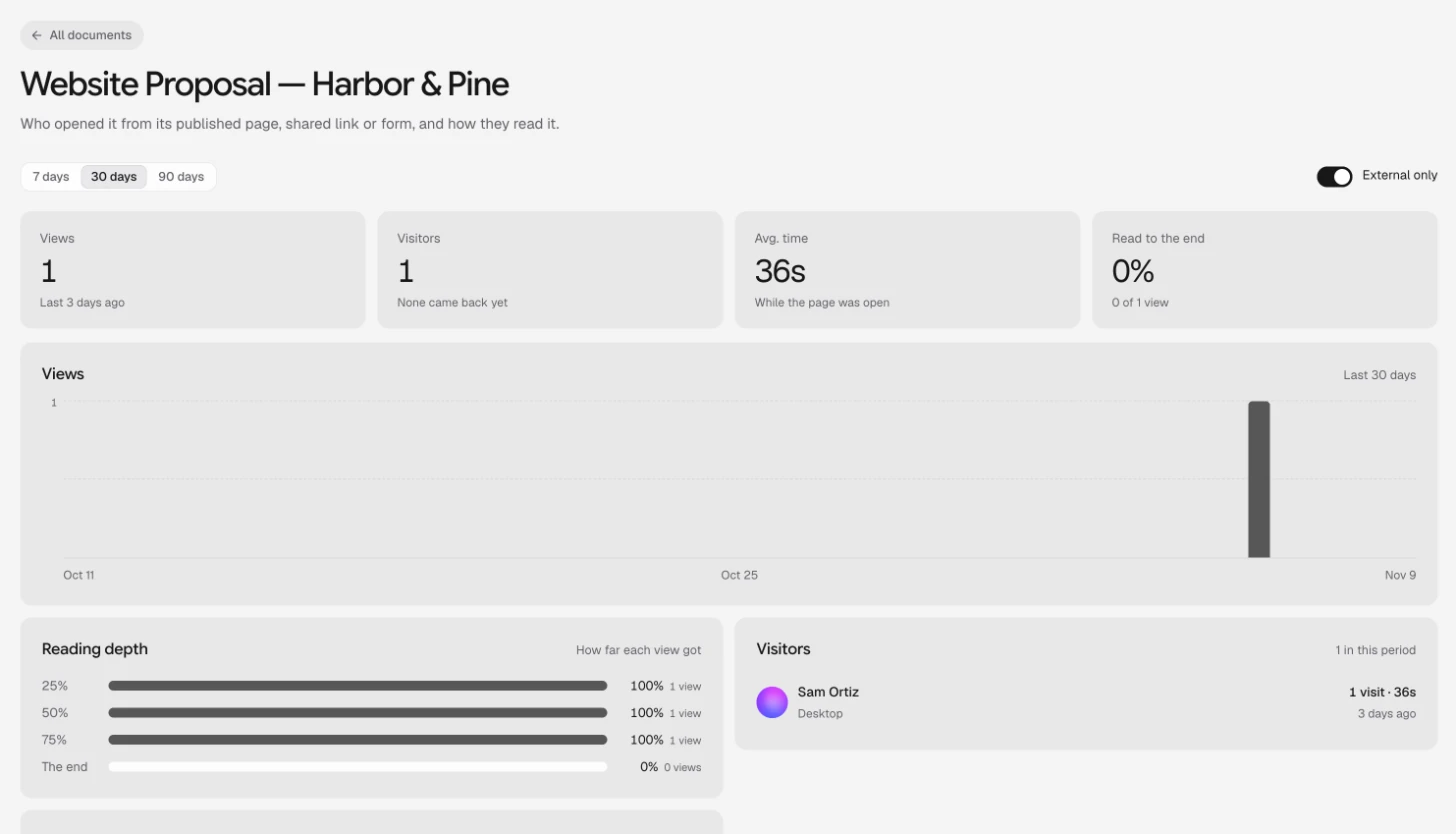
Names where it’s known
People signed in to Docsiv and clients in their space show by name. Everyone else shows by city, device and browser.
Only the people who matter
External only leaves out your own team’s opens, which is usually what you want before a follow-up.
Time that’s real
Time counts only while the page is open and the tab is visible, so a tab left in the background adds nothing.
Proposals worth sending.
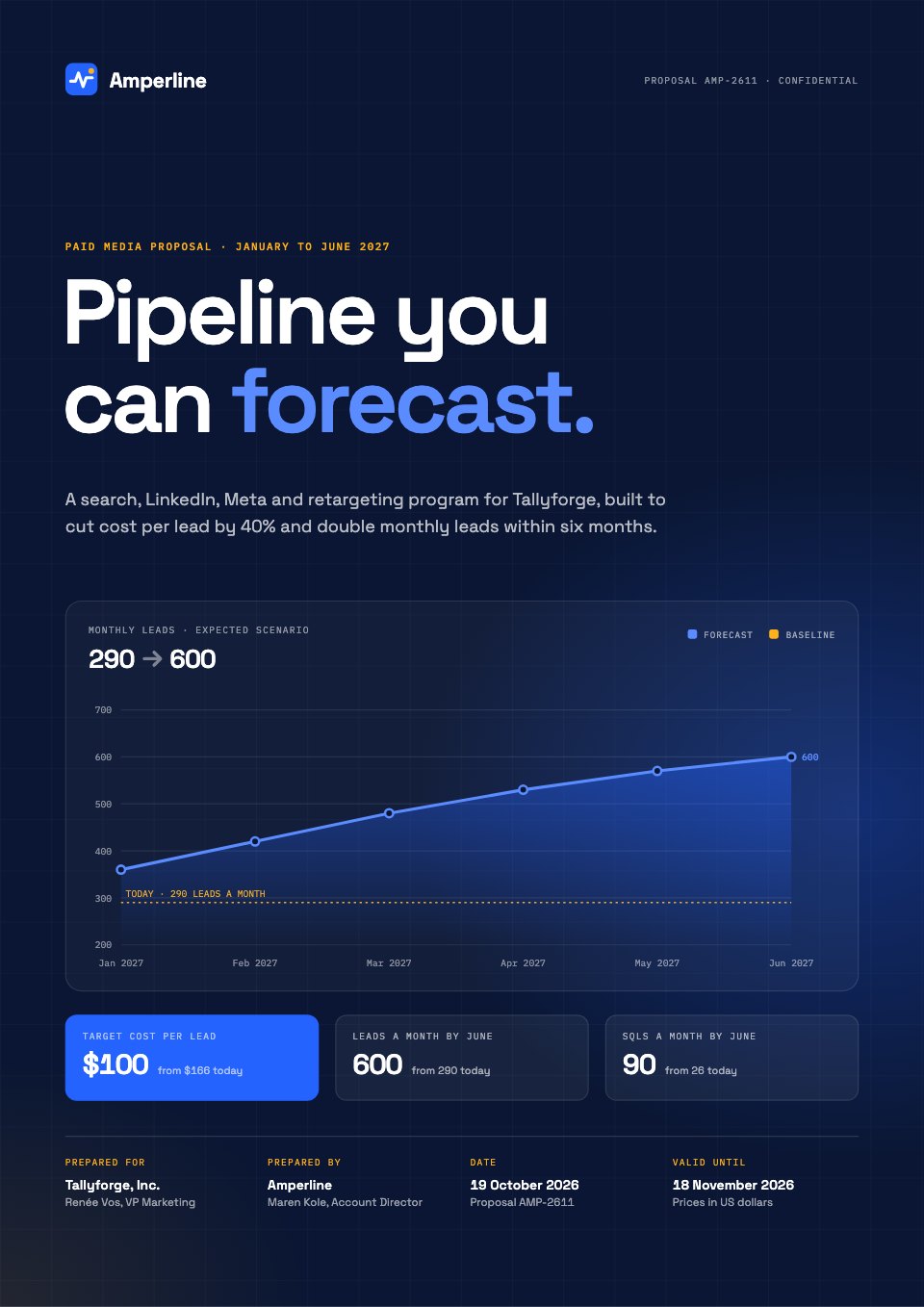
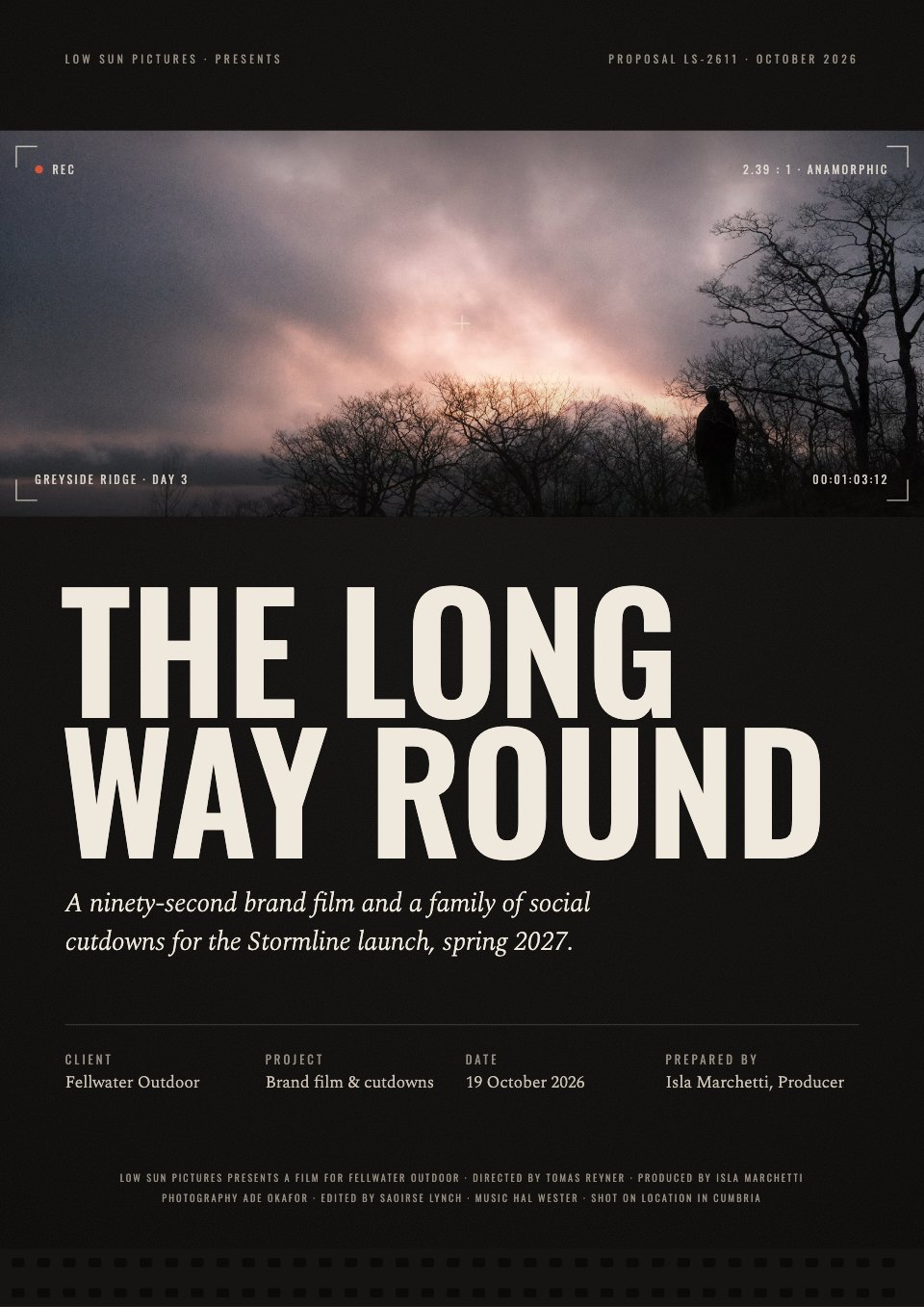
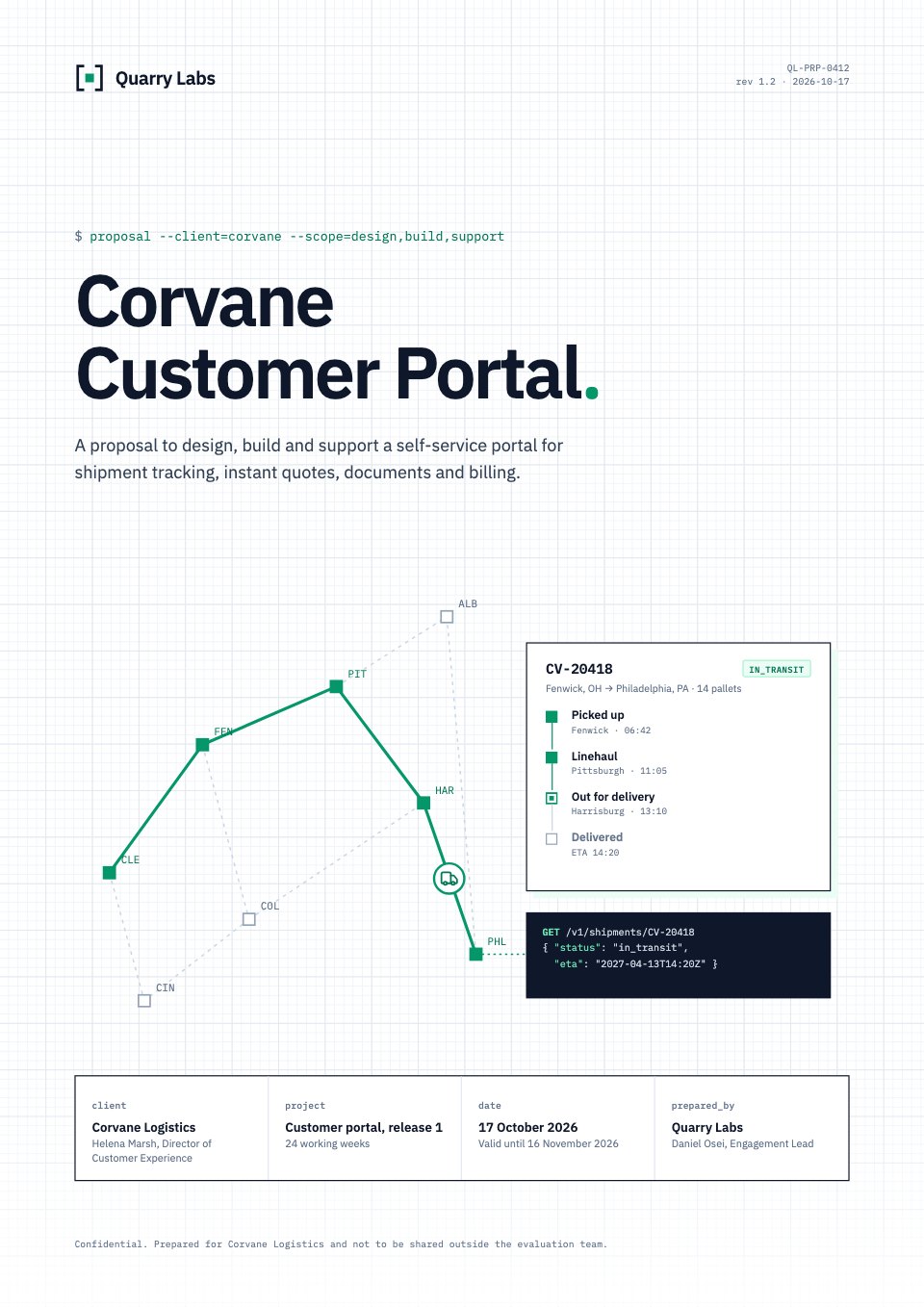
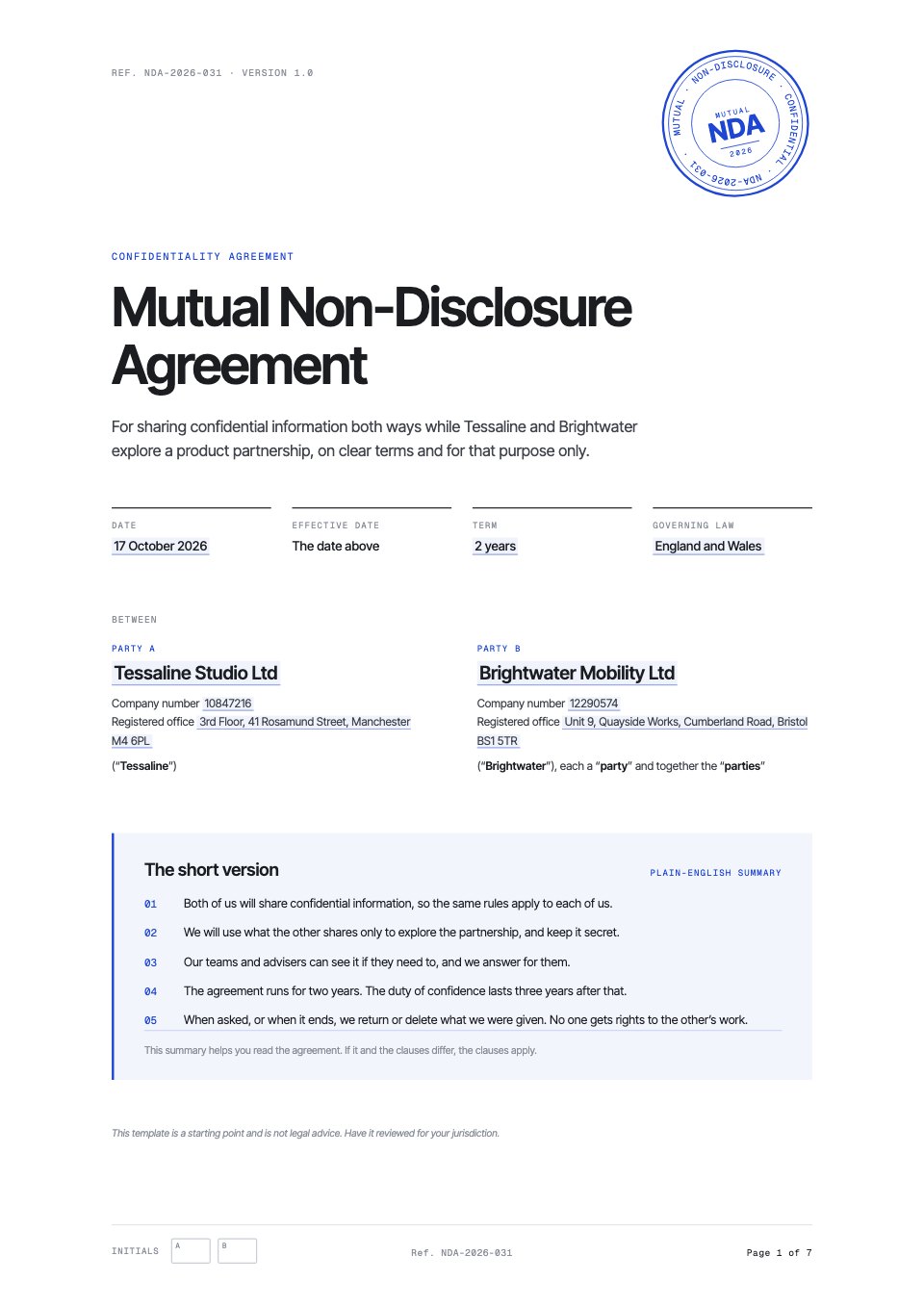
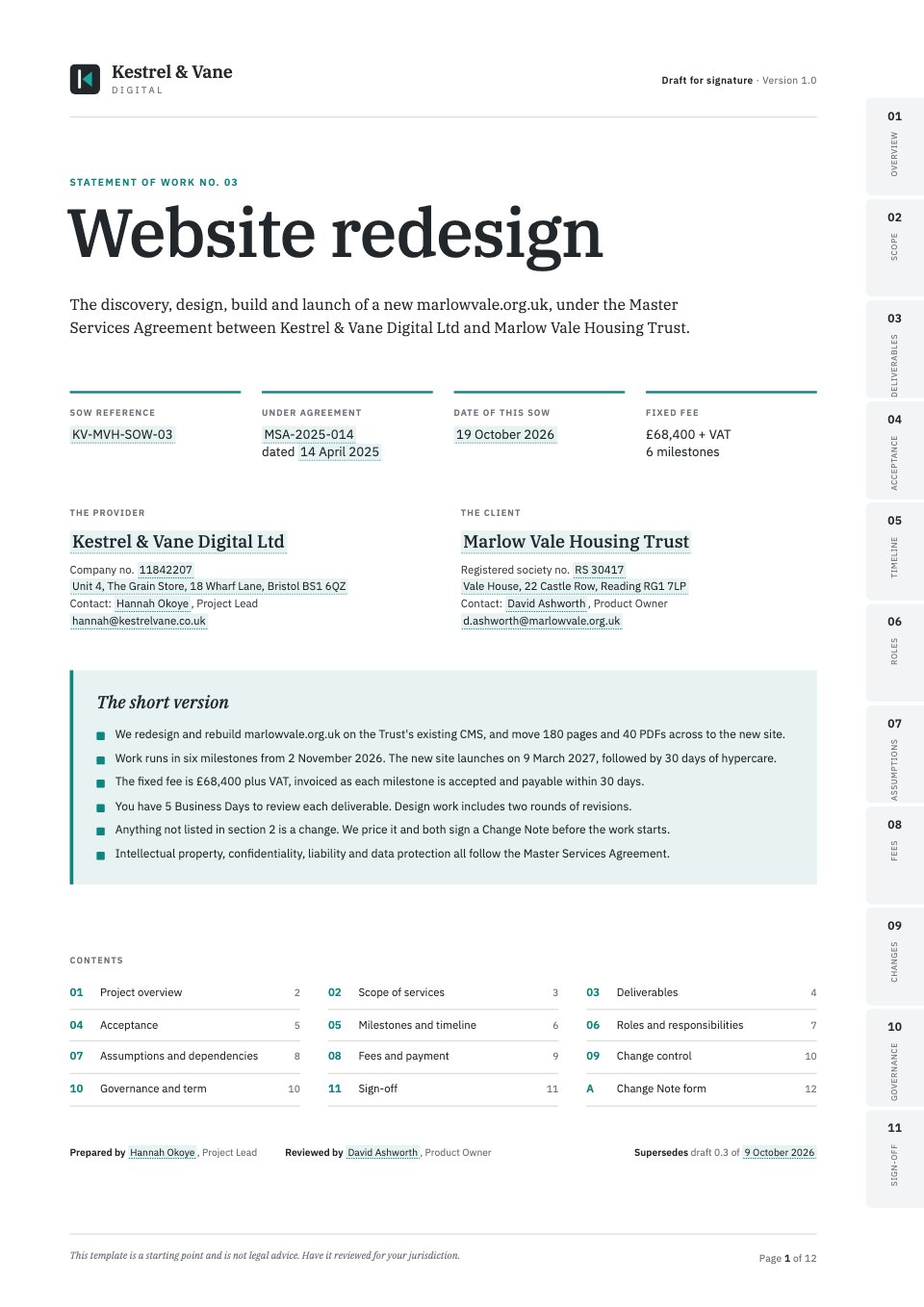
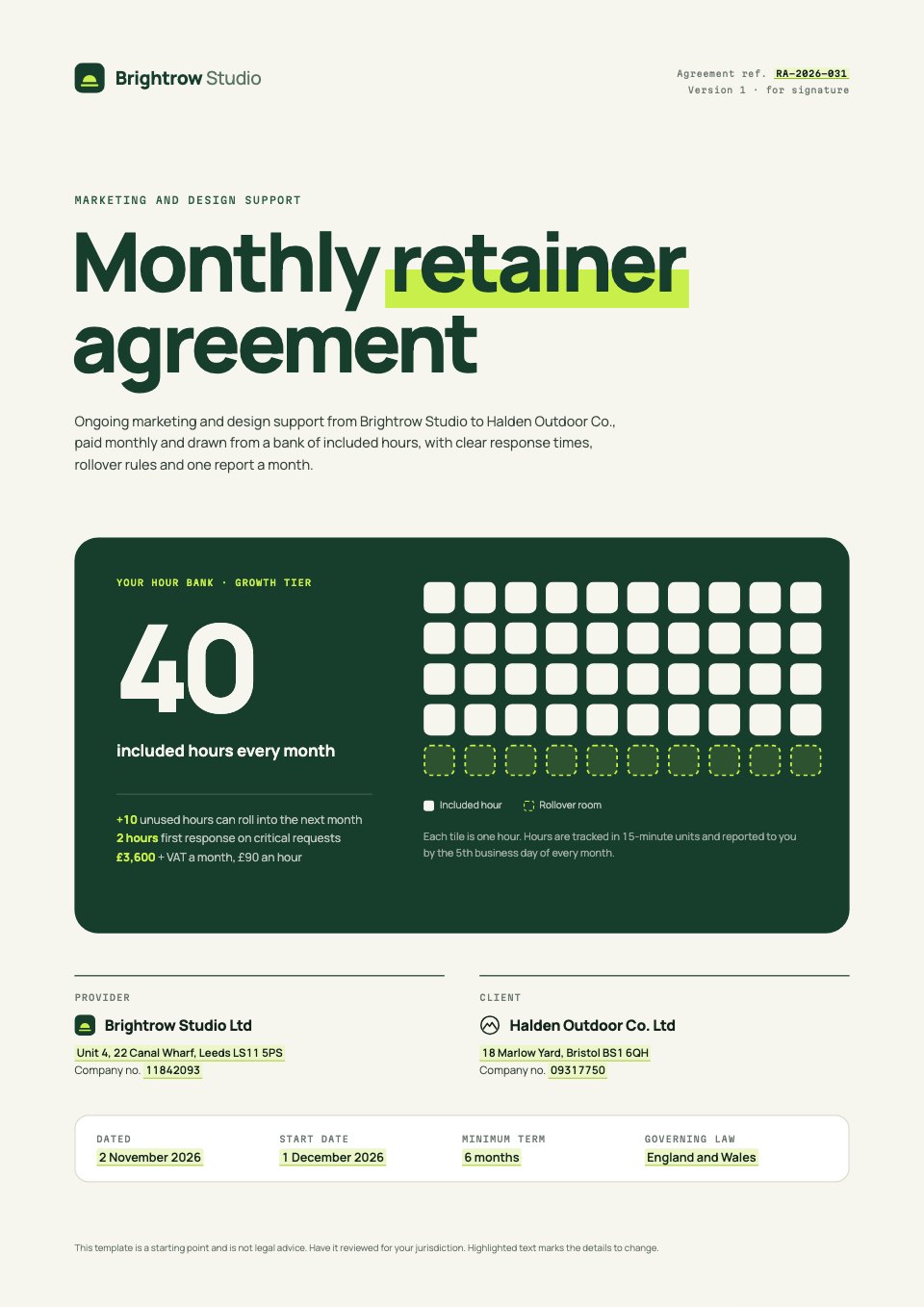
Real proposal templates for agency services, each with a scope, a plan and a fee table.
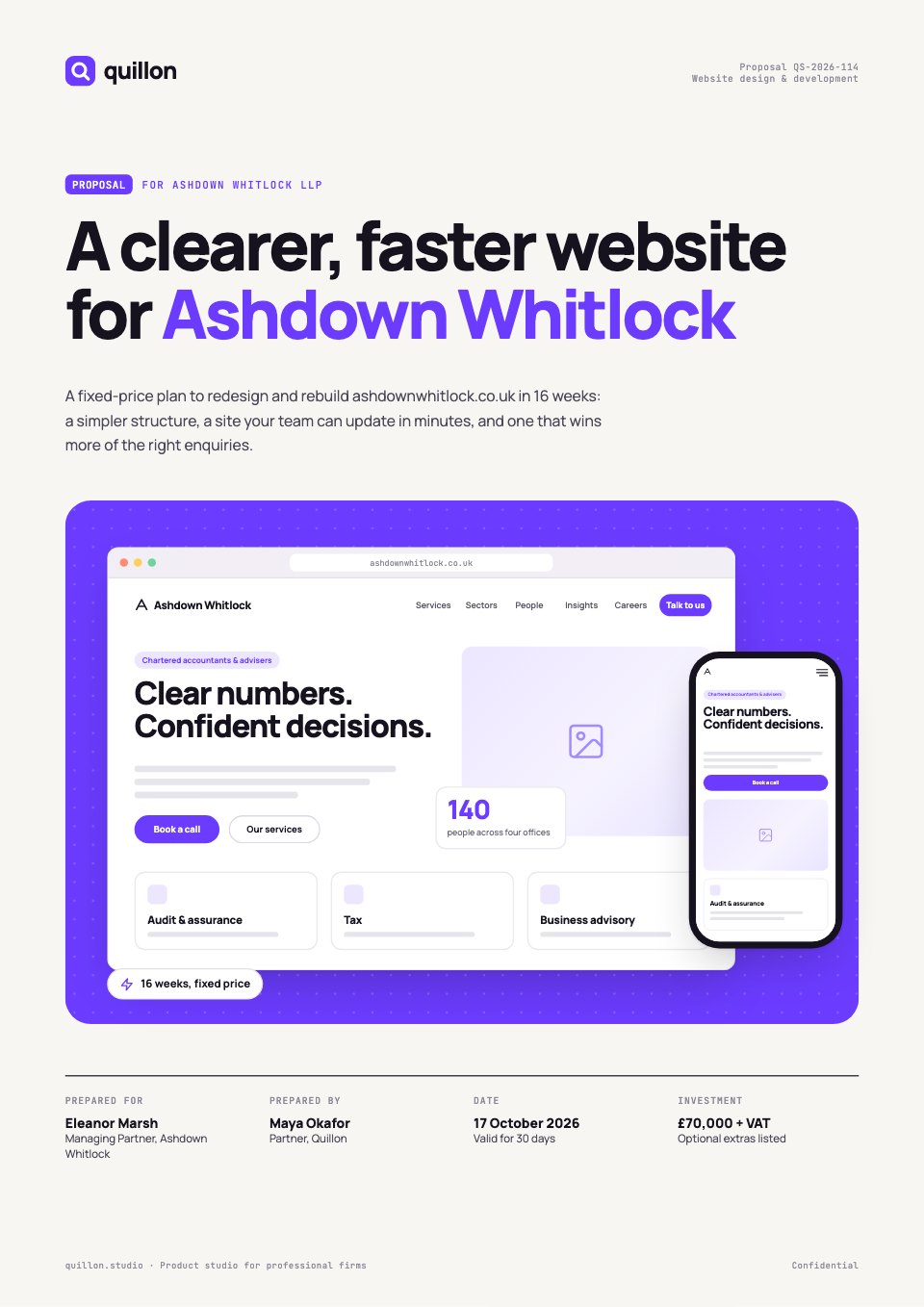 Website proposalA site audit, sitemap, Gantt timeline, pricing and care plans.Website Proposal
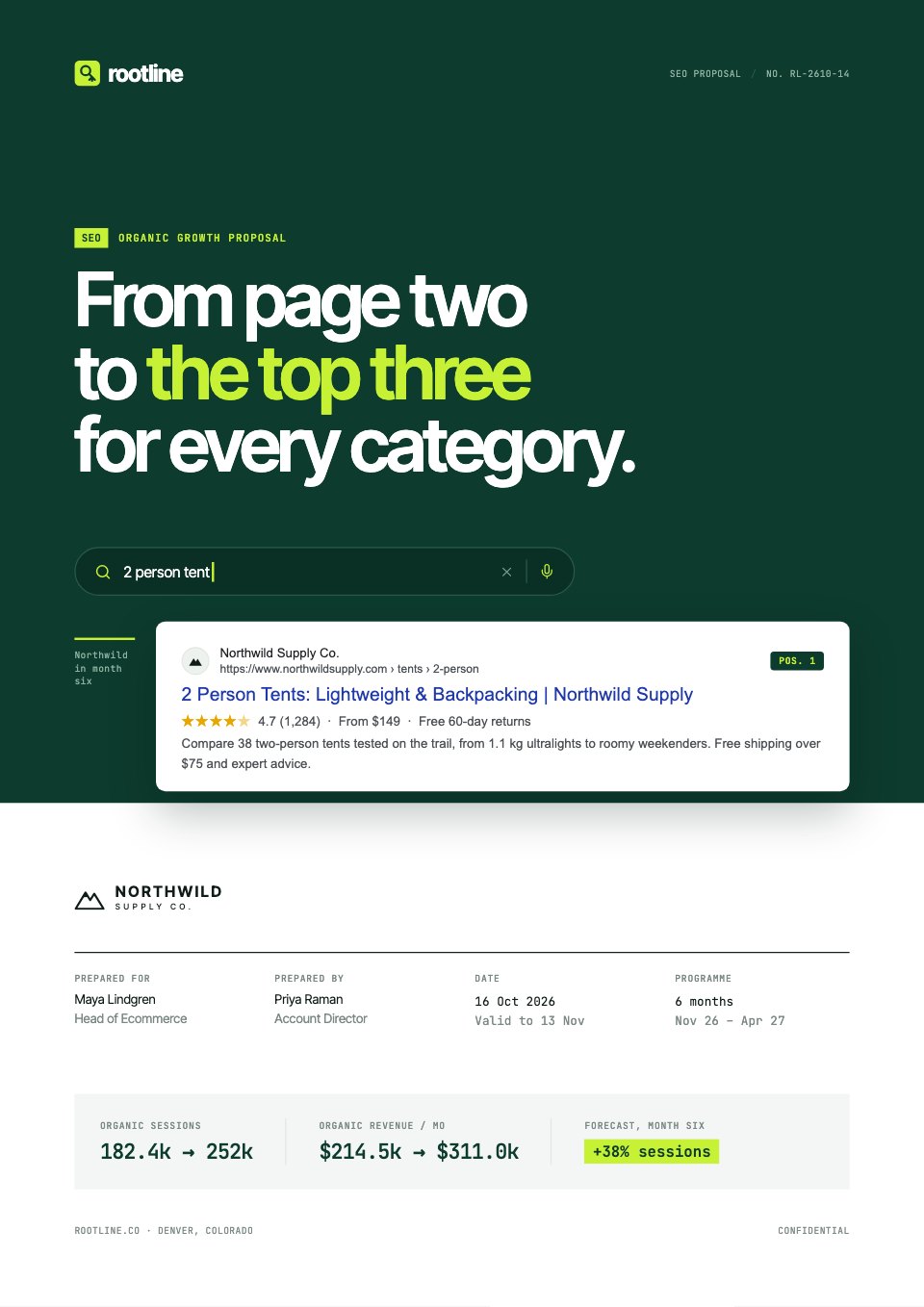 SEO proposalAn audit preview, keyword opportunity, a roadmap and three tiers.SEO Proposal
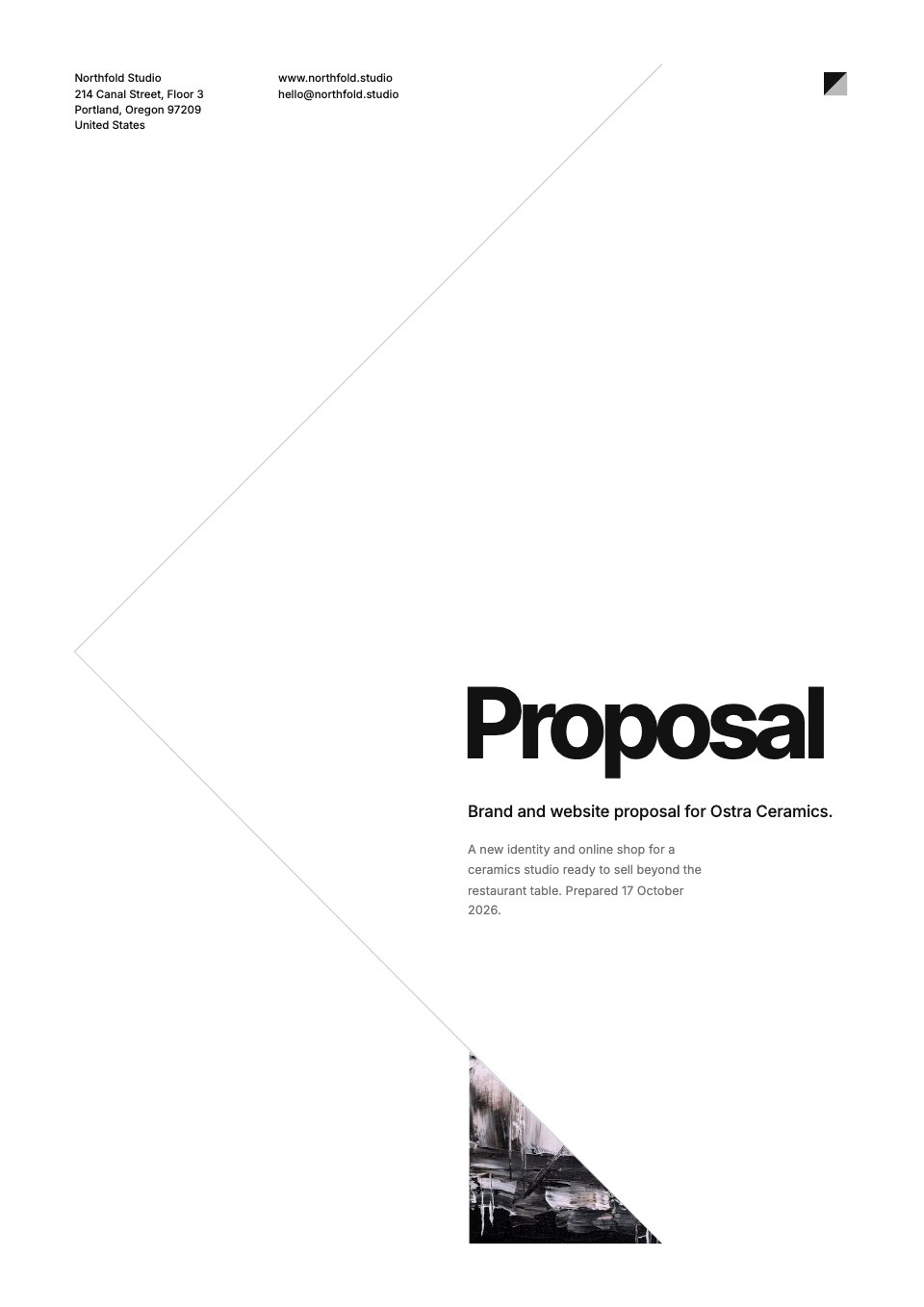
 Brand identity proposalDiscovery, positioning, identity and three priced packages.Brand Identity Proposal
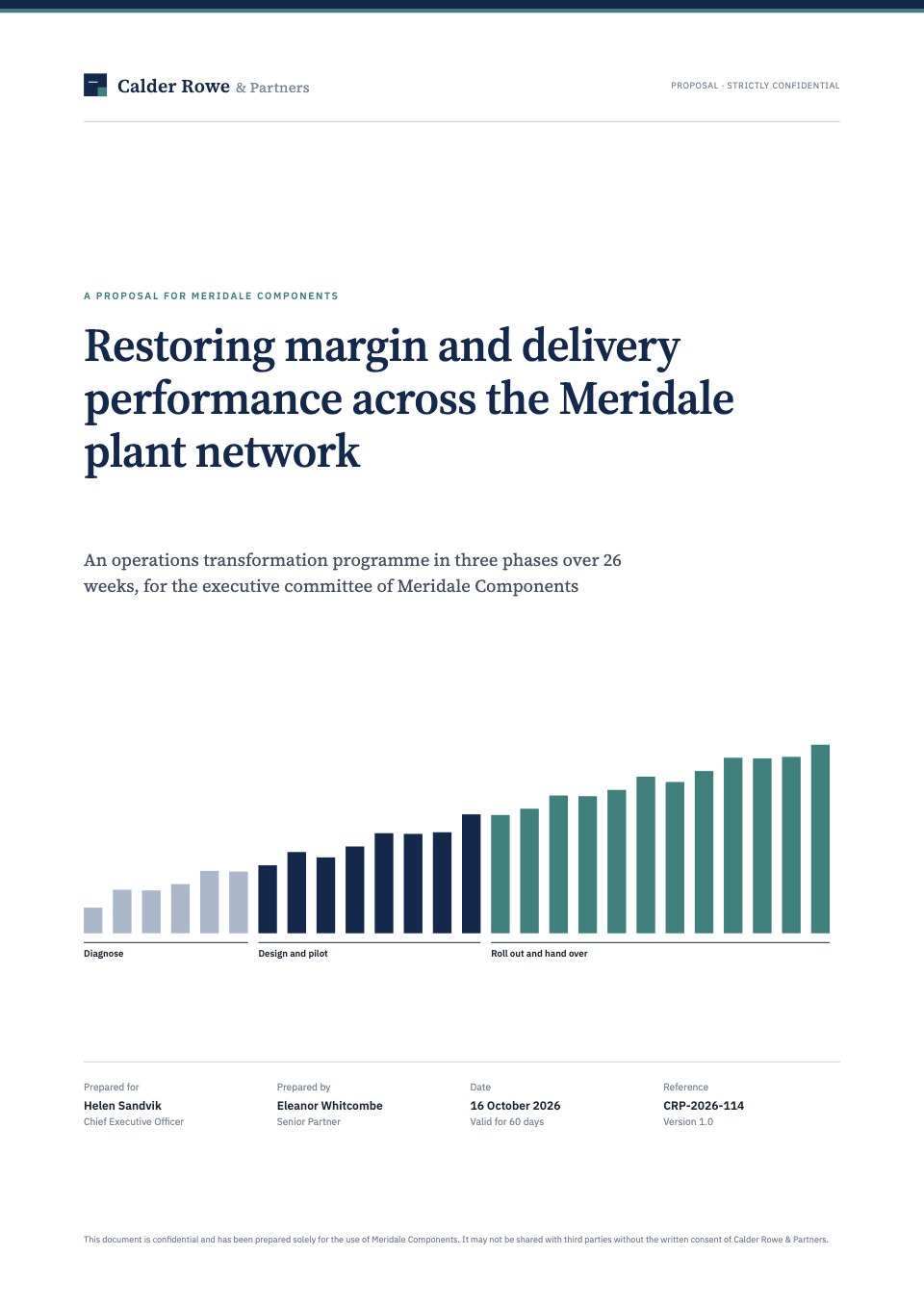 Consulting proposalSituation, an issue tree, the workplan, fees and sign-off.Consulting Proposal
Open any of them as it is, or describe the client and let Docsiv AI fill one in.
Explore proposal templatesMore for closing the work.
Writing the proposal, getting it signed, and how other tools compare.
Features
Compare
Common questions.
Something else? Ask us in the chat, bottom right of the page, or see pricing.
How does proposal tracking work?
Instead of attaching a PDF, you share the proposal as a link or publish it as a web page. Docsiv counts each open, tells whoever wrote it, and Analytics shows who read it, for how long and how far, page by page.
Which plans include it?
The notification when someone opens your proposal comes on every plan. Analytics, with each viewer, their time and reading depth, is on Pro ($20 a month) and Team ($60 a month for up to five people). Views are recorded on every plan and kept for 400 days, so they’re there when you upgrade.
What counts as a view?
An open of the proposal’s published page, of its shared link by someone who can view it, or of it in a client’s space. A refresh by the same visitor within 30 minutes carries on the same view.
Can I see who opened it?
People signed in to Docsiv, and clients opening it from their space, show by name. Everyone else shows as an anonymous visitor with their city, country, device and browser. Nobody is asked for an email to read, and IP addresses aren’t stored.
Will I be told every time?
You’re told when someone outside your workspace opens it, once for each visitor, with how they opened it and where from. Your team’s own opens are kept apart, and External only hides them from the numbers.
Does it track emails or downloaded PDFs?
No. Docsiv doesn’t track whether an email was opened, and once a PDF is downloaded it can’t see what happens to it. Send the link when you want to know it was read.
Does it follow up for me?
Not for a shared link: there are no automatic follow-up emails, so check the views and follow up yourself. A proposal sent for signature is different: signers who haven’t signed are reminded 3, 7 and 14 days after it’s sent.
Can I track a signature as well?
Yes. Signatures lists every request with who has opened, signed or declined, and the signed PDF and a certificate of completion come back to everyone. E-signatures are on Pro (40 requests a month) and Team (no limit).
















Write a proposal worth tracking
Describe the client and the job, attach your notes, and get a designed first draft to share as a link and see when it’s read.