

Send documents for signature.
Place signature, name and date fields on a proposal, contract or PDF, send it to everyone who signs, and get the signed PDF and a certificate of completion back. Signers don’t need an account.
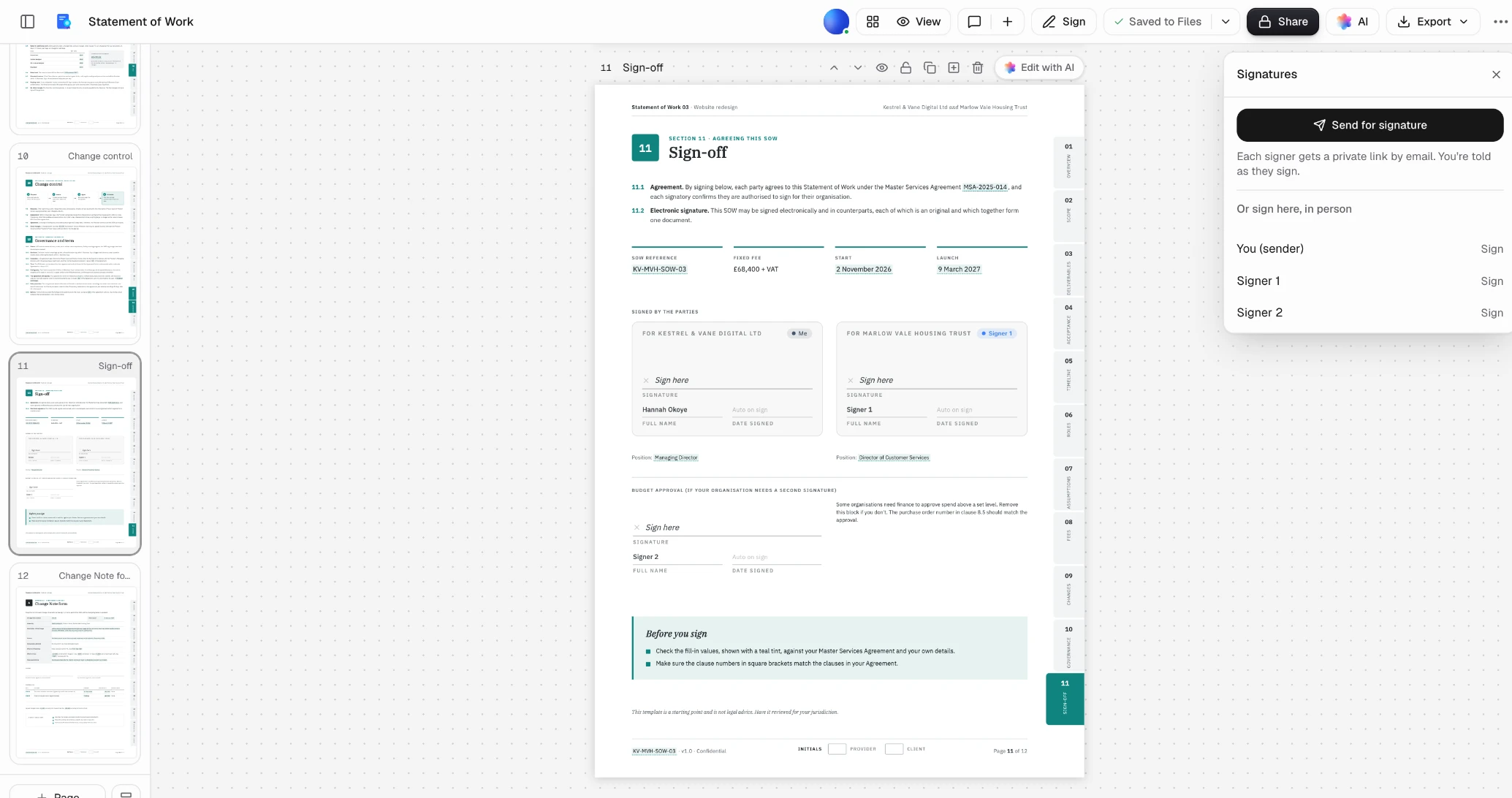
From draft to signed.
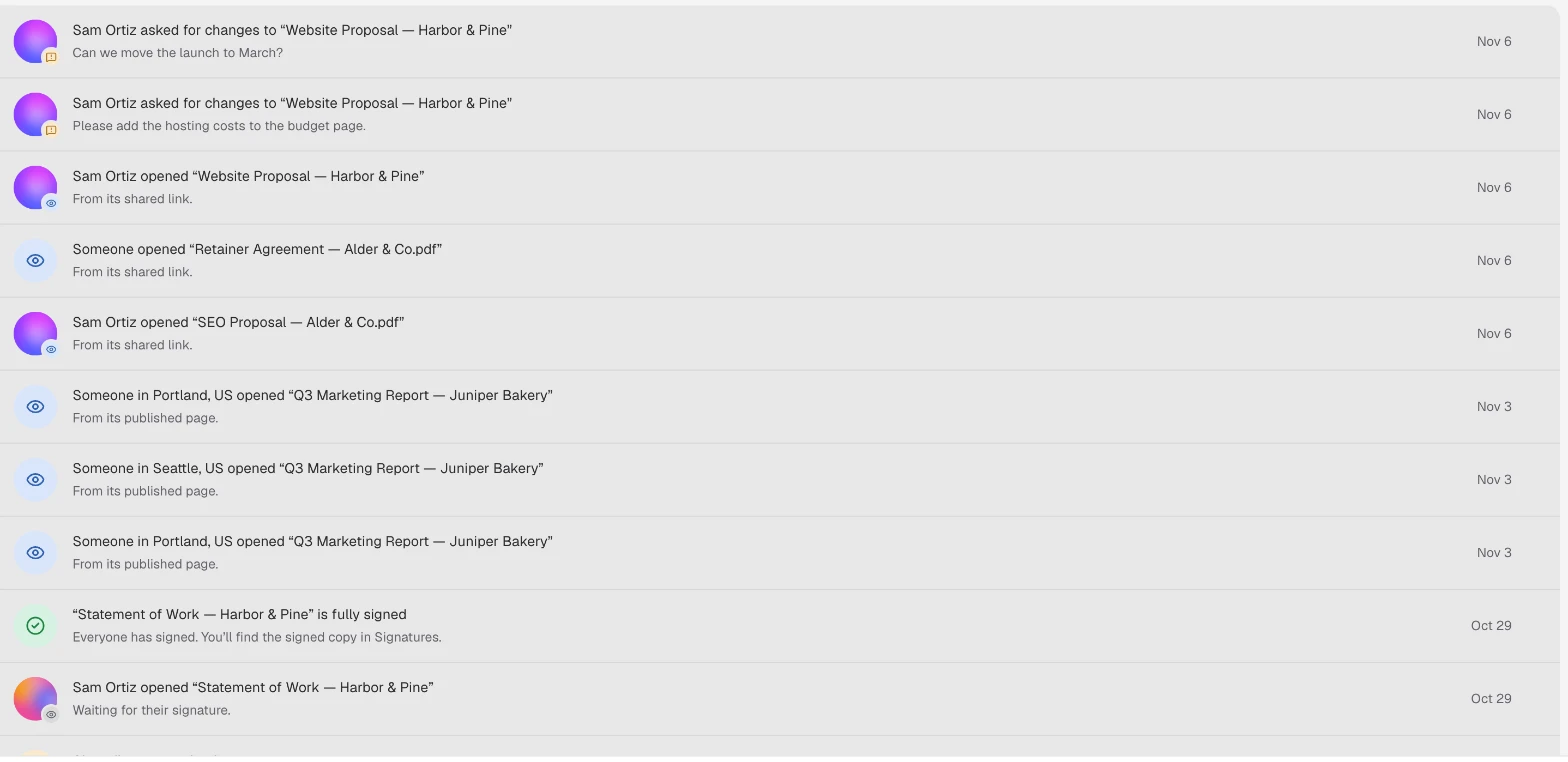
The same four steps from every app that sends for signature.
- Step 1
Add the fields
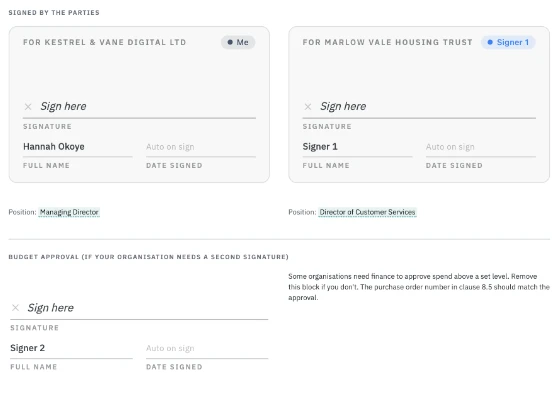
Insert a signature block for each signer, or place fields on any PDF. Name and date fill themselves.
- Step 2
Choose who signs
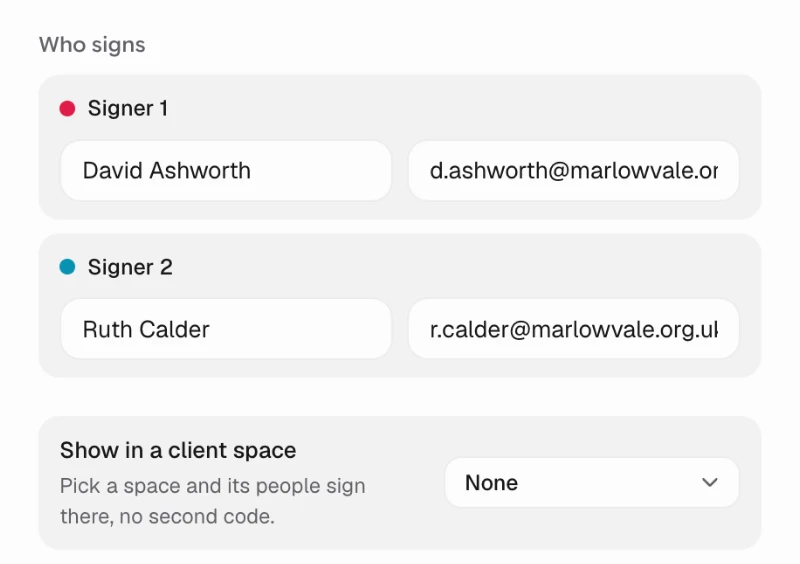
A name and email for each signer, the order if it matters, and an emailed code before they open it.
- Step 3
Track every request
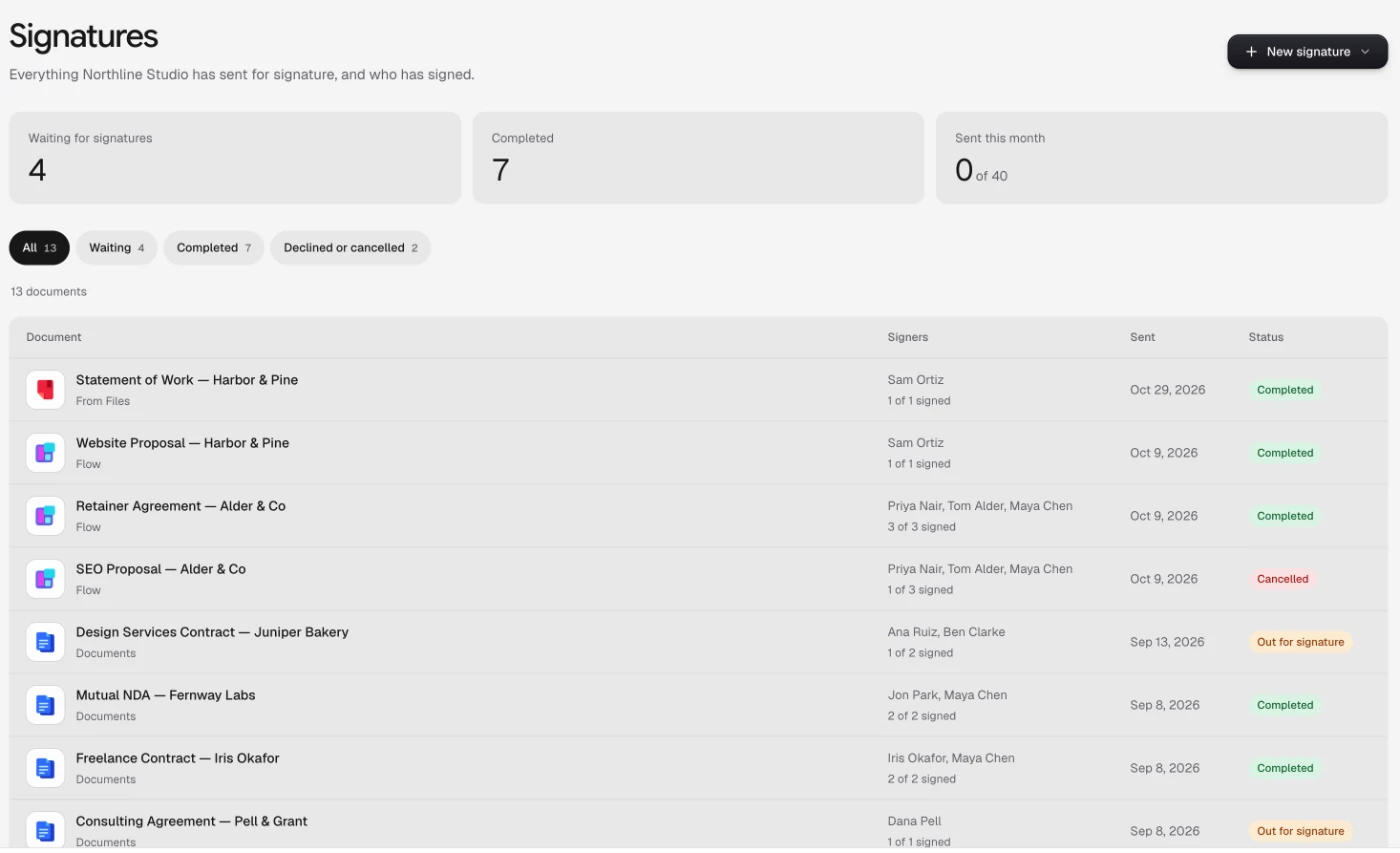
Signatures lists each one with who has signed so far, and reminds the rest for you.
- Step 4
Signed, with a certificate
You’re told when it’s fully signed, and everyone gets the signed PDF and a certificate of completion.
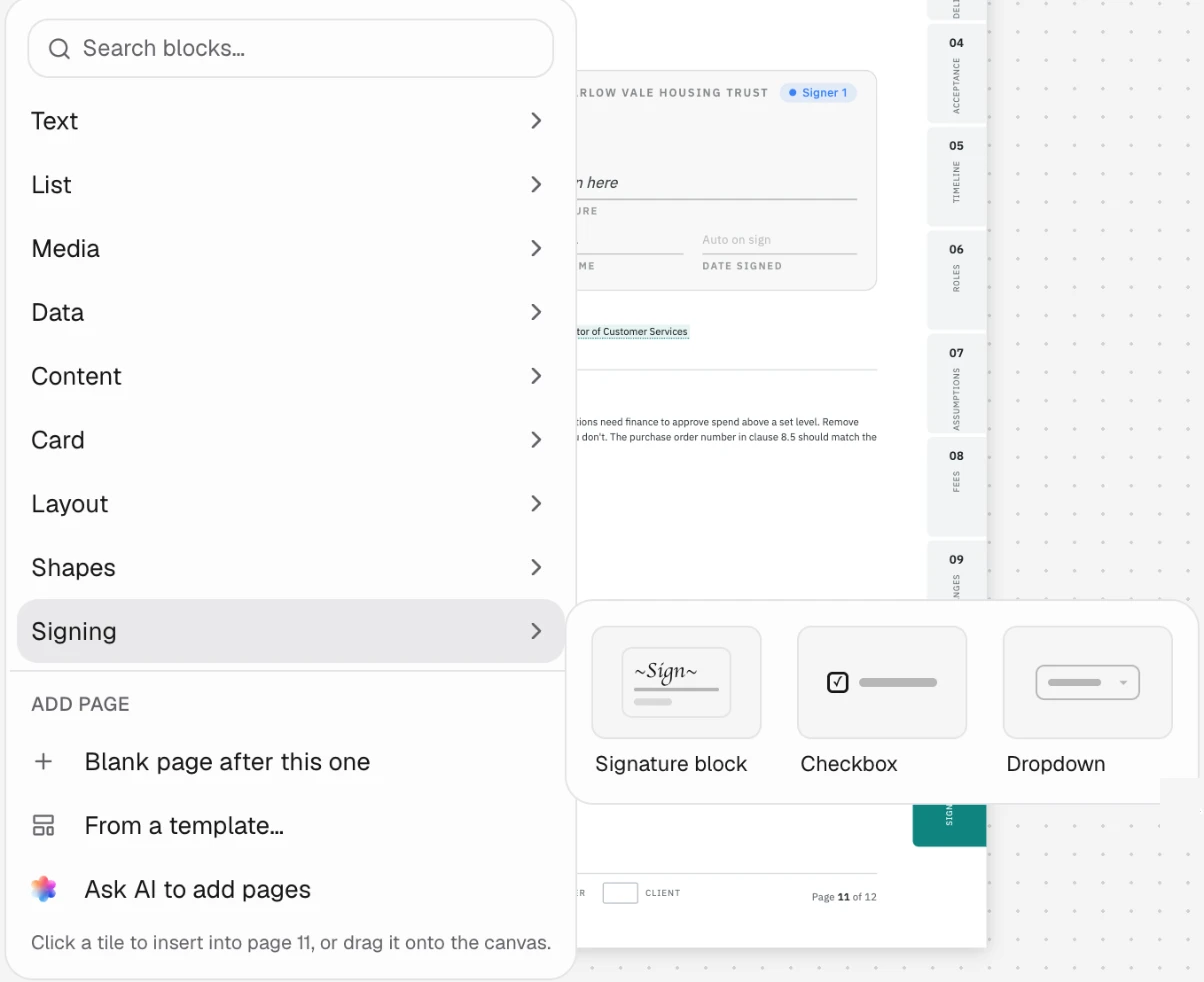
Sign whatever you send.
Contracts written in Docsiv, Word documents and any PDF, through the one send dialog.
Proposals and contracts
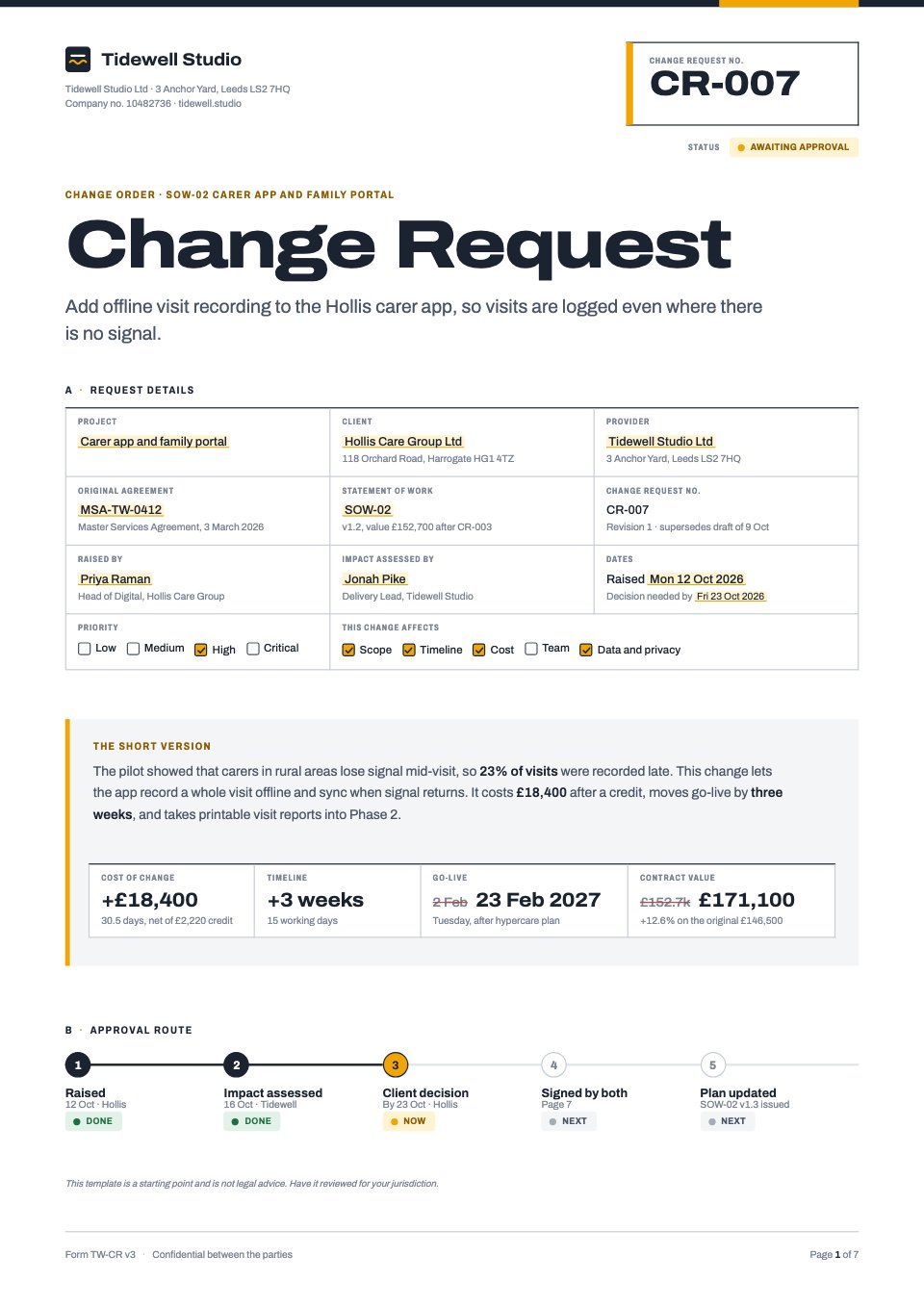
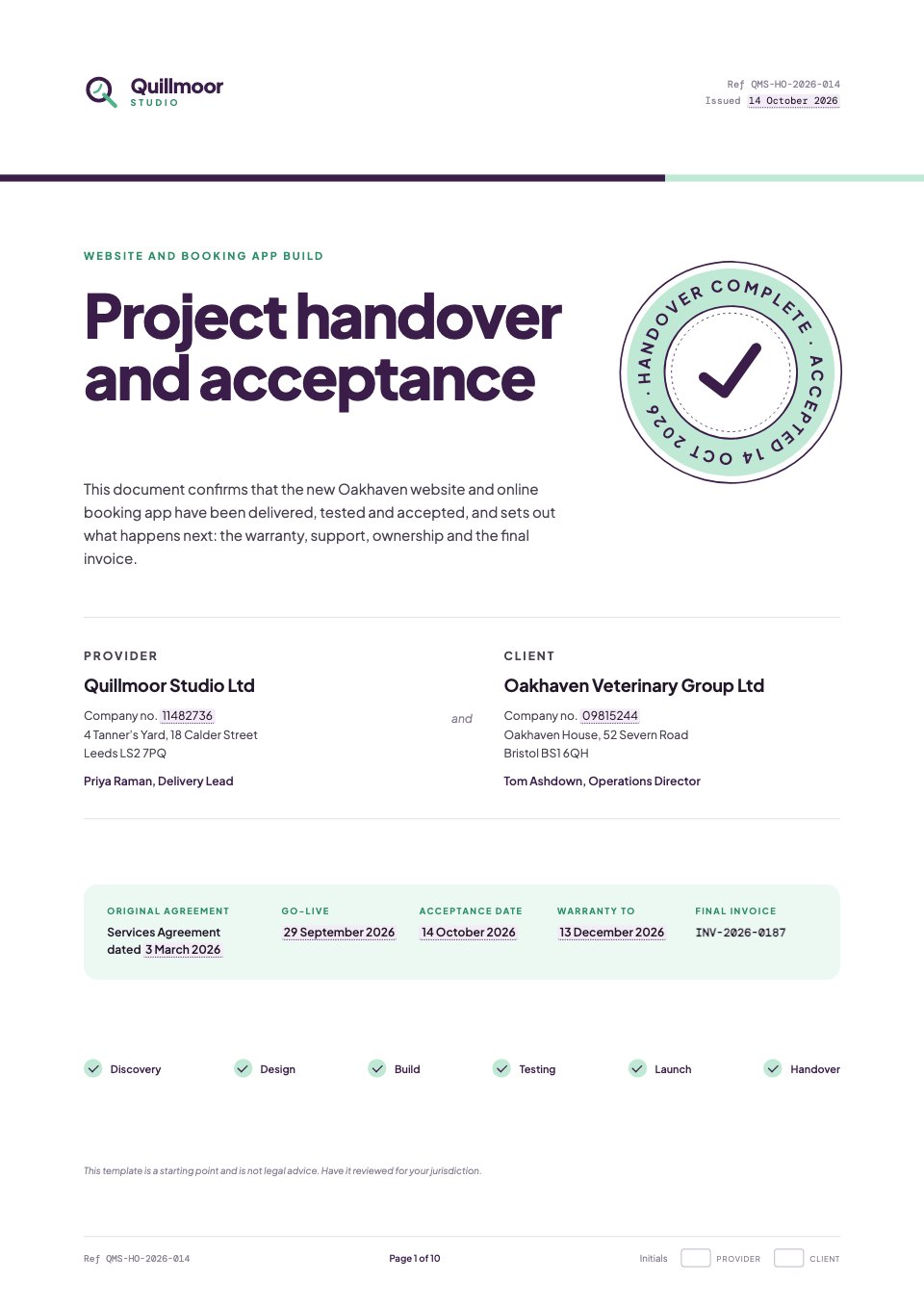
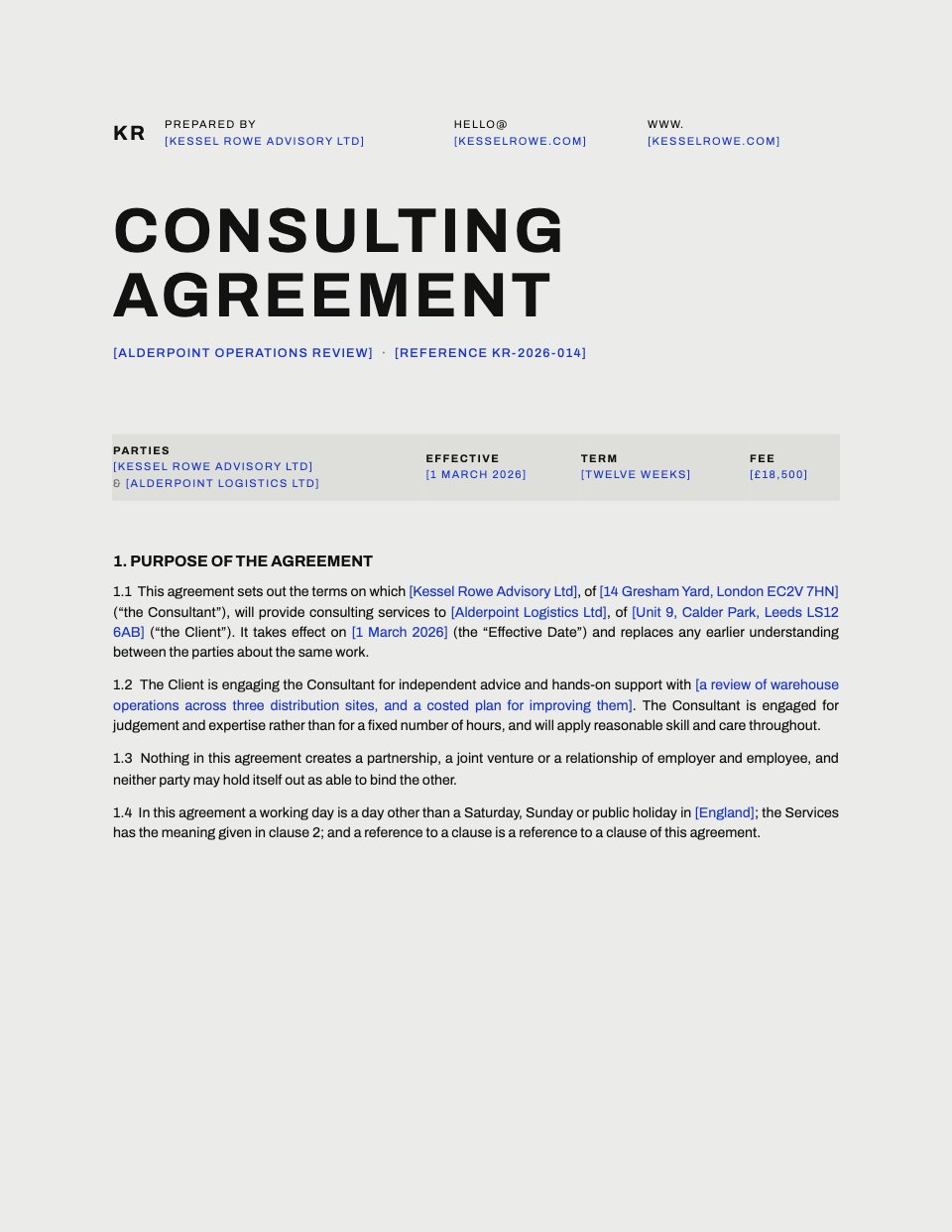
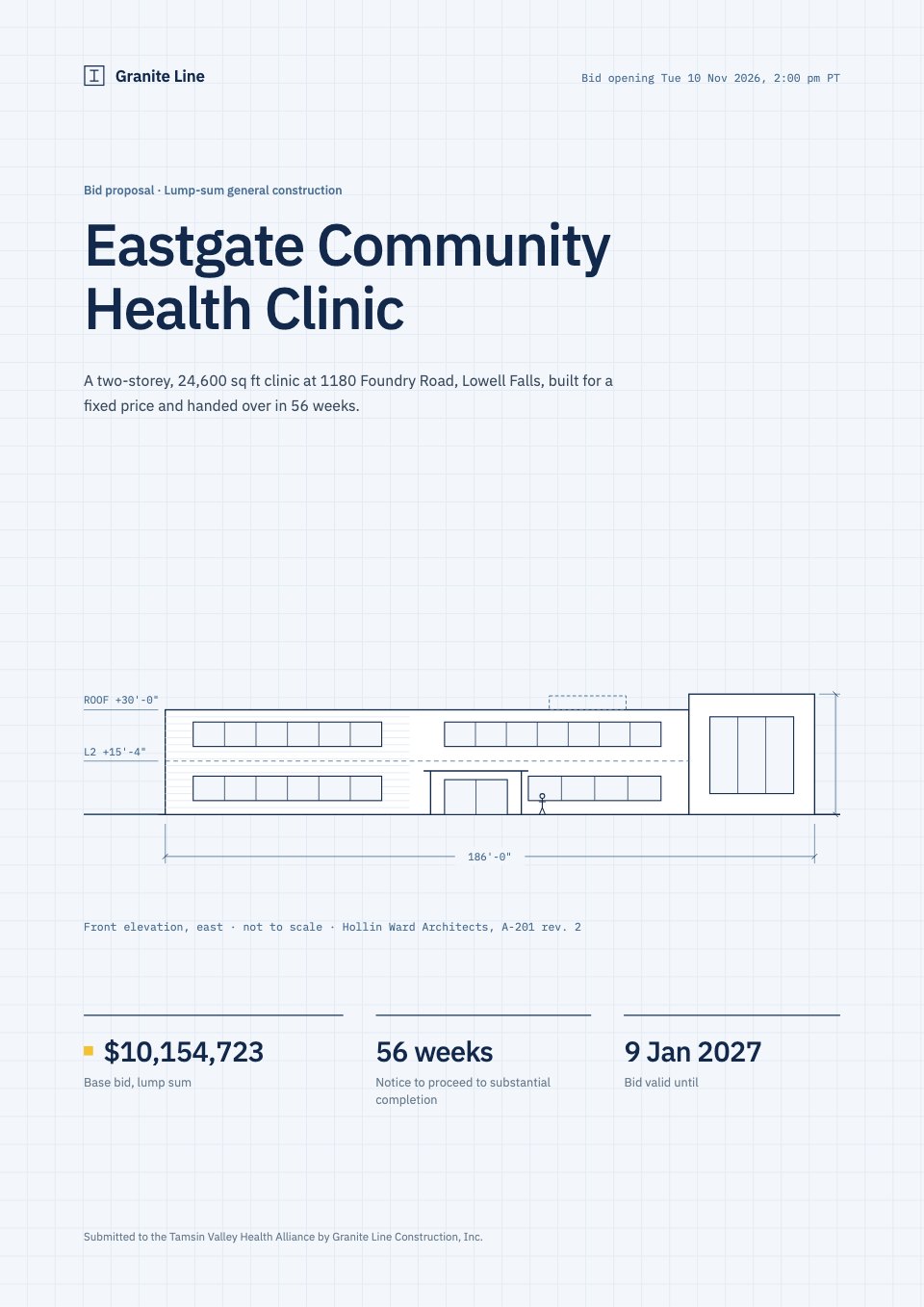
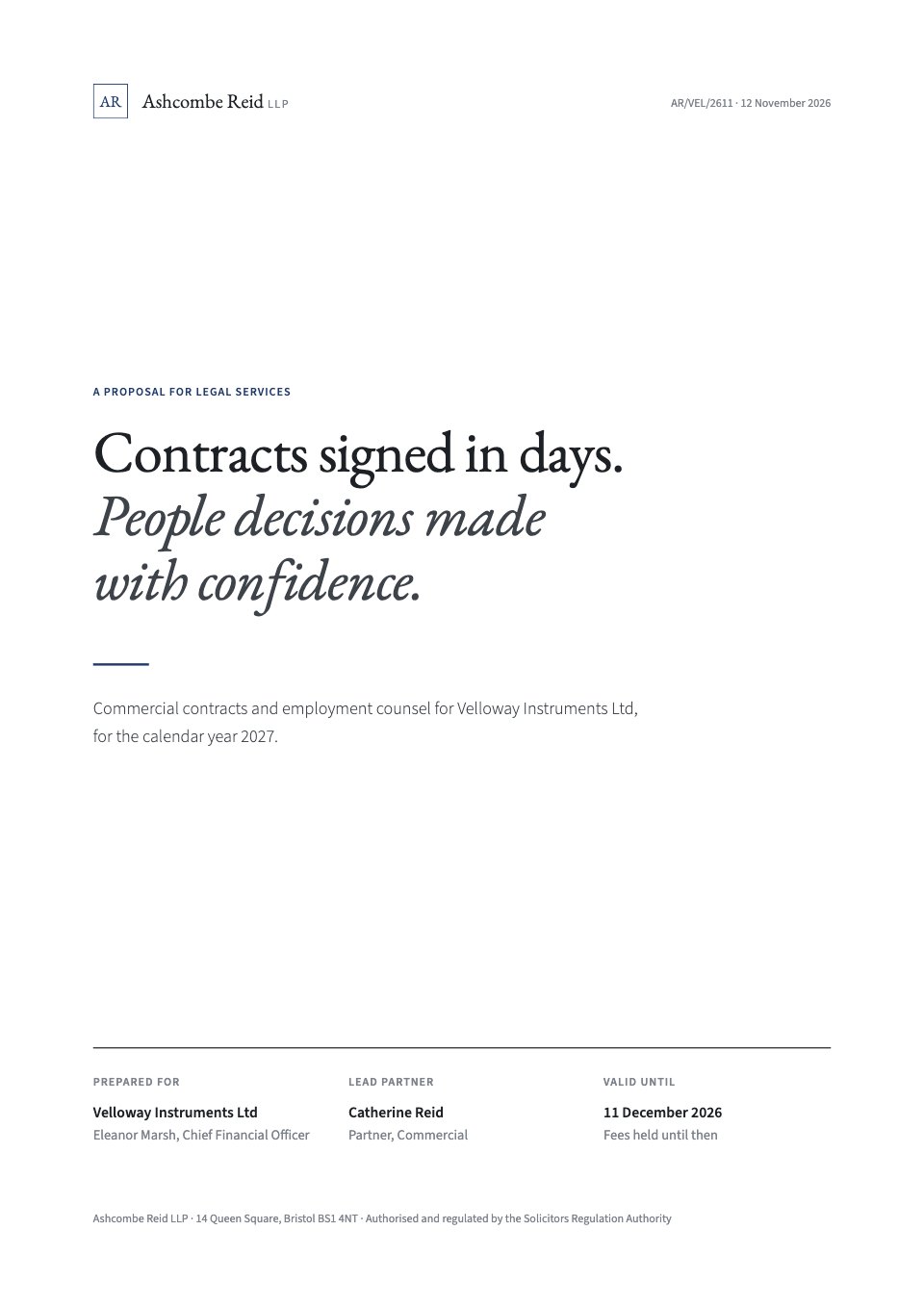
Templates such as the statement of work and service agreement come with signature blocks for both sides, ready to send.
Word documents
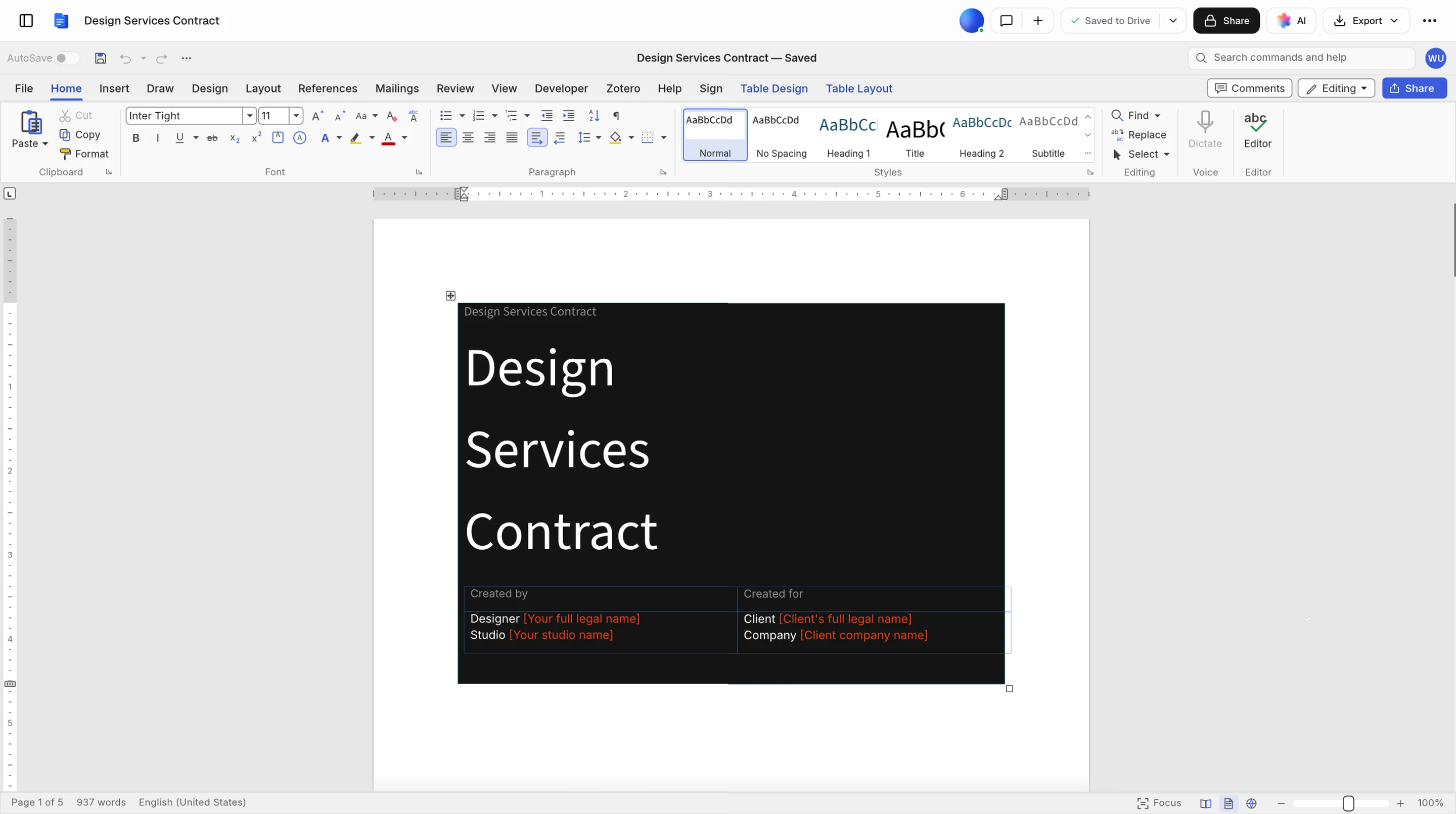
Open a .docx in the Documents app, add signature fields from its Sign tab, and send it as a PDF.
Any PDF
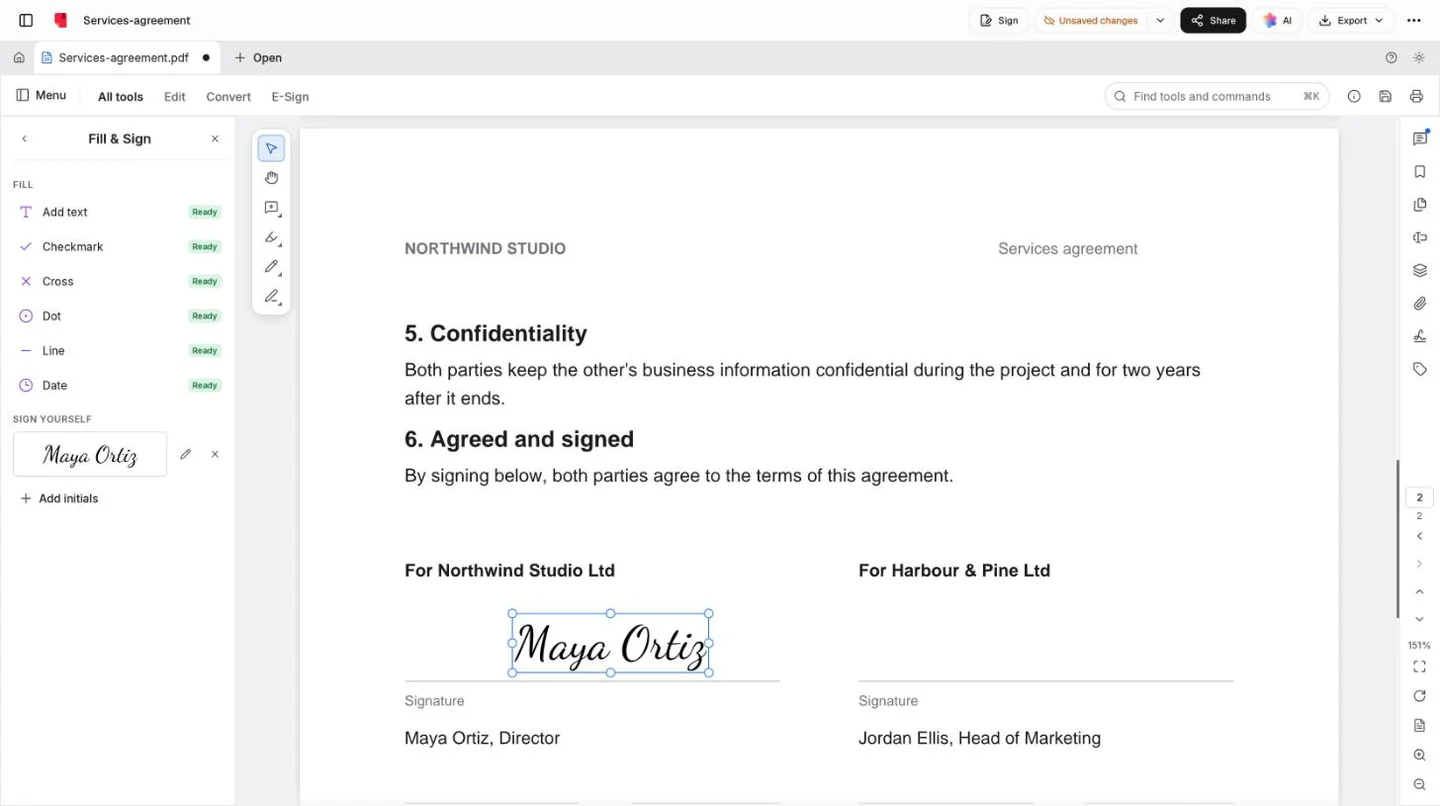
Place fields for each signer on a PDF, or fill and sign one yourself in the PDF editor.
In a client’s space
Show a request in the client’s portal, and its people sign there, already signed in, with no second code.
Agreements ready to sign.
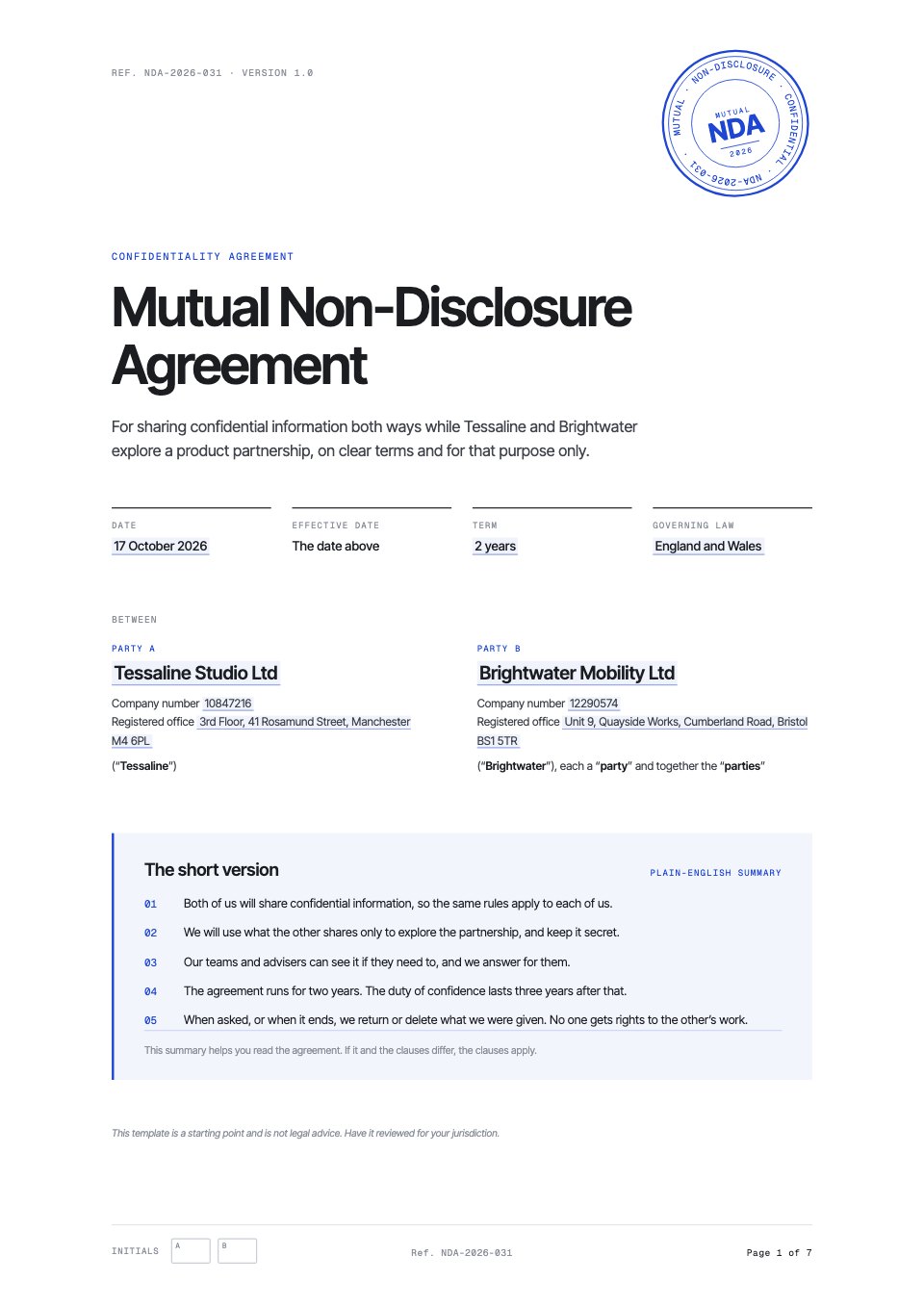
Real contract templates with plain-English summaries and signature blocks in place.
 Service agreementA master services agreement with 22 clauses and three schedules.Service Agreement
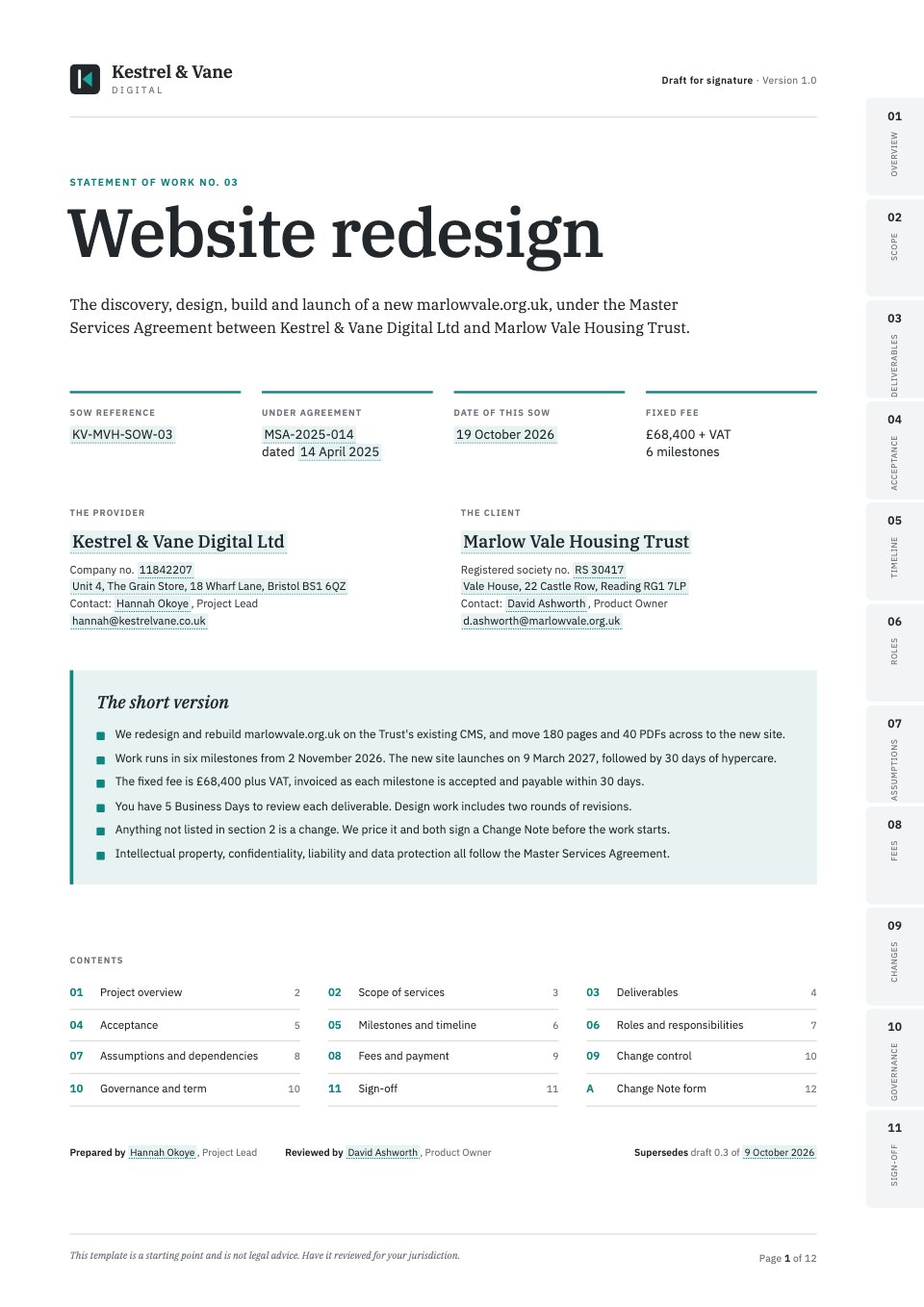 Statement of workScope, milestones, acceptance and fees under a master agreement.Statement of Work
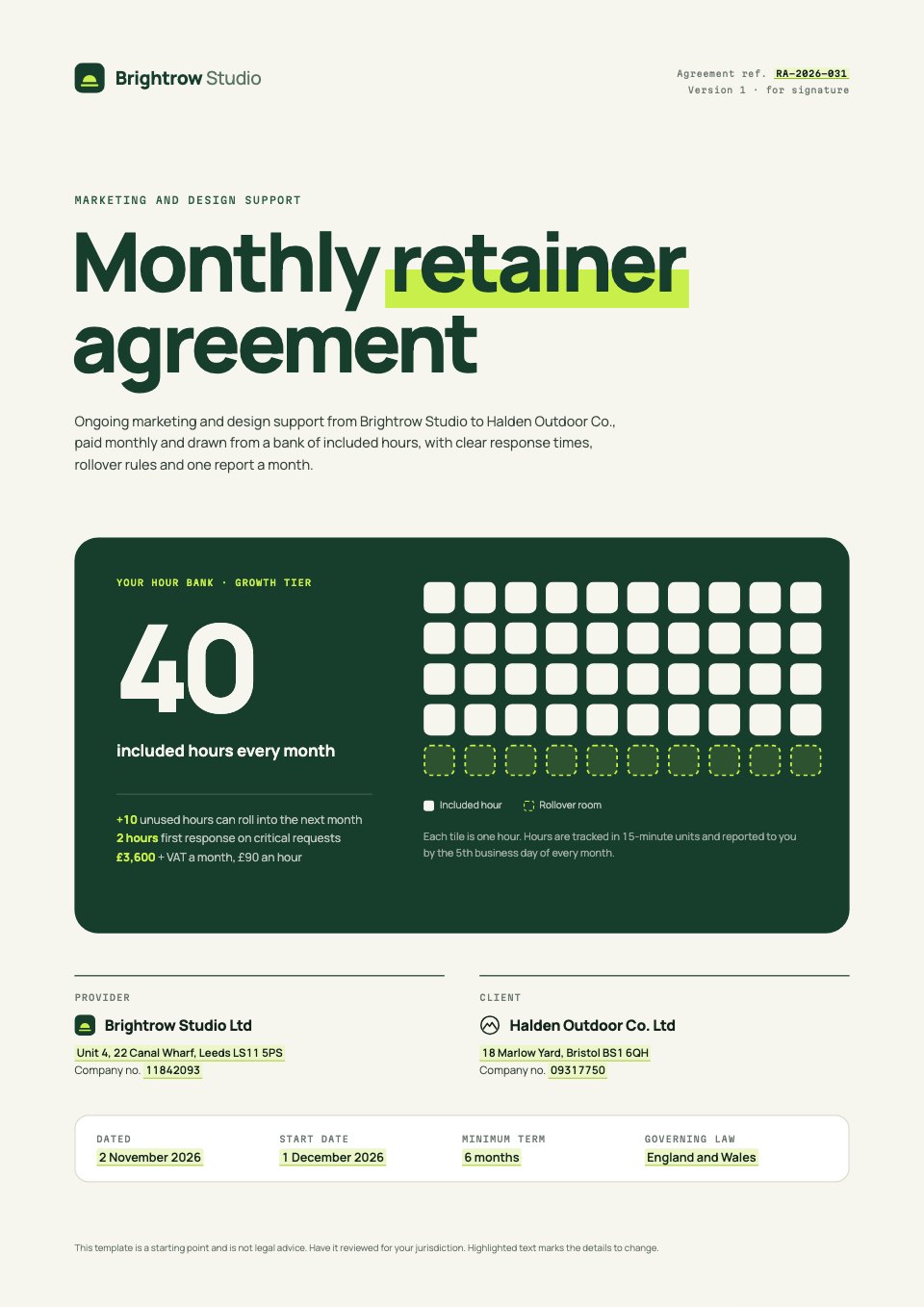 Retainer agreementMonthly hours by tier, rollover and response times.Retainer Agreement
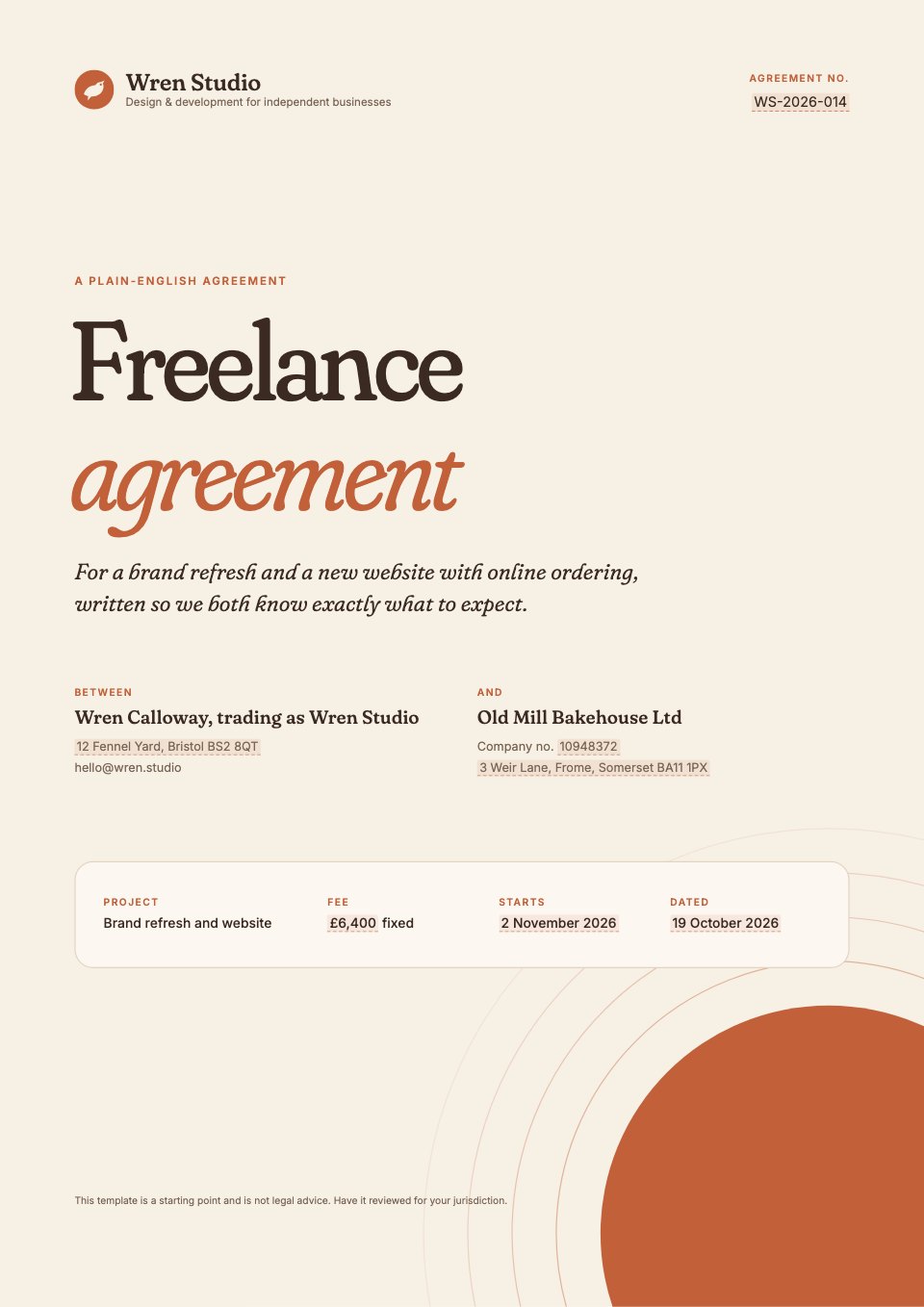 Freelance contractA friendly agreement for a designer or developer and a small business.Freelance Contract
Open any of them as it is, or describe the client and let Docsiv AI fill one in.
Explore contract templatesMore for getting the yes.
Writing what gets signed, seeing it read, and how other tools compare.
Features
Compare and free tools
Questions about e-signatures.
Something else on your mind? Ask us in the chat, bottom right of the page.
Which plans include e-signatures?
Pro includes 40 signature requests a month ($20 a month, one person) and Team has no limit ($60 a month for up to five people). Sending for signature isn’t on the Free plan, though you can still sign a PDF yourself with the free Sign PDF tool.
Do signers need an account?
No. Each signer gets a private link by email. They confirm a six-digit code sent to the same address (on by default), agree to sign electronically, then fill in their fields and sign by drawing, typing or uploading a signature. It works on a phone.
What do I get back?
When the last person signs, everyone gets the signed PDF and a certificate of completion by email. The record keeps each step (sent, opened, code confirmed, agreed, signed) with its time, email address, IP address and browser, and the SHA-256 fingerprint of the document.
Which documents can I send?
Proposals, reports and decks made in Docsiv, Word documents in the Documents app, any PDF in the PDF editor, and PDF or Word files in Files. Every one goes through the same send dialog and shows up in Signatures.
Can I set the order people sign in?
Yes. Turn on Sign in order and each signer gets their link when the one before has signed. When the document has fields for you, you sign your own part before it goes out.
What if someone doesn’t sign?
They’re reminded 3, 7 and 14 days after it was sent, and a request expires after 30 days. From Signatures you can send a reminder yourself, make a new link or cancel the request. A signer can also decline, with a reason you’ll see.
Can the document change after I send it?
No. It’s frozen as it was when you sent it, and the file is locked while it’s out for signature. Cancel the request to edit it again.
Are electronic signatures legally binding?
For most business agreements, yes: laws such as the US ESIGN Act and the EU’s eIDAS regulation recognise electronic signatures. A few kinds of document, such as wills or some property deeds, still need a handwritten signature in many places. Check with a lawyer for anything you’re unsure of.











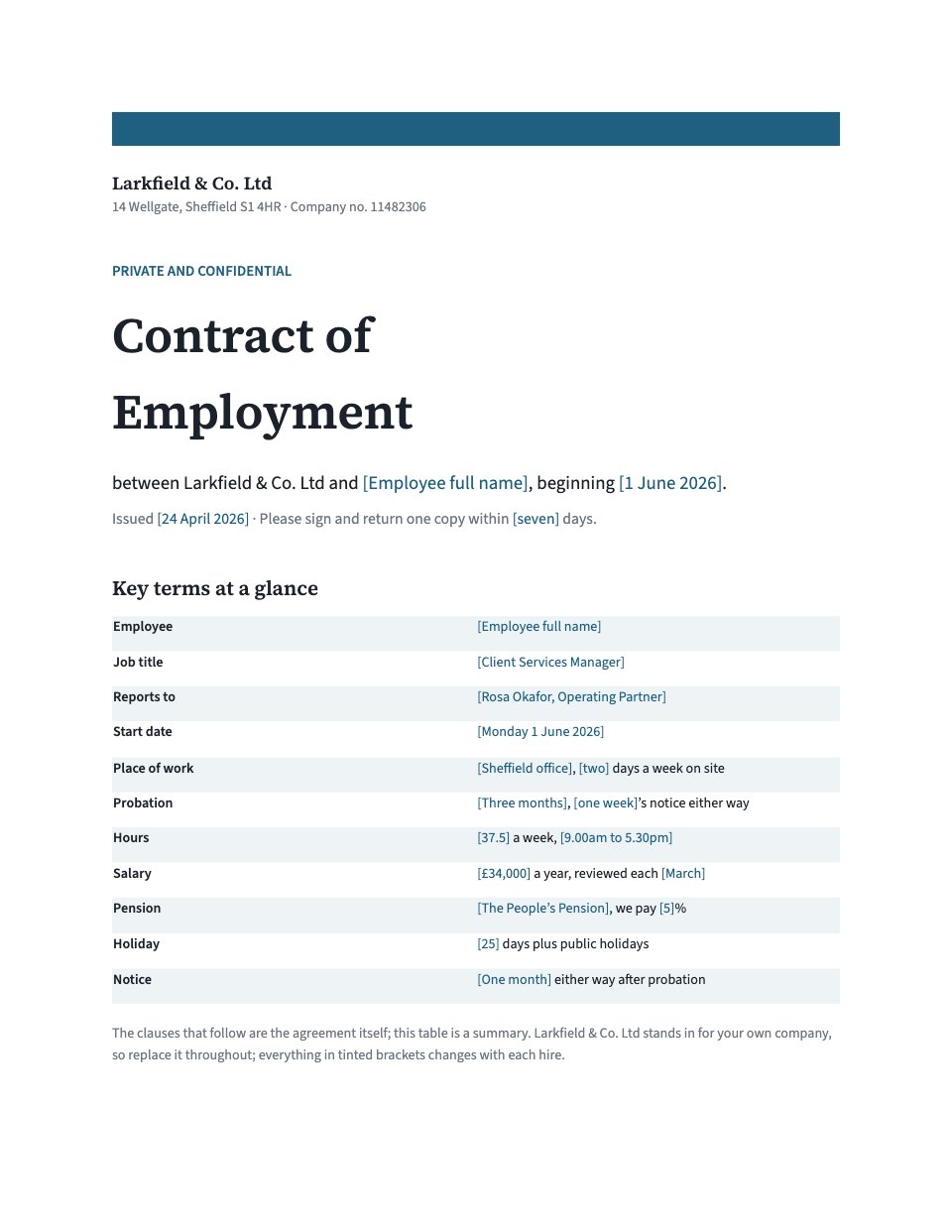
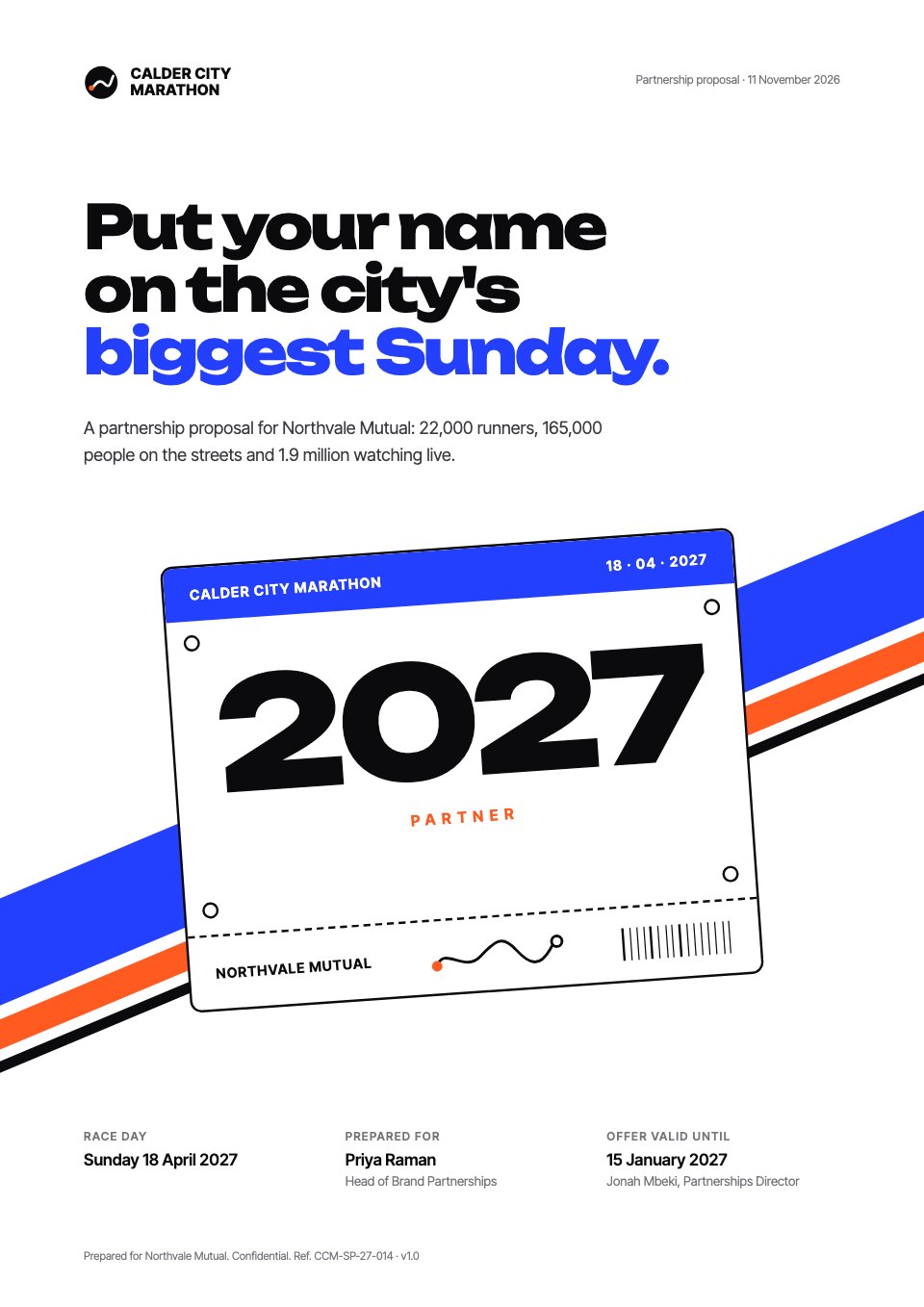

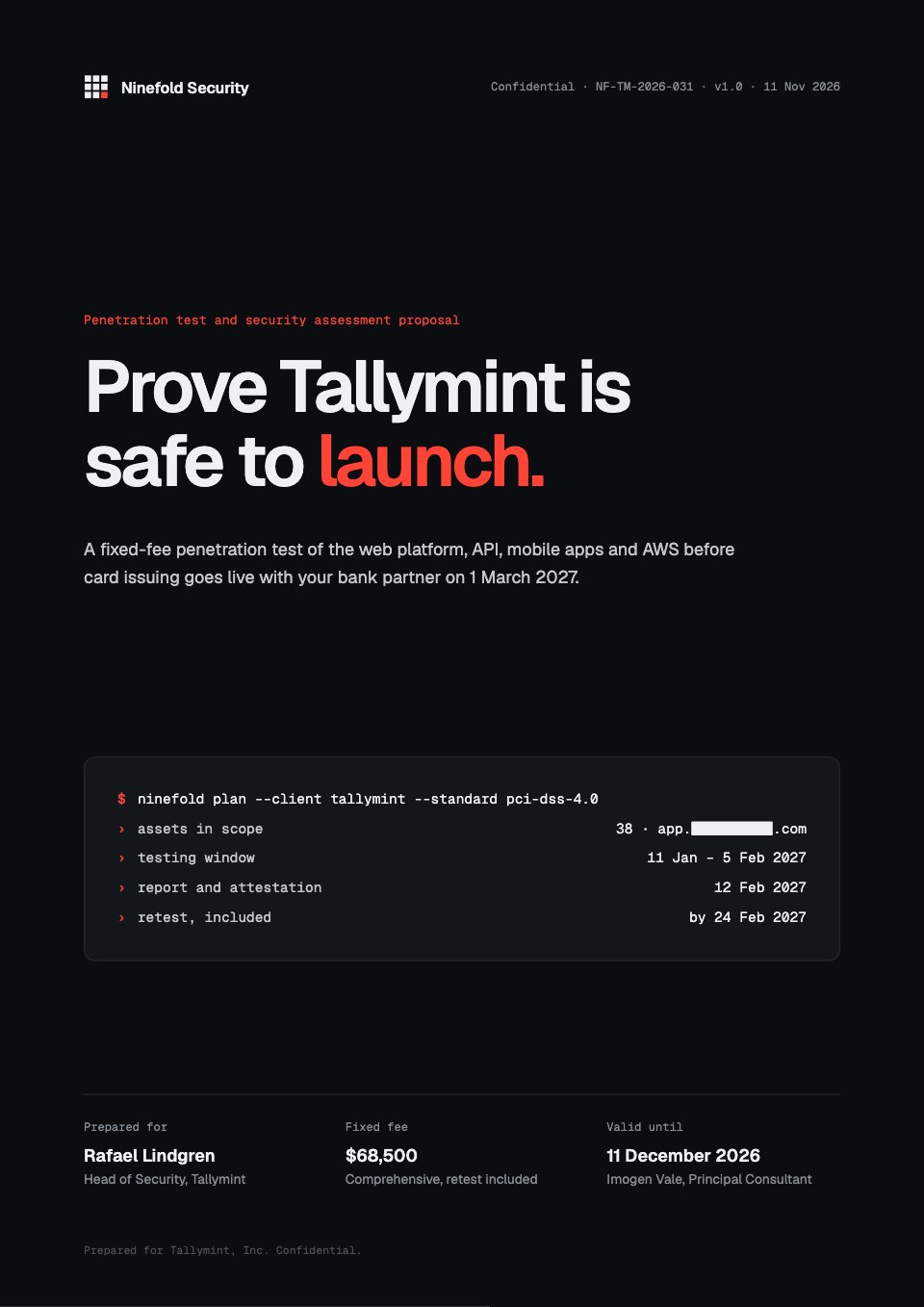
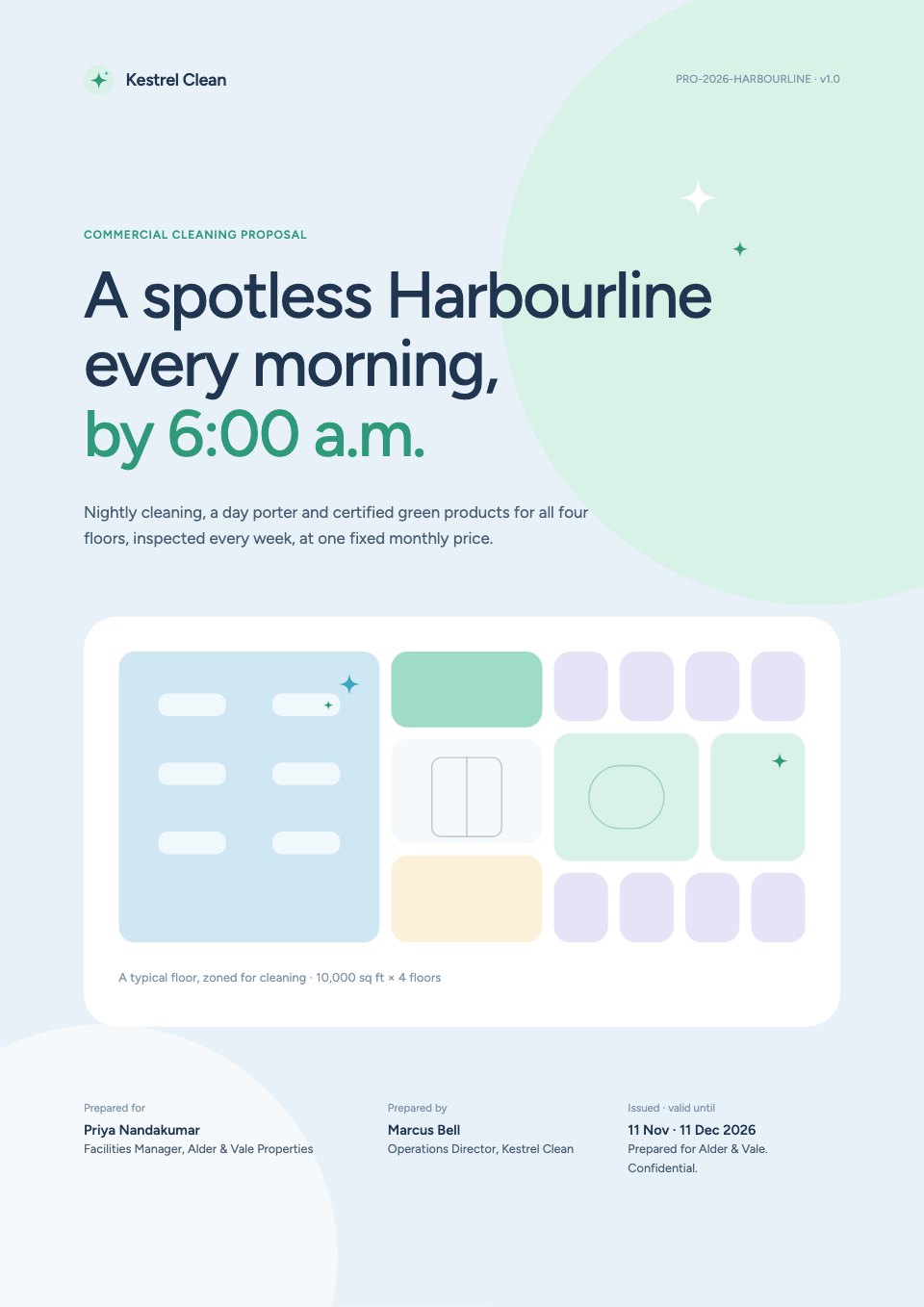




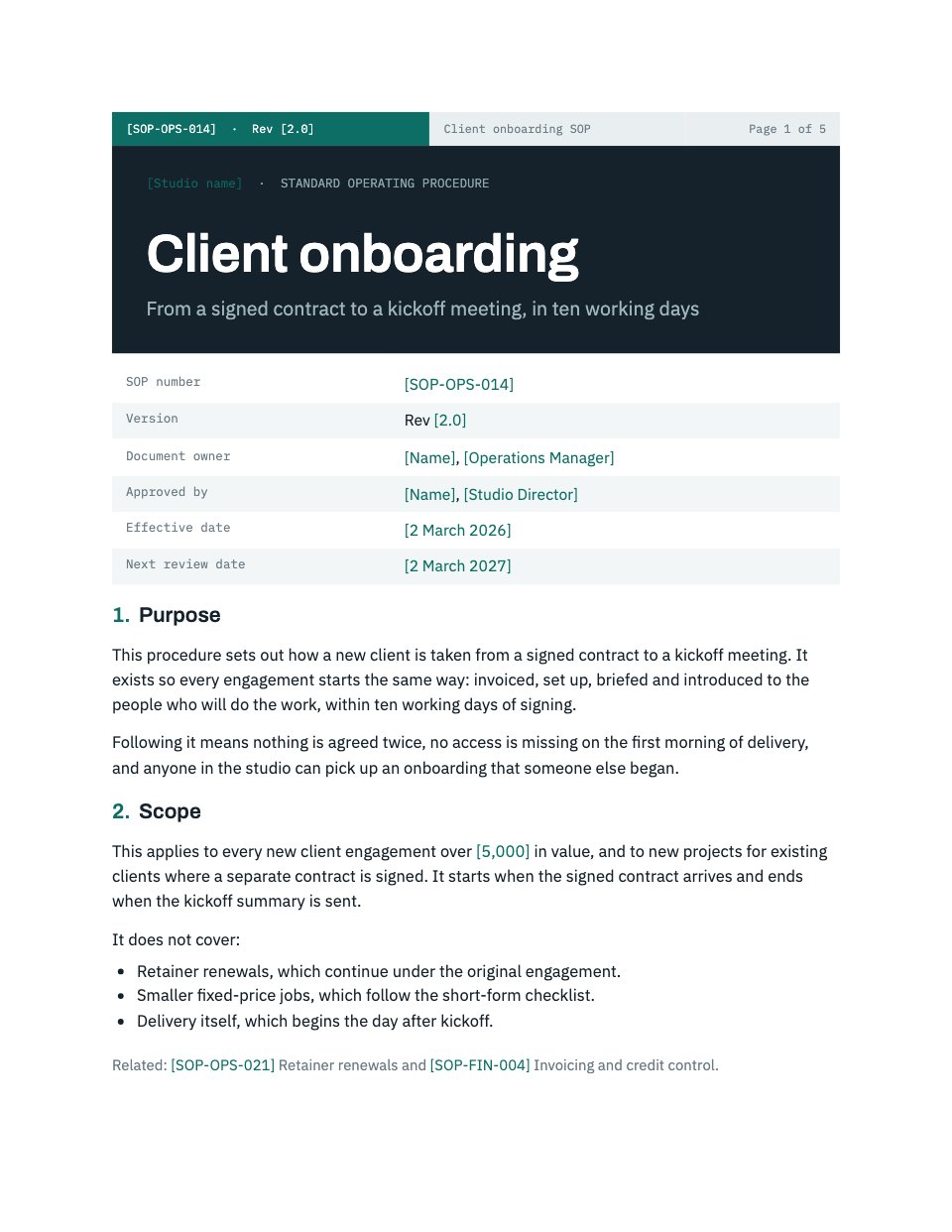
Write the agreement, then send it
Describe the work and the terms, and Docsiv AI drafts a contract on a template with signature blocks in place, ready to send.