Publish a file to the web
Make a read-only page anyone can open without signing in, and embed it on your site.
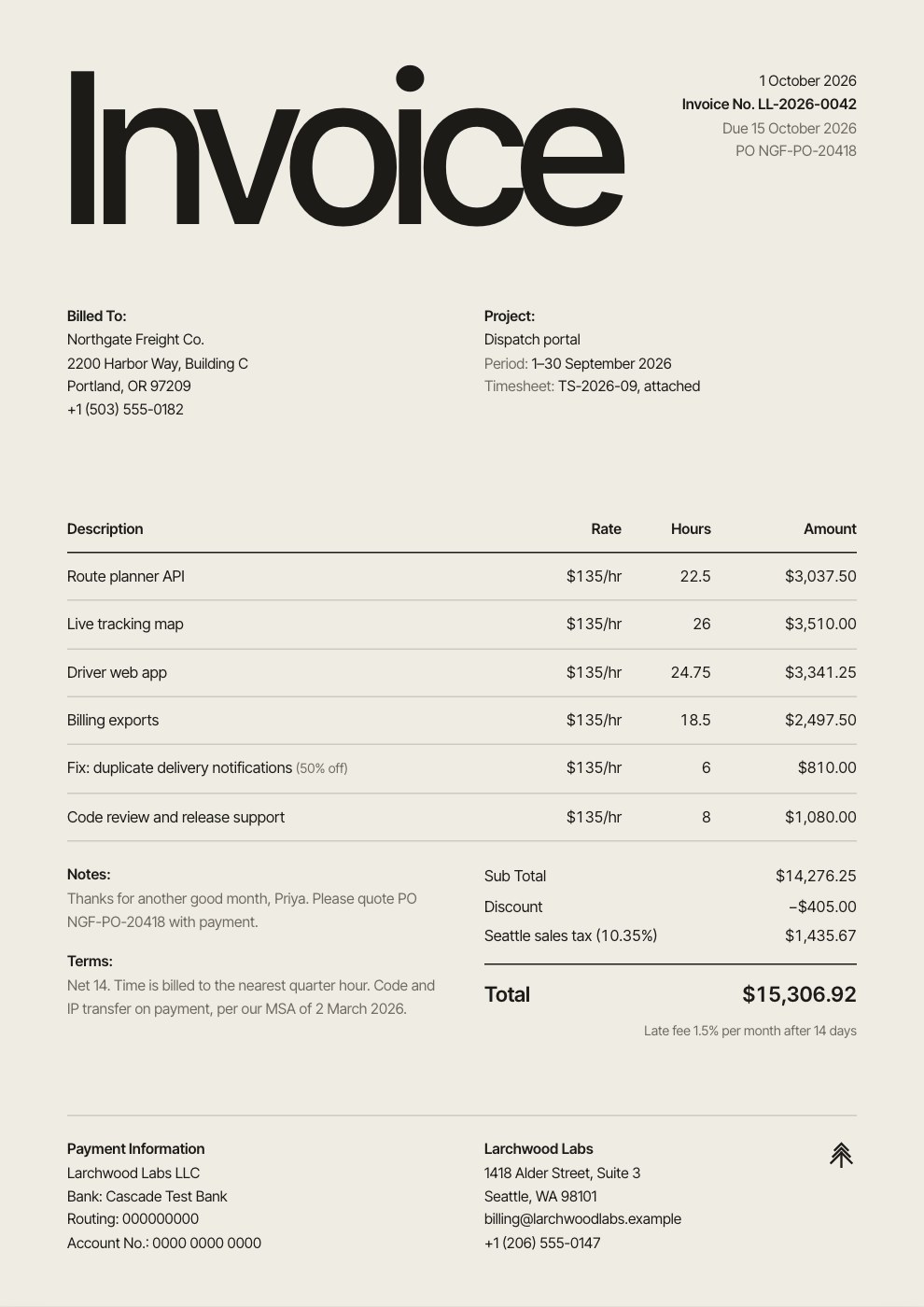
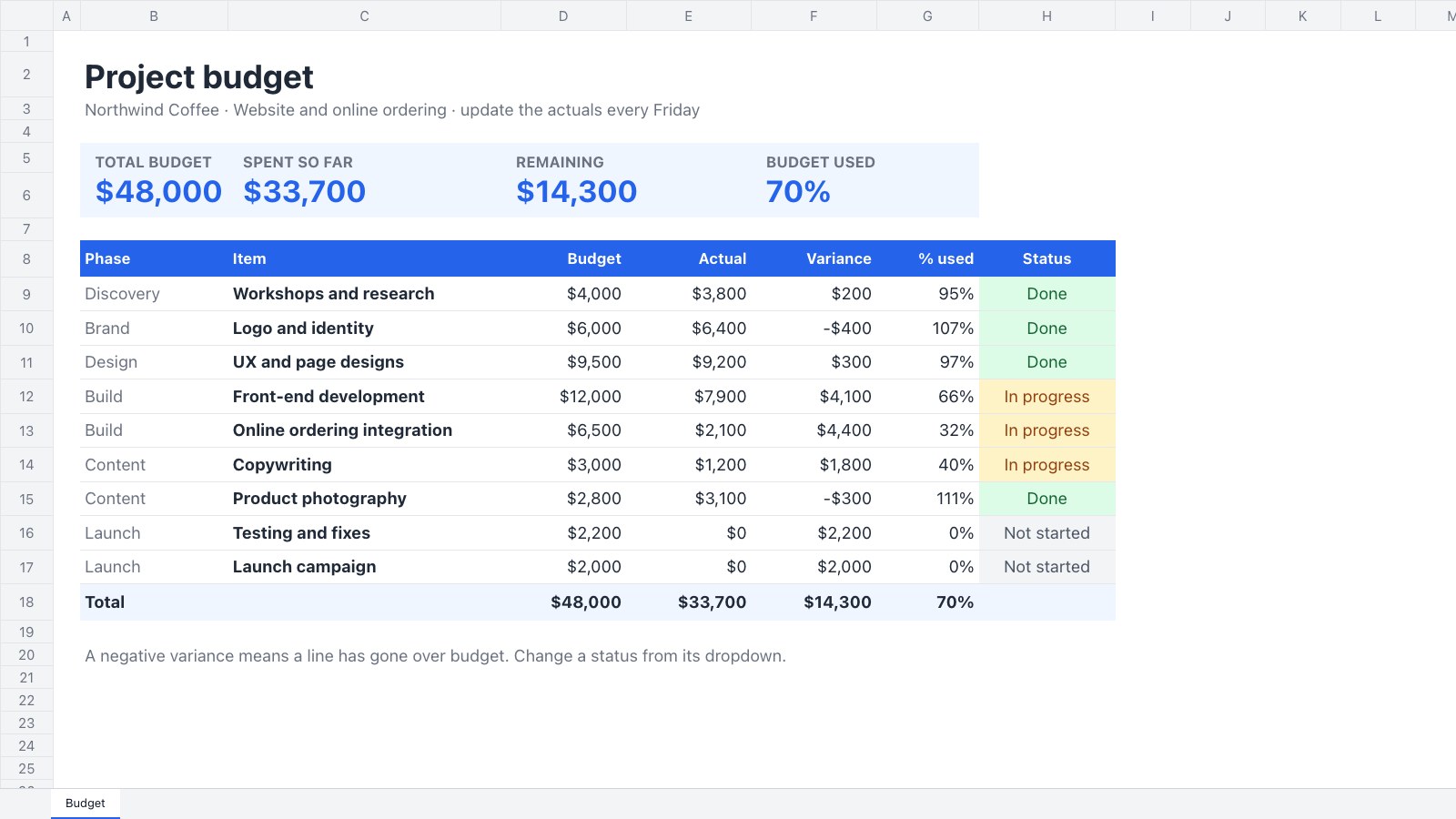
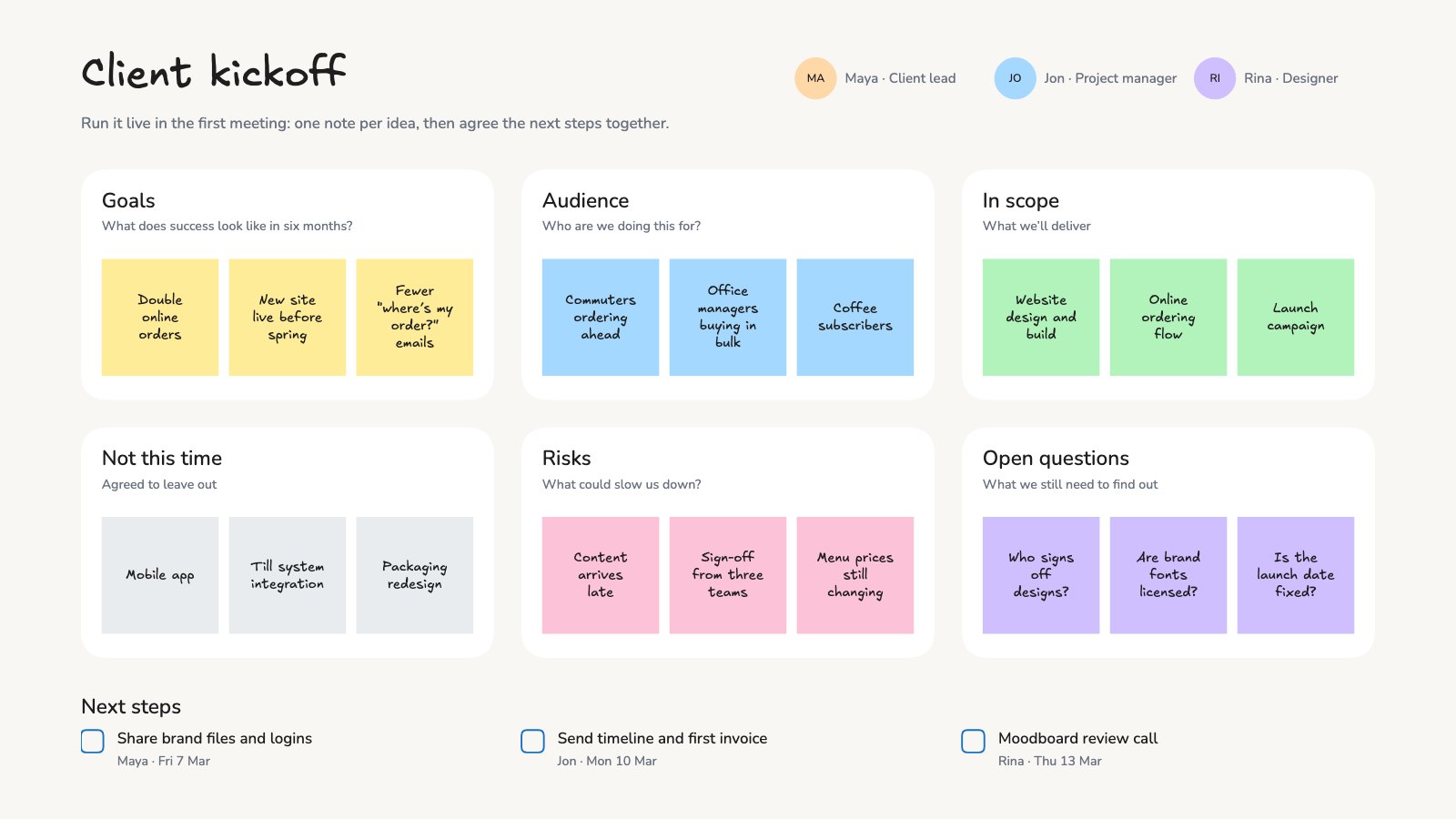
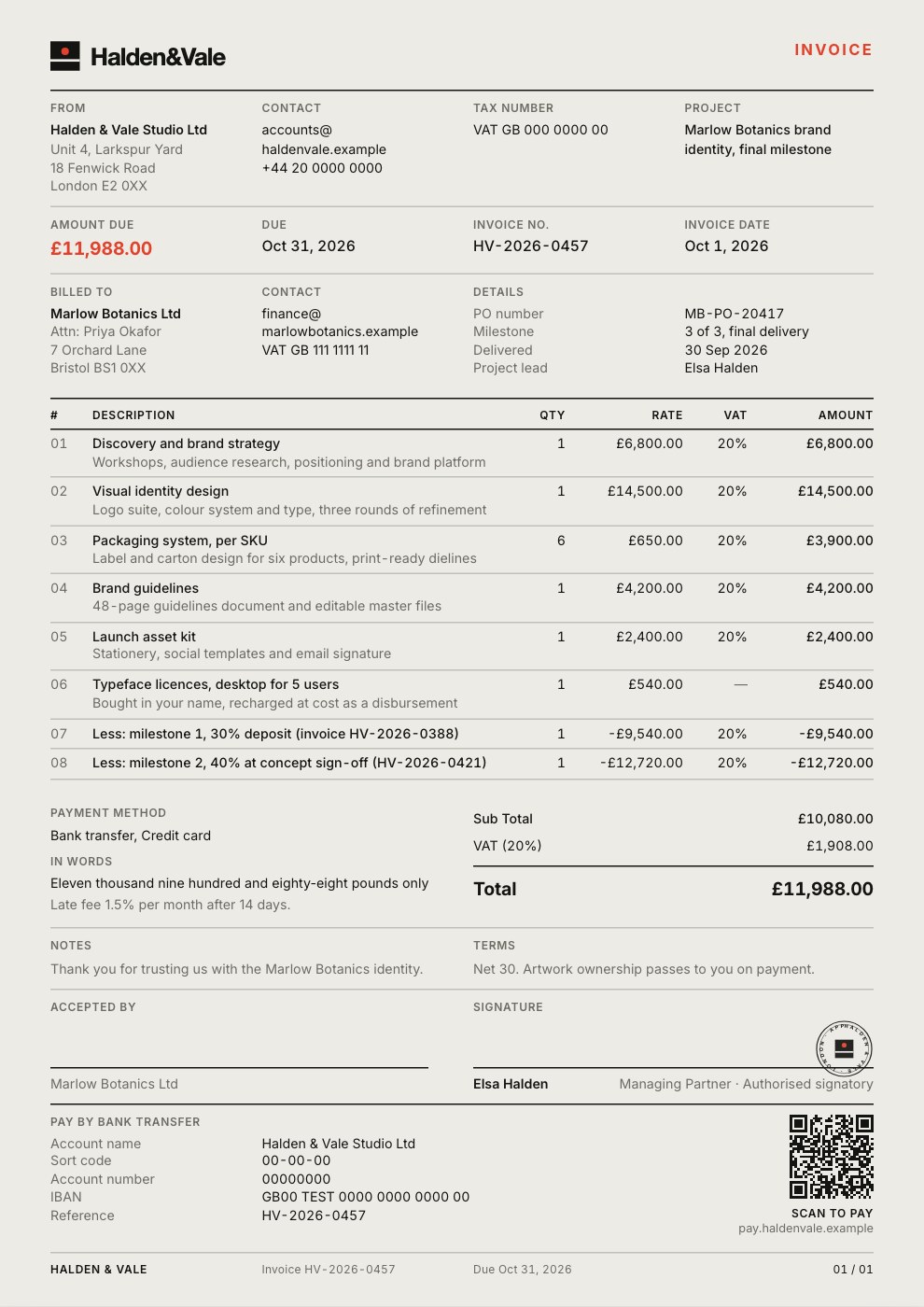
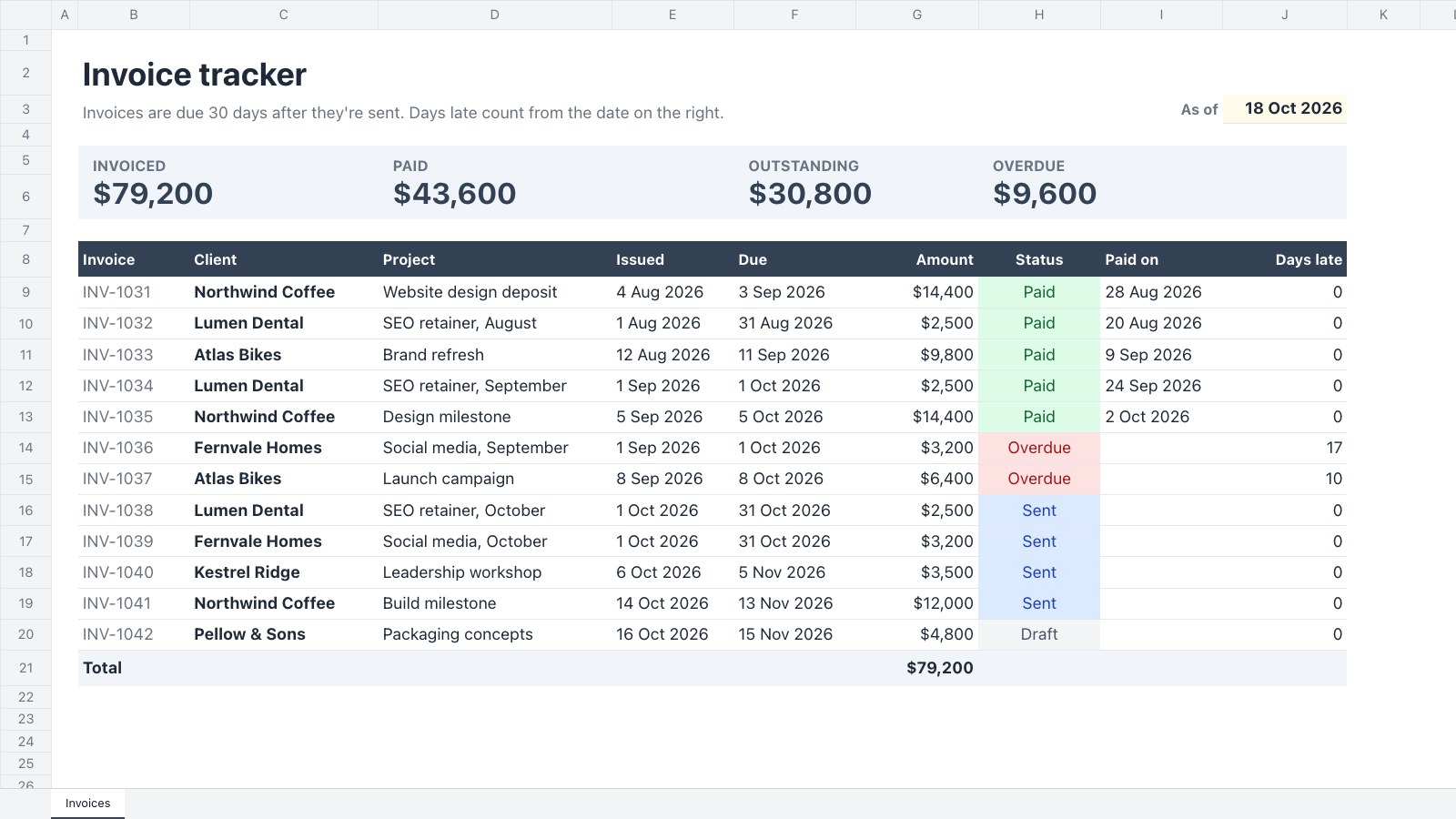
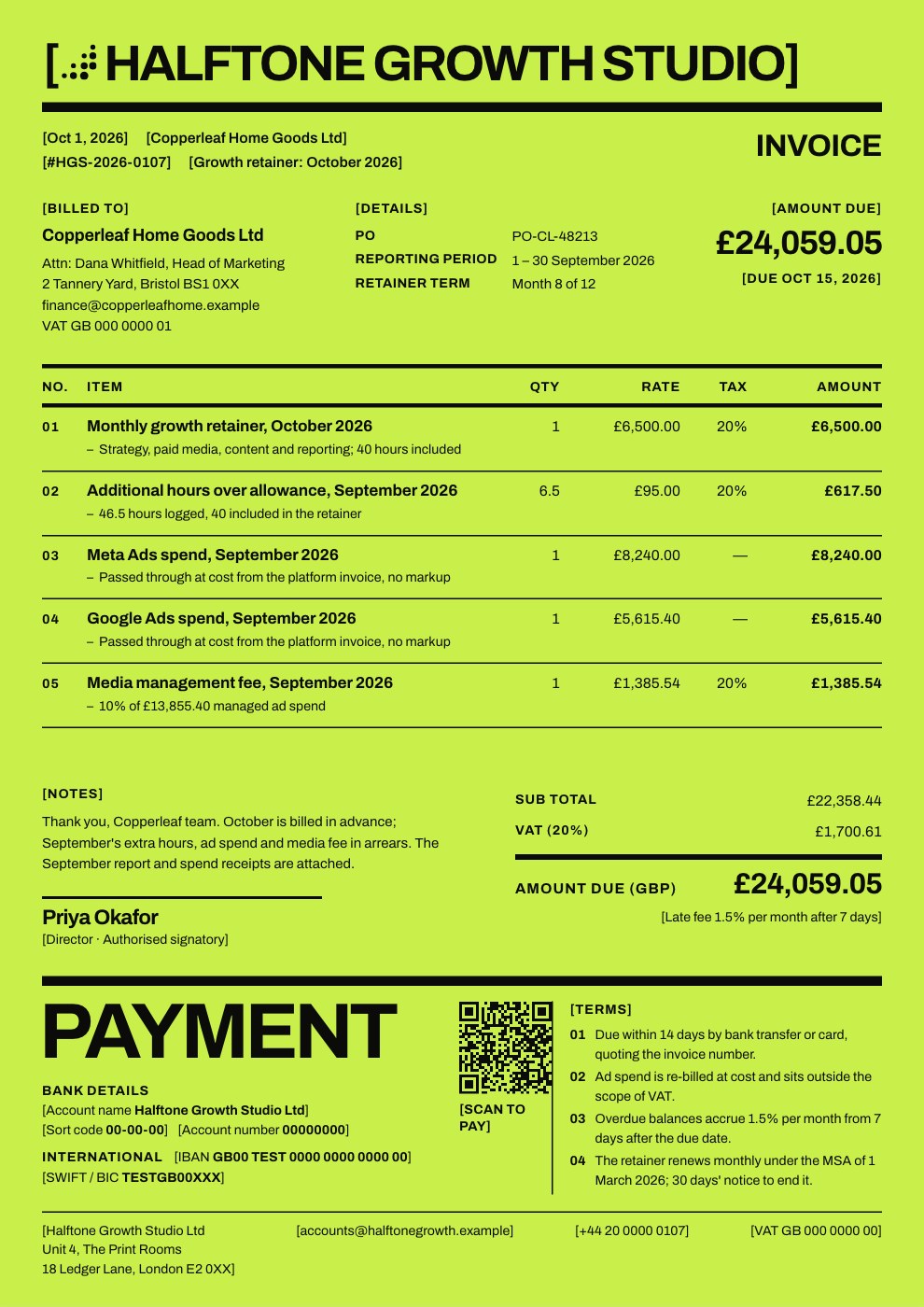
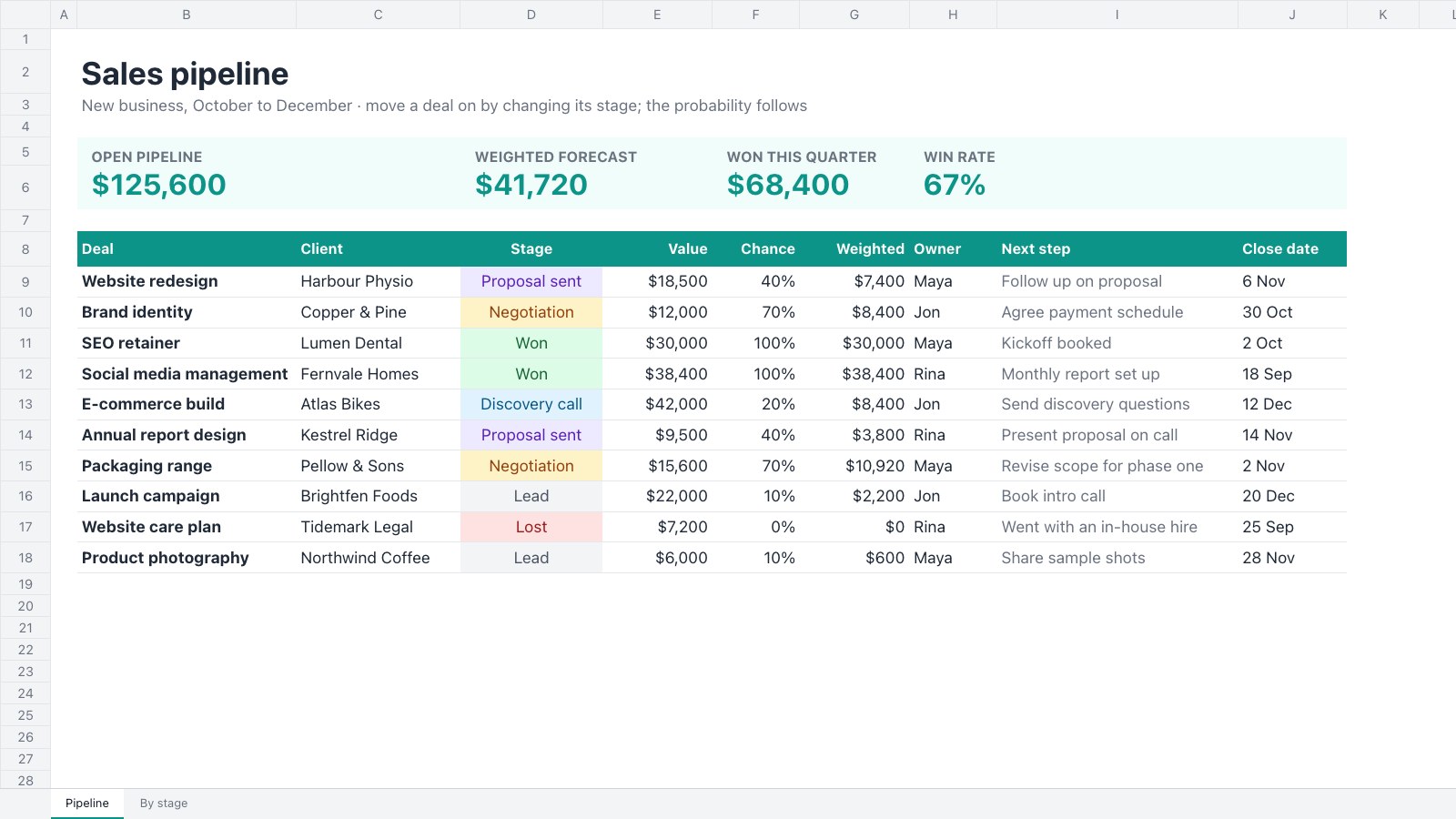
Publishing makes a read-only page of a file that anyone can see, without signing in. They can’t edit it, open it in Docsiv or see who it’s shared with.
Publish
- Select Share in the top bar and open the Publish tab.
- Select Publish to the web.
- Choose a Header style:
- Branded: your workspace’s logo and name, the title, and Present or Download where they apply.
- Minimal: the title, with Present or Download where they apply.
- Select Copy address to share the page, or Copy embed code to put it on your website.
The published page updates as the file is saved, so people always see the latest version.
Search engines
On paid plans, turn on Search engines can find this page to let Google and others list it. Off, the page is only for people with its address.
Stop publishing
Select Stop publishing. The address stops working straight away; publishing again makes a new address.
Make it yours
- On paid plans, published pages can open on your own domain. See Use your own domain.
- Published pages show a small “Made with Docsiv” link. Paid plans can switch it off in Settings › Workspace.
- On paid plans, Analytics shows who opened the page and how far they read.