

What’s inside the Print Catalogue.
20 pages with real content in place. Rewrite them, reorder them, or add your own.
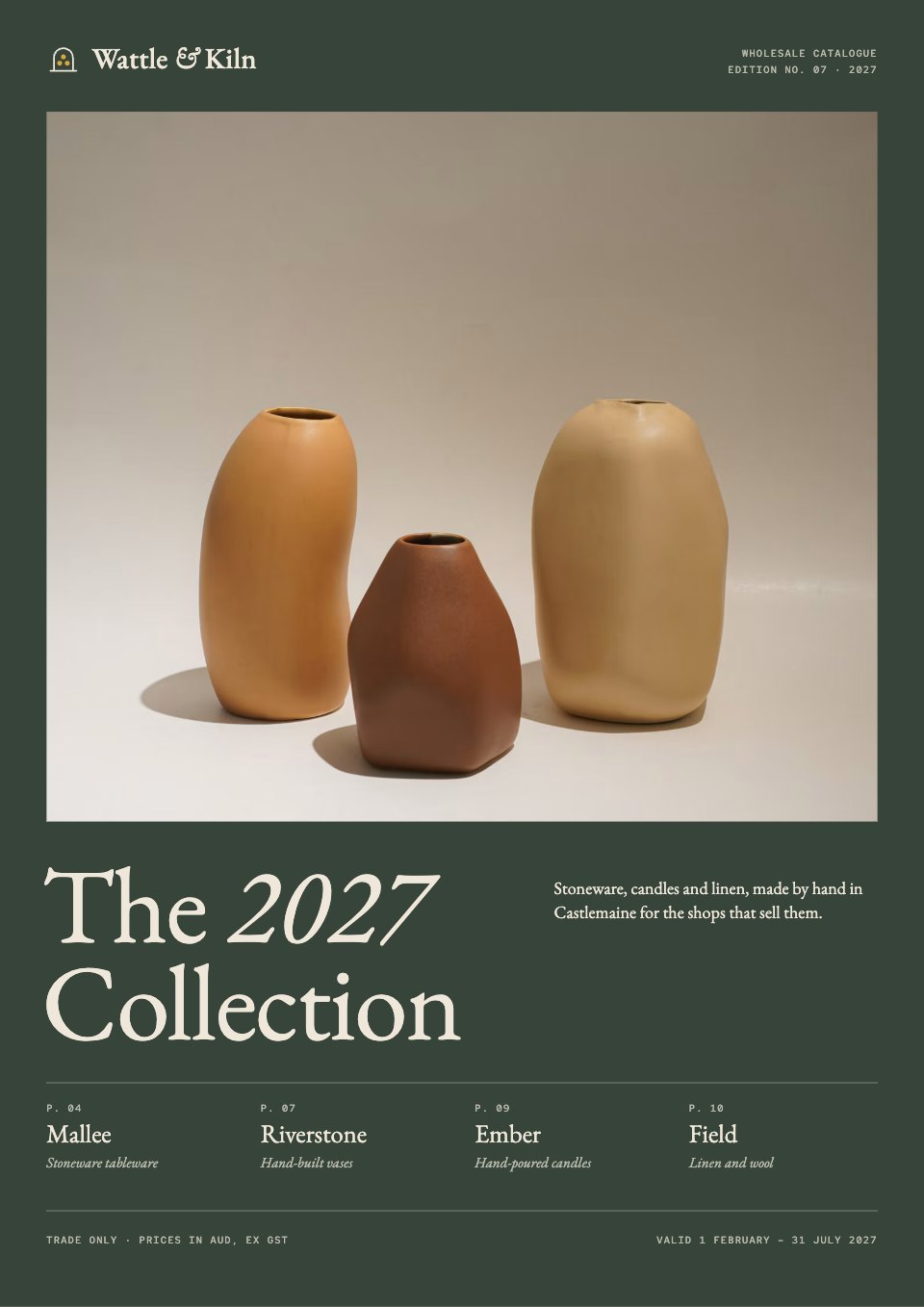
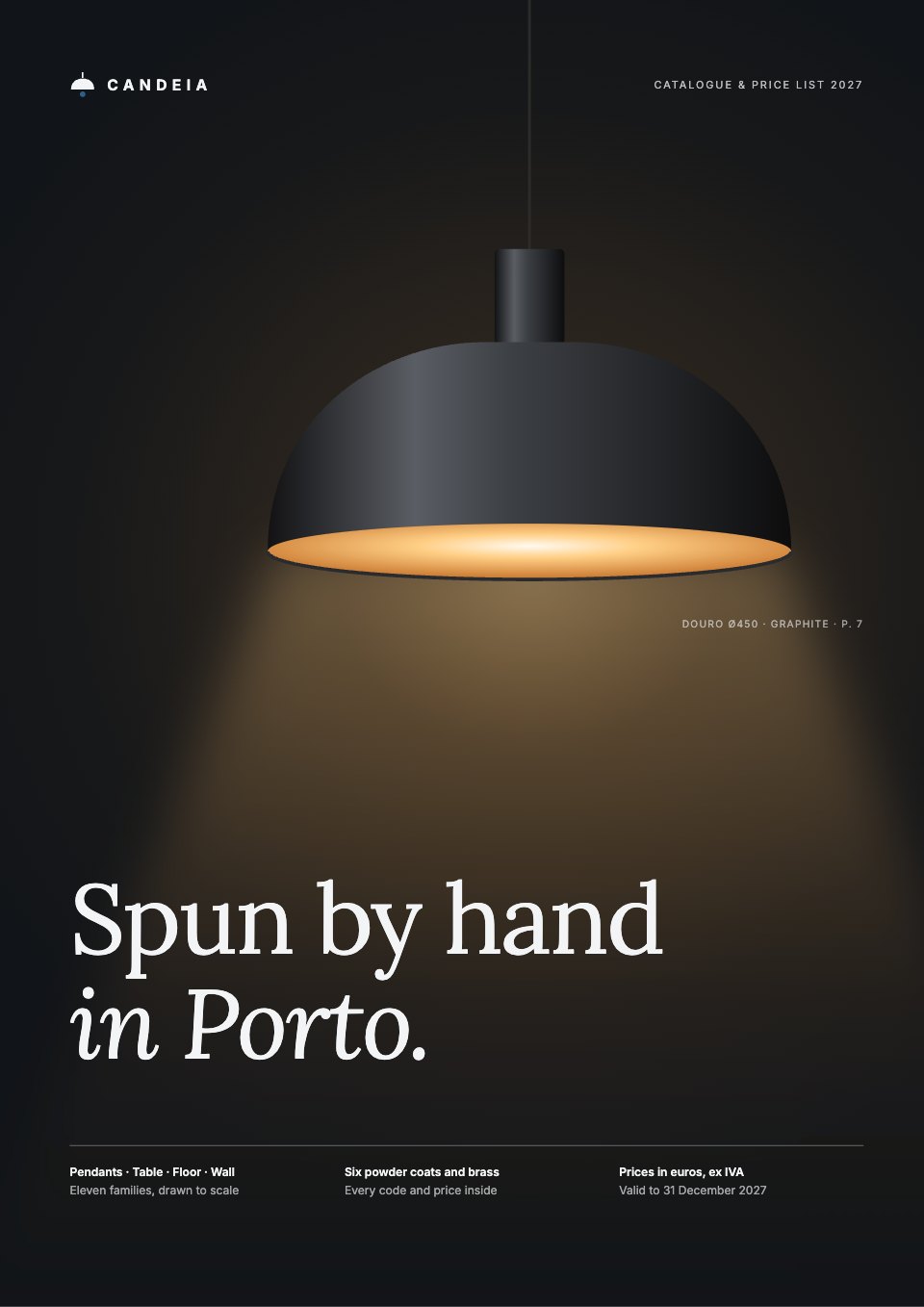
- 1Page 1Front cover: the wordmark, a lit Douro pendant in the dark, the title and three facts along the foot
- 2Page 2Inside front cover: a full-bleed room photo with the Foz floor lamp and a caption
- 3Page 3Welcome: the founders’ letter, the contents, the workshop in four numbers, how to read a product code and the symbol key
- 4Page 4The workshop: a dark opener with a workshop photo, the headline and a two-column introduction
- 5Page 5How a shade is made: five stages from disc to tested light, each with a drawing, a key figure and a short text
- 6Page 6Pendants: a kitchen photo, the section introduction, the three pendant families as drawings with page numbers, and how high to hang them
- 7Page 7Douro: both sizes drawn at 1:5, description and symbols, codes and prices in every finish and size, a section of the light on a table and fitting notes
- 8Page 8Ribeira: both sizes at 1:5, codes and prices, and three on a cluster canopy drawn at 1:20 and priced as an example order
- 9Page 9Bolhão: both sizes at 1:5, codes and prices, and two over a dining table in plan at 1:30 with spacing rules
- 10Page 10Table & desk: the section introduction and Miragaia in two sizes at 1:5, codes and prices, and notes on plug, lamp and bedside height
- 11Page 11Leça: a desk photo, the lamp at 1:5 with its reach and height beside a spec list, and codes and prices in every finish
- 12Page 12Floor: the section introduction, Foz drawn full height at 1:10 with codes, prices and three ways to aim its heads, and Foz and Boavista compared
- 13Page 13Boavista: a room photo, the lamp at 1:15 against seated eye level, codes and prices, and how to place it for reading
- 14Page 14Finishes: six powder coats and brass as spun discs with codes, RAL references and lead times, then care and lead times
- 15Page 15Colour chart: which family comes in which finish and size, special colours, sample discs, matching parts and seven pairings with textile cable
- 16Page 16Wall lights: four wall lights drawn at 1:8 with dimension lines, symbols and codes and prices per finish
- 17Page 17Lamps & parts: LED lamps drawn at 1:2.5 with energy classes, textile cable colours, and canopies, kits and fittings
- 18Page 18How to order: four steps, the showroom, terms of sale and carriage by zone
- 19Page 19Order form: customer and delivery fields, an order table with an example line, totals with IVA, payment choice and signature
- 20Page 20Back cover: the range as a line-drawn index with page numbers, the workshop, showroom and order contacts, and the legal line
When to use it.
Print Catalogue is a 20-page A4 catalogue and price list for makers who sell to architects, interior designers and shops. The sample is a Porto lighting workshop’s 2027 range: a cover, a founders’ welcome with contents and a key to codes and symbols, how the products are made, a page per family with drawings to scale, sizes, codes and prices with and without VAT, finishes and a colour chart, lamps and parts, terms of sale, carriage by zone and a printable order form. Every code and price comes from one product list, so the pages agree.
Made for
- B2B companies and startups
- Hotels, retreats and event venues
- Sales and marketing teams
- Agencies making collateral for clients
Make it yours in four steps.
Open it in Reports and work through it, or let Docsiv AI do the first pass with your details.
- Step 1
Put your name, the year and the dates your prices hold on the front cover, and swap the lit pendant for your own hero product.
- Step 2
Replace each family page’s drawings, sizes, finishes and prices with your own, keeping one code pattern on every page.
- Step 3
Update the finishes, colour chart, lamps and parts pages, and change the VAT rate if yours isn’t 23%.
- Step 4
Set your own terms, carriage rates, bank details and contacts on the order pages, then export a PDF to print or send.
Start from the Print Catalogue now.
Questions about this template.
Something else on your mind? Ask us in the chat, bottom right of the page.
Is the Print Catalogue template free?
Yes. Create a free account and it opens in Docsiv's Reports app, ready to edit and share. The Free plan includes every Docsiv app and 500 AI credits a month.
Can I change the colours, fonts and text?
Yes, all of it. The template uses Lora and Inter with #111418, #ffffff, #111827, #2c5f8a, #f3f4f6, #f3f4f6, and you can change any of them, rewrite every word and add or remove pages.
What can I export it as?
Reports in Docsiv offers: Report pages with charts, PDF and HTML exports. Once it's saved, you can also share it with a link.
Can Docsiv AI write the print catalog for me?
Yes. Tell Docsiv AI about the client or project and it can draft the content in this template's style, which you then review and edit. AI uses credits; the Free plan includes 500 a month.










































Start your brochure with Docsiv AI
Describe the client or the project and Docsiv AI writes a first draft of your print catalog for you to edit, share and send.