

What’s inside the Social Media Icons.
1 artboards with real content in place. Rewrite them, reorder them, or add your own.
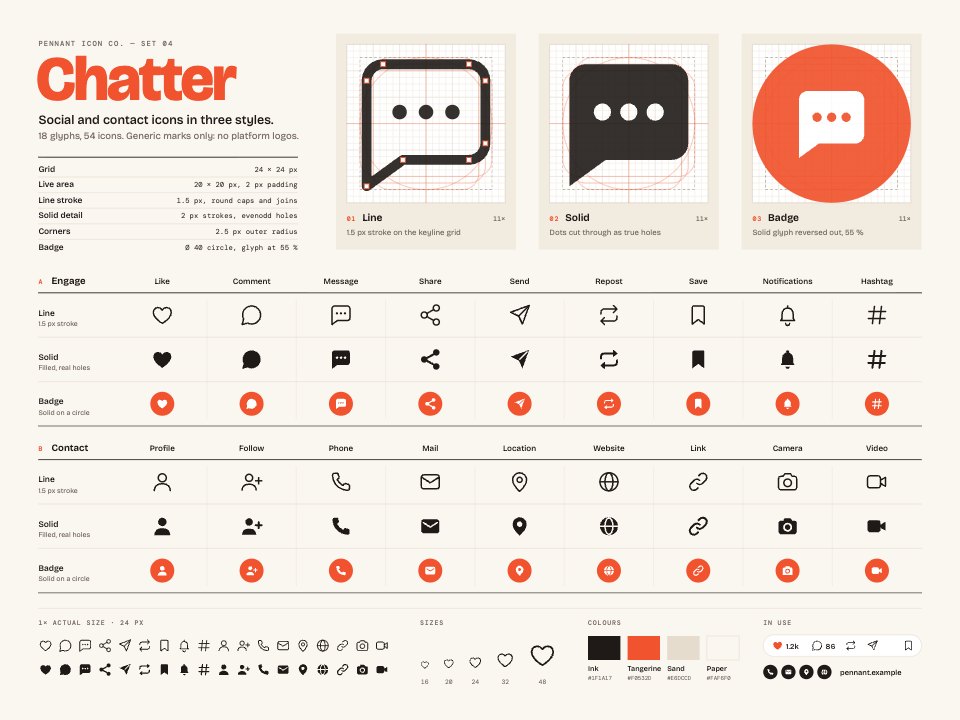
- 1Artboard 118 social and contact glyphs (like, comment, message, share, send, repost, save, notifications, hashtag, profile, follow, phone, mail, location, website, link, camera, video) in line, solid and badge styles; the Message glyph on its keyline grid at 11× in all three styles; specs; the set at true 1× size; a 16–48 px size ramp; four colours; and two in-use strips (a post action bar and a contact line)
When to use it.
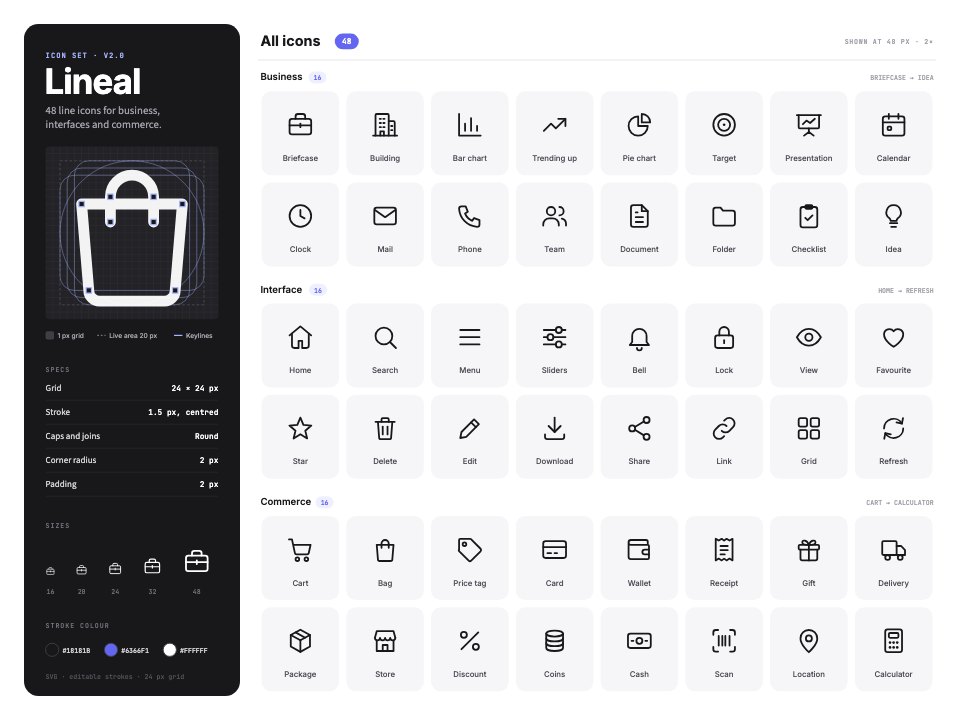
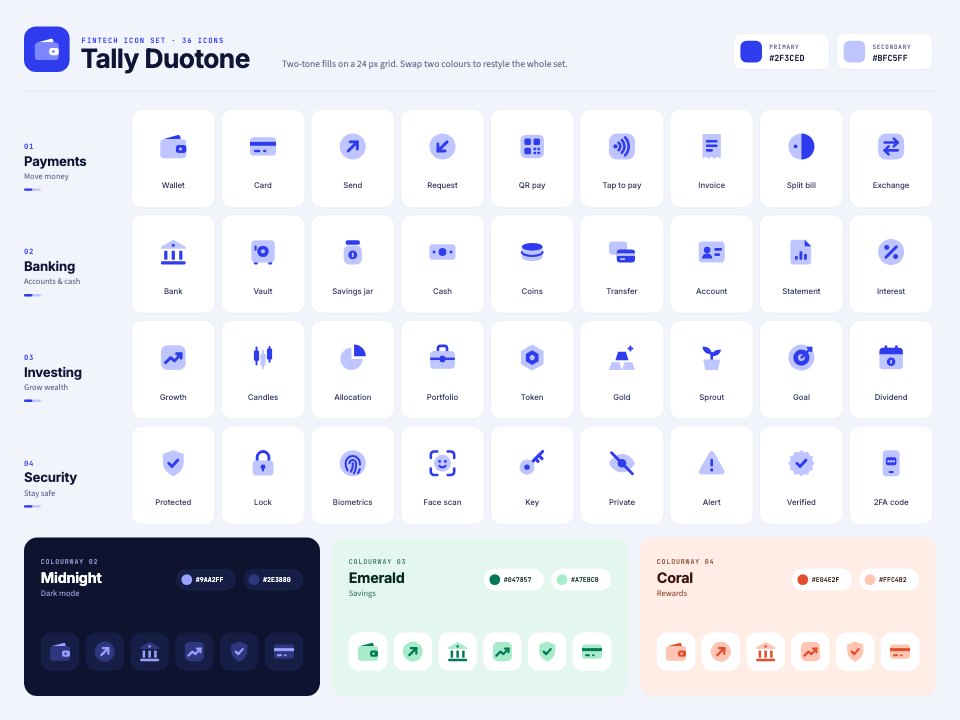
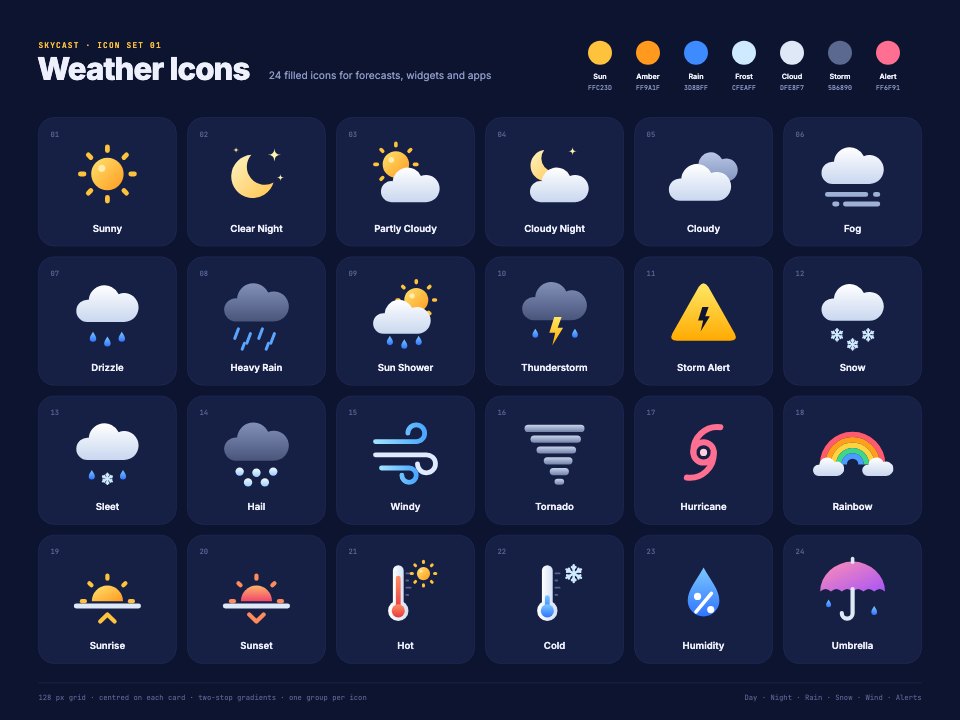
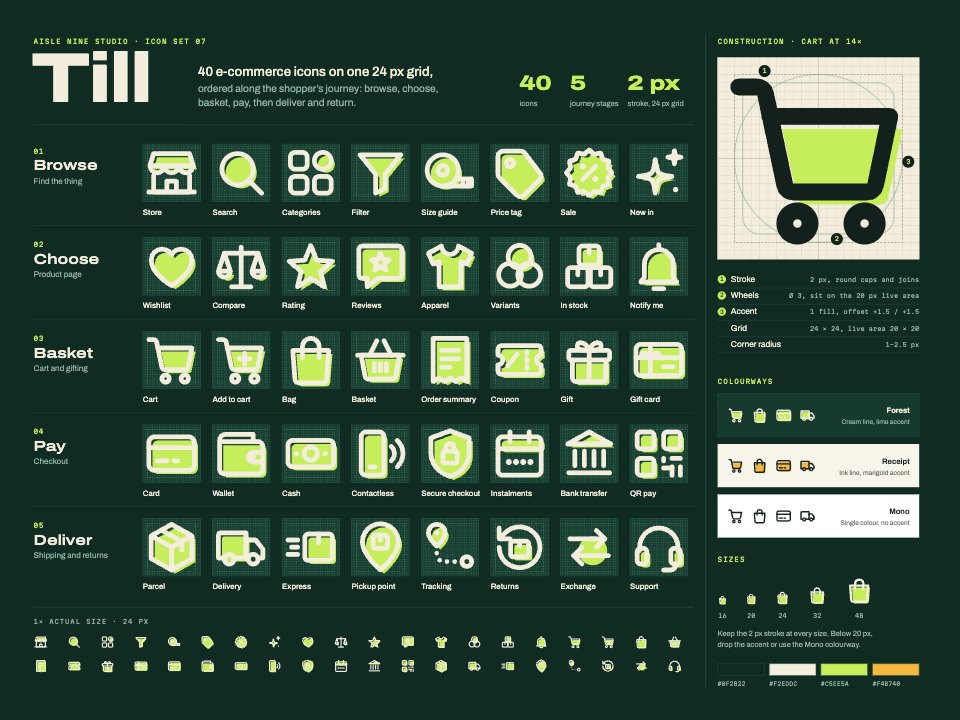
Social Media Icons is a sheet of 54 generic social and contact icons for websites, email footers, link pages, business cards and app screens. Eighteen glyphs, from like, comment, share, repost and notifications to profile, follow, phone, mail, location, website and video, each come in three styles: a 1.5 px line, a solid with true cut-out holes and a round badge. All are drawn on one 24 px keyline grid, shown at 11× beside the specs, with the set at real size, a size ramp from 16 to 48 px and two examples in use. There are no platform logos, so it's safe to use anywhere.
Made for
- Product and UI designers
- Developers who need consistent icons
- Agencies building design systems
- Marketing teams making diagrams and slides
Make it yours in four steps.
Open it in Vectors and work through it, or let Docsiv AI do the first pass with your details.
- Step 1
Pick the style that suits your design, line, solid or badge, and delete the rest.
- Step 2
Recolour a whole row by changing its stroke or fill, and set the badge circles to your brand colour.
- Step 3
Draw any extra icon on the keyline grid with the same 1.5 px stroke so it matches.
- Step 4
Export the icons as SVG for your site or app, or as PNG at 16, 24 or 48 px.
Start from the Social Media Icons now.
Questions about this template.
Something else on your mind? Ask us in the chat, bottom right of the page.
Is the Social Media Icons template free?
Yes. Create a free account and it opens in Docsiv's Vectors app, ready to edit and share. The Free plan includes every Docsiv app and 500 AI credits a month.
Can I change the colours, fonts and text?
Yes, all of it. The template uses Bricolage Grotesque and DM Mono with #1F1A17, #F0532D, #E6DCCD, #F2EBE0, #FAF6F0, and you can change any of them, rewrite every word and add or remove shapes and layers.
What can I export it as?
Vectors in Docsiv offers: AI, SVG, PDF and PNG exports. Once it's saved, you can also share it with a link.
Can Docsiv AI change it for me?
Yes. Tell Docsiv AI what you need, such as your brand's colours, new wording or a new variation, and it makes the changes in Vectors for you to review. AI uses credits; the Free plan includes 500 a month.







Start your icon set with Docsiv AI
Describe the client or the project and Docsiv AI writes a first draft of your social media icons for you to edit, share and send.