

What’s inside the Case Study.
4 pages with real content in place. Rewrite them, reorder them, or add your own.
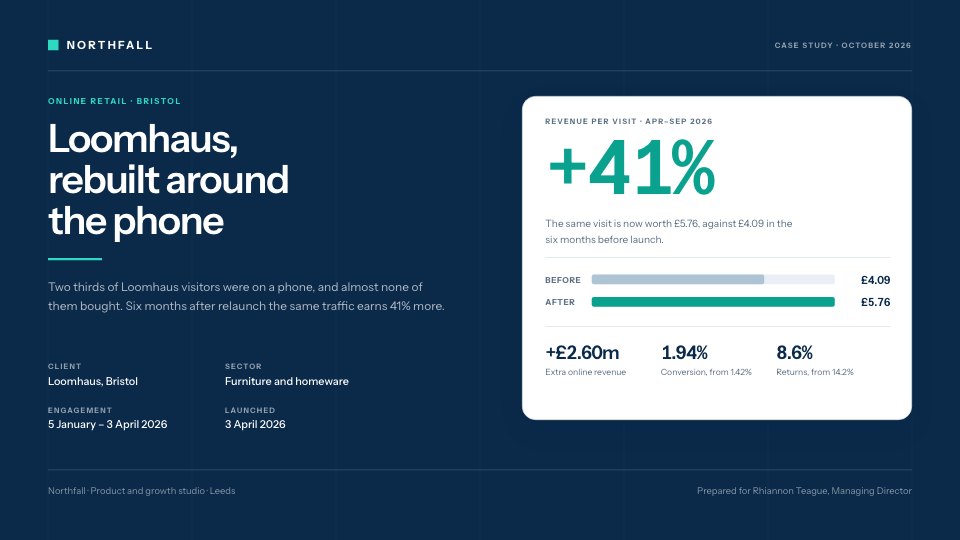
- 1Page 1Cover: the result as the headline, a docket of four numbers with their baselines over a full-bleed photo, a three-sentence summary and the client snapshot
- 2Page 2The challenge: the before state in four paragraphs, where 2025's bookings came from, a phone-visit funnel, four before figures and the founder's words
- 3Page 3What we did: four decisions, each with what and why, beside the booking panel, the reminder text and the private dining quote as shipped, and the seven-week plan
- 4Page 4The results: direct share by month against last year, a nine-row before-and-after table with sources, a named quote with photo, what's next and the call to action
When to use it.
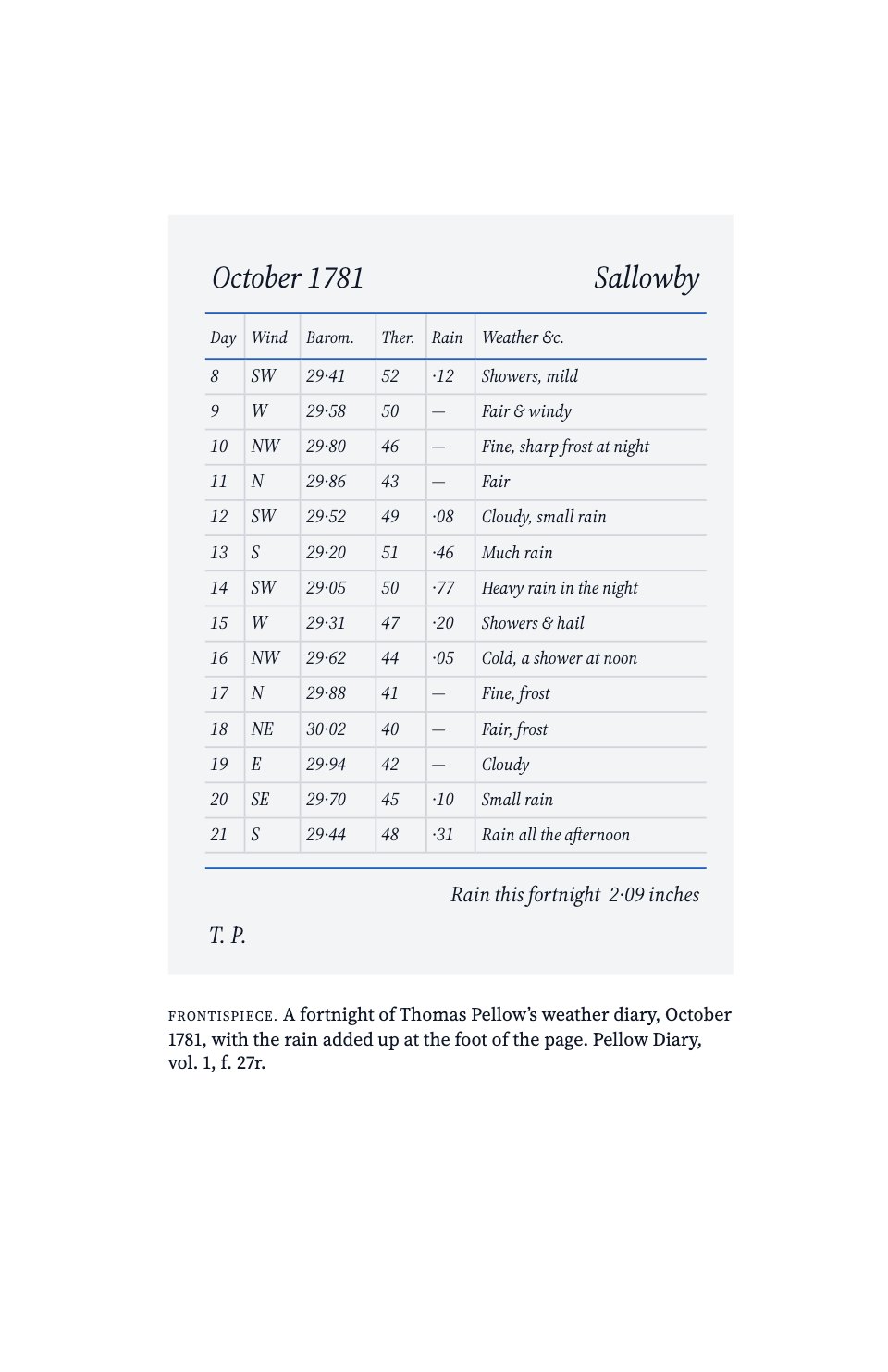
Case Study is a four-page A4 customer story for agencies, studios and consultants who want to show one piece of client work properly. The cover leads with the result as the headline and a docket of four numbers, each with its baseline. Then come the challenge in numbers and the client's own words, the approach as four decisions with why each was made and the work as shipped, a week-by-week project plan, and the results: a monthly chart, a sourced before-and-after table, a named quote, what happens next and one call to action. Every figure agrees from page to page.
Made for
- Agencies and consultants
- Sales and marketing teams
- Freelancers building a portfolio
- Customer success teams
Make it yours in four steps.
Open it in Reports and work through it, or let Docsiv AI do the first pass with your details.
- Step 1
Put your client's headline result and their name on the cover, and swap the photo for one from their business.
- Step 2
Rewrite the challenge with their before figures and a quote they've approved.
- Step 3
Replace the four decisions, the shipped screens and the project weeks with your own work.
- Step 4
Enter the before-and-after figures with their sources, check the chart matches, then share the link or export a PDF.
Start from the Case Study now.
Questions about this template.
Something else on your mind? Ask us in the chat, bottom right of the page.
Is the Case Study template free?
Yes. Create a free account and it opens in Docsiv's Reports app, ready to edit and share. The Free plan includes every Docsiv app and 500 AI credits a month.
Can I change the colours, fonts and text?
Yes, all of it. The template uses Newsreader and IBM Plex Mono with #f3eee5, #1f1b17, #c4441c, #fbf9f4, #bdb2a4, and you can change any of them, rewrite every word and add or remove pages.
What can I export it as?
Reports in Docsiv offers: Report pages with charts, PDF and HTML exports. Once it's saved, you can also share it with a link.
Can Docsiv AI write the case study for me?
Yes. Tell Docsiv AI about the client or project and it can draft the content in this template's style, which you then review and edit. AI uses credits; the Free plan includes 500 a month.










































Start your case study with Docsiv AI
Describe the client or the project and Docsiv AI writes a first draft of your case study for you to edit, share and send.