

What’s inside the University Lecture.
16 slides with real content in place. Rewrite them, reorder them, or add your own.
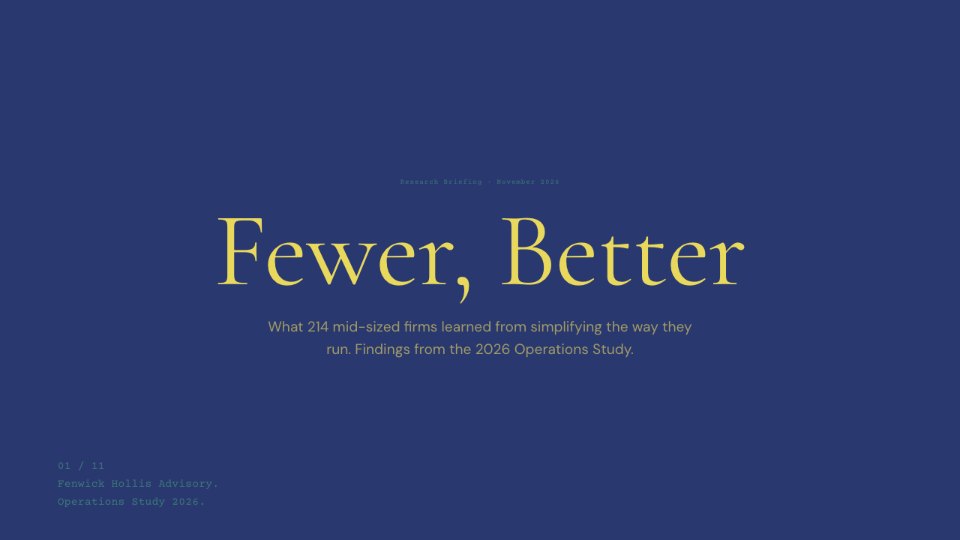
- 1Slide 1Title: Lecture 7, Defaults, with lecturer, time and room, and two donor forms one phrase apart as the opening question
- 2Slide 2Outline: seven timed sections adding up to 80 minutes, three learning outcomes, and where the week sits in the twelve-week course
- 3Slide 37.1 What a default is: a definition, everyday defaults, status quo bias (Samuelson & Zeckhauser, 1988), and how a default differs from a mandate
- 4Slide 47.1 Three kinds of choice architecture compared: opt-in, opt-out and active choice, drawn as three forms with what happens if you do nothing, who carries the effort and where each is used
- 5Slide 57.2 Three channels: effort, implied endorsement and the reference point, as Figure 7.1 with an example of each and what weakens it (Dinner et al., 2011)
- 6Slide 67.2 The reference point: the prospect-theory value function redrawn as Figure 7.2, with loss aversion marked and a coin-toss question for the hall (Kahneman & Tversky, 1979)
- 7Slide 77.3 Organ donation: the online experiment, opt-in against opt-out against a neutral choice, as Figure 7.3, the cover's guess answered, and consent against actual donation
- 8Slide 87.3 Retirement saving: participation before and after automatic enrolment as Figure 7.4, and the catch of the 3% default (Madrian & Shea, 2001)
- 9Slide 97.4 Case study: Save More Tomorrow, its four steps and the bias each puts to work, and what happened to saving rates as Figure 7.5 (Thaler & Benartzi, 2004)
- 10Slide 107.4 Case study, continued: the UK's automatic enrolment as Table 7.1, and what a Canadian version would need
- 11Slide 117.5 When defaults fail: strong preferences, bad defaults and people who notice, from the meta-analysis (Jachimowicz et al., 2019)
- 12Slide 127.5 Ethics: libertarian paternalism, sludge, and a four-question test for a fair default
- 13Slide 137.5 The replication debate: Mertens et al. (2022) against Maier et al. (2022), a funnel plot as Figure 7.6, and how to read a meta-analysis
- 14Slide 147.6 Discussion: three questions for pairs, ten minutes in three parts, with a policy brief for the seminar
- 15Slide 157.7 Summary: five takeaways beside Figure 7.7, the cover’s question answered with the consent rates by country
- 16Slide 167.7 Reading list: essential and further reading in APA 7th style with DOIs, the seminar, problem set, office hours and next lecture
When to use it.
University Lecture is a 16-slide deck for one 80-minute lecture, built the way a well-run course presents it. It opens with a question for the hall, then an outline with timed sections, learning outcomes and where the week sits in the term. The middle teaches through numbered, captioned figures and tables with their sources, a two-slide case study, a slide on limits and ethics, and a timed discussion in pairs. It closes with a summary beside the key figure and a reading list in APA 7th style with DOIs, plus the seminar, problem set and office hours.
Made for
- Teachers and lecturers
- Trainers and coaches
- Agencies training client teams
- Workshop leaders
Make it yours in four steps.
Open it in Decks and work through it, or let Docsiv AI do the first pass with your details.
- Step 1
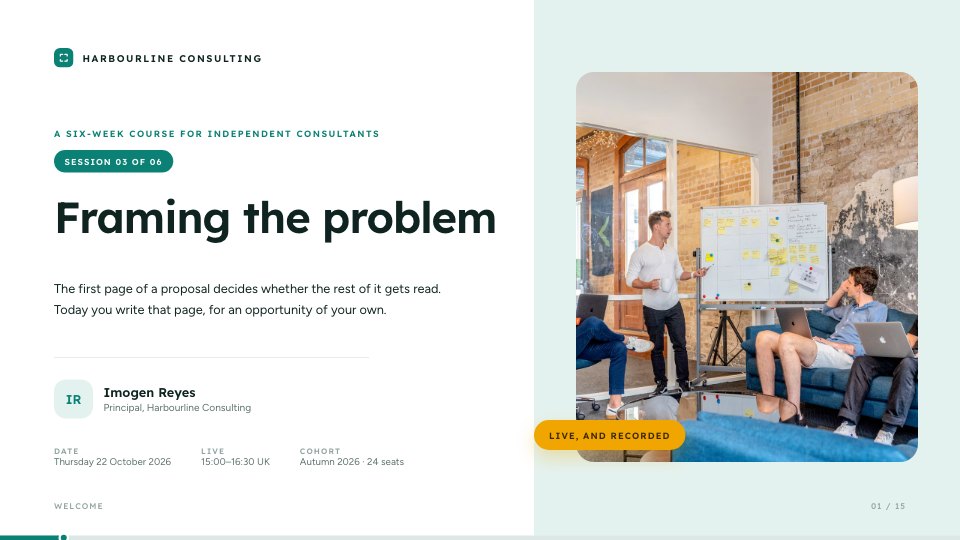
Put your course code, lecture number, title, room and date on the cover and in the header.
- Step 2
Set your sections and minutes on the outline slide, and rename the weeks in the course map.
- Step 3
Replace each figure's values, note and source with your own evidence, keeping the numbering in order.
- Step 4
Rewrite the discussion questions and reading list, then present it or post the PDF to your course site.
Start from the University Lecture now.
Questions about this template.
Something else on your mind? Ask us in the chat, bottom right of the page.
Is the University Lecture template free?
Yes. Create a free account and it opens in Docsiv's Decks app, ready to edit and share. The Free plan includes every Docsiv app and 500 AI credits a month.
Can I change the colours, fonts and text?
Yes, all of it. The template uses Source Serif 4 and Source Sans 3 with #22594a, #16191b, #9aa3a8, #f2f4f3, #e2ede9, #ffffff, and you can change any of them, rewrite every word and add or remove slides.
What can I export it as?
Decks in Docsiv offers: Slides, PPTX, PDF and HTML exports. Once it's saved, you can also share it with a link.
Can Docsiv AI write the lecture slides for me?
Yes. Tell Docsiv AI about the client or project and it can draft the content in this template's style, which you then review and edit. AI uses credits; the Free plan includes 500 a month.




Start your lesson with Docsiv AI
Describe the client or the project and Docsiv AI writes a first draft of your lecture slides for you to edit, share and send.