

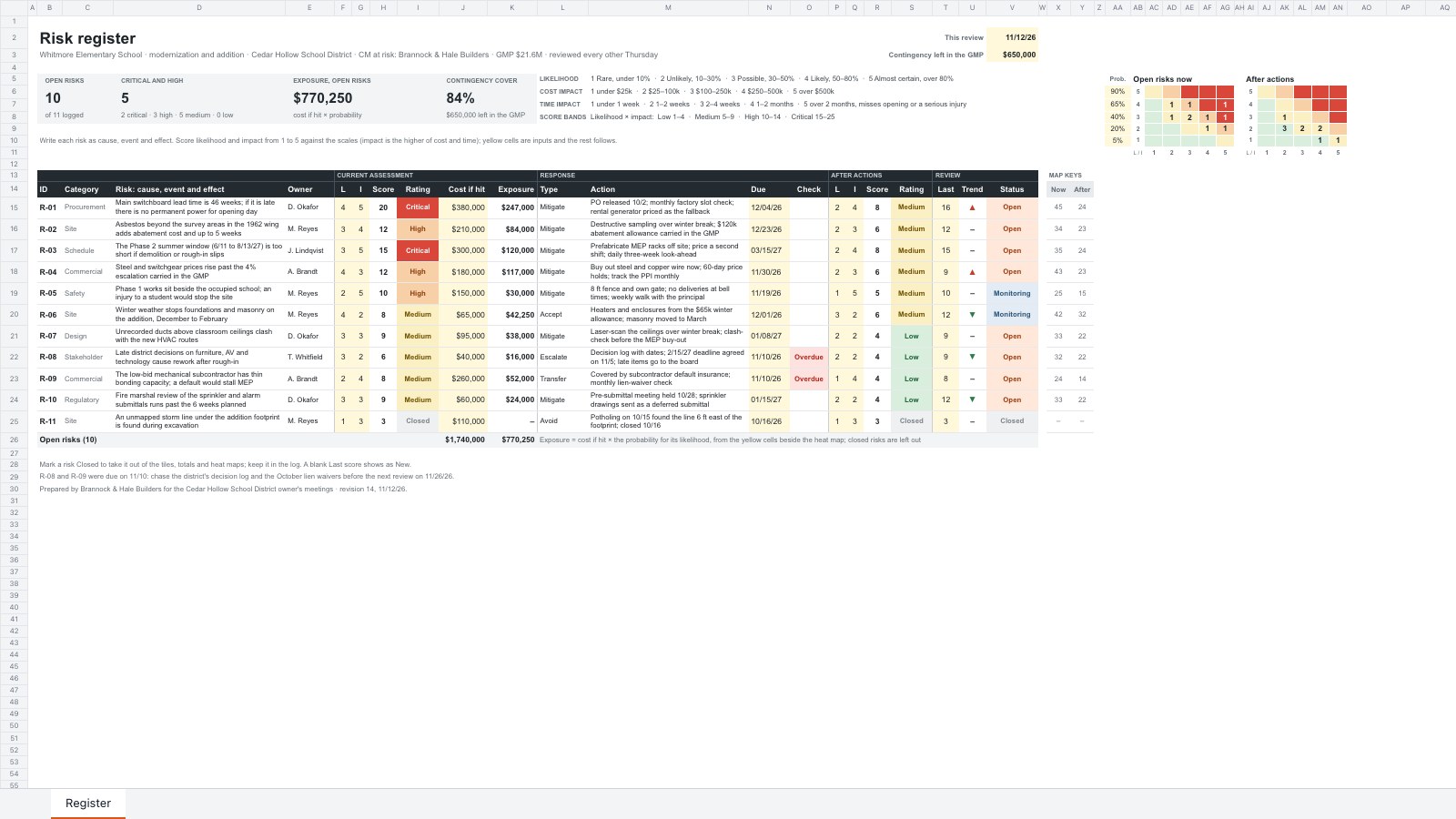
What’s inside the Risk Register.
Real content in every part, ready to rewrite with your own.
- 1Register: eleven risks written as cause, event and effect with category and owner, likelihood and impact scored 1–5 against the scales, the score and its Low, Medium, High or Critical rating, cost if hit and exposure at the likelihood's probability, the response type, action, due date and an overdue check, the target score and rating after the action, the trend against the last review and a status; four tiles (open risks, critical and high, exposure, contingency cover) and heat maps of open risks now and after actions
When to use it.
Risk Register is a spreadsheet for project managers, contractors and owner's reps who review project risks every week or two. Each risk is written as cause, event and effect with a category and an owner, scored for likelihood and impact on 1–5 scales, and rated Low, Medium, High or Critical. Cost if hit turns into an exposure at the likelihood's probability, set against your contingency. The response, action, due date and target score after the action sit beside it, with an overdue check, a trend since the last review, and heat maps of open risks now and after actions.
Made for
- Agencies presenting work to clients
- Consultants and strategists
- Product and project teams
- Freelancers pitching an approach
Make it yours in four steps.
Open it in Spreadsheets and work through it, or let Docsiv AI do the first pass with your details.
- Step 1
Change the project name in the title, and set the review date and the contingency you have left at the top right.
- Step 2
Adjust the likelihood and impact scales and the probability for each likelihood, beside the heat map, to suit your project.
- Step 3
Replace the sample risks with your own, scoring likelihood and impact in the yellow cells, and give each an owner, an action and a due date.
- Step 4
At each review, copy the score into Last, update the scores and statuses, and mark finished risks Closed.
Start from the Risk Register now.
Questions about this template.
Something else on your mind? Ask us in the chat, bottom right of the page.
Is the Risk Register template free?
Yes. Create a free account and it opens in Docsiv's Spreadsheets app, ready to edit and share. The Free plan includes every Docsiv app and 500 AI credits a month.
Can I change the colours, fonts and text?
Yes, all of it. The template uses Arial with #232b31, #d9473a, #f8d0a8, #fbefc4, #d9eedd, #d9571a, #fff8db, and you can change any of them, rewrite every word and add or remove rows and columns.
What can I export it as?
Spreadsheets in Docsiv offers: XLSX, CSV and PDF exports. Once it's saved, you can also share it with a link.
Can Docsiv AI write the risk register for me?
Yes. Tell Docsiv AI about the client or project and it can draft the content in this template's style, which you then review and edit. AI uses credits; the Free plan includes 500 a month.

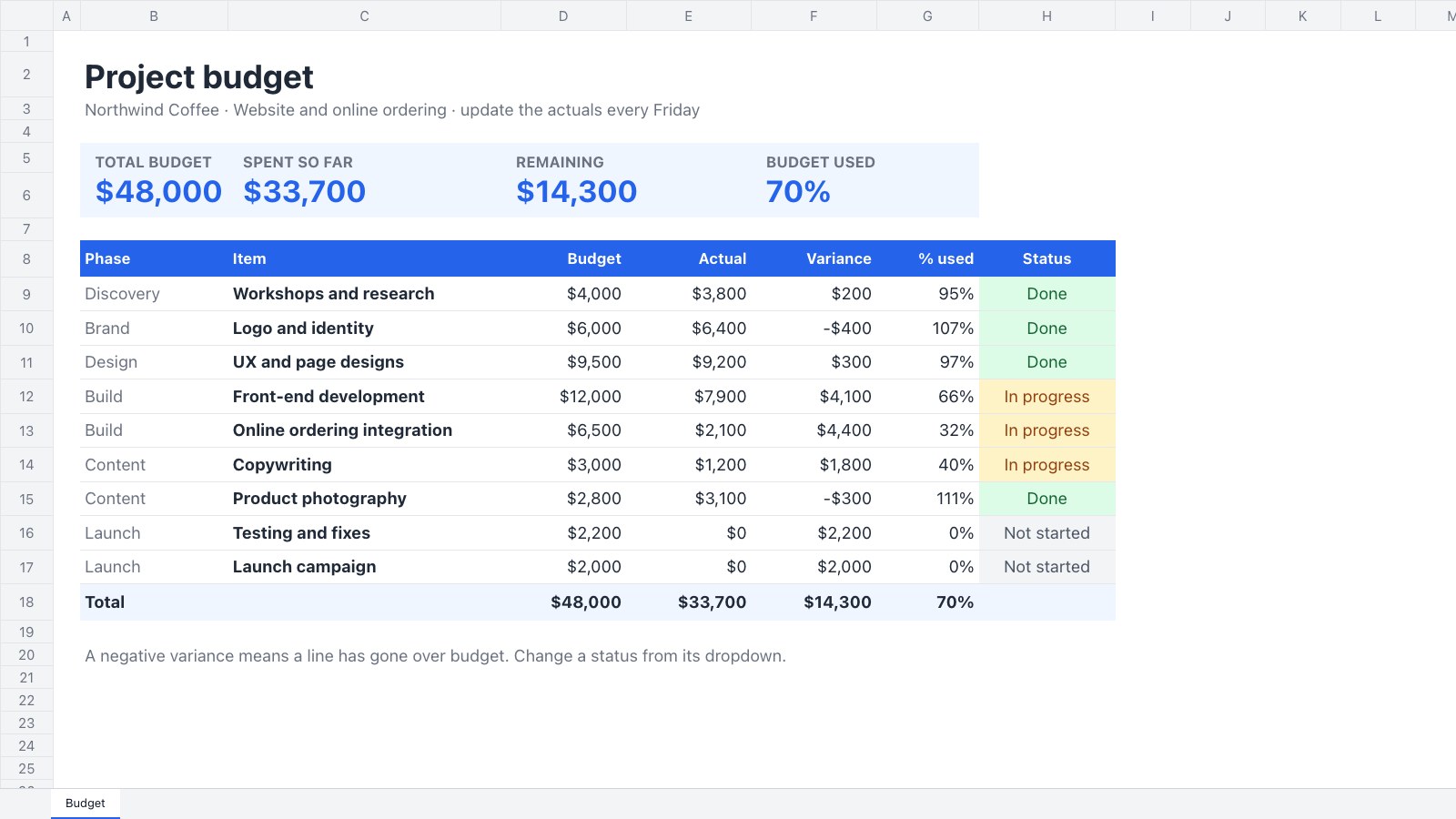
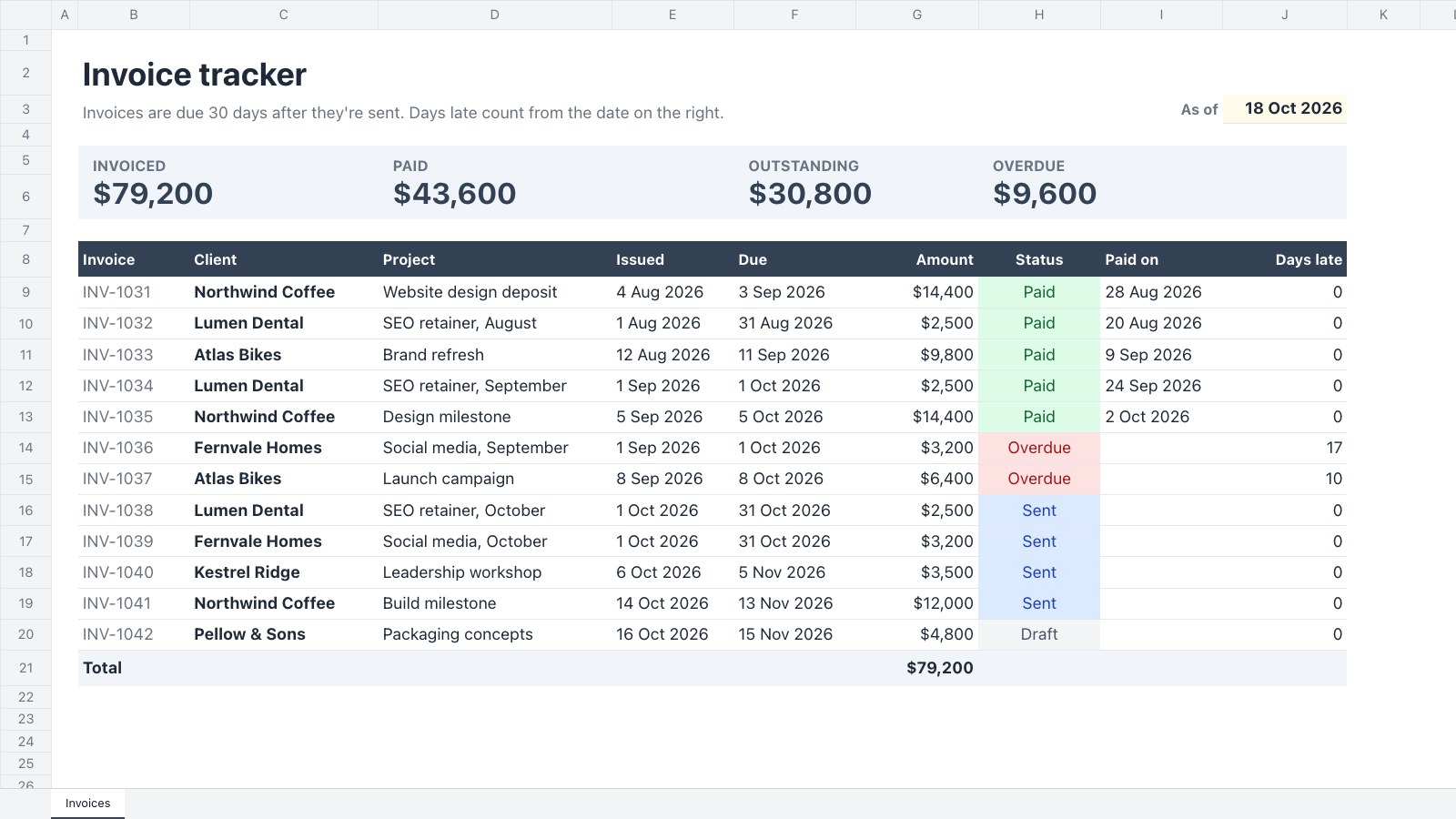
Start your project presentation with Docsiv AI
Describe the client or the project and Docsiv AI writes a first draft of your risk register for you to edit, share and send.