

What’s inside the Supply Quote.
6 pages with real content in place. Rewrite them, reorder them, or add your own.
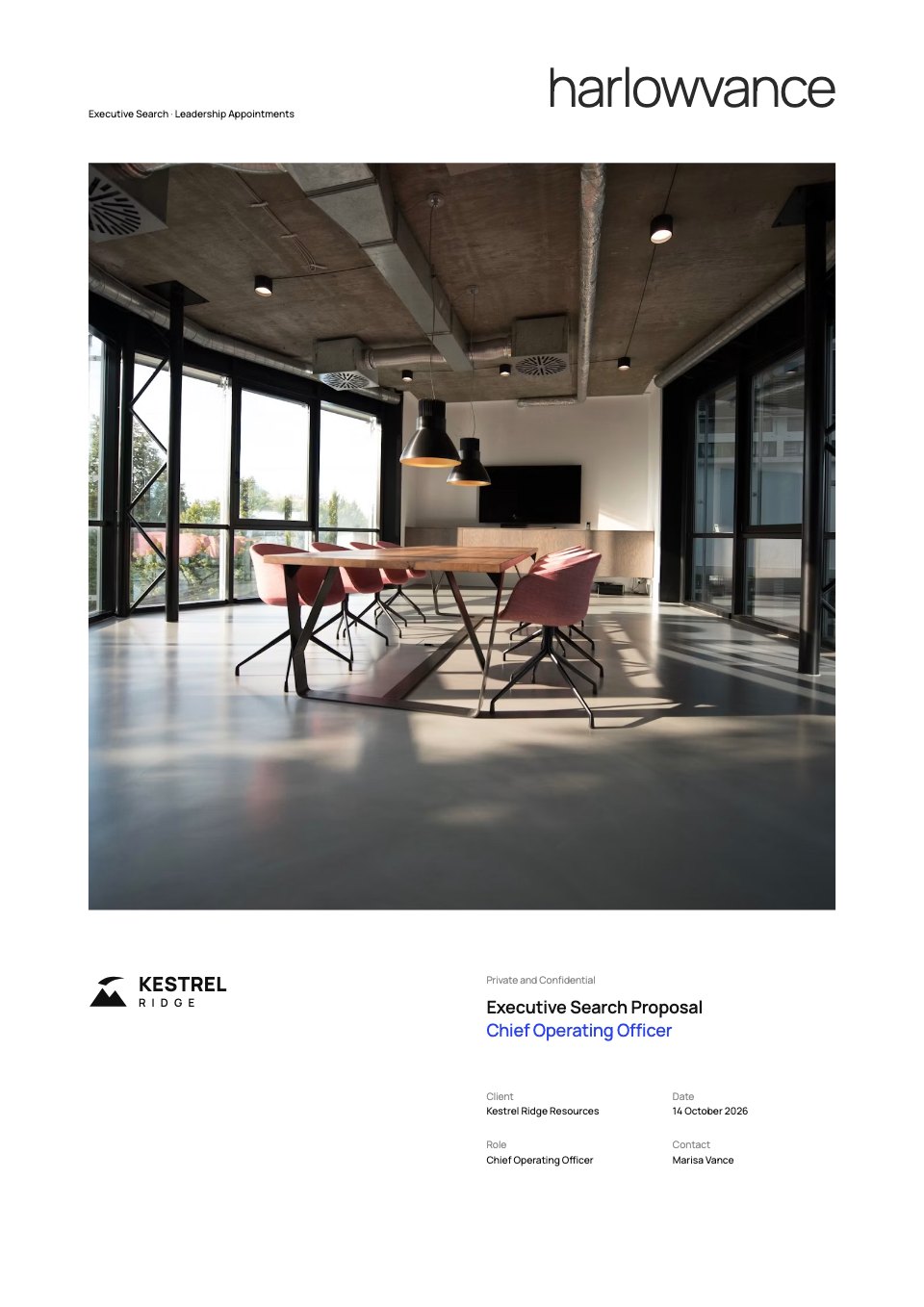
- 1Page 1The quotation: letterhead with GSTIN, IEC and certifications, quotation number and validity, customer and contacts, the part and drawing revision, four headline numbers, the price per piece at four lot sizes, the tooling list and total, the terms in brief and a signed close
- 2Page 2Part specification: the drawing redrawn as a figure (front view, section A–A, datums, feature control frames, first-angle projection), drawing notes and part details, the material and process, the critical and significant characteristics with their checks, and the T1 documents
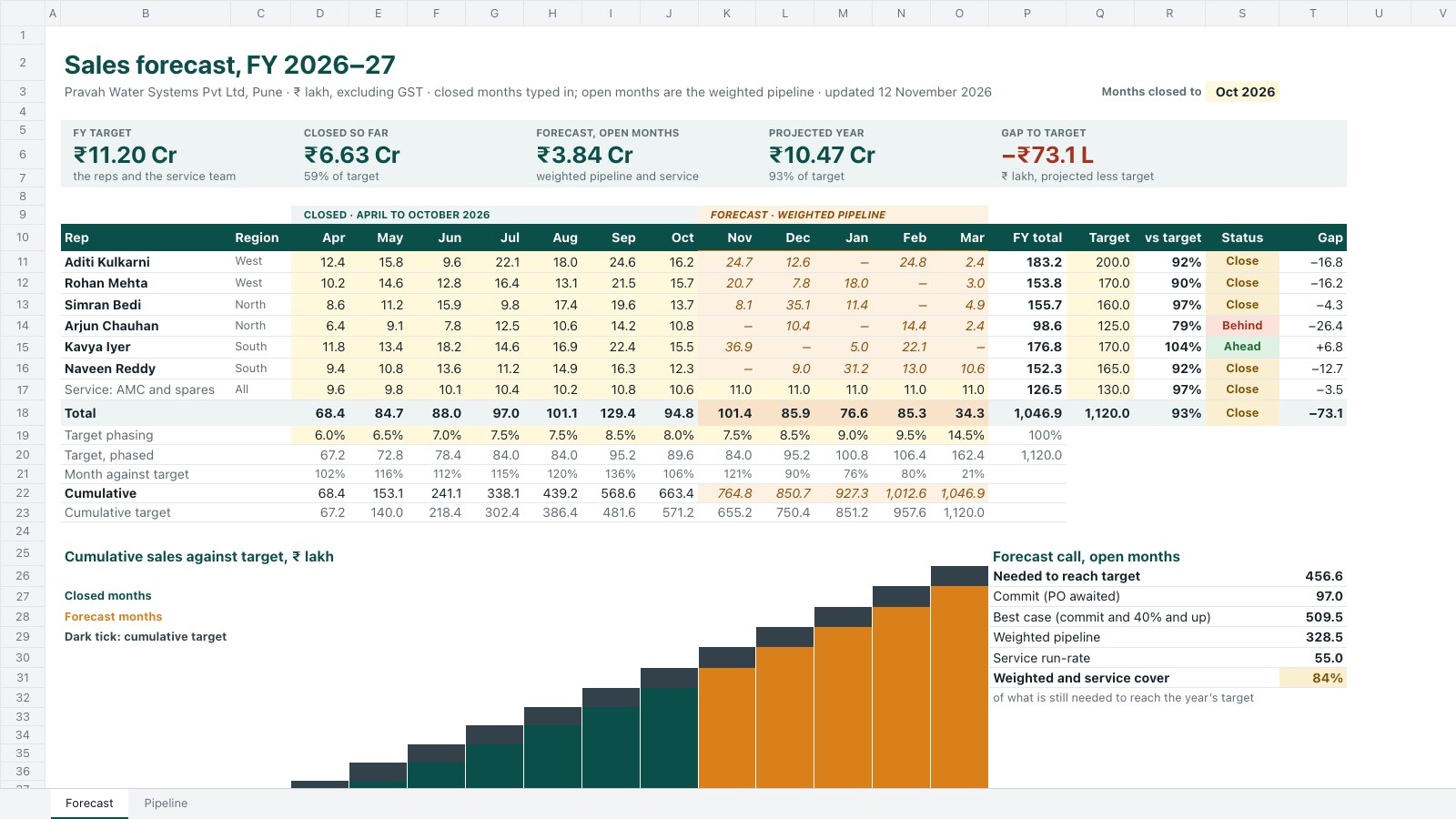
- 3Page 3Price build-up: cycle, machining, set-up and capacity figures, the cost per piece at each lot size (alloy, casting, machining, coating, leak test, packing, lot set-up, overheads and margin) adding up to the quoted prices, the price curve as stacked columns, and what moves the price
- 4Page 4Tooling and lead time: the die's design, steel and 150,000-shot life, tool ownership and care, the plan from order to first delivery as a Gantt with dated milestones, and the quality plan (DFM, T0, first-article inspection, PPAP level 3, run at rate, early containment, series capability targets)
- 5Page 5Commercial terms: the route from Chakan to Ulm with where cost and risk pass under FCA and DAP, payment for tooling and parts, the alloy price clause with a worked example, packing, call-offs, safety stock, validity and price basis
- 6Page 6Accepting the quotation: the choices to tick, dated milestones if ordered by the validity date, eight conditions of sale and the acceptance block with signature, name, title, date and PO number for the customer, signed for the supplier
When to use it.
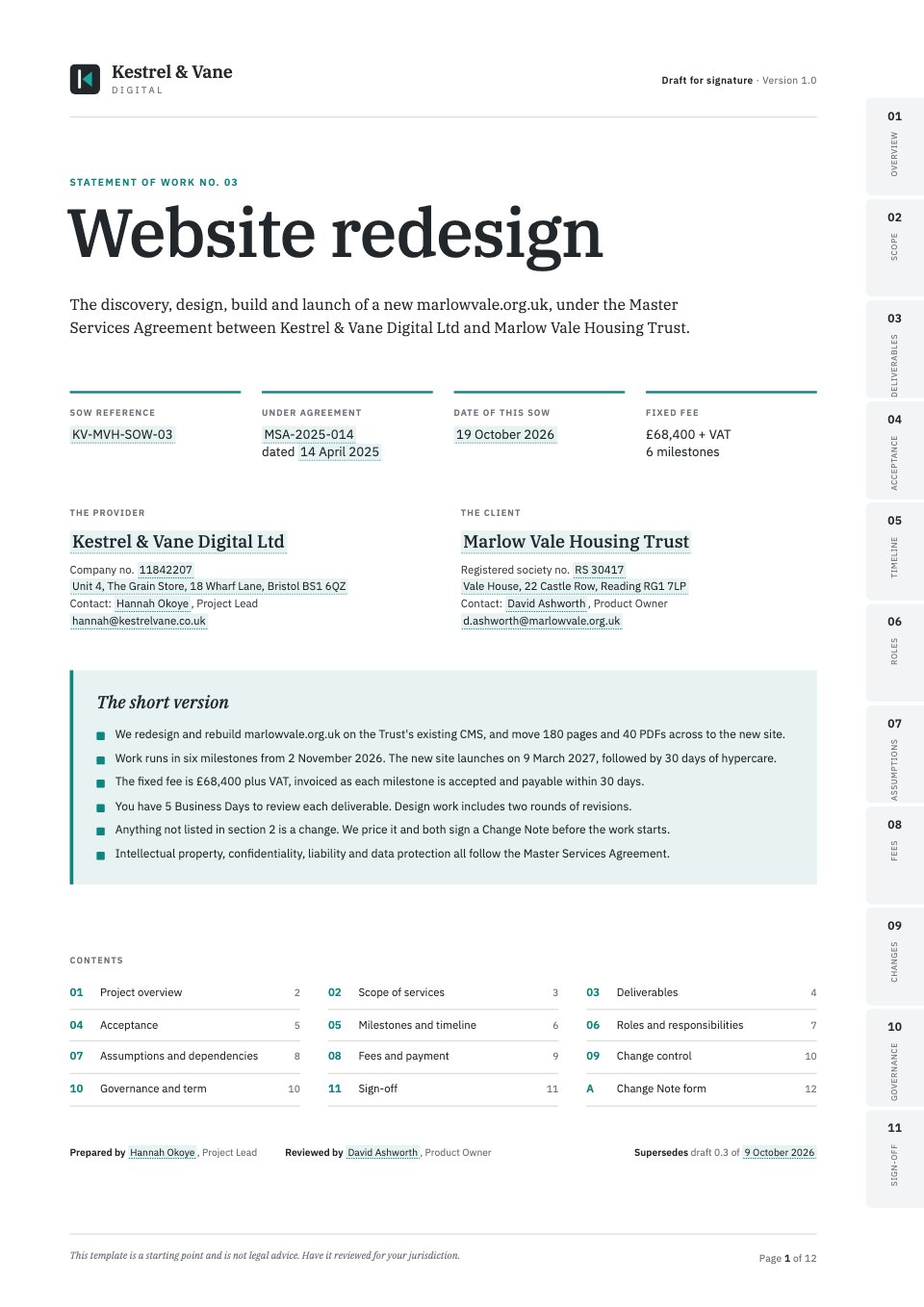
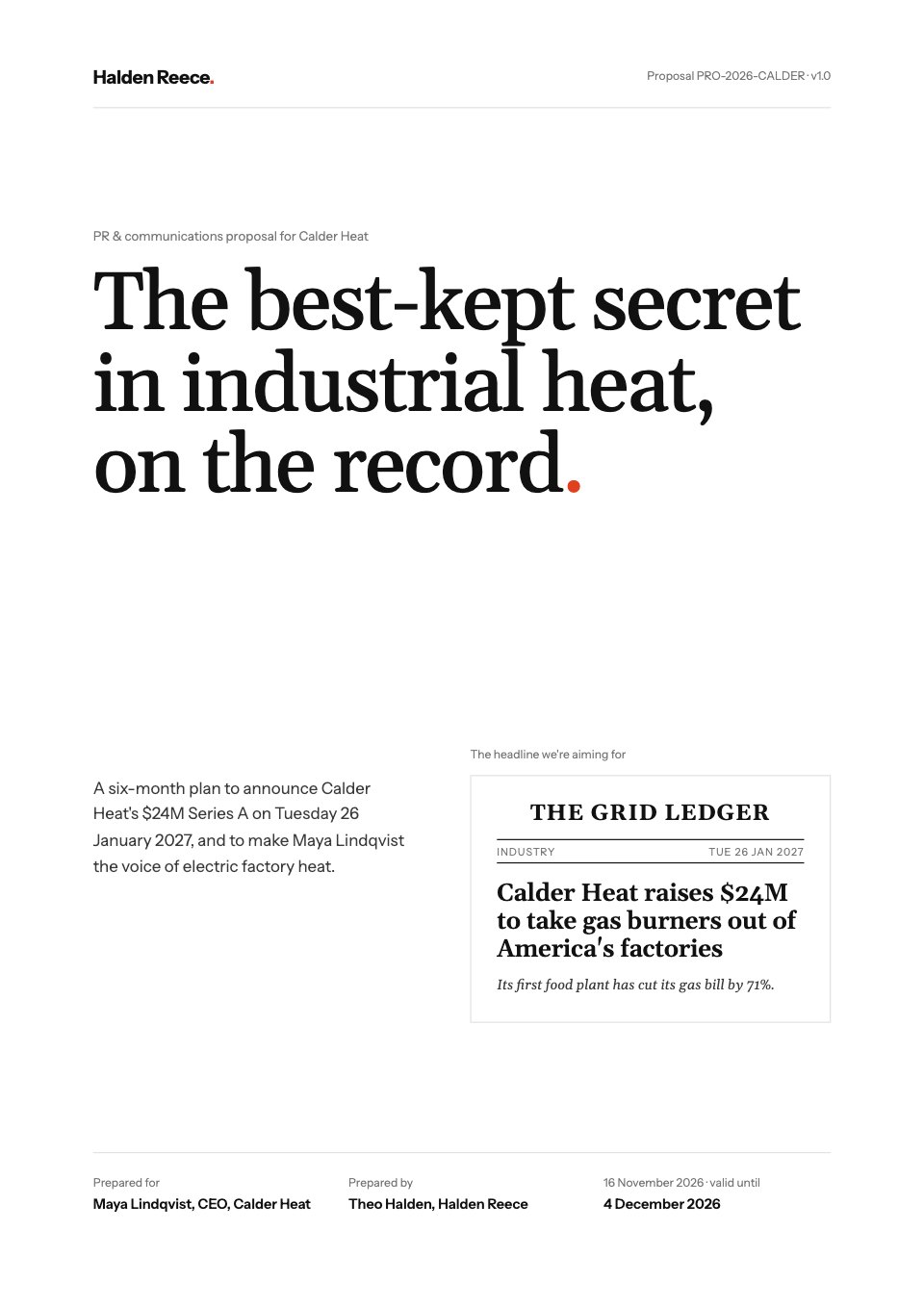
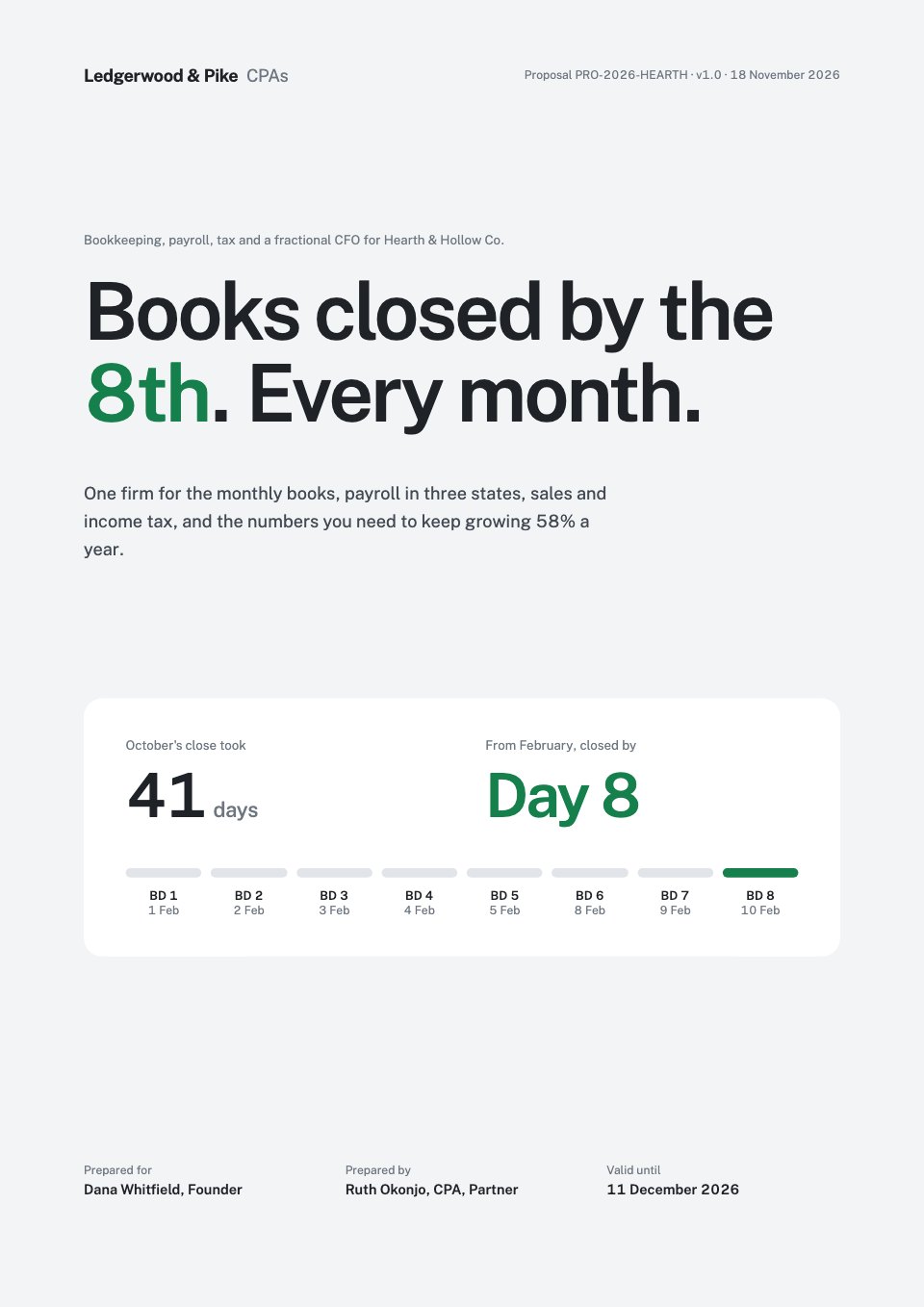
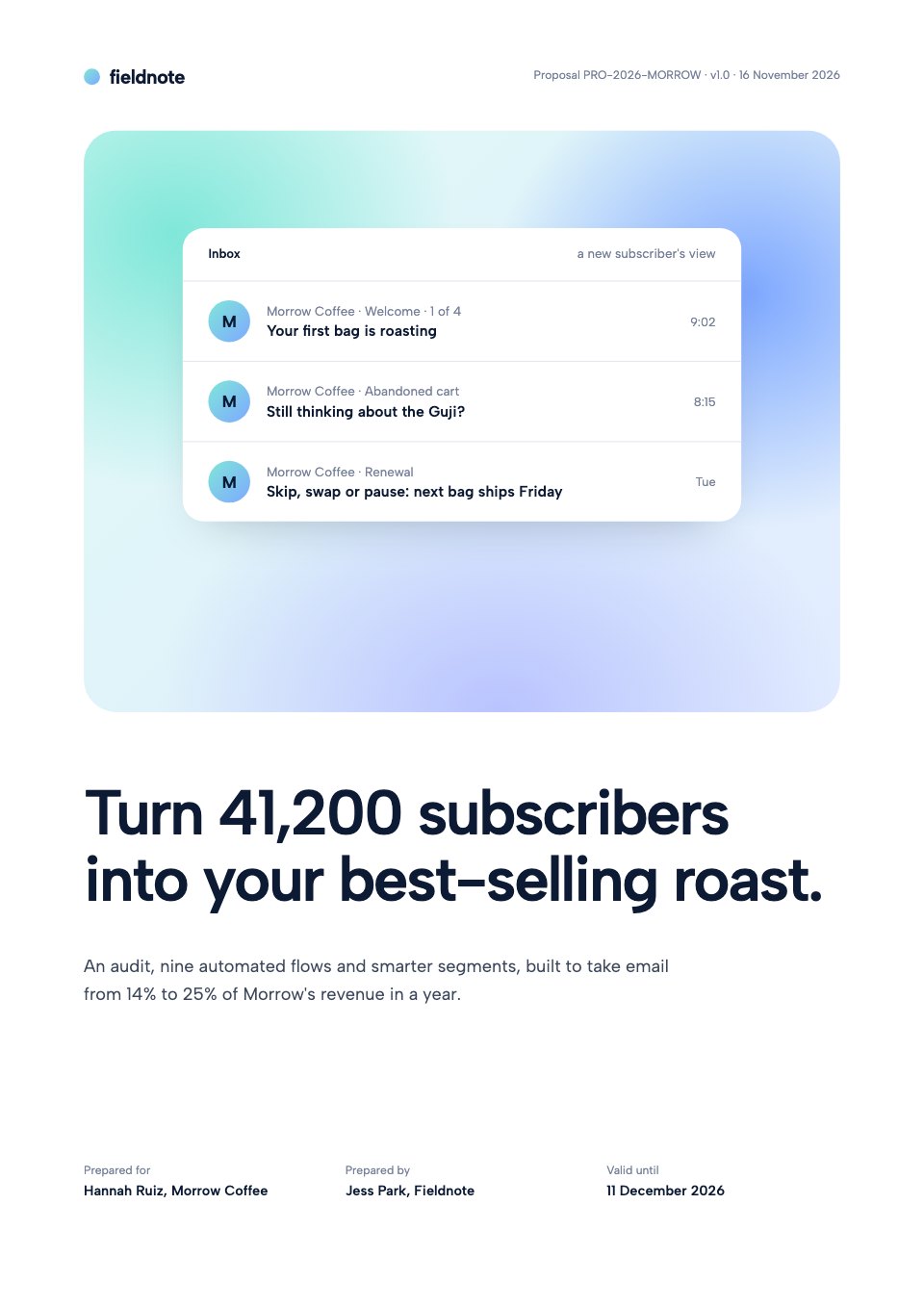
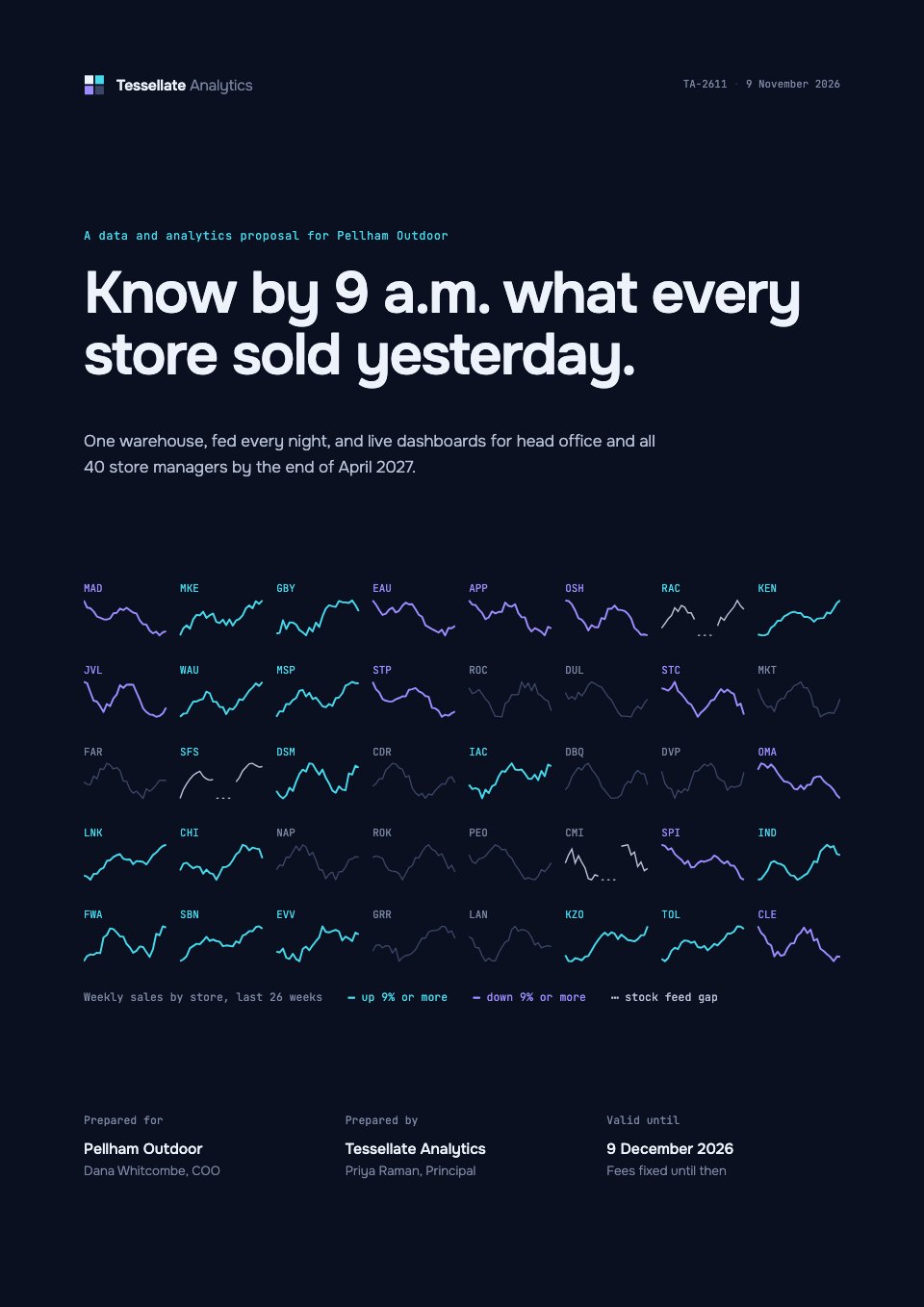
Supply Quote is a six-page formal quotation for manufacturers pricing a production run for a business customer, shown here for a die-cast, machined part exported from India to Germany. Page 1 gives the price per piece at four lot sizes, the tooling, lead time and terms in brief. Then come the part drawing with its tolerances and controlled characteristics, a cost build-up that adds up to each price, the tooling and a plan to first delivery with the quality plan, Incoterms, payment and an alloy price clause with a worked example, and an acceptance page with choices to tick and signature blocks.
Made for
- Agency and studio owners
- Business development leads
- Consultants and freelancers
- Founders selling services
Make it yours in four steps.
Open it in Proposals and work through it, or let Docsiv AI do the first pass with your details.
- Step 1
Replace the letterhead, registration numbers and customer details, and set the quotation number, date and validity.
- Step 2
Enter your lot sizes, piece prices and tooling, then adjust the cost build-up so it adds up to each price.
- Step 3
Redraw the part figure and characteristics for your own drawing, keeping its number and revision as on the RFQ.
- Step 4
Check the Incoterms, payment, material price clause and conditions of sale for your trade, then send it for signature.
Start from the Supply Quote now.
Questions about this template.
Something else on your mind? Ask us in the chat, bottom right of the page.
Is the Supply Quote template free?
Yes. Create a free account and it opens in Docsiv's Proposals app, ready to edit and share. The Free plan includes every Docsiv app and 500 AI credits a month.
Can I change the colours, fonts and text?
Yes, all of it. The template uses IBM Plex Sans with #ffffff, #1a56a8, #121a23, #f3f5f7, #ebf2fa, #d5dce3, and you can change any of them, rewrite every word and add or remove pages.
What can I export it as?
Proposals in Docsiv offers: Proposal pages, PDF and HTML exports. Once it's saved, you can also share it with a link.
Can Docsiv AI write the manufacturing quote for me?
Yes. Tell Docsiv AI about the client or project and it can draft the content in this template's style, which you then review and edit. AI uses credits; the Free plan includes 500 a month.
Can my client sign it?
Yes, on Pro and Team: send the proposal for e-signature from Docsiv and follow it under Signatures. Pro sends 40 a month and Team has no limit.



Start your sales pipeline with Docsiv AI
Describe the client or the project and Docsiv AI writes a first draft of your manufacturing quote for you to edit, share and send.