

What’s inside the Social Media Audit.
10 pages with real content in place. Rewrite them, reorder them, or add your own.
- 1Page 1Cover: the last twelve Instagram posts with engagement stickers and pattern tags, the Reel multiplier and a score for each channel
- 2Page 2Summary: the answer in one line, Instagram results by format, a scorecard per channel on five criteria with its key numbers, and three things to know
- 3Page 3How we scored: the five criteria, the 90-day window, engagement by reach, sources, and what we couldn't see
- 4Page 4Instagram: reach and engagement over 90 days, top and bottom nine posts, Stories and profile visits
- 5Page 5TikTok and YouTube: views by post, watch time, the comment backlog and why YouTube pauses
- 6Page 6Facebook: reach of cross-posted captions, events against posts, reviews and the local groups that matter
- 7Page 7Content pillars: posts and results by pillar and by shot type, with the top-down cup problem
- 8Page 8Audience: who follows on each channel, when they're online, Austin ZIP codes and what they save
- 9Page 9Stop, start, continue: nine changes with the number behind each, and three Austin roasters compared
- 10Page 10The 90-day plan: themes and cadence on a 13-week grid, the content mix to move toward, targets for February and the next step with the fee
When to use it.
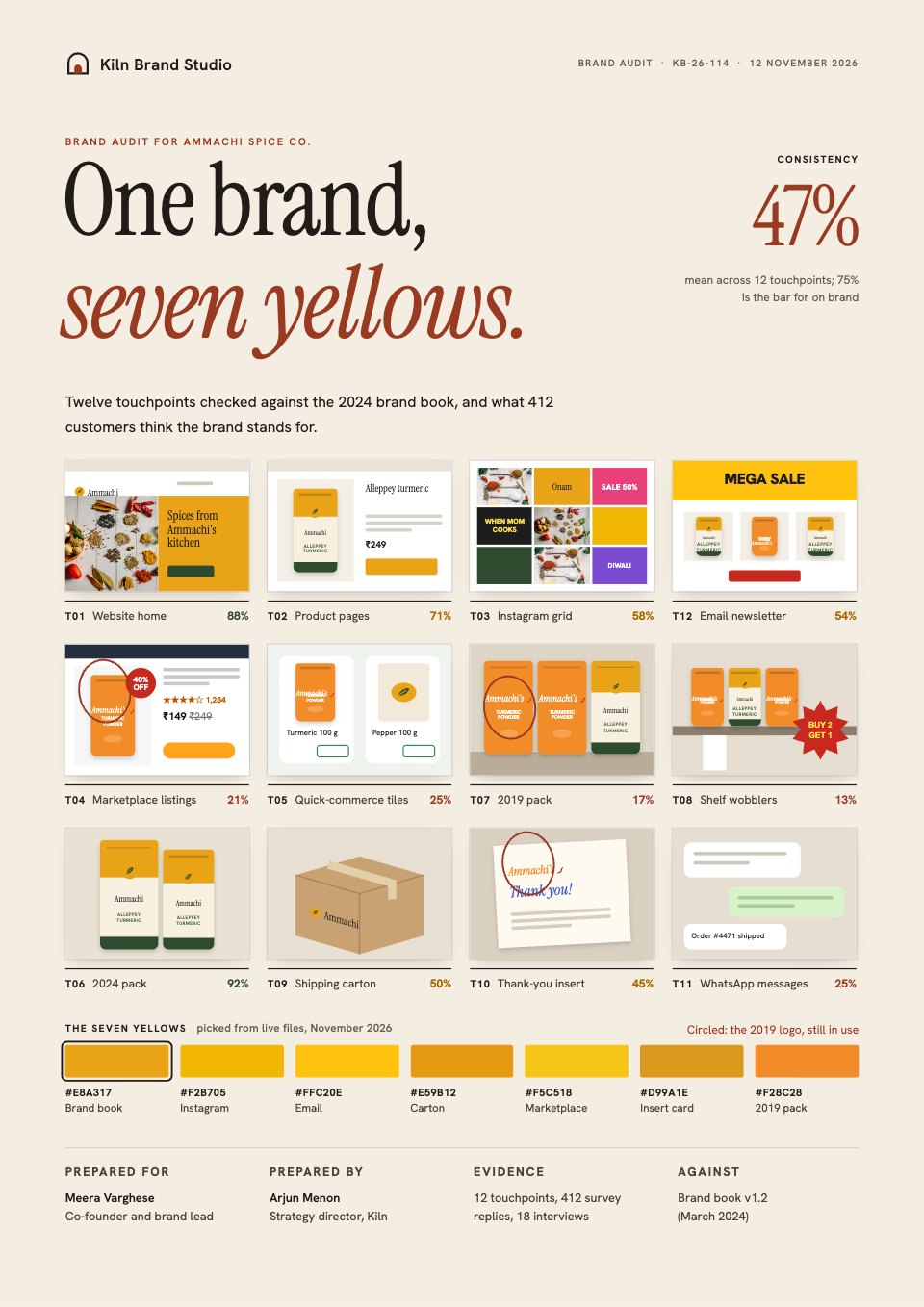
Social Media Audit is a 10-page A4 report for agencies and freelancers who review a client's social channels before pitching or planning. The cover is the client's own Instagram grid with an engagement sticker on every post. Inside, each channel is scored out of 100 on the same five criteria, then come the method, Instagram reach by week with the top and bottom nine posts, TikTok and YouTube, Facebook events, reviews and local groups, content pillars, the audience, stop, start and continue, and a 90-day plan with targets and a fee. Every figure comes from one set of numbers, so the pages agree.
Made for
- Social media managers
- Brands announcing launches
- Event promoters
- Small businesses
Make it yours in four steps.
Open it in Reports and work through it, or let Docsiv AI do the first pass with your details.
- Step 1
Change the agency, the client and the date on the cover, and swap the grid for the client's last twelve posts with their engagement.
- Step 2
Score each channel on the five criteria and update its key numbers on the summary and its own page.
- Step 3
Replace the weekly reach, post lists, reviews, pillars and audience data with exports from each platform.
- Step 4
Rewrite stop, start and continue, set the 90-day plan, targets and fee, then share the link or export a PDF.
Start from the Social Media Audit now.
Questions about this template.
Something else on your mind? Ask us in the chat, bottom right of the page.
Is the Social Media Audit template free?
Yes. Create a free account and it opens in Docsiv's Reports app, ready to edit and share. The Free plan includes every Docsiv app and 500 AI credits a month.
Can I change the colours, fonts and text?
Yes, all of it. The template uses Bricolage Grotesque and Martian Mono with #fffdf8, #141414, #ff5a1f, #2747d8, #ffe08a, #1f7a52, and you can change any of them, rewrite every word and add or remove pages.
What can I export it as?
Reports in Docsiv offers: Report pages with charts, PDF and HTML exports. Once it's saved, you can also share it with a link.
Can Docsiv AI write the social media audit for me?
Yes. Tell Docsiv AI about the client or project and it can draft the content in this template's style, which you then review and edit. AI uses credits; the Free plan includes 500 a month.



















































Start your posts with Docsiv AI
Describe the client or the project and Docsiv AI writes a first draft of your social media audit for you to edit, share and send.