

What’s inside the Engagement Letter.
4 pages with real content in place. Rewrite them, reorder them, or add your own.
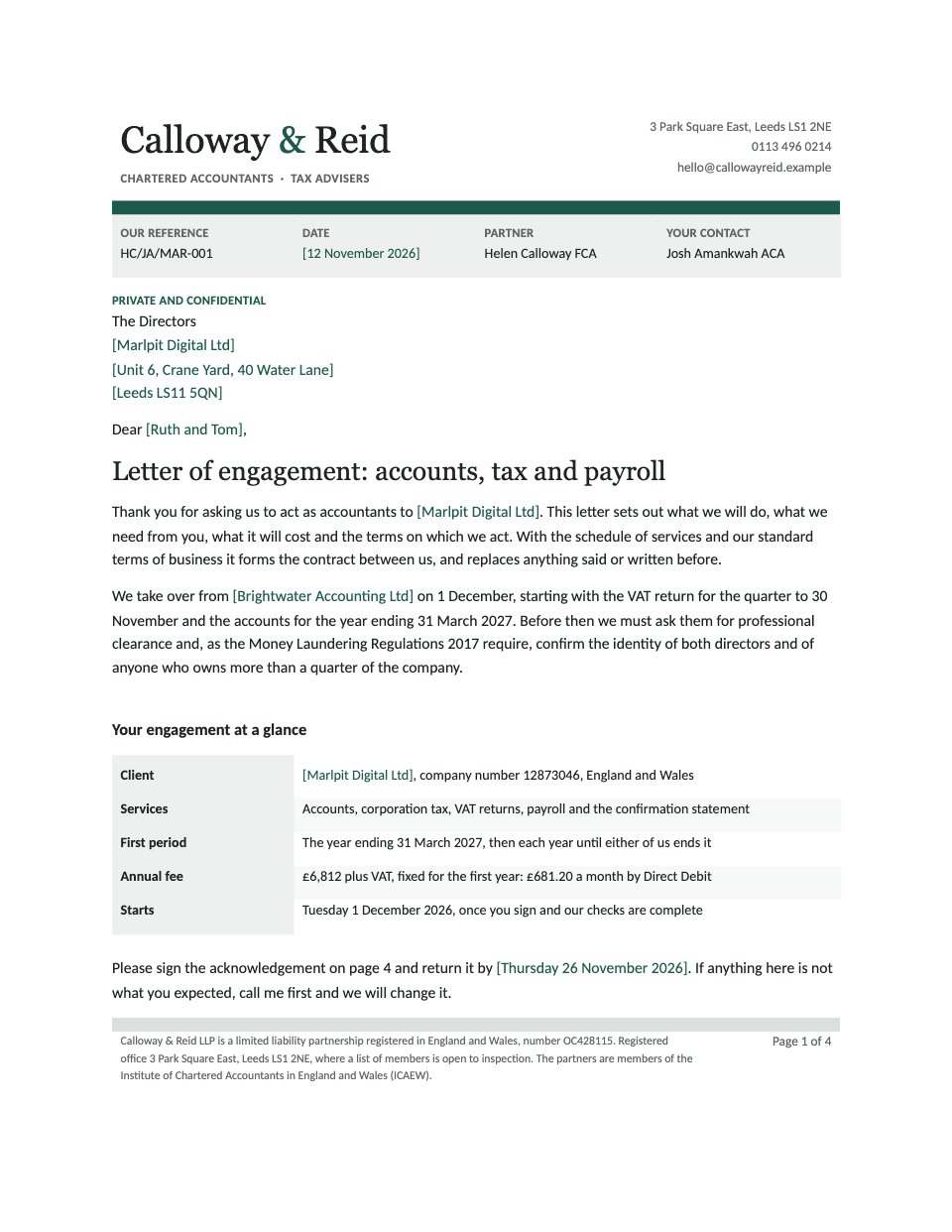
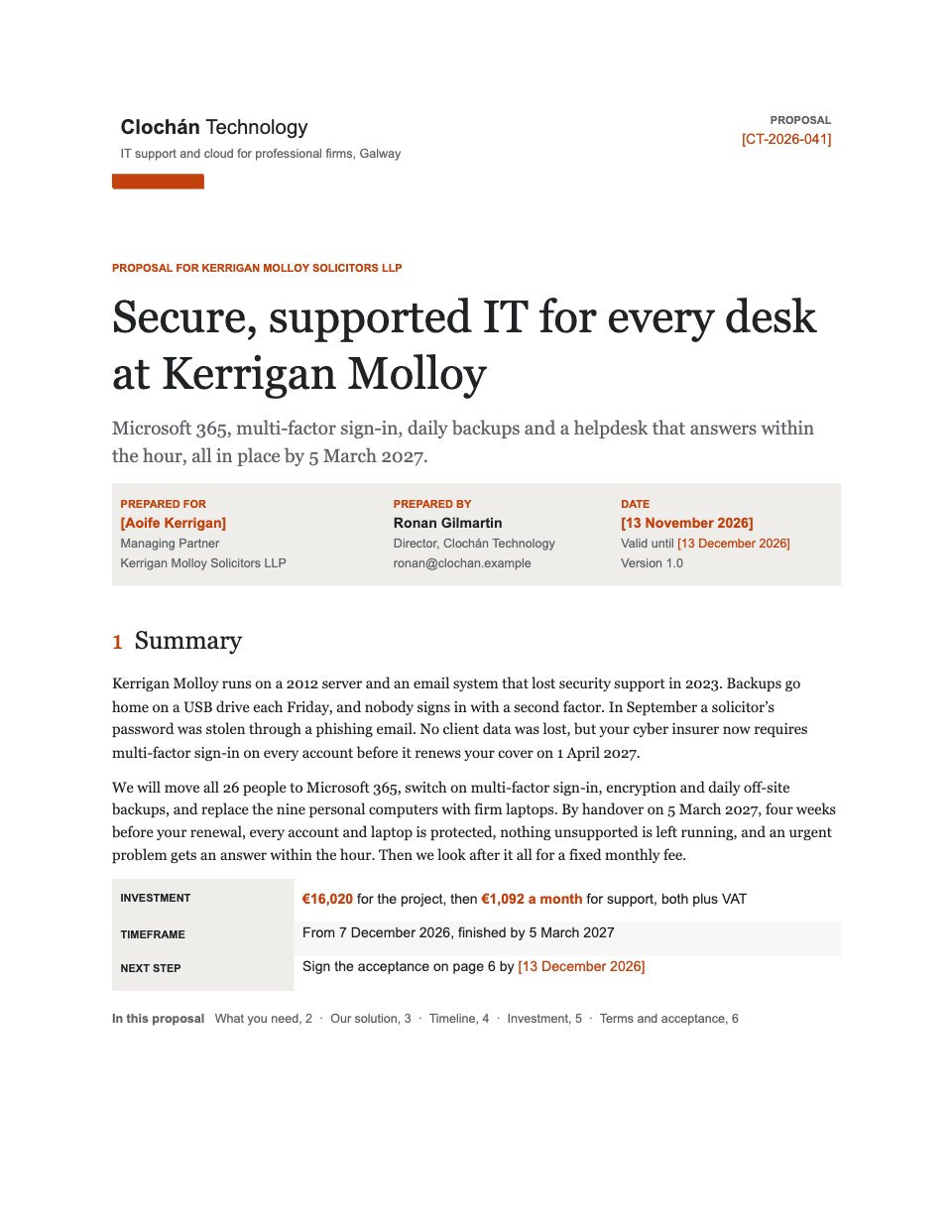
- 1Page 1The letter on the firm’s letterhead: references, the client, the handover from the last accountants and the engagement at a glance
- 2Page 2What the firm will do: each service with its statutory deadline, the accountants’ report, what is not included and the hourly rates for it
- 3Page 3What each side will do, side by side, then the fixed annual fee with VAT and the monthly Direct Debit
- 4Page 4The limit on liability and the insurer, the terms of business in short, the partner’s sign-off and the directors’ acknowledgement
When to use it.
Engagement Letter is a four-page letter of engagement for accountants and other professional firms taking on a new client, shown for a UK practice and a limited company. It covers the engagement at a glance, each service with its statutory deadline, what is not included and the hourly rates for it, both sides’ responsibilities side by side, the fixed annual fee with VAT and a monthly Direct Debit, the cap on liability and the insurer, the terms of business in short, and the partner’s sign-off with the acknowledgement the directors sign. Set in Georgia and Calibri, it opens cleanly in Word.
Made for
- Agencies signing new clients
- Freelancers and contractors
- Consultants and advisers
- Founders and small businesses
Make it yours in four steps.
Open it in Documents and work through it, or let Docsiv AI do the first pass with your details.
- Step 1
Put your firm’s name, address and registered details in the letterhead and the footer of page 1, then the client, contact and date in the green brackets.
- Step 2
Edit the services table on page 2 to the work you have agreed, with the deadlines that apply to this client, and list what is not included.
- Step 3
Enter your fees on page 3 and check that the annual fee, VAT and monthly Direct Debit add up.
- Step 4
Set the liability cap and your terms of business on page 4, have them checked against your professional body’s guidance, then send the letter to sign.
Start from the Engagement Letter now.
Questions about this template.
Something else on your mind? Ask us in the chat, bottom right of the page.
Is the Engagement Letter template free?
Yes. Create a free account and it opens in Docsiv's Documents app, ready to edit and share. The Free plan includes every Docsiv app and 500 AI credits a month.
Can I change the colours, fonts and text?
Yes, all of it. The template uses Georgia and Calibri with #1d5a4b, #1f2422, #eef0ef, #f7f8f8, and you can change any of them, rewrite every word and add or remove pages.
What can I export it as?
Documents in Docsiv offers: DOCX, PDF, ODT, RTF and Markdown exports. Once it's saved, you can also share it with a link.
Can Docsiv AI write the engagement letter for me?
Yes. Tell Docsiv AI about the client or project and it can draft the content in this template's style, which you then review and edit. AI uses credits; the Free plan includes 500 a month.

Start your contract with Docsiv AI
Describe the client or the project and Docsiv AI writes a first draft of your engagement letter for you to edit, share and send.