

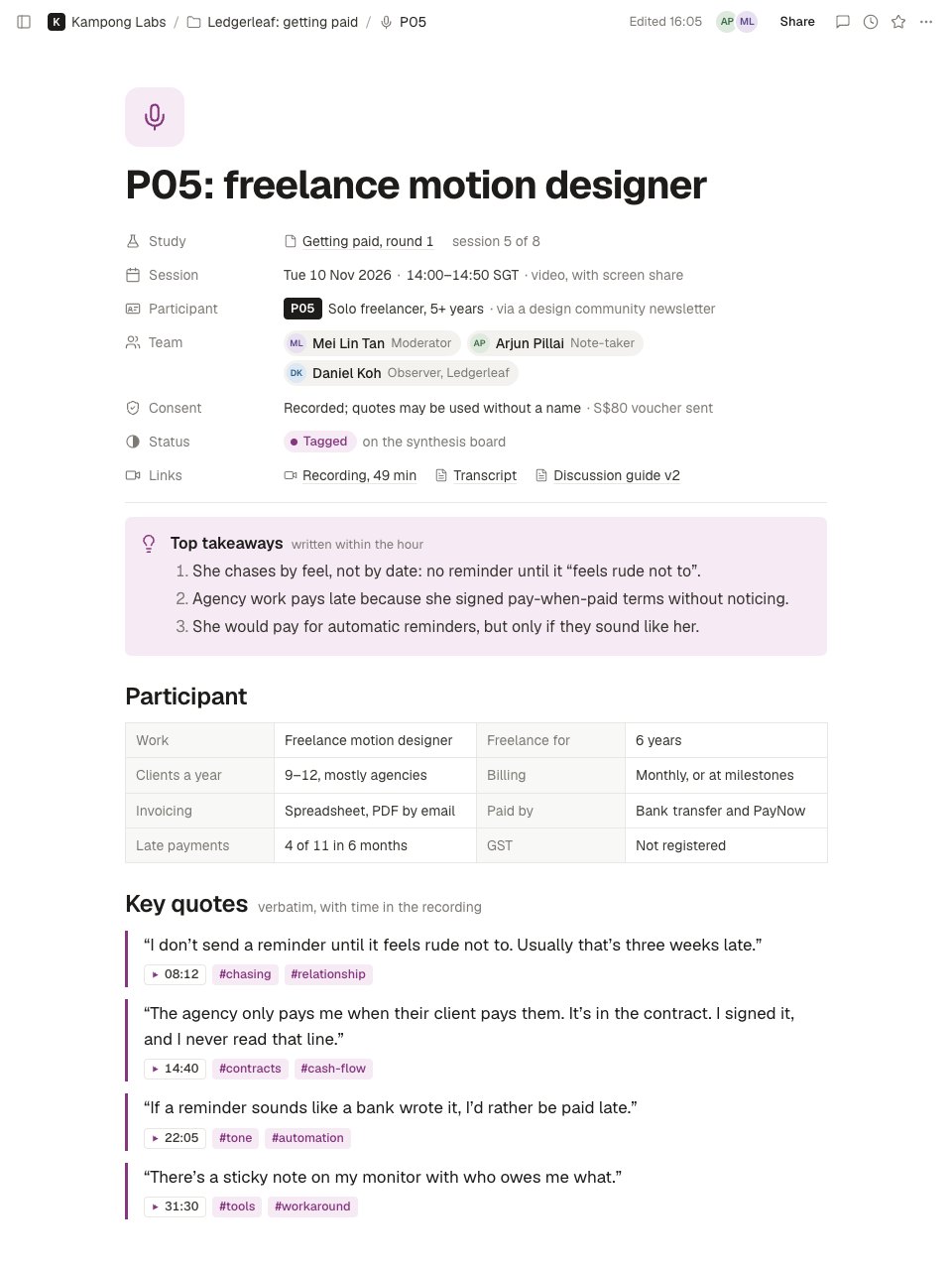
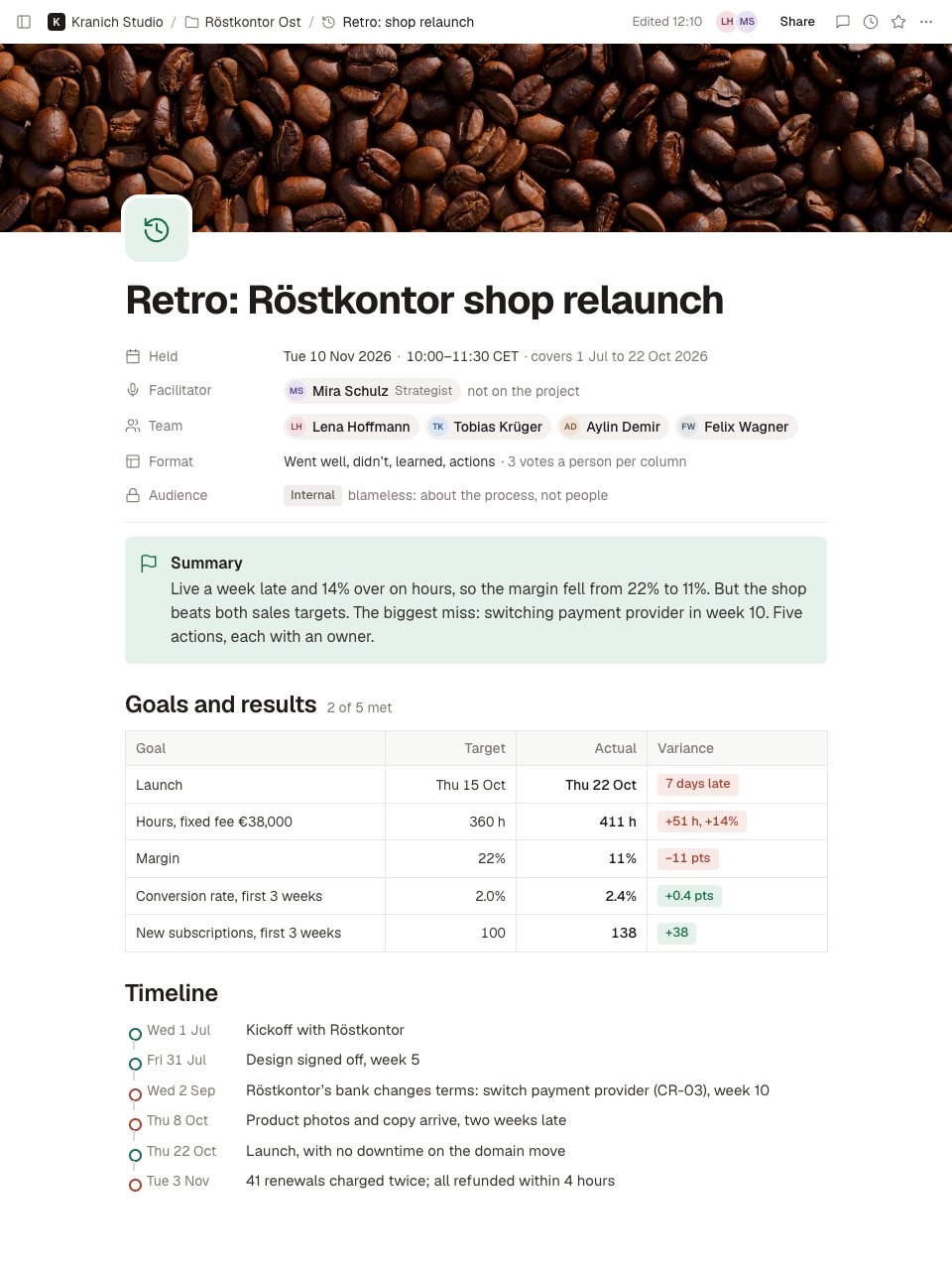
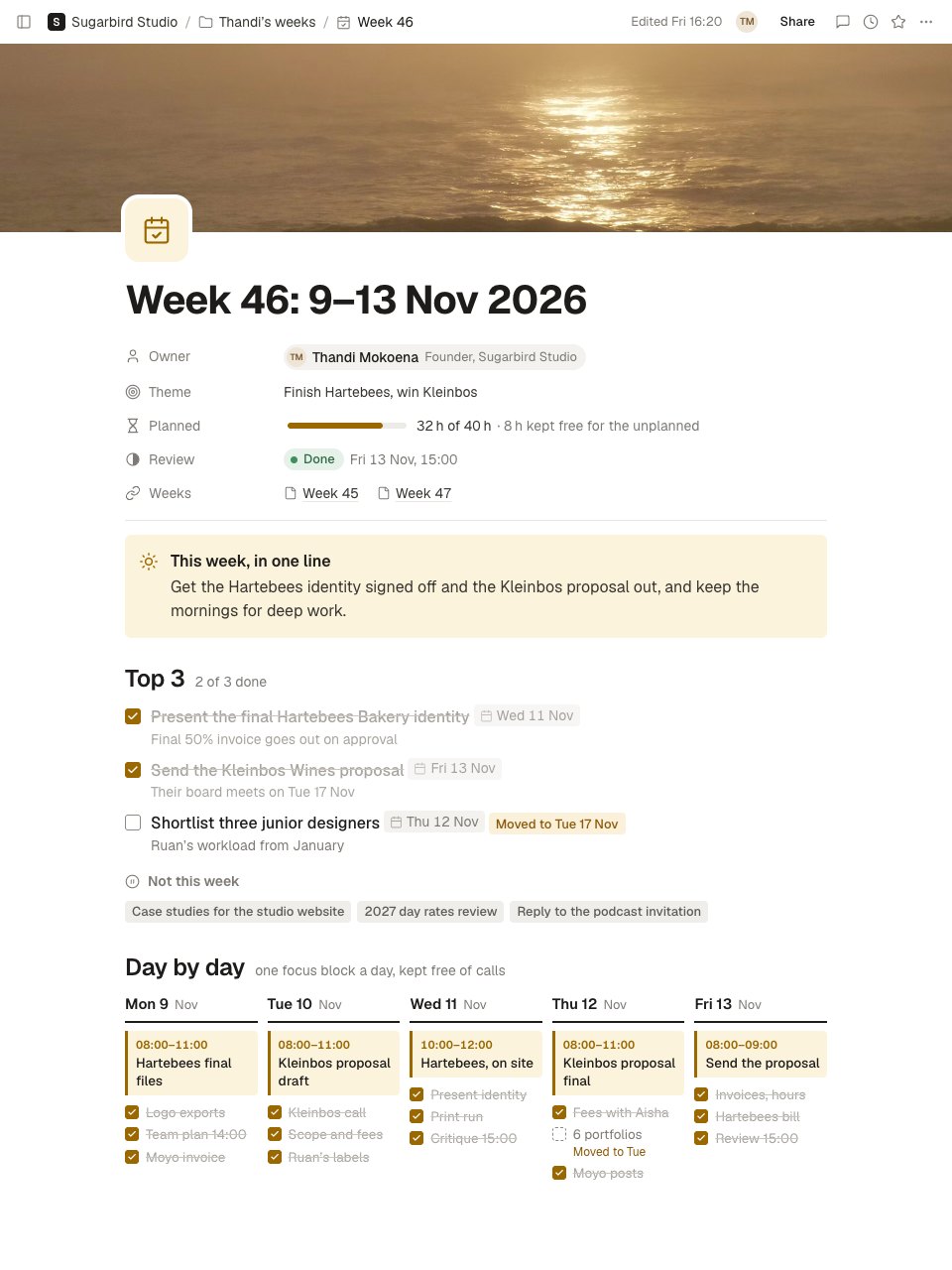
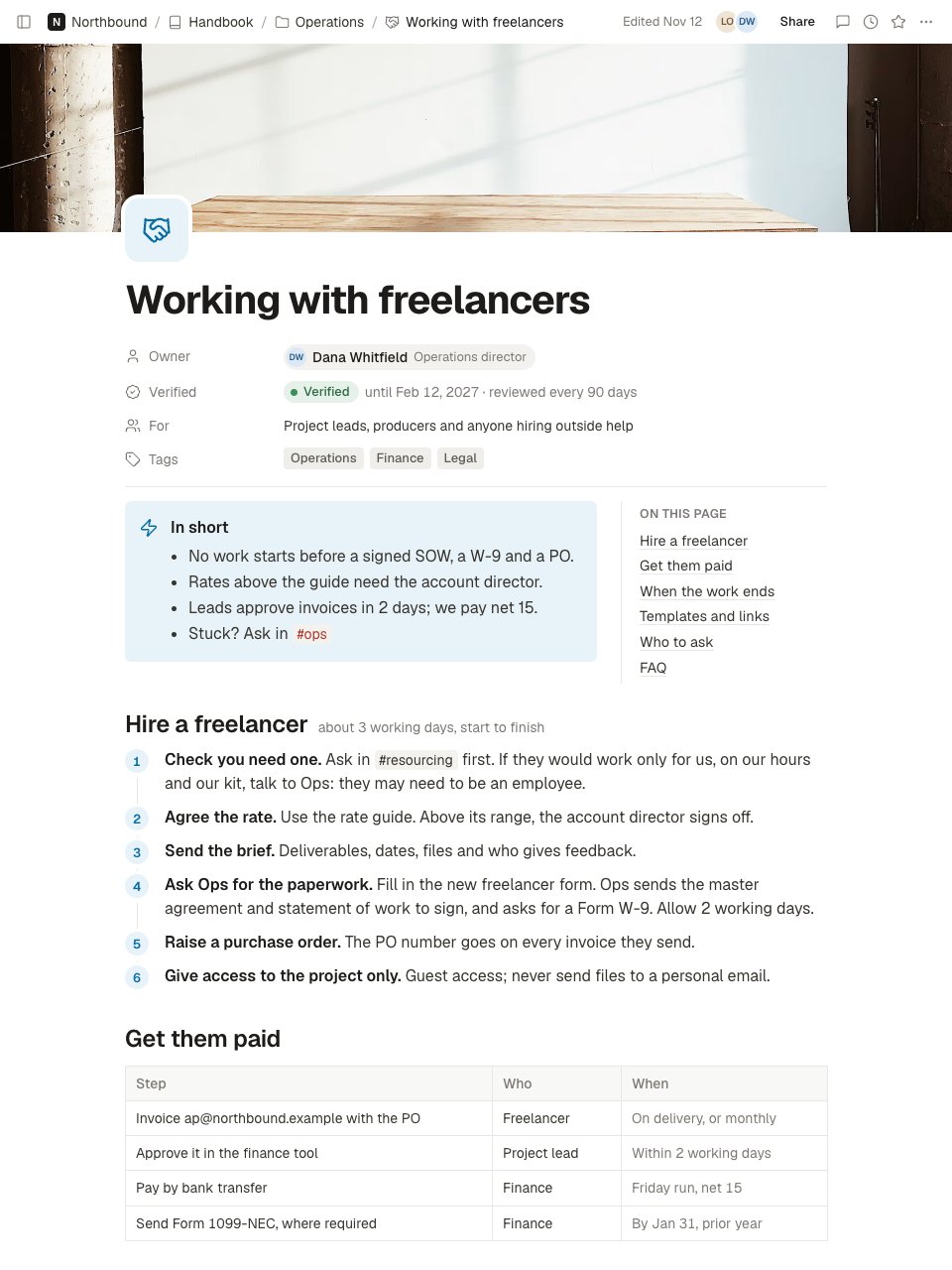
What’s inside the Call Summary.
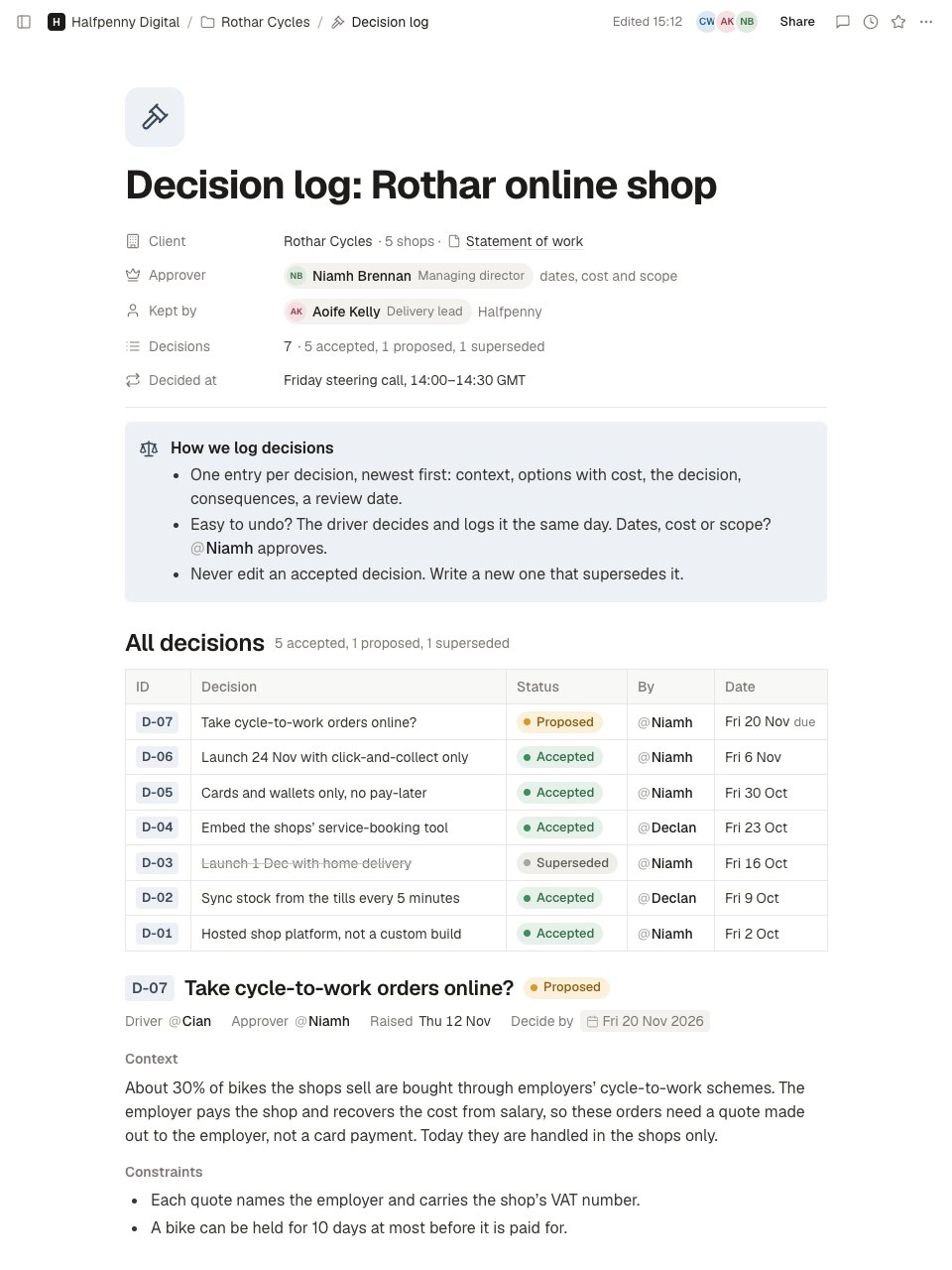
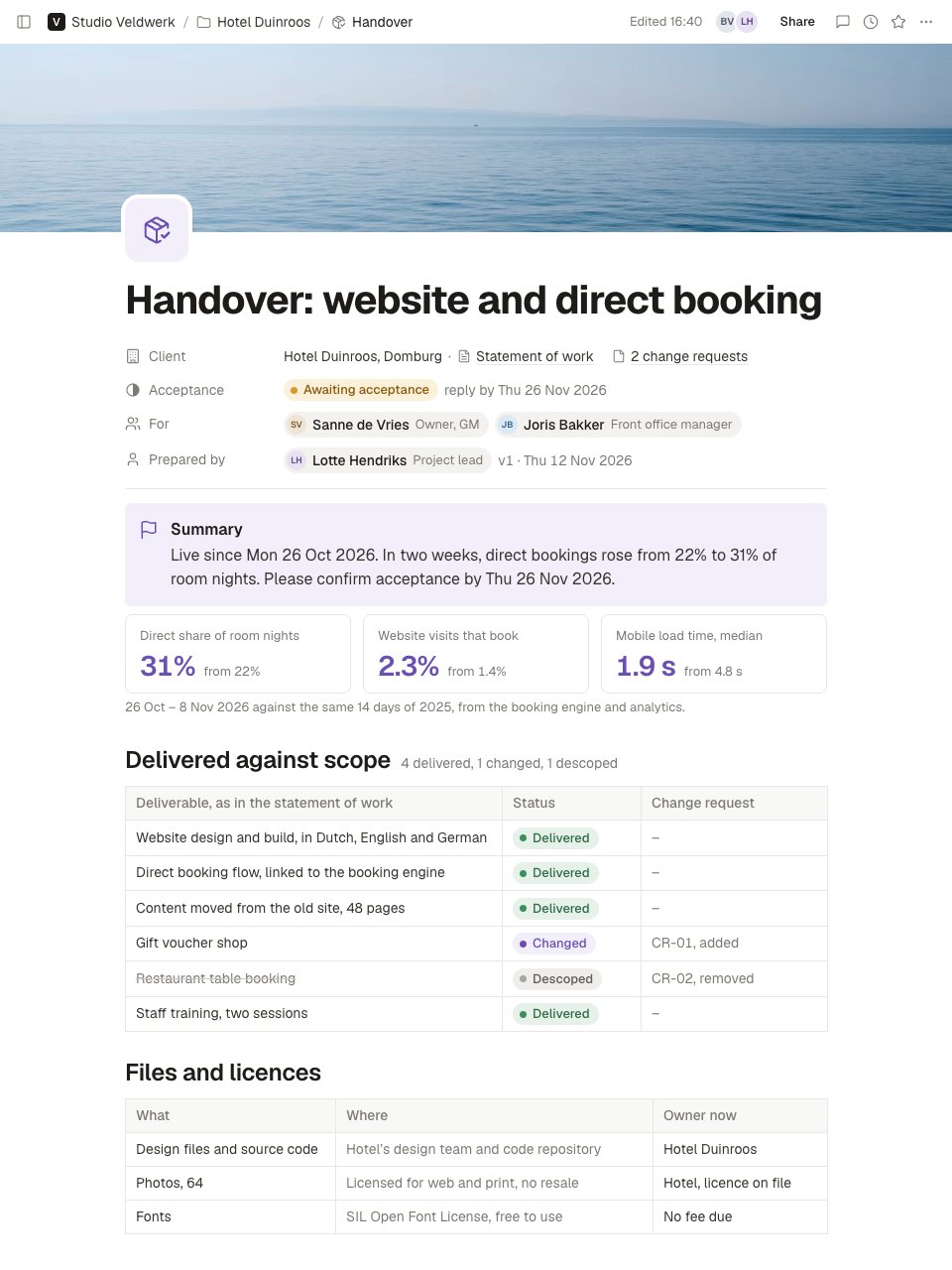
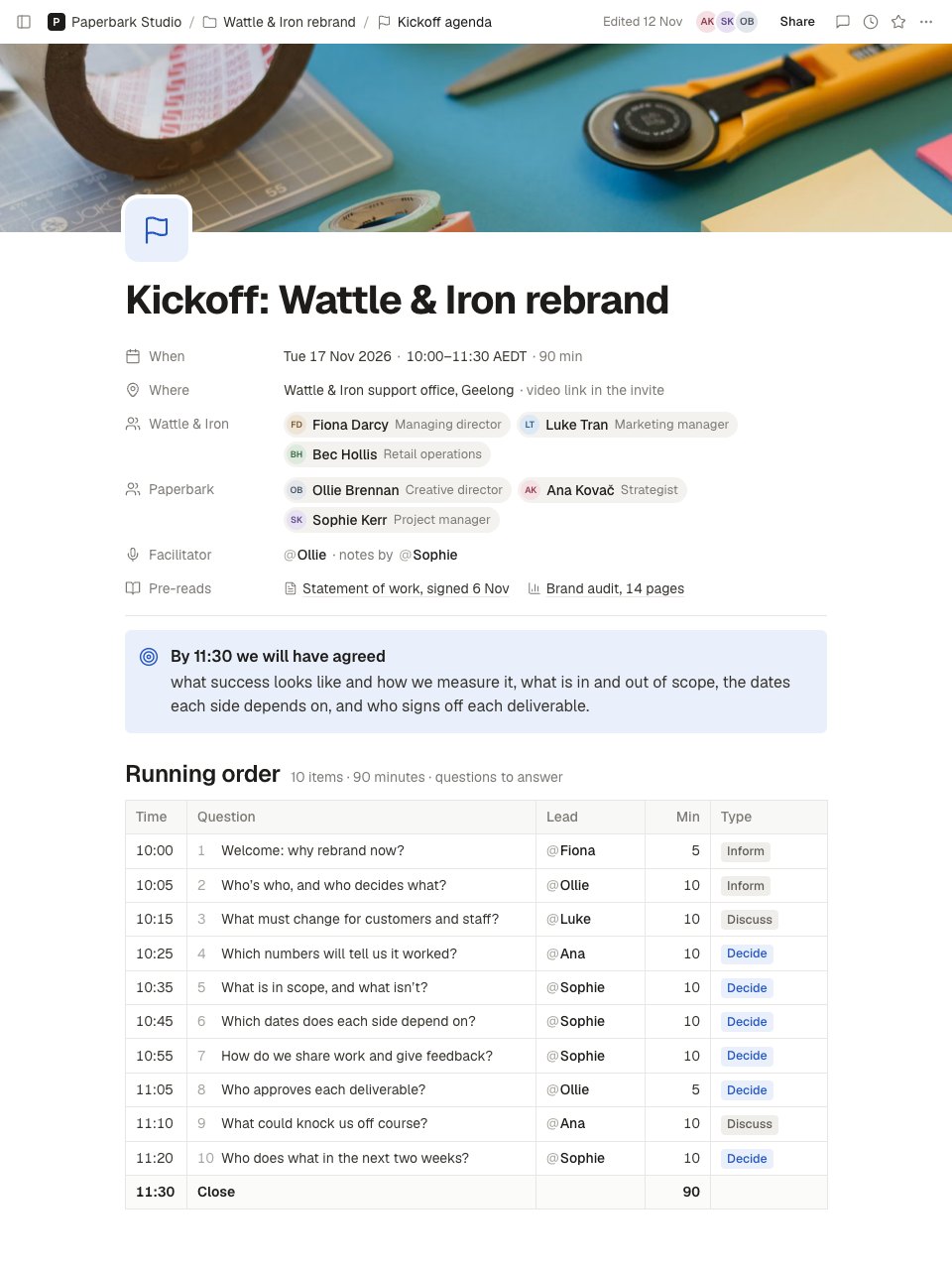
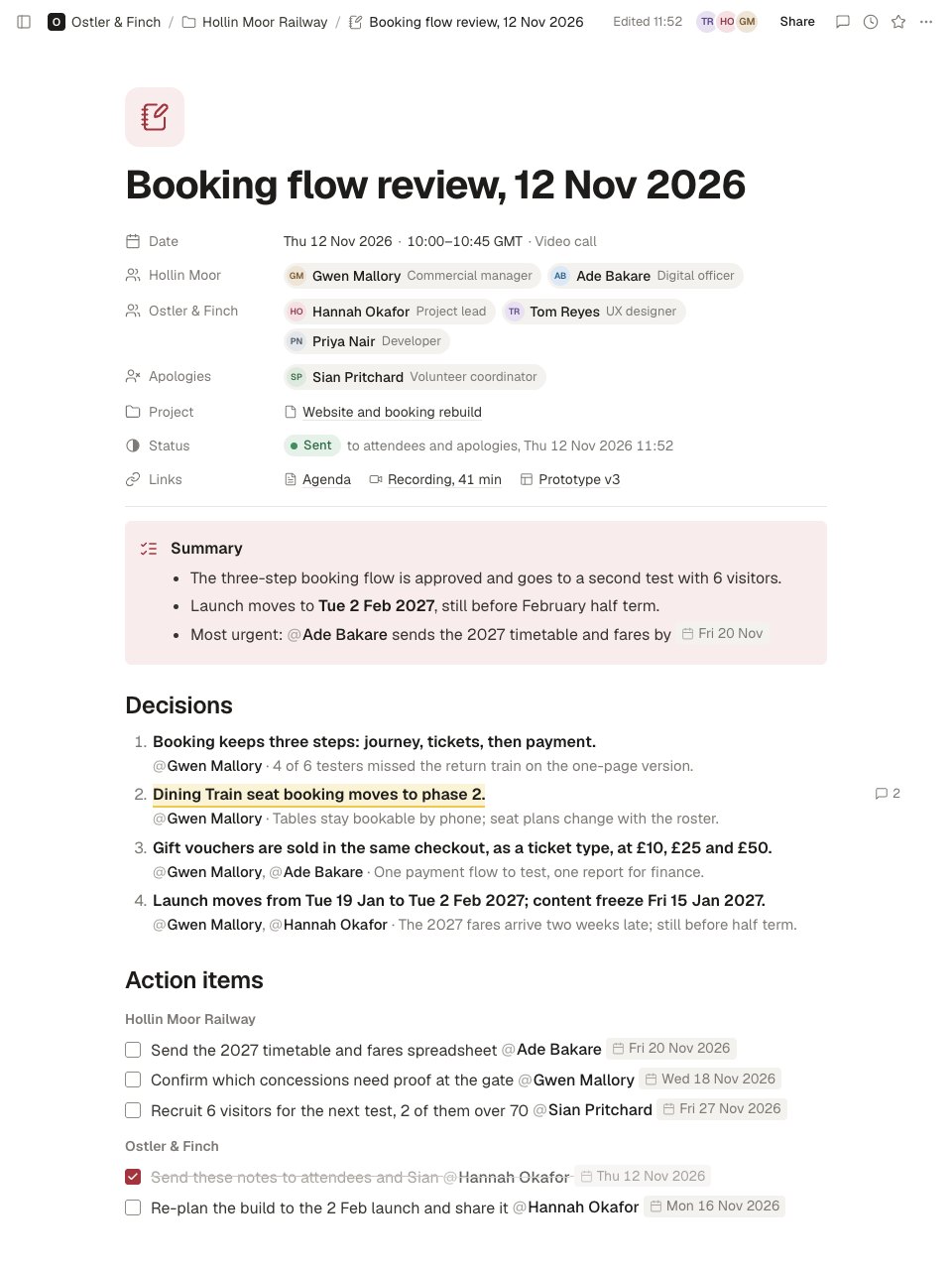
2 screens with real content in place. Rewrite them, reorder them, or add your own.
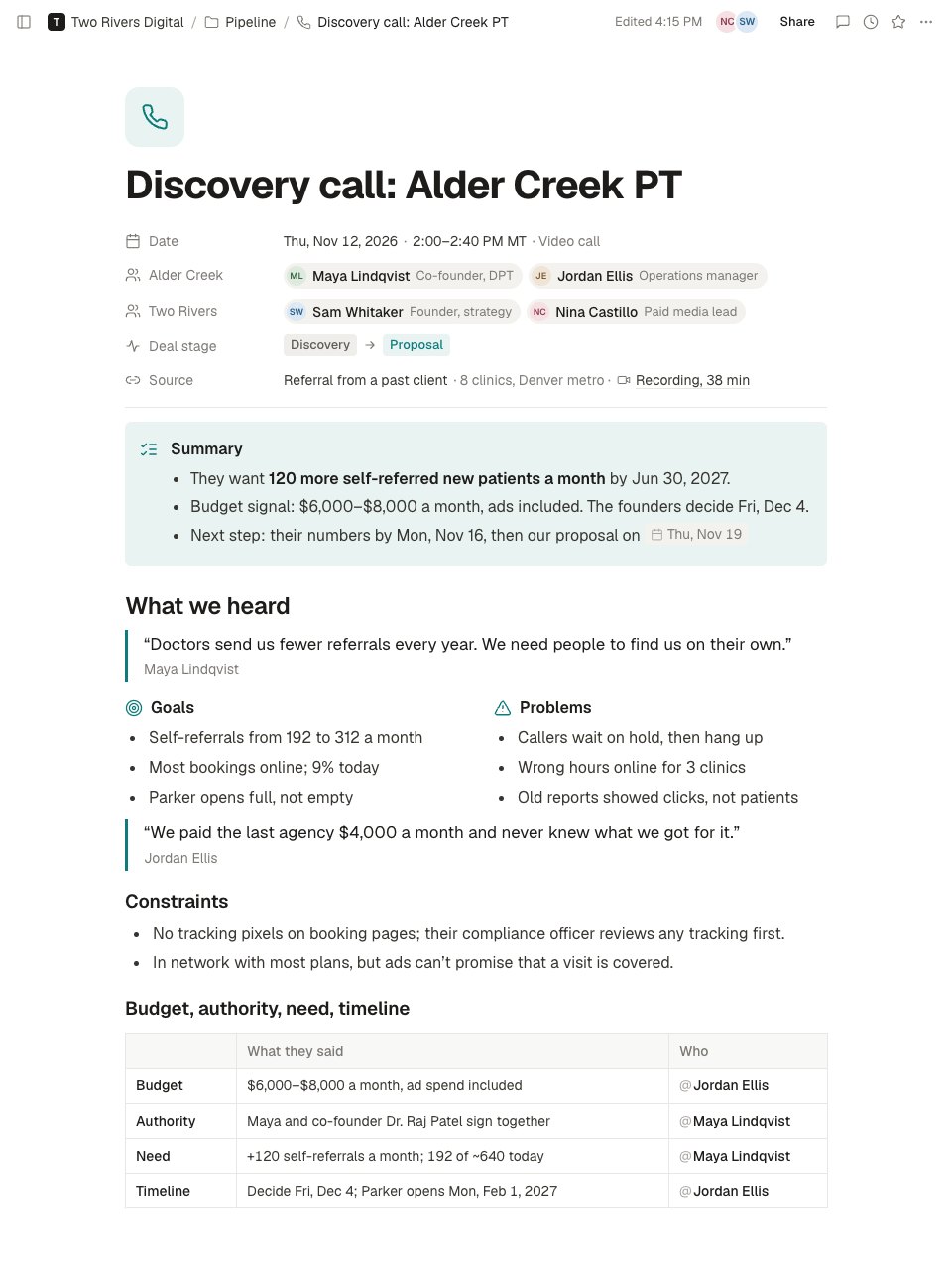
- 1Screen 1The top of the note: title, date and time, attendees by side with roles, deal stage, source and recording; a summary callout with the goal, the budget signal and the next step; what we heard, with verbatim quotes, goals and problems side by side, and constraints.
- 2Screen 2Further down: a budget, authority, need and timeline table holding only what was said, the requirements for the proposal tagged must or nice to have, the decision, next steps for each side with owners and dates, the proposed next meeting, and the follow-up email in a toggle.
When to use it.
Call Summary is a page in Notes for writing up a sales or discovery call while it’s fresh. Properties give the date, who joined from each side, the deal stage and a link to the recording. A three-line summary carries the goal, the budget signal and the next step, then What we heard keeps the client's own words: verbatim quotes, goals and problems side by side, and constraints. A budget, authority, need and timeline table holds only what was said. The requirements for the proposal are tagged must or nice to have, then come the decision, next steps for both sides and the follow-up email, as sent, in a toggle.
Made for
- Agencies and consultants running client work
- Project managers and team leads
- Sales and account teams
- Any team that writes things down together
Make it yours in four steps.
Open it in Notes and work through it, or let Docsiv AI do the first pass with your details.
- Step 1
Set the title, the date, the people on the call and the deal stage in the properties at the top.
- Step 2
Write down what the client said in their own words, and put a name only to words that person said.
- Step 3
Fill the budget, authority, need and timeline table with what was said, and leave a row empty rather than guess.
- Step 4
List the requirements for the proposal, give every next step an owner and a date, and paste your follow-up email into the toggle once it has gone.
Start from the Call Summary now.
Questions about this template.
Something else on your mind? Ask us in the chat, bottom right of the page.
Is the Call Summary template free?
Yes. Create a free account and it opens in Docsiv's Notes app, ready to edit and share. The Free plan includes every Docsiv app and 500 AI credits a month.
Can I change the colours, fonts and text?
Yes, all of it. The template uses Geist with #0e7c7b, #1d1c1a, #37352f, #7d7a75, #f3f2ef, and you can change any of them, rewrite every word and add or remove blocks and sub-pages.
What can I export it as?
Notes in Docsiv offers: Pages, Markdown, Word and PDF exports. Once it's saved, you can also share it with a link.
Can Docsiv AI write the call summary for me?
Yes. Tell Docsiv AI about the client or project and it can draft the content in this template's style, which you then review and edit. AI uses credits; the Free plan includes 500 a month.
Start your notes with Docsiv AI
Describe the client or the project and Docsiv AI writes a first draft of your call summary for you to edit, share and send.