

Notes templates
Meeting minutes, call summaries, wikis, plans and retros for Notes, built from headings, to-dos, toggles, callouts and tables that your team keeps up to date.
Call Summary
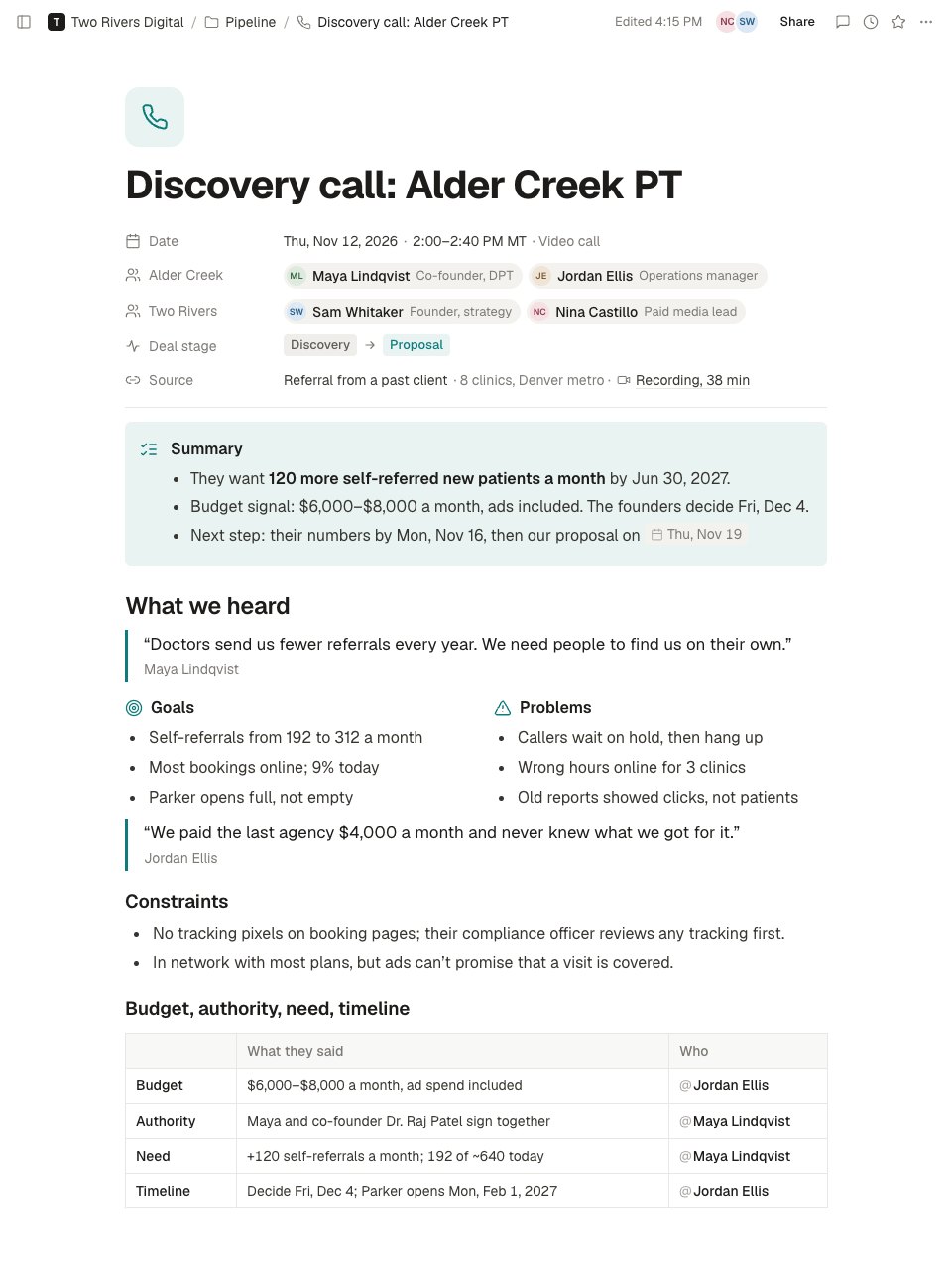
A sales or client call summary in Docsiv Notes: who was there and the deal stage, a three-line summary, what the client said in their own words, a budget, authority, need and timeline table, the requirements for the proposal, next steps on both sides, and the follow-up email as sent.PreviewDecision Log
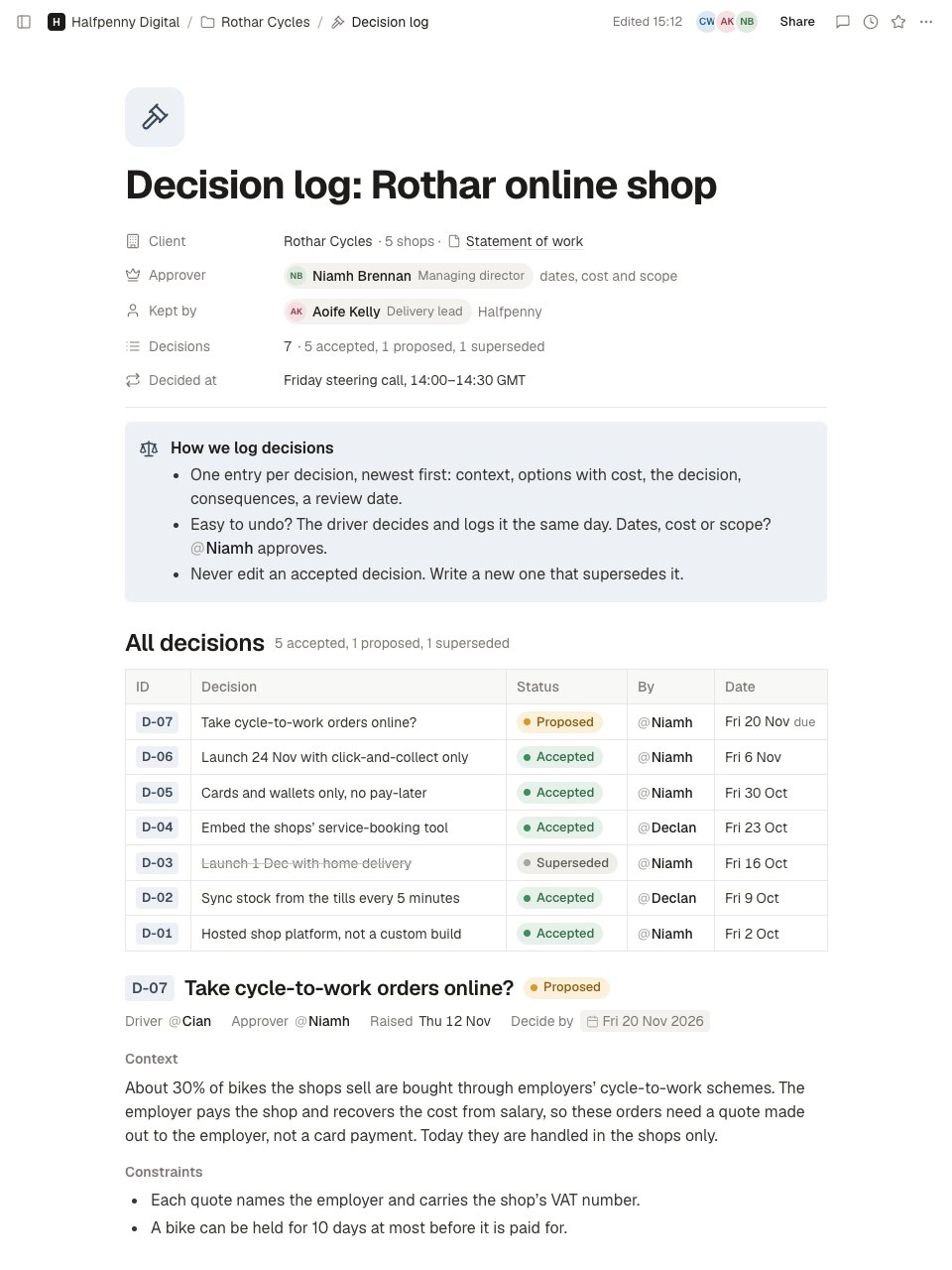
A project decision log in Docsiv Notes: who approves what and how decisions are made, an index of every decision with its status, then one entry per decision with its driver and approver, context, options considered with their cost, the decision, consequences and a review date.PreviewHandover
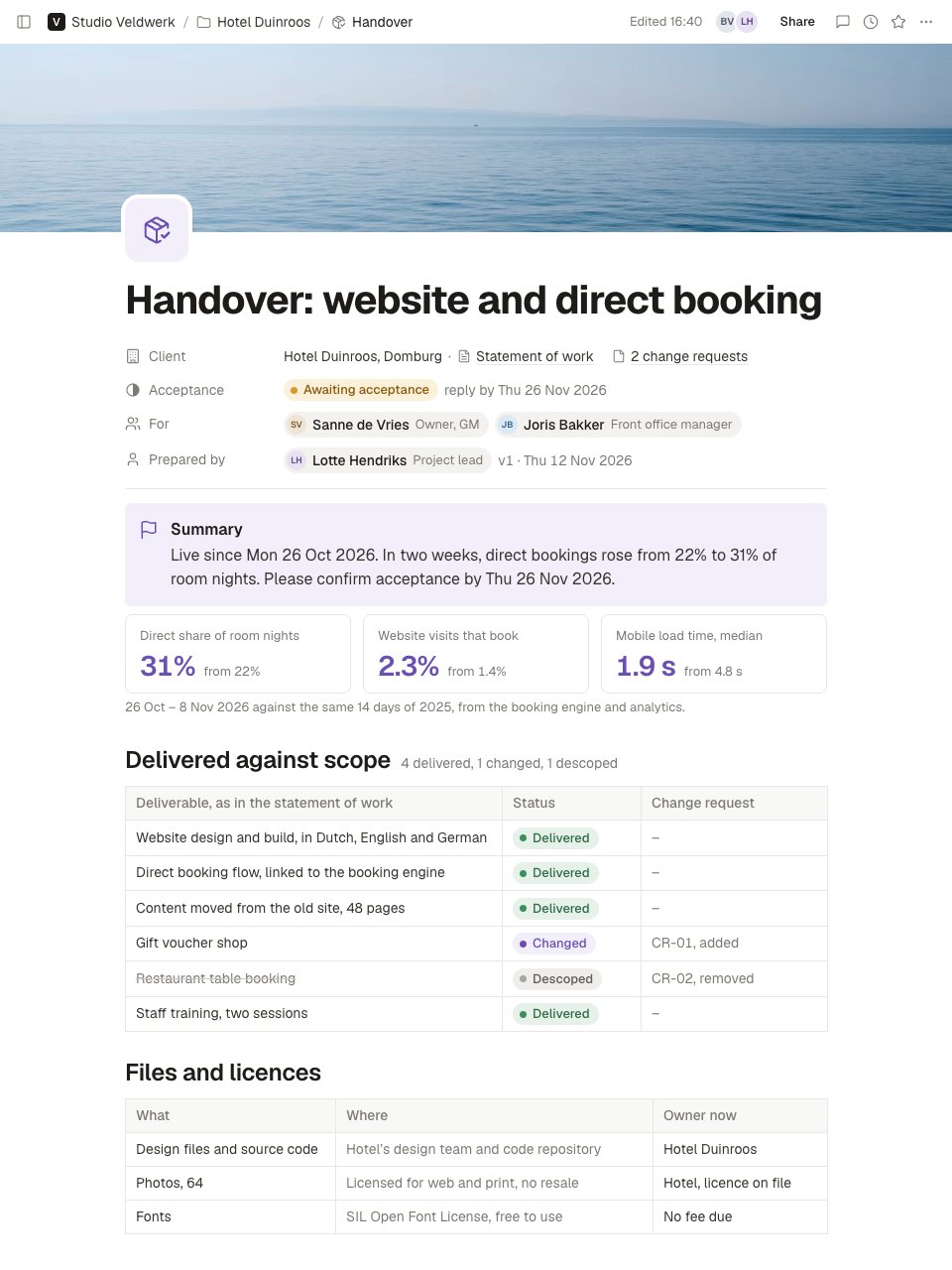
A client handover in Docsiv Notes: acceptance status, a summary with three measured results, every contracted deliverable against scope, files, accounts and licences with their owners (no passwords), runbooks, support and warranty limits, open items, a recommended next phase and how to accept, by when.PreviewKickoff Agenda
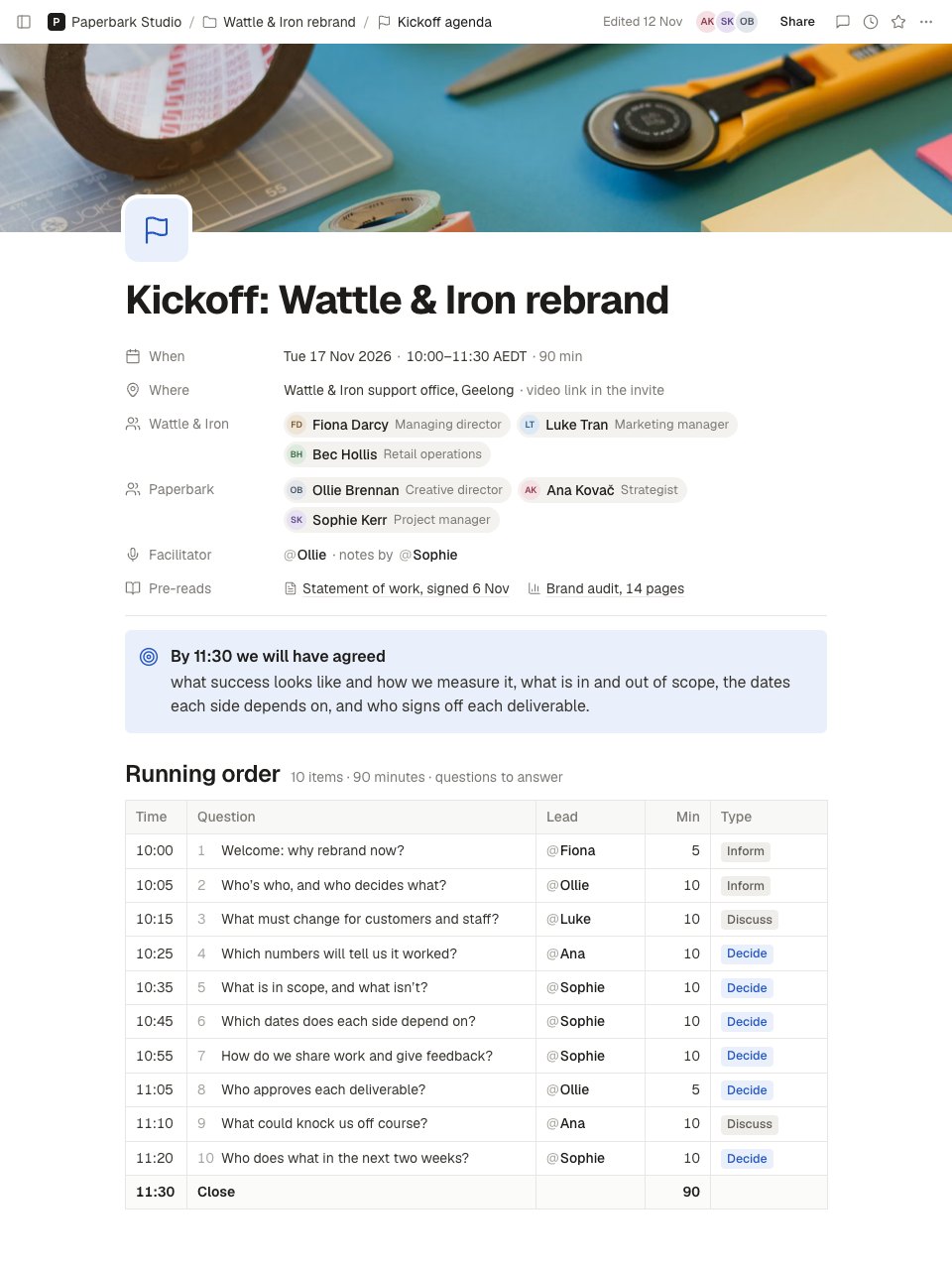
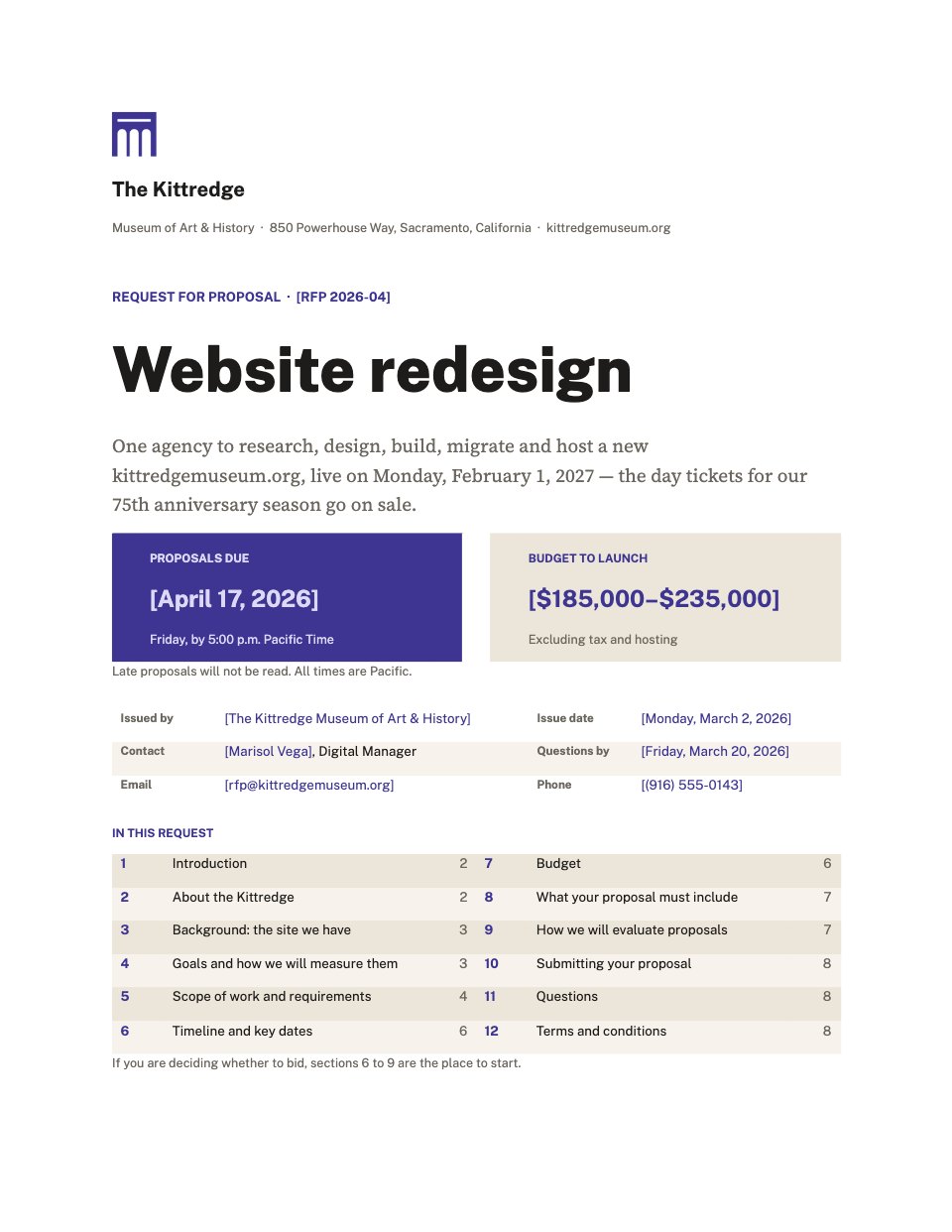
A project kickoff agenda in Docsiv Notes: when and where, both teams with roles, pre-reads and the outcome, a 90-minute running order written as questions, then the prepared detail for each decision: success measures, scope in and out, key dates with the client's dependencies, ways of working, and what the client needs to send.PreviewMeeting Notes
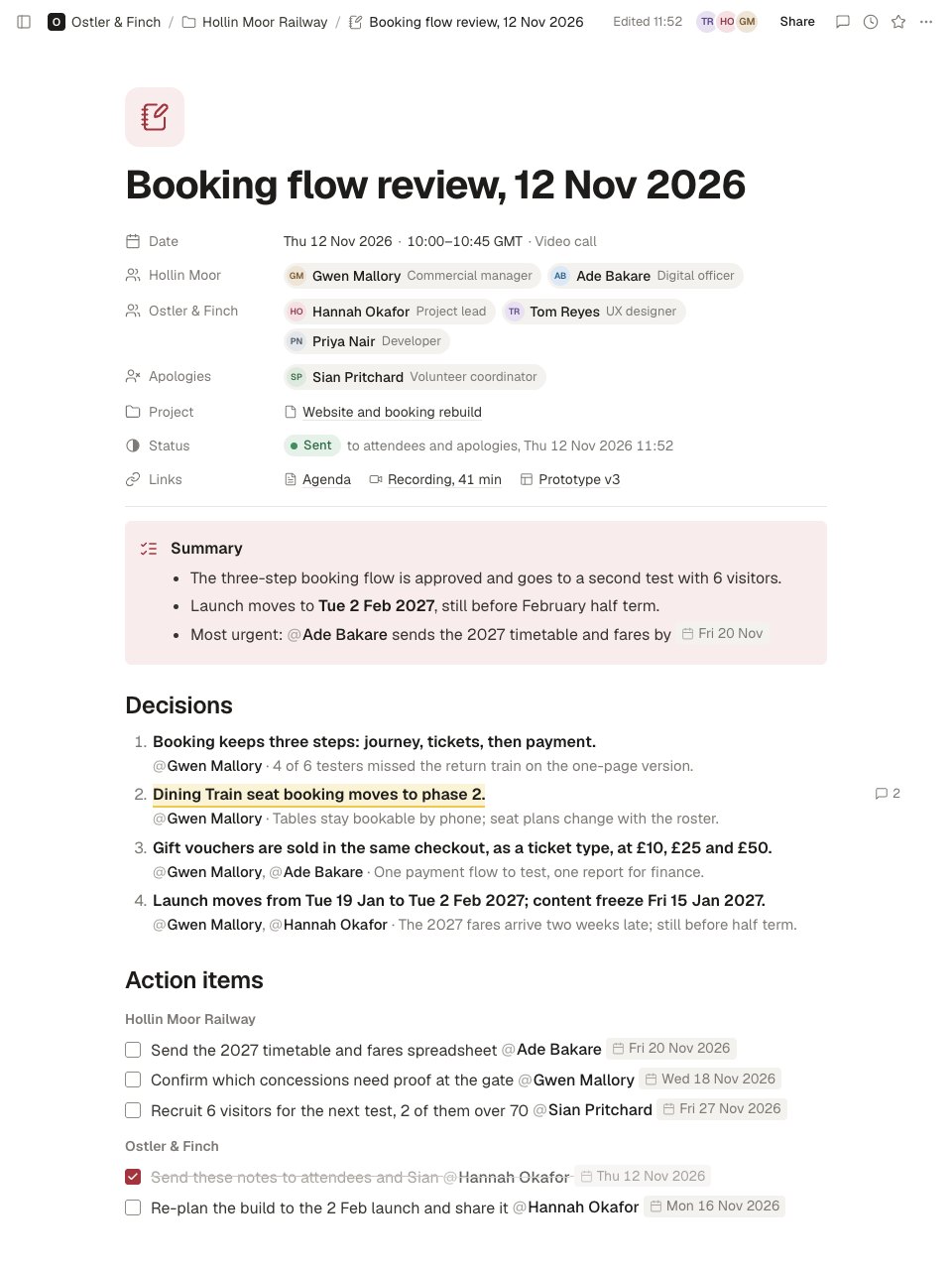
Meeting minutes in Docsiv Notes that put the outcome first: date and attendees by side, a summary, numbered decisions with their reasons, and to-dos with one owner and a date each, then the discussion per agenda item, open questions and the next meeting.Preview1:1 Notes
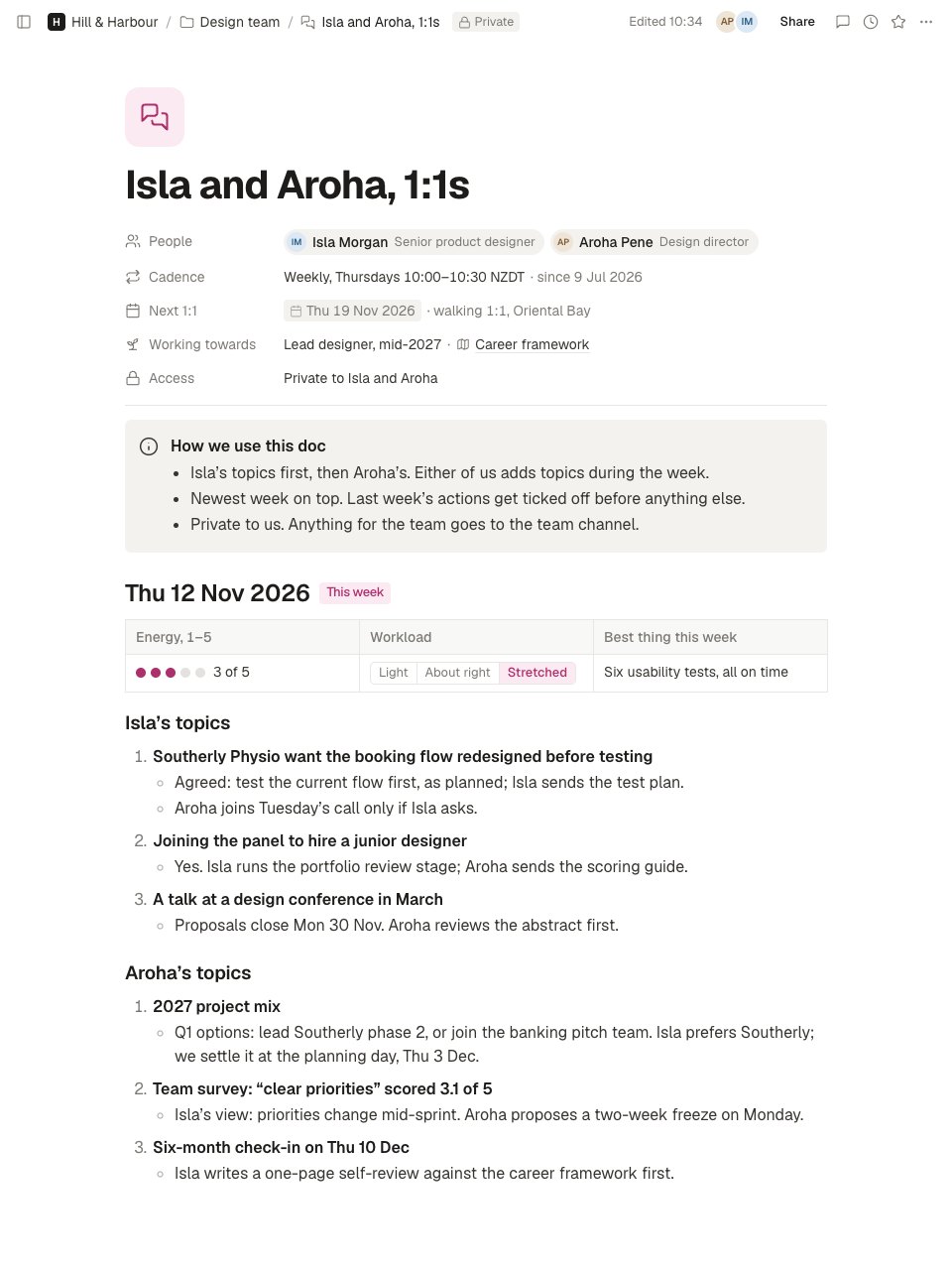
A running 1:1 doc for a manager and report in Docsiv Notes: cadence and growth goal up top, then each week's 1:1 with a check-in, the report's topics first and what was agreed, feedback both ways, and actions with owners and dates, a growth table against a career framework, and earlier weeks folded into toggles.PreviewProject Brief
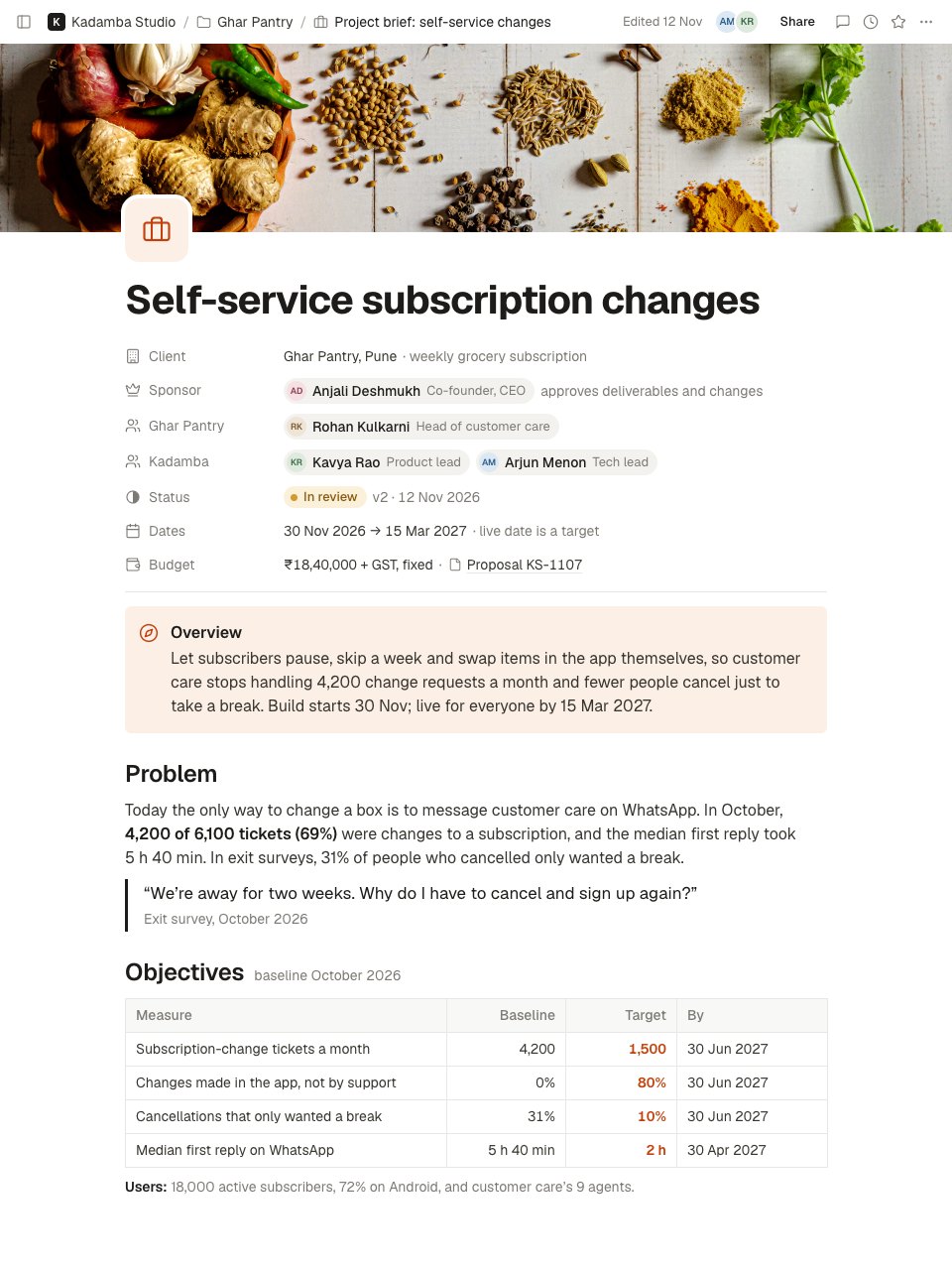
A two-screen project brief in Docsiv Notes: client, sponsor, status, dates and budget; an overview and the problem with its evidence; objectives with baseline, target and date; scope in and out; deliverables with acceptance criteria; milestones; risks; open questions; and next steps with owners.PreviewProject Plan
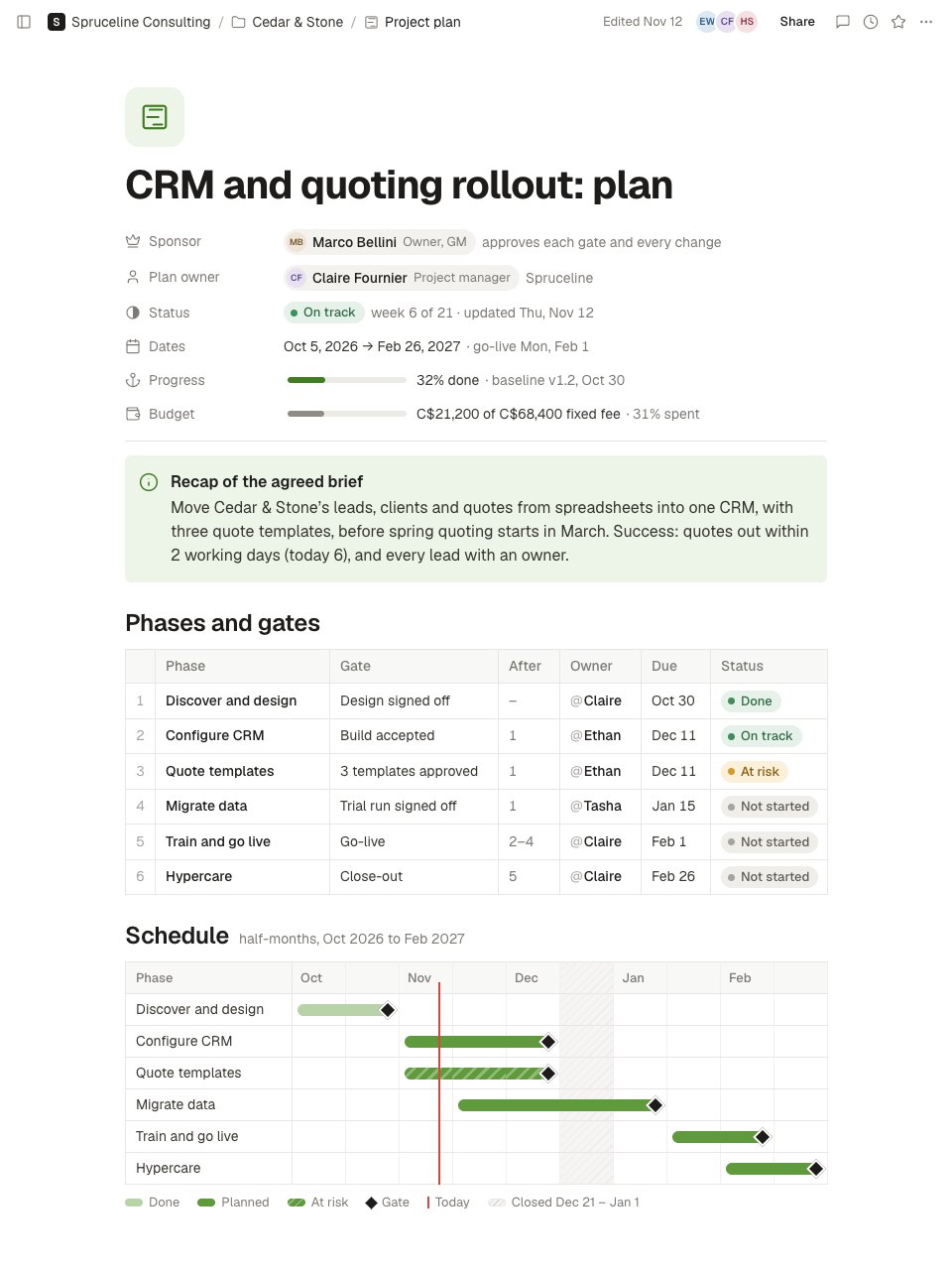
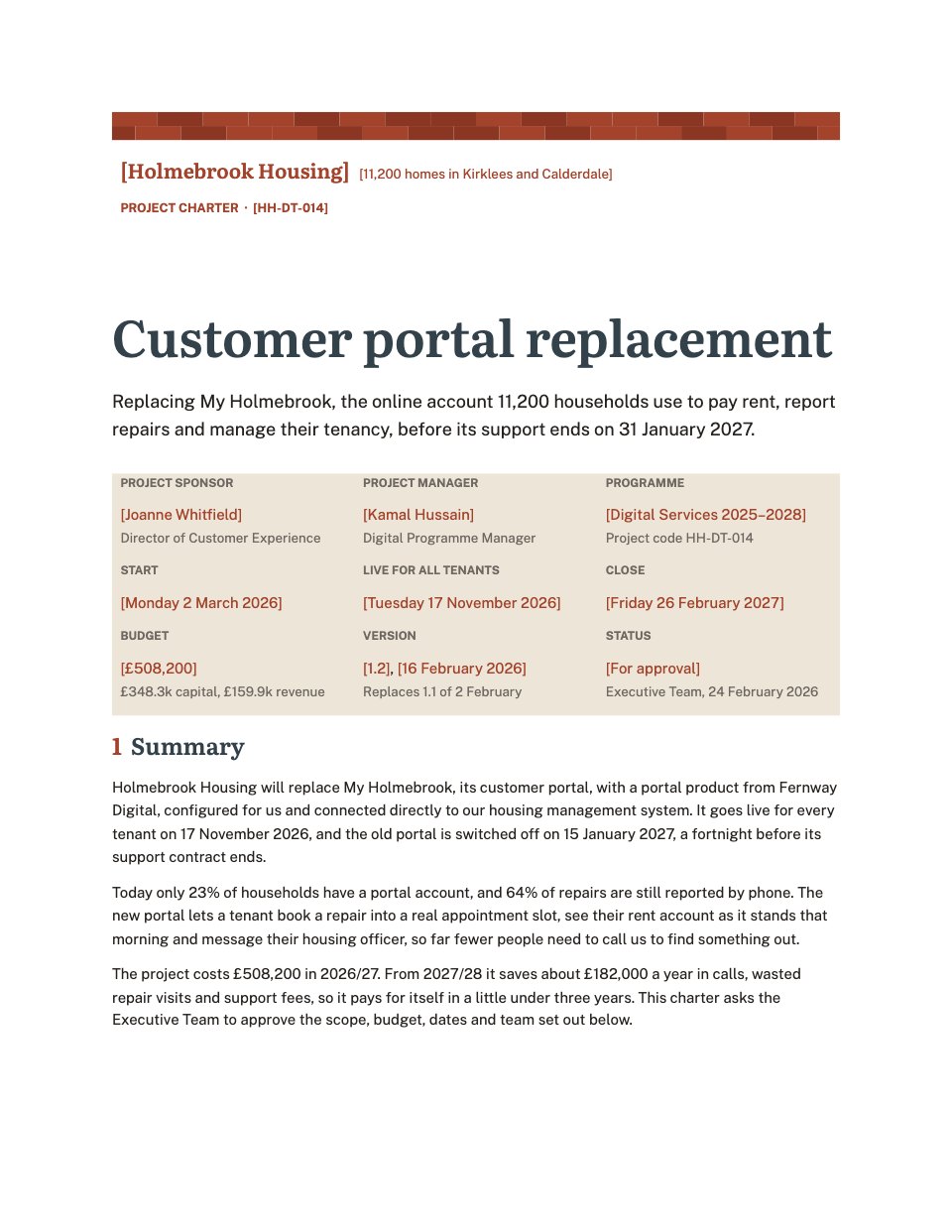
A living project plan in Docsiv Notes: sponsor, owner, status, progress and spend; a recap of the brief; phases with gate, owner, due date, dependency and status; a half-month schedule; this week's status; a RACI with one Accountable per deliverable; a risk register; and change control, communication, approval and resourcing rules.PreviewResearch Notes
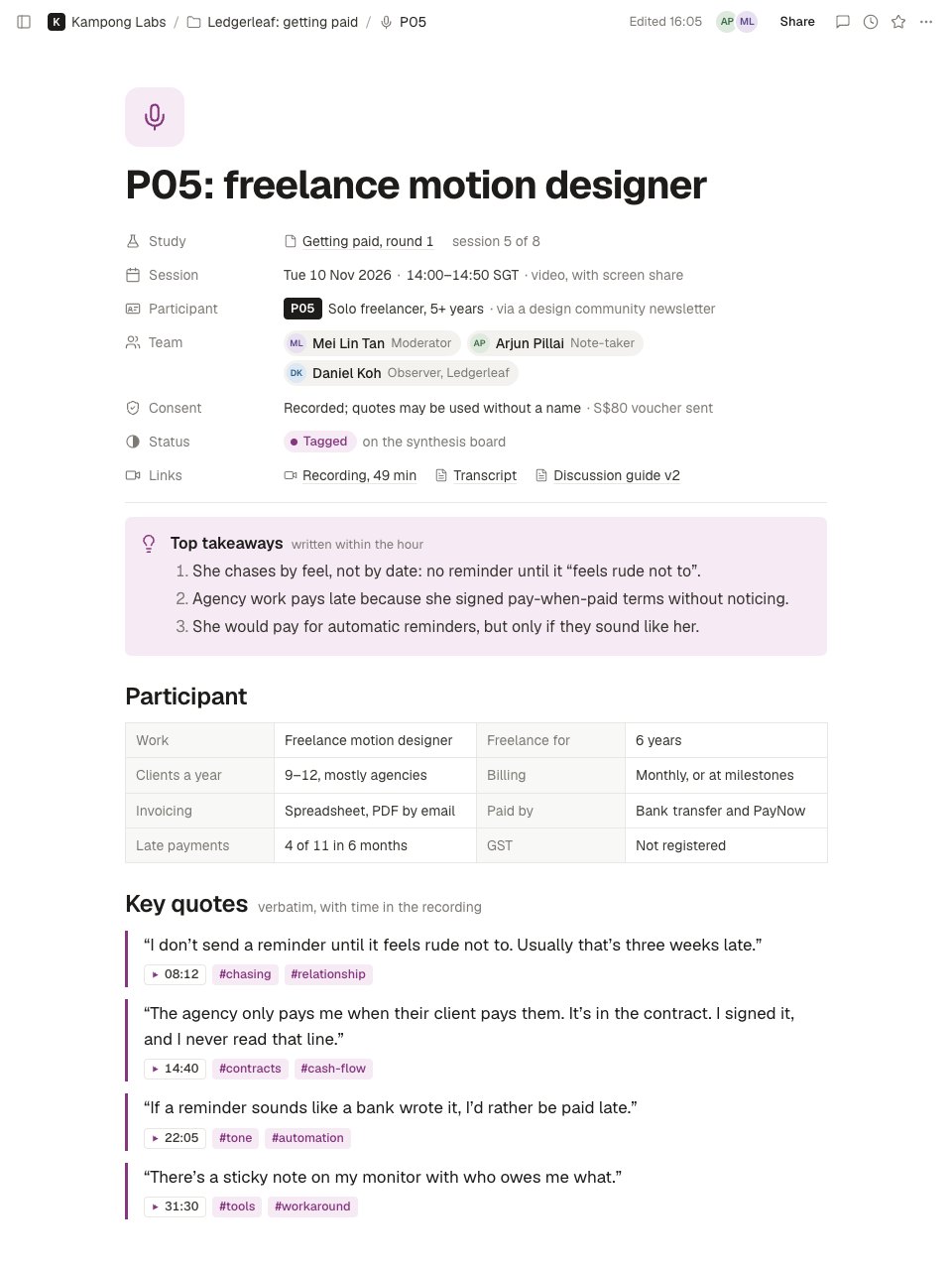
User interview notes in Docsiv Notes: the session, an anonymised participant and consent, top takeaways, the participant's profile, verbatim quotes with timestamps and tags, observations kept apart from what was said, tagged insights with evidence and how many sessions showed them, research questions and follow-ups.PreviewRetrospective
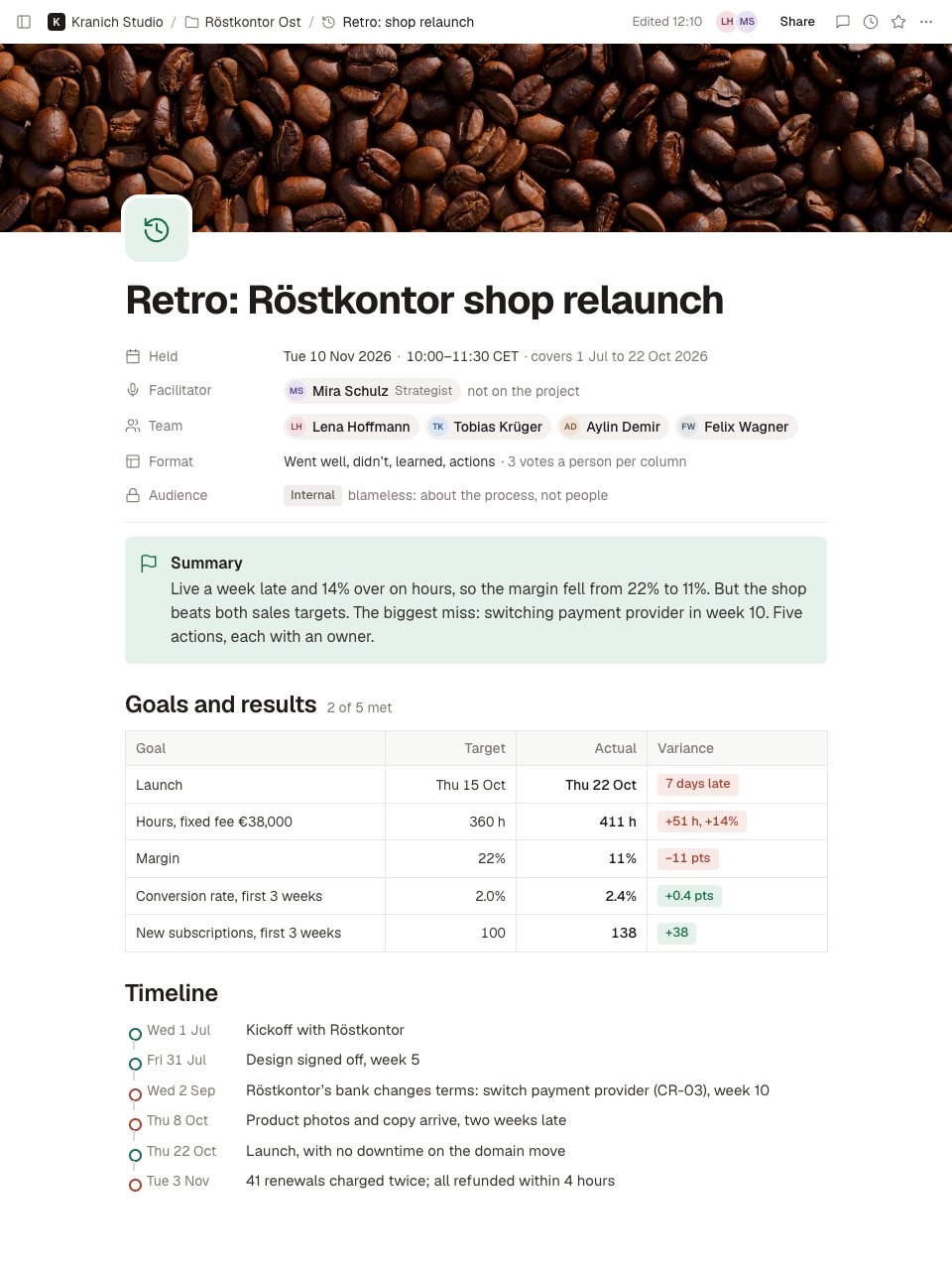
A blameless project retrospective in Docsiv Notes: facilitator, team and format, a summary, goals against results with the variance and margin, a timeline, dot-voted went-well and didn't-go-well cards, what we learned, five whys on the biggest miss, five owned actions and a team health check.PreviewWeekly Plan
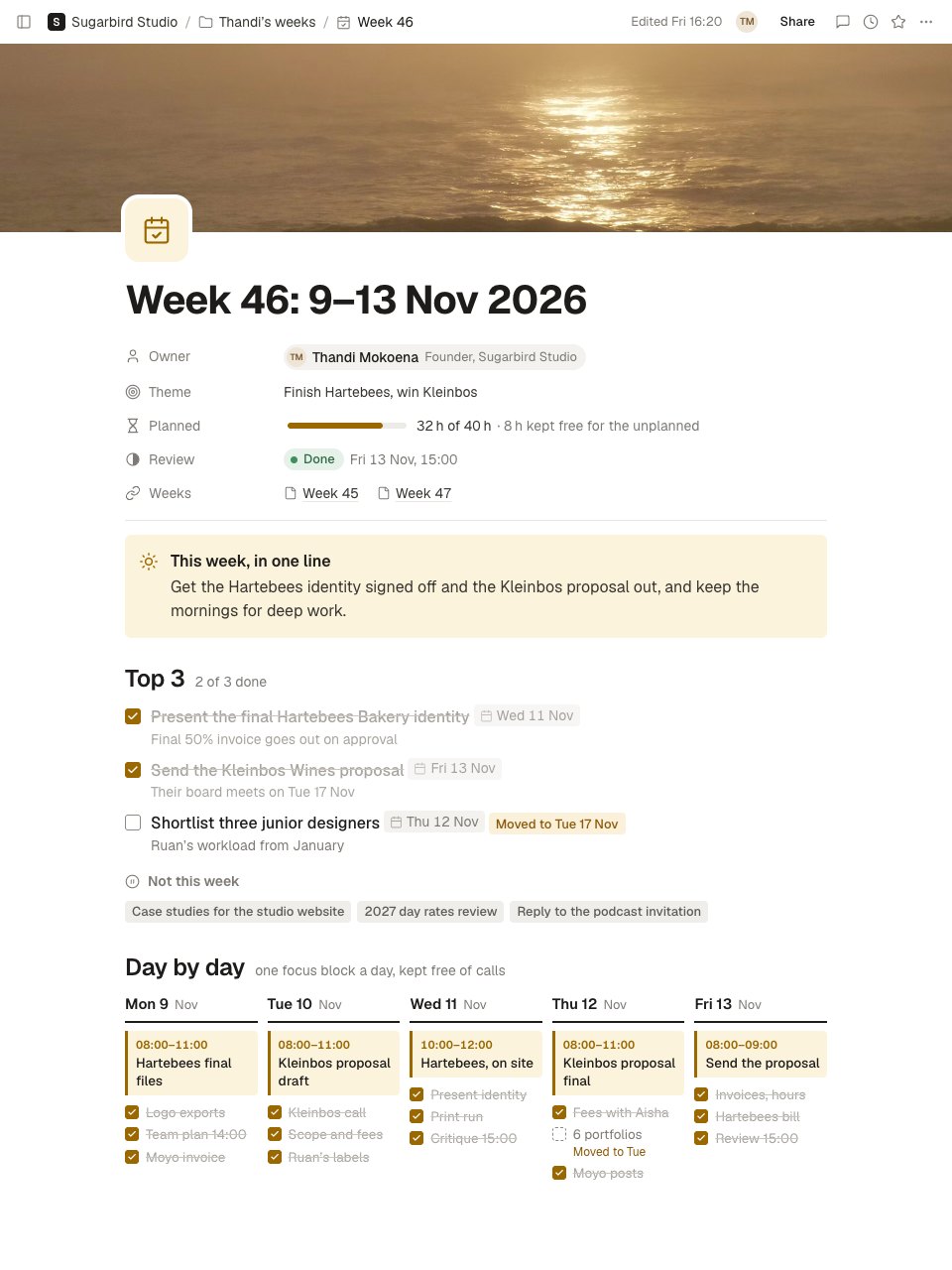
A one-page weekly plan and review in Docsiv Notes: a theme, planned hours with a buffer, three priorities and what's not this week, a day-by-day plan with a focus block each day, a habit grid, and a Friday review with wins, what slipped, one change, hours, numbers and next week's three.PreviewWiki Page
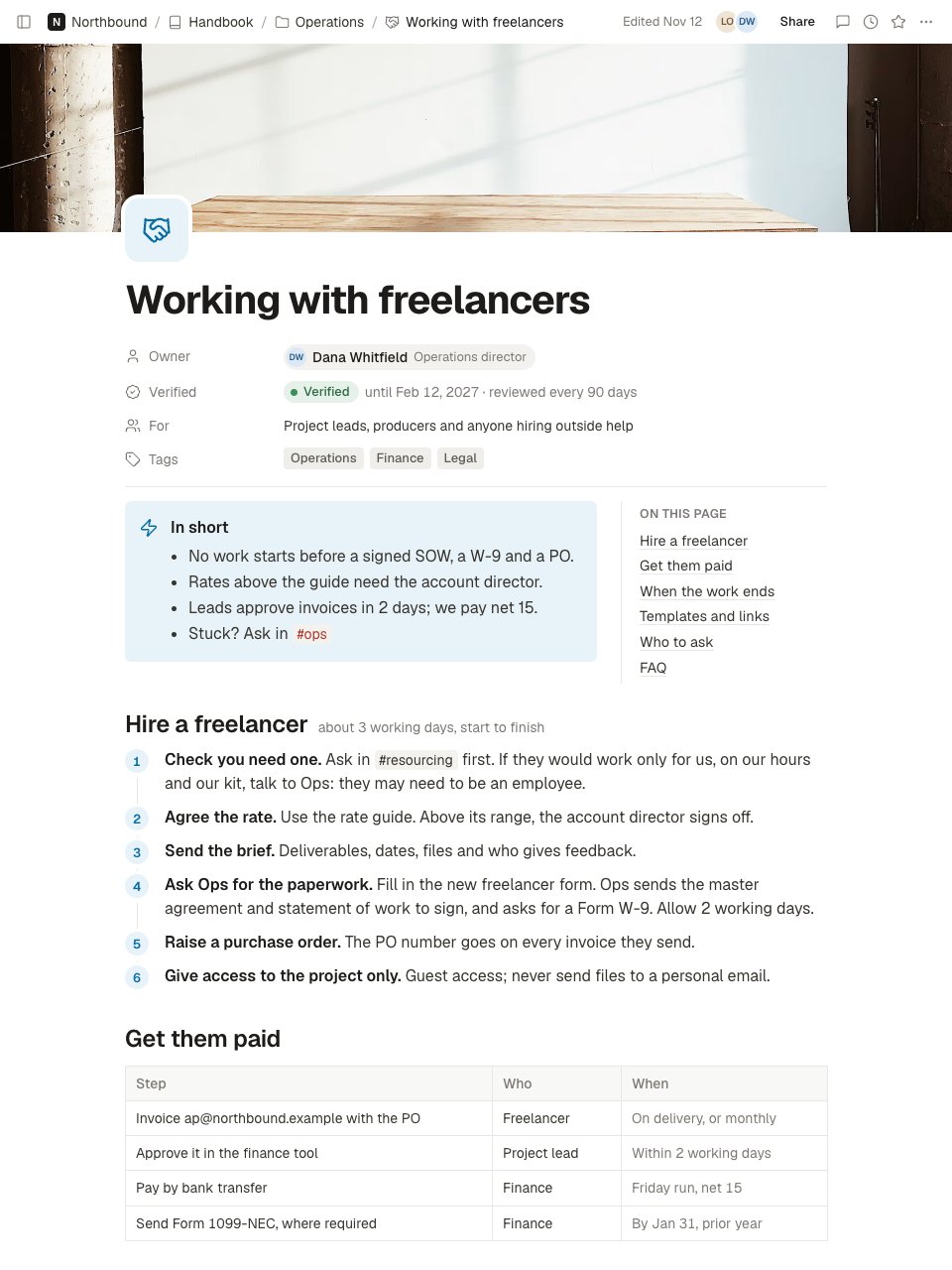
A team wiki page in Docsiv Notes: owner and verified-until date, who it's for, the answer in short beside a table of contents, a how-to in numbered steps, who does what and when, a checklist, links to templates, who to ask with backups, FAQs in toggles, related pages and a changelog.Preview
A closer look at Call Summary.
A sales or client call summary in Docsiv Notes: who was there and the deal stage, a three-line summary, what the client said in their own words, a budget, authority, need and timeline table, the requirements for the proposal, next steps on both sides, and the follow-up email as sent. Here it is screen by screen.
- 1The top of the note: title, date and time, attendees by side with roles, deal stage, source and recording; a summary callout with the goal, the budget signal and the next step; what we heard, with verbatim quotes, goals and problems side by side, and constraints.
- 2Further down: a budget, authority, need and timeline table holding only what was said, the requirements for the proposal tagged must or nice to have, the decision, next steps for each side with owners and dates, the proposed next meeting, and the follow-up email in a toggle.
About notes templates.
Something else on your mind? Ask us in the chat, bottom right of the page.
Are these notes templates free?
Yes. They open in Docsiv’s Notes app with a free account, where you can edit your copy, download it and share it with a link. The Free plan includes every Docsiv app and 500 AI credits a month.
Which app do they open in?
Notes: pages, Markdown, Word and PDF exports.
Can Docsiv AI write the notes for me?
Yes. Choose Customise with Docsiv AI on any template, tell it about the client or the project, and it drafts the content in that template’s style for you to review and edit. AI uses credits; the Free plan includes 500 a month.
Can I change the design?
Yes, all of it: the colours, fonts, photos and every word, and you can add or remove pages. Your brand kit’s colours are in every colour picker.







Describe the notes you need
Docsiv AI drafts it in the style of these templates, with your details in place, ready for you to edit.