

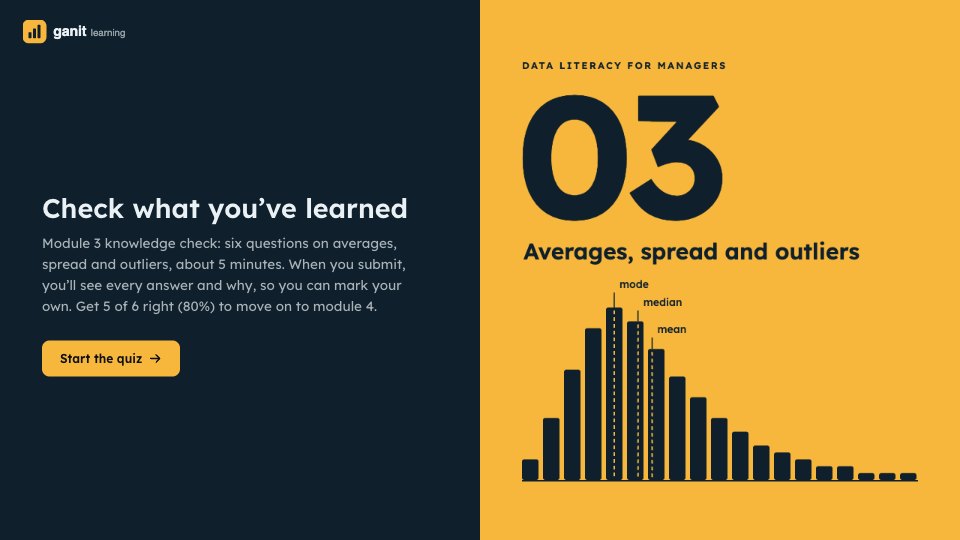
What’s inside the Course Quiz.
Real content in every part, ready to rewrite with your own.
- 1Welcome: module 3, averages, spread and outliers; six questions, about 5 minutes, the answers shown on submitting and 5 of 6 to pass; beside a marigold panel with the module number
- 2Question 1 (choice): five months of sales with one outlier, which figure best describes a typical month (the median, ₹4.8L, not the mean, ₹7.64L)
- 3Question 2 (choice, beside a histogram): delivery times for 200 orders, where the mean sits against the median (above: 36 against 33 minutes)
- 4Question 3 (number): the median of 12, 7, 3, 21, 9 and 14 (10.5, the mean of the two middle values)
- 5Question 4 (select all that apply): which are measures of spread (range, standard deviation and interquartile range; not the median or mode)
- 6Question 5 (choice, beside a box plot): which of two support teams handles calls more consistently (Kaveri, the narrower box)
- 7Question 6 (choice): average order value rose 12% this month, what to check first (whether a few very large orders caused it)
- 8Your email, so the tutor can see the answers, last so the question numbers match the answer key
- 9Thank you: the answer key, with the right answer and one line on why for every question, the pass mark and what to do next, beside a photo of an open book
When to use it.
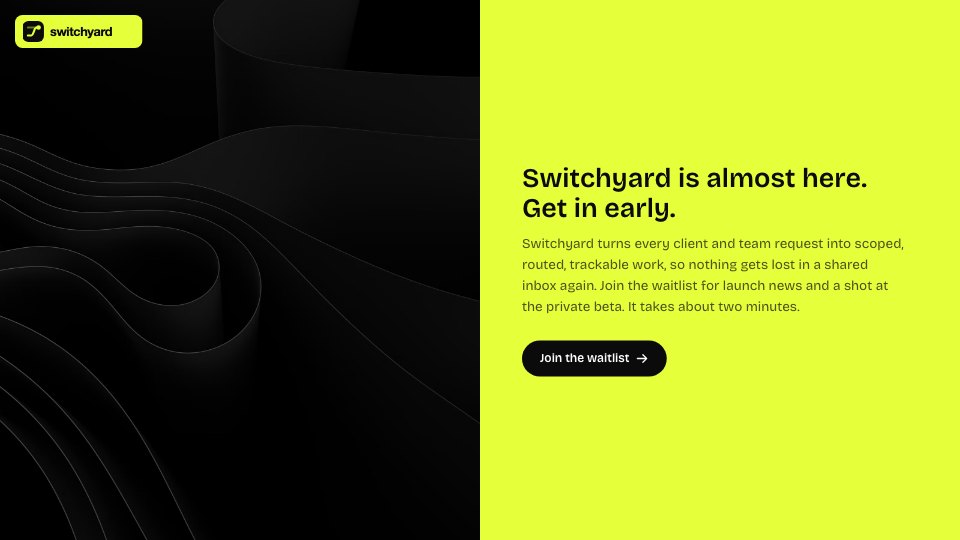
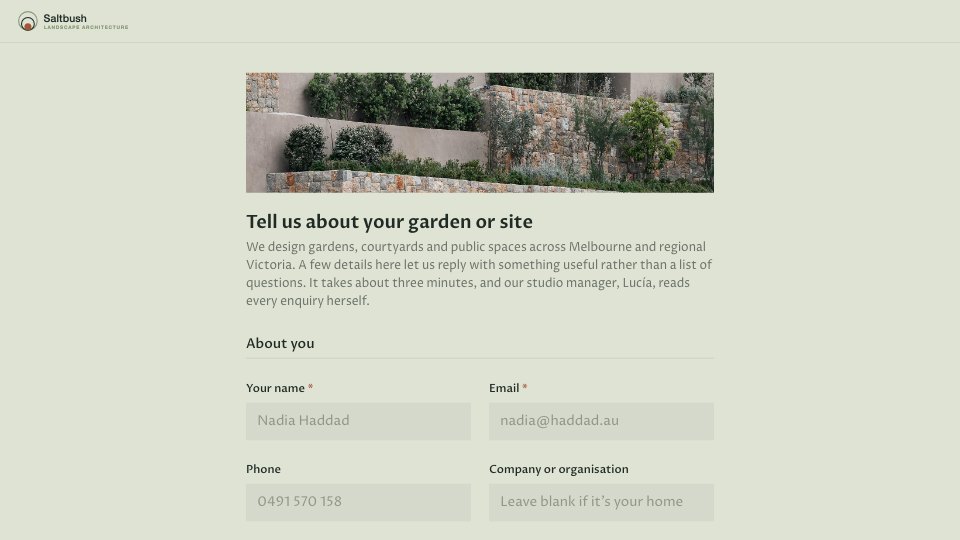
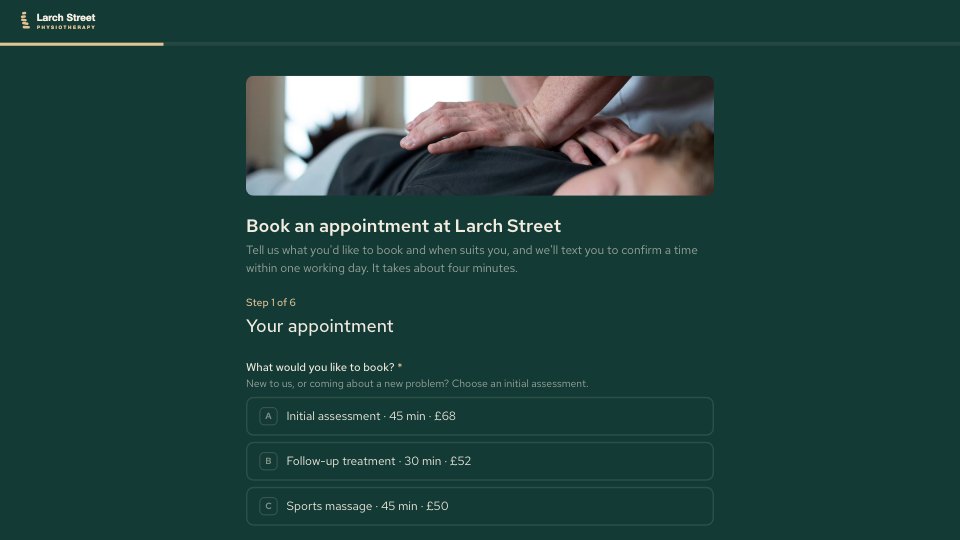
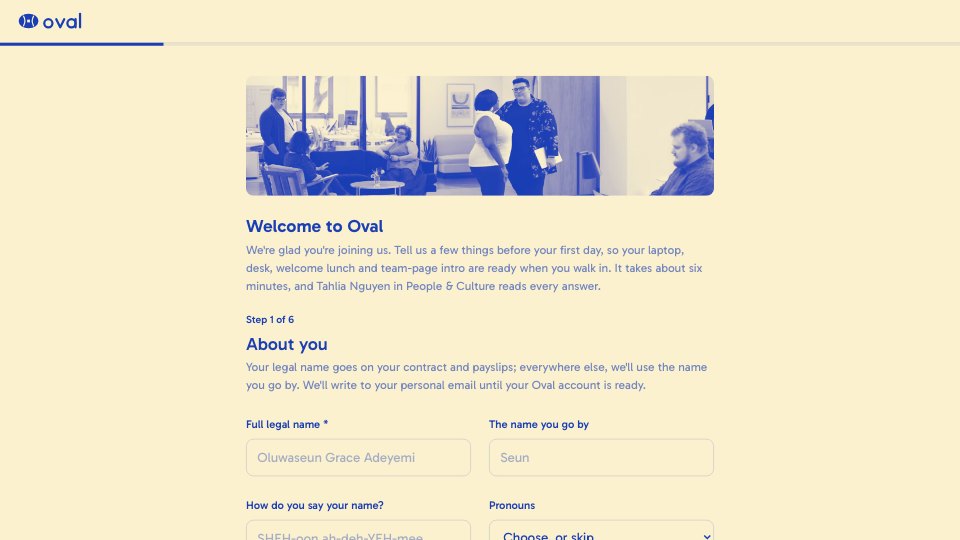
Course Quiz is a knowledge check for the end of a course module, one question per screen, shown here for module 3 of a data literacy course on averages, spread and outliers. It mixes choice questions, a number answer, a select-all question and two questions that ask learners to read a chart, each with a hint that points at the idea without giving the answer away. When learners submit, the last screen is the answer key, with the right answer and one line on why for every question, the pass mark and what to do next.
Made for
- Team leads running workshops
- Trainers and facilitators
- Agencies training client teams
- People teams running onboarding
Make it yours in four steps.
Open it in Forms and work through it, or let Docsiv AI do the first pass with your details.
- Step 1
Swap in your school’s name, logo and colour, and the module number and title on the welcome panel.
- Step 2
Replace the questions and hints with your own module’s, and upload your own charts beside the chart questions.
- Step 3
Write your answer key and pass mark on the thank-you screen, in the same order as the questions.
- Step 4
Share the link at the end of each module, and review the answers by learner email.
Start from the Course Quiz now.
Questions about this template.
Something else on your mind? Ask us in the chat, bottom right of the page.
Is the Course Quiz template free?
Yes. Create a free account and it opens in Docsiv's Forms app, ready to edit and share. The Free plan includes every Docsiv app and 500 AI credits a month.
Can I change the colours, fonts and text?
Yes, all of it. The template uses Lexend with #0F1F2B, #EAF1F4, #F6B73C, and you can change any of them, rewrite every word and add or remove questions.
What can I export it as?
Forms in Docsiv offers: Responses exported as CSV. Once it's saved, you can also share it with a link.
Can Docsiv AI write the course quiz for me?
Yes. Tell Docsiv AI about the client or project and it can draft the content in this template's style, which you then review and edit. AI uses credits; the Free plan includes 500 a month.
Where do the responses go?
Responses are collected in Docsiv with the form, and you can export them as a CSV file.
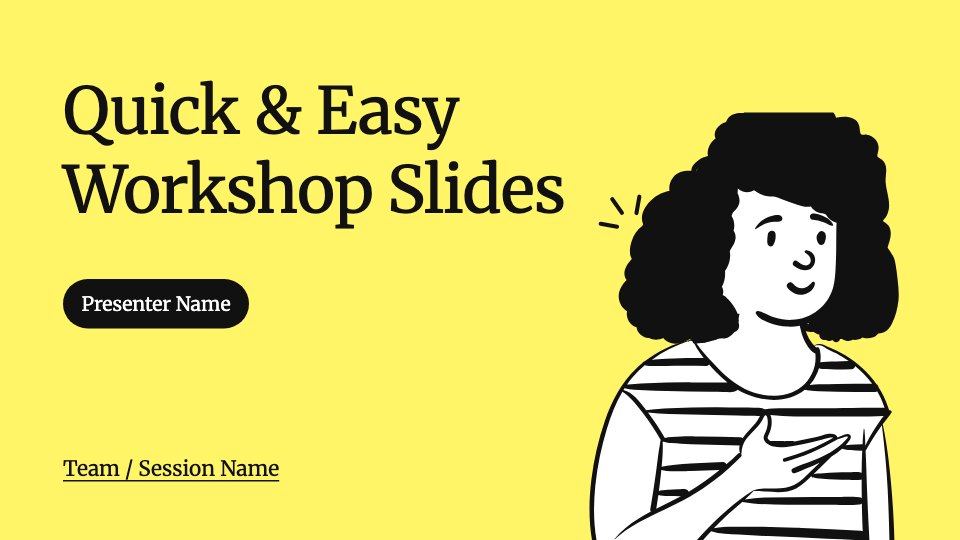
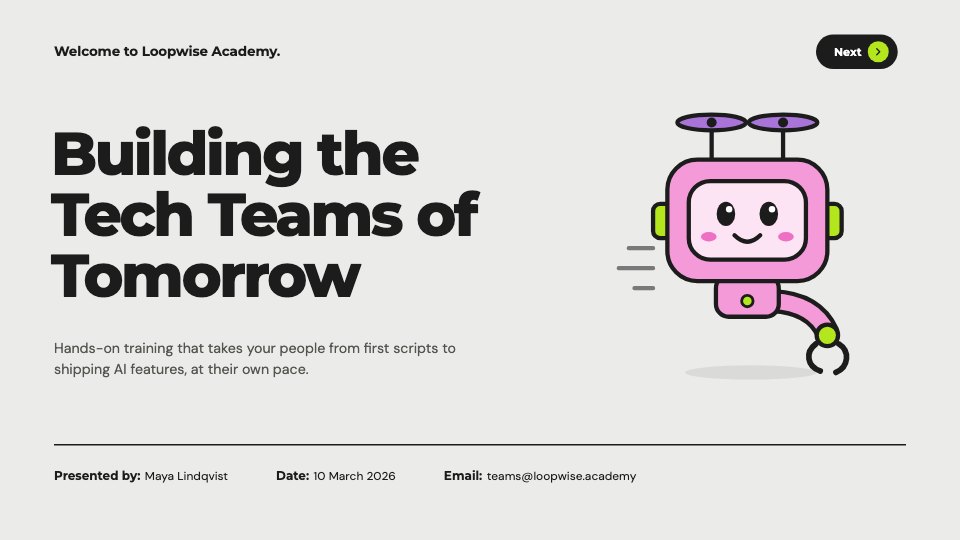
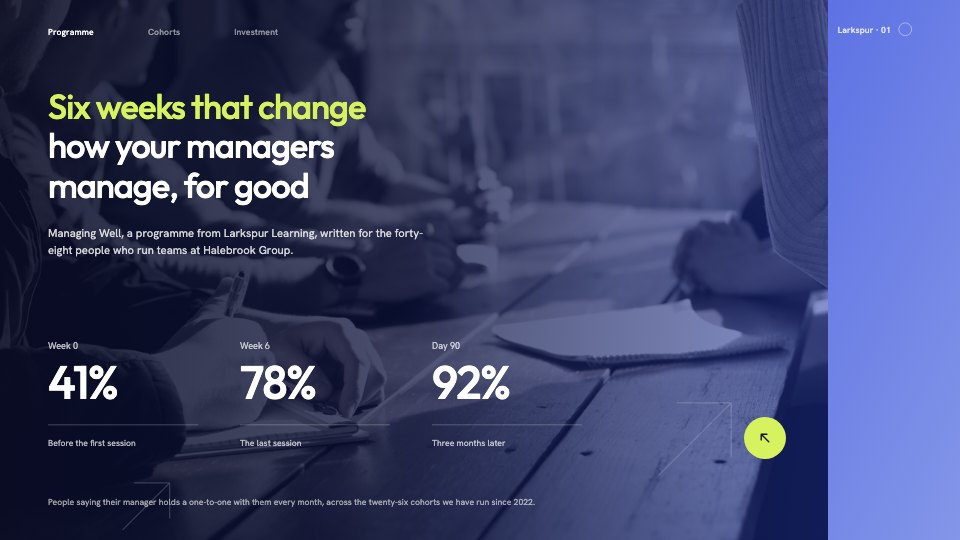






Start your training deck with Docsiv AI
Describe the client or the project and Docsiv AI writes a first draft of your course quiz for you to edit, share and send.