

What to put on a freelance invoice (with a free template)
A clear invoice gets paid faster. Here are the details every freelance invoice needs, how to set payment terms and handle tax, and the mistakes that make clients pay late.
On this page
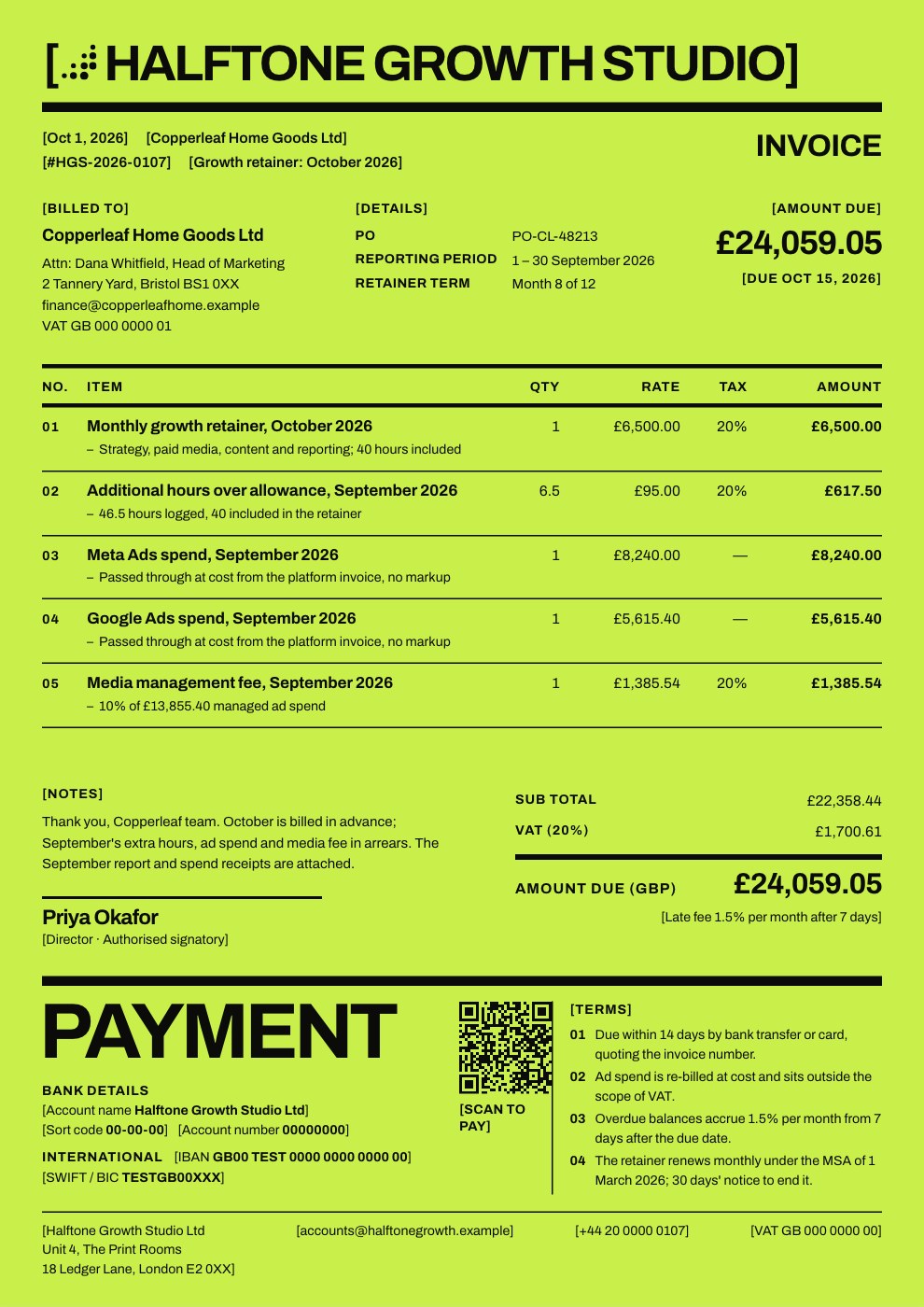
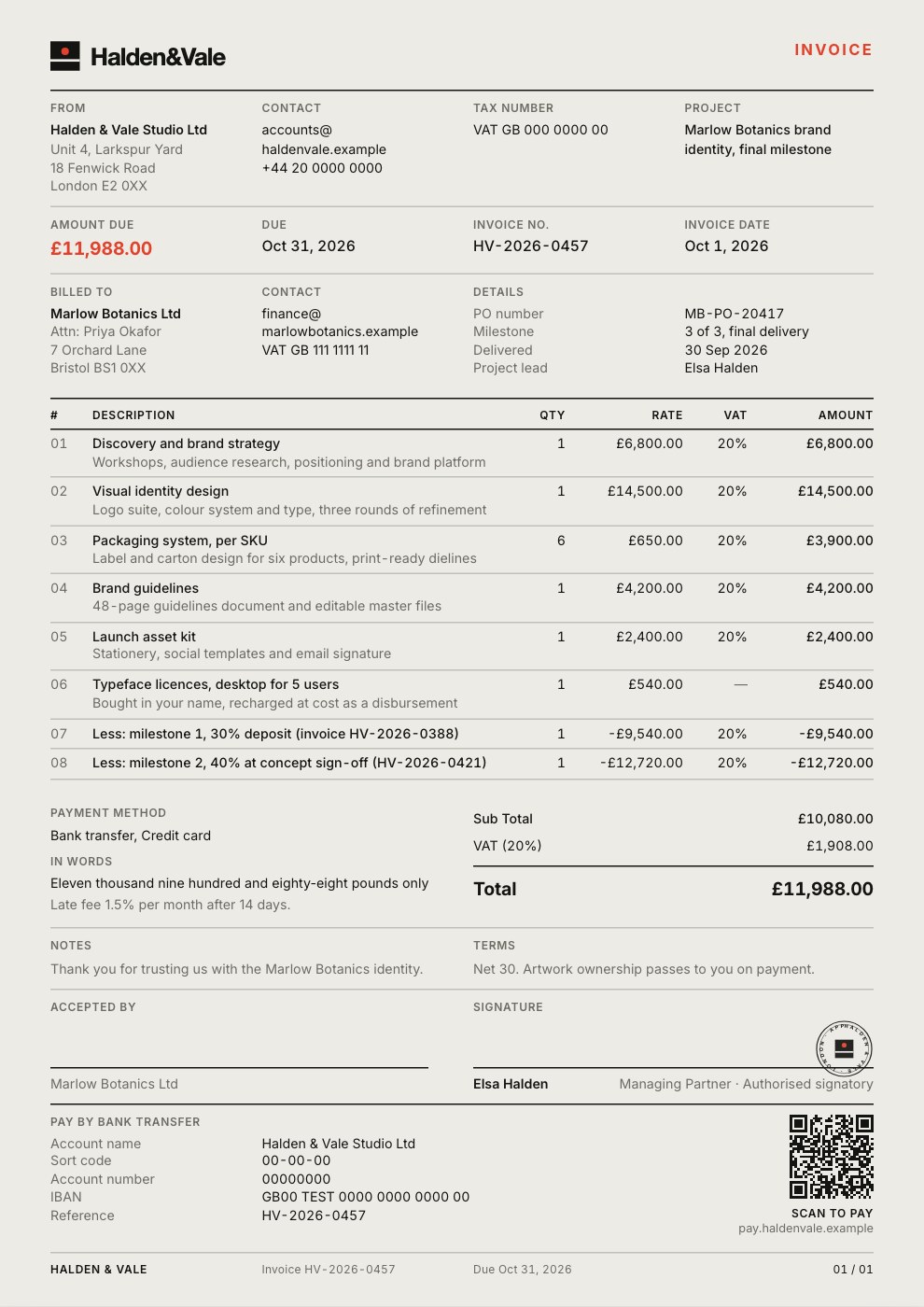
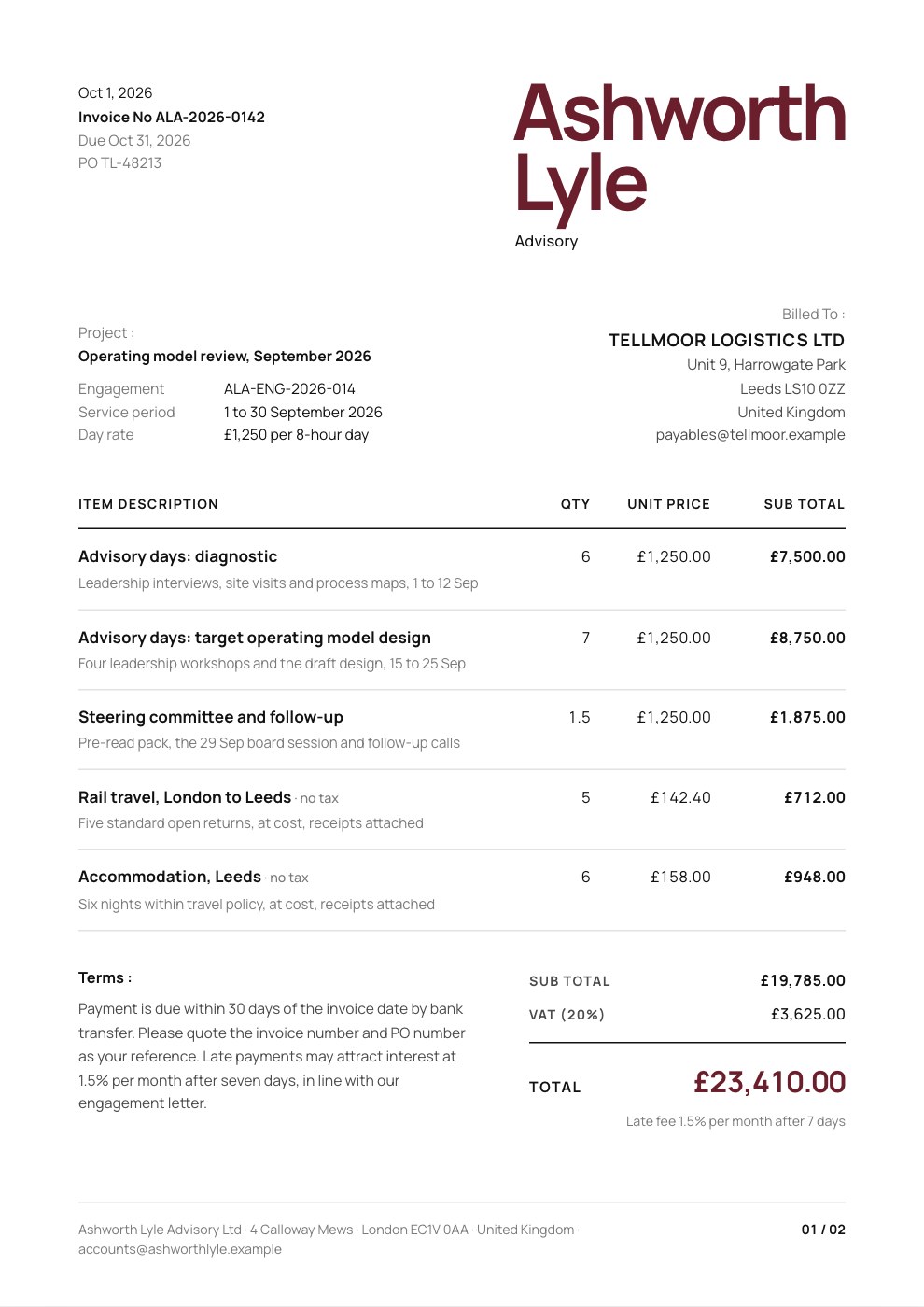
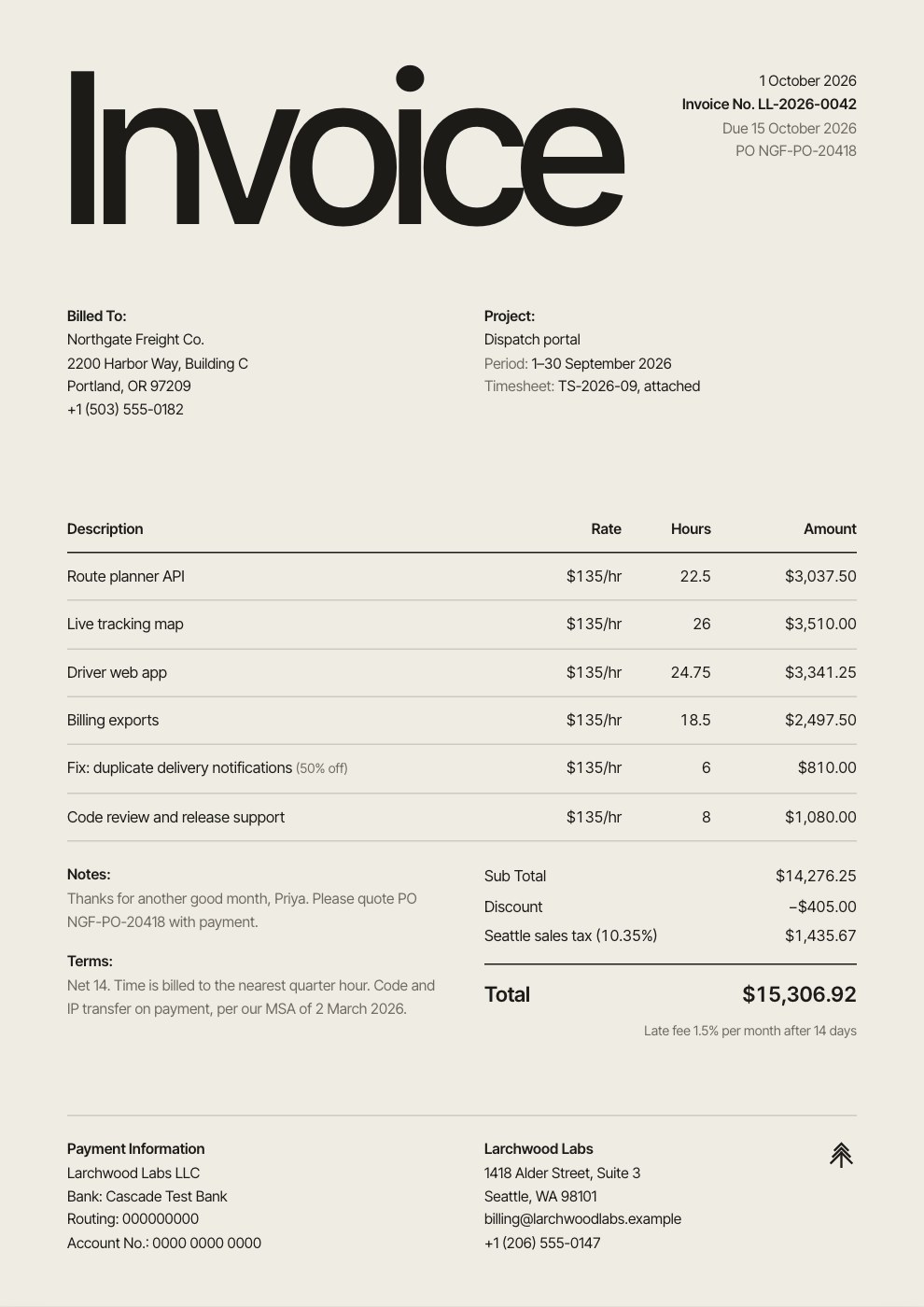
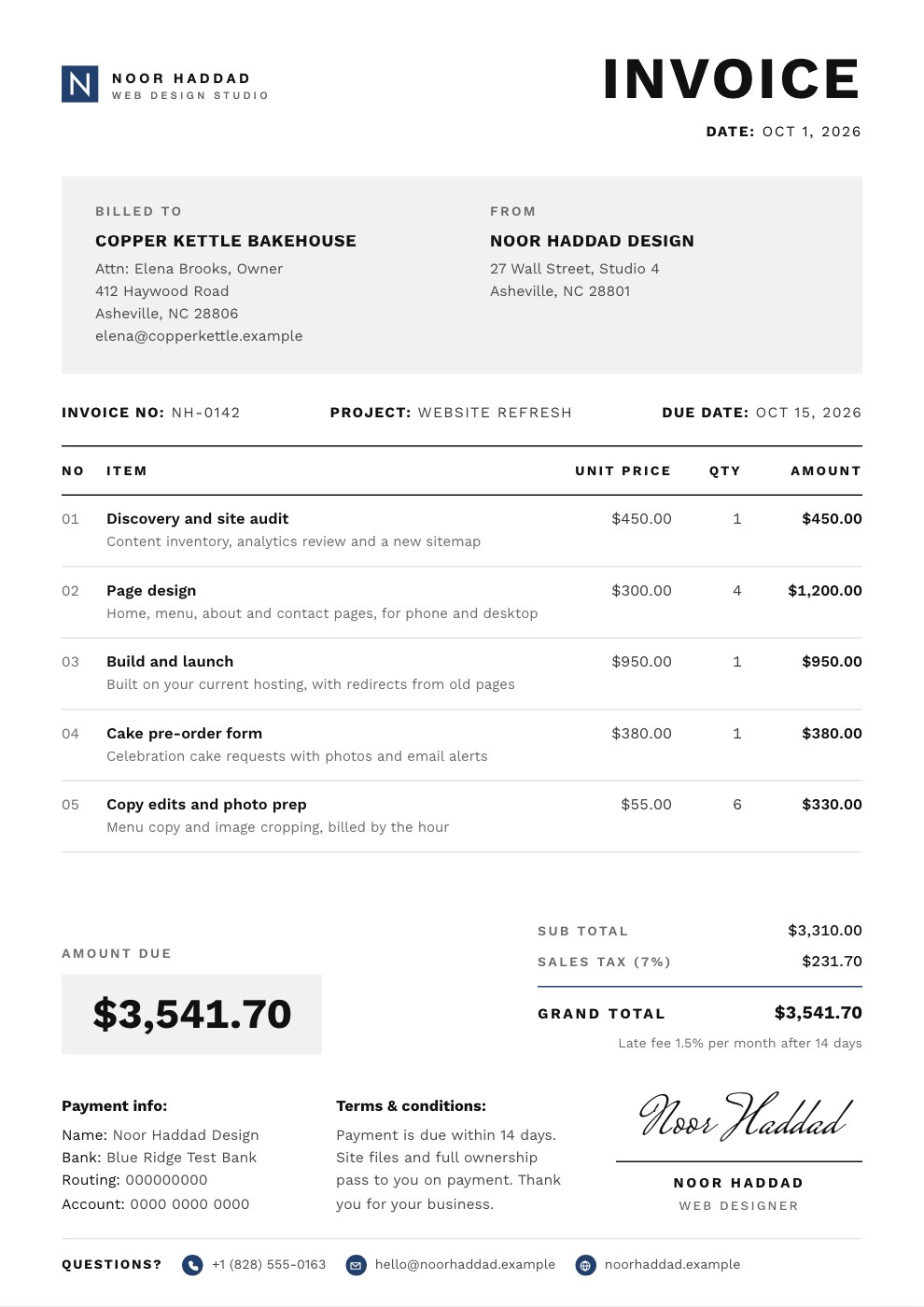
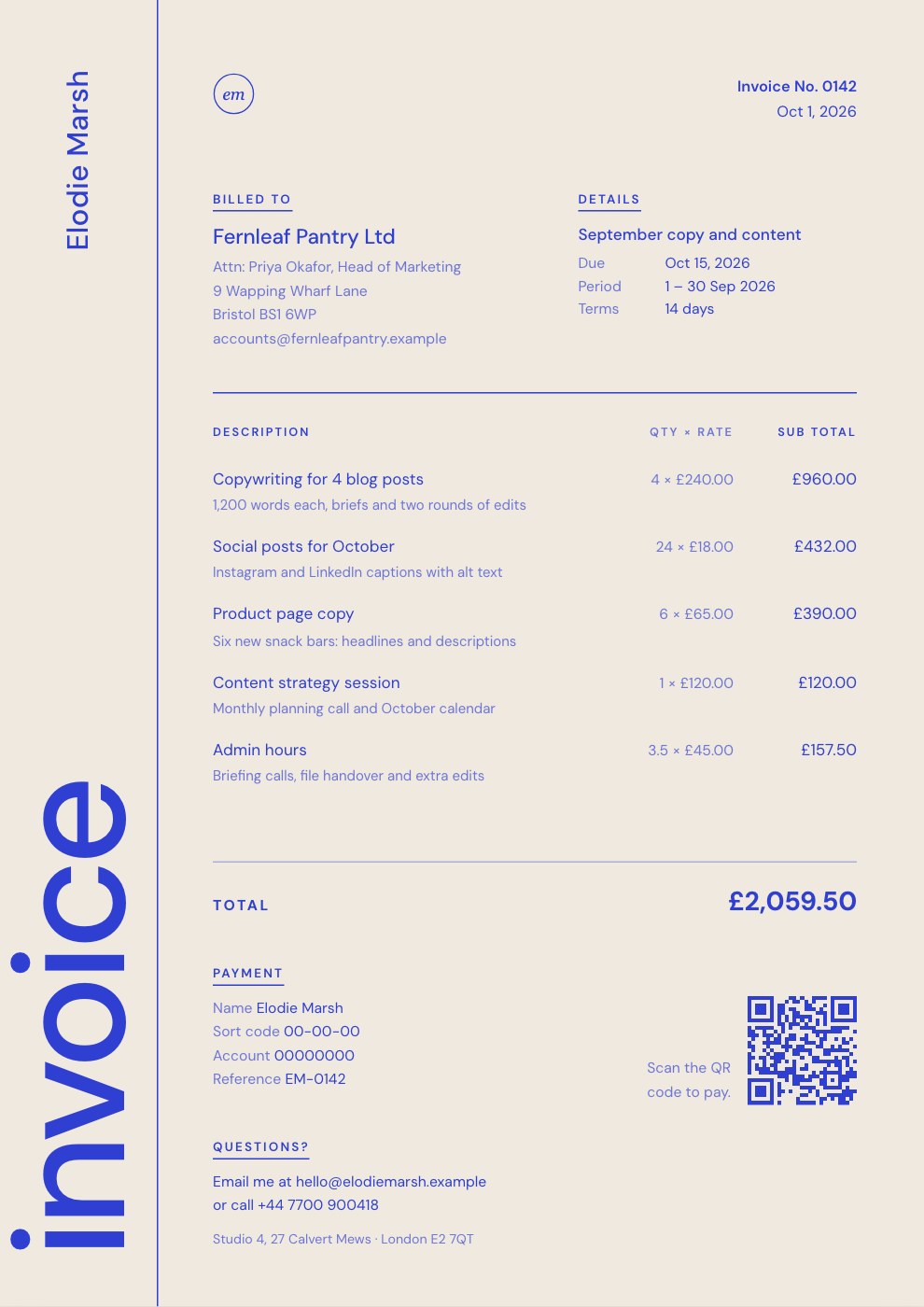
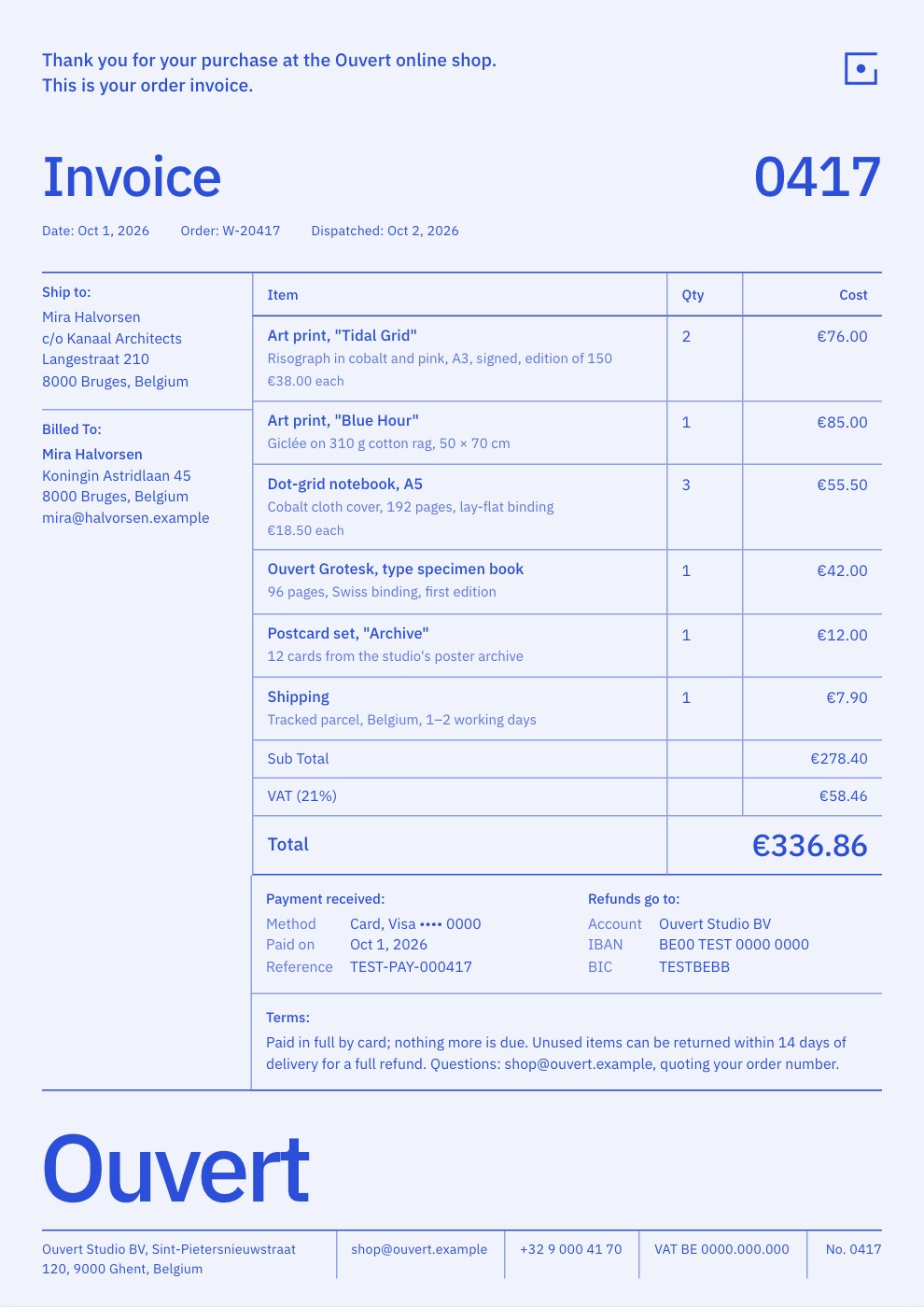
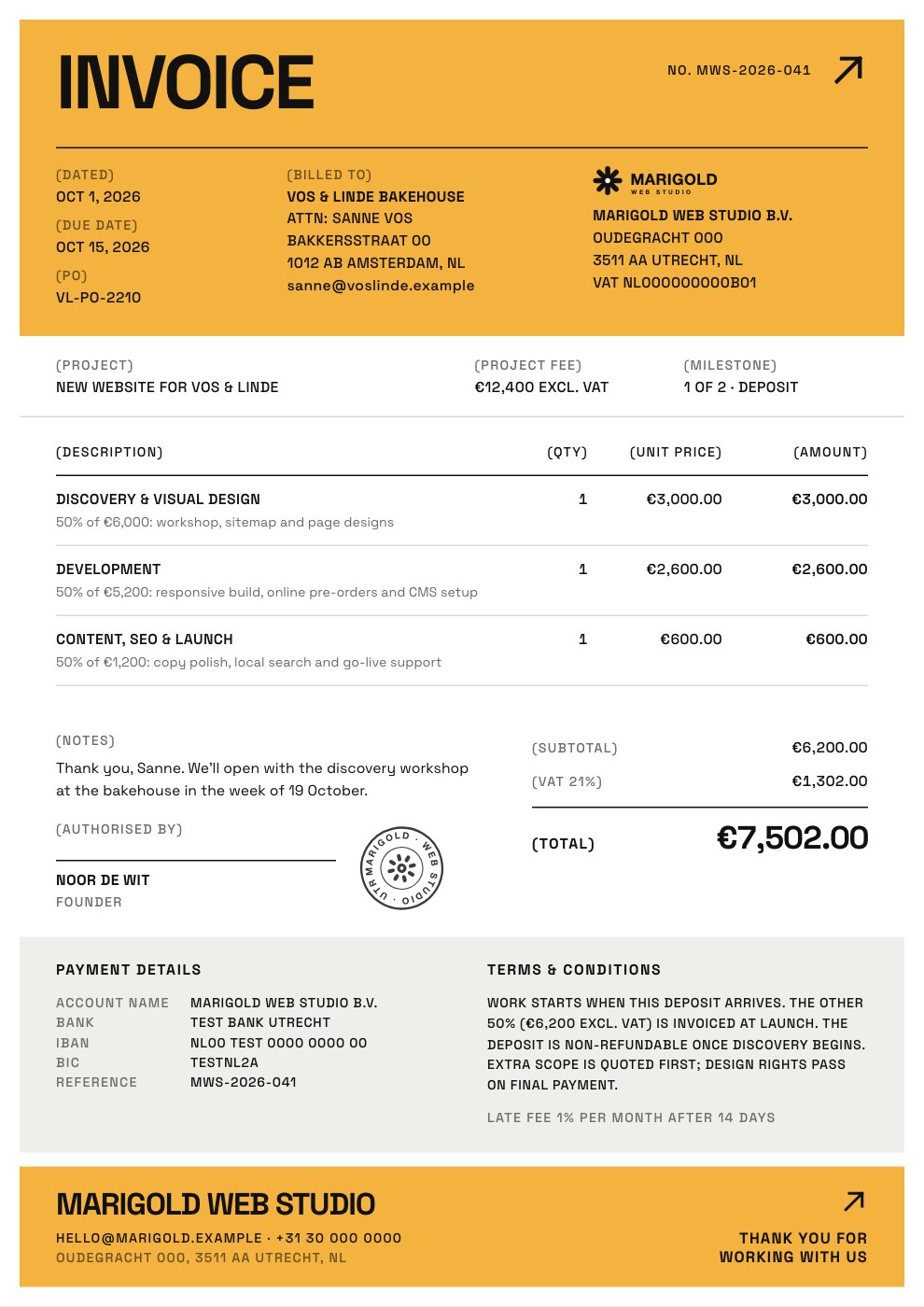
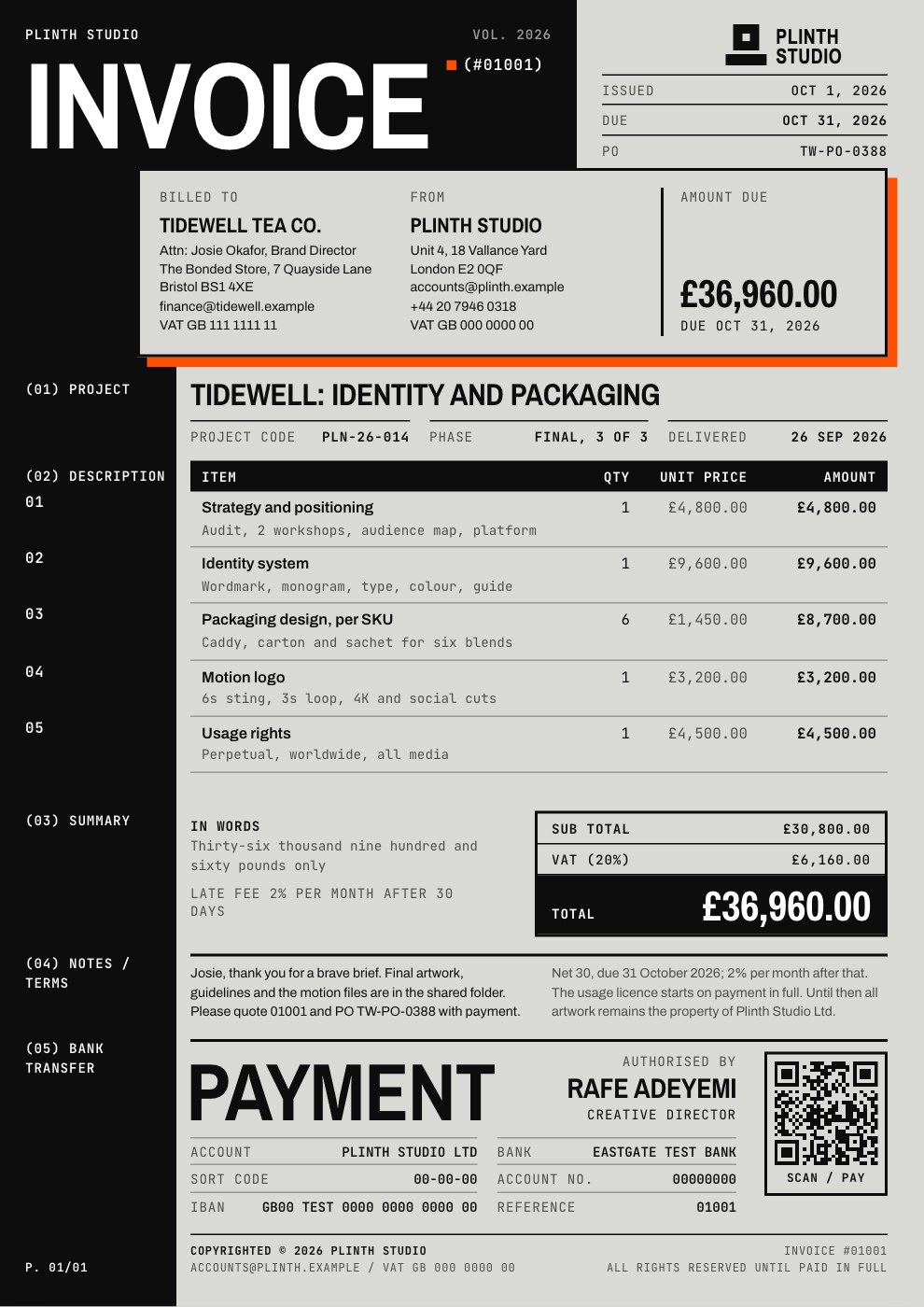
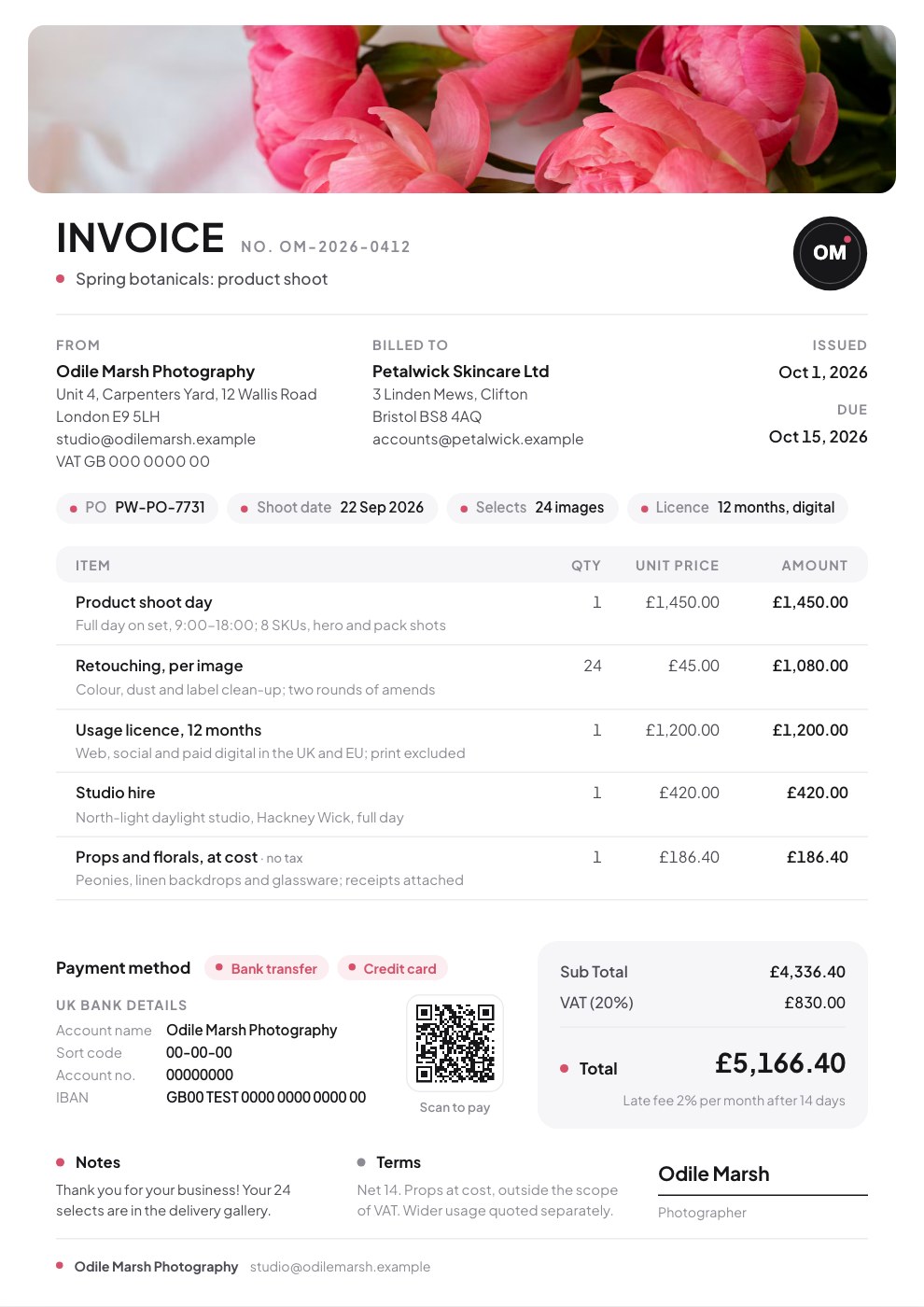
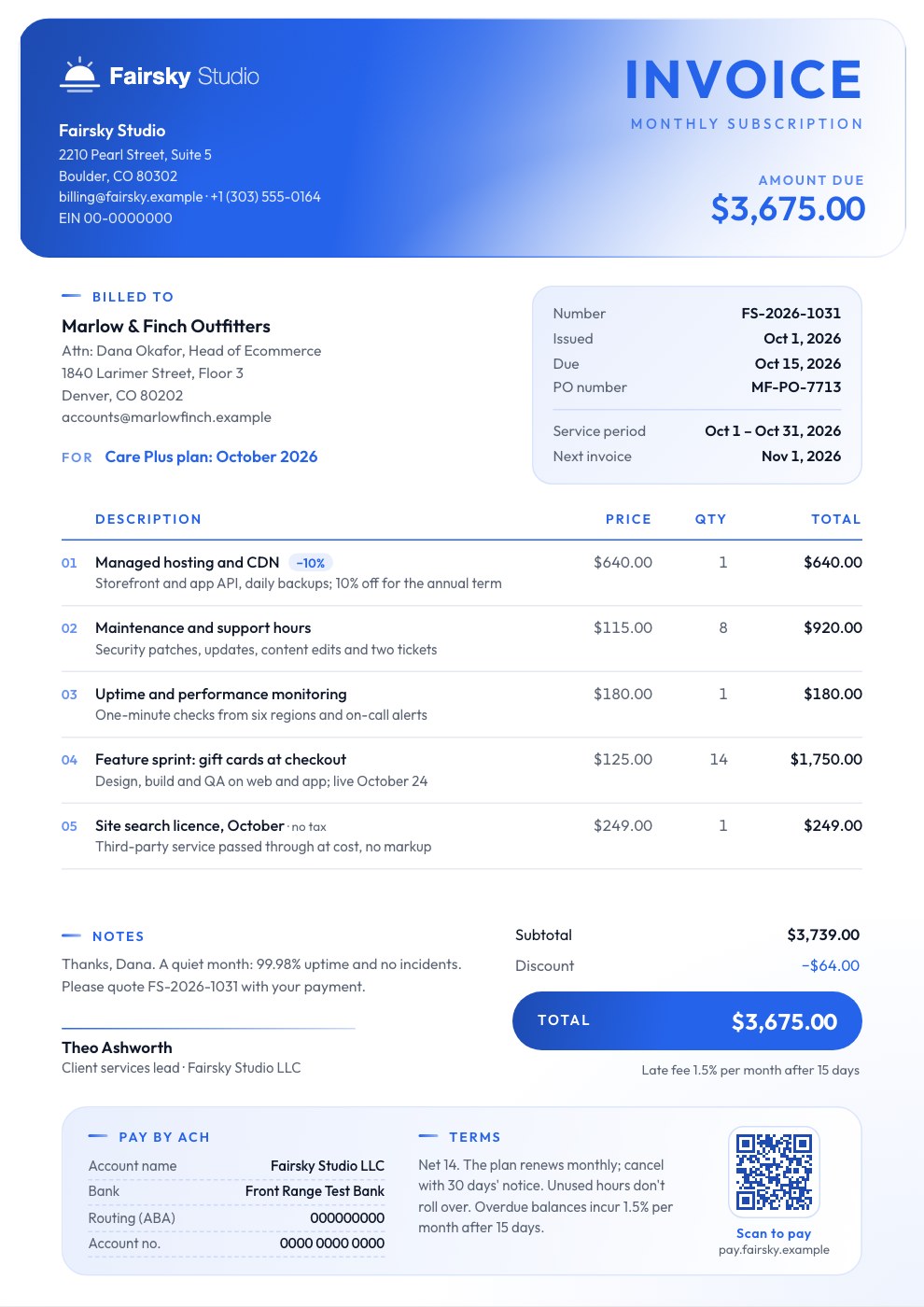
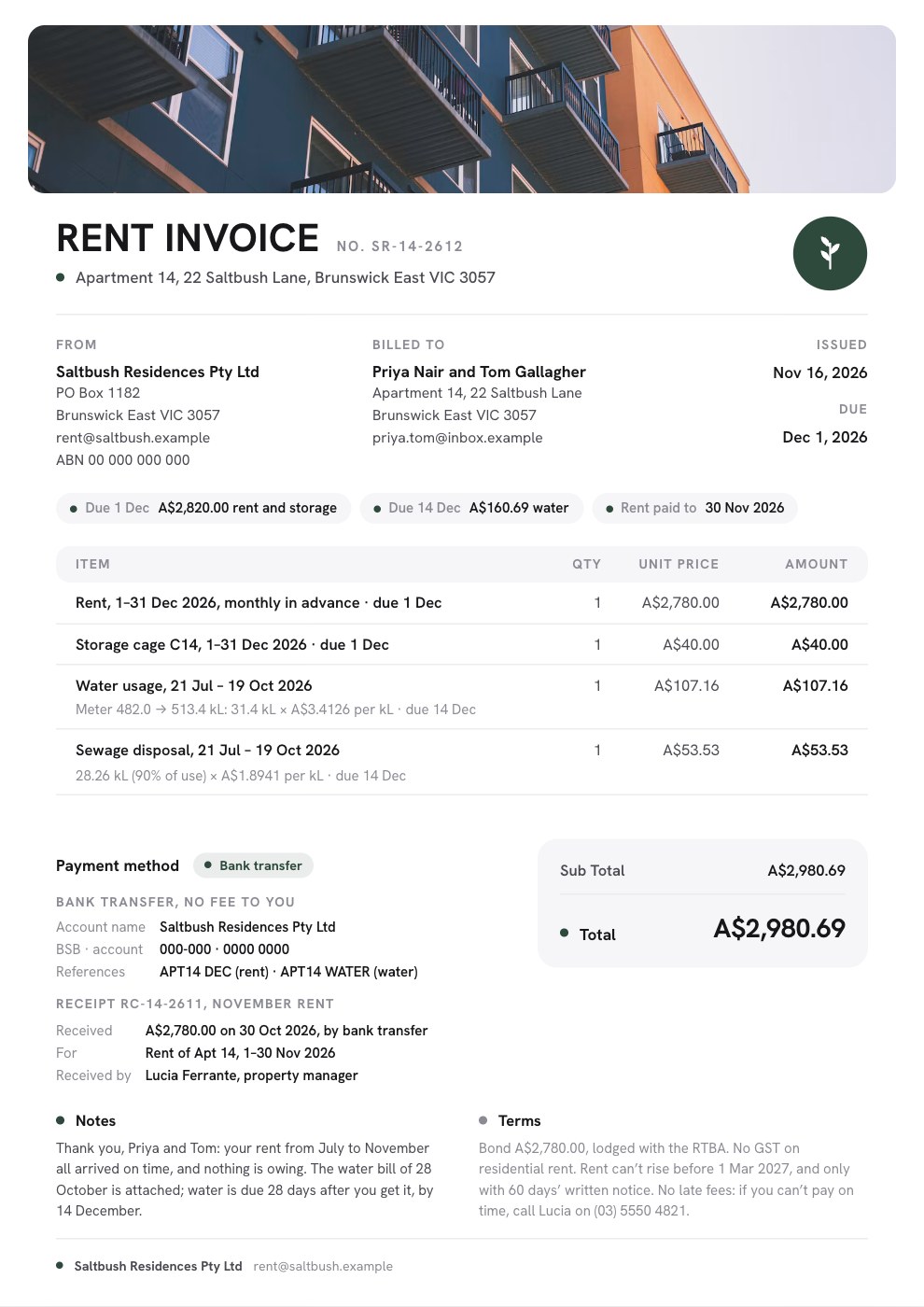
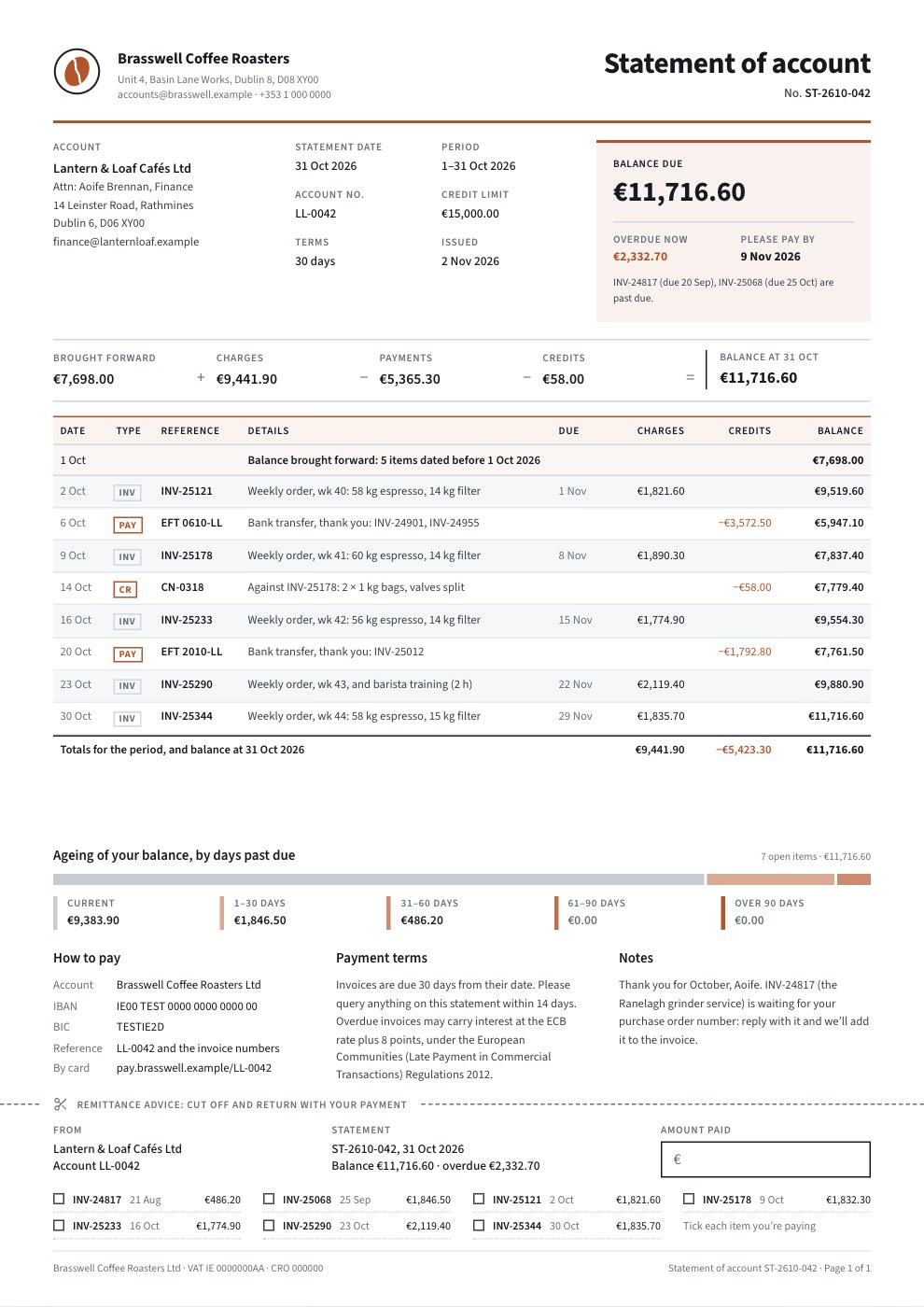
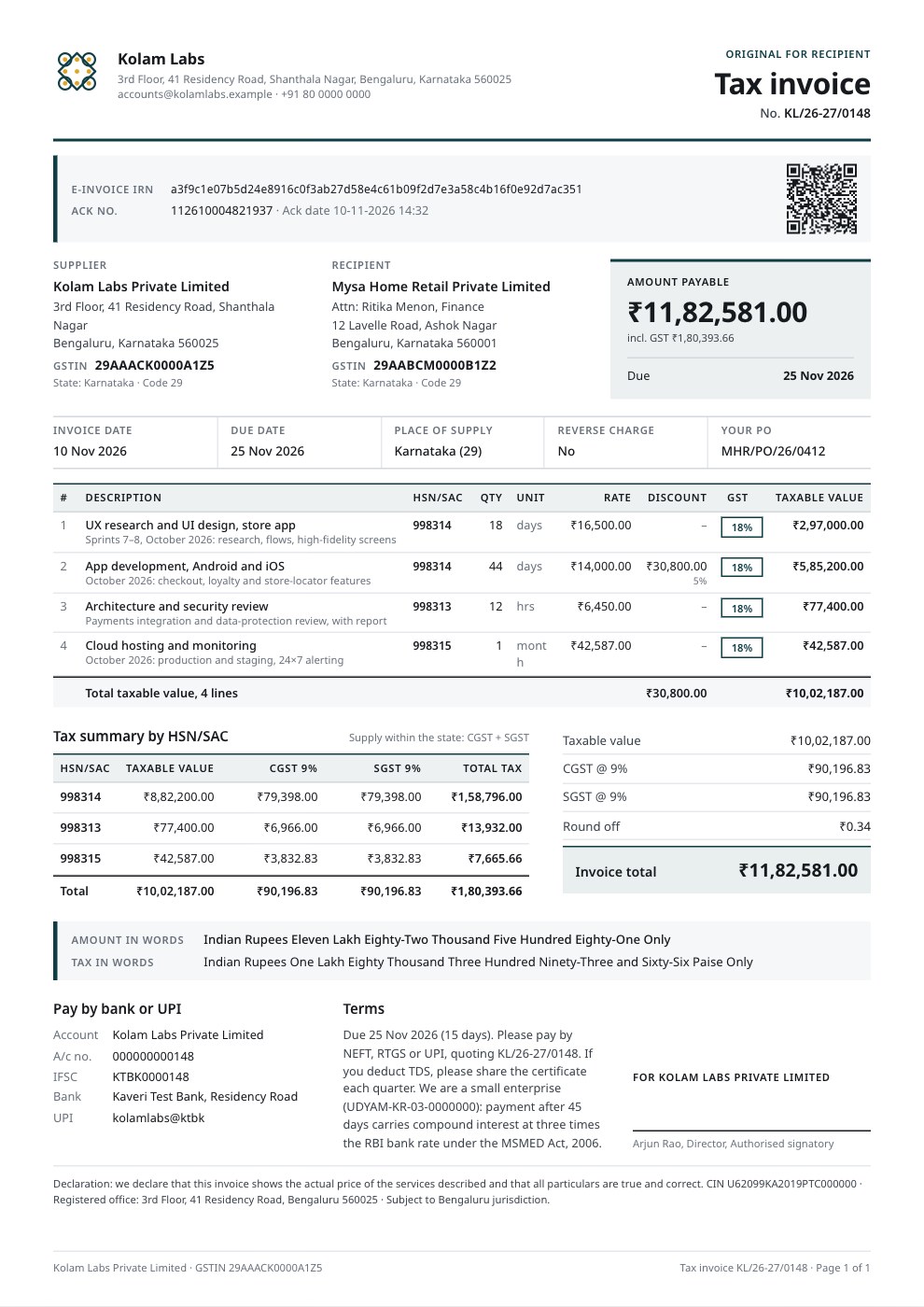
A freelance invoice needs your details, your client’s details, a unique invoice number, the issue and due dates, a line for each piece of work with its quantity, rate and amount, the subtotal, any tax and the total due, and how to pay. Get those right and your client’s accounts team has nothing to question, which is what gets an invoice paid on time.
Make one now: the free invoice generator has line items, tax, your logo and twelve designs, and downloads a PDF with no watermark. Or start from the freelance invoice template.
The checklist
1. Your details
Your name or business name, address and contact details. If you are registered for VAT, GST or similar, add your tax registration number: many countries require it whenever you charge that tax.
2. Your client’s details
The legal name of the company or person you are billing, and the address. Ask for the right billing name before you start. A wrong name is a classic reason an invoice bounces around a client’s finance team.
3. A unique invoice number
Number invoices in sequence so each one can be found and none is duplicated. A simple scheme is enough: 2026-001, 2026-002, or INV-0042. Never reuse a number.
4. Dates
The issue date (when you send it) and the due date (when it must be paid). Be exact: “due 14 December 2026” beats “within 30 days” when someone is checking a calendar.
5. A line for each piece of work
Describe what was done, not just “Services”. Give quantity, rate and amount for each line:
| Description | Qty | Rate | Amount |
|---|---|---|---|
| Brand identity: logo and guidelines | 1 | 1,800.00 | 1,800.00 |
| Additional revisions | 3 hrs | 60.00 | 180.00 |
If the job refers to a quote or a contract, mention it (“As agreed in proposal dated 3 November”).
6. Subtotal, tax and total
Show the subtotal, the tax separately and the total due. If prices include tax, say so. The generator lets you set one tax rate for the whole invoice or a rate per line, and name the tax VAT, GST or anything else. It doesn’t know your country’s rules, so check what your invoices must show.
7. How to pay
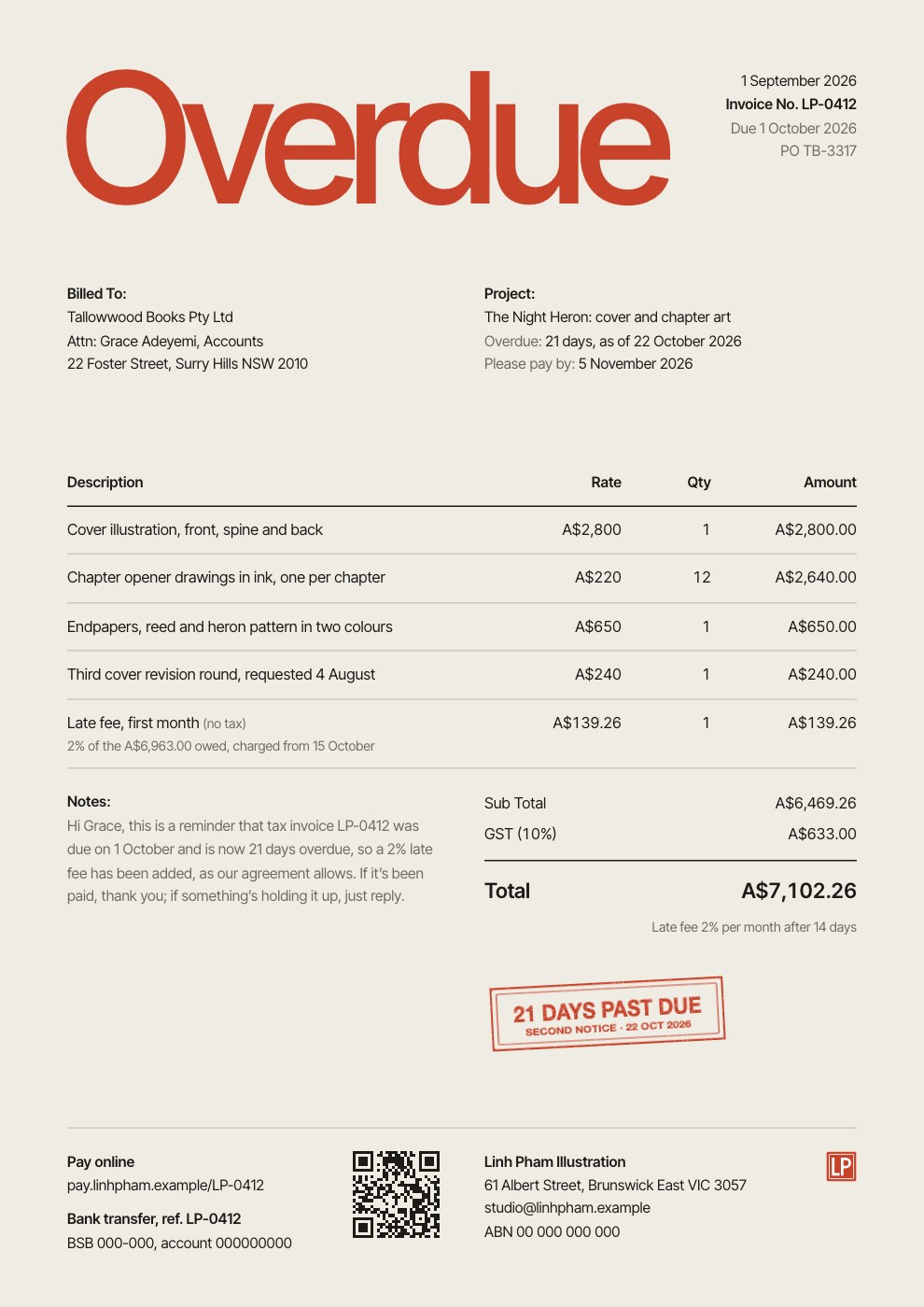
Bank details, or a payment link from your provider such as a Stripe or PayPal link. In the invoice generator, a payment link prints as a Pay now button, clickable in the PDF, and as a QR code in designs with room for one. Docsiv doesn’t process the payment itself.
8. Payment terms and late fees
State them plainly: “Payment due within 14 days. A late fee of 1.5% per month applies after the due date.” Check what’s legal in your country before adding a late fee.
Which payment terms should you use?
| Situation | Suggested terms |
|---|---|
| Small one-off job | Due on receipt |
| Ongoing client | Net 14 or net 30 |
| Bigger project | A deposit up front, then milestones |
| New client | Deposit before work starts |
Shorter terms are paid faster. If a client insists on net 60, you can still ask for a deposit.
Currency and tax across borders
Bill in a currency you can receive without losing money to conversion, and say which it is. The generator supports US dollars, euros, pounds, Indian rupees, Japanese yen, Australian, Canadian and Singapore dollars, UAE dirhams and Swiss francs, and can show a second currency beside the total with the exchange rate you used. Tax treatment for international clients varies, so check the rules for your country and your client’s, or ask an accountant. This isn’t tax advice.
Mistakes that make clients pay late
- No purchase order number when the client’s accounts team requires one.
- Vague descriptions that need a follow-up email.
- Sending to the wrong person. Ask who processes invoices.
- No due date, so it never reaches the top of the pile.
- Payment details only in the email, not on the invoice itself.
After you send it
Send the invoice as a PDF the same day the work is accepted. Put the invoice number in the email subject, and calendar a reminder for the day after the due date. If you send proposals first, a consistent look from proposal to invoice reads as professional: see how to write an SEO proposal or branded invoice software for agencies.
Common questions.
Short answers to what people ask most about this topic.
What should a freelance invoice include?
Your details, your client’s details, a unique invoice number, issue and due dates, itemised work with quantity, rate and amount, the subtotal, tax and total, and how to pay.
Do I have to charge VAT or sales tax on a freelance invoice?
It depends on your country, your registration status and where the client is. Check your local rules or ask an accountant. If you charge it, many countries require your tax registration number on the invoice.
What payment terms should a freelancer use?
Due on receipt suits small one-off jobs, and net 14 or net 30 suits ongoing clients. For larger work, take a deposit up front or bill by milestone.
Can clients pay straight from the invoice?
You can add a payment link from your provider, which prints as a Pay now button and a QR code in some designs. Docsiv doesn’t process the payment itself.
Is the invoice generator free?
Yes. You can make as many invoices as you like in any of the twelve designs and download each as a PDF on the Free plan, with no watermark unless you add one.
The client handoff index: one page that ends the project well
A good handoff is not a folder full of files. It is a small index that tells the client what changed, what is final, what they own, and what happens next.WCAG 2.2 for client deliverables: a practical agency checklist
Accessibility is a delivery skill, not a final polish pass. Use this practical WCAG 2.2 checklist for reports, proposals, presentations, forms, and shared pages.Secure client file sharing for agencies: a practical checklist
Secure client file sharing is about more than sending a private link. Compare client-specific access, permissions, version clarity, revocation, review actions, and retrieval before choosing a workflow.
Put this into practice
Describe what you’re working on and Docsiv AI drafts it in your brand, ready to edit, share and send.