

The Docsiv blog
Practical writing on proposals, reports, decks and contracts, honest comparisons of the tools agencies use, and where AI earns a place in client work.
Client delivery
24 articles
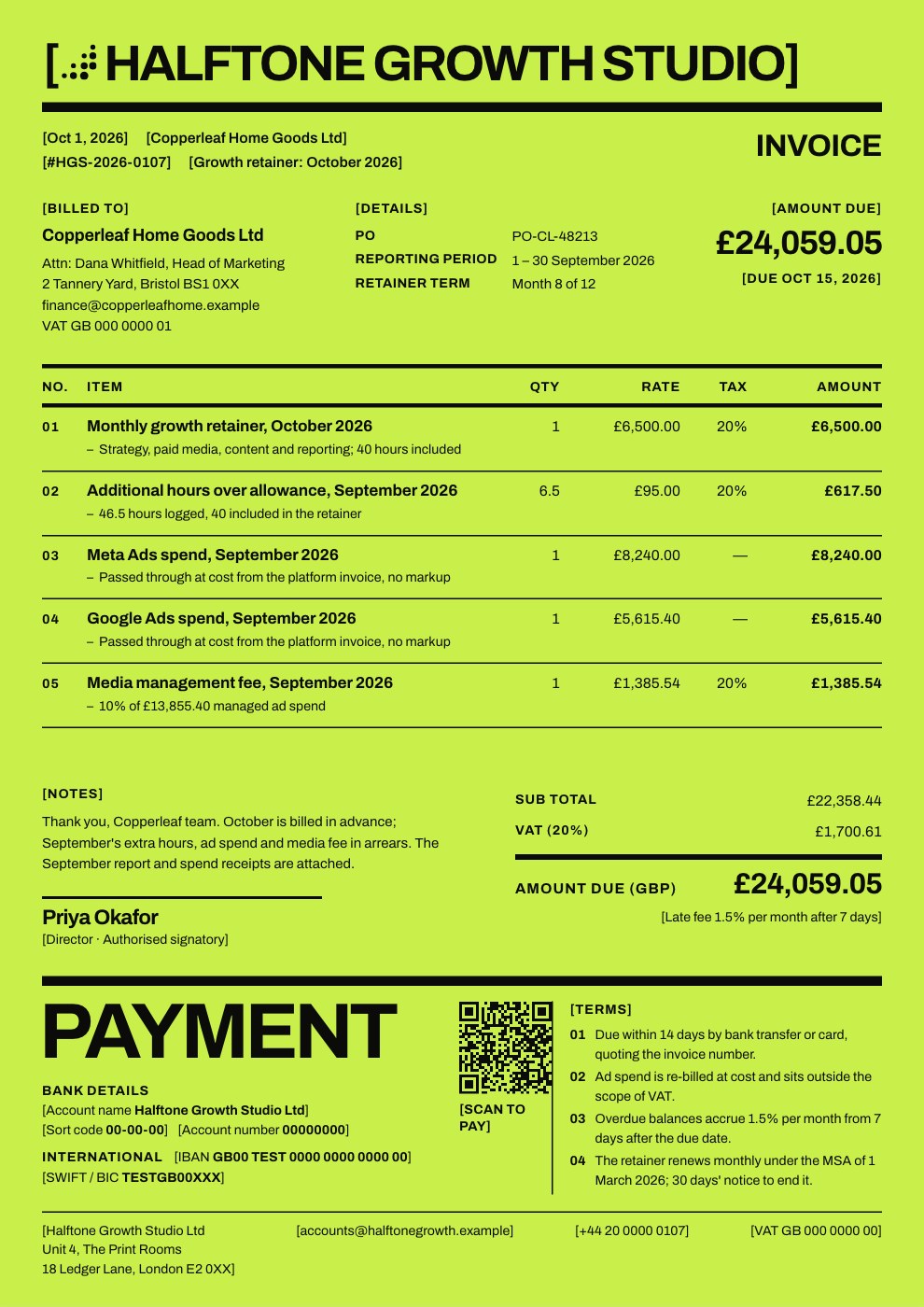
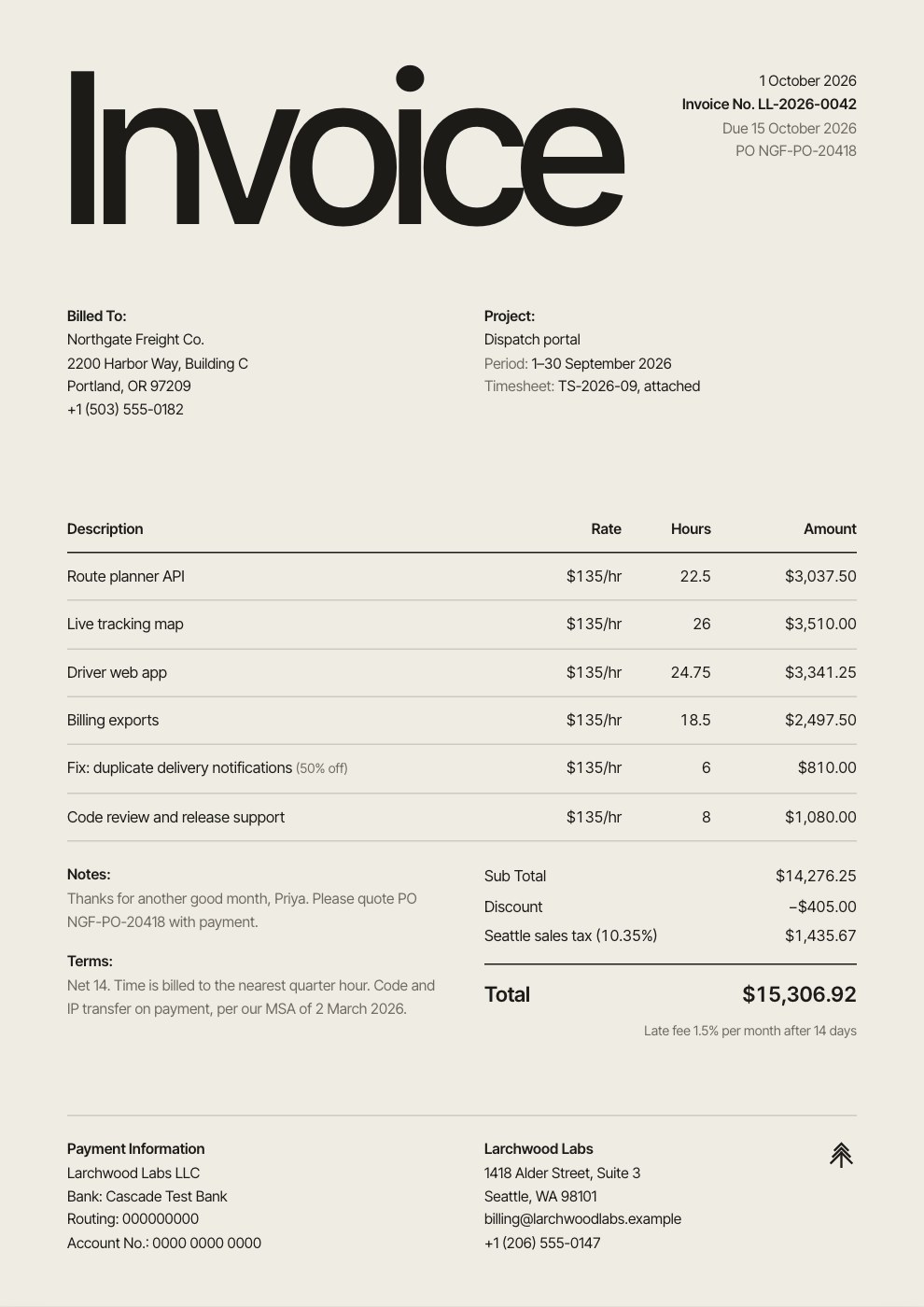
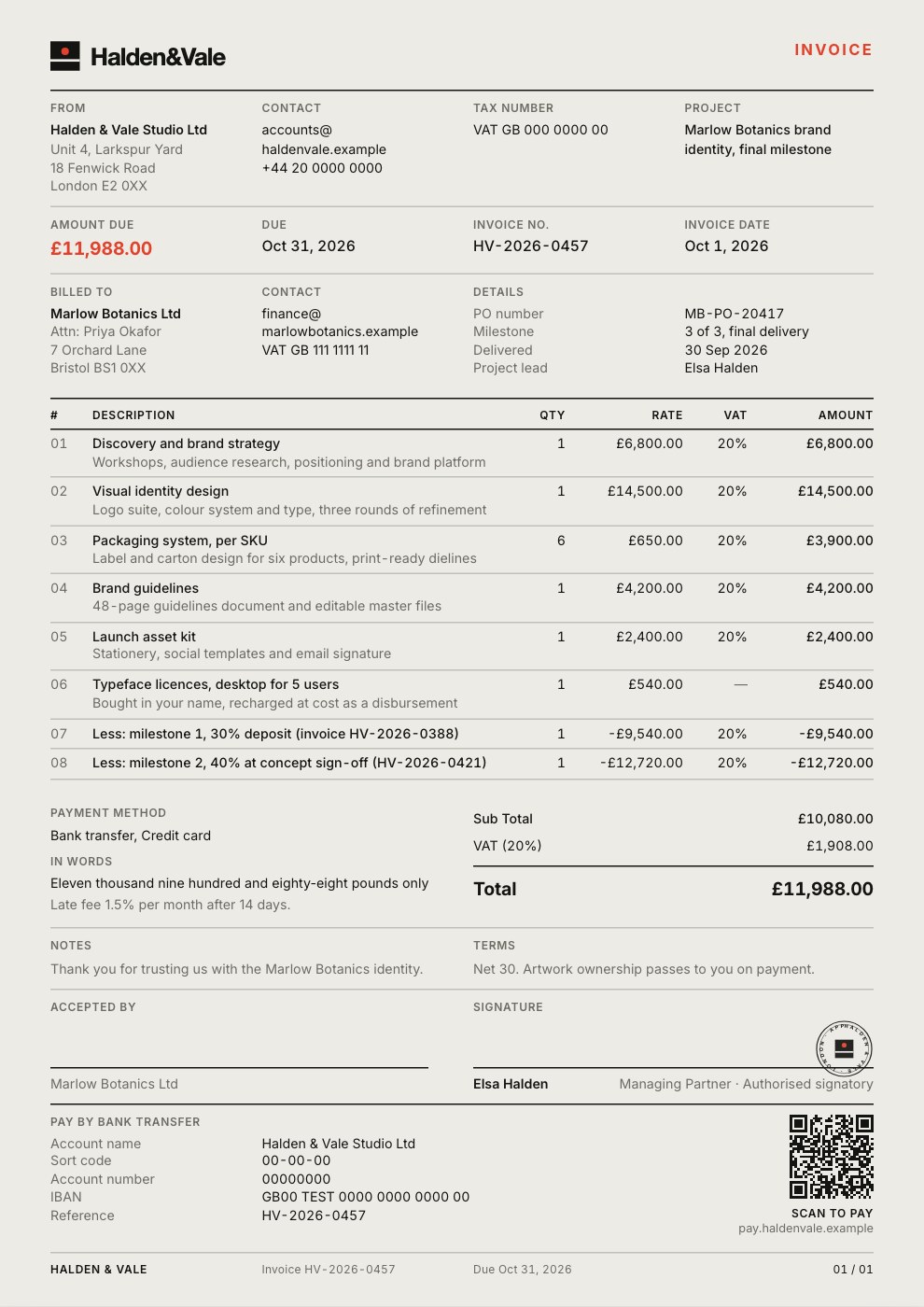
What to put on a freelance invoice (with a free template)
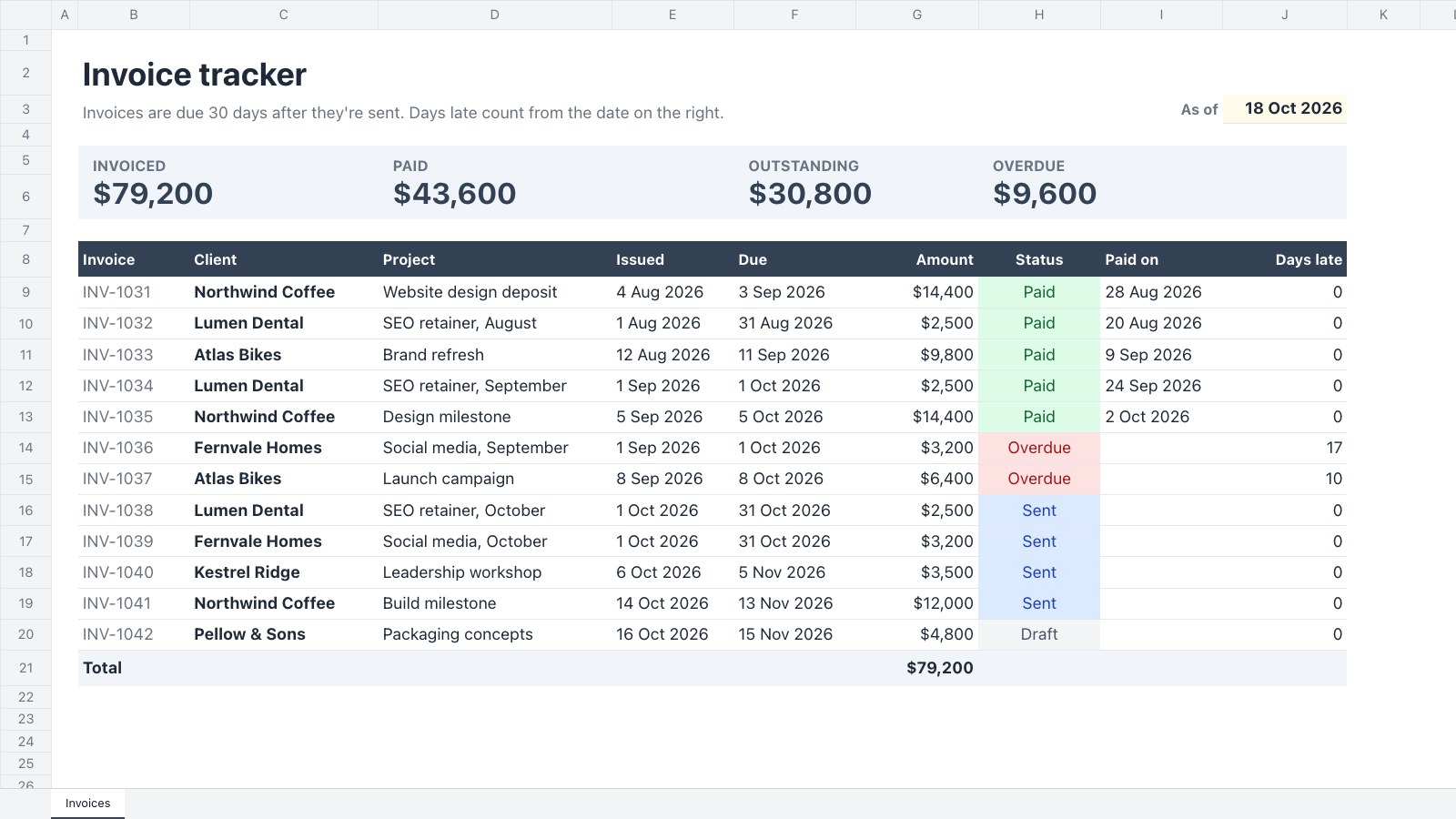
A clear invoice gets paid faster. Here are the details every freelance invoice needs, how to set payment terms and handle tax, and the mistakes that make clients pay late.The client handoff index: one page that ends the project well
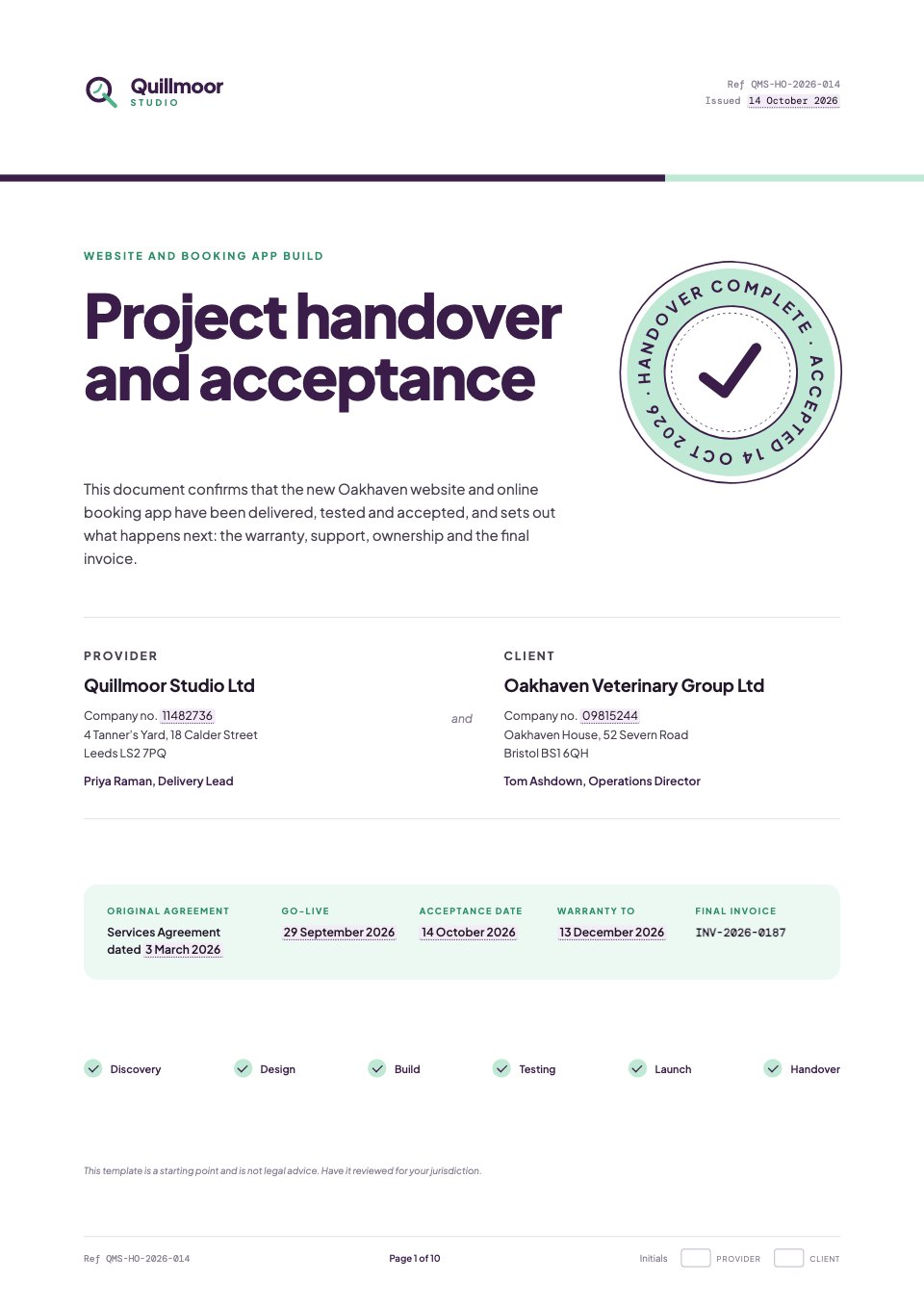
A good handoff is not a folder full of files. It is a small index that tells the client what changed, what is final, what they own, and what happens next.WCAG 2.2 for client deliverables: a practical agency checklist
Accessibility is a delivery skill, not a final polish pass. Use this practical WCAG 2.2 checklist for reports, proposals, presentations, forms, and shared pages.Client portal for consultants: deliverables, approvals, and trust
Consultants need a client portal that keeps the engagement context together without turning every conversation into a project-management exercise. Use this guide to structure briefs, findings, decisions, and handoff.Client portal for web design agencies: from brief to launch
A web design agency client portal should connect discovery, content, review, approvals, and launch handoff. Use this workflow to keep clients informed without exposing the entire production board.Client portal for marketing agencies: what to include
A marketing agency client portal should turn campaign work into a clear client experience. Here is a practical structure for briefs, content, reports, approvals, assets, and ongoing communication.Secure client file sharing for agencies: a practical checklist
Secure client file sharing is about more than sending a private link. Compare client-specific access, permissions, version clarity, revocation, review actions, and retrieval before choosing a workflow.Client onboarding portal for agencies: the complete workflow
A client onboarding portal turns the first week from a chain of requests into one guided workflow. Collect the right information, assets, access, and decisions without exposing your internal work.Client approval workflow for agencies: a practical system
A client approval process should make one decision easy, show the correct version, and leave a clear record. Here is a repeatable workflow for proposals, content, reports, websites, and other agency deliverables.Client portal vs project management software: what agencies need
A client portal and a project management tool solve different problems. Use this decision framework to choose one, connect both, or find a workspace that keeps client-facing work and internal delivery aligned.How to launch a client portal: a practical rollout plan
A client portal launch does not need a full migration. This seven-day rollout helps an agency choose the first workflow, set up the brand and access rules, test the client view, and make the portal useful from the first invite.Client document management for agencies: a simpler source of truth
Client document management gets difficult when files, versions, approvals, and context live in different tools. This practical system helps agencies organize work by client, protect access, and make the latest version obvious.Client feedback management: how to turn scattered comments into clear decisions
Client feedback management is more than collecting comments. It is a repeatable way to capture feedback in context, separate preferences from requirements, and close the loop with a visible decision.Client onboarding checklist for agencies: from signed deal to kickoff
A signed proposal is not an onboarded client. This agency client onboarding checklist covers the documents, access, owners, decisions, and kickoff steps that turn a new win into delivery-ready work.What is a client portal for agencies? A practical guide
A client portal gives every account one branded place for documents, approvals, signatures, files, and updates. Here is what an agency portal should include, what it should keep private, and how to launch one without creating more work.How to create a client portal: the five promises, and three ways to build
A client portal is five promises: one place, one truth, actions in place, scoped access, your brand. The three ways to build one, where each breaks, and the question that separates portal products: files or living documents?Multi-stakeholder deals: how silent committee buyers stall good work
"Send it to the team" is rarely a yes. It is more often the moment a deal goes dark. How multi-reader buying behaves, and how to keep momentum without nagging.Approvals in email are a graveyard: a saner way to get sign-off on creative
Threads splinter, files multiply, somebody forgets to reply-all. The email approval loop is the top cause of stalled creative. A simple alternative your team will actually use.Custom domain for your client portal: why portal.youragency.com beats a shared subdomain
A portal on portal.youragency.com reads as infrastructure. A portal on tool.io/youragency reads as a SaaS subscription. The URL is doing more PR than you think.Client onboarding documents: the 5 every agency should send in week one
Week one is loud, then quiet, then the client gets nervous. Five short documents kill that arc. None of them takes more than an hour to build.White-label client portal software: a quick buyer's guide for agencies
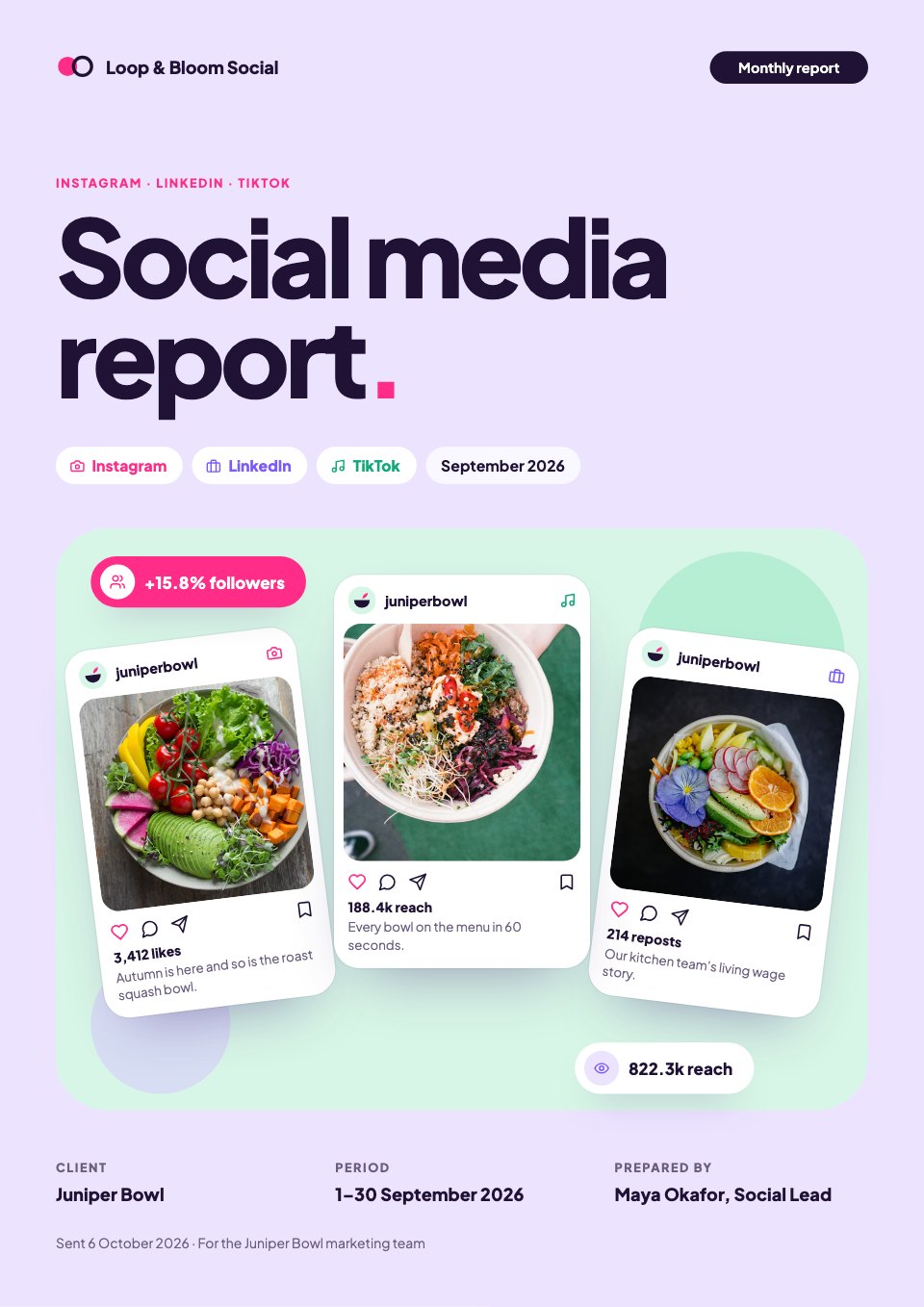
A white-label client portal is the front door clients see, in your colors, on your domain, with no vendor badges. Here is what a serious one should do for an agency, plus the red flags that show up in demos.The monthly report nobody actually reads
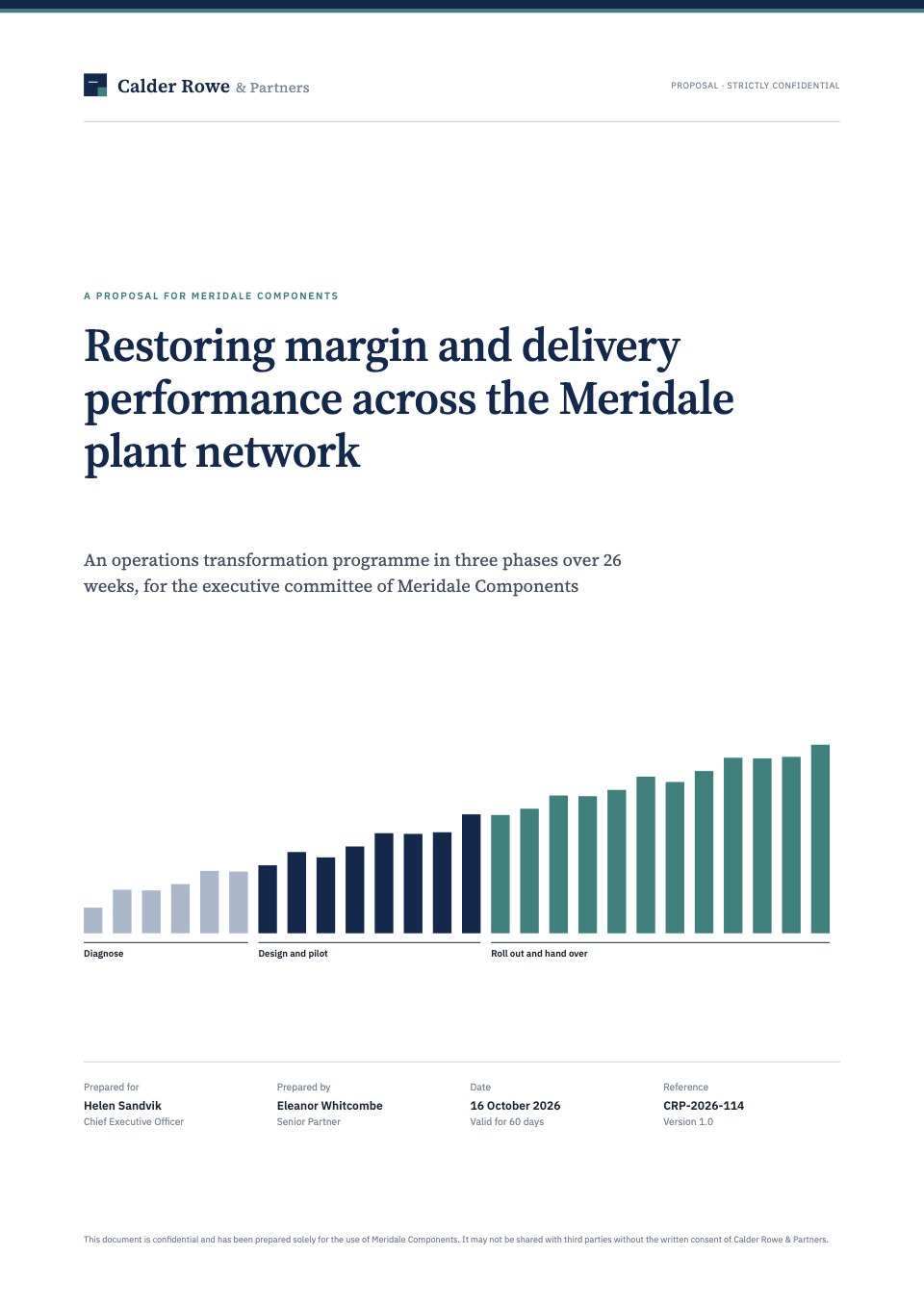
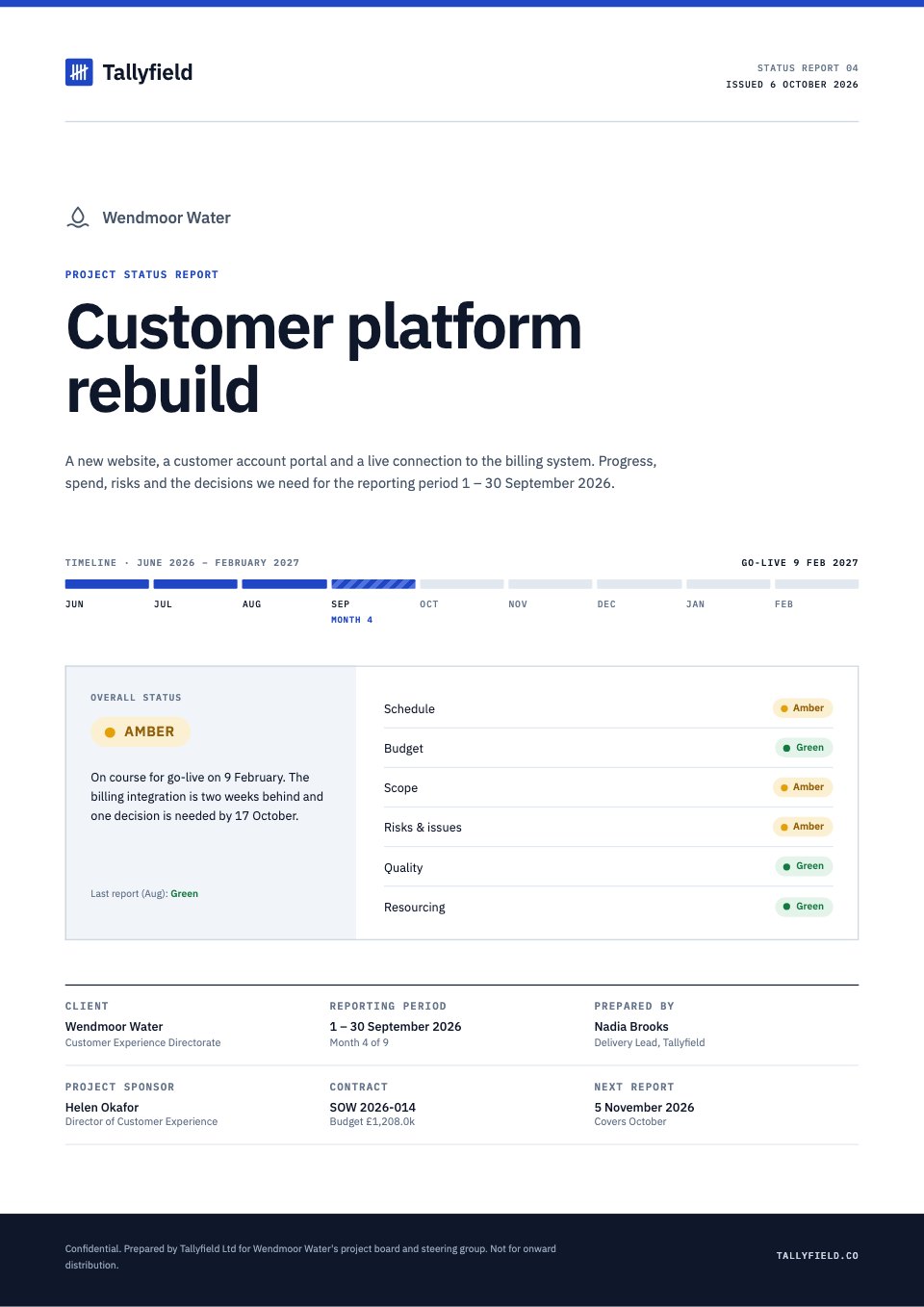
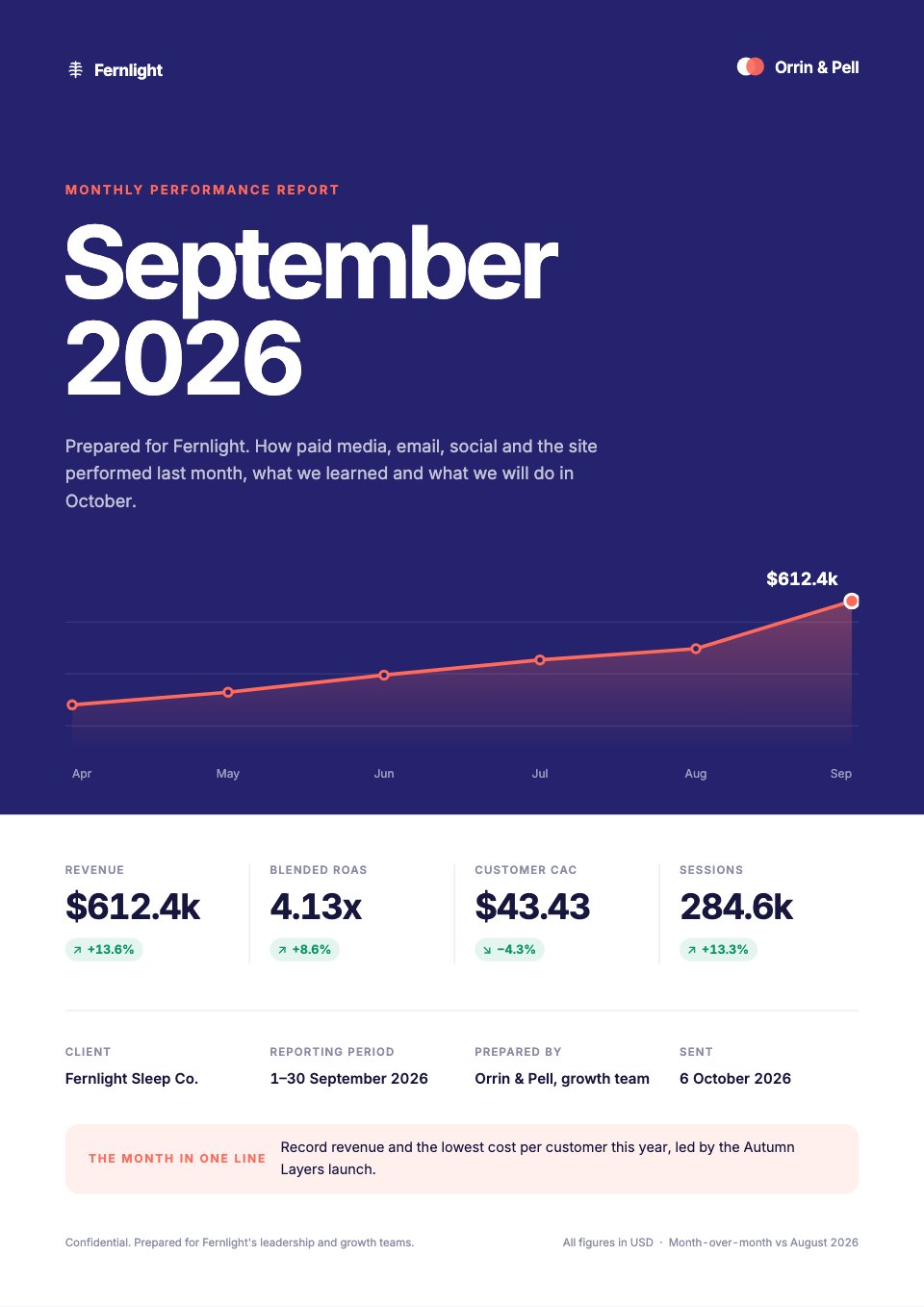
If your client report is twelve pages and only three of them get read, you are paying for nine pages of theater. A short rule of thumb for trimming reports without losing trust.Signed, sealed, and somehow stalled
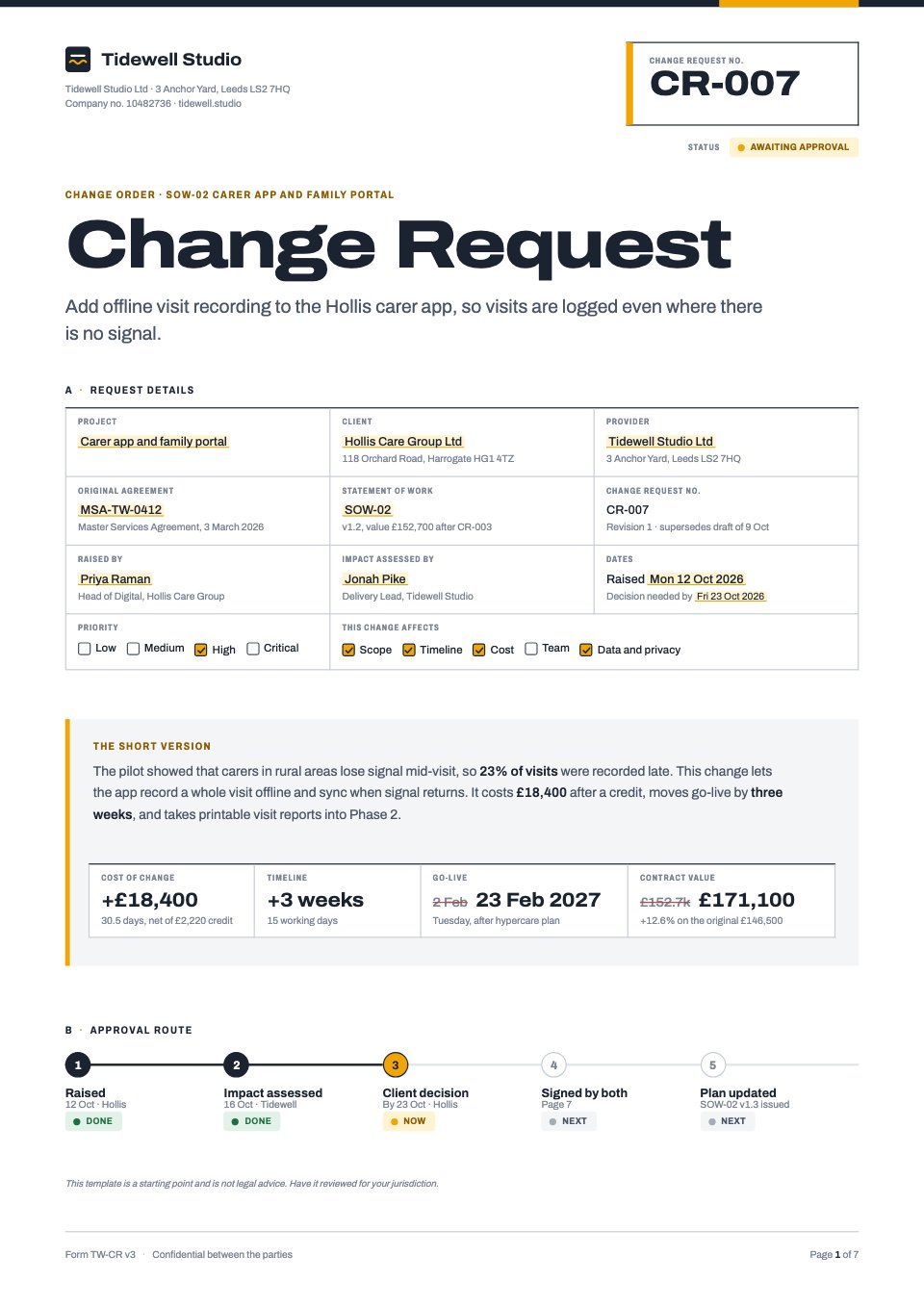
The week after a contract gets signed is weirdly the messiest one of the whole project. Here is what usually breaks, and how to make "yes" feel like a beginning instead of a vacuum.Stop playing “where's the file?” in the DMs
If clients keep asking for the latest version, it is rarely "bad communication." Usually there is no obvious home for the work. Here is a straight checklist to fix that.













Put the ideas to work
Describe the proposal, report or deck you’re writing next, and Docsiv AI drafts it in your brand, ready to edit and share.