

Budget templates
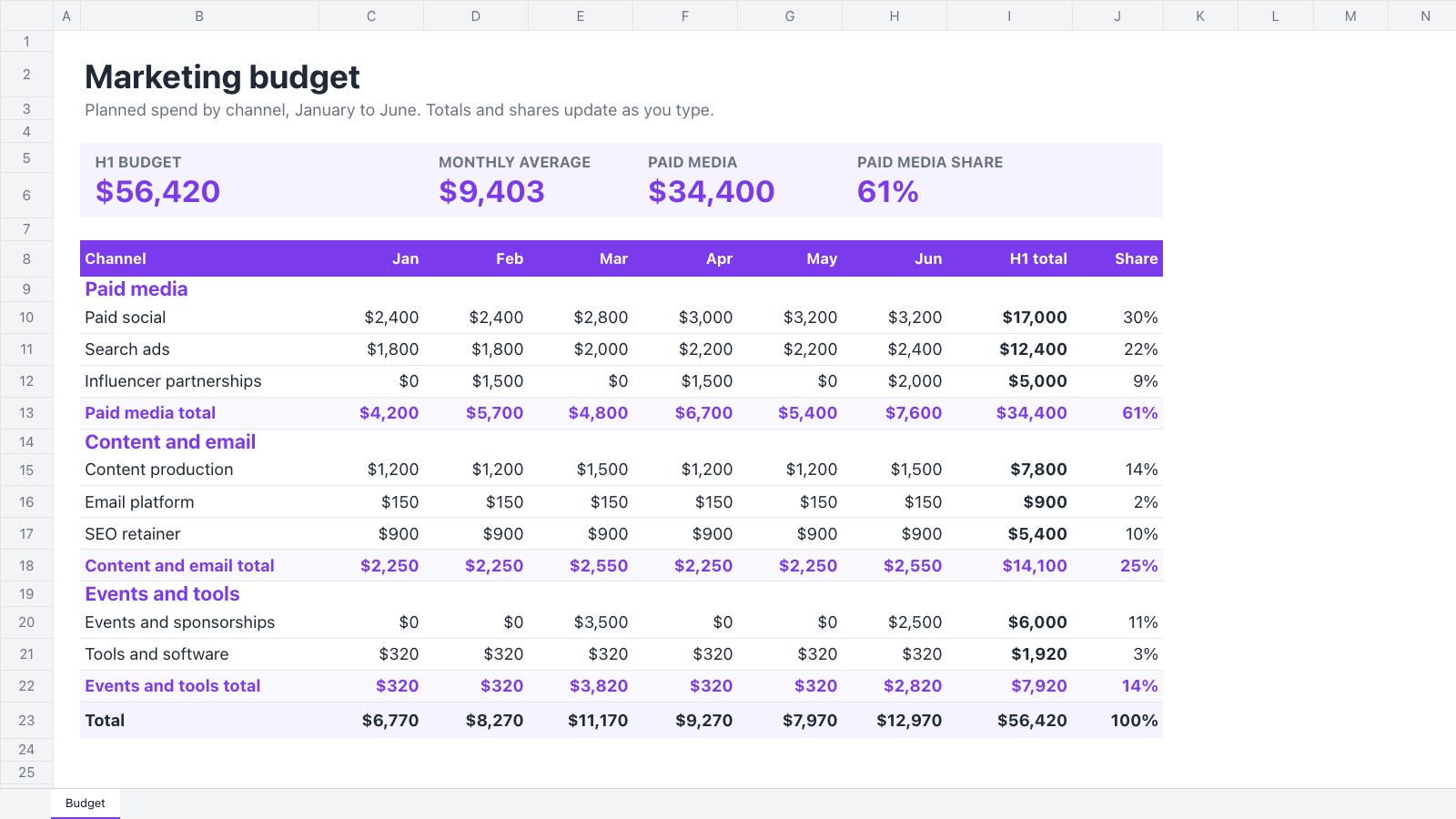
Spreadsheets that add up as you type, for project and marketing budgets, with variance, shares and totals already worked out.
A closer look at Project Budget Tracker.
Track a client project's budget against actual spend, phase by phase, with variance, % used and a status for every line. Here’s what it holds.
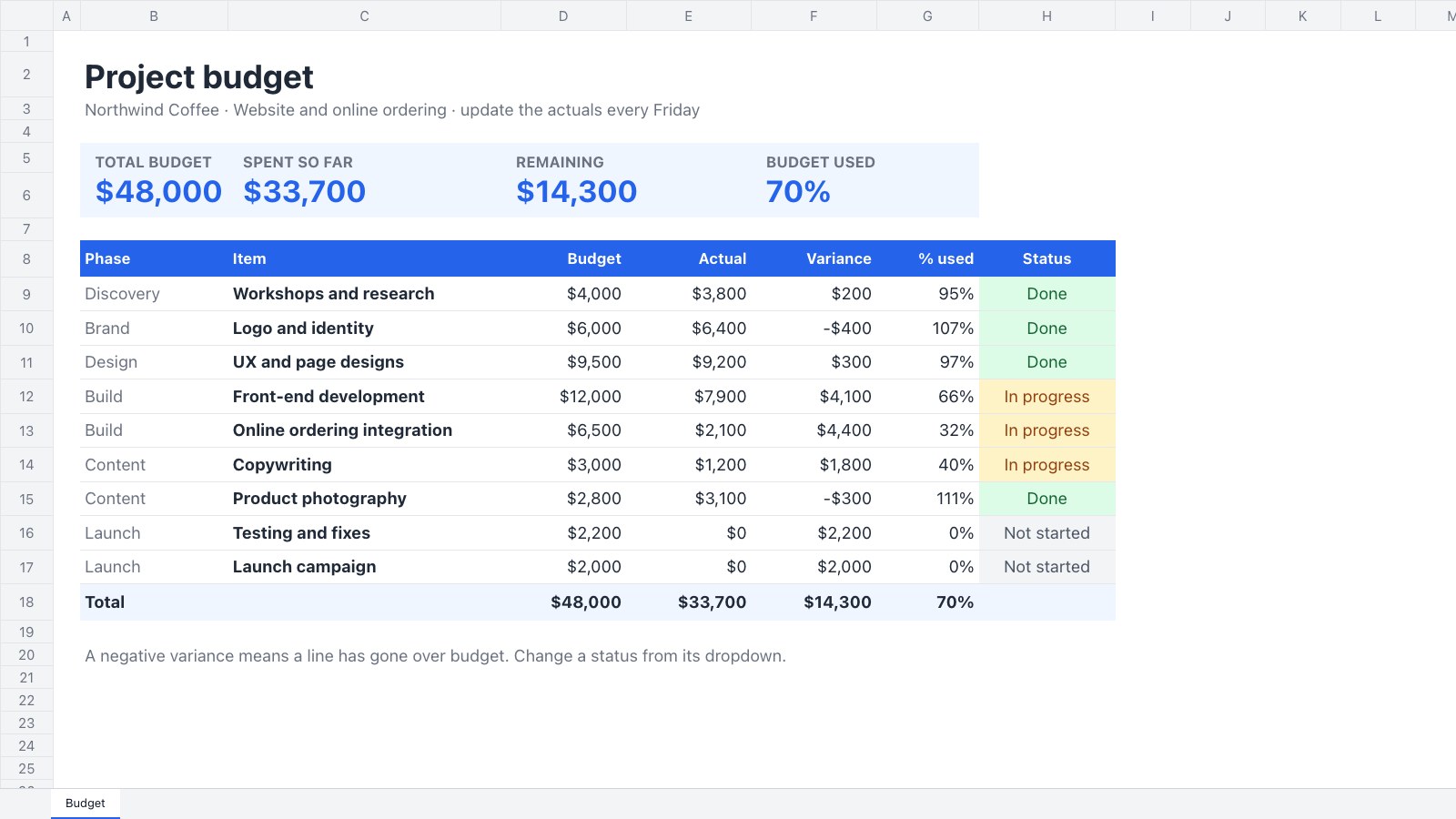
- 1Four KPI tiles: total budget, spent so far, remaining and % used
- 2Nine budget lines across discovery, brand, design, build, content and launch
- 3Variance and % used worked out for every line
- 4A status dropdown with colours: not started, in progress, done, over budget
About budget templates.
Something else on your mind? Ask us in the chat, bottom right of the page.
Are these budget templates free?
Yes. They open in Docsiv’s Spreadsheets app with a free account, where you can edit your copy, download it and share it with a link. The Free plan includes every Docsiv app and 500 AI credits a month.
Which app do they open in?
Spreadsheets: xLSX, CSV and PDF exports.
Can Docsiv AI write the budget for me?
Yes. Choose Customise with Docsiv AI on any template, tell it about the client or the project, and it drafts the content in that template’s style for you to review and edit. AI uses credits; the Free plan includes 500 a month.
Can I change the design?
Yes, all of it: the colours, fonts, photos and every word, and you can add or remove rows and columns. Your brand kit’s colours are in every colour picker.
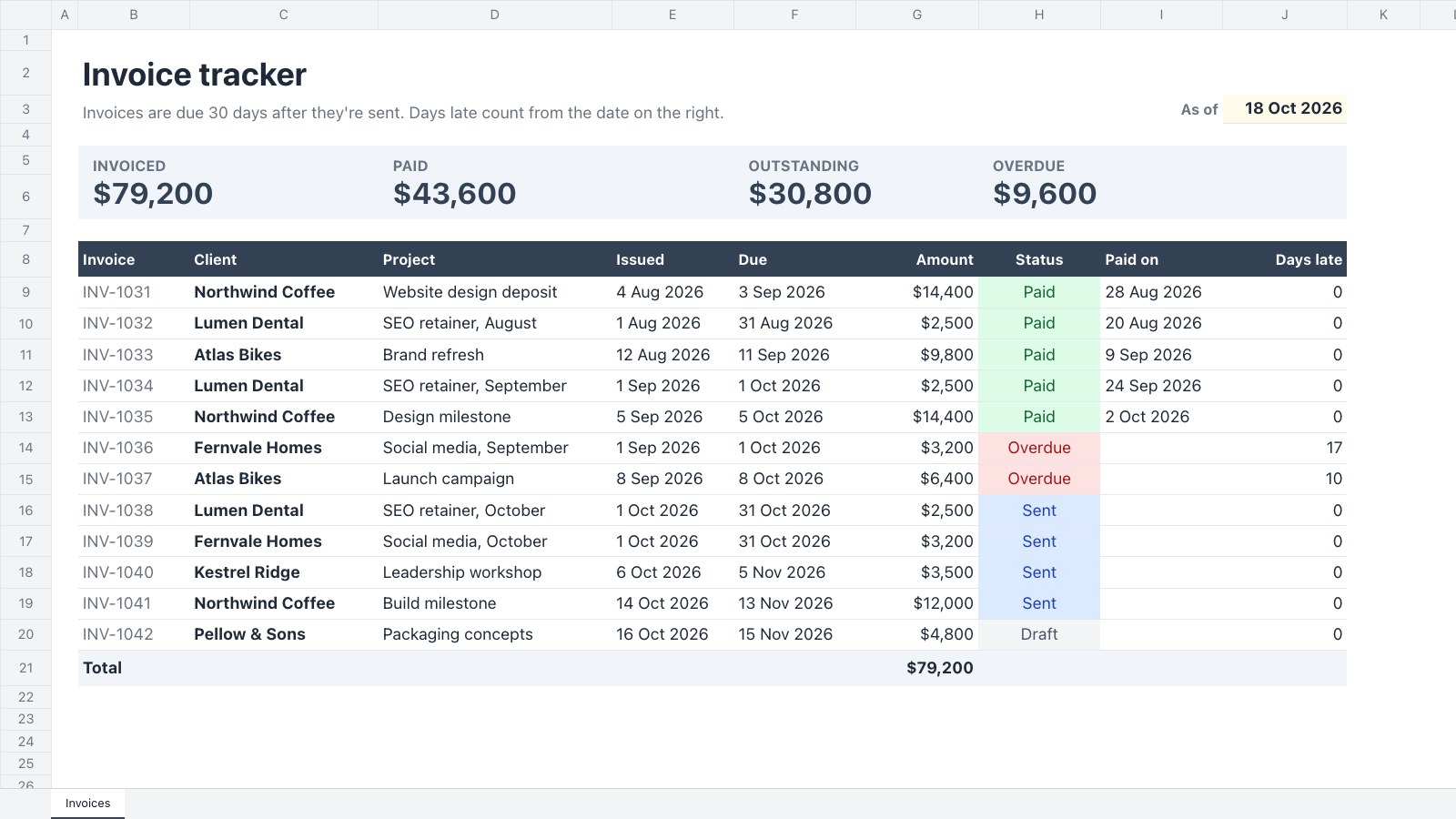
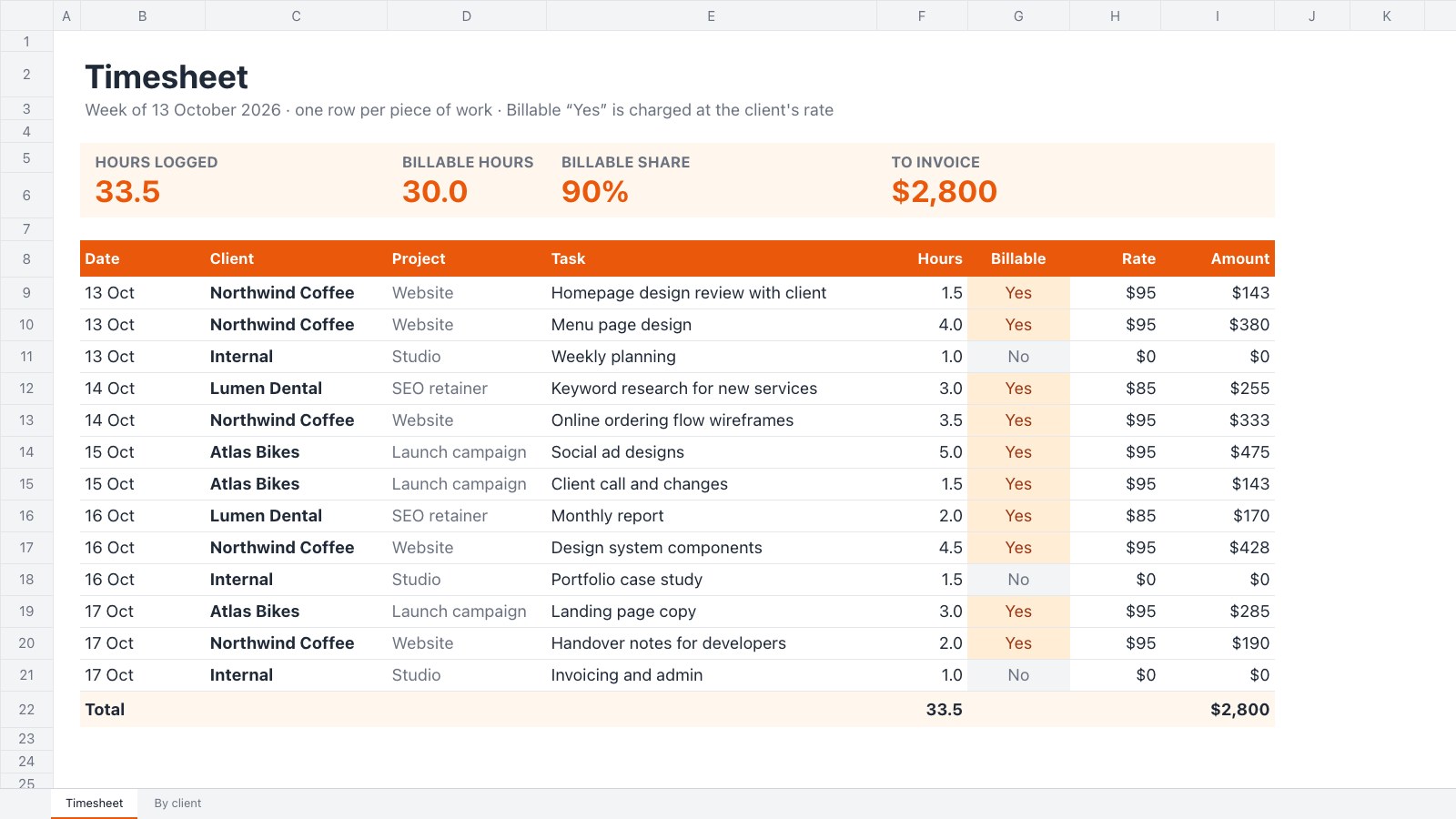
















Describe the budget you need
Docsiv AI drafts it in the style of these templates, with your details in place, ready for you to edit.