

Brief templates
Briefs that agree the problem, scope and milestones before the work starts, from a project charter to a request for proposal you can send to agencies.
Project Charter
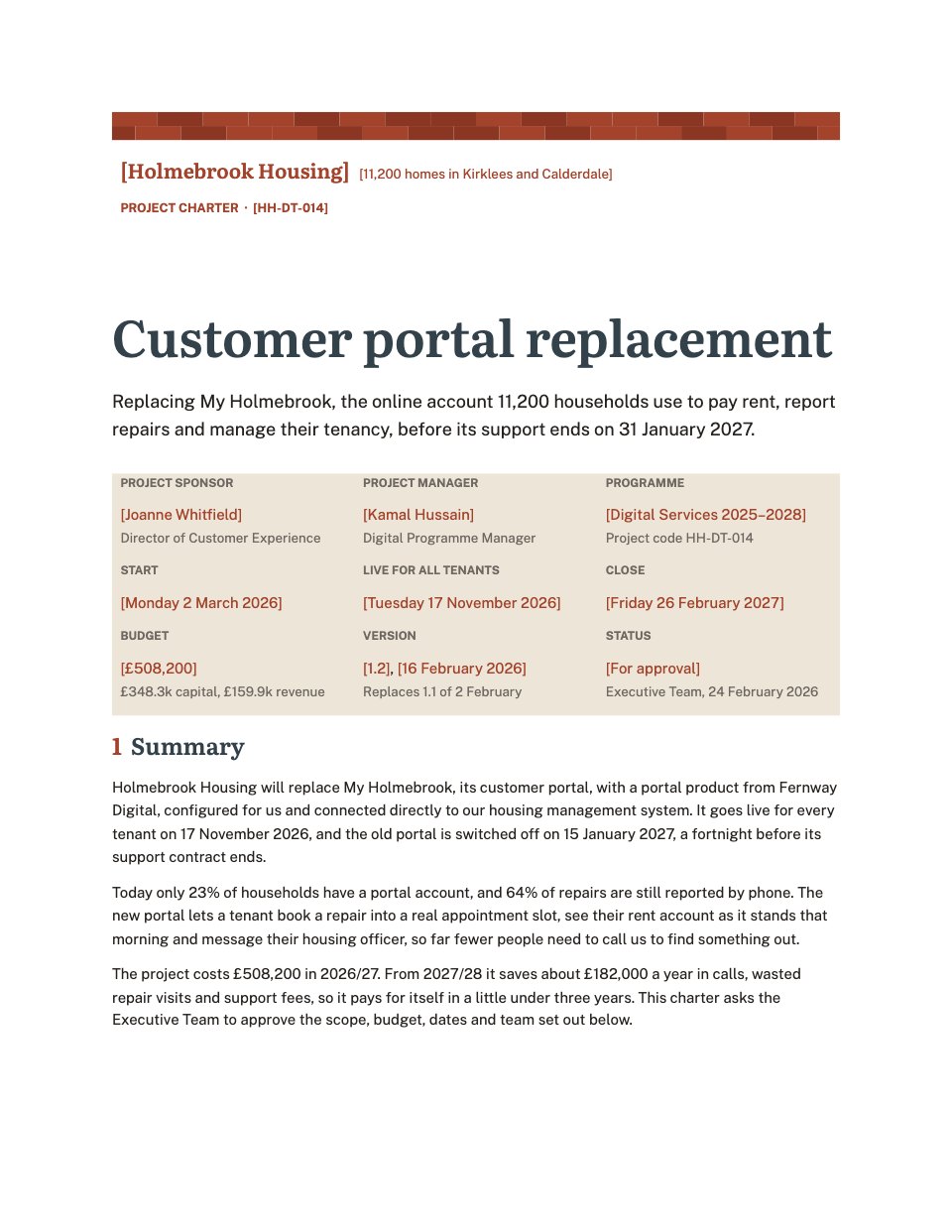
A six-page project charter for a housing association replacing its tenant portal, from the project facts and business case to objectives, scope, milestones, budget, a RACI, risks and sign-off.PreviewRequest for Proposal
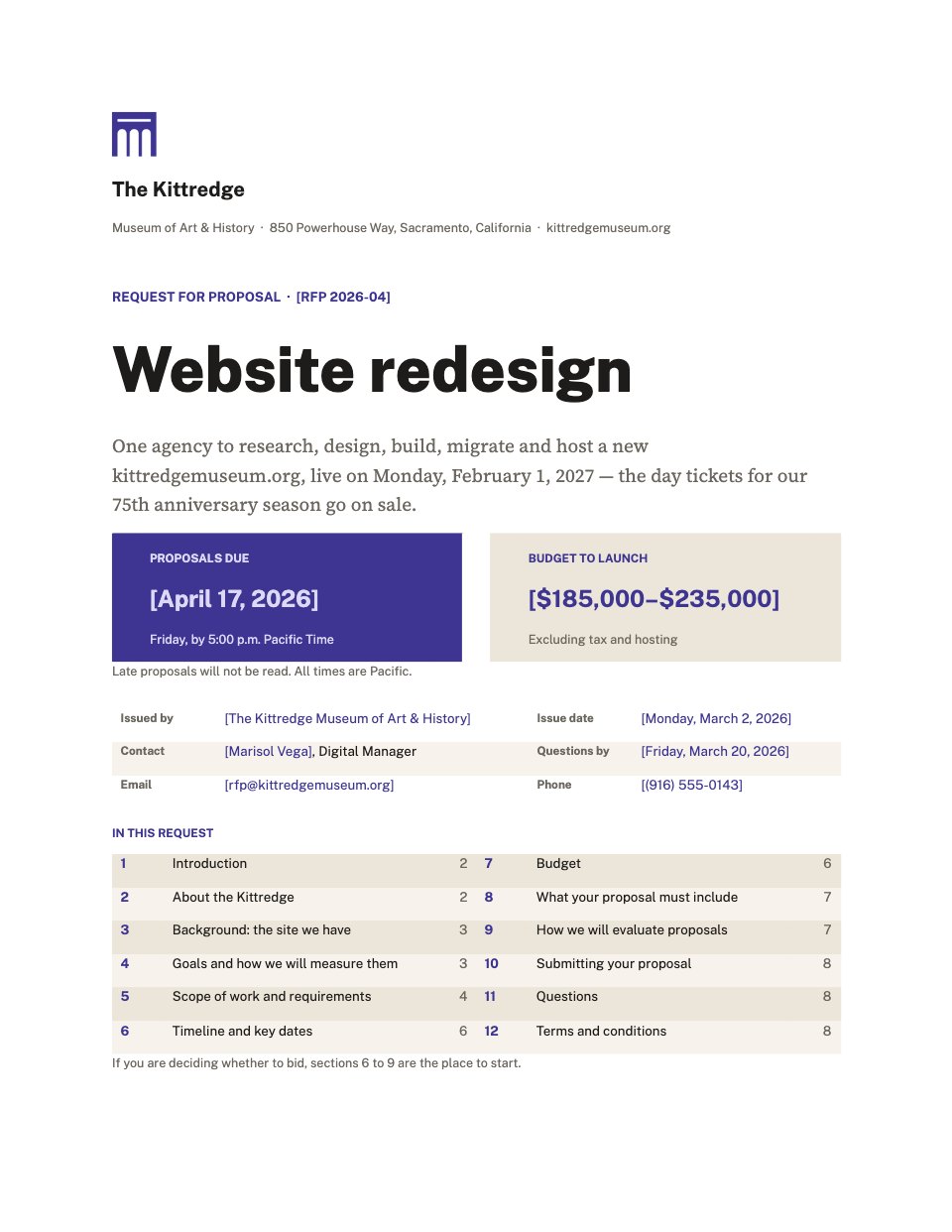
An eight-page request for proposal for a website redesign, from a cover with the deadline and budget to goals, ranked requirements, key dates, weighted evaluation criteria, submission rules and terms.Preview
A closer look at Project Charter.
A six-page project charter for a housing association replacing its tenant portal, from the project facts and business case to objectives, scope, milestones, budget, a RACI, risks and sign-off. Here it is page by page.
- 1A course of bricks, the title and a ledger of the project's facts, then the summary
- 2The background and business case with the yearly saving worked out, and five measurable objectives
- 3What is in and out of scope, side by side, and seven deliverables with owners and dates
- 4Nine milestones with who signs each off, and the budget by capital and revenue
- 5A RACI of the team against each deliverable, and the main risks rated for likelihood and impact
- 6Dependencies, success criteria, the communication plan and boxes to sign
About brief templates.
Something else on your mind? Ask us in the chat, bottom right of the page.
Are these brief templates free?
Yes. They open in Docsiv’s Documents app with a free account, where you can edit your copy, download it and share it with a link. The Free plan includes every Docsiv app and 500 AI credits a month.
Which app do they open in?
Documents: dOCX, PDF, ODT, RTF and Markdown exports.
Can Docsiv AI write the brief for me?
Yes. Choose Customise with Docsiv AI on any template, tell it about the client or the project, and it drafts the content in that template’s style for you to review and edit. AI uses credits; the Free plan includes 500 a month.
Can I change the design?
Yes, all of it: the colours, fonts, photos and every word, and you can add or remove pages. Your brand kit’s colours are in every colour picker.























Describe the brief you need
Docsiv AI drafts it in the style of these templates, with your details in place, ready for you to edit.