

What’s inside the Designed Résumé.
2 designs with real content in place. Rewrite them, reorder them, or add your own.
- 1Design 1Page one: the name in 86px ExtraBold with role and contacts, a short profile, a strip of four headline results, and the two latest roles with highlighted results
- 2Design 2Page two: earlier roles, three selected campaigns with photos and results, skills in four groups, tools, education, speaking, languages and referees
When to use it.
Designed Résumé is a two-page A4 résumé for experienced marketers, designers and other professionals whose results should be seen first. A results strip under the name puts four headline numbers up front, and every result in the experience section is marked with a lime highlighter, so a recruiter’s quick scan picks them up. A narrow left rail holds dates, employers and section names, and the main column holds each role and its bullets. Page two carries earlier roles, three selected campaigns with their outcomes, skills, tools, education and a line on referees. One typeface and forest ink on warm white keep it calm.
Made for
- People applying for a job
- Freelancers going back in-house
- Consultants pitching for a role
- Anyone asked to send a CV as a Word file
Make it yours in five steps.
Open it in Designs and work through it, or let Docsiv AI do the first pass with your details.
- Step 1
Put your name, the role you want, your contact details and your four best results at the top.
- Step 2
Rewrite each role with your employer, dates and bullets, highlighting the numbers that matter.
- Step 3
Swap the three campaigns on page two for your own work, with a link to your case studies.
- Step 4
Update your skills, tools and education, and trim to one page if you’re early in your career.
- Step 5
Export as a PDF and name the file with your name and the role.
Start from the Designed Résumé now.
Questions about this template.
Something else on your mind? Ask us in the chat, bottom right of the page.
Is the Designed Résumé template free?
Yes. Create a free account and it opens in Docsiv's Designs app, ready to edit and share. The Free plan includes every Docsiv app and 500 AI credits a month.
Can I change the colours, fonts and text?
Yes, all of it. The template uses Epilogue with #fbfaf6, #17201b, #1d5a45, #dcf26a, #d6dad2, and you can change any of them, rewrite every word and add or remove designs.
What can I export it as?
Designs in Docsiv offers: PNG, PDF and HTML exports. Once it's saved, you can also share it with a link.
Can Docsiv AI write the modern resume for me?
Yes. Tell Docsiv AI about the client or project and it can draft the content in this template's style, which you then review and edit. AI uses credits; the Free plan includes 500 a month.
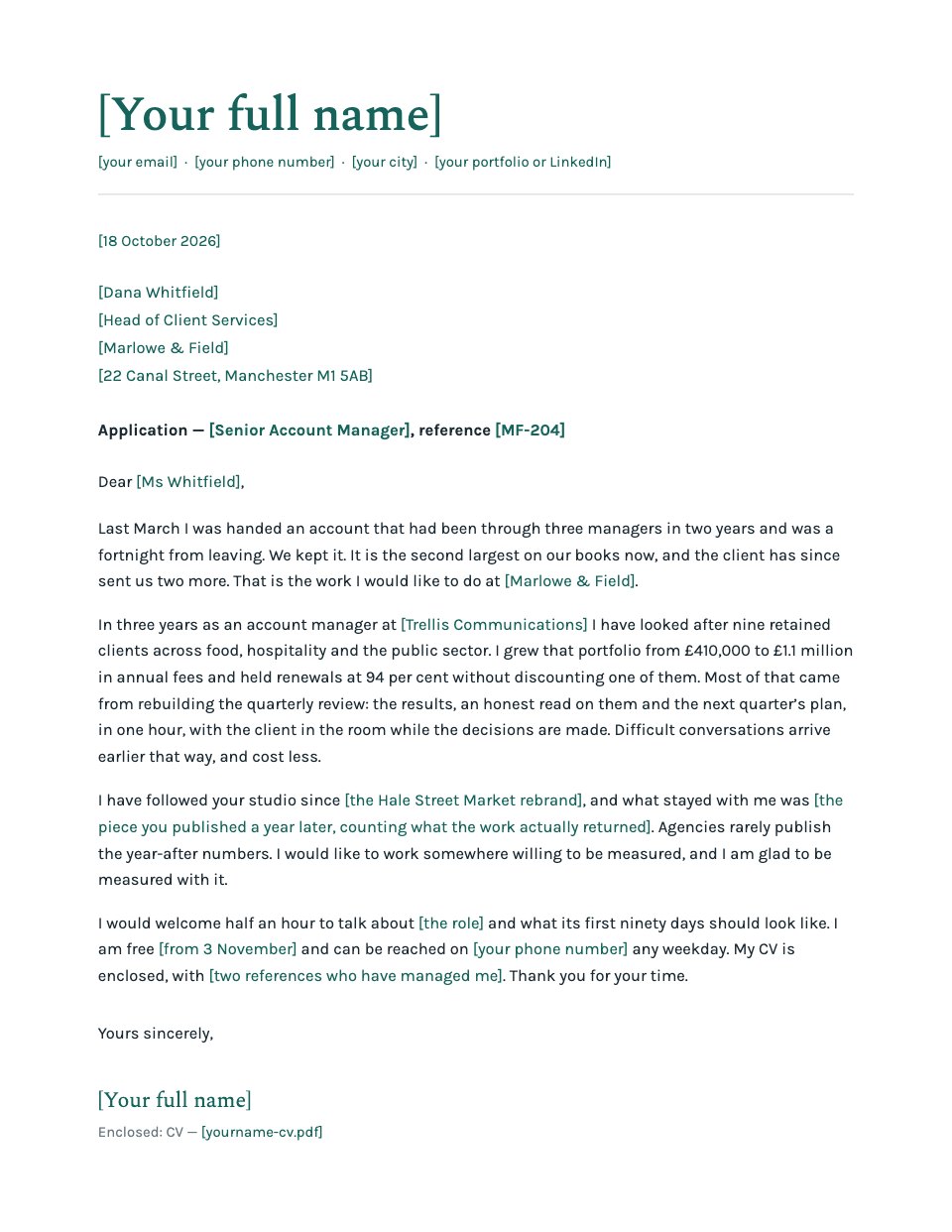
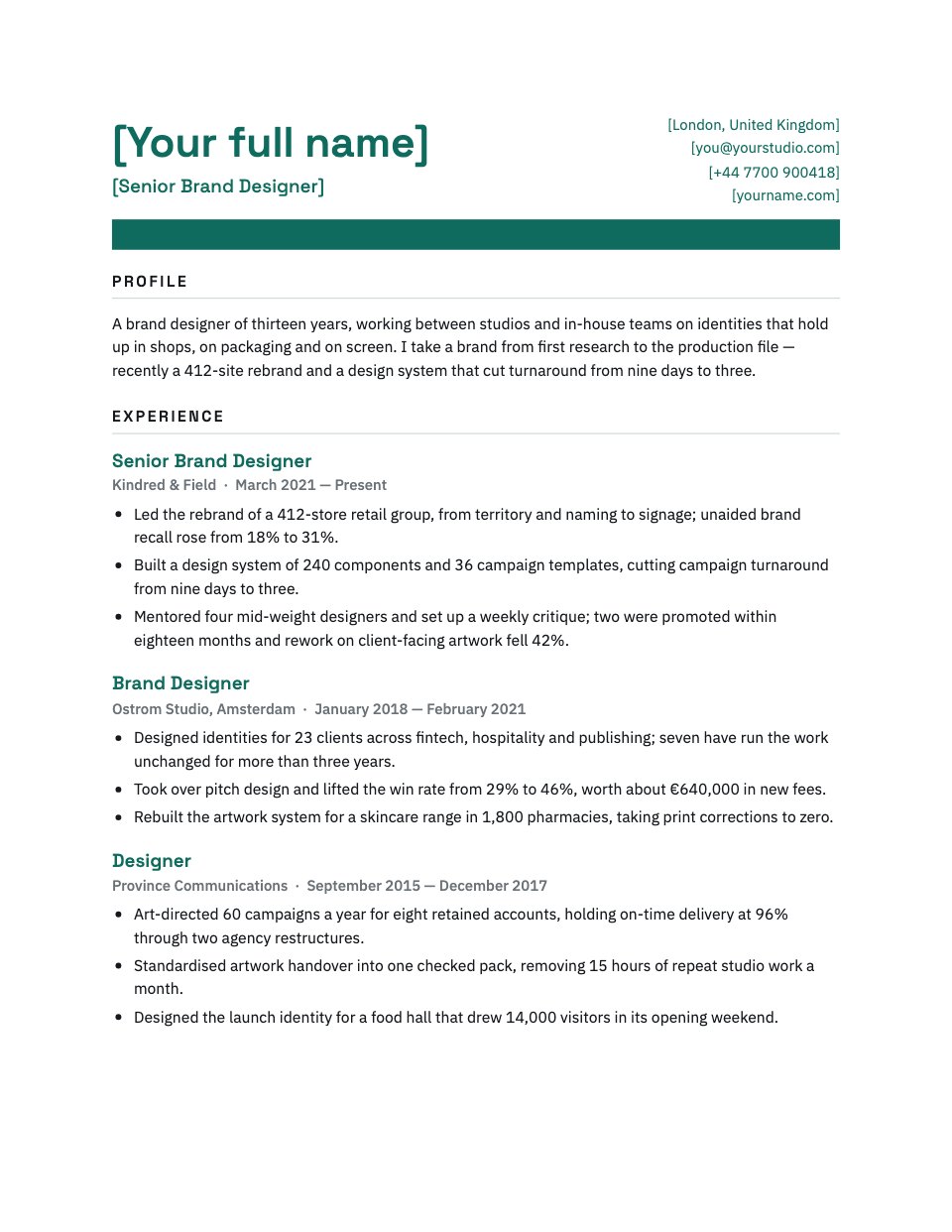
















































Start your CV or cover letter with Docsiv AI
Describe the client or the project and Docsiv AI writes a first draft of your modern resume for you to edit, share and send.