

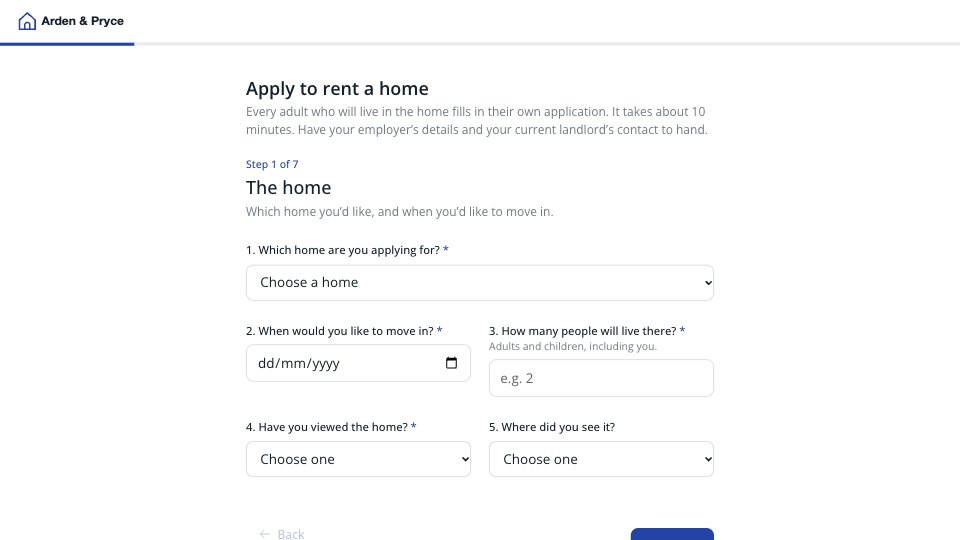
What’s inside the Rental Application.
Real content in every part, ready to rewrite with your own.
- 1Welcome and The home: one application per adult, about 10 minutes, then the home applied for (a dropdown of current lets with rent), the move-in date, how many people will live there, whether they’ve viewed it, and where they saw it (optional)
- 2About you: full legal name, date of birth (needed for referencing), email, mobile, current address, how long they’ve lived there, and a previous address when it’s under three years
- 3Your household: other adults applying (each fills in their own form), pets now or planned with details, and whether anyone smokes or vapes
- 4Work and income: work situation, then employer, job title and start date for people in work, yearly income and other income (benefits and pensions count), and proof of income as an upload or a link
- 5Where you live now: renting, with family, own home or student housing; for renters the landlord or agent’s name, email and phone and the rent; and any CCJ, bankruptcy or IVA, with a note that telling us won’t stop the application
- 6References and guarantor: an employer referee’s name and email, whether a UK guarantor is available, and their details when there is one
- 7Checks and declaration: the holding deposit (one week’s rent), referencing and Right to Rent explained, consent to checks and the declaration as separate yes/no answers, a typed signature and the date
- 8Thank you: we confirm within one working day, the holding deposit and referencing link if the landlord goes ahead, three to five working days for referencing, and who to call, with a photo
When to use it.
Rental Application is a tenant application for letting agents and landlords, one form per adult, in seven short steps that take about ten minutes. It asks for the home and move-in date, the applicant’s details and three years of addresses, the household with pets and smoking, work and income with proof by upload or link, the current landlord, any CCJs, an employer referee and a guarantor. It ends with the holding deposit explained, consent to referencing and the declaration as separate answers, and a typed signature. Follow-up questions appear only when they apply.
Made for
- Agencies and studios
- Freelance designers and developers
- Consultants and coaches
- Teams that scope projects before pricing
Make it yours in four steps.
Open it in Forms and work through it, or let Docsiv AI do the first pass with your details.
- Step 1
Put your agency’s name, logo and colour in the Design tab, and your phone and email on the thank-you screen.
- Step 2
Edit the homes dropdown to list your current lets with their rent.
- Step 3
Update the holding deposit note for your rent levels, name your referencing partner and link your privacy notice.
- Step 4
Send the link to each adult after a viewing, and pass complete applications to referencing.
Start from the Rental Application now.
Questions about this template.
Something else on your mind? Ask us in the chat, bottom right of the page.
Is the Rental Application template free?
Yes. Create a free account and it opens in Docsiv's Forms app, ready to edit and share. The Free plan includes every Docsiv app and 500 AI credits a month.
Can I change the colours, fonts and text?
Yes, all of it. The template uses Open Sans with #FFFFFF, #15202B, #2344A6, and you can change any of them, rewrite every word and add or remove questions.
What can I export it as?
Forms in Docsiv offers: Responses exported as CSV. Once it's saved, you can also share it with a link.
Can Docsiv AI write the rental application form for me?
Yes. Tell Docsiv AI about the client or project and it can draft the content in this template's style, which you then review and edit. AI uses credits; the Free plan includes 500 a month.
Where do the responses go?
Responses are collected in Docsiv with the form, and you can export them as a CSV file.
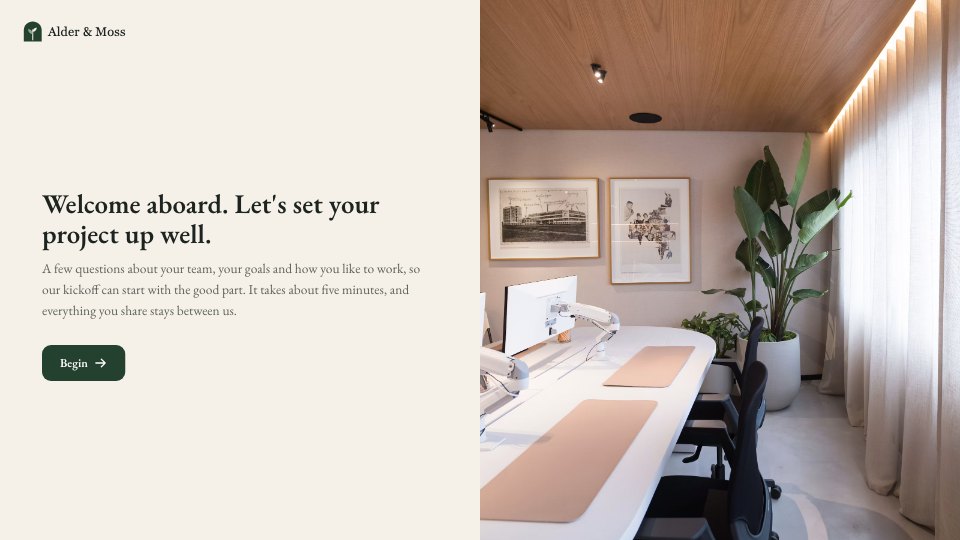
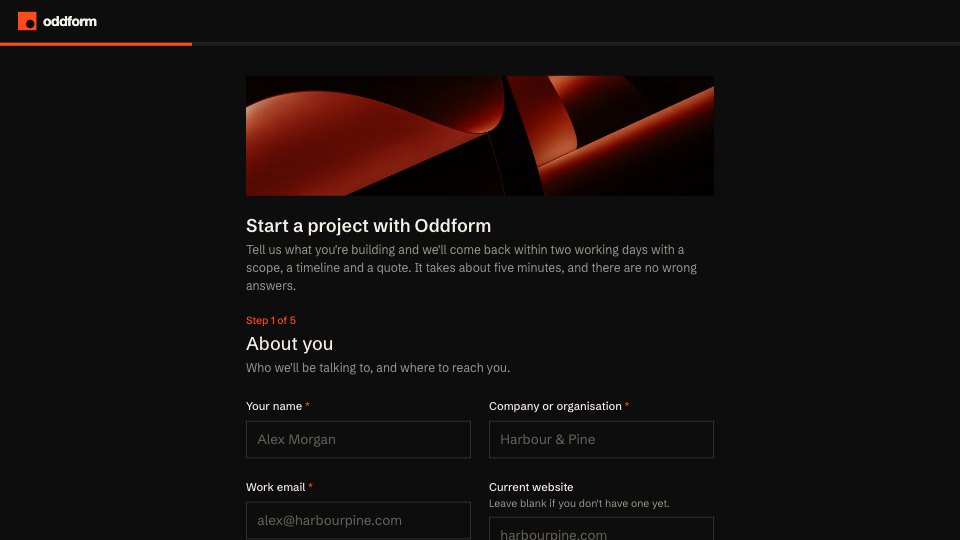
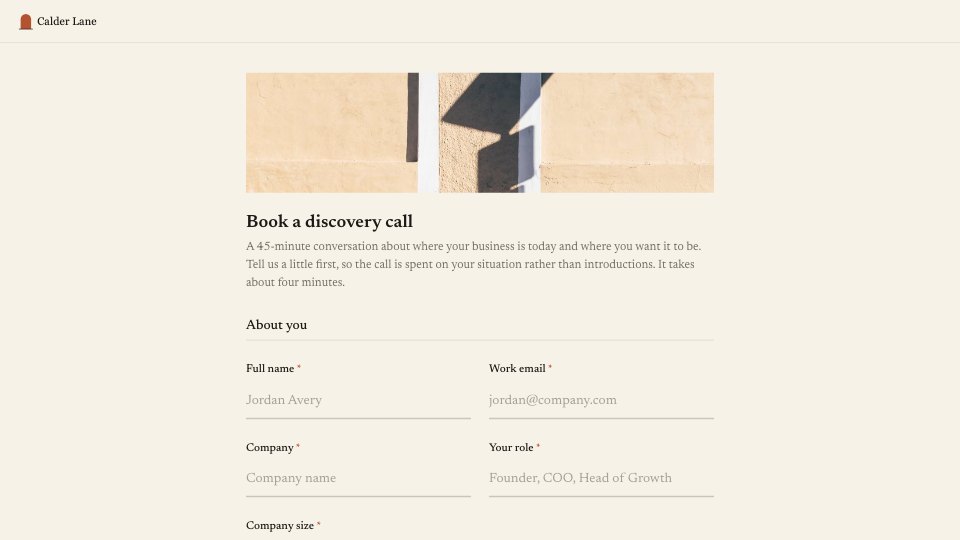





Start your intake form with Docsiv AI
Describe the client or the project and Docsiv AI writes a first draft of your rental application form for you to edit, share and send.