

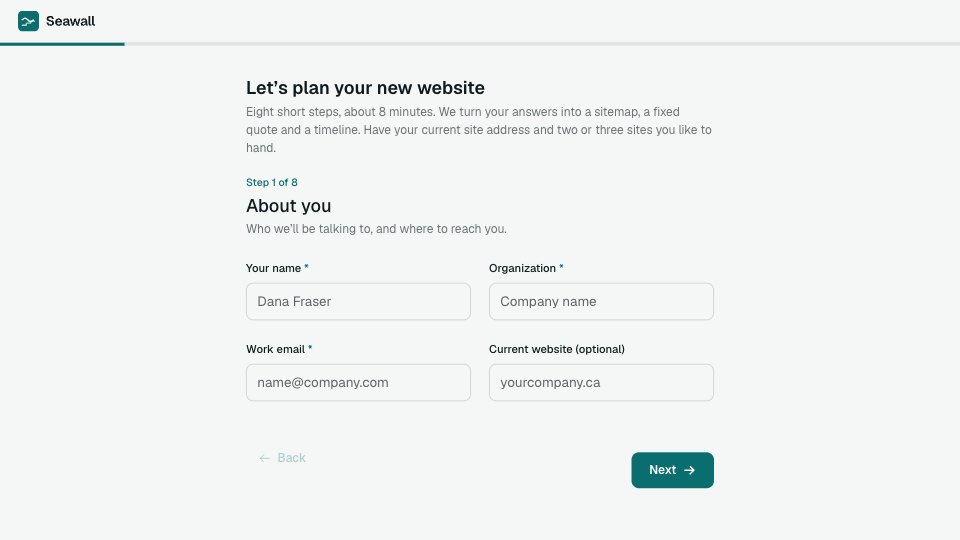
What’s inside the Website Questionnaire.
Real content in every part, ready to rewrite with your own.
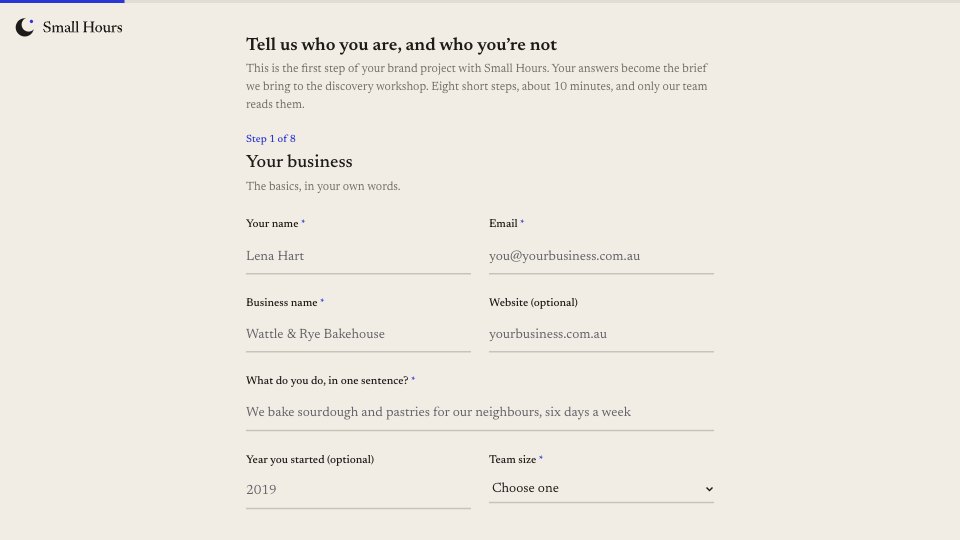
- 1Step 1, About you: the title and intro (about 8 minutes, what to have to hand), then name, organization, work email and current website
- 2Step 2, Goals and audience: the site’s main job (leads, sales, bookings, hiring, information), how you’ll know it’s working, who visits and what they come to do
- 3Step 3, Pages: main pages and extra pages as two lists side by side (Home is always included)
- 4Step 4, Features and integrations: quote forms, booking, payments, newsletter, search, client login, English and French versions, the tools to connect, and how many services need their own page
- 5Step 5, Content: page copy, brand files, photos, service descriptions, team bios and reviews, each a dropdown of ready, needs updating, not started or help wanted
- 6Step 6, Examples: two or three sites you like and what you like about each, and one you don’t
- 7Step 7, Budget and launch: budget bands in CAD with a line on why we ask, the launch date and what drives it
- 8Step 8, Sign-off: who is involved, who signs off, how you heard about us, and anything else (optional)
- 9Thank you: what happens next and when (a sitemap, fixed quote and timeline, then a walkthrough call), beside an annotated wireframe
When to use it.
Website Questionnaire is a 27-question, eight-step form a web studio sends before quoting a new site. It covers who the client is, the site’s main job and how they’ll measure it, who visits, and which main and extra pages they need. Features and integrations come next, then a content checklist that asks whether the copy, brand files, photos, service descriptions, bios and reviews are ready, need updating, are not started or need your help. It finishes with sites they like, budget bands in CAD, the launch date and who signs off, so you can draft a sitemap and a fixed quote.
Made for
- Agencies and studios
- Freelance designers and developers
- Consultants and coaches
- Teams that scope projects before pricing
Make it yours in four steps.
Open it in Forms and work through it, or let Docsiv AI do the first pass with your details.
- Step 1
Swap in your studio’s name, logo and accent colour, and set the thank-you to your own turnaround.
- Step 2
Edit the page, feature and integration options to match the sites you build.
- Step 3
Change the content checklist items and the budget bands to fit your projects and currency.
- Step 4
Send the link before your first call, then turn the answers into a sitemap, quote and timeline.
Start from the Website Questionnaire now.
Questions about this template.
Something else on your mind? Ask us in the chat, bottom right of the page.
Is the Website Questionnaire template free?
Yes. Create a free account and it opens in Docsiv's Forms app, ready to edit and share. The Free plan includes every Docsiv app and 500 AI credits a month.
Can I change the colours, fonts and text?
Yes, all of it. The template uses Geist with #f5f7f6, #0f1b1f, #0b6e6e, #e3f1ef, #e8622f, and you can change any of them, rewrite every word and add or remove questions.
What can I export it as?
Forms in Docsiv offers: Responses exported as CSV. Once it's saved, you can also share it with a link.
Can Docsiv AI write the website questionnaire for me?
Yes. Tell Docsiv AI about the client or project and it can draft the content in this template's style, which you then review and edit. AI uses credits; the Free plan includes 500 a month.
Where do the responses go?
Responses are collected in Docsiv with the form, and you can export them as a CSV file.
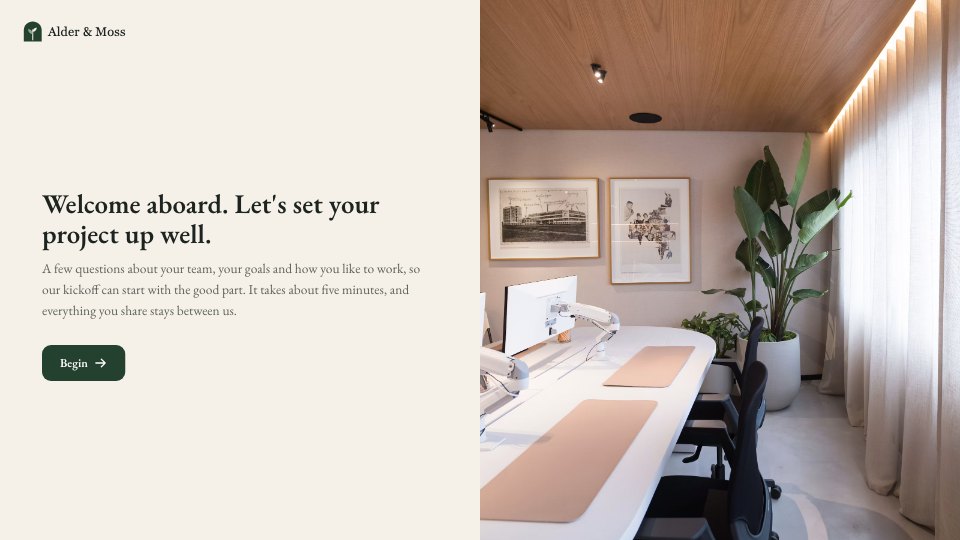
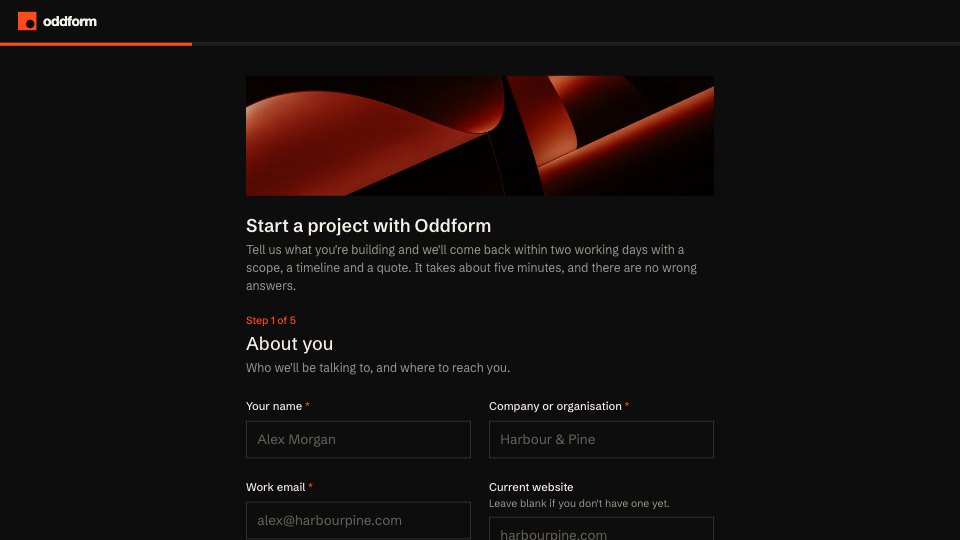
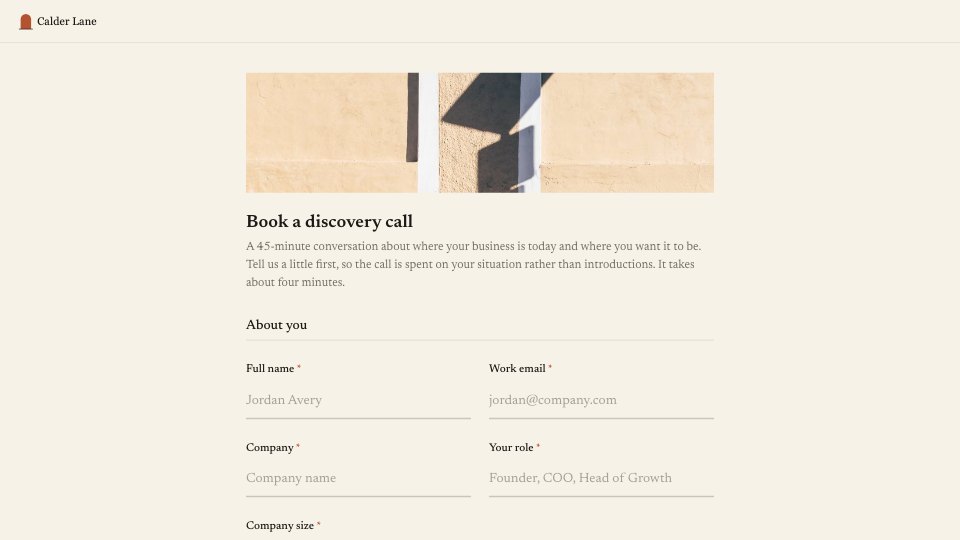




Start your intake form with Docsiv AI
Describe the client or the project and Docsiv AI writes a first draft of your website questionnaire for you to edit, share and send.