

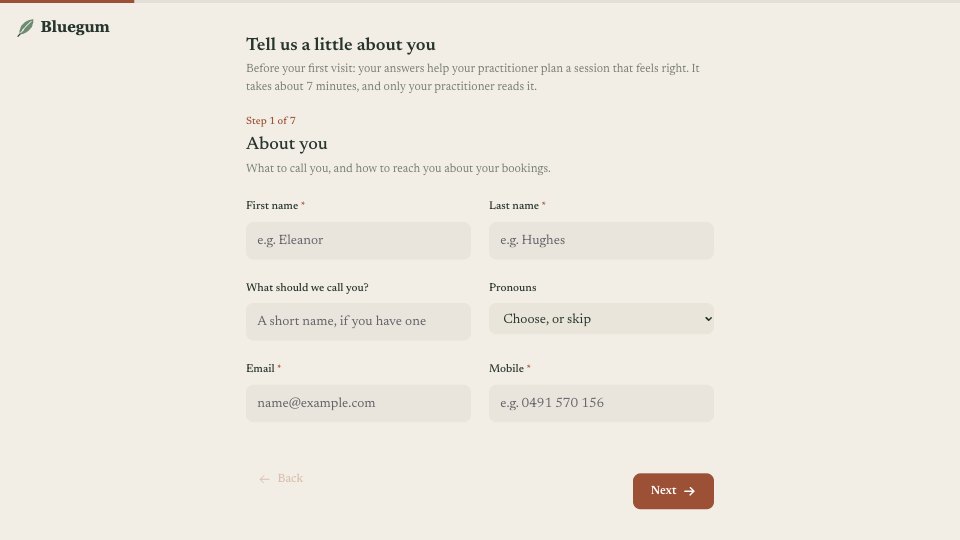
What’s inside the Wellness Intake Form.
Real content in every part, ready to rewrite with your own.
- 1Welcome and About you: what the form is for and how long it takes, then first and last name, a preferred name and pronouns (both optional), email and mobile
- 2What brings you in: the sessions booked (massage, yoga, breathwork, not sure yet), what they’d like to feel more of (choose up to three), and anything specific, optional
- 3Your days: sleep on a five-star rating, stress this month on a 1–10 scale, and how they move most weeks
- 4Health notes: a plain non-clinical note, what the practitioner should know about (injury, pregnancy, heart or blood pressure, allergies, something else, none), and a follow-up that appears when something is ticked
- 5Your sessions: preferred pressure, a practitioner preference, areas to avoid, and whether they’d like quiet or conversation
- 6Emergency contact: name, relationship and phone, used only if they feel unwell during a session
- 7Consent: how the studio works (not medical treatment, ongoing consent to touch, privacy, 24-hour cancellation), three confirmations, a typed signature and a separate timetable opt-in
- 8Thank you: the practitioner reads the notes before the first session, arrive ten minutes early, and how to get in touch if anything changes, with a photo
When to use it.
Wellness Intake is a new-client form for massage, yoga and wellness studios, sent after someone books their first session and finished in about seven minutes over seven short steps. It covers contact details with an optional preferred name and pronouns, what brings them in, sleep and stress, plain non-clinical health notes with a follow-up only when something is ticked, session preferences such as pressure and quiet, an emergency contact, and consent with a typed signature. The timetable opt-in is asked separately, so marketing consent is never bundled with consent to a session.
Made for
- Agencies and studios
- Freelance designers and developers
- Consultants and coaches
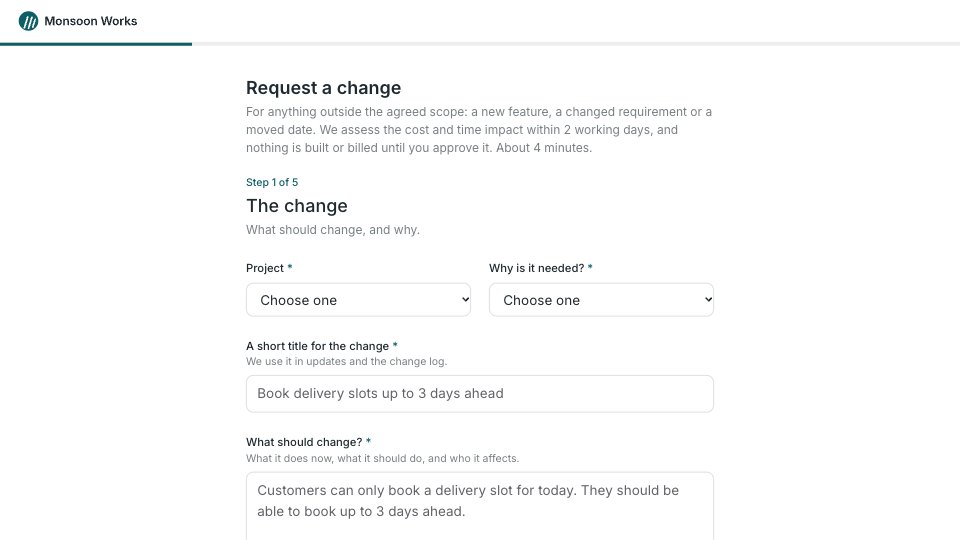
- Teams that scope projects before pricing
Make it yours in four steps.
Open it in Forms and work through it, or let Docsiv AI do the first pass with your details.
- Step 1
Swap in your studio’s name, logo and colours in the Design tab, and your address and phone on the thank-you screen.
- Step 2
Edit the sessions and the health-notes list to match the services you offer.
- Step 3
Replace “How we work together” with your own terms, privacy line and cancellation fee, and have a lawyer check it.
- Step 4
Send the link with every first booking confirmation, and read each response before the session.
Start from the Wellness Intake Form now.
Questions about this template.
Something else on your mind? Ask us in the chat, bottom right of the page.
Is the Wellness Intake Form template free?
Yes. Create a free account and it opens in Docsiv's Forms app, ready to edit and share. The Free plan includes every Docsiv app and 500 AI credits a month.
Can I change the colours, fonts and text?
Yes, all of it. The template uses Newsreader with #F3EEE5, #26352D, #9C5137, #6E8B74, and you can change any of them, rewrite every word and add or remove questions.
What can I export it as?
Forms in Docsiv offers: Responses exported as CSV. Once it's saved, you can also share it with a link.
Can Docsiv AI write the wellness intake form for me?
Yes. Tell Docsiv AI about the client or project and it can draft the content in this template's style, which you then review and edit. AI uses credits; the Free plan includes 500 a month.
Where do the responses go?
Responses are collected in Docsiv with the form, and you can export them as a CSV file.
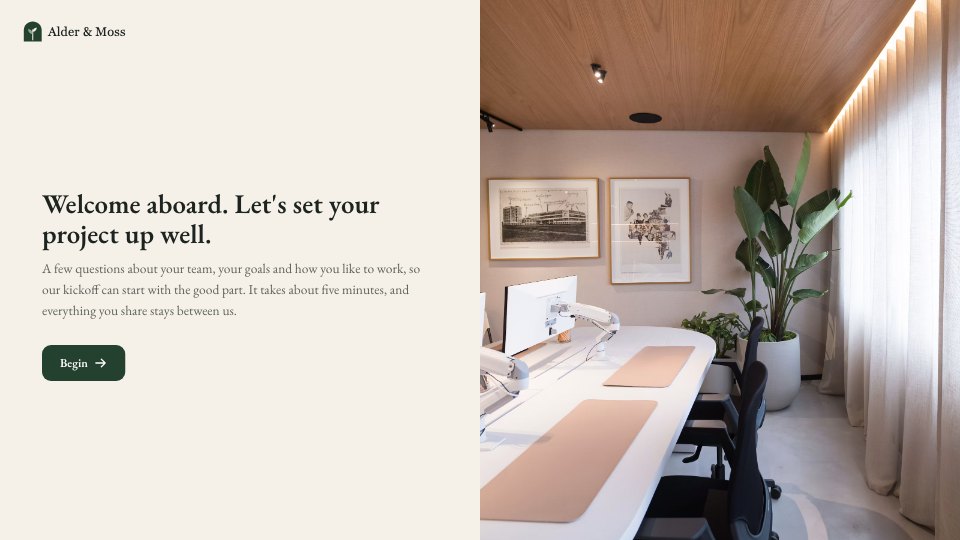
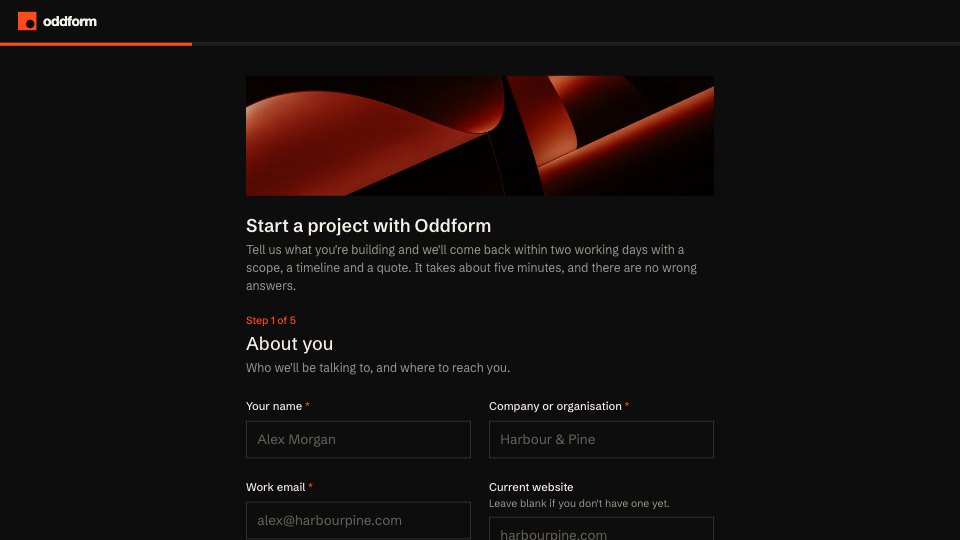
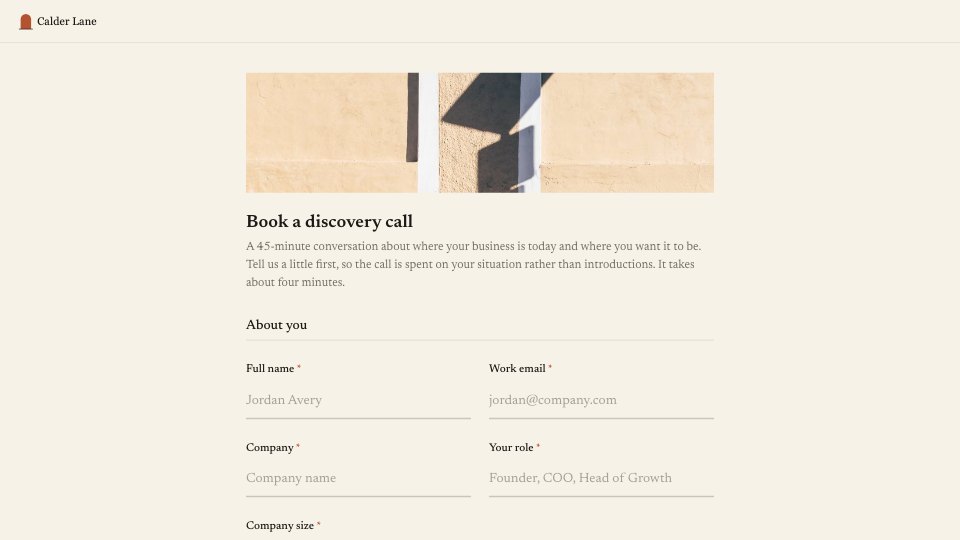




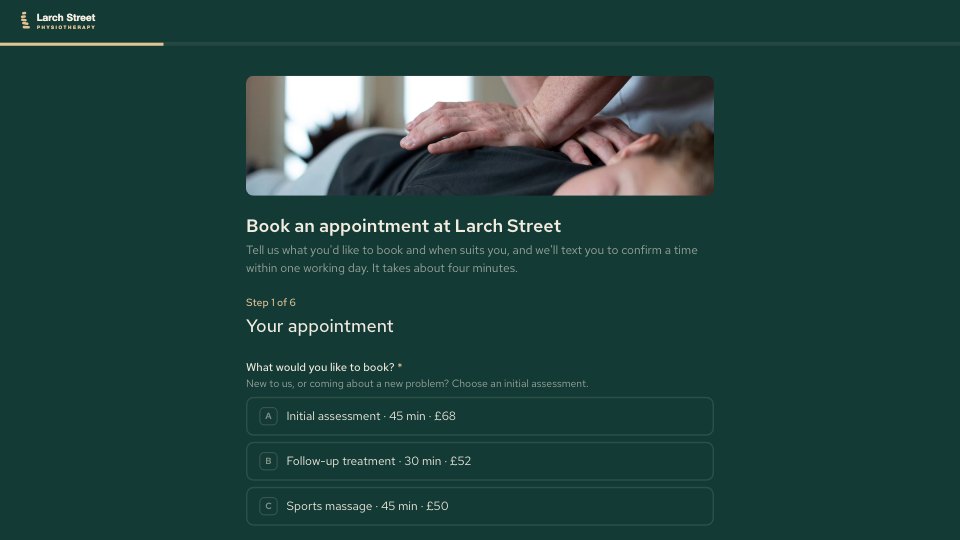
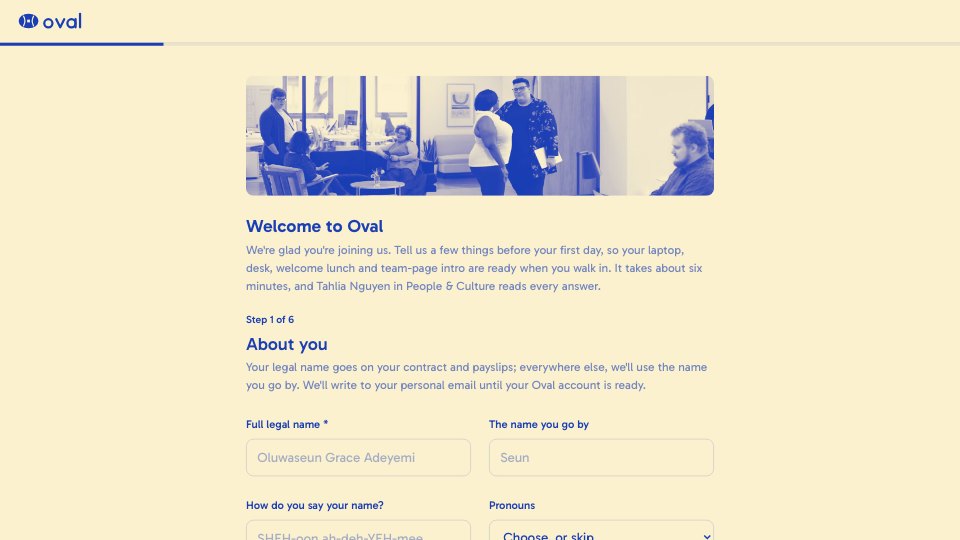

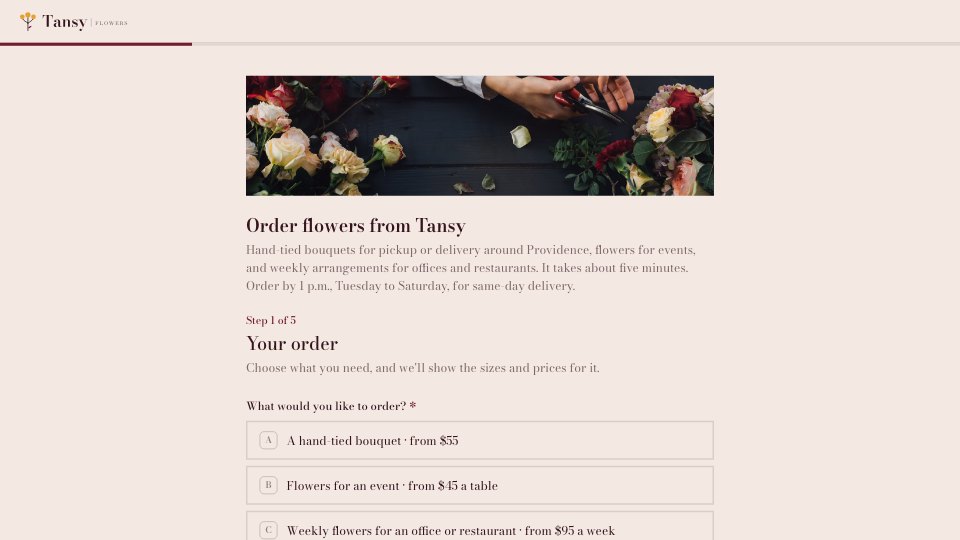
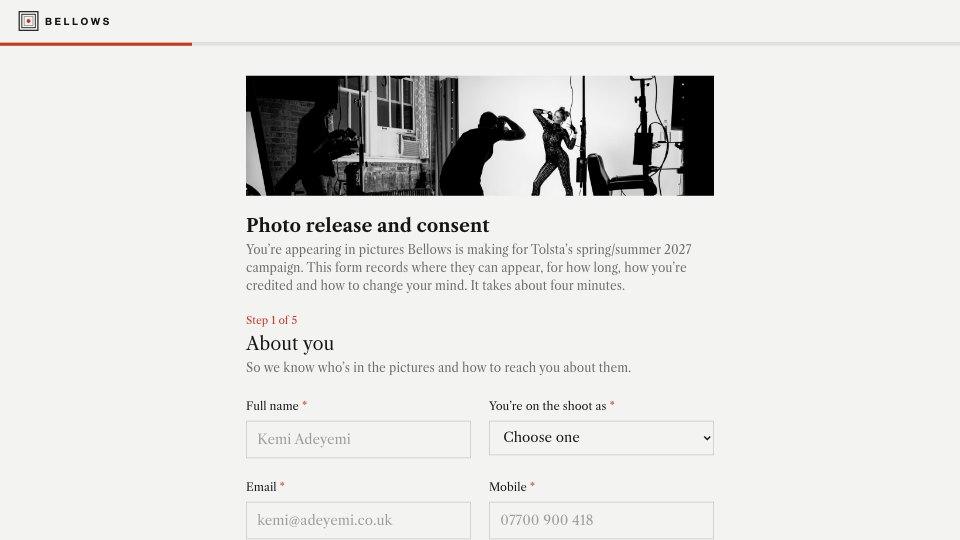


Start your intake form with Docsiv AI
Describe the client or the project and Docsiv AI writes a first draft of your wellness intake form for you to edit, share and send.