

What’s inside the Creative Concepts.
14 slides with real content in place. Rewrite them, reorder them, or add your own.
- 1Slide 1Cover: the project title beside a triptych cut from the three routes’ key visuals, with the client, date and round
- 2Slide 2The brief, as we heard it: the proposition, the objective, the audience, the mandatories, budget and timing, and the five tests every route is judged by
- 3Slide 3What we found: the insight from 18 kitchen interviews and a 600-person survey, the $1,200 machine on the bench and the walk to the café anyway, with why machine owners still buy café coffee
- 4Slide 4Route A, Open before the café: the line, the thought, the human truth from an interview, and the tests it scores best and worst on
- 5Slide 5Route A key visual: the 6:12am Coburg photograph with its serif line, five numbered notes and the brief’s mandatories ticked
- 6Slide 6Route A in the world: a 30-second film told in three kitchens, dawn tram-stop posters and a first-cup social series, with its production estimate, time to make and 6-second cut
- 7Slide 7Route B, Your kitchen’s open: the line, the thought built on the café opening-hours sign, the human truth and its best and worst tests
- 8Slide 8Route B key visual: OPEN on Ashby red with a cappuccino as its O and a subscriber’s own opening time, with numbered notes and the mandatories
- 9Slide 9Route B in the world: 120 suburb posters with real subscribers’ opening times, the bag, the app’s open sign and a 15-second film, with its estimate
- 10Slide 10Route C, Tasting notes: the line, the thought borrowed from the back of the bag, the human truth and its best and worst tests
- 11Slide 11Route C key visual: tasting notes for staying in, set huge on a kraft bean label with a brew spec, with numbered notes and the mandatories
- 12Slide 12Route C in the world: three label posters, a social caption, the box insert and a 30-second radio script, with its estimate
- 13Slide 13Side by side: the three key visuals scored against the five tests, with production cost, weeks to make and the totals
- 14Slide 14Our recommendation: Route B, three reasons, and the five dates from your choice to launch on 1 March 2027
When to use it.
Creative Concepts is a 14-slide deck for agencies, studios and in-house teams presenting campaign ideas to a client. It plays the brief back with five tests, shares the research insight, then gives each of three routes the same three slides: an opener with the line, the thought and a human truth, the key visual with numbered notes and the mandatories, and the executions with a production estimate. A side-by-side scores every route against the tests, and it closes on one recommendation and the dates to launch. Quiet paper and one grotesk let each route keep its own look.
Made for
- Marketing agencies presenting campaigns
- In-house marketing teams
- Founders launching a product
- Freelance marketers
Make it yours in five steps.
Open it in Decks and work through it, or let Docsiv AI do the first pass with your details.
- Step 1
Put your client, project and presentation date on the cover, and play back their signed brief and tests on slide two.
- Step 2
Replace the insight, the quote and the survey chart with your own research.
- Step 3
For each route, swap in its line, key visual and executions, then move the numbered pins onto the parts of your artwork.
- Step 4
Update the scores and production estimates, and make your recommendation and dates on the last slide.
- Step 5
Present it from the browser, export it to PowerPoint or PDF, or share it with a link.
Start from the Creative Concepts now.
Questions about this template.
Something else on your mind? Ask us in the chat, bottom right of the page.
Is the Creative Concepts template free?
Yes. Create a free account and it opens in Docsiv's Decks app, ready to edit and share. The Free plan includes every Docsiv app and 500 AI credits a month.
Can I change the colours, fonts and text?
Yes, all of it. The template uses Familjen Grotesk and Gloock and Anton with #f2efe9, #1b1815, #2a221c, #d8432c, #e4d4b4, and you can change any of them, rewrite every word and add or remove slides.
What can I export it as?
Decks in Docsiv offers: Slides, PPTX, PDF and HTML exports. Once it's saved, you can also share it with a link.
Can Docsiv AI write the creative concepts presentation for me?
Yes. Tell Docsiv AI about the client or project and it can draft the content in this template's style, which you then review and edit. AI uses credits; the Free plan includes 500 a month.
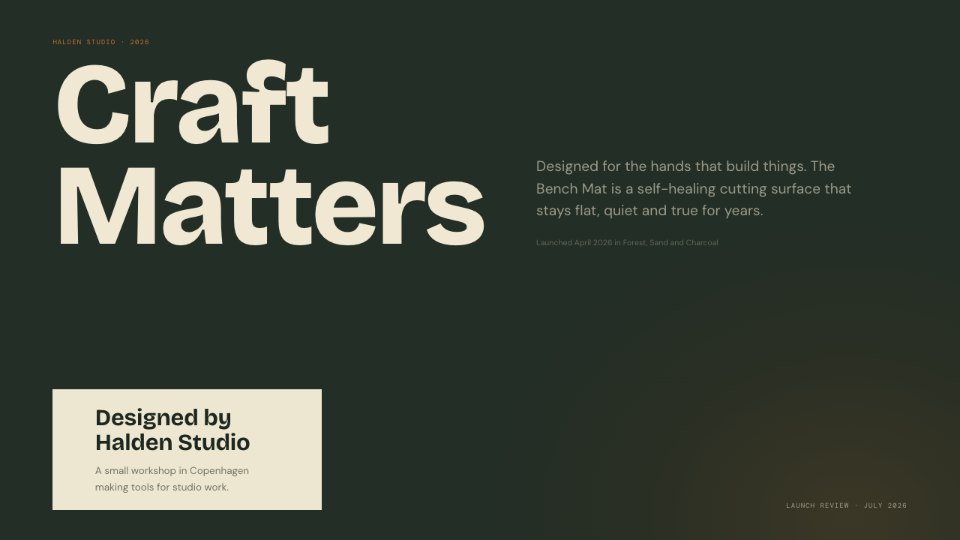
Cutting Mat
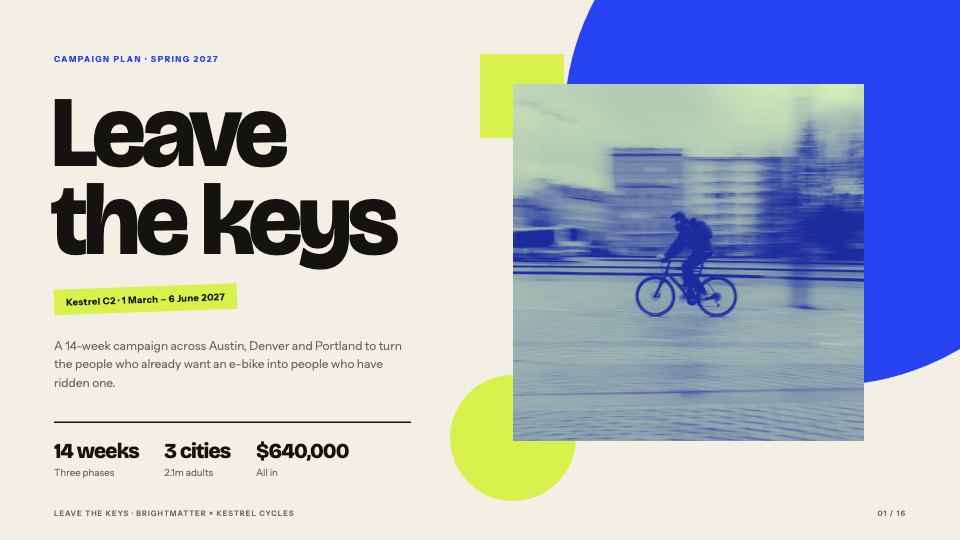
PreviewCampaign Plan
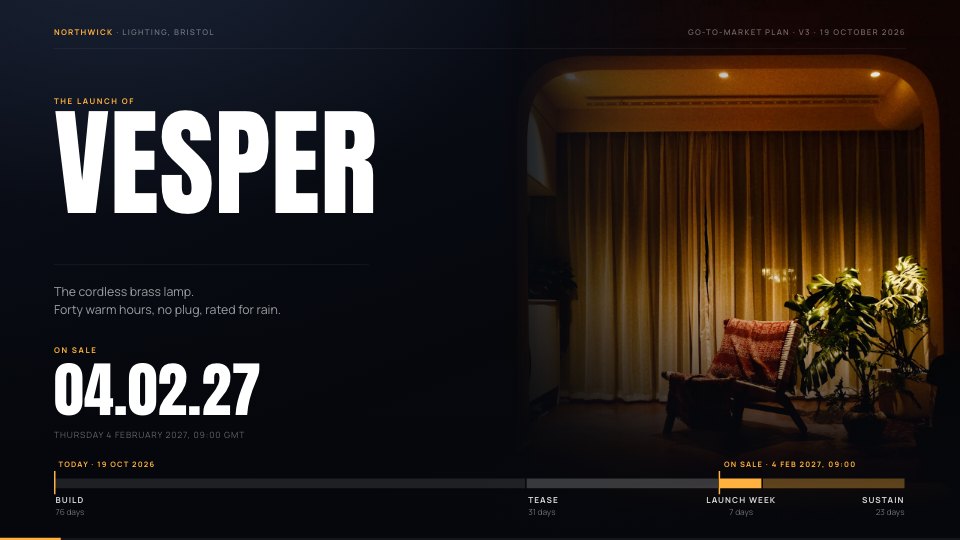
PreviewProduct Launch
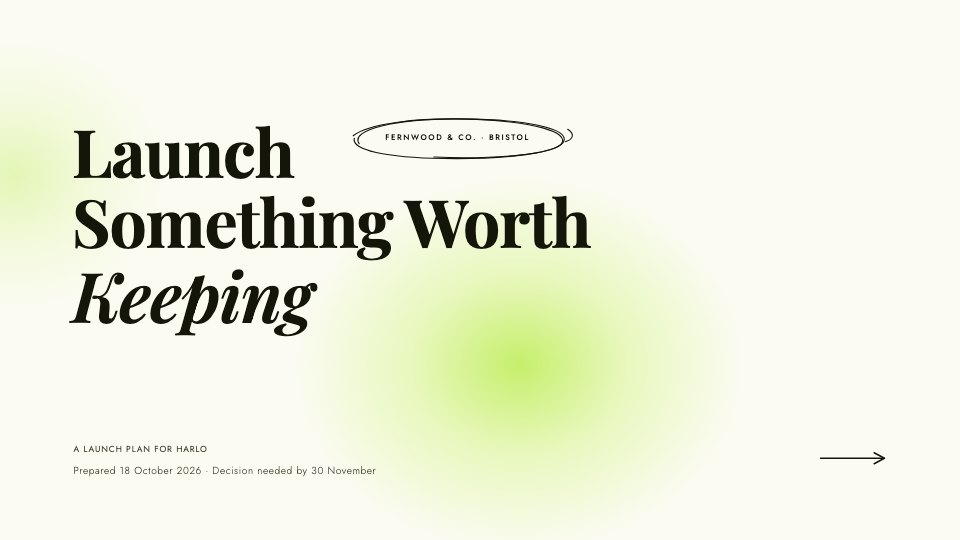
PreviewBrand Pitch
PreviewWebinar Slides
PreviewMarketing Strategy
Preview

Starting from a description instead? Try the AI presentation maker.


Start your marketing presentation with Docsiv AI
Describe the client or the project and Docsiv AI writes a first draft of your creative concepts presentation for you to edit, share and send.