

What’s inside the Webinar Slides.
20 slides with real content in place. Rewrite them, reorder them, or add your own.
- 1Slide 1Title and waiting room: the promise, the date and AEDT time, two hosts, a 40-day chart with the first week filled in, and three housekeeping notes for people joining early
- 2Slide 2Your hosts: three intros with photo, role, a one-line credential and the part of the session each one runs, and a prompt to say hello in the chat
- 3Slide 3How today runs: the 60 minutes as a timeline bar and an agenda table, from doors open at 12:30 to Q&A at 1:18, with where to ask questions, the chat and how to get the replay
- 4Slide 4Poll 1: how long does your average invoice take to get paid? Under 14 days, 14 to 30, 31 to 60, or over 60, answered A to D with the results shown live and 57% over 30 days
- 5Slide 5Why it matters: a $2.6M trade business waiting 40 days to be paid has $285,000 sitting with its customers; at 7 days it is $50,000, charted for 7 to 60 days
- 6Slide 6Move 1 · Invoice the day the job is done: the median gap between job done and invoice sent is 6 days, three steps to close it from the van, and a chart of the days it adds
- 7Slide 7Move 2 · Ask before you start: deposits on acceptance, within your state's cap, and progress claims, including claims under your state's security of payment law, with a fit-out claimed in four stages
- 8Slide 8Move 3 · Terms that get paid: 7-day terms on every quote, a due date as a date not a number, and a late-fee clause agreed up front, shown as it reads on the invoice
- 9Slide 9Move 4 · Make paying easy: tap to pay on site, a pay-by-link on every invoice, and bank transfer and PayID details printed in full, with how fast each one lands
- 10Slide 10Move 5 · Chase without the awkward call: reminders the day before, on the due date, and at 7 and 14 days overdue, with the wording for each
- 11Slide 11The five moves on one page: a checklist table to screenshot, with what each move is worth in days and a chart from 40 days to 7
- 12Slide 12Live demo, what you'll see: the presenter, what to watch for, and the finished job, with its line items, GST and total, that becomes a paid invoice in under three minutes
- 13Slide 13Live demo, the steps: job sheet, one-tap invoice, pay-by-link text, the payment page and the reconciled invoice, beside the invoice's activity log (2 min 48 s from done to paid)
- 14Slide 14Customer story, before: Haddad Electrical's 14 electricians, invoices written on Sundays and 41 days to get paid, in a fact table with Karim's photo and a quote
- 15Slide 15Customer story, after: 7 days to paid within one quarter, charted by month, $242,000 of cash freed up and Karim in his own words
- 16Slide 16Your first week: what to change on Monday, Wednesday and Friday, whatever software you use, as three checklists
- 17Slide 17What Quoll costs: Solo, Team and Business plans in a comparison table with what each includes and the price a month, plus GST
- 18Slide 18The offer: three months of the Team plan at half price ($49 instead of $98) and a free setup call, booked by Friday 18 December, with how to claim it
- 19Slide 19Q&A with the last poll: the most-voted questions in the queue beside a poll asking what would help most next, answered A to D
- 20Slide 20Close: book a free setup call by QR code or link, the offer once more, what lands in your inbox within 24 hours and the next session
When to use it.
Webinar Slides is a 20-slide deck for a live, one-hour webinar run by a software company, agency or consultant. It covers the whole hour: a waiting-room title with housekeeping, the hosts, an agenda with timings, two polls answered A to D, a why-it-matters chart, five teaching slides with steps and examples, a one-page summary, a live demo, a customer story told before and after, a first-week checklist, pricing, the offer, Q&A and a closing slide with a QR code. It is plain and clear on a screen share, and the top-right corner stays free for your camera.
Made for
- Marketing agencies presenting campaigns
- In-house marketing teams
- Founders launching a product
- Freelance marketers
Make it yours in four steps.
Open it in Decks and work through it, or let Docsiv AI do the first pass with your details.
- Step 1
Put your session title, date, time zone and hosts on the title slide and the hosts slide.
- Step 2
Set the agenda minutes, then rewrite the five teaching slides around your own topic, keeping one idea per slide.
- Step 3
Replace the poll questions, the demo job and the customer story with your own; the percentages, totals and charts follow the numbers you type.
- Step 4
Change the pricing, the offer and the link behind the QR code, then present from the browser or export it as a PDF for the replay email.
Start from the Webinar Slides now.
Questions about this template.
Something else on your mind? Ask us in the chat, bottom right of the page.
Is the Webinar Slides template free?
Yes. Create a free account and it opens in Docsiv's Decks app, ready to edit and share. The Free plan includes every Docsiv app and 500 AI credits a month.
Can I change the colours, fonts and text?
Yes, all of it. The template uses Inter with #ffffff, #0f766e, #e6f4f1, #101828, #475467, #e4e7ec, and you can change any of them, rewrite every word and add or remove slides.
What can I export it as?
Decks in Docsiv offers: Slides, PPTX, PDF and HTML exports. Once it's saved, you can also share it with a link.
Can Docsiv AI write the webinar slides for me?
Yes. Tell Docsiv AI about the client or project and it can draft the content in this template's style, which you then review and edit. AI uses credits; the Free plan includes 500 a month.
Cutting Mat
PreviewCampaign Plan
PreviewProduct Launch
PreviewBrand Pitch
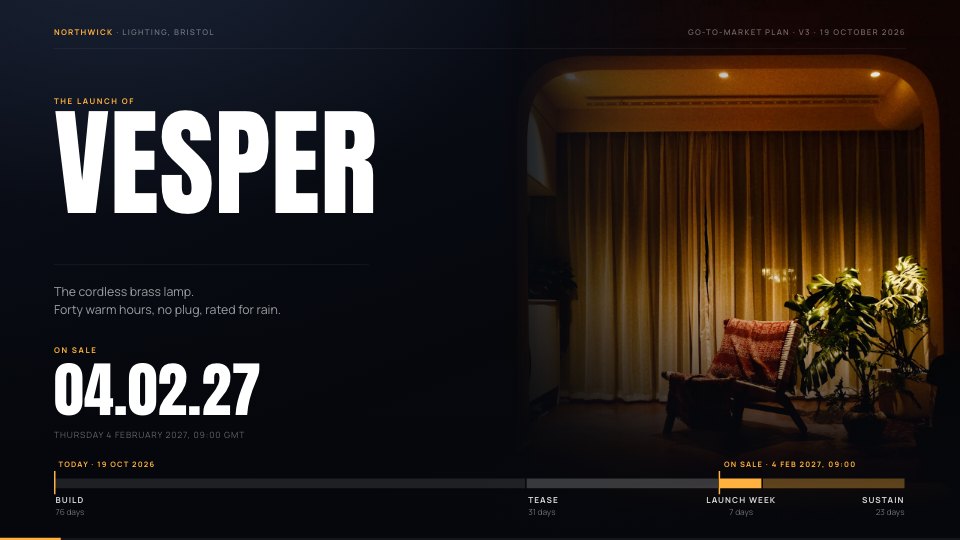
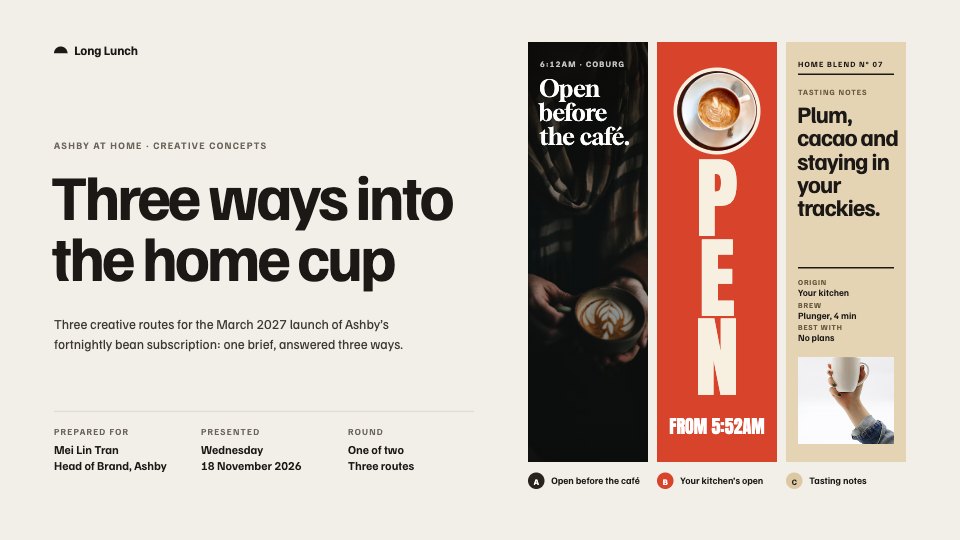
PreviewCreative Concepts
PreviewMarketing Strategy
Preview




Starting from a description instead? Try the AI presentation maker.
















Start your marketing presentation with Docsiv AI
Describe the client or the project and Docsiv AI writes a first draft of your webinar slides for you to edit, share and send.