

What’s inside the Email Newsletter Design.
3 screens with real content in place. Rewrite them, reorder them, or add your own.
- 1Screen 1Newsletter (The Hopper Post): preheader, header with issue number, hero photo, a letter from the head roaster, three new coffees as bag cards with notes and prices, a V60 recipe with a spec table, a cupping event with a button, and the footer with unsubscribe and company details
- 2Screen 2Promotion: one offer (15% off gift subscriptions with code GIFT15 until 6 December) in a deep green hero with the code and a button, a gift photo, three plan cards with struck-through and new prices, how it works in three steps, the Christmas order-by date with an e-gift card fallback, and the terms
- 3Screen 3Receipt: order HC-20817 confirmed with the roast-and-post timeline, the items with VAT rates, subtotal, member discount, free delivery and total, a UK VAT summary (0% coffee, 20% kit), delivery and payment details, the seller’s VAT and company numbers, returns and contact
When to use it.
Email Newsletter Design is a set of three 600px HTML emails for small brands that sell online: a monthly newsletter, a promotion and an order receipt. It's set up for Hopper, a made-up coffee roaster in Bristol. The newsletter has a letter from the roaster, three product cards, a brew recipe and an event; the promotion has one code, three plans and a deadline; and the receipt has a delivery timeline, items, totals and a UK VAT summary. Each email is built from tables, with a preheader, bulletproof buttons and a compliant footer, so it holds up in real email clients.
Made for
- Marketing agencies presenting campaigns
- In-house marketing teams
- Founders launching a product
- Freelance marketers
Make it yours in five steps.
Open it in UI design and work through it, or let Docsiv AI do the first pass with your details.
- Step 1
Replace Hopper's mark, name and colours with your own brand.
- Step 2
Swap the coffees for your products, with their photos or drawings, notes and prices.
- Step 3
Rewrite the newsletter's letter, recipe and event, and set the promotion's code, plans and deadline.
- Step 4
Put your own company number, registered office, VAT number and unsubscribe links in each footer.
- Step 5
Export each email as HTML for your email platform, or as PNG or PDF to share for review.
Start from the Email Newsletter Design now.
Questions about this template.
Something else on your mind? Ask us in the chat, bottom right of the page.
Is the Email Newsletter Design template free?
Yes. Create a free account and it opens in Docsiv's UI design app, ready to edit and share. The Free plan includes every Docsiv app and 500 AI credits a month.
Can I change the colours, fonts and text?
Yes, all of it. The template uses Open Sans with #ffffff, #f4f6f5, #111827, #1d5c4d, #cfe3dc, #374151, and you can change any of them, rewrite every word and add or remove screens and layers.
What can I export it as?
UI design in Docsiv offers: FIG, SVG, PNG and PDF files. Once it's saved, you can also share it with a link.
Can Docsiv AI change it for me?
Yes. Tell Docsiv AI what you need, such as your brand's colours, new wording or another screen, and it makes the changes in UI design for you to review. AI uses credits; the Free plan includes 500 a month.
Marketing Strategy
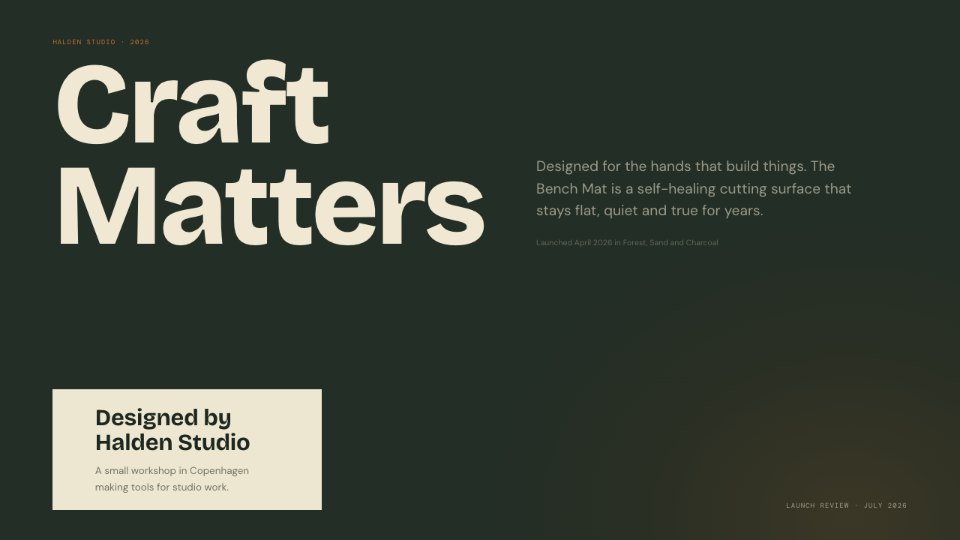
PreviewCutting Mat
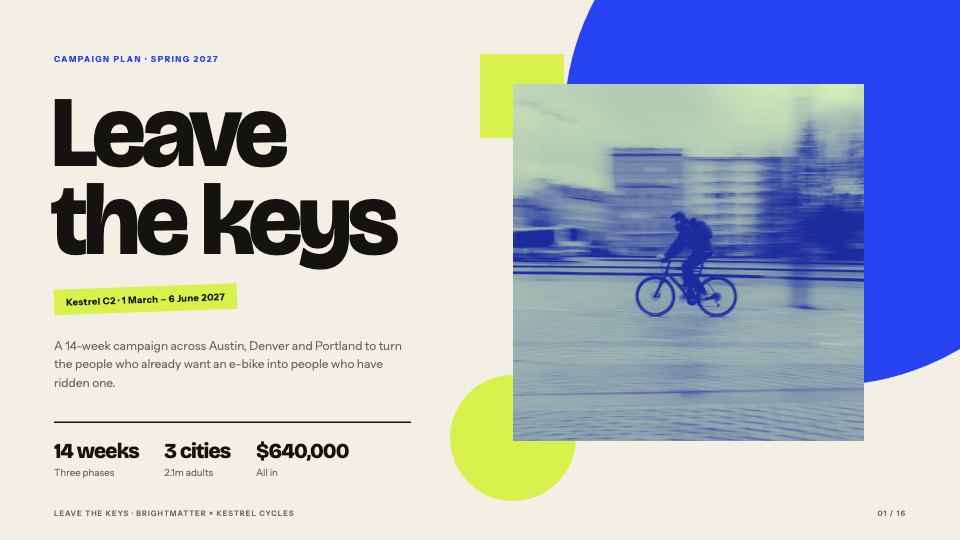
PreviewCampaign Plan
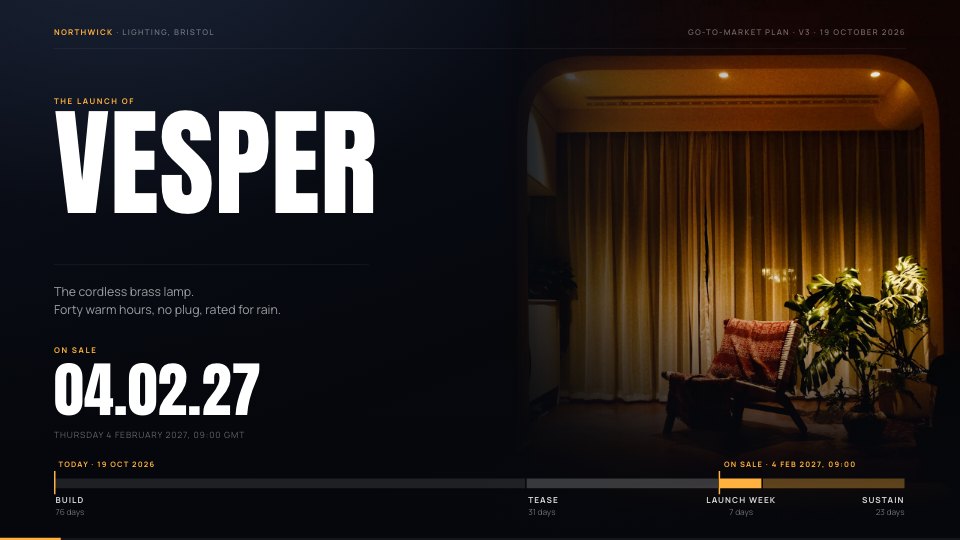
PreviewProduct Launch
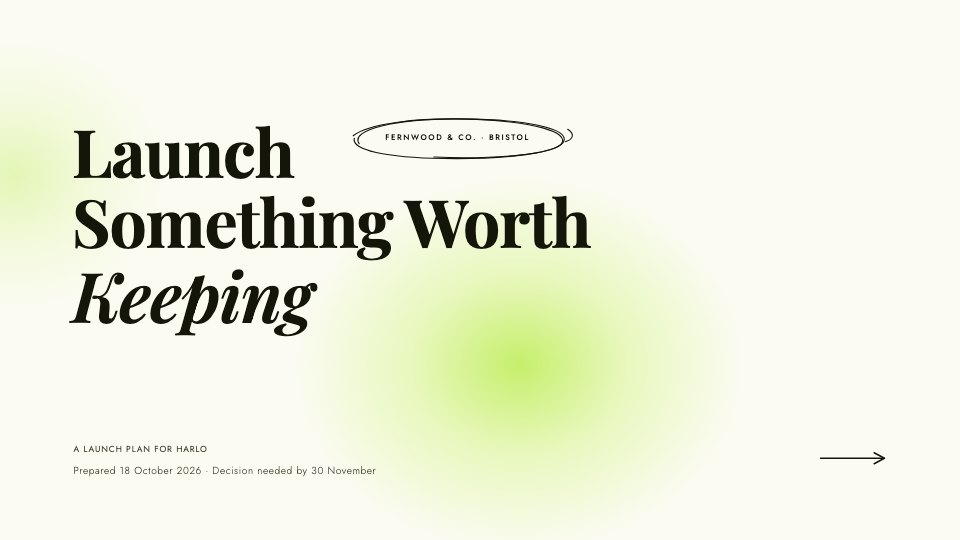
PreviewBrand Pitch
PreviewCreative Concepts
Preview

Starting from a description instead? Try the AI presentation maker.





















Start your marketing presentation with Docsiv AI
Describe the client or the project and Docsiv AI writes a first draft of your email newsletter for you to edit, share and send.