

What’s inside the Architecture Fee Proposal.
10 pages with real content in place. Rewrite them, reorder them, or add your own.
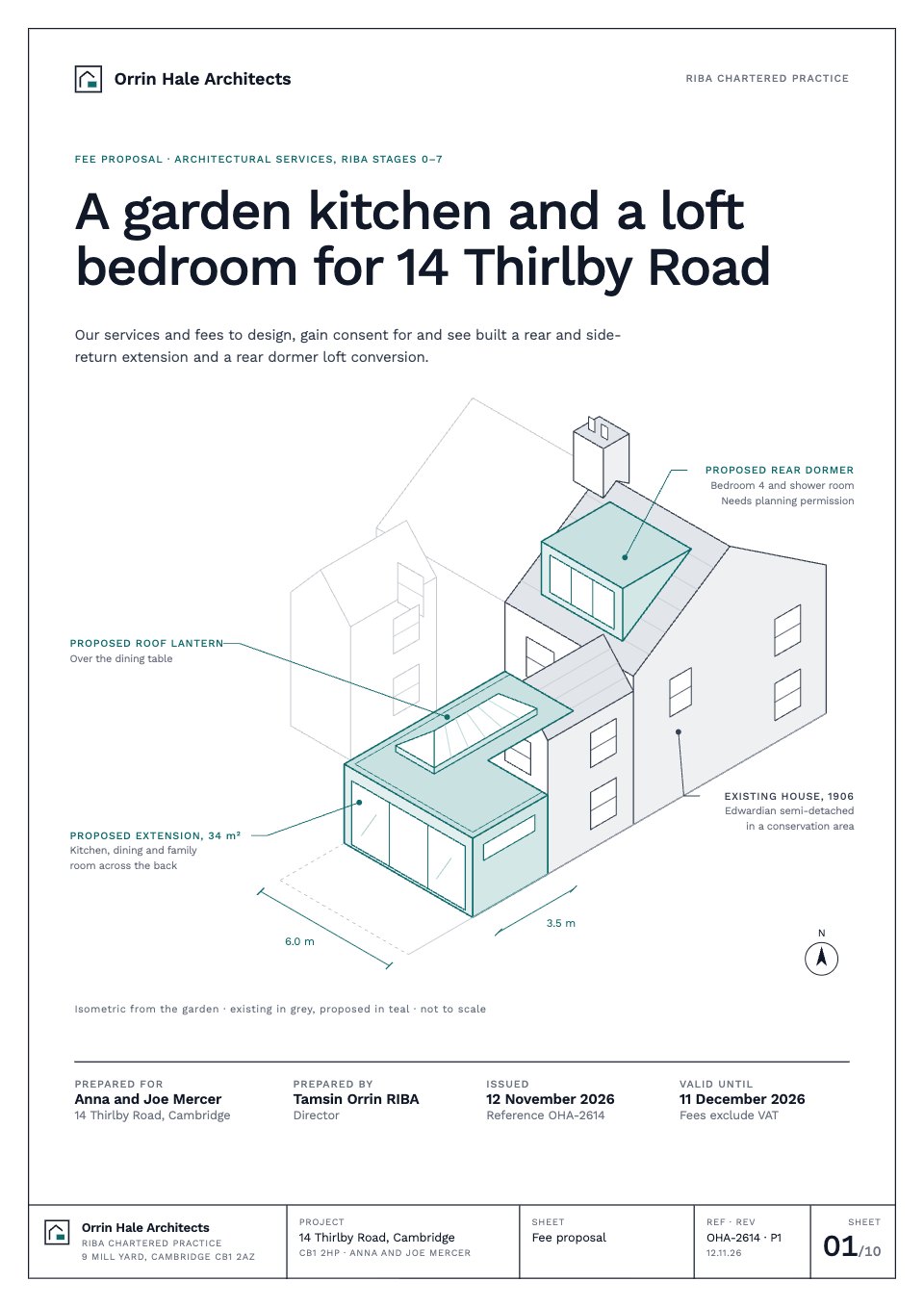
- 1Page 1Cover as a drawing sheet: the outcome as the title, an isometric of the house from the garden with the extension and dormer in teal, and who it is for, from, issued and valid until
- 2Page 2Summary: a letter from the director with the problem, the proposal and the recommended option, the project facts, a RIBA stage strip showing what each option covers, four key figures and the next step
- 3Page 3The brief and the site: the existing ground-floor plan with the proposed outline, the brief as eight numbered requirements, what shapes the design (conservation area, party wall, shared sewer, the neighbour’s window) and the house in five figures
- 4Page 4Approach and recent work: two layouts for the new ground floor as sketch plans with the case for and against each, how the practice works with homeowners, and two recent Cambridge extensions with their build cost, time on site and planning outcome
- 5Page 5Services, Stages 0–3: for each stage what we do, what you receive, the decision you make and the fee, then the planning strategy with the pre-application meeting and the planning dates
- 6Page 6Services, Stages 4–7: building regulations, the tender package and tendering to three builders, contract administration under the JCT Minor Works contract, handover, the 12-month defects inspection and the visit after a year, with the tender dates and the contract terms
- 7Page 7Consultants and statutory fees: surveys, structural engineer, party wall surveyors, pre-application and planning fees, the build-over agreement and building control, each with why, who appoints, when and an estimate; what the fee does not include; and the whole project cost in one bar
- 8Page 8Programme: a bar chart by RIBA stage from January 2027 to March 2029 with planning, building regulations, party wall notices, tender, the 26-week build and the defects period, eight key dates and the six client decisions that hold it up if they slip
- 9Page 9Fees by RIBA stage: a fixed fee for each of Stages 0–7 with what you have at the end of it, Option A to tender and Option B full service, VAT and the total, optional services, hourly rates and how invoices work
- 10Page 10Terms of appointment in ten plain lines on the RIBA Domestic Professional Services Contract 2020, including the 14-day cancellation right, and the acceptance block with the option ticked, three signatures and the first three dates
When to use it.
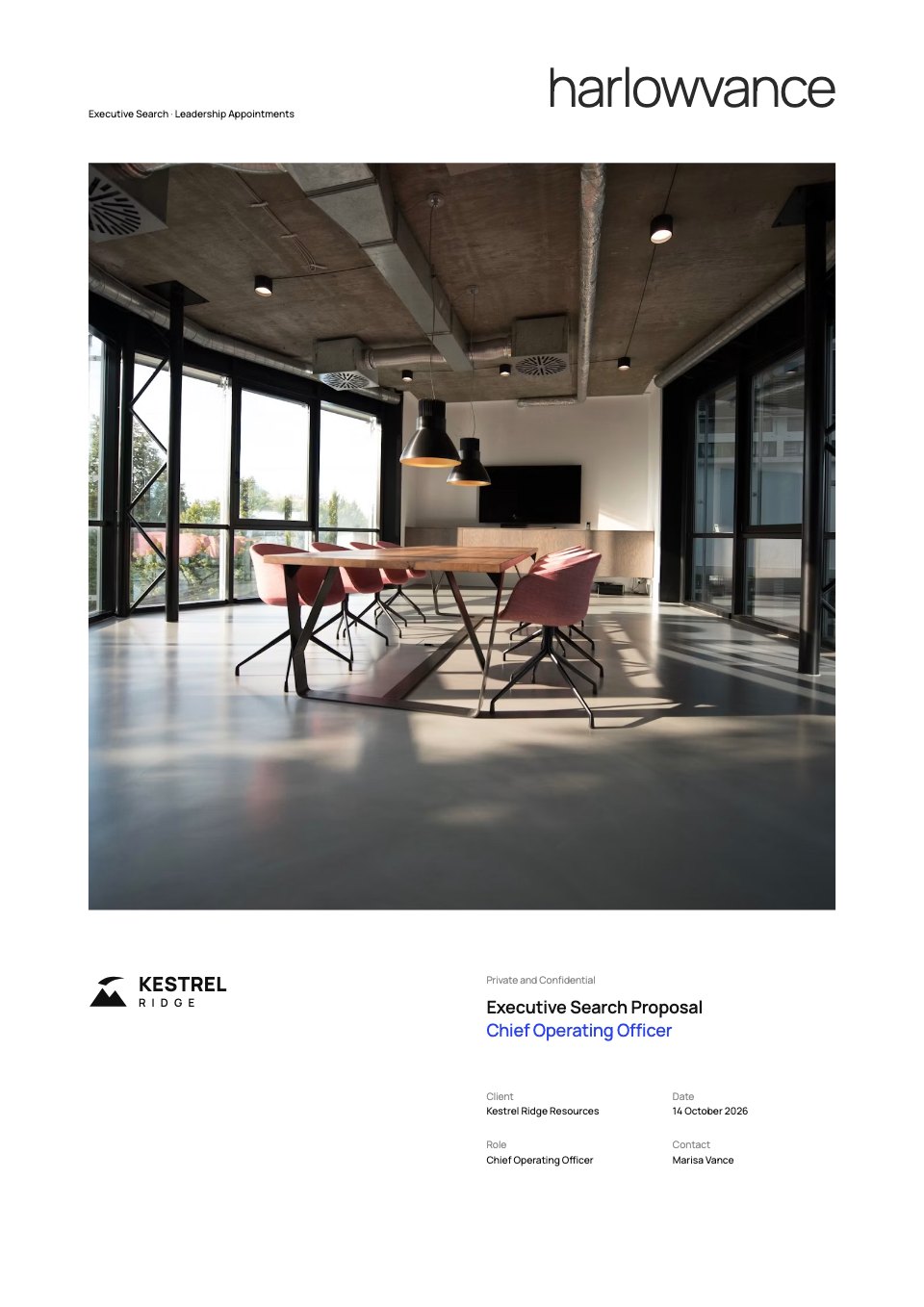
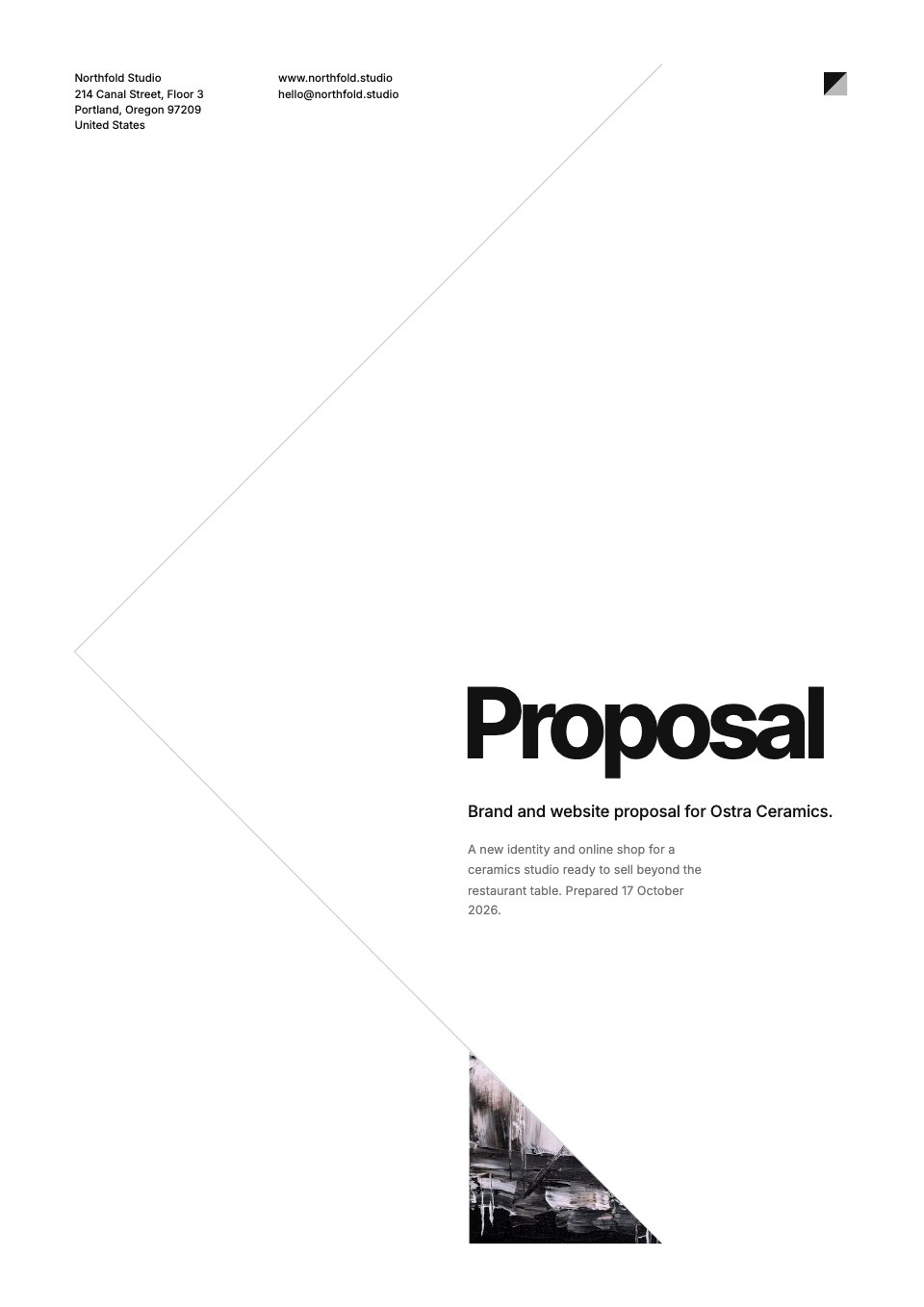
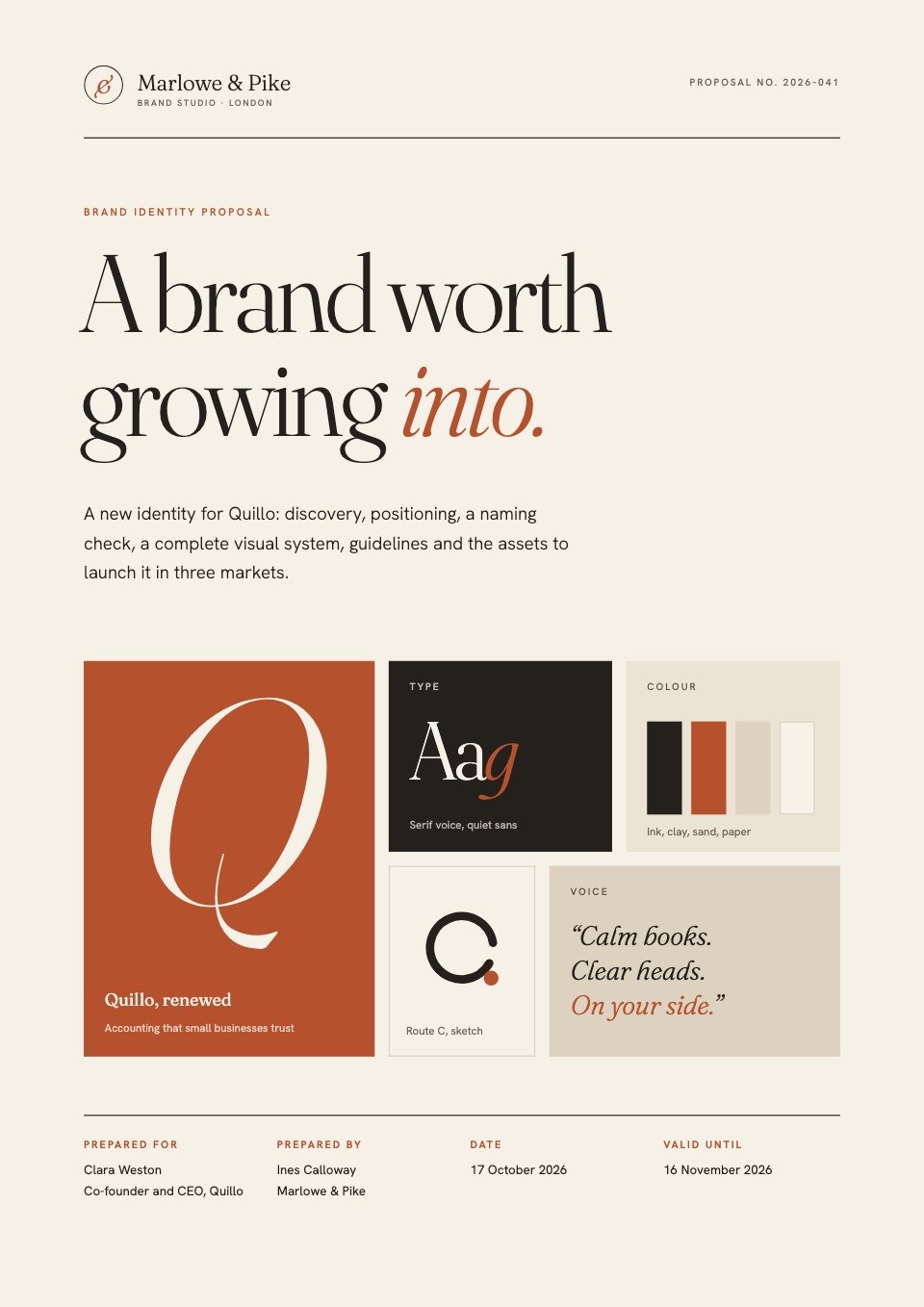
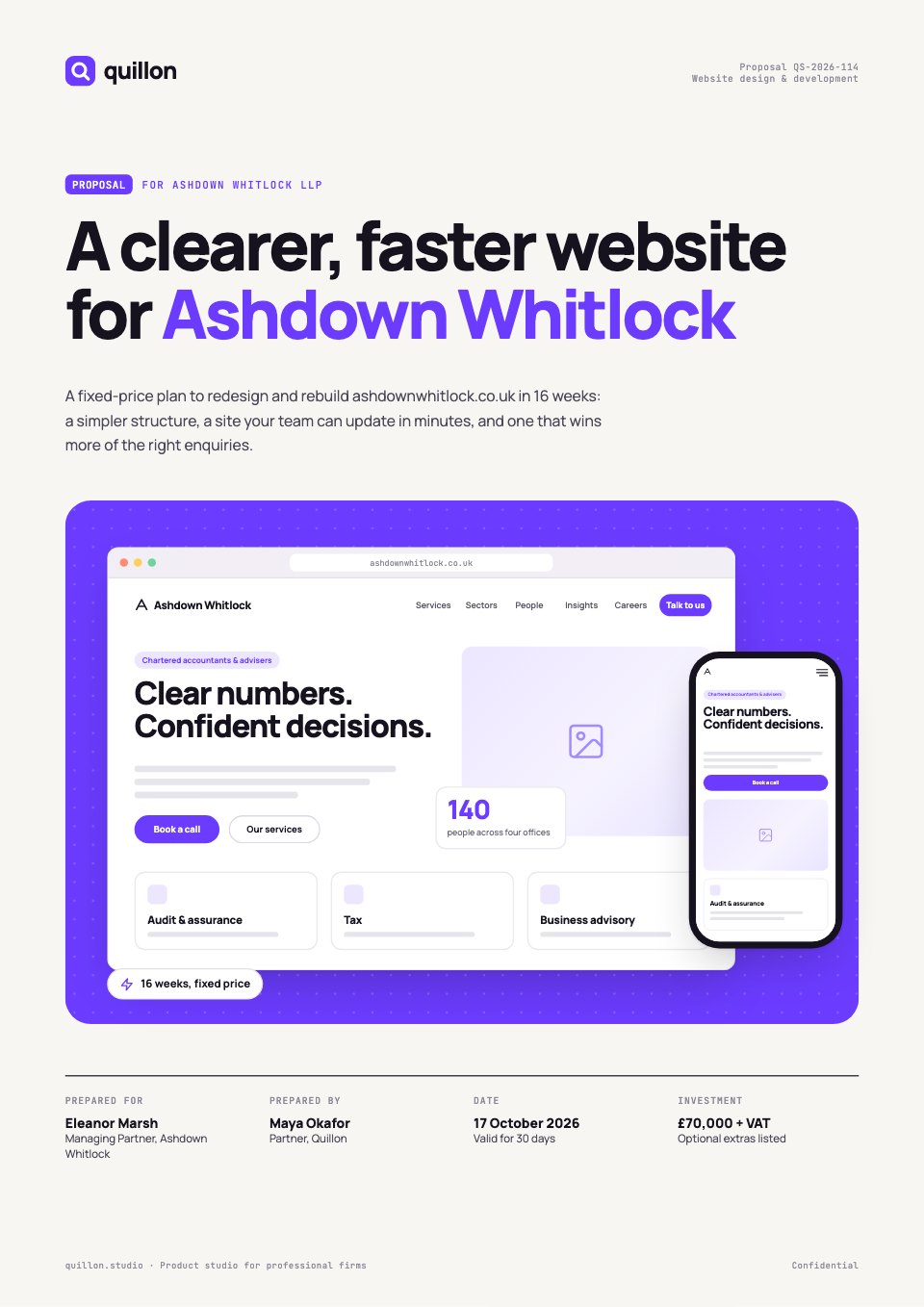
Architecture Fee Proposal is a 10-page fee proposal for architects quoting a house extension or loft conversion, shown here for an Edwardian semi in a conservation area. It is set out by the RIBA Plan of Work: a summary letter, the brief and the existing plan, two layout options and recent work, services and decisions for Stages 0 to 7, consultants and statutory fees with estimates, a programme chart, a fixed fee per stage with two appointment options, and plain-English terms with an acceptance block. Every page is a drawing sheet with a title block.
Made for
- Marketing, SEO and web agencies
- Freelancers and consultants
- Design and video studios
- Anyone quoting for client work
Make it yours in four steps.
Open it in Proposals and work through it, or let Docsiv AI do the first pass with your details.
- Step 1
Put your practice, the clients and the address in the title block, and redraw the cover isometric and the existing plan from your survey.
- Step 2
Rewrite the summary letter and the eight brief requirements from your first visit, and list the site's real constraints.
- Step 3
Set your fee for each RIBA stage and the dates at the top of the programme; the stage tables, chart and totals follow.
- Step 4
Check the consultants' estimates and the terms against your appointment contract, then send it for e-signature or export a PDF.
Start from the Architecture Fee Proposal now.
Questions about this template.
Something else on your mind? Ask us in the chat, bottom right of the page.
Is the Architecture Fee Proposal template free?
Yes. Create a free account and it opens in Docsiv's Proposals app, ready to edit and share. The Free plan includes every Docsiv app and 500 AI credits a month.
Can I change the colours, fonts and text?
Yes, all of it. The template uses Work Sans with #ffffff, #111827, #0f6b6b, #e2efee, #d1d5db, and you can change any of them, rewrite every word and add or remove pages.
What can I export it as?
Proposals in Docsiv offers: Proposal pages, PDF and HTML exports. Once it's saved, you can also share it with a link.
Can Docsiv AI write the architect fee proposal for me?
Yes. Tell Docsiv AI about the client or project and it can draft the content in this template's style, which you then review and edit. AI uses credits; the Free plan includes 500 a month.
Can my client sign it?
Yes, on Pro and Team: send the proposal for e-signature from Docsiv and follow it under Signatures. Pro sends 40 a month and Team has no limit.




Start your proposal with Docsiv AI
Describe the client or the project and Docsiv AI writes a first draft of your architect fee proposal for you to edit, share and send.