

What’s inside the Proposal (Word).
6 pages with real content in place. Rewrite them, reorder them, or add your own.
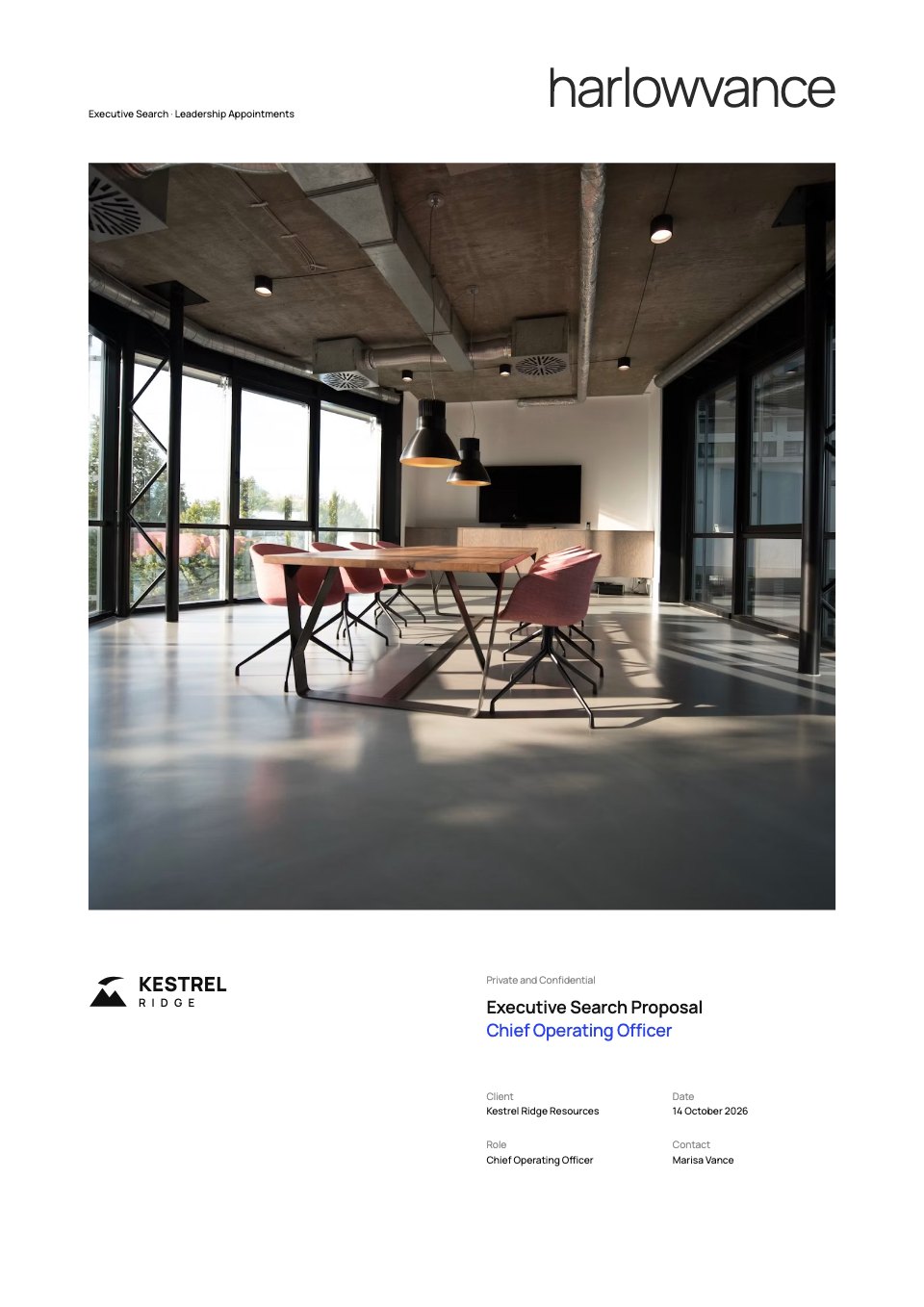
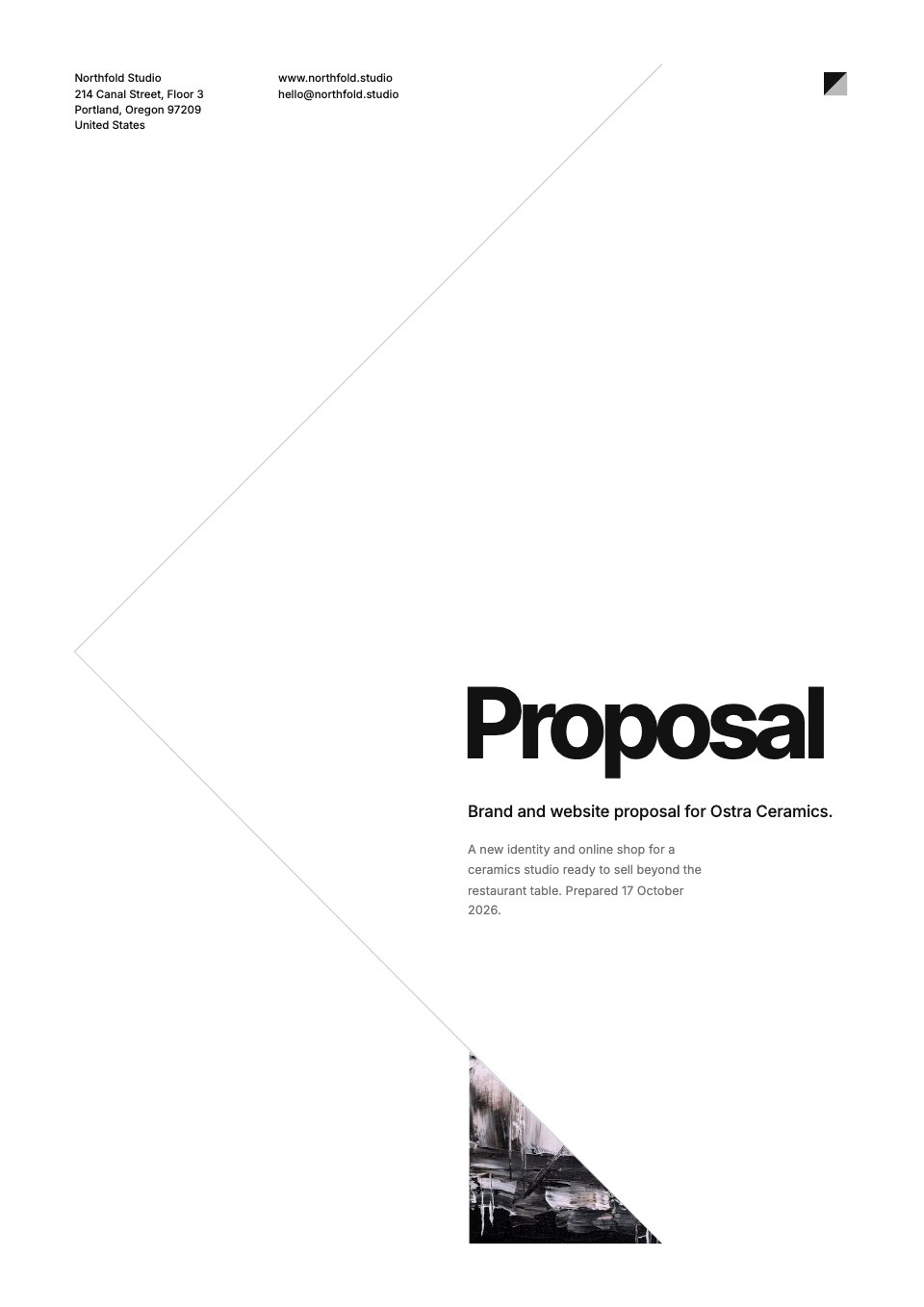
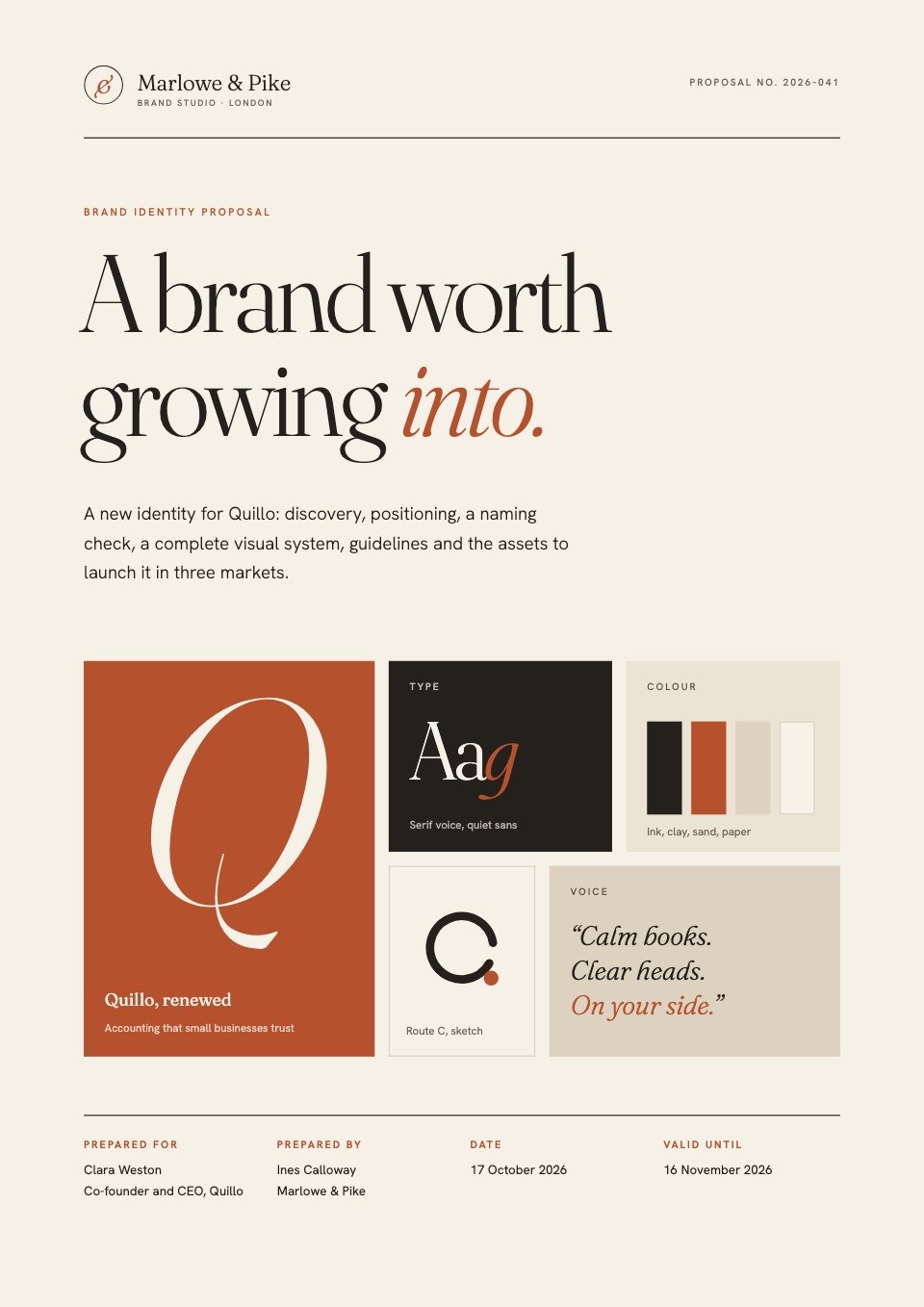
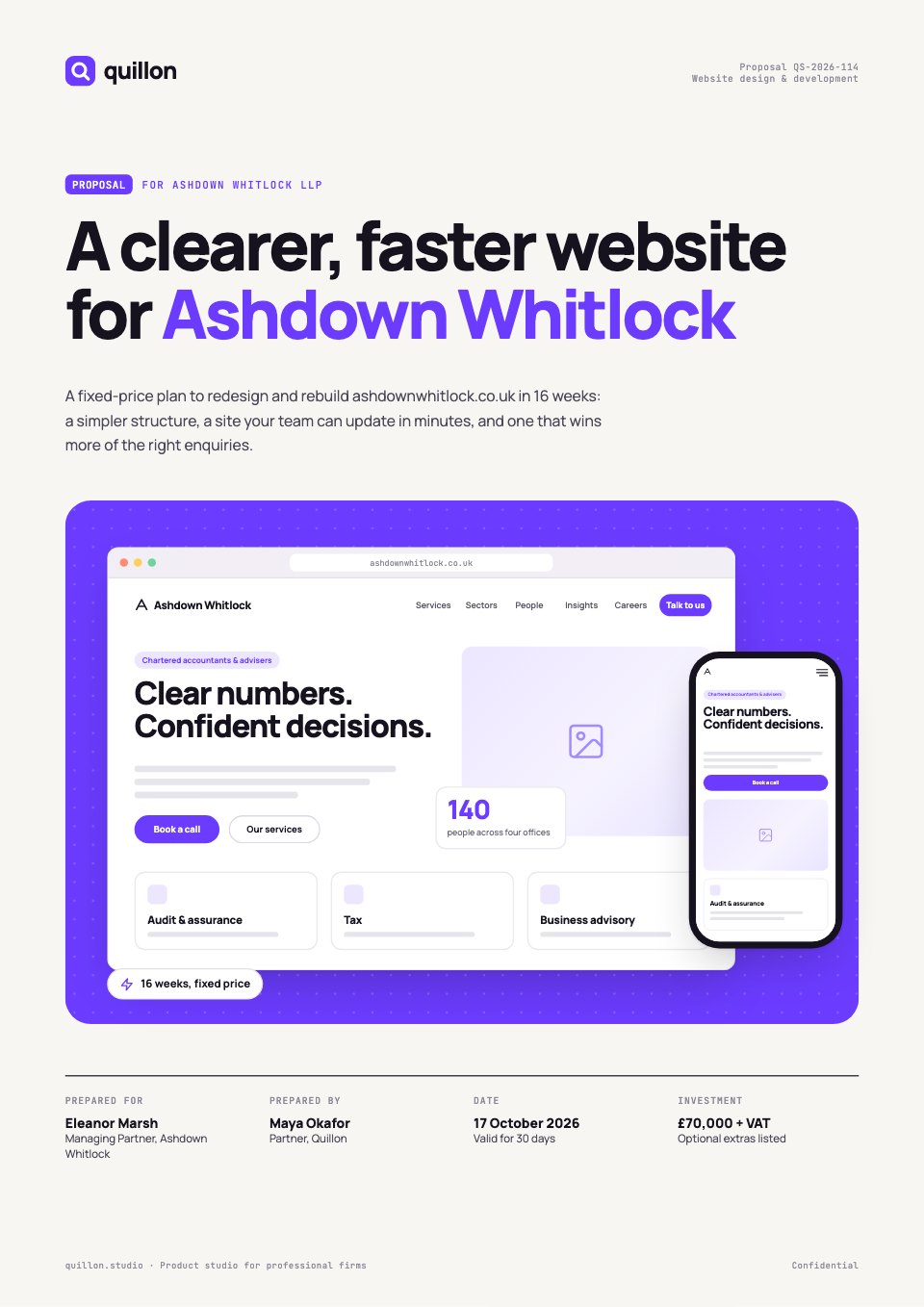
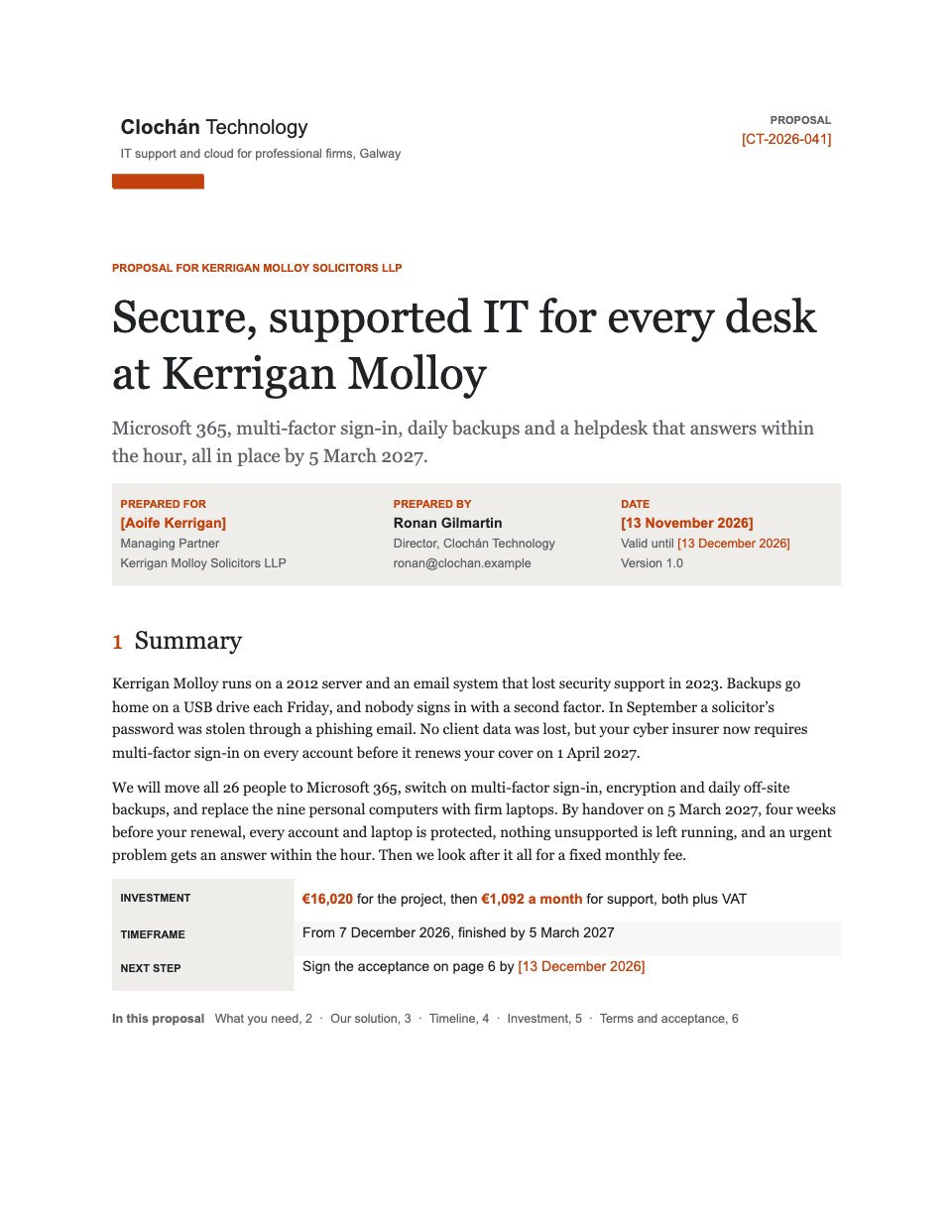
- 1Page 1The front page: from and for, the outcome as the title, date and valid-until, and a summary with the investment, timeframe and next step
- 2Page 2What the client needs: what the site visit found, why each finding matters, and five objectives as today against the target
- 3Page 3The solution: four phases, each with what happens and what the client gets, the numbered deliverables and what is not included
- 4Page 4Timeline and working together: dates for each phase, the client’s review points, what we need from them, assumptions and contacts
- 5Page 5Investment: the fixed project price line by line, the monthly support fee, VAT, licences at cost and the invoice schedule
- 6Page 6Terms in short, signatures for both sides, three dated next steps and the company’s registered details
When to use it.
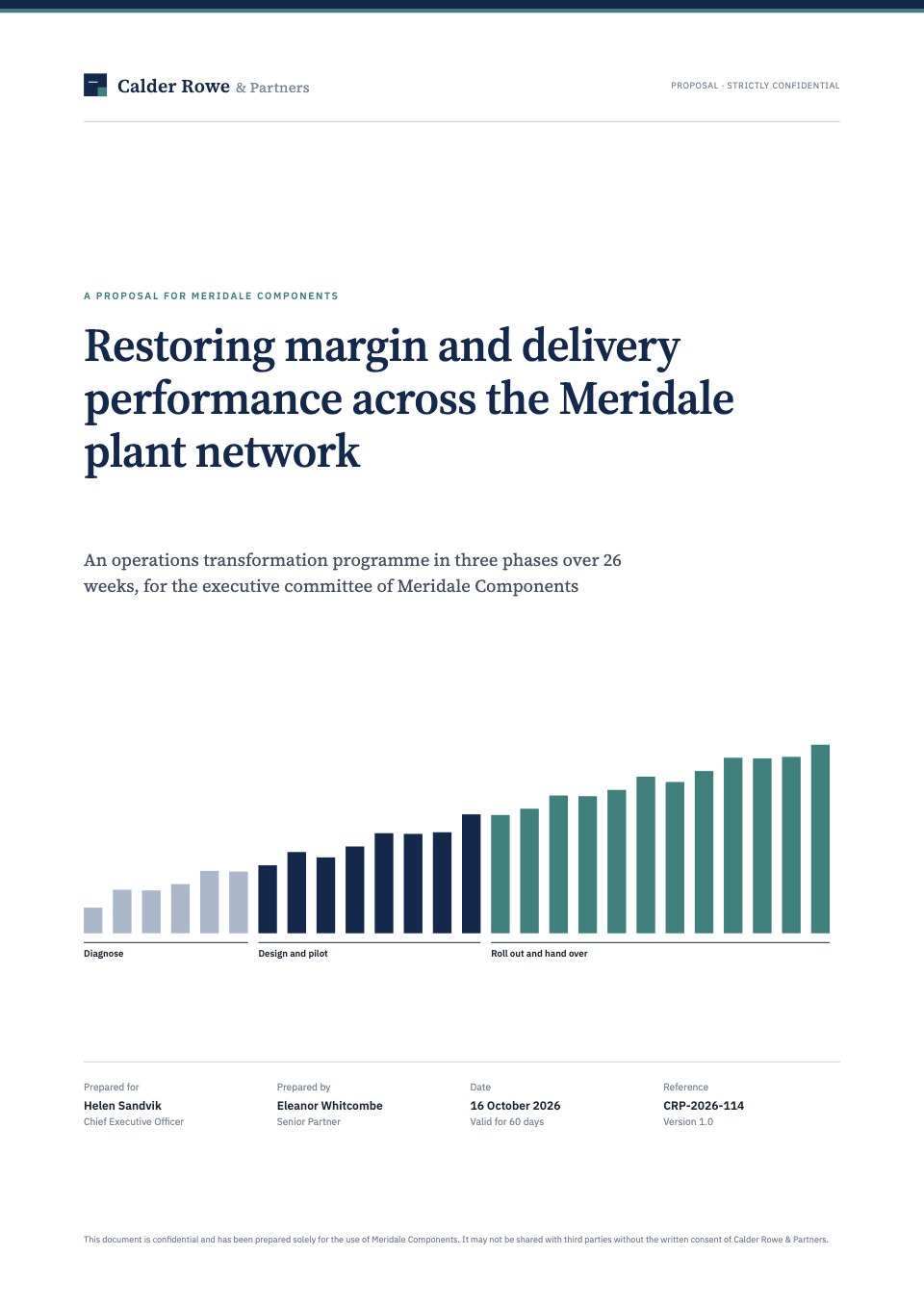
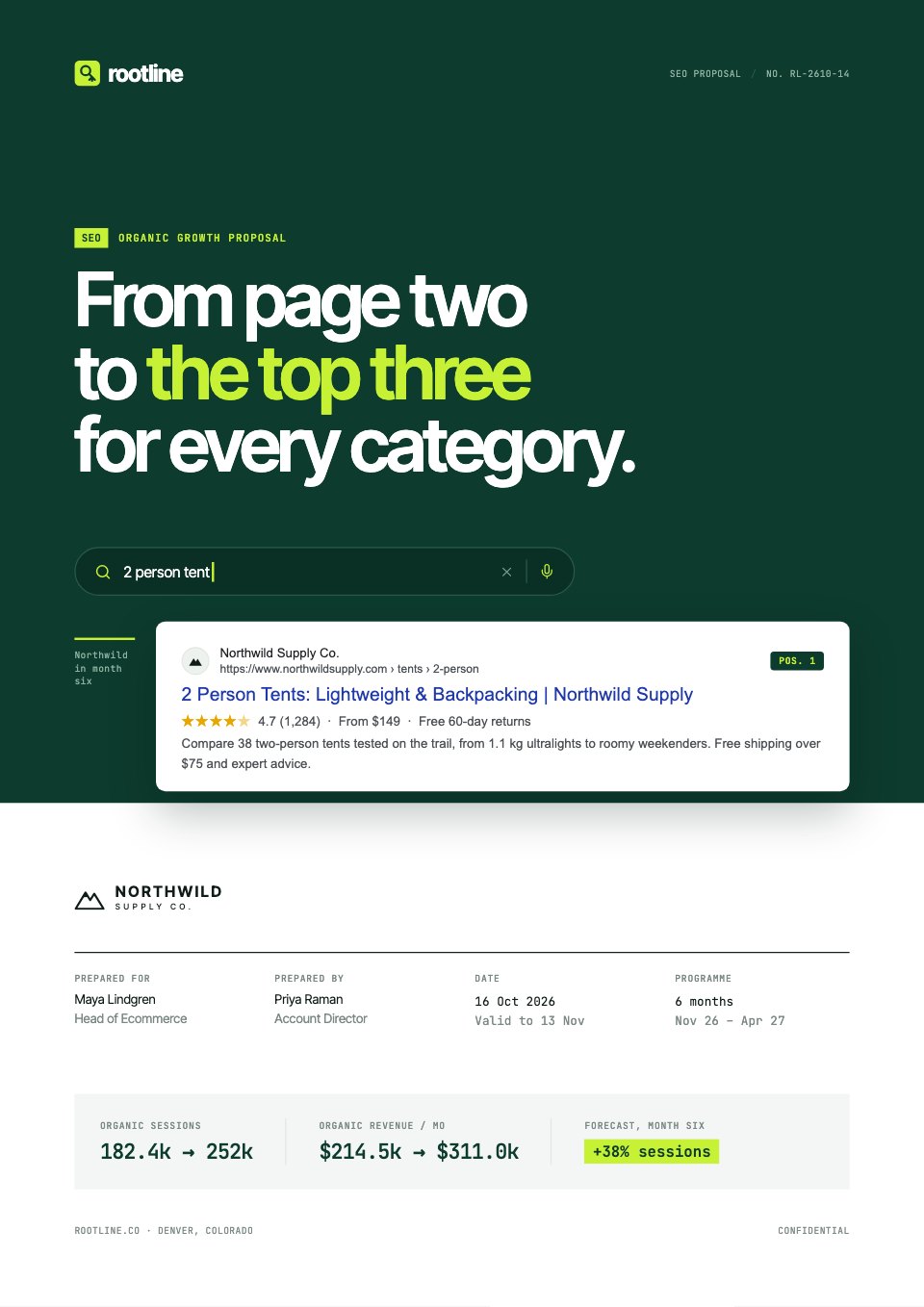
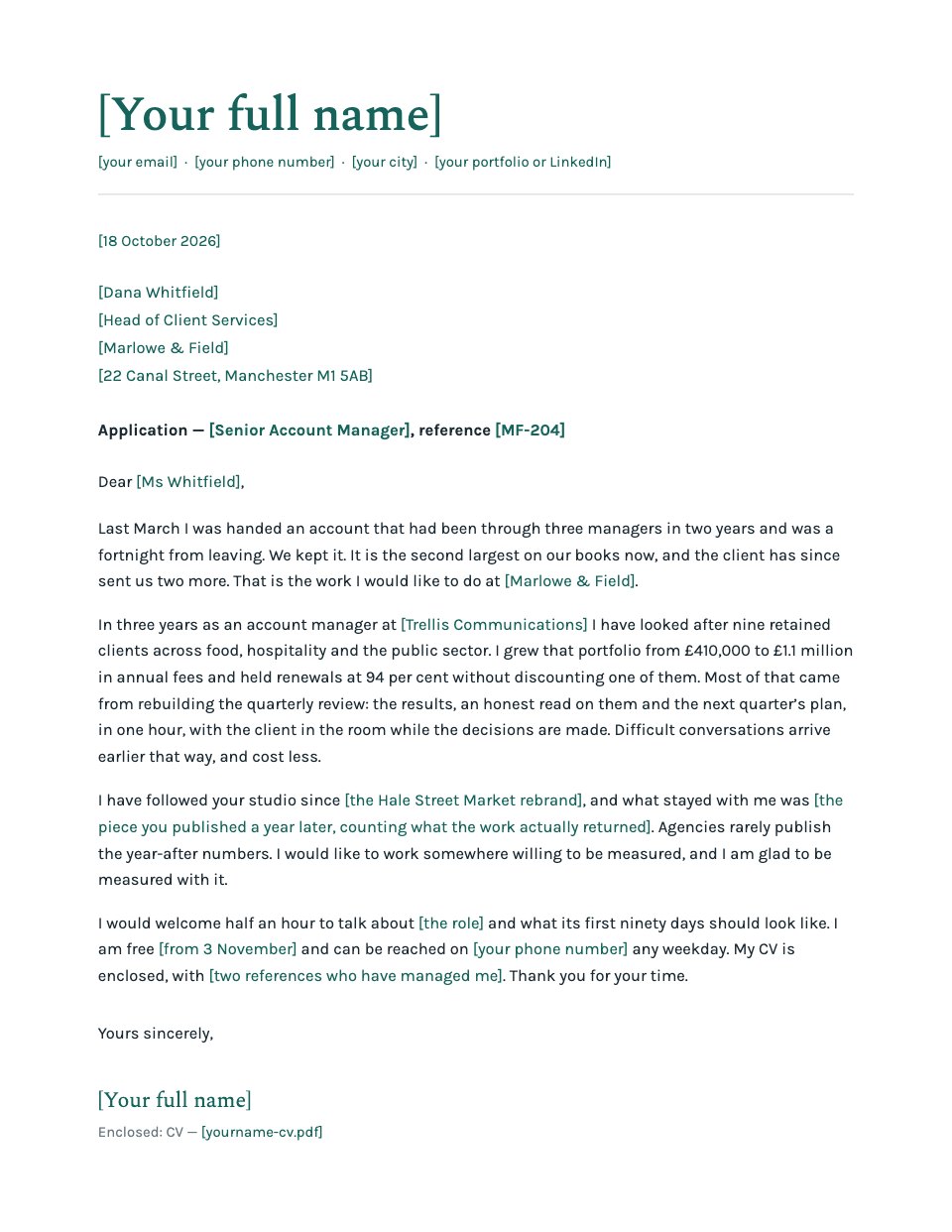
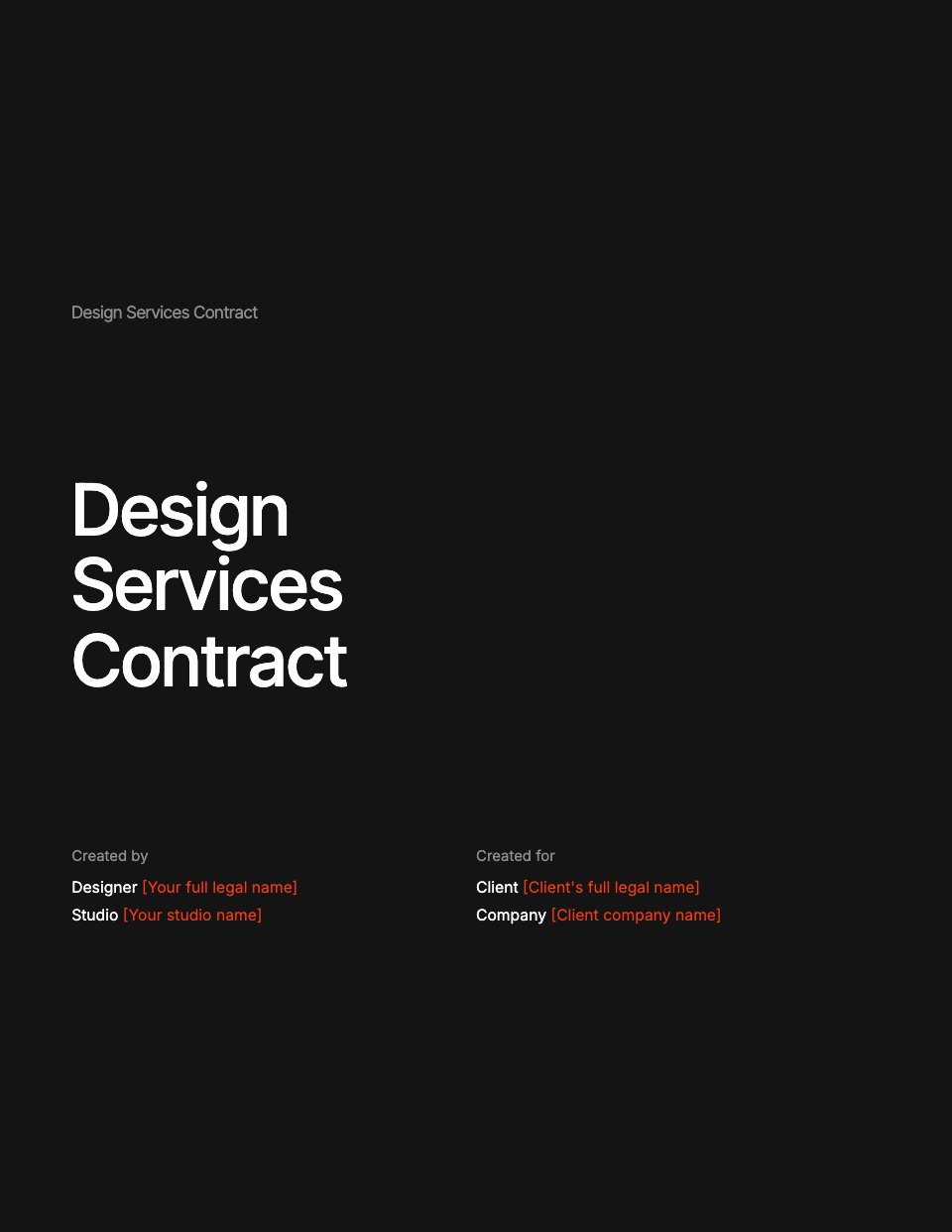
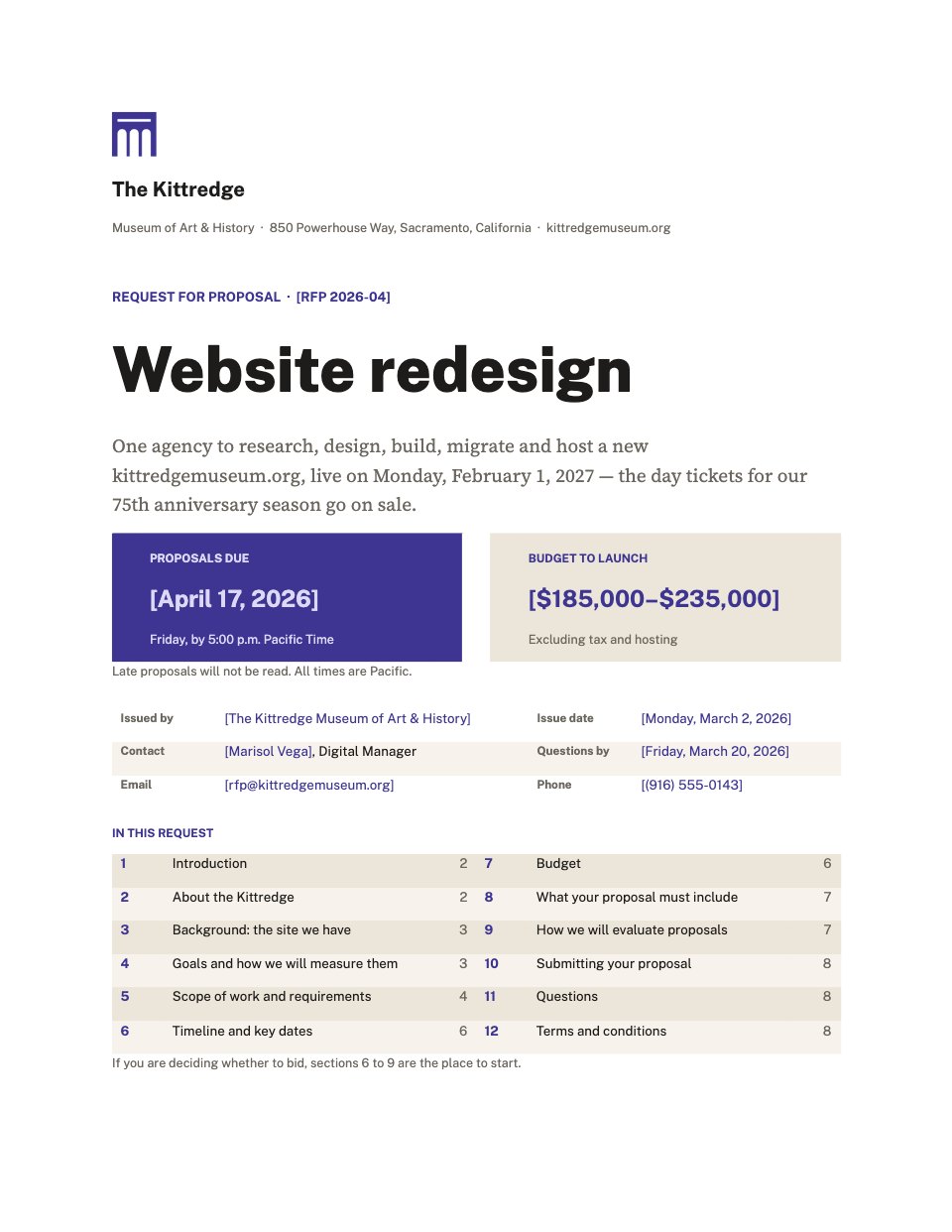
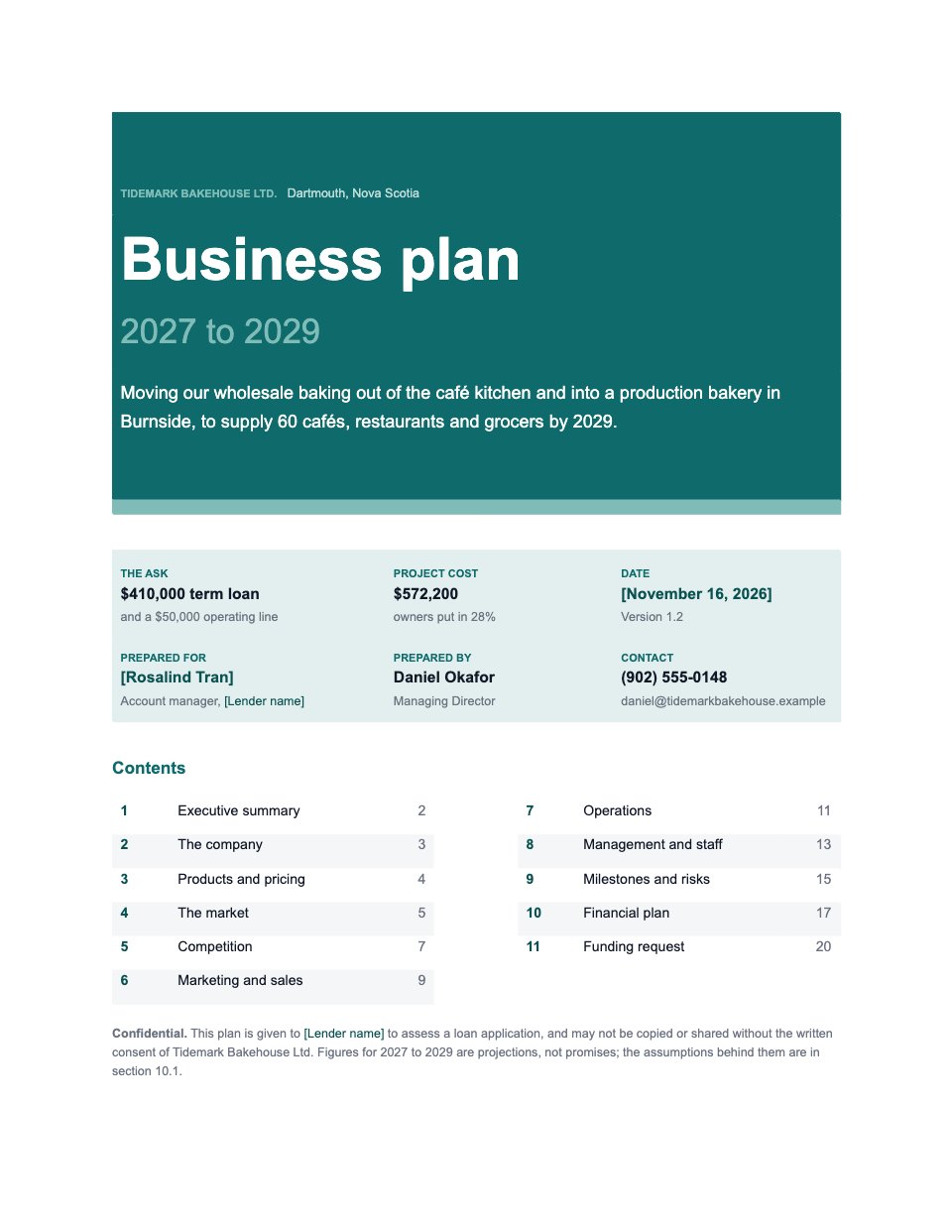
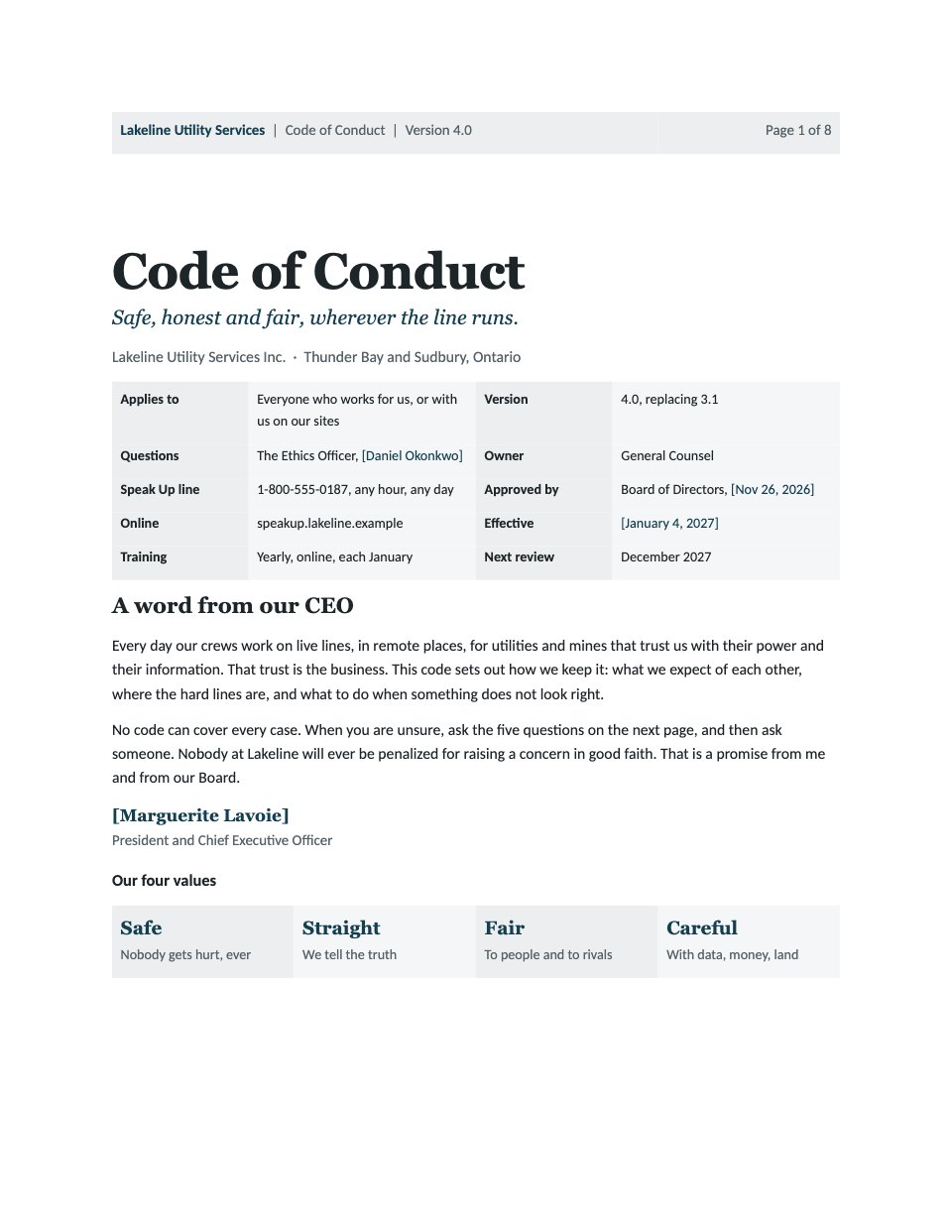
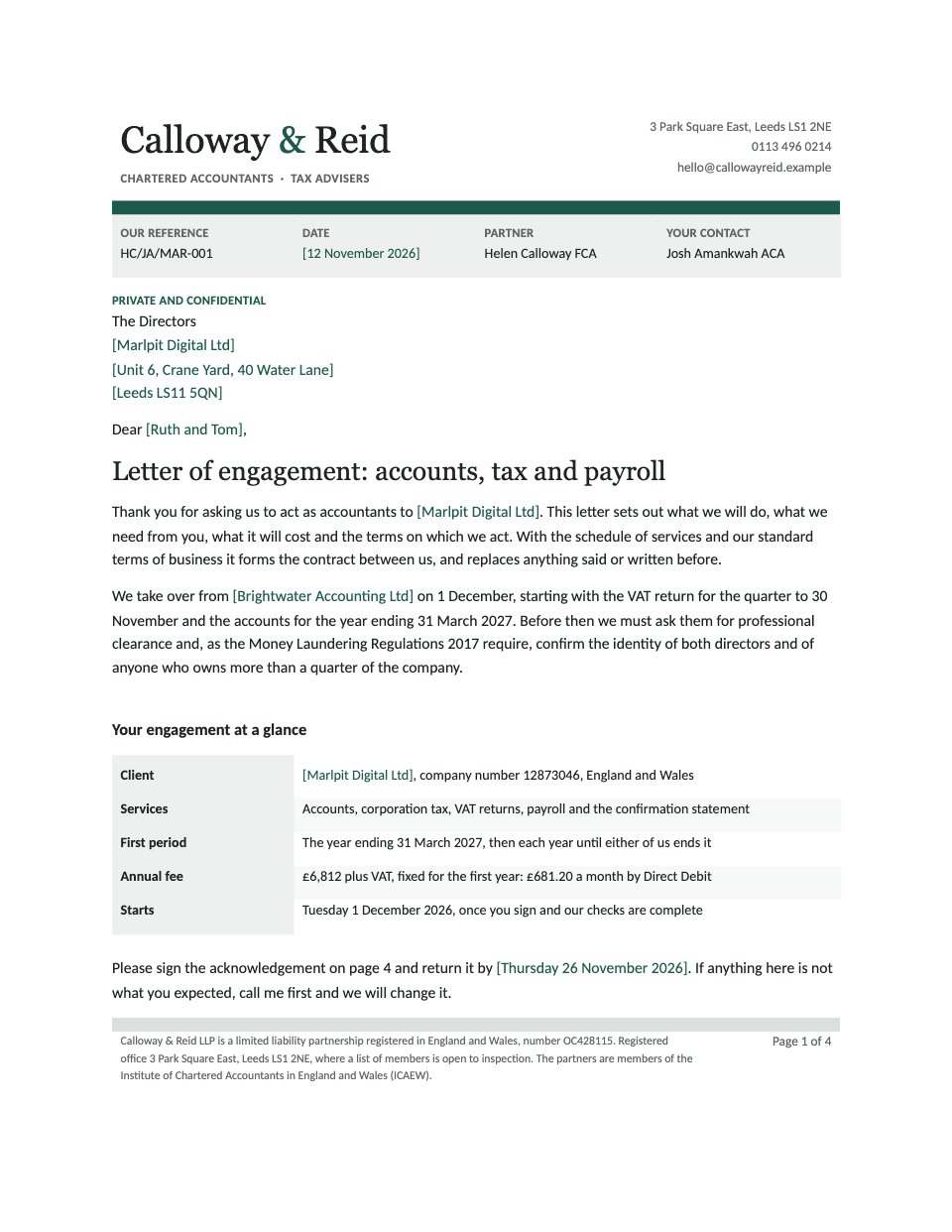
Proposal (Word) is a six-page business proposal for firms whose clients want a .docx they can mark up and forward. It is set in Georgia and Arial, so it looks the same in every copy of Word. The sample is an IT firm’s offer to a law practice, in the order a buyer reads: a summary with the investment and next step, the client’s needs with five measurable objectives, the solution in four phases with numbered deliverables, a timeline with the client’s decision points, a fixed price with VAT and an invoice schedule, the terms in short and signatures to accept.
Made for
- Marketing, SEO and web agencies
- Freelancers and consultants
- Design and video studios
- Anyone quoting for client work
Make it yours in four steps.
Open it in Documents and work through it, or let Docsiv AI do the first pass with your details.
- Step 1
Put your company name and proposal number in the masthead, then the client, contact and dates in the orange brackets.
- Step 2
Rewrite the summary and the findings on page 2 from your own discovery call, keeping each objective measurable.
- Step 3
Change the phases, deliverables and key dates on pages 3 and 4 to match the work you will actually do.
- Step 4
Enter your prices on page 5, check the subtotal, VAT and invoice schedule, then adjust the terms and sign before you send it.
Start from the Proposal (Word) now.
Questions about this template.
Something else on your mind? Ask us in the chat, bottom right of the page.
Is the Proposal (Word) template free?
Yes. Create a free account and it opens in Docsiv's Documents app, ready to edit and share. The Free plan includes every Docsiv app and 500 AI credits a month.
Can I change the colours, fonts and text?
Yes, all of it. The template uses Georgia and Arial with #c2410c, #202326, #efede9, #f8f7f5, and you can change any of them, rewrite every word and add or remove pages.
What can I export it as?
Documents in Docsiv offers: DOCX, PDF, ODT, RTF and Markdown exports. Once it's saved, you can also share it with a link.
Can Docsiv AI write the business proposal for me?
Yes. Tell Docsiv AI about the client or project and it can draft the content in this template's style, which you then review and edit. AI uses credits; the Free plan includes 500 a month.
Can my client sign it?
Yes, on Pro and Team: send the proposal for e-signature from Docsiv and follow it under Signatures. Pro sends 40 a month and Team has no limit.

Start your proposal with Docsiv AI
Describe the client or the project and Docsiv AI writes a first draft of your business proposal for you to edit, share and send.