

What’s inside the Interior Design Proposal.
12 pages with real content in place. Rewrite them, reorder them, or add your own.
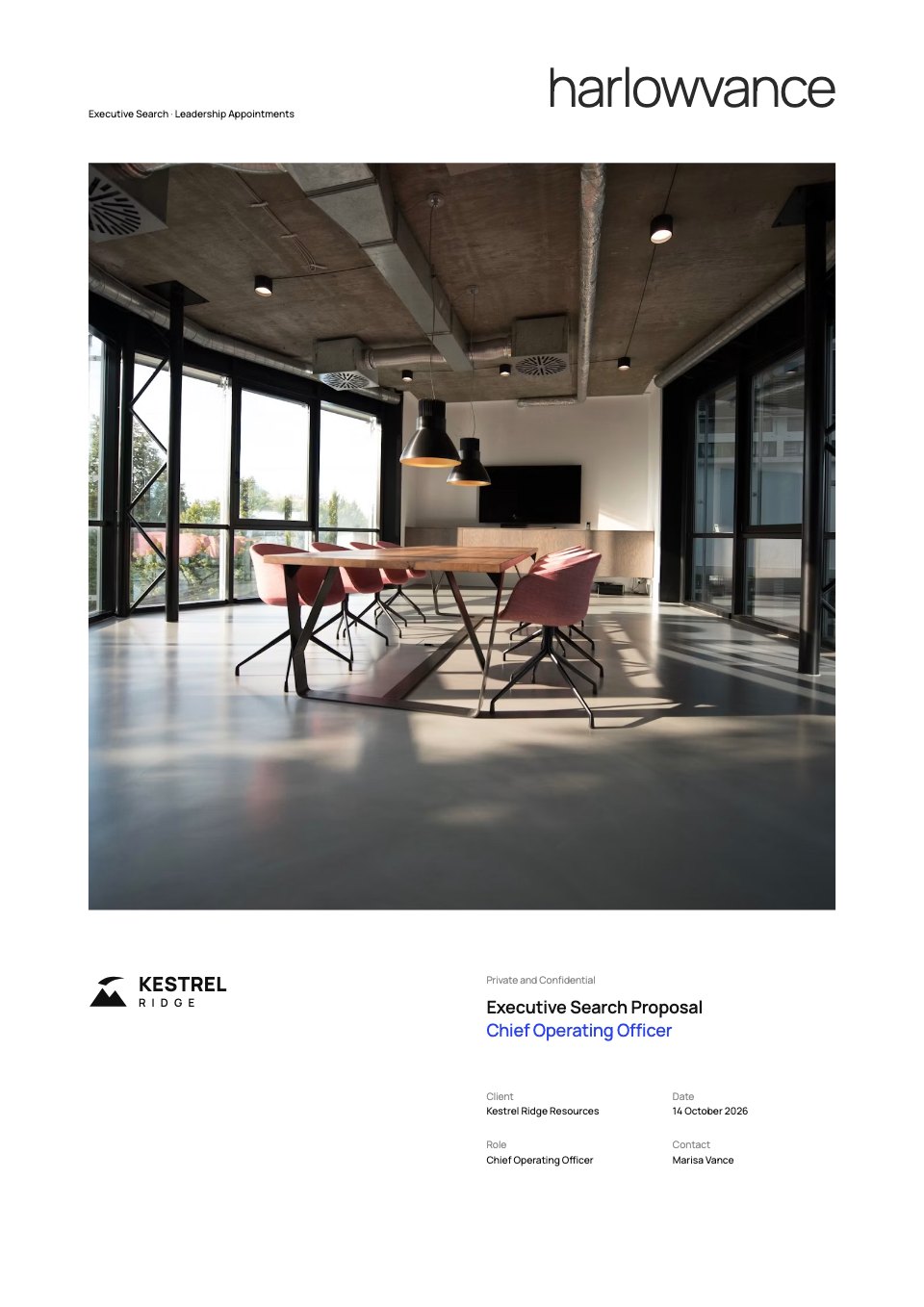
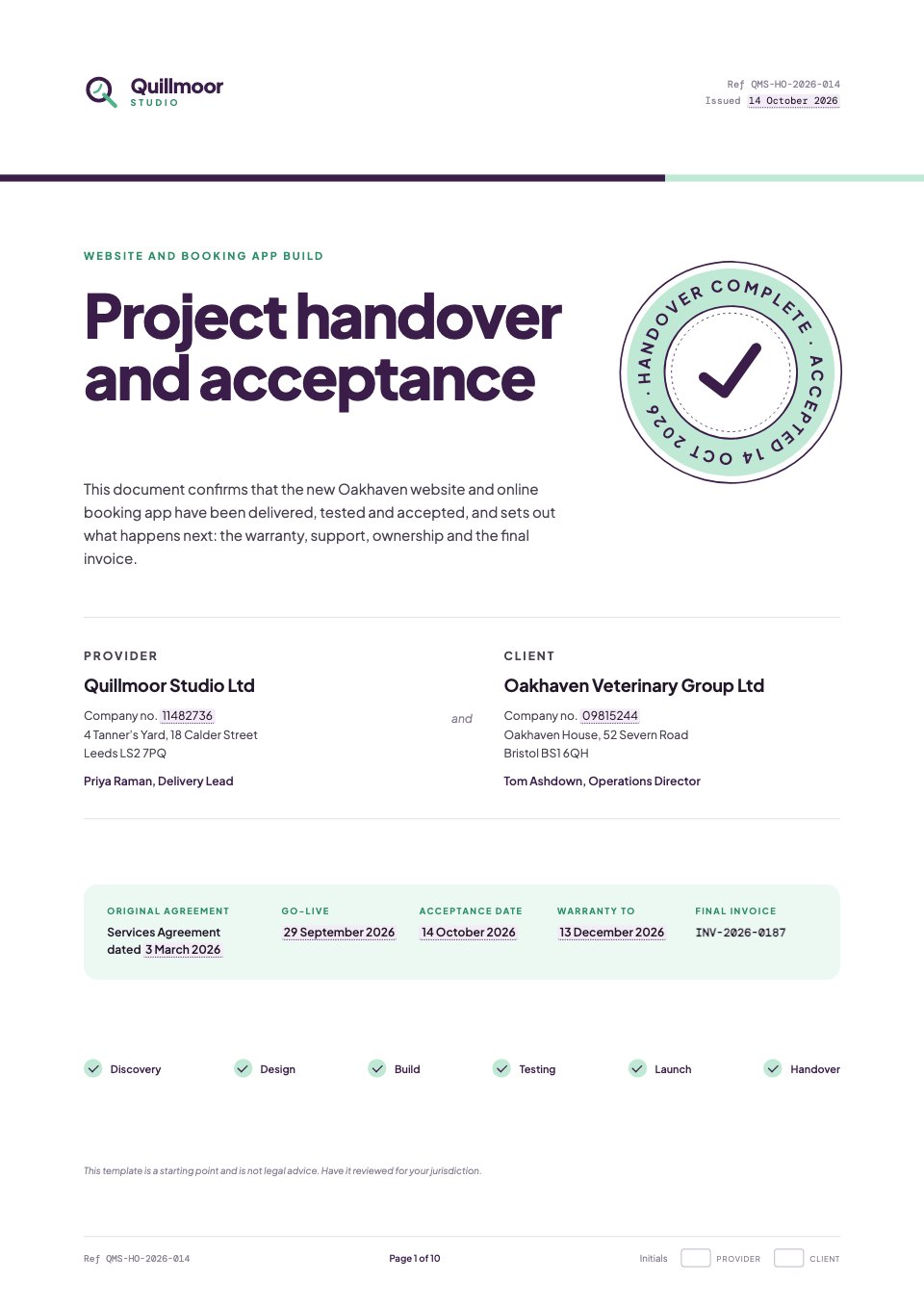
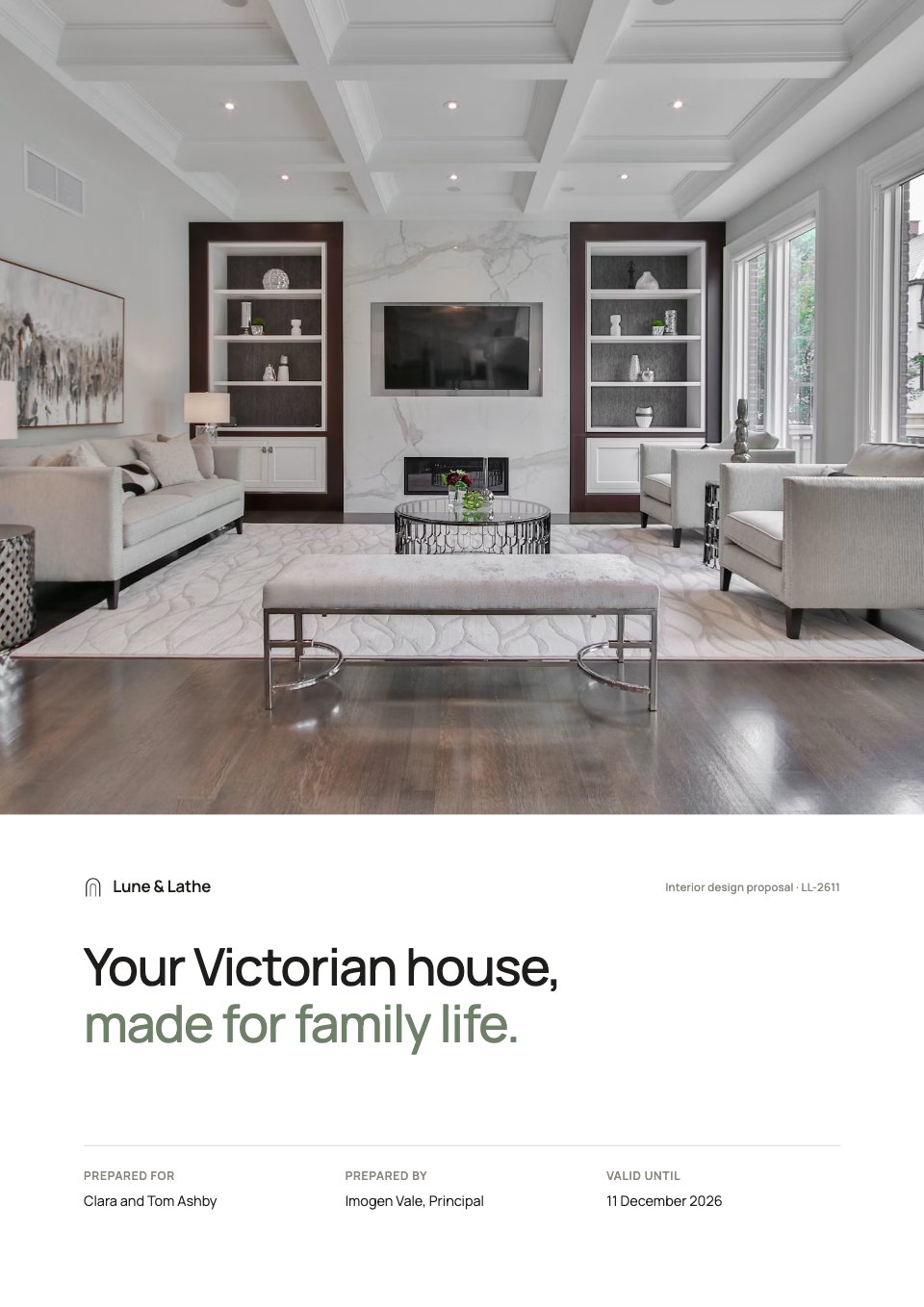
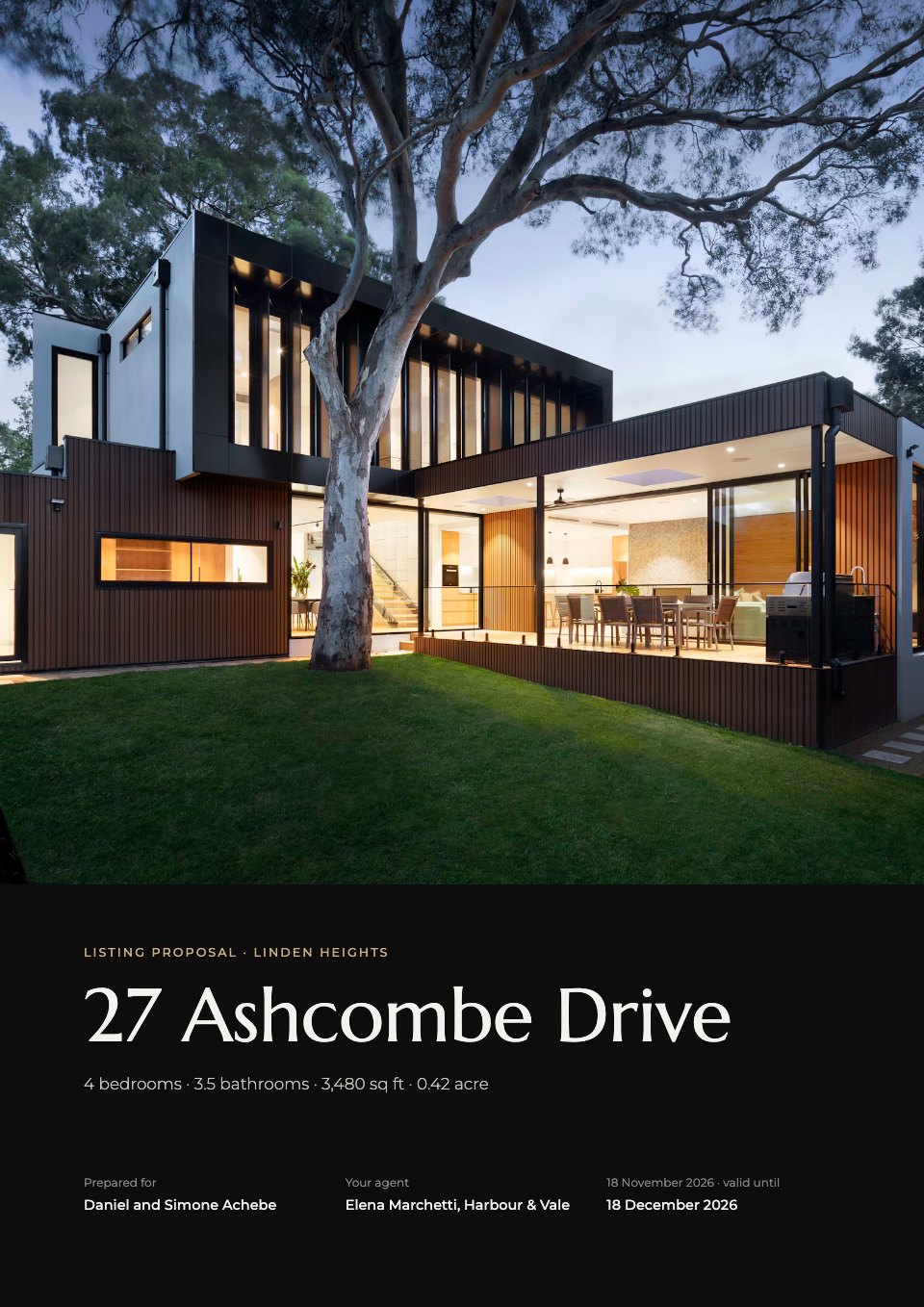
- 1Page 1A cover with a full-bleed room photograph, the promise in the clients' terms and the proposal details
- 2Page 2Executive summary: a letter from the principal beside a tall photograph, the project in three figures and the next step
- 3Page 3Situation and objectives: four goals as today against after, and the clients' own words
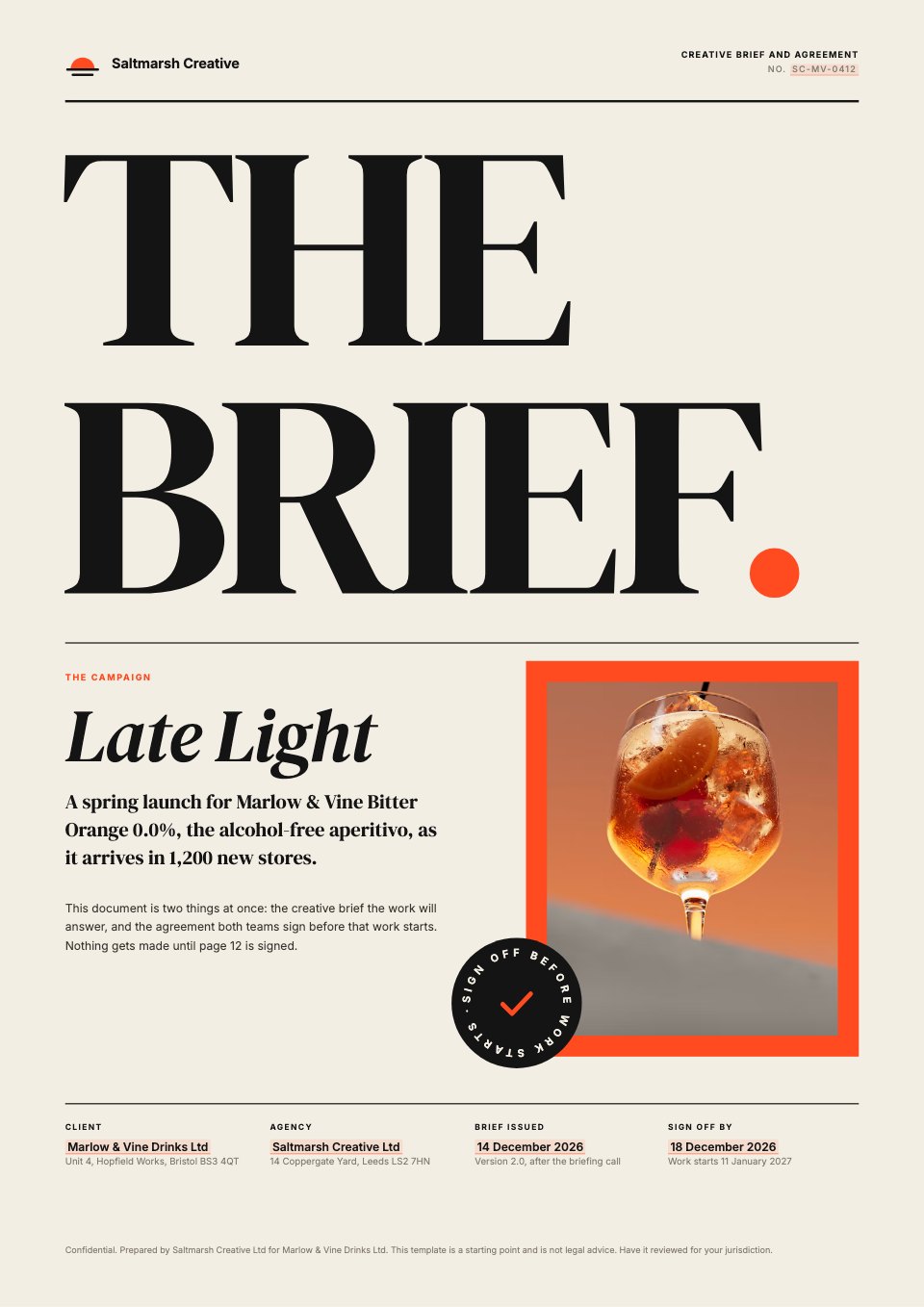
- 4Page 4The concept: a photo mood board with three design principles
- 5Page 5Approach: five phases with what you get and what we need from you
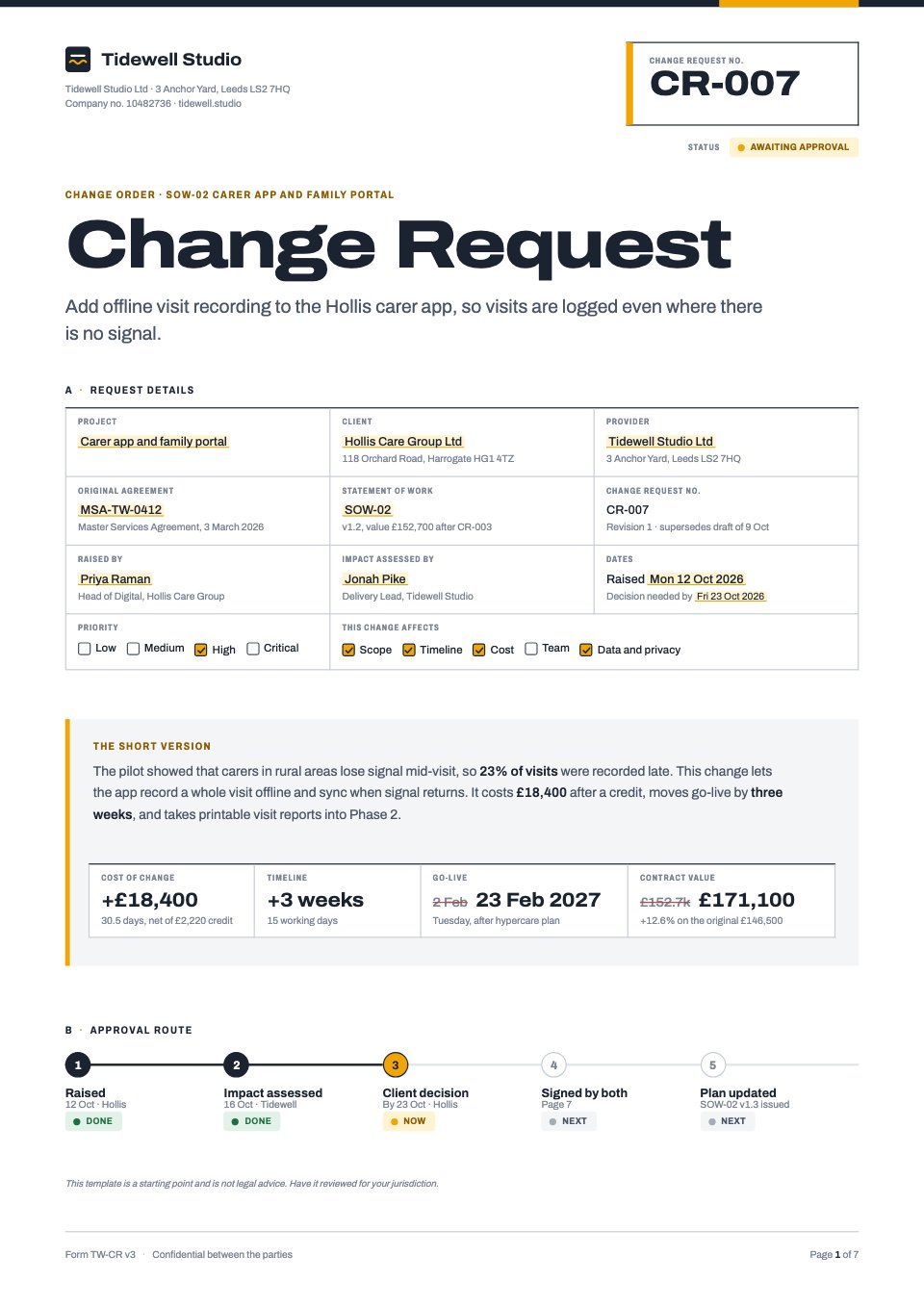
- 6Page 6Scope and deliverables: every deliverable counted, what's not included and how work is signed off
- 7Page 7Timeline: the 38-week plan as a chart by phase, with three key dates
- 8Page 8Working together: what we need from you, the assumptions and how we'll talk
- 9Page 9Why us: a similar house in Bath with its result, a testimonial and the team
- 10Page 10Investment: three fixed-fee options with the recommended one, the overall saving and our promise
- 11Page 11Terms in six plain lines, and the furniture budget by room as a bar chart
- 12Page 12Acceptance: next steps with dates, the chosen option, signature lines and a closing photograph
When to use it.
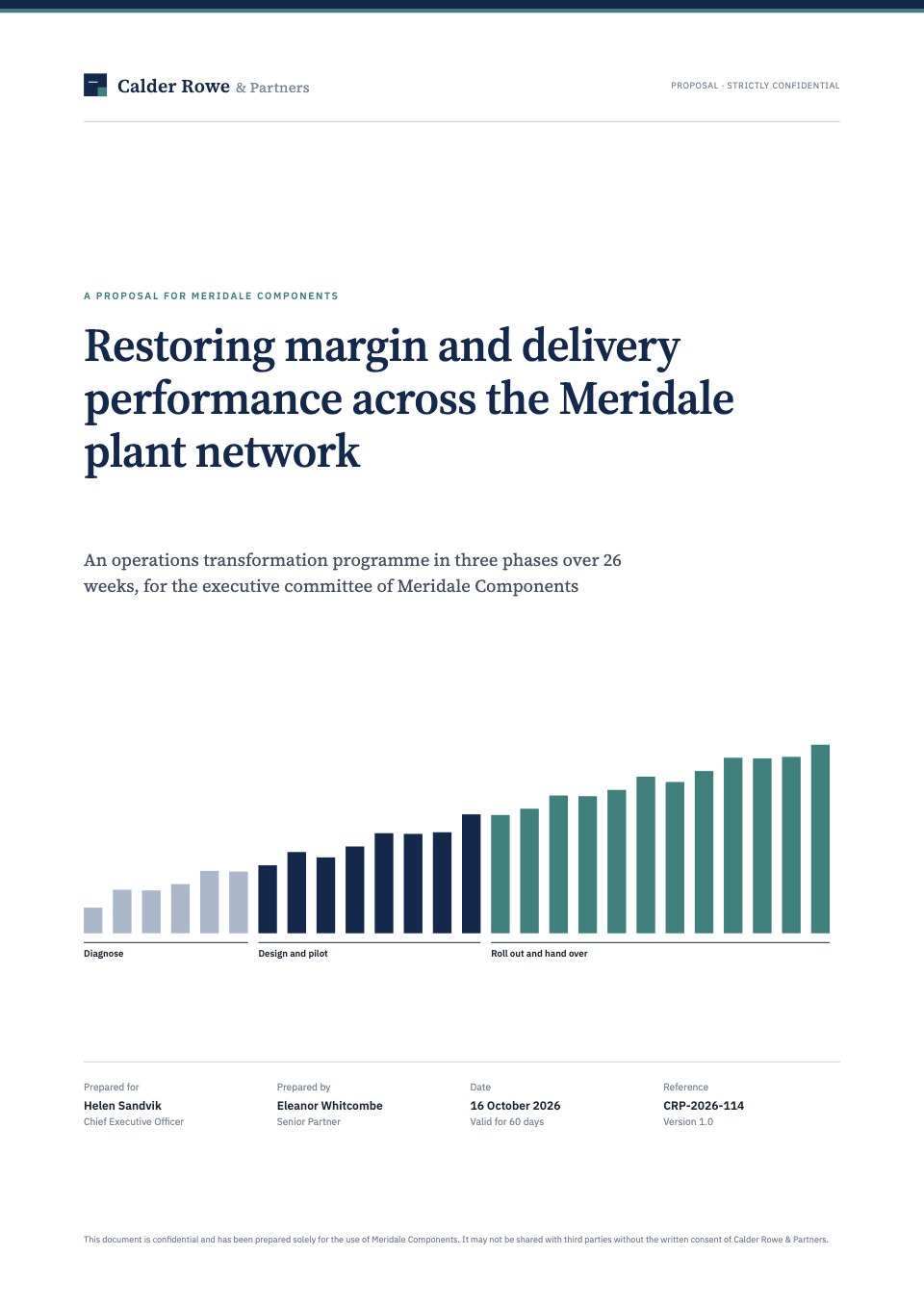
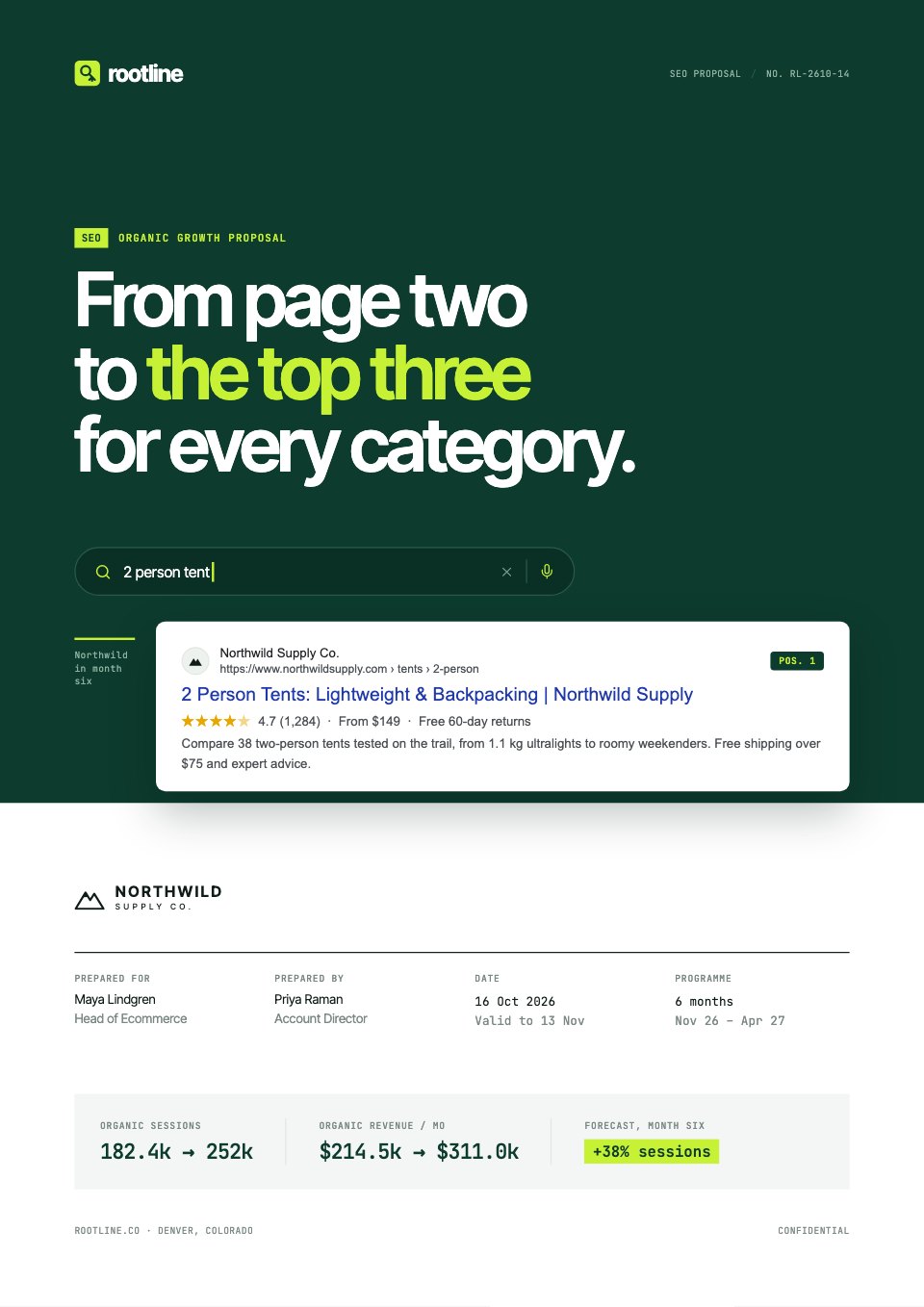
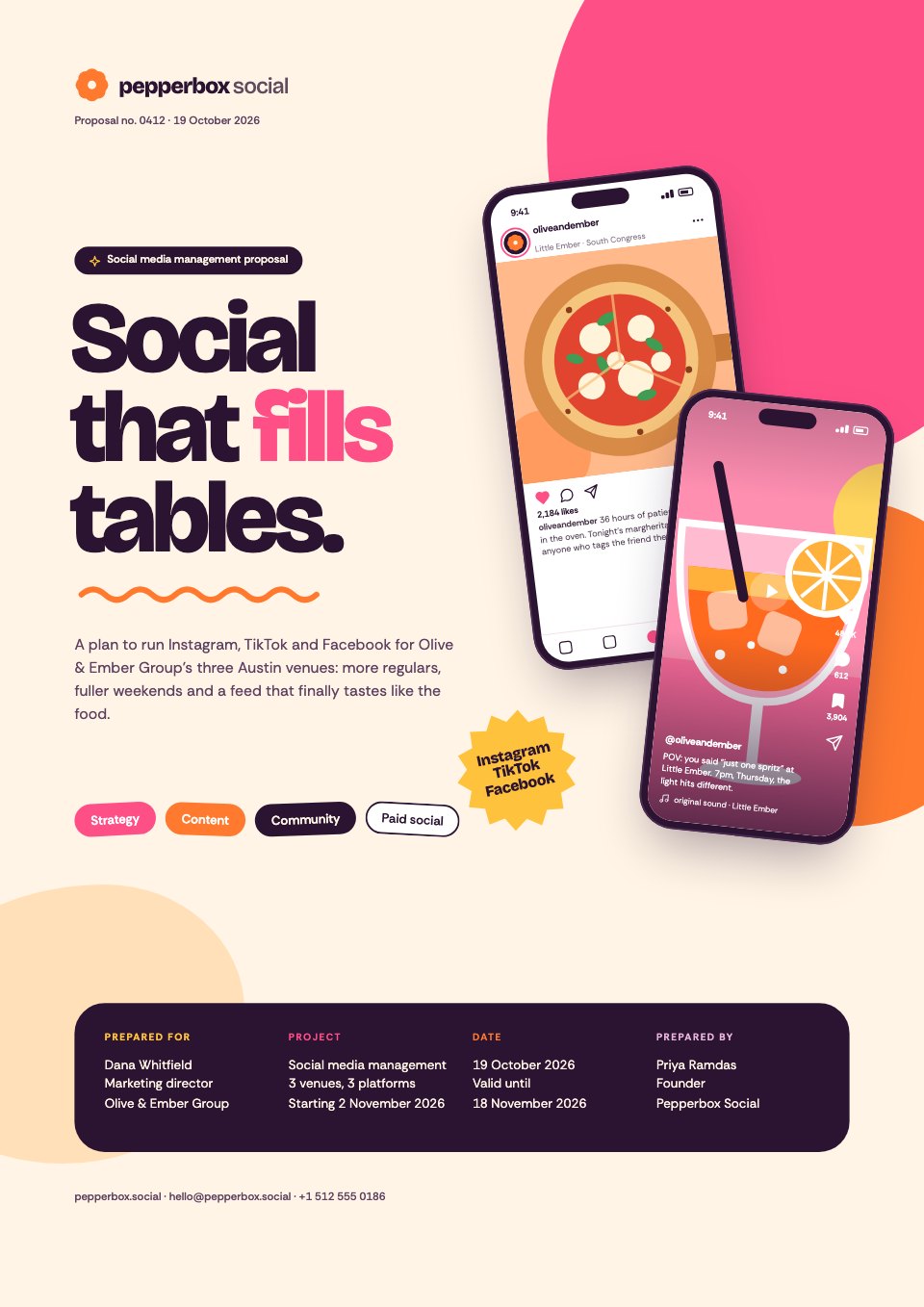
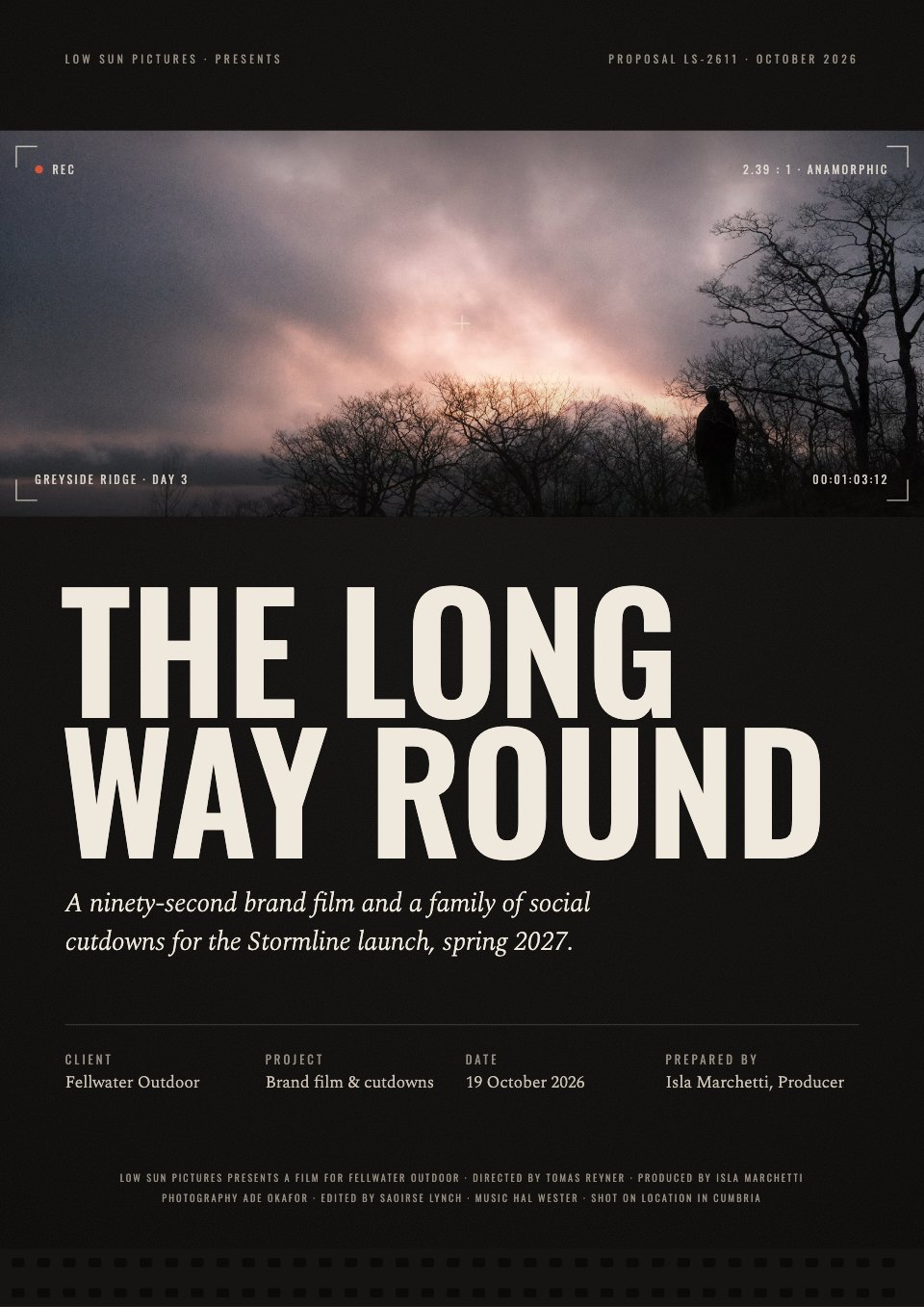
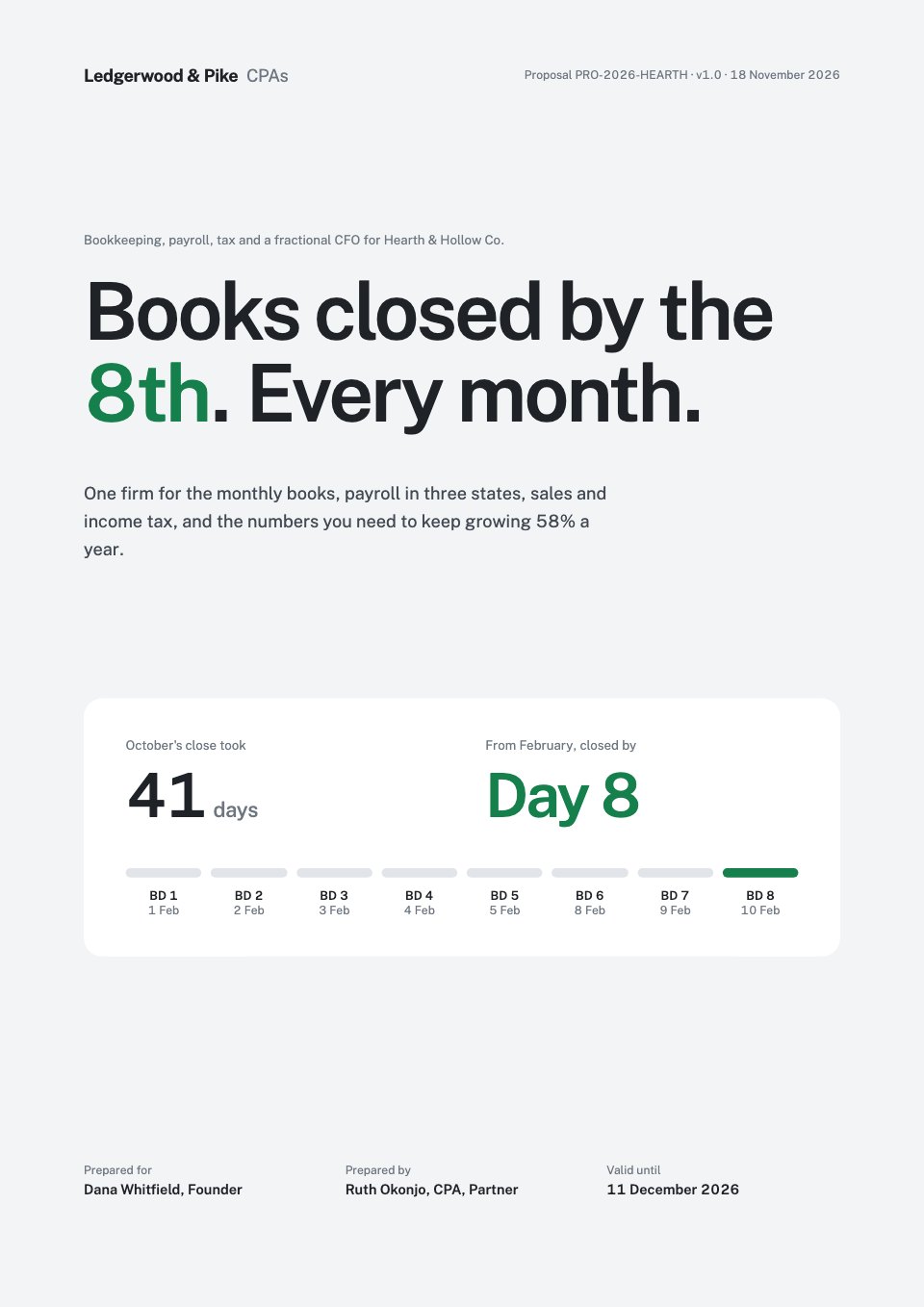
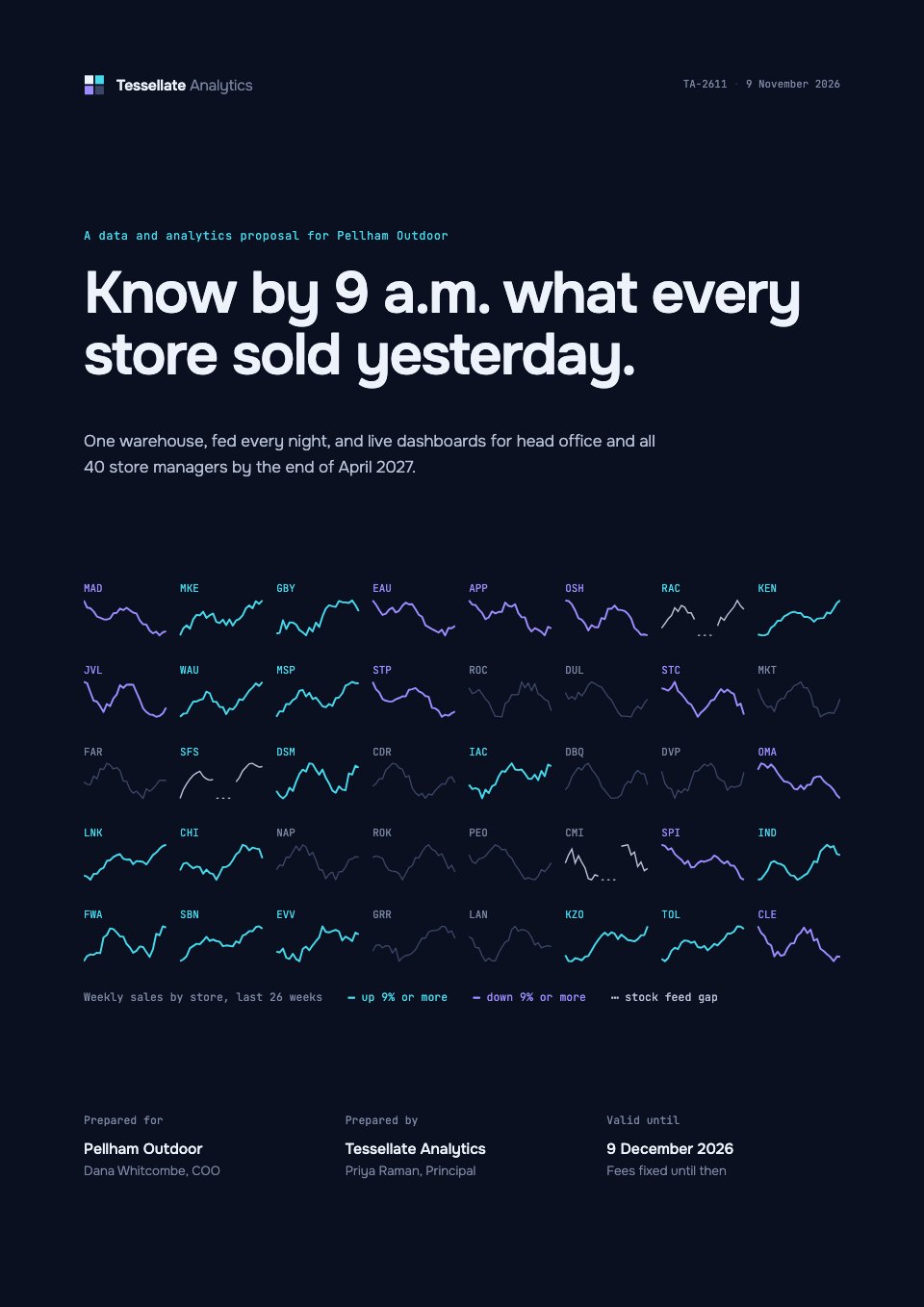
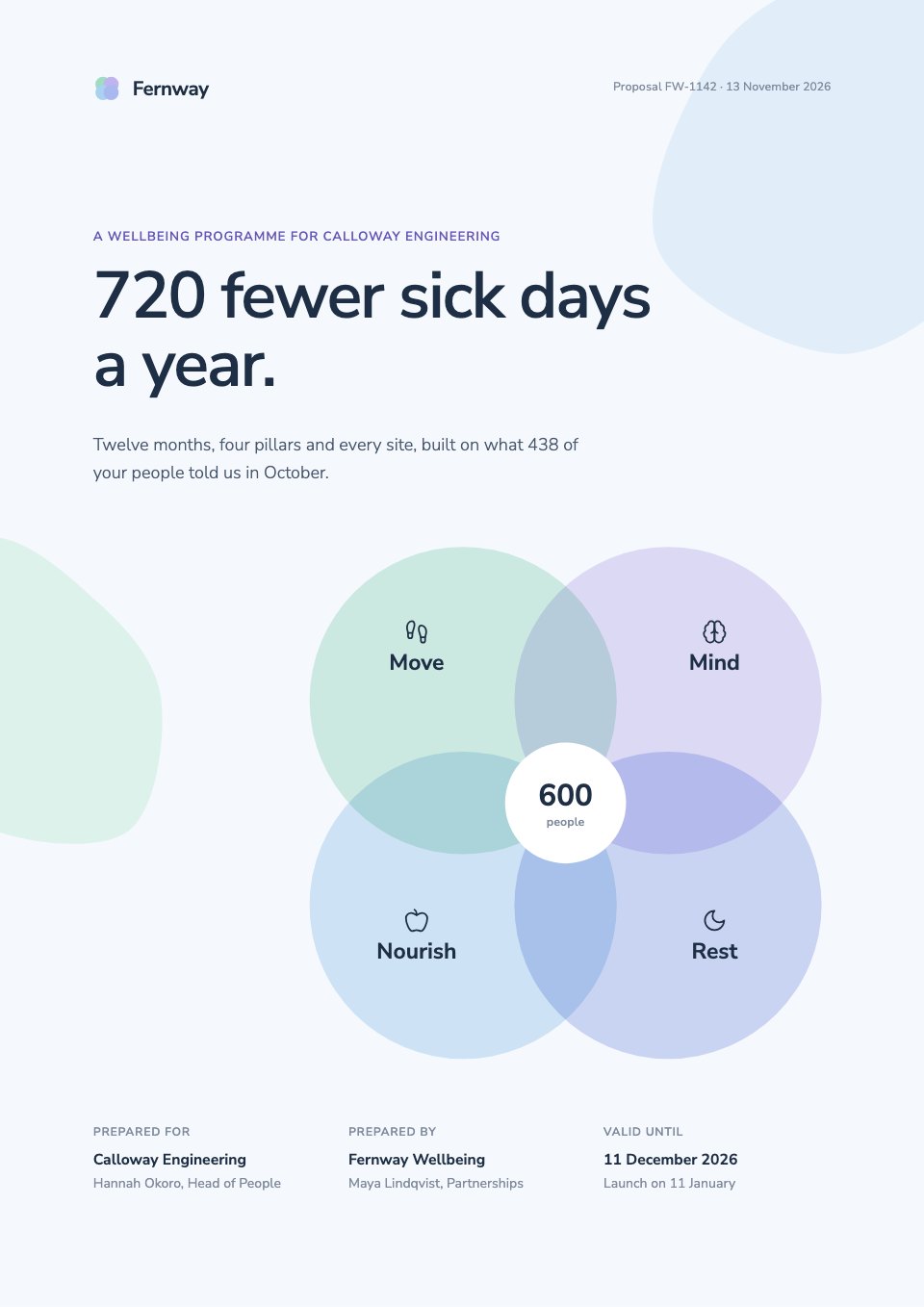
Interior Design Proposal is a 12-page proposal for interior designers pitching a renovation and furnishing project, shown here for a family's Victorian townhouse. It runs from a letter beside a tall photograph and a mood board with three design principles to five phases, counted deliverables, a 38-week timeline chart, a similar house in Bath, three fixed-fee options and a furniture budget by room. Large interior photographs, warm stone, one muted sage and a lot of white space let the rooms do the talking.
Made for
- Marketing, SEO and web agencies
- Freelancers and consultants
- Design and video studios
- Anyone quoting for client work
Make it yours in four steps.
Open it in Proposals and work through it, or let Docsiv AI do the first pass with your details.
- Step 1
Put your studio, the clients and the property on the cover, and swap the room photographs for your own projects.
- Step 2
Rewrite the letter, the four goals and the mood board around what the clients told you at the first visit.
- Step 3
Update the phases, deliverables and 38-week timeline, then set your three fees and the furniture budget for each room.
- Step 4
Add your team, a project you have permission to show and your terms, then send it for e-signature or export a PDF.
Start from the Interior Design Proposal now.
Questions about this template.
Something else on your mind? Ask us in the chat, bottom right of the page.
Is the Interior Design Proposal template free?
Yes. Create a free account and it opens in Docsiv's Proposals app, ready to edit and share. The Free plan includes every Docsiv app and 500 AI credits a month.
Can I change the colours, fonts and text?
Yes, all of it. The template uses Manrope with #ffffff, #1e1d1b, #6f8068, #eeece8, #e2dfda, and you can change any of them, rewrite every word and add or remove pages.
What can I export it as?
Proposals in Docsiv offers: Proposal pages, PDF and HTML exports. Once it's saved, you can also share it with a link.
Can Docsiv AI write the interior design proposal for me?
Yes. Tell Docsiv AI about the client or project and it can draft the content in this template's style, which you then review and edit. AI uses credits; the Free plan includes 500 a month.
Can my client sign it?
Yes, on Pro and Team: send the proposal for e-signature from Docsiv and follow it under Signatures. Pro sends 40 a month and Team has no limit.


Start your proposal with Docsiv AI
Describe the client or the project and Docsiv AI writes a first draft of your interior design proposal for you to edit, share and send.