

What’s inside the IT Managed Services Proposal.
12 pages with real content in place. Rewrite them, reorder them, or add your own.
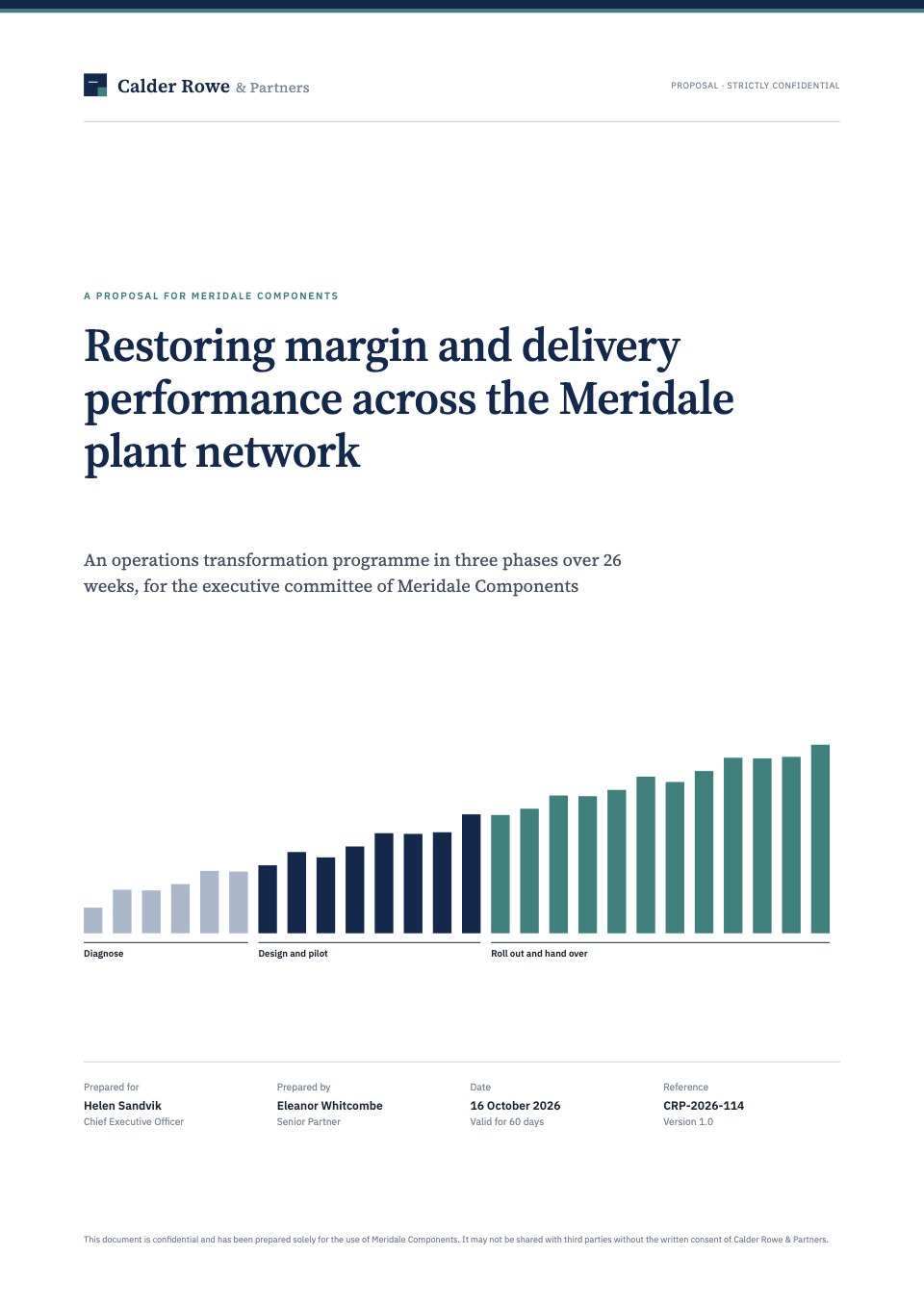
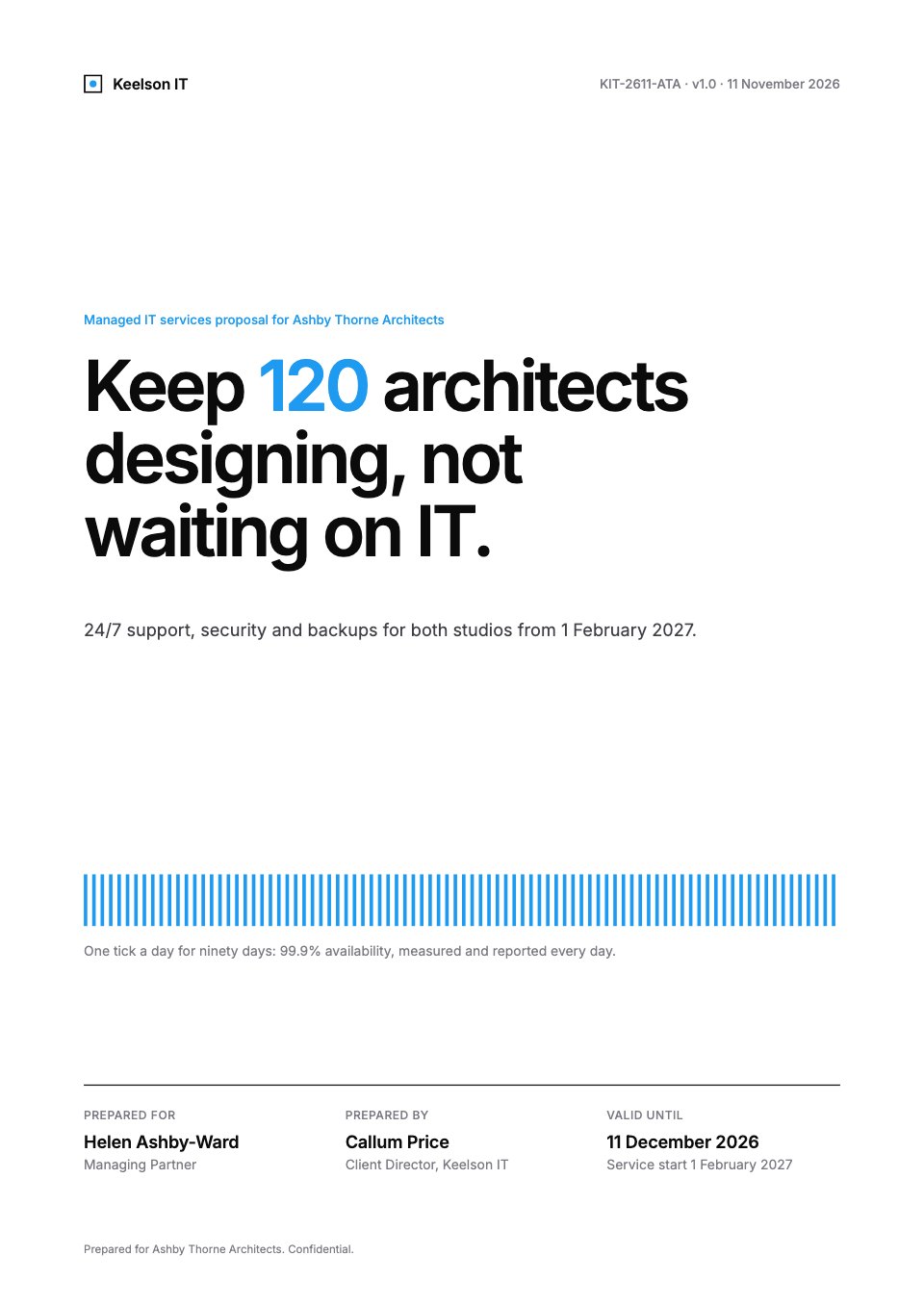
- 1Page 1A white cover with the outcome in large type, one row of daily uptime ticks and the proposal details
- 2Page 2The executive summary: the trigger, five measures today and from go-live, and the recommended plan with its next step
- 3Page 3What we found: an eight-area scorecard with status dots and the last 90 days of downtime as daily ticks
- 4Page 4The approach in four phases, with a staff quote on why the first comes first
- 5Page 5The network today and as proposed, as two minimal line diagrams, and three numbers that change
- 6Page 6The service scope as six counted areas, how work is accepted, and what's not included
- 7Page 7The onboarding timeline by week, with go-live marked and three key dates
- 8Page 8Working together: the SLA by priority, what each side provides, assumptions and the change rule
- 9Page 9Why Keelson: an architecture practice's testimonial, three results and the account team
- 10Page 10Investment: three per-user plans, most complete first, today's cost per person and the payment terms
- 11Page 11Terms: three guarantees and six plain-word terms
- 12Page 12Agreement and next steps: the timeline to go-live, what's being agreed and signatures
When to use it.
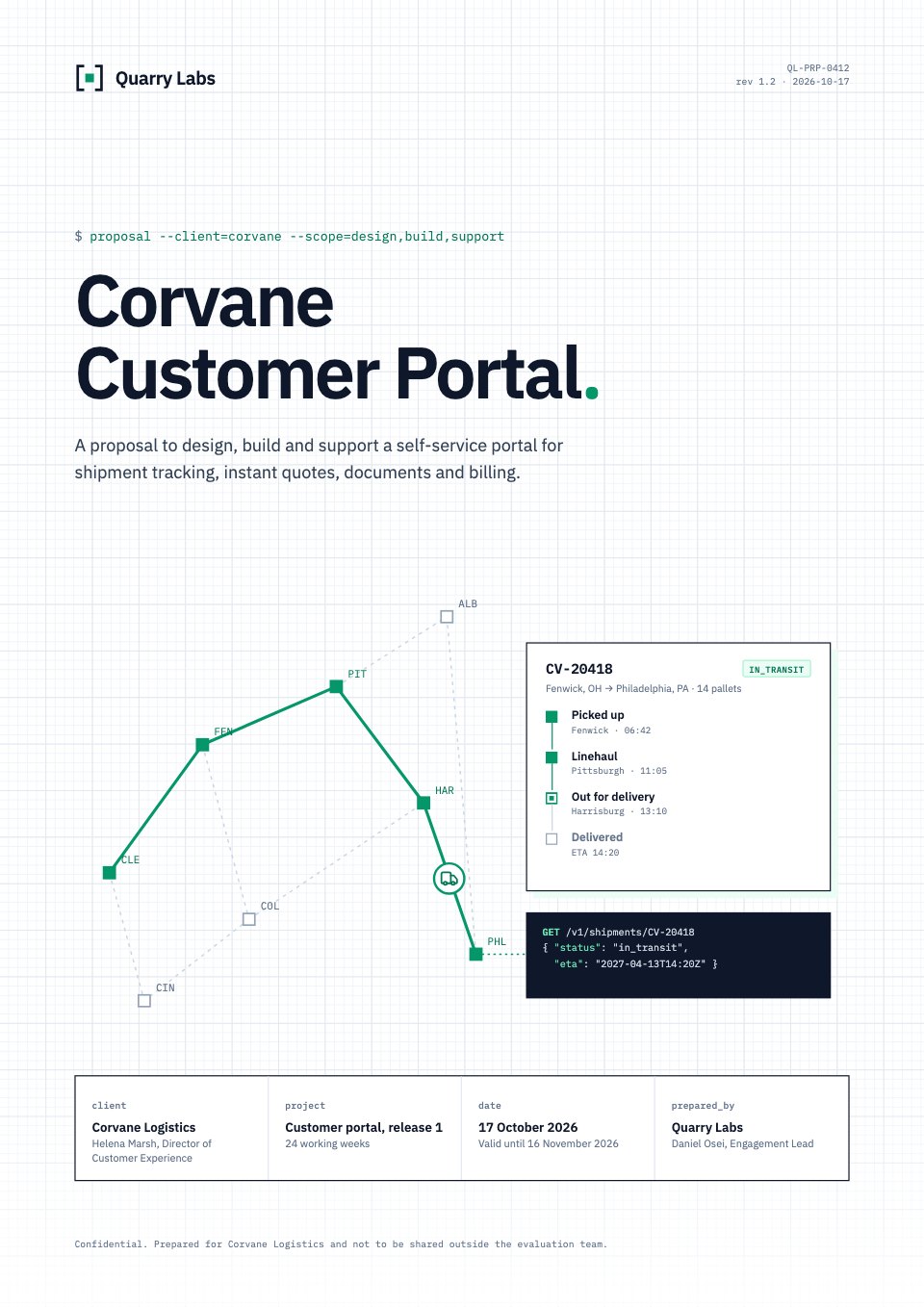
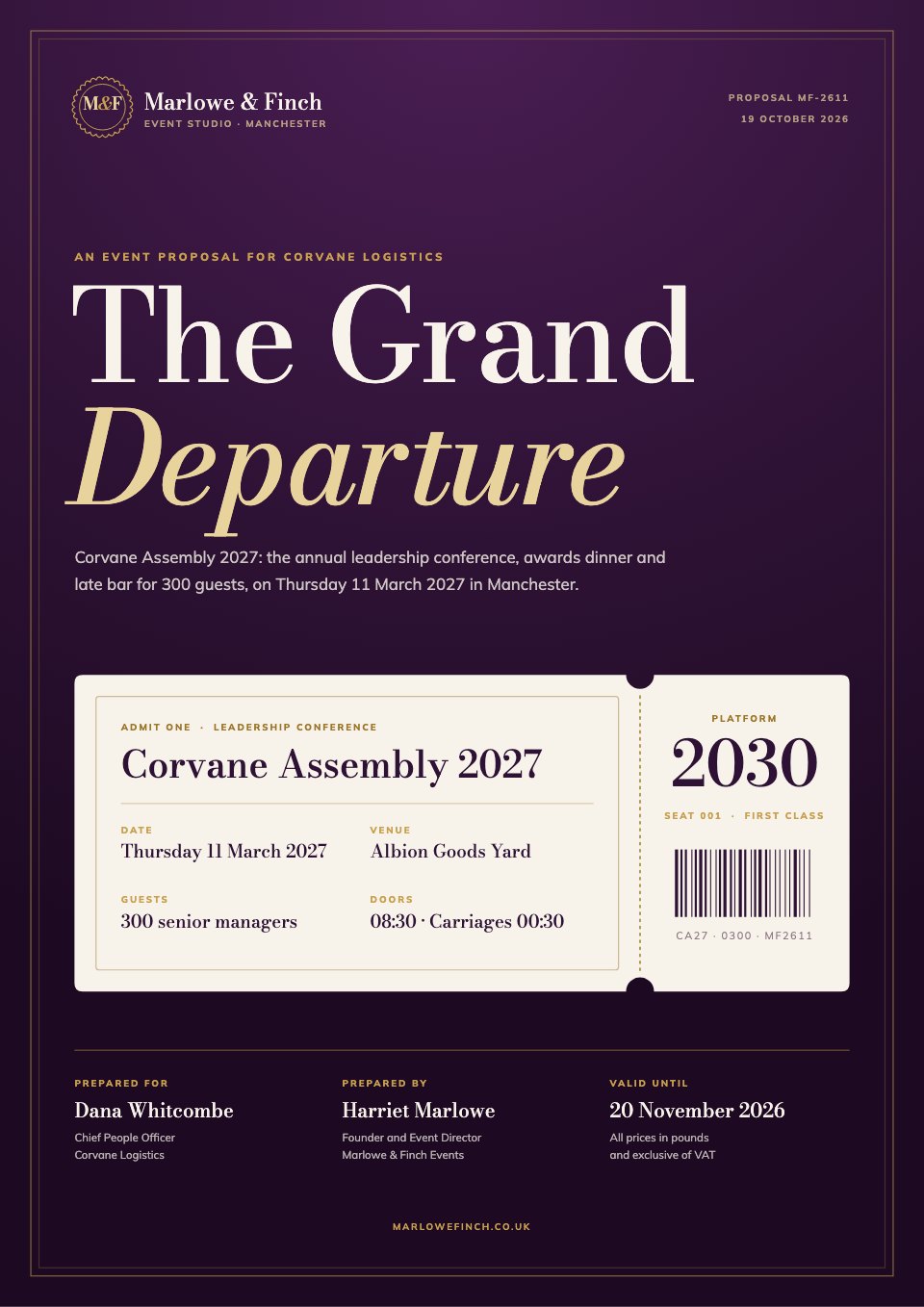
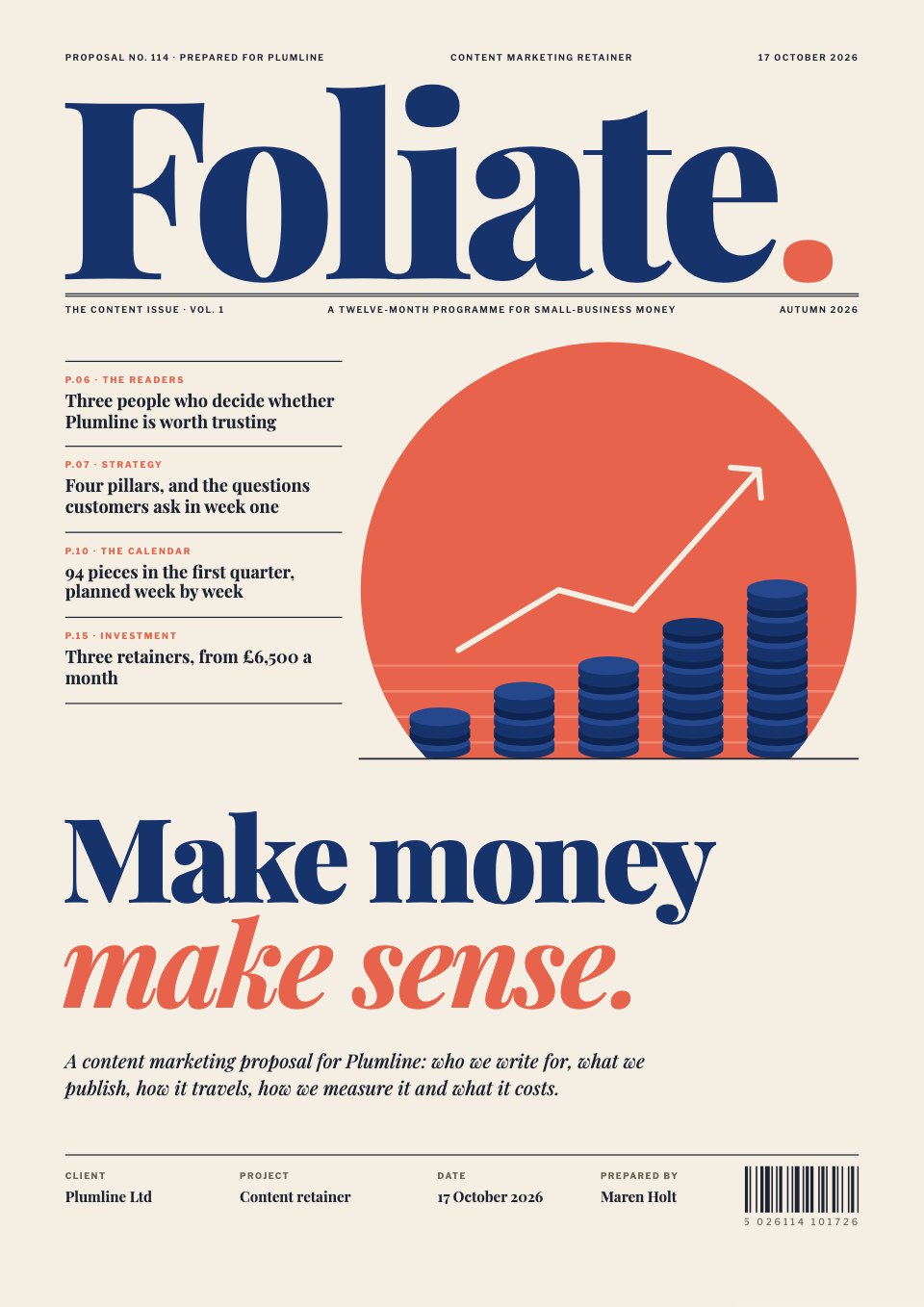
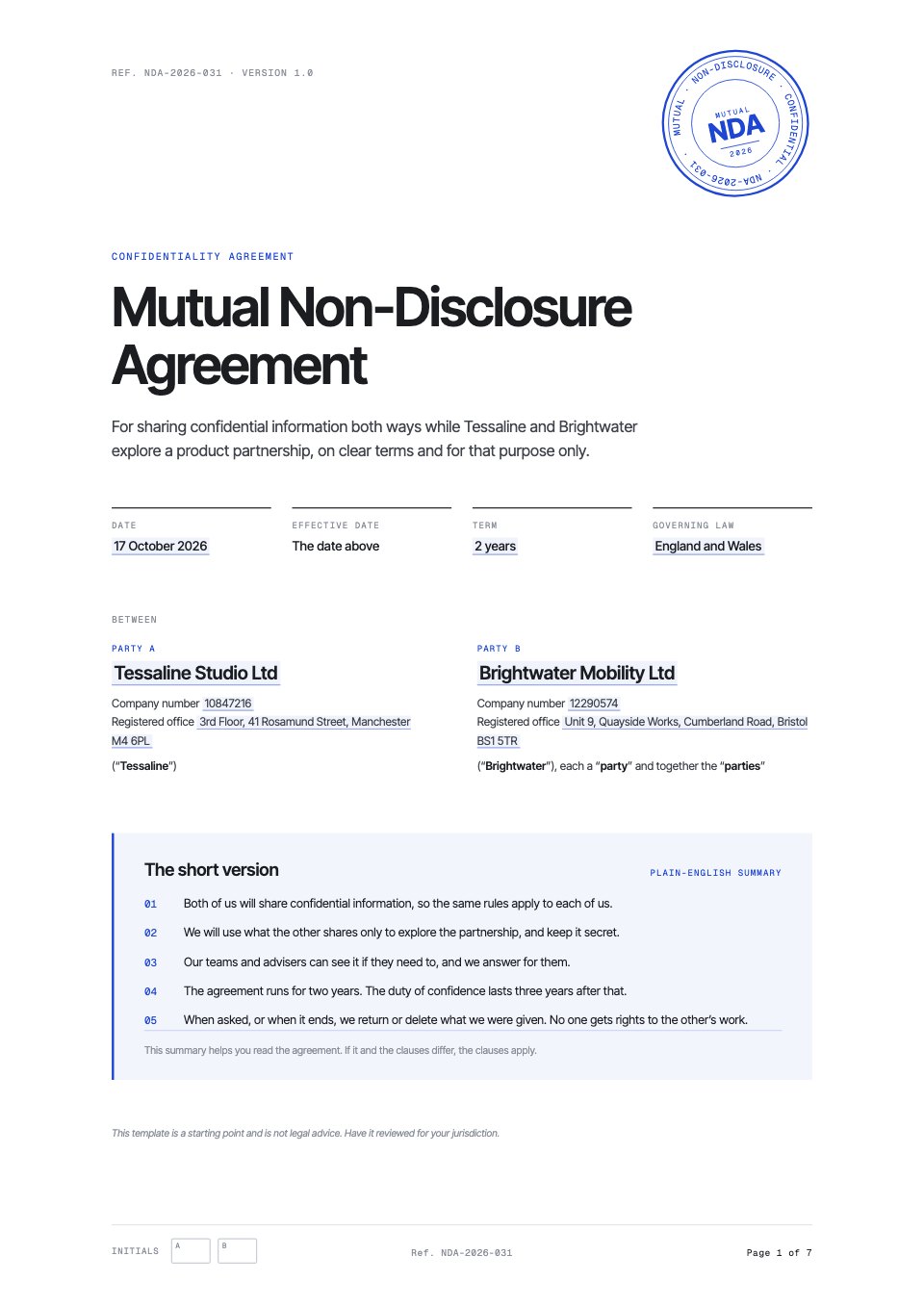
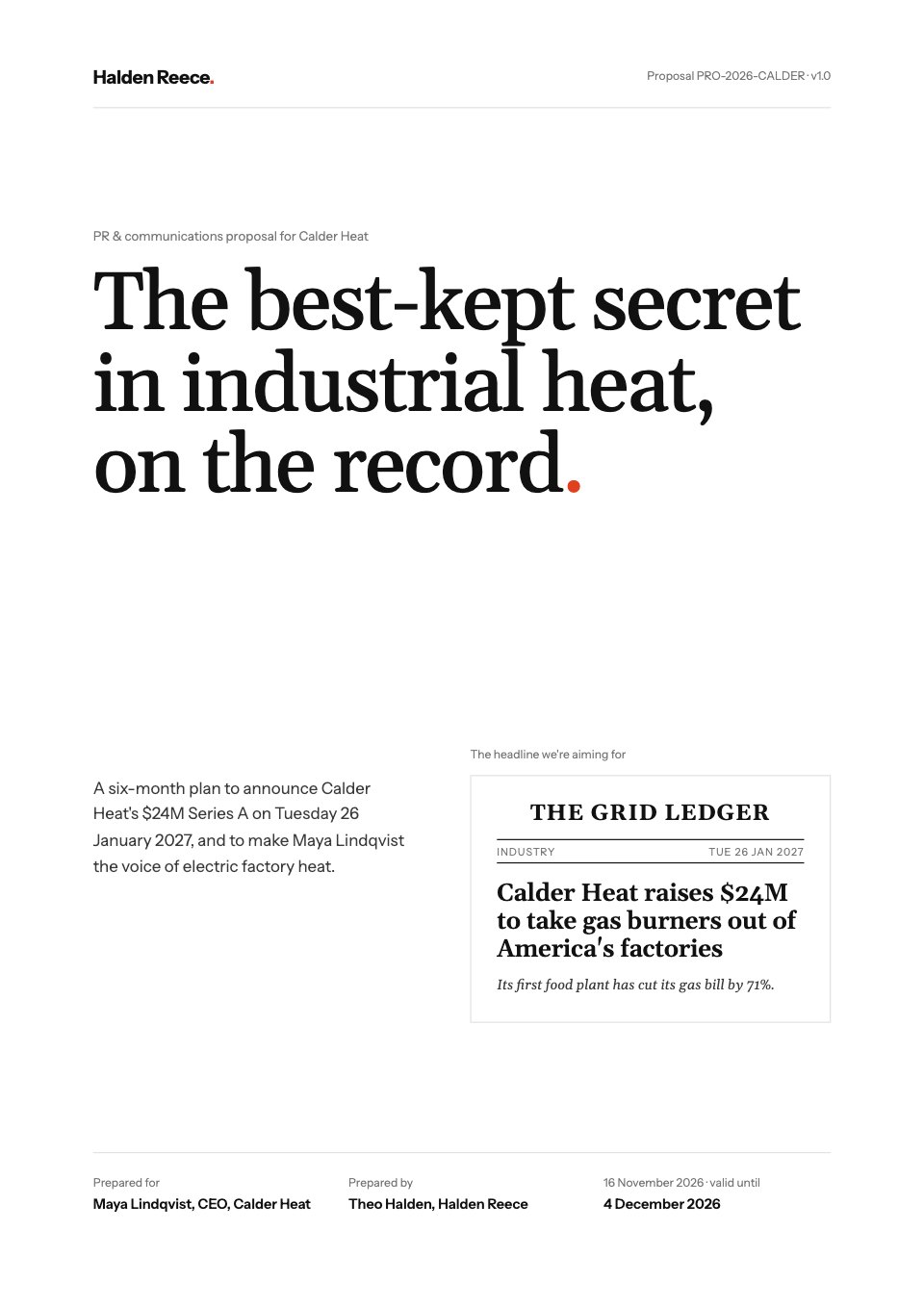
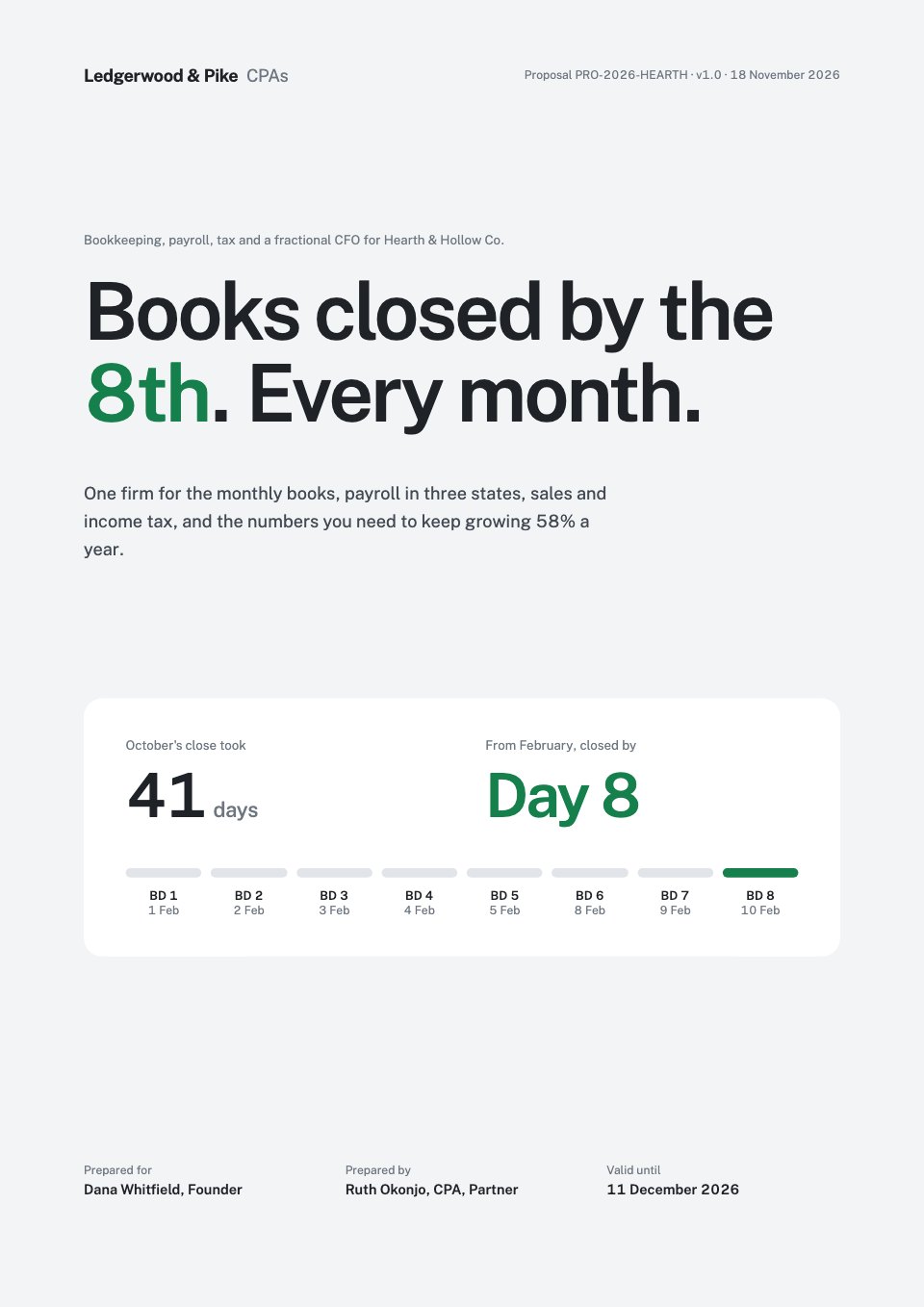
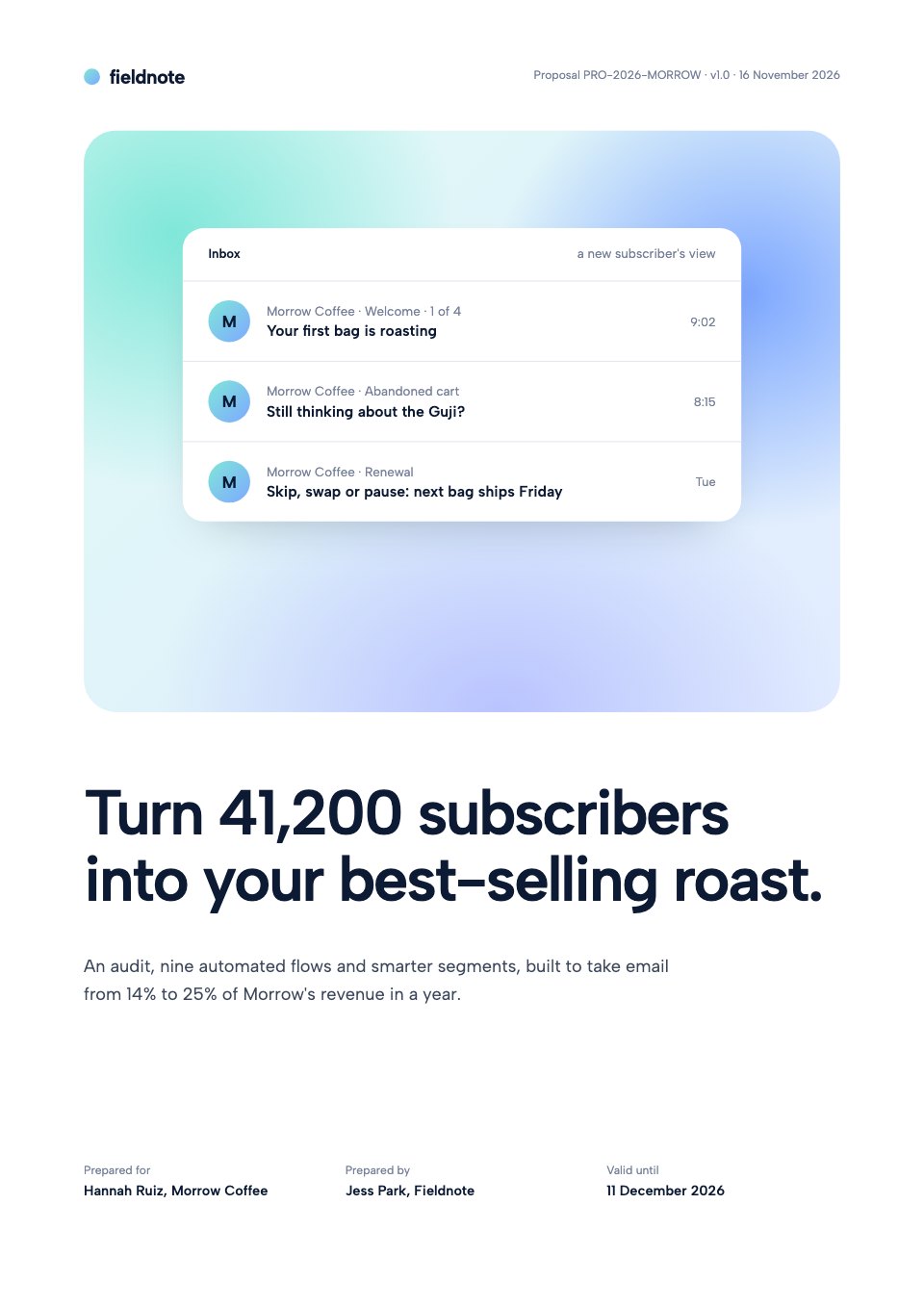
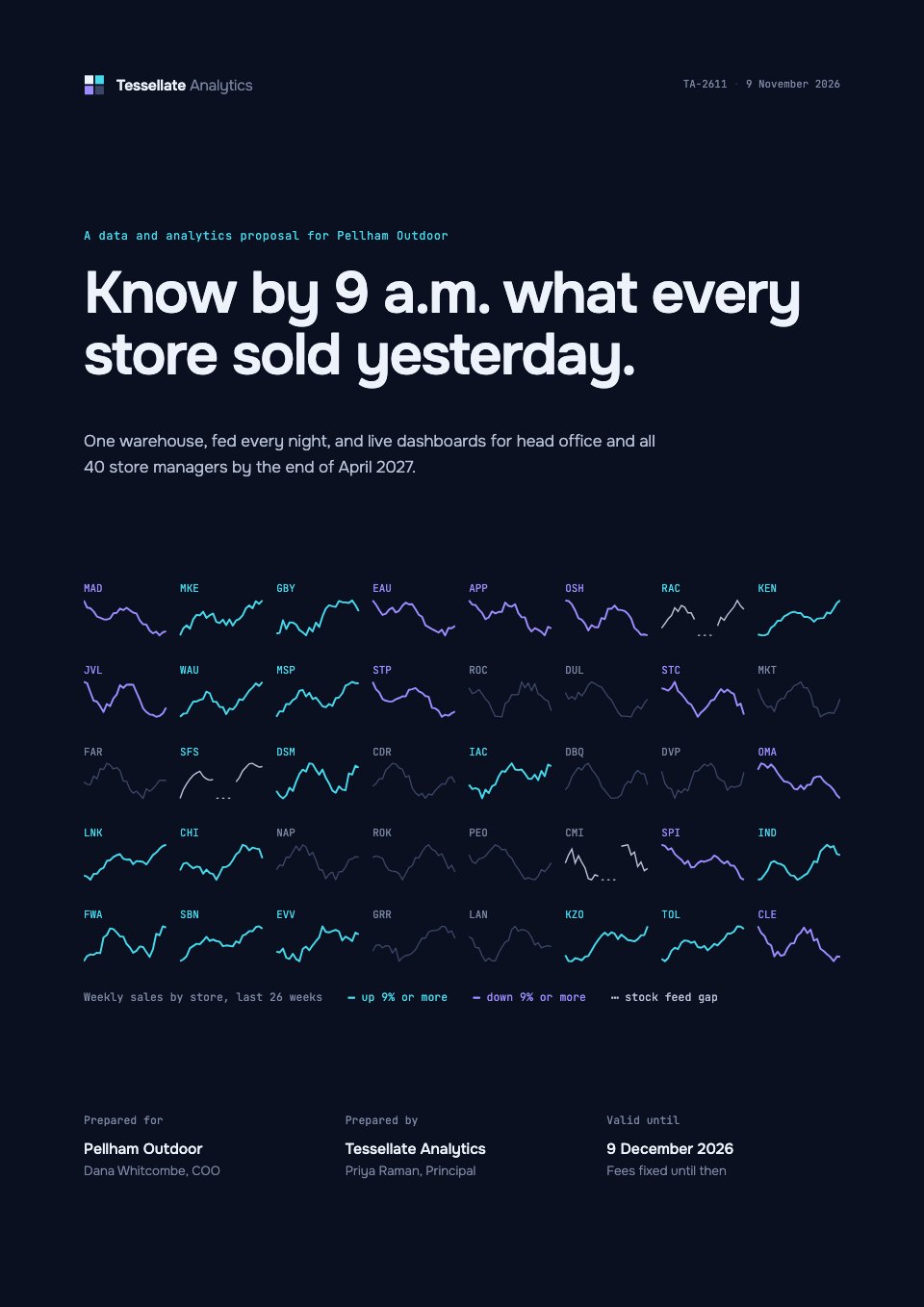
IT Managed Services Proposal is a 12-page A4 proposal for MSPs pitching a support contract, shown for a 120-person architecture firm. It covers an eight-area assessment scorecard with status dots, 90 days of downtime as daily ticks, the network today and as proposed, six counted service areas, an onboarding timeline to go-live, the SLA by priority, a client testimonial and three per-user plans against today's cost per person. Swiss-minimal pages in large black Inter, with one sky-blue accent and very few elements per page, keep it clear for a non-technical reader.
Made for
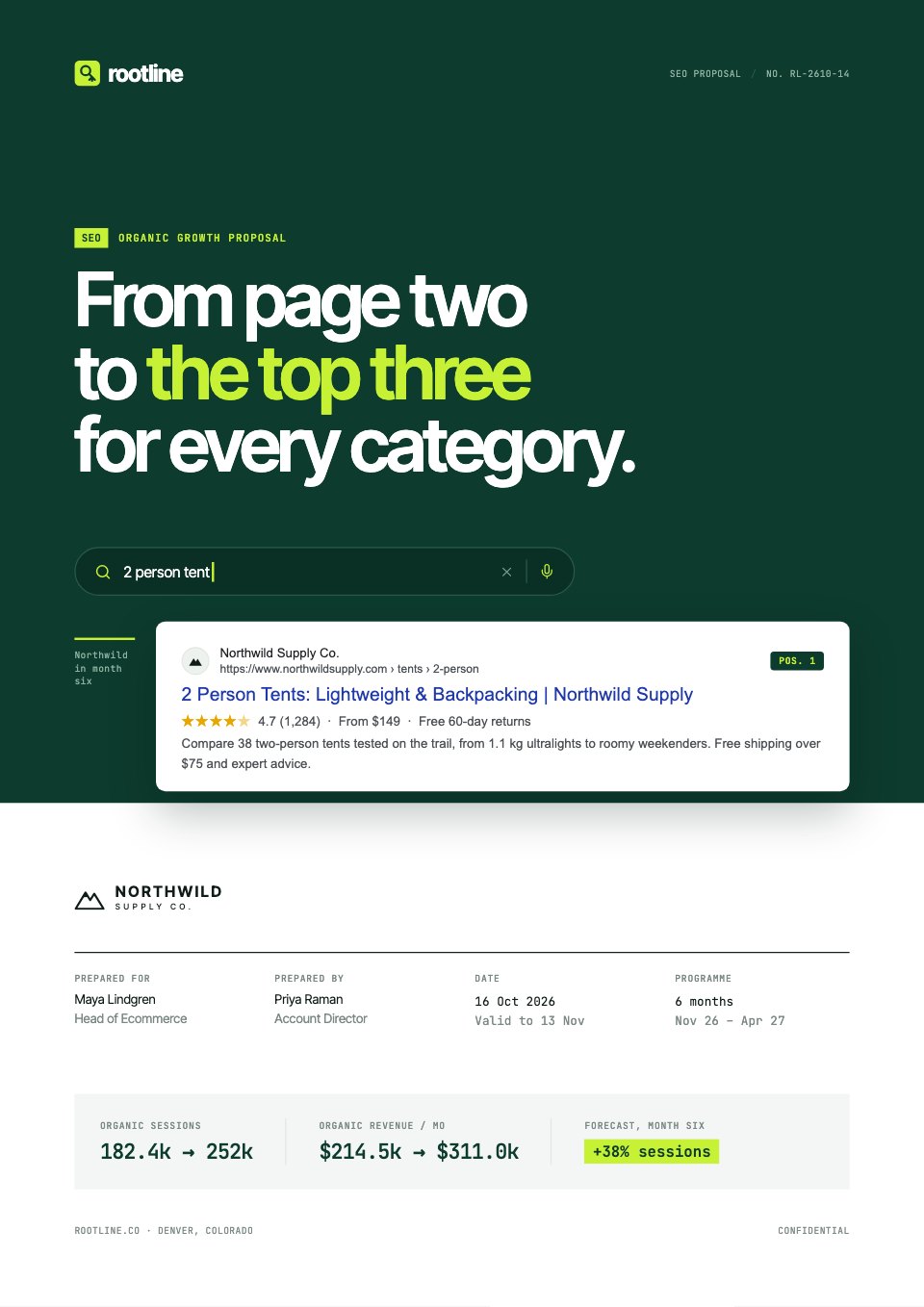
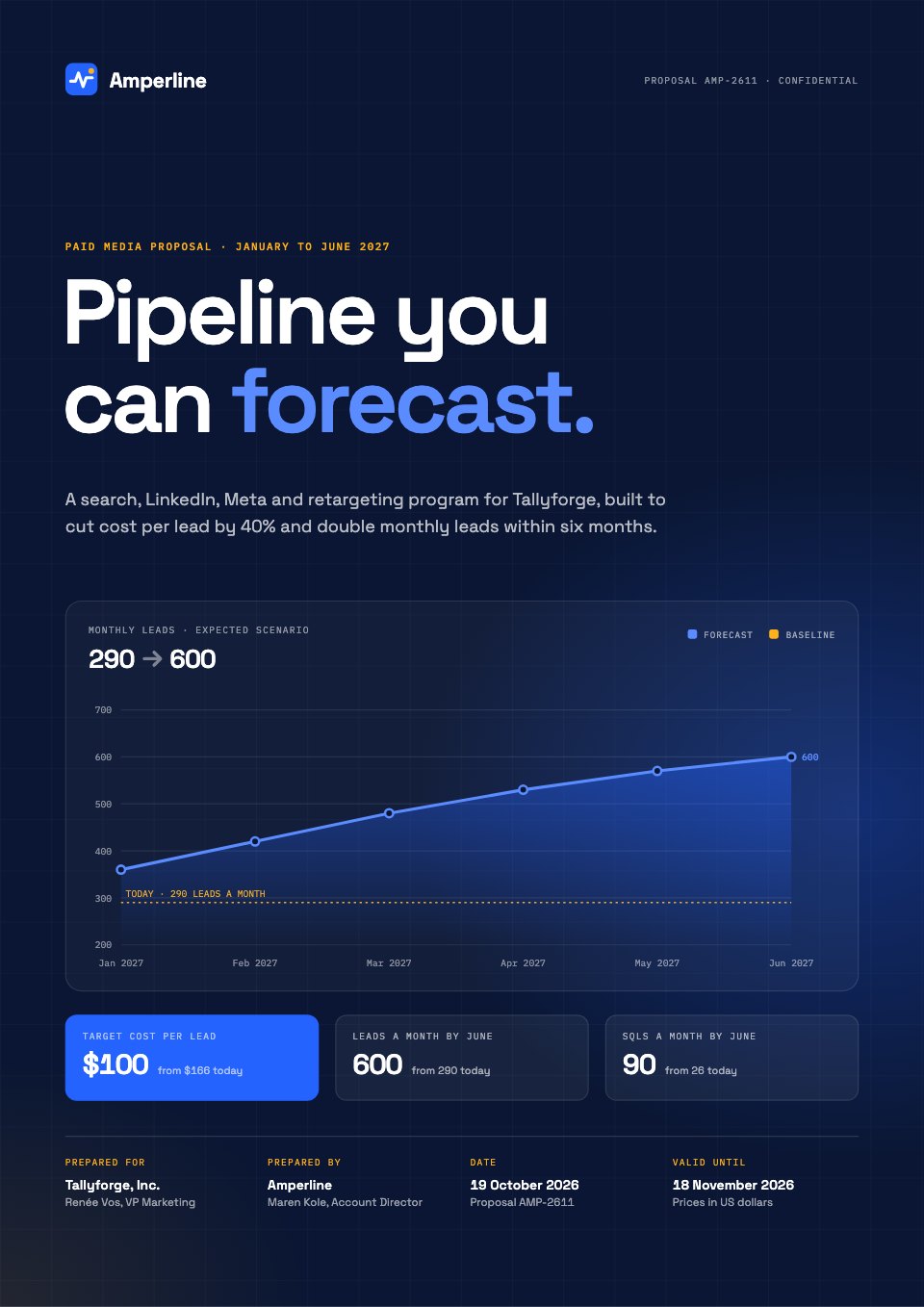
- Marketing, SEO and web agencies
- Freelancers and consultants
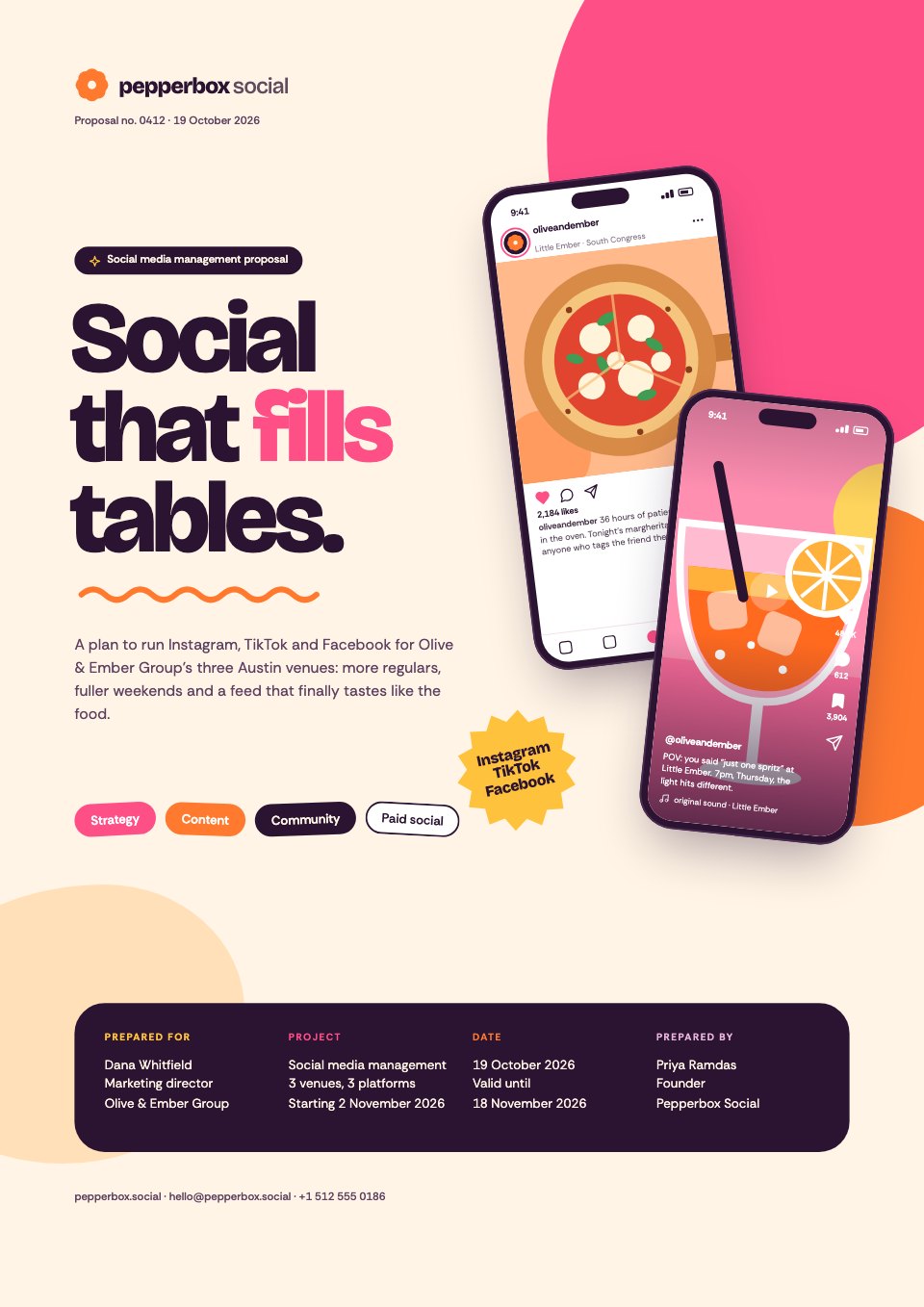
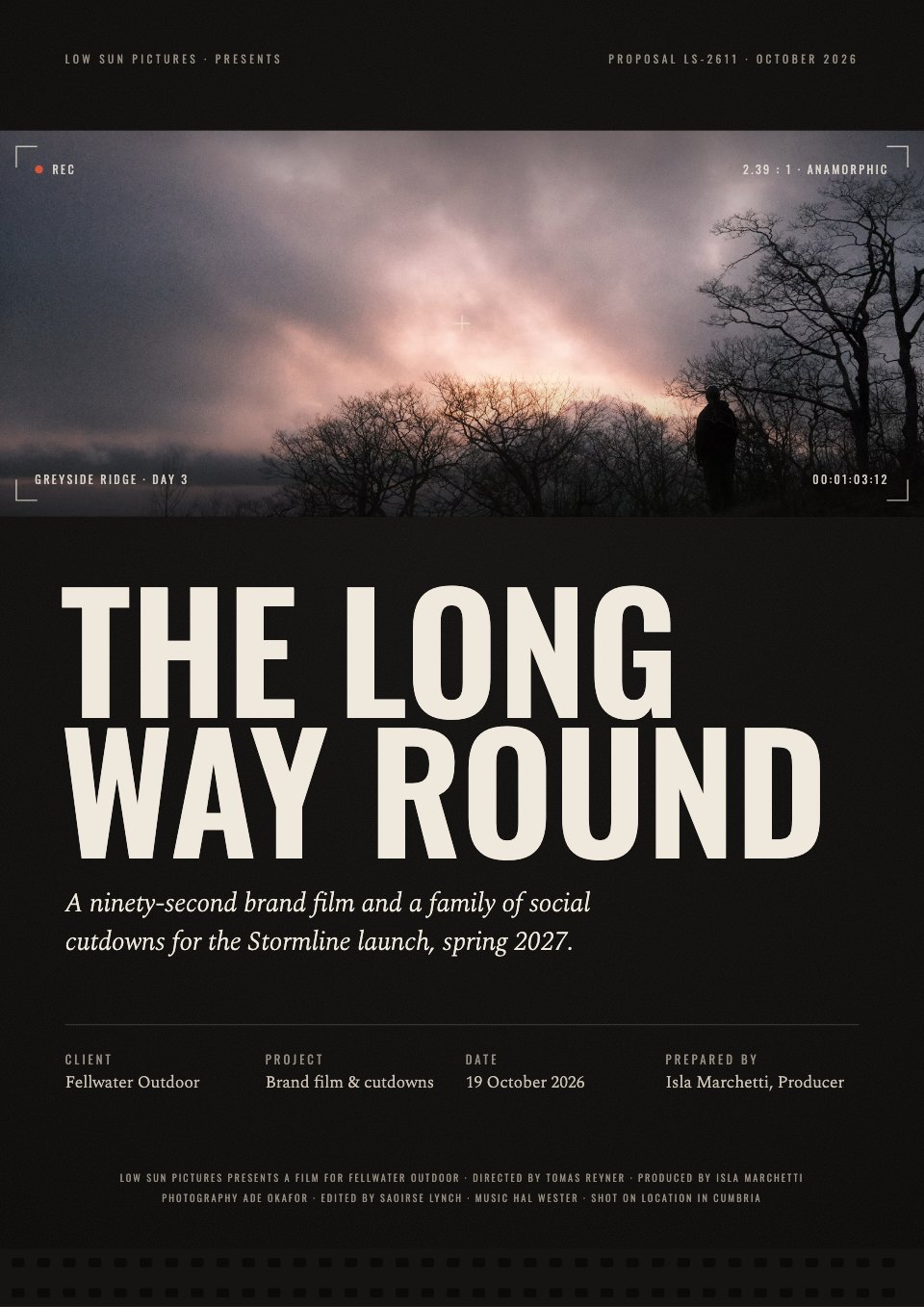
- Design and video studios
- Anyone quoting for client work
Make it yours in four steps.
Open it in Proposals and work through it, or let Docsiv AI do the first pass with your details.
- Step 1
Put your company, the client and the validity date on the cover, and set the uptime ticks from their logs.
- Step 2
Score the eight areas from your assessment and redraw the two network diagrams for their setup.
- Step 3
Adjust the service scope, onboarding weeks and SLA response times to the contract you're offering.
- Step 4
Set your three per-user prices and terms, then send it for e-signature or export a PDF.
Start from the IT Managed Services Proposal now.
Questions about this template.
Something else on your mind? Ask us in the chat, bottom right of the page.
Is the IT Managed Services Proposal template free?
Yes. Create a free account and it opens in Docsiv's Proposals app, ready to edit and share. The Free plan includes every Docsiv app and 500 AI credits a month.
Can I change the colours, fonts and text?
Yes, all of it. The template uses Inter with #ffffff, #0b0b0c, #1e9bf0, #7a7a83, #e4e4e7, and you can change any of them, rewrite every word and add or remove pages.
What can I export it as?
Proposals in Docsiv offers: Proposal pages, PDF and HTML exports. Once it's saved, you can also share it with a link.
Can Docsiv AI write the managed IT services proposal for me?
Yes. Tell Docsiv AI about the client or project and it can draft the content in this template's style, which you then review and edit. AI uses credits; the Free plan includes 500 a month.
Can my client sign it?
Yes, on Pro and Team: send the proposal for e-signature from Docsiv and follow it under Signatures. Pro sends 40 a month and Team has no limit.





Start your proposal with Docsiv AI
Describe the client or the project and Docsiv AI writes a first draft of your managed IT services proposal for you to edit, share and send.