

What’s inside the One-Page Proposal.
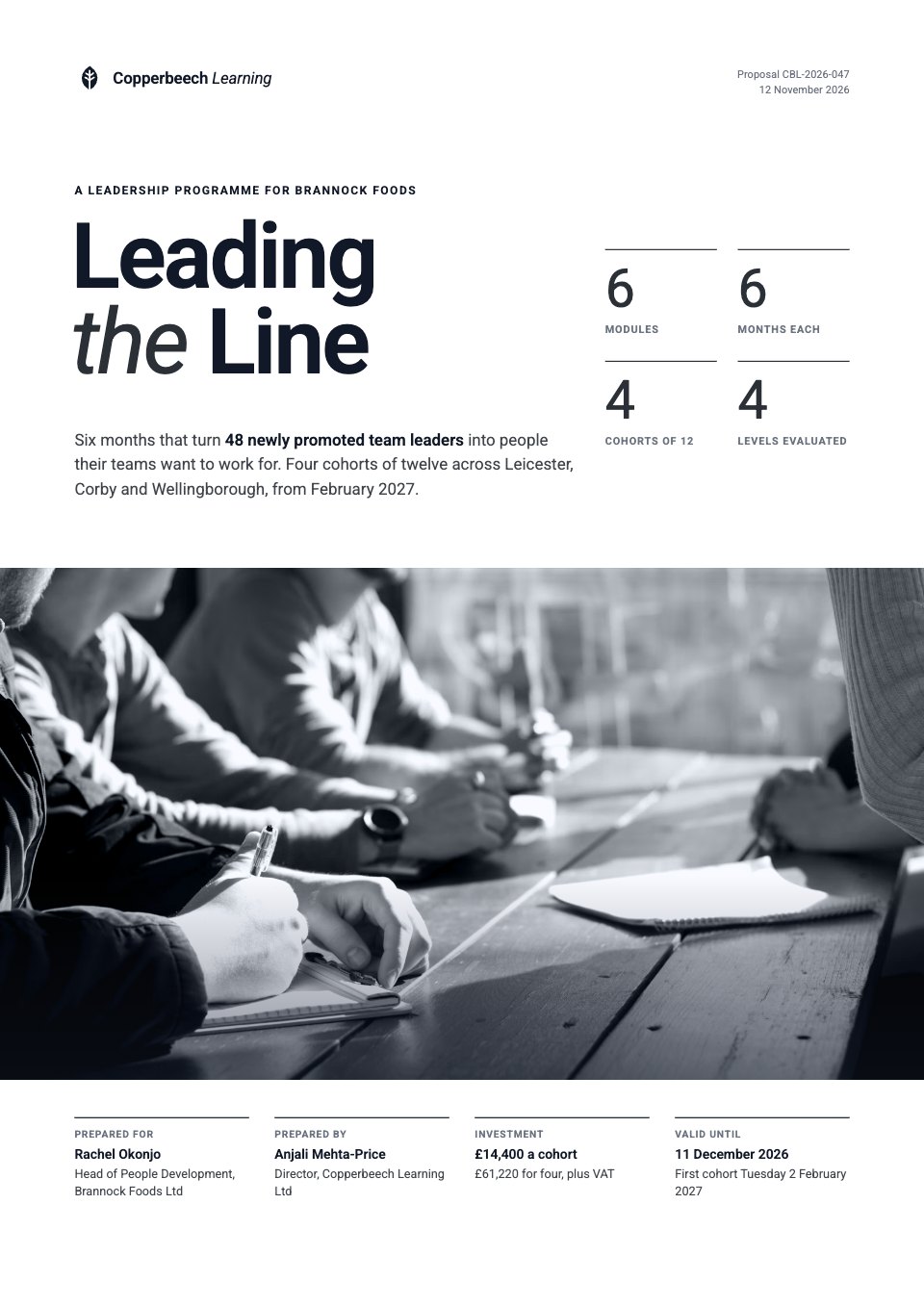
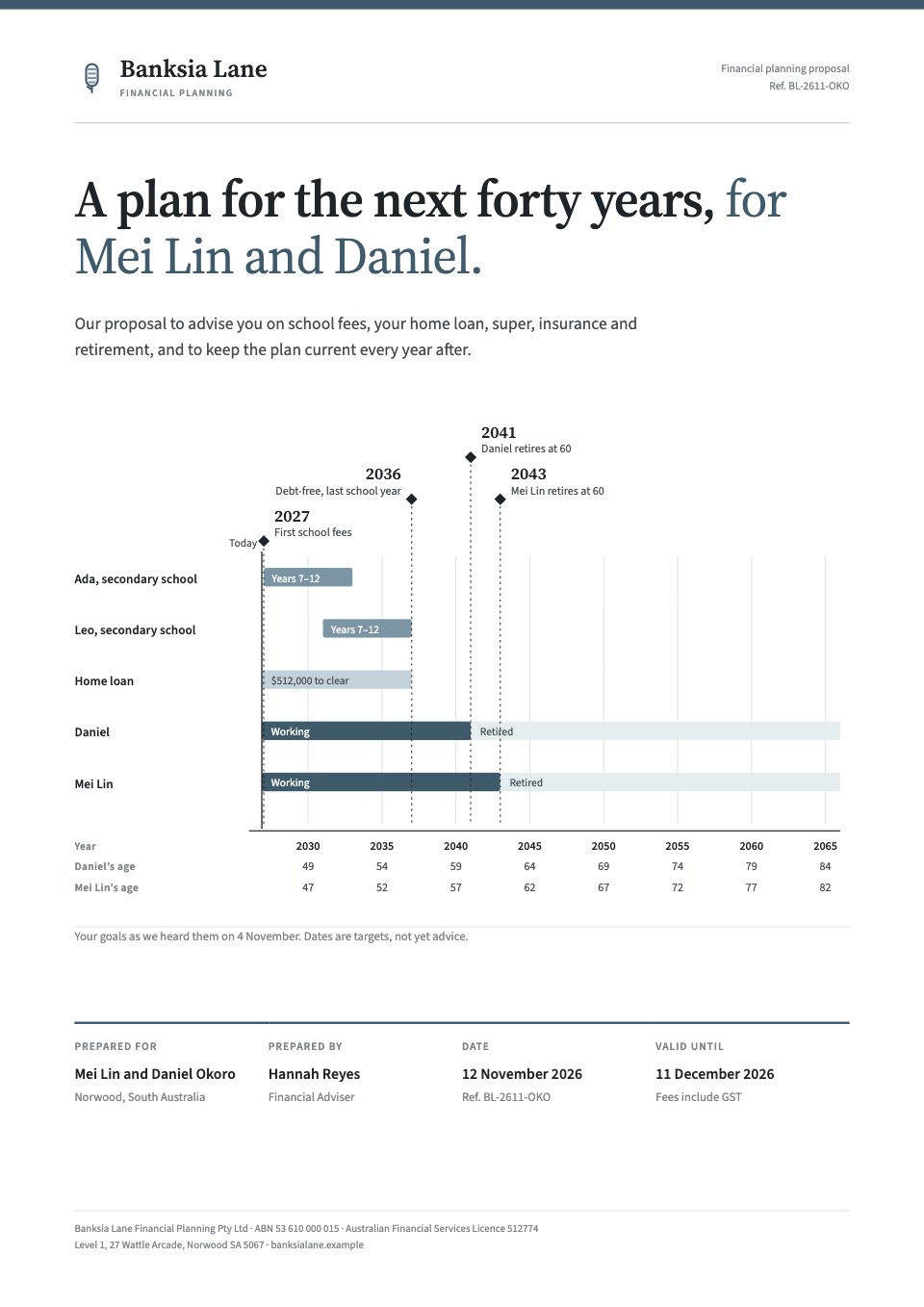
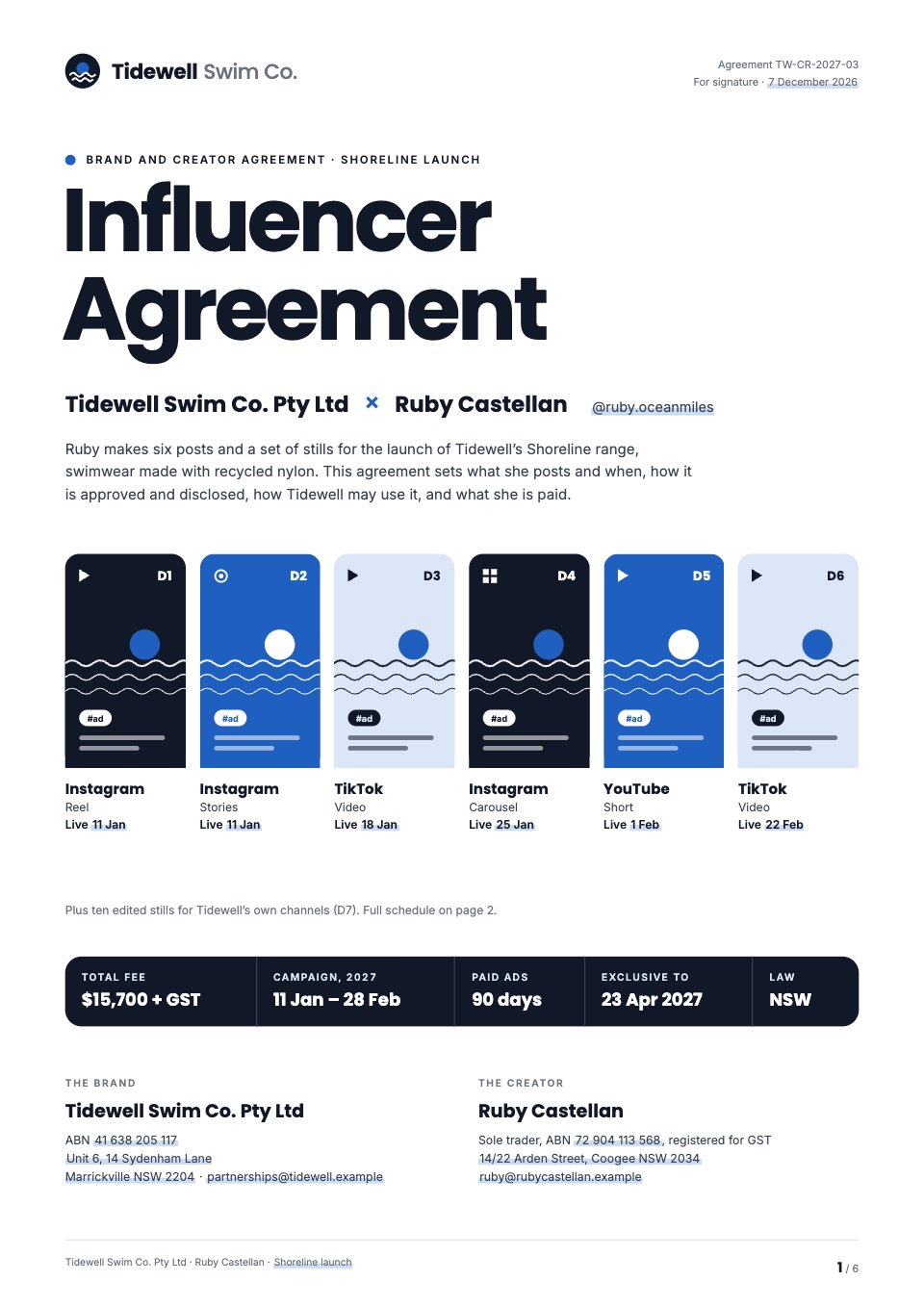
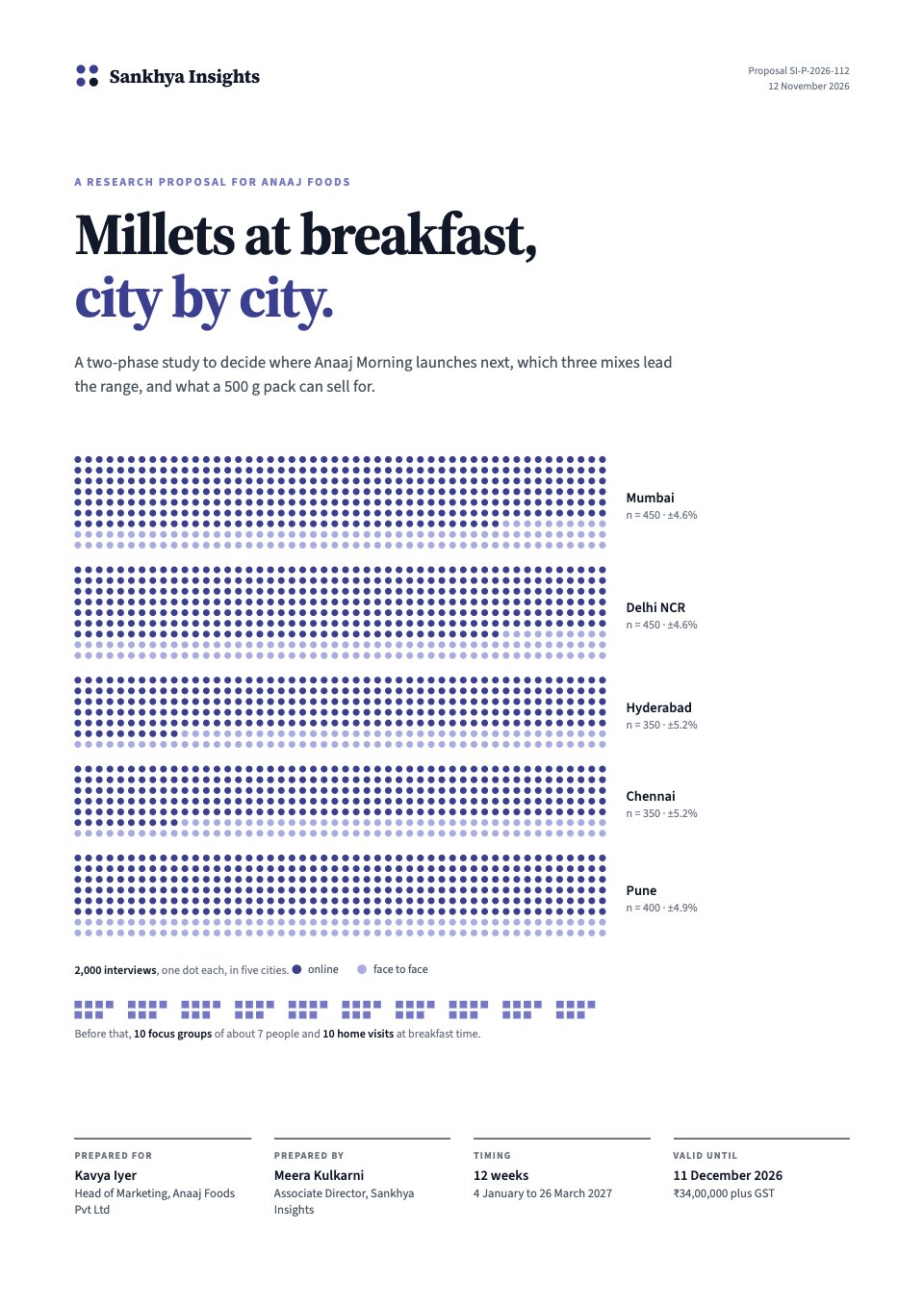
2 pages with real content in place. Rewrite them, reorder them, or add your own.
- 1Page 1The whole proposal: an outcome title, the client’s goal as today’s rate against the target with its worth, the plan in three steps with what the client gets from each, an eight-week timeline, one fixed fee with the payment split, and the next step with both signatures
- 2Page 2Twelve short terms in plain English (scope and exclusions, the client’s part, revisions, payment and late interest, ownership, privacy, results, ending early, liability and governing law) and a closing contact panel
When to use it.
One-Page Proposal fits a freelancer’s whole proposal on a single A4 page, with the terms on a second. It’s shown here for a product designer proposing a fixed-fee onboarding redesign to a software client. Numbered rows run down the page: the client’s goal as today’s number against the target and what reaching it is worth, the plan in three steps with what each delivers, an eight-week timeline, one fixed fee with tax and the payment split, and the next step with both signatures. Page two holds twelve plain-English terms. It suits small, clear projects where a long document would get in the way.
Made for
- Marketing, SEO and web agencies
- Freelancers and consultants
- Design and video studios
- Anyone quoting for client work
Make it yours in four steps.
Open it in Proposals and work through it, or let Docsiv AI do the first pass with your details.
- Step 1
Put your name, the client and the date at the top, and write the title as the outcome they want.
- Step 2
Replace the goal with your client’s real number today and the target you agreed.
- Step 3
Edit the three steps, the dates and the fee, then check the tax and payment split on both pages.
- Step 4
Send it as a link or PDF and ask your client to sign at the foot of page one.
Start from the One-Page Proposal now.
Questions about this template.
Something else on your mind? Ask us in the chat, bottom right of the page.
Is the One-Page Proposal template free?
Yes. Create a free account and it opens in Docsiv's Proposals app, ready to edit and share. The Free plan includes every Docsiv app and 500 AI credits a month.
Can I change the colours, fonts and text?
Yes, all of it. The template uses Lora and Inter with #ffffff, #111827, #2c5f8a, #e6eef6, #4b5563, and you can change any of them, rewrite every word and add or remove pages.
What can I export it as?
Proposals in Docsiv offers: Proposal pages, PDF and HTML exports. Once it's saved, you can also share it with a link.
Can Docsiv AI write the one page proposal for me?
Yes. Tell Docsiv AI about the client or project and it can draft the content in this template's style, which you then review and edit. AI uses credits; the Free plan includes 500 a month.
Can my client sign it?
Yes, on Pro and Team: send the proposal for e-signature from Docsiv and follow it under Signatures. Pro sends 40 a month and Team has no limit.
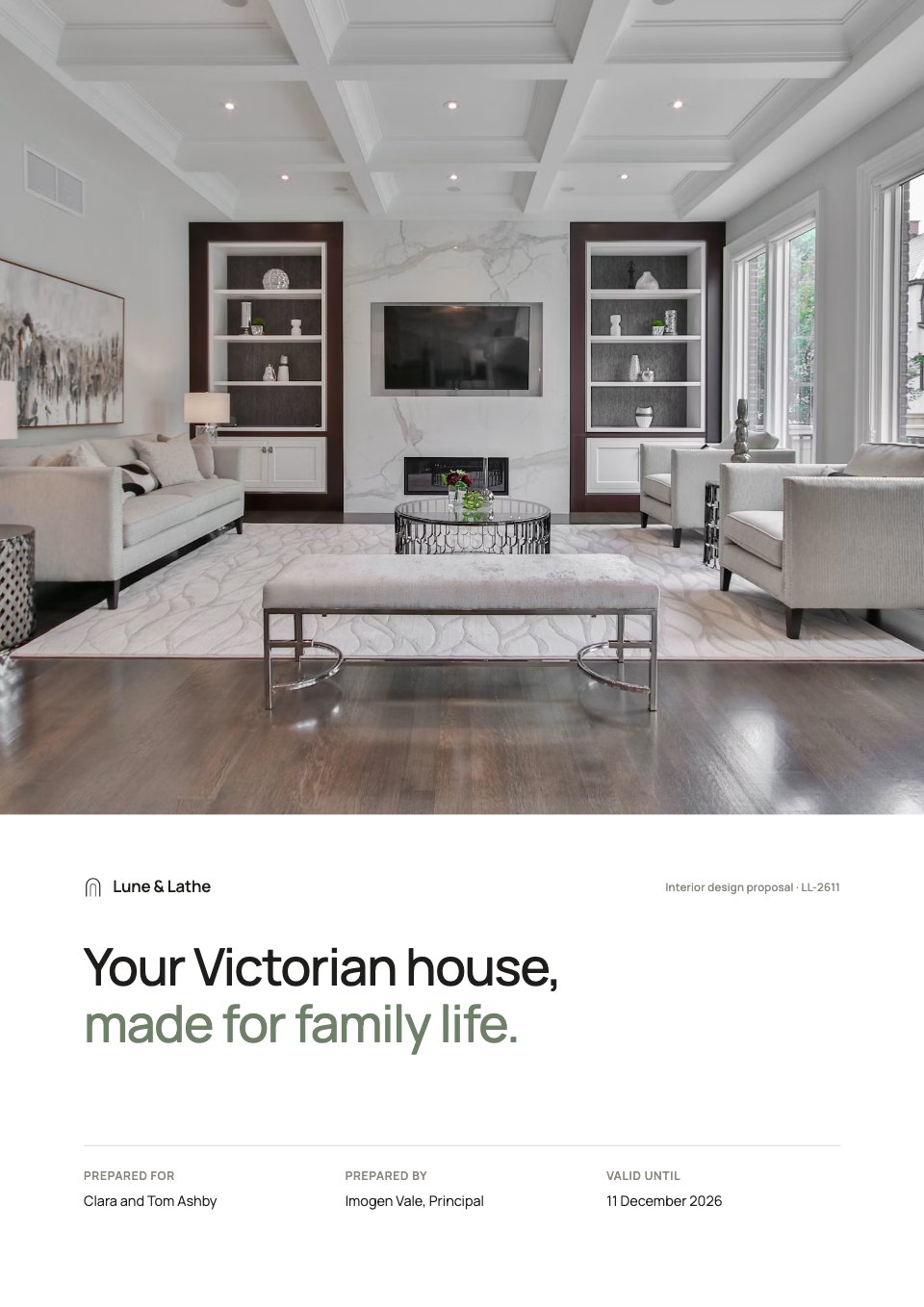
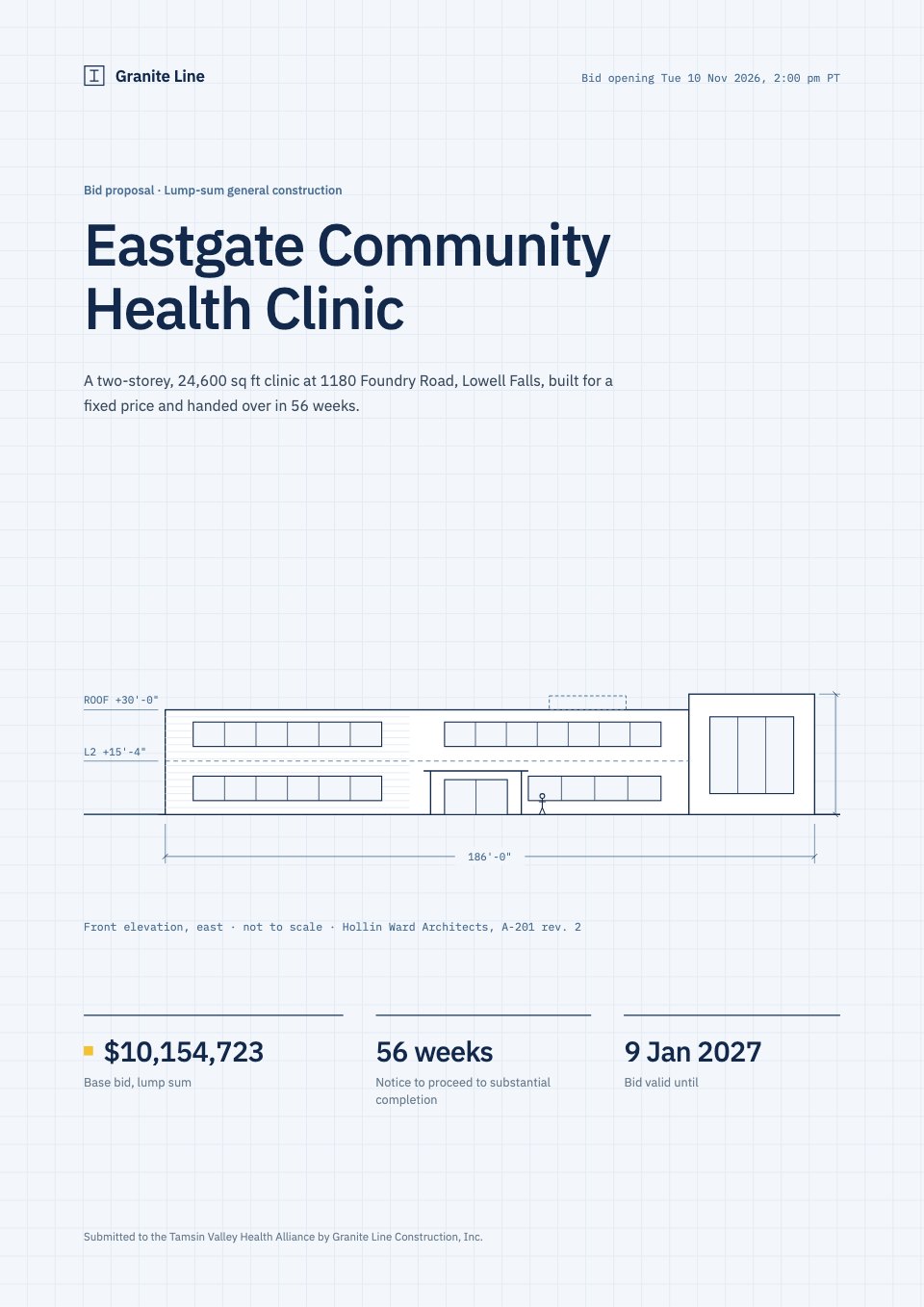
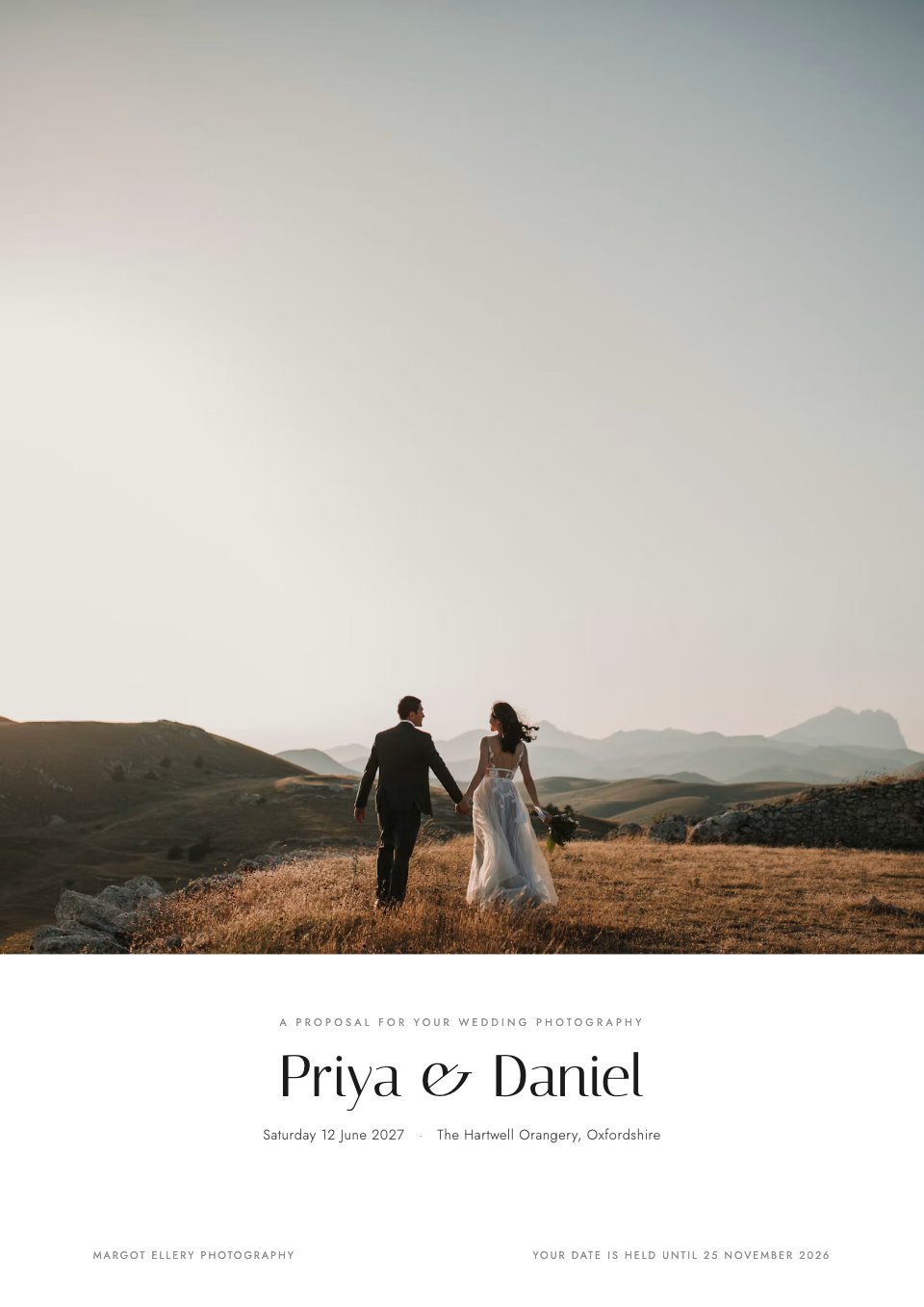
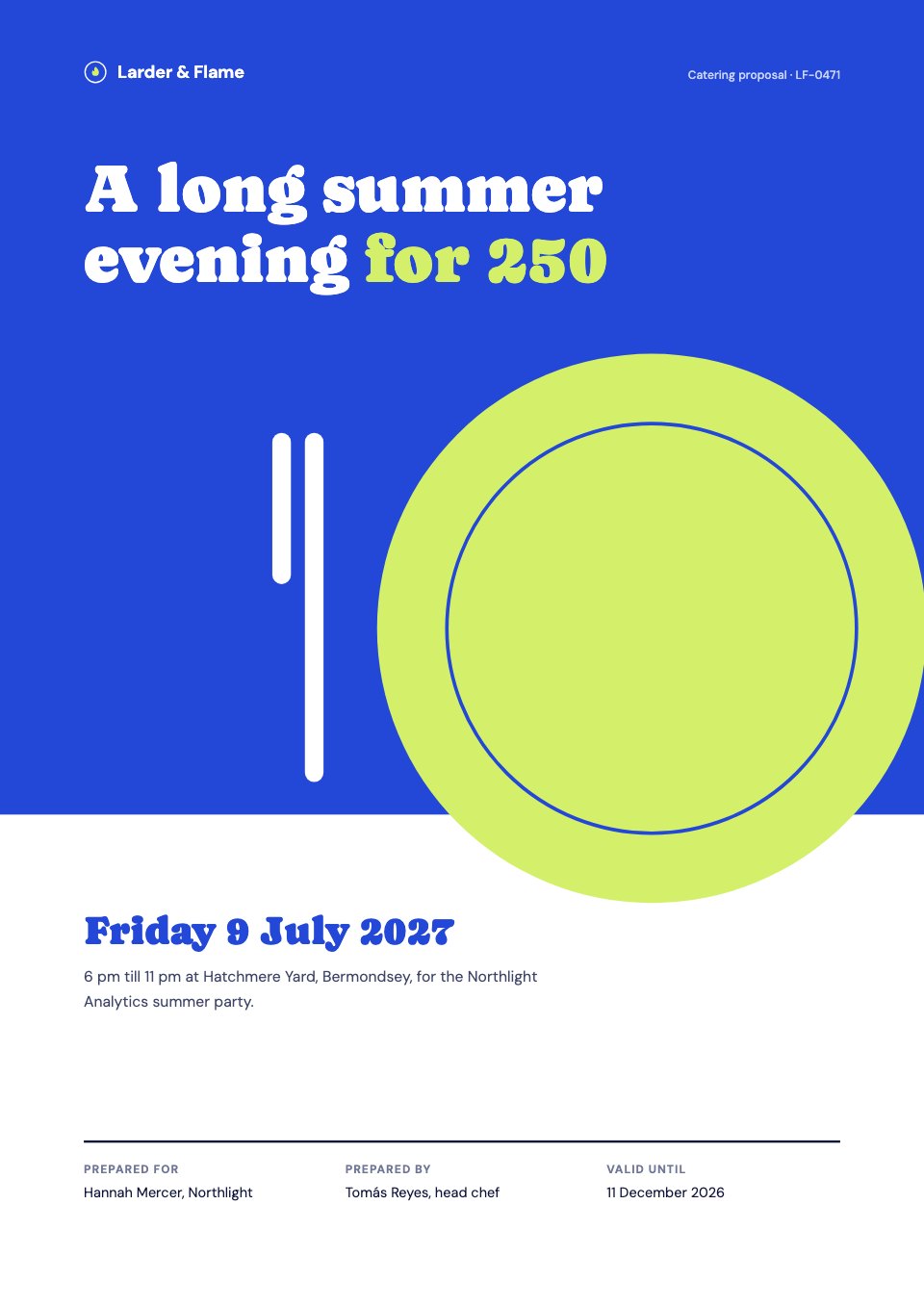
Start your proposal with Docsiv AI
Describe the client or the project and Docsiv AI writes a first draft of your one page proposal for you to edit, share and send.