

What’s inside the Quote.
3 pages with real content in place. Rewrite them, reorder them, or add your own.
- 1Page 1The quote: outcome title, both parties with ABNs, quote number and validity, the total with GST and an accept button, ten line items in three work packages with quantities, units and unit prices, then subtotal, GST and total
- 2Page 2Three optional add-ons with tick boxes and a running total, a dated plan from acceptance to opening day around the Christmas shutdown, and the 50/40/10 payment schedule with amounts
- 3Page 3What’s included, not included and assumed, eight short terms in plain English, and the acceptance block: e-signature, name, title and date for the client, pre-signed by the workshop, with the three next steps
When to use it.
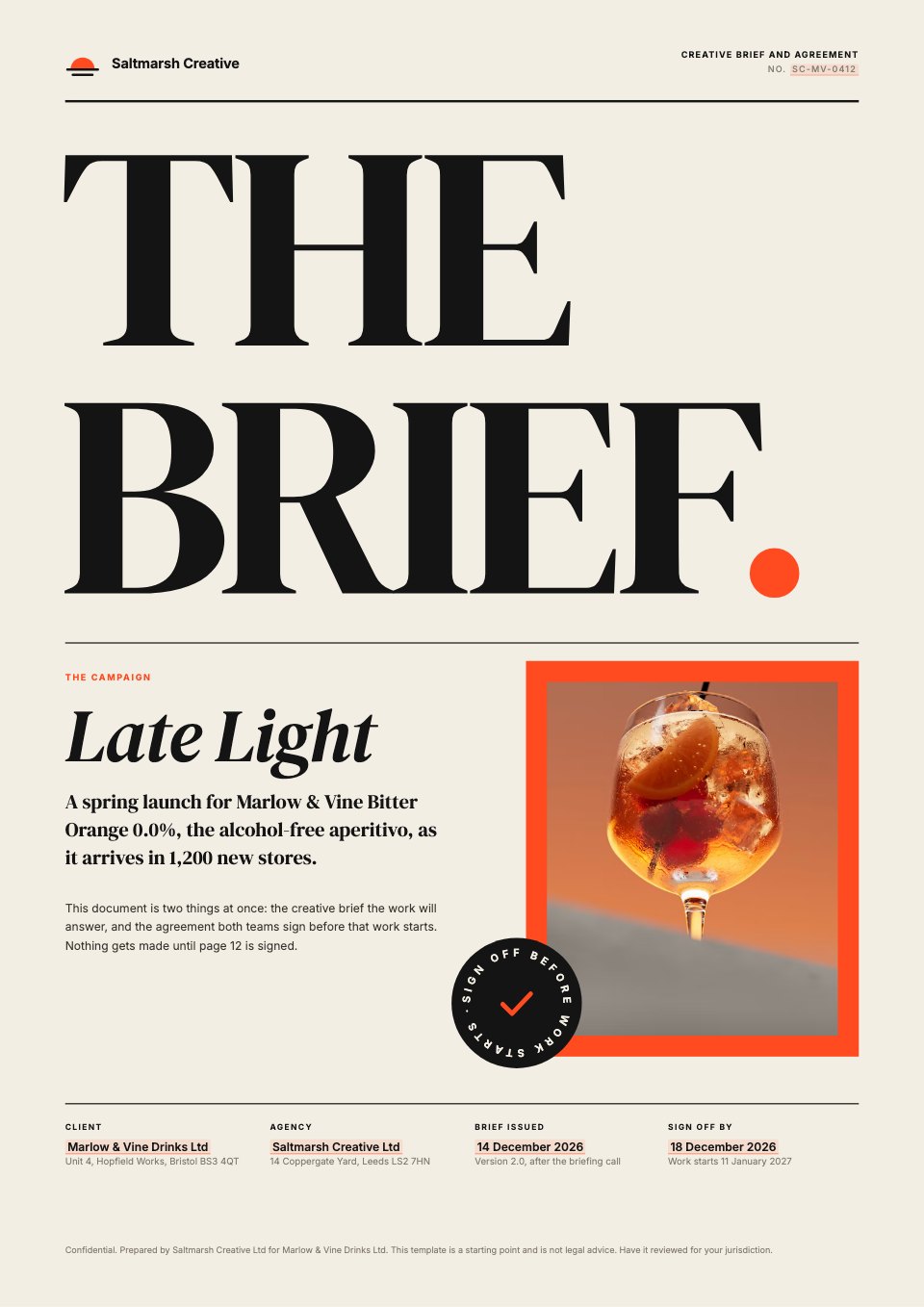
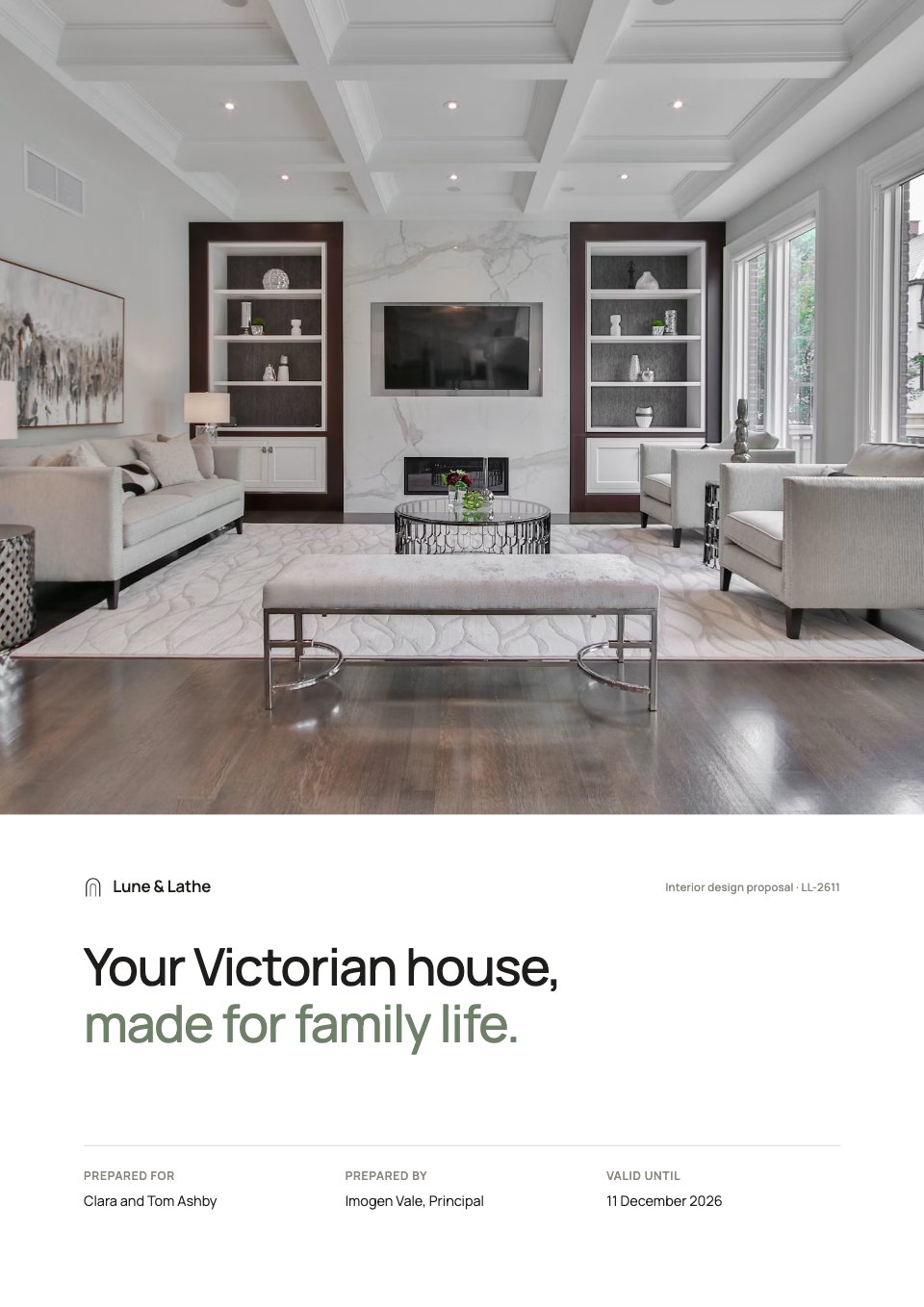
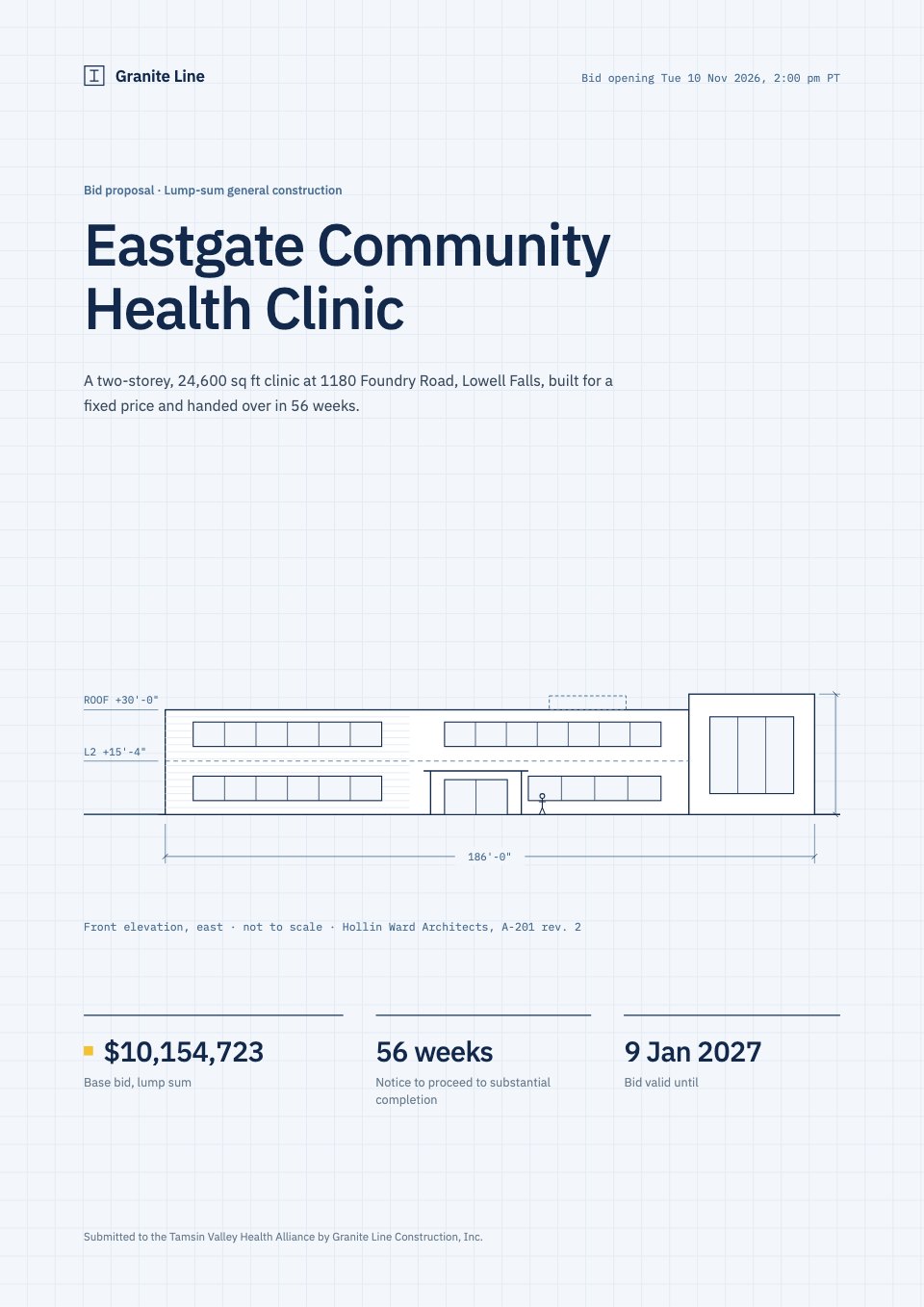
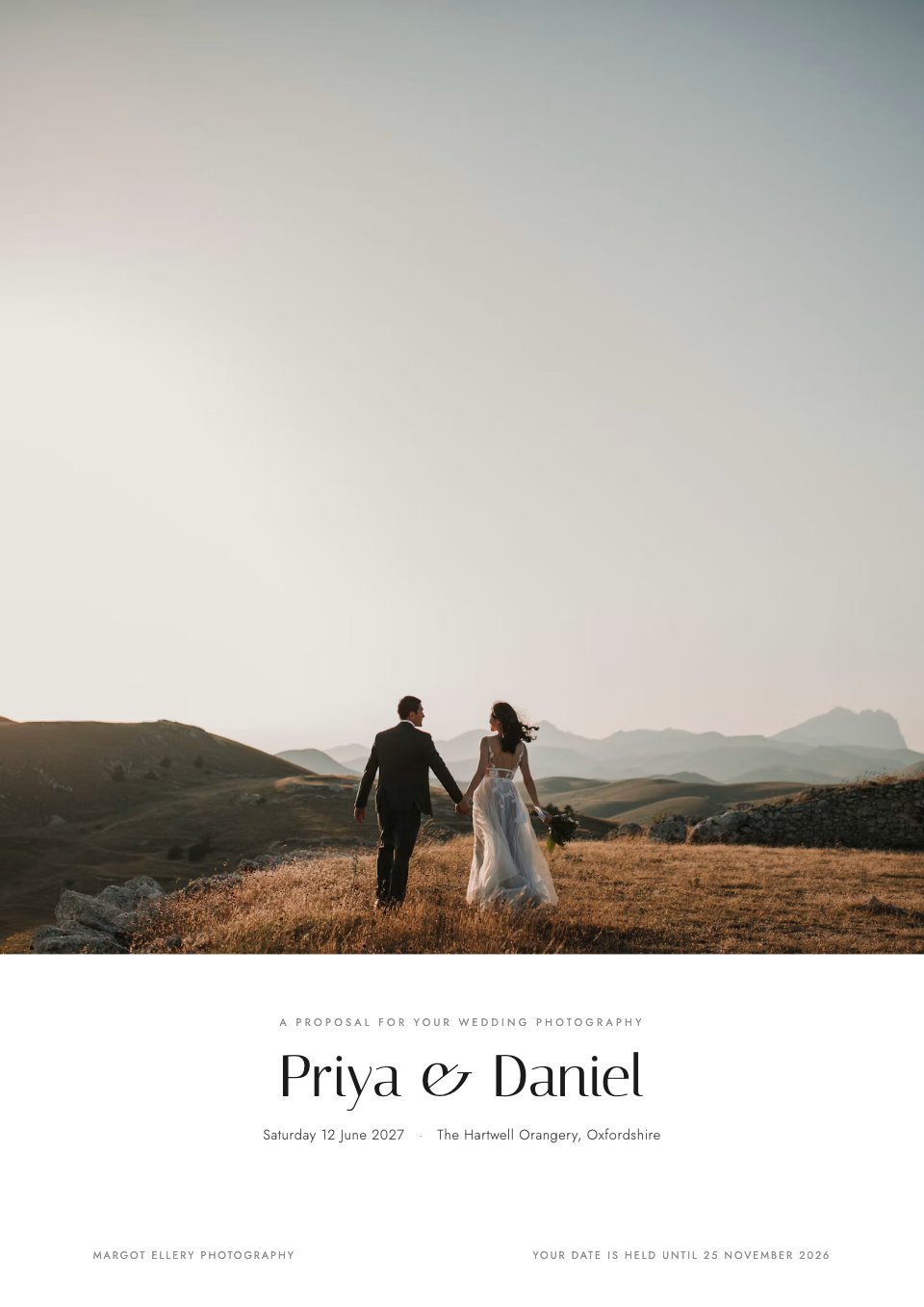
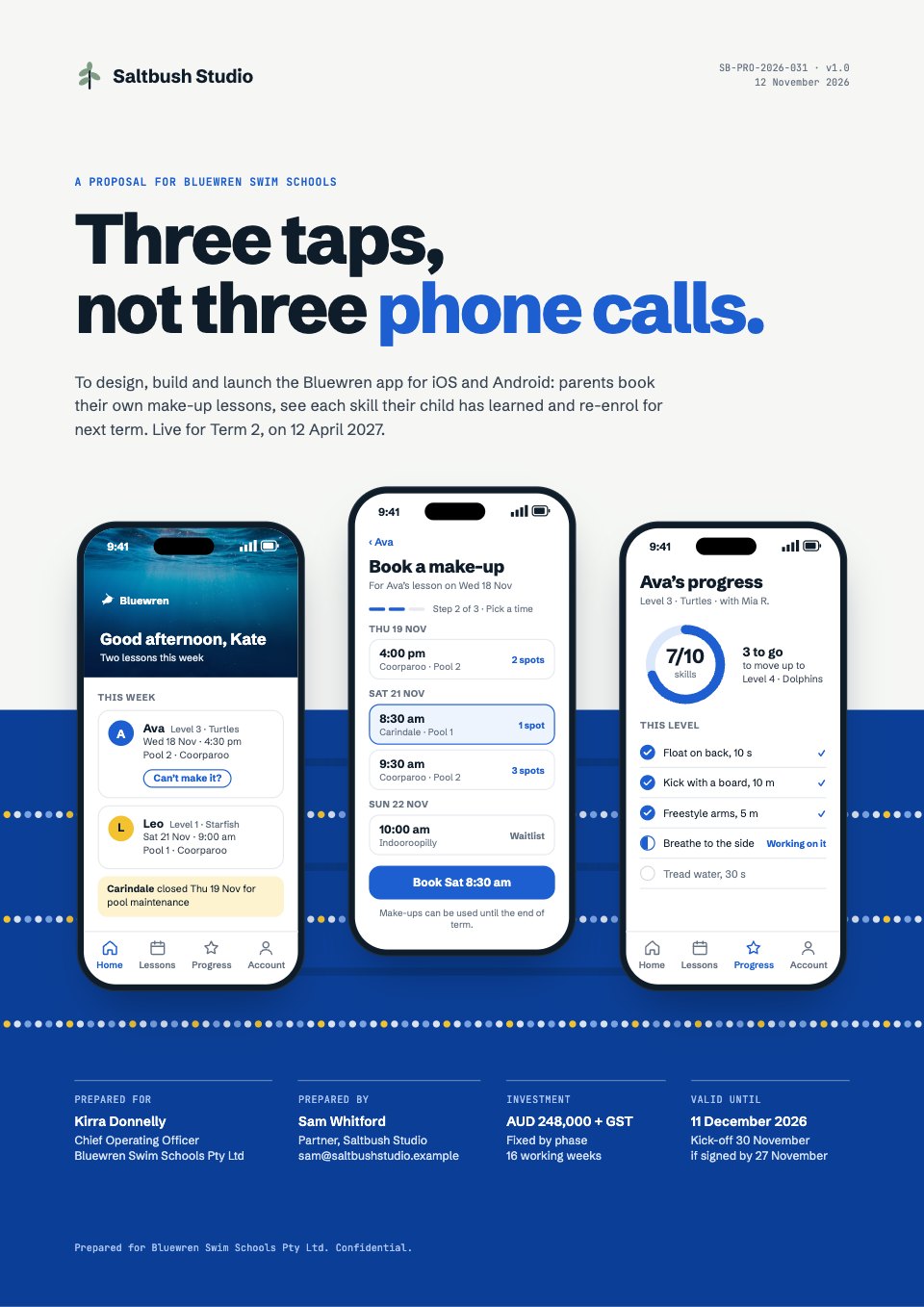
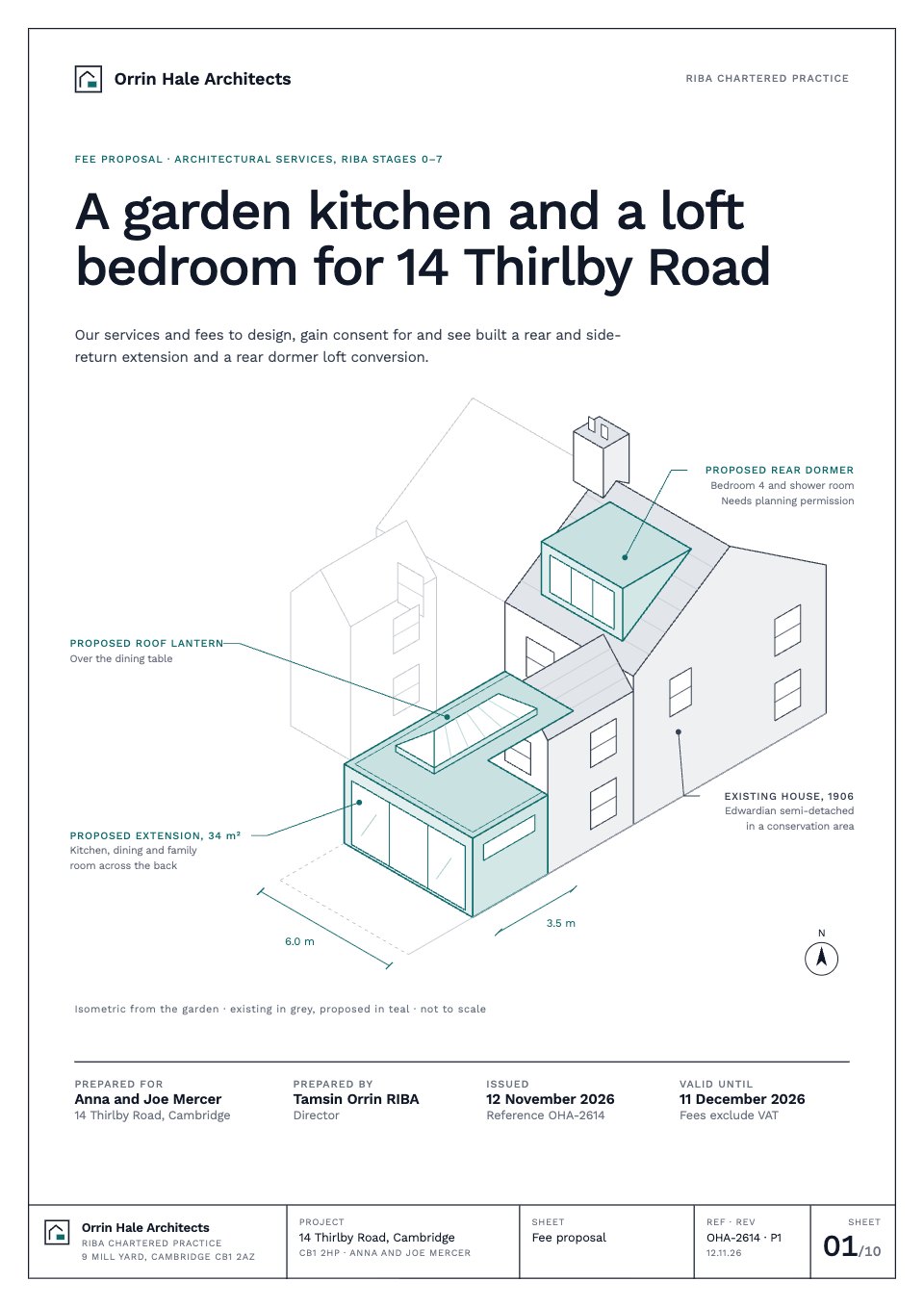
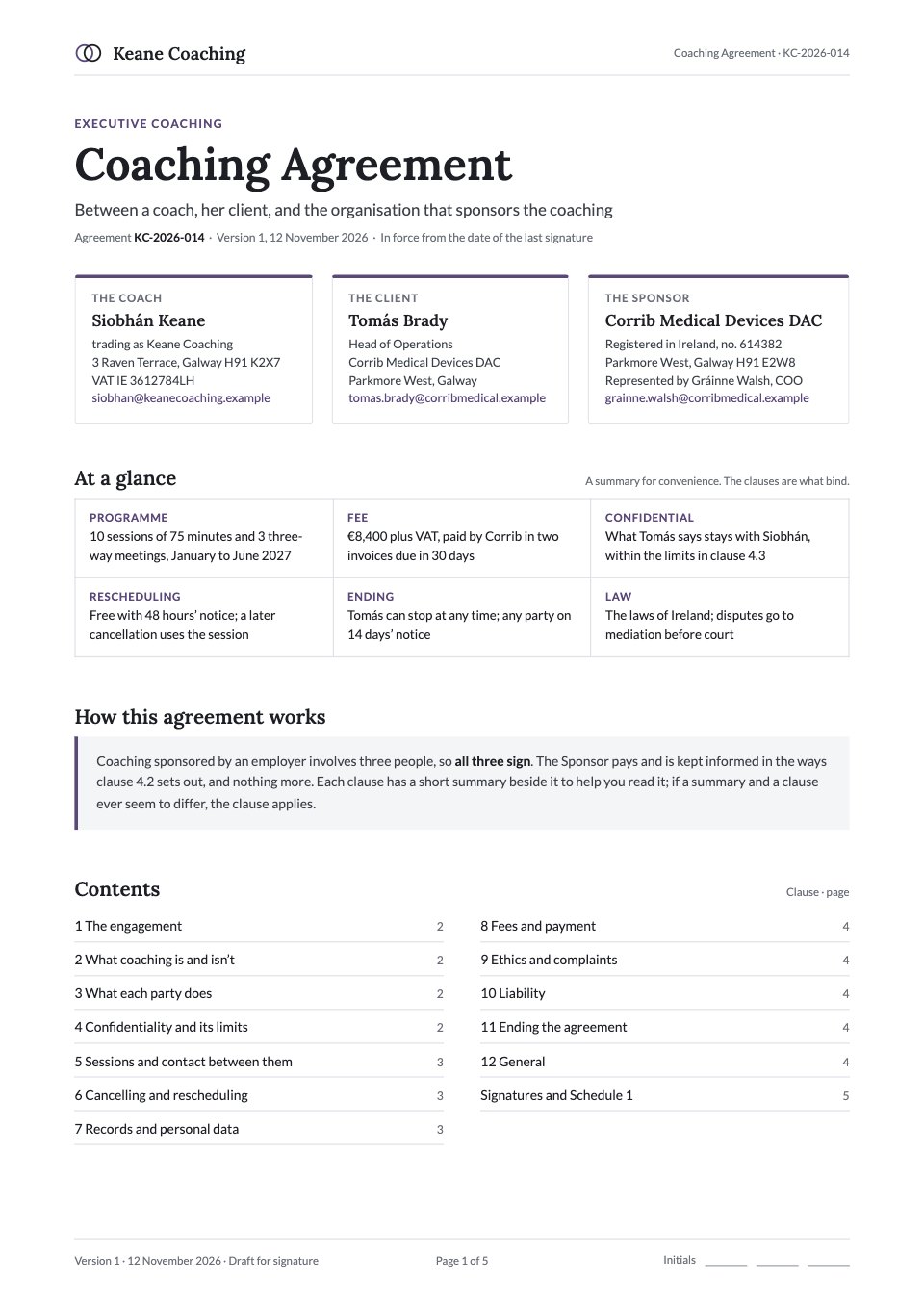
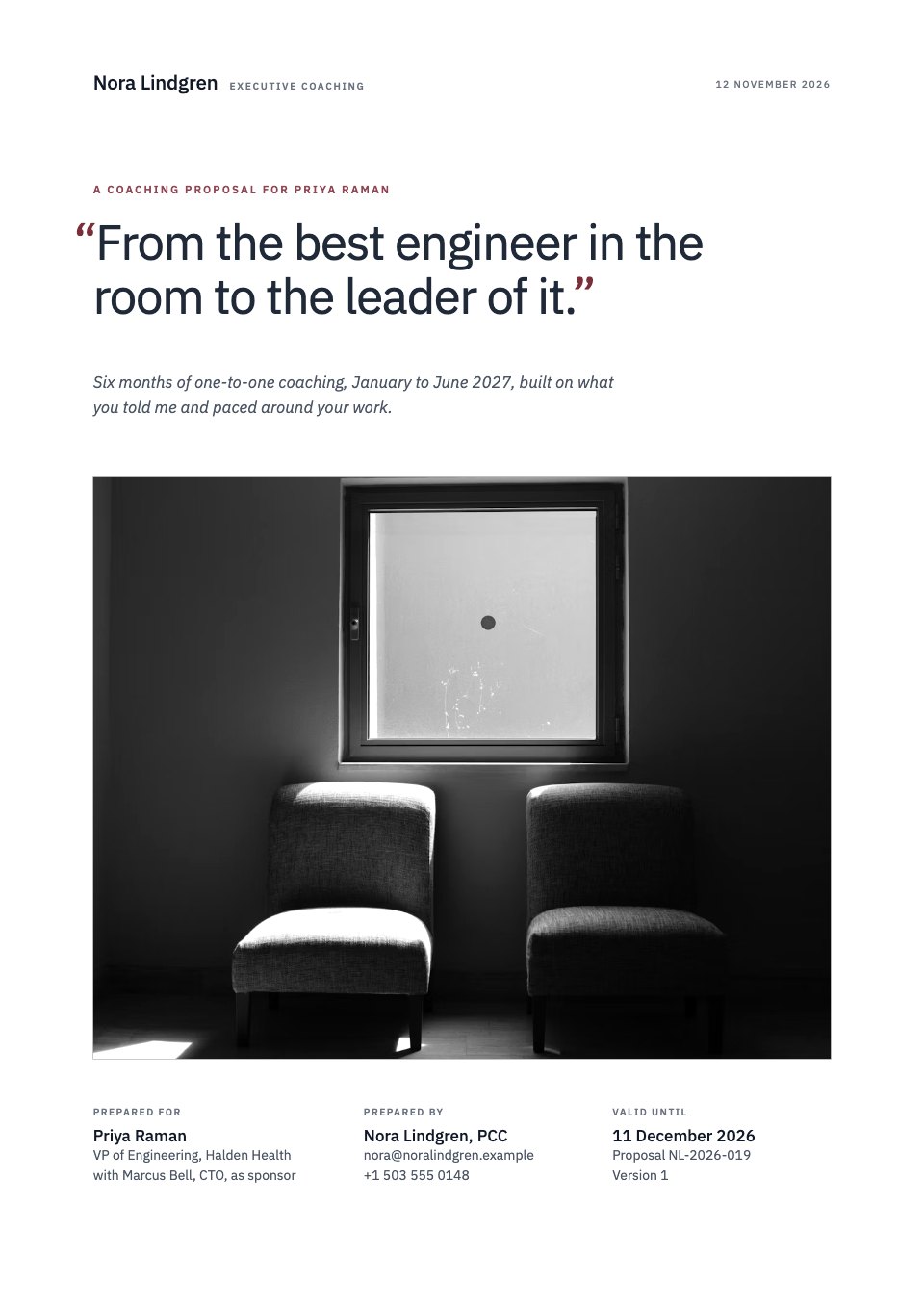
Quote is a three-page quote your client can accept and sign online, shown here for a joinery workshop pricing a café fit-out. Page 1 answers first: what will be made and by when, both parties, the quote number and valid-until date, the total with GST, then ten line items in three work packages with quantities, units and unit prices. Page 2 offers three optional add-ons the client can tick, a dated plan from acceptance to opening day and a 50/40/10 payment schedule. Page 3 lists what's included, excluded and assumed, eight short terms and an acceptance block for signature, name, title and date.
Made for
- Freelance photographers and designers
- Studios with set packages
- Consultants with day rates
- Anyone tired of retyping prices into emails
Make it yours in four steps.
Open it in Proposals and work through it, or let Docsiv AI do the first pass with your details.
- Step 1
Replace the logo, your business details and the client's name, site and contact on page 1.
- Step 2
Edit the line items, quantities and unit prices; the subtotal, GST, total and payment amounts follow.
- Step 3
Swap the add-ons, plan dates and payment split for your own, and set the valid-until date.
- Step 4
Check the short terms for your state or country, then send it so the client can tick, sign and date online.
Start from the Quote now.
Questions about this template.
Something else on your mind? Ask us in the chat, bottom right of the page.
Is the Quote template free?
Yes. Create a free account and it opens in Docsiv's Proposals app, ready to edit and share. The Free plan includes every Docsiv app and 500 AI credits a month.
Can I change the colours, fonts and text?
Yes, all of it. The template uses Inter with #ffffff, #2c4a3d, #f4f6f5, #eaf2ec, #1c201e, #434a46, and you can change any of them, rewrite every word and add or remove pages.
What can I export it as?
Proposals in Docsiv offers: Proposal pages, PDF and HTML exports. Once it's saved, you can also share it with a link.
Can Docsiv AI write the quote for me?
Yes. Tell Docsiv AI about the client or project and it can draft the content in this template's style, which you then review and edit. AI uses credits; the Free plan includes 500 a month.
Can my client sign it?
Yes, on Pro and Team: send the proposal for e-signature from Docsiv and follow it under Signatures. Pro sends 40 a month and Team has no limit.


Start your rate card with Docsiv AI
Describe the client or the project and Docsiv AI writes a first draft of your quote for you to edit, share and send.