

What’s inside the UX & Accessibility Audit.
12 pages with real content in place. Rewrite them, reorder them, or add your own.
- 1Page 1Cover: the Pay rent screen with five numbered callouts, each with its severity and the rule it breaks, and the audit's headline numbers
- 2Page 2Summary: who is blocked from what, WCAG 2.2 AA passes and failures, a matrix of six tasks tried five ways, the 0–4 severity scale with counts and the three fixes to make first
- 3Page 3Scope and method: the six tasks and when each counts as done, the set-up for each of five ways in, three evaluators and how severity was rated, Nielsen's ten heuristics, every WCAG 2.2 A and AA criterion's result, and WCAG 2.2 against AODA's 2.0 AA
- 4Page 4Sign in: the desktop sign-in after a wrong password and the phone code step, annotated, with field borders, red-only errors, unlabelled code boxes, blocked paste and the help link that moves
- 5Page 5Pay rent: the page's tab order for a keyboard user with the Amount-list trap, the confirm step where the card fee first appears, and a screen-reader session cut off by the 10-minute sign-out
- 6Page 6Report a repair: the phone form before and after a photo over 5 MB, annotated, with the form that empties, the unit asked for again, small targets and an unlabelled button, and the upload numbers
- 7Page 7Lease and documents: the five renewal steps, the untagged lease PDF with its reading order, the payment history table at 320 px, and what the lease template and the table need
- 8Page 8Amenities and messages: the booking calendar without keyboard support, 20 px targets at three times size, unannounced confirmations and replies, and the two tasks' results five ways
- 9Page 9Failures by criterion: failures by principle, all 18 failed criteria with level, where, instances, severity and the fix that closes each, and the five the fixes don't cover
- 10Page 10What's working: five strengths to keep, from clear rent balances to messages that work by keyboard and at 200% zoom, and the 29 criteria that pass
- 11Page 11Ranked fixes: ten fixes with severity, criterion, effort, owner and sprint, and the payment method and Pay now button before and after, with code
- 12Page 12Roadmap and next step: four sprints and a usability test with eight tenants on one timeline, how we tested, measures and targets, and the sprint-planning date
When to use it.
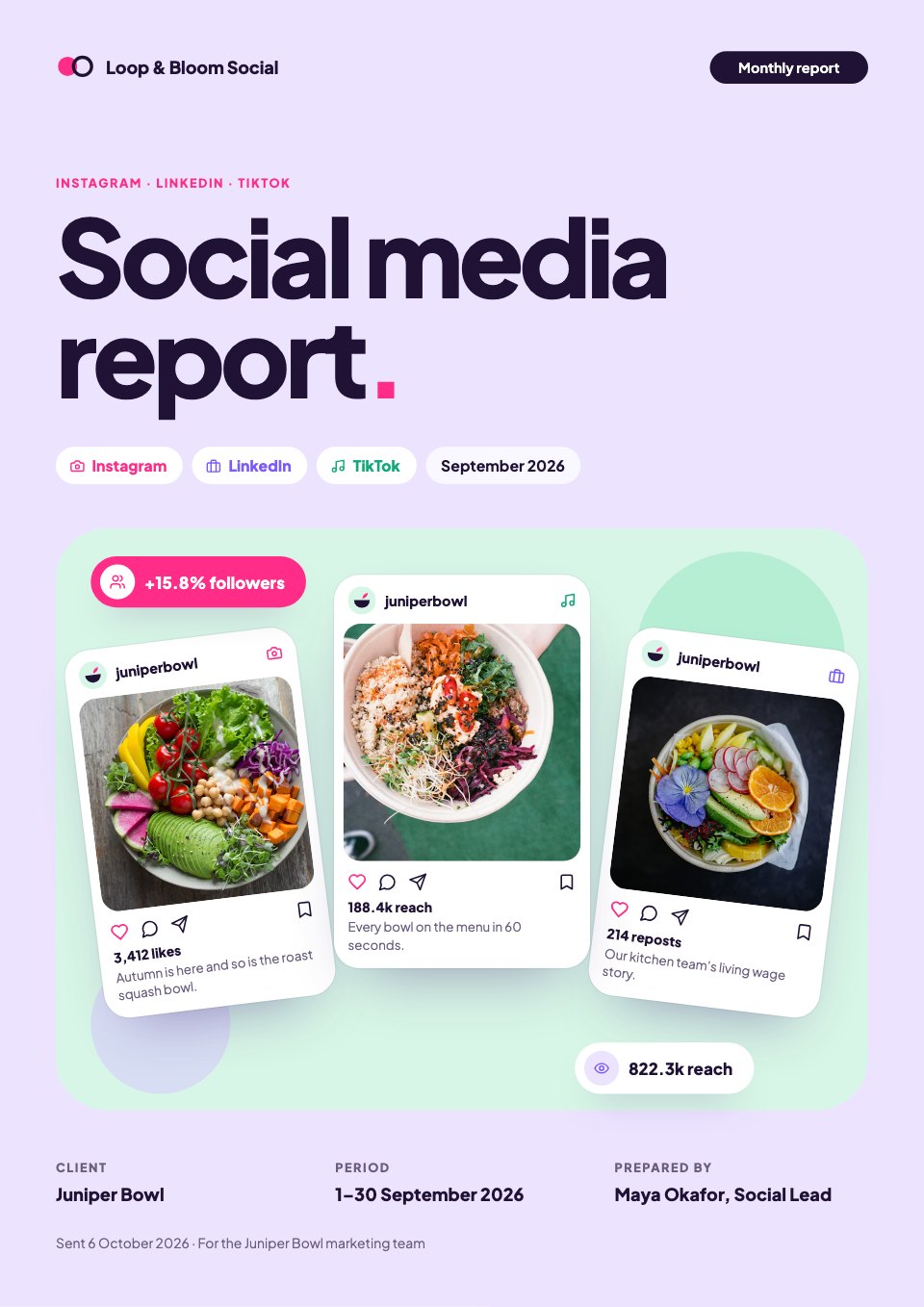
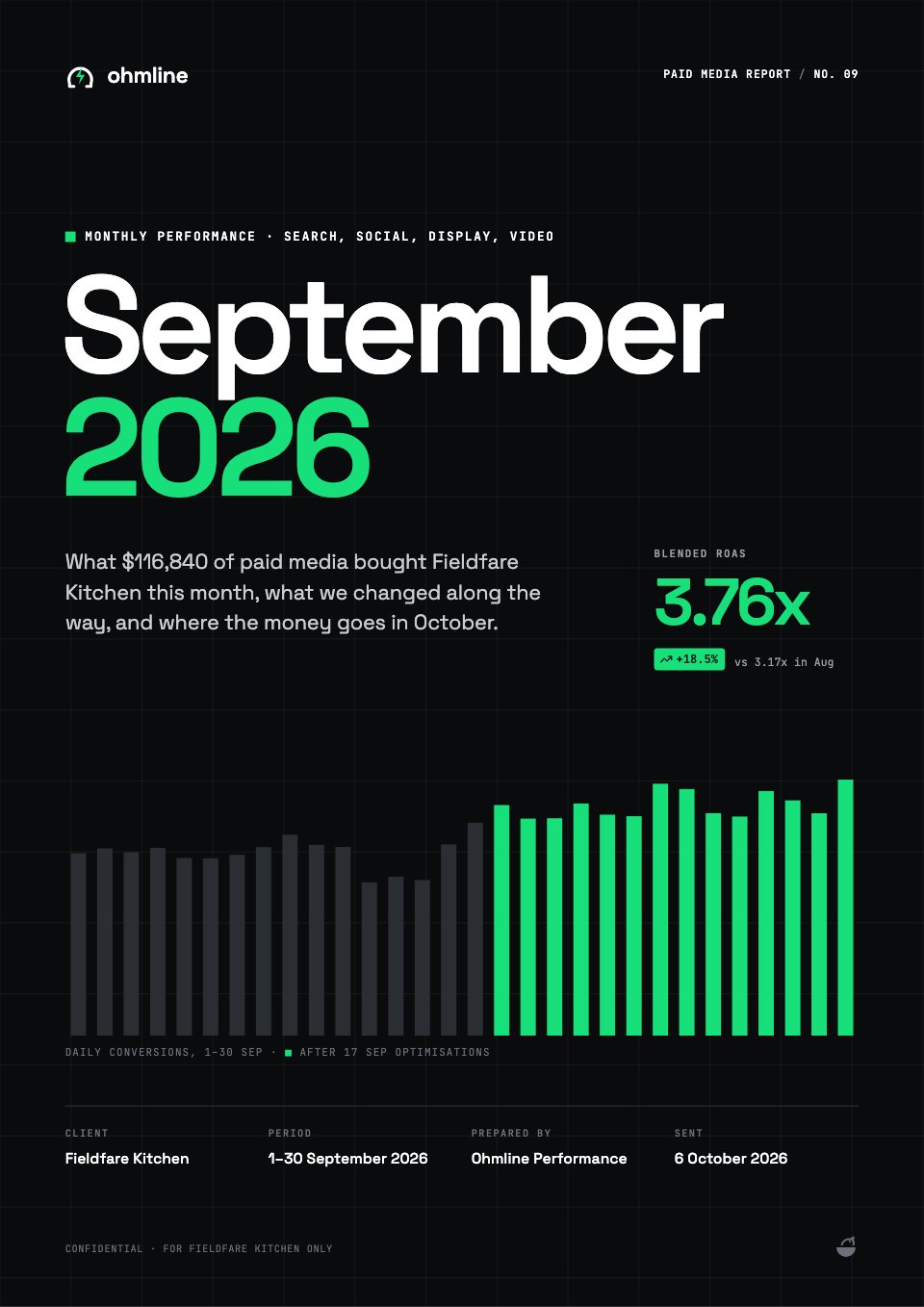
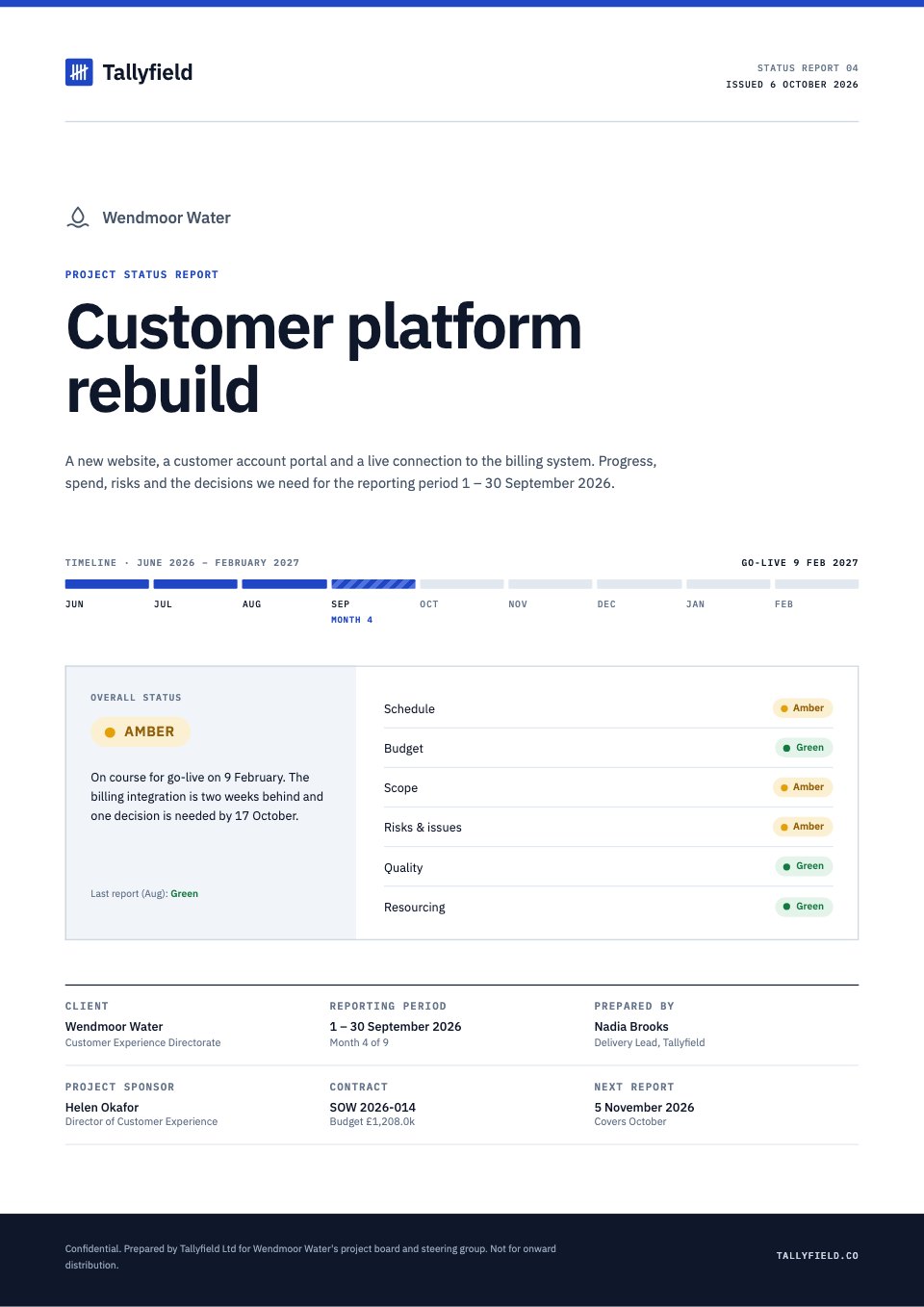
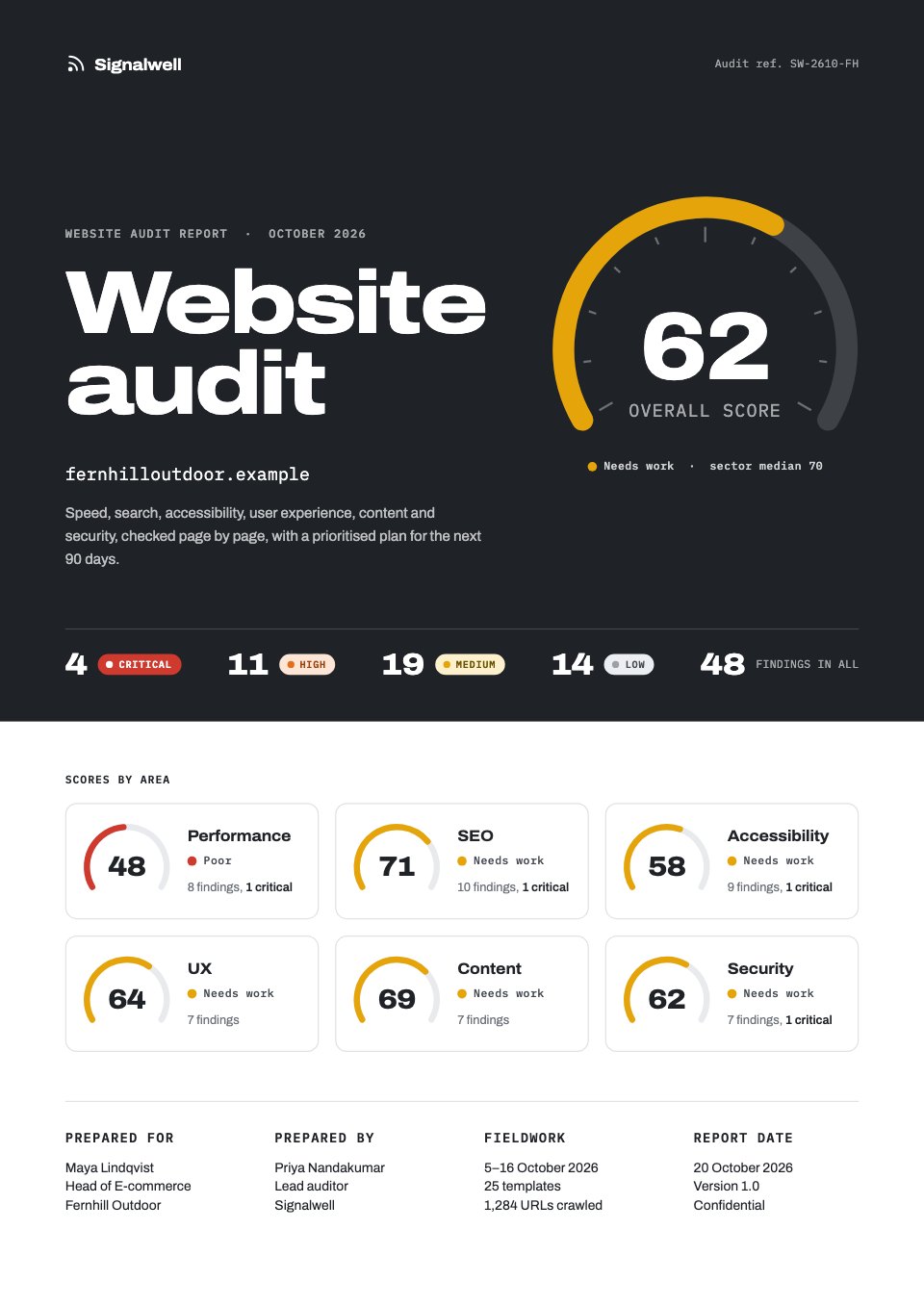
UX & Accessibility Audit is a 12-page A4 report for UX studios, accessibility consultants and product teams who review a web app against Nielsen's heuristics and WCAG 2.2 AA, shown for a landlord's tenant portal. It opens with an annotated screen and the headline numbers, then a summary with a task-by-access-method matrix and the 0–4 severity scale, the scope and method, five flows drawn as screens with numbered callouts, every failed success criterion and what's working. It closes with ten ranked fixes, a before-and-after with code, and a sprint roadmap.
Made for
- Agencies reporting to clients
- Consultants and freelancers
- Founders updating a board
- Teams sharing results
Make it yours in four steps.
Open it in Reports and work through it, or let Docsiv AI do the first pass with your details.
- Step 1
Put the client, the product and the test dates on the cover, and redraw its key screen from your own screenshot.
- Step 2
Set your tasks and ways of access, then mark each pair Done, With difficulty or Blocked in the summary matrix.
- Step 3
Redraw each flow's screens, move the numbered callouts onto the problems and rate each from 0 to 4.
- Step 4
List the failed criteria, rank the fixes into the client's sprints, then share the link or export a PDF.
Start from the UX & Accessibility Audit now.
Questions about this template.
Something else on your mind? Ask us in the chat, bottom right of the page.
Is the UX & Accessibility Audit template free?
Yes. Create a free account and it opens in Docsiv's Reports app, ready to edit and share. The Free plan includes every Docsiv app and 500 AI credits a month.
Can I change the colours, fonts and text?
Yes, all of it. The template uses Atkinson Hyperlegible Next and Atkinson Hyperlegible Mono with #ffffff, #14202b, #f1efea, #b8155a, #7a0e3d, #0d6e66, and you can change any of them, rewrite every word and add or remove pages.
What can I export it as?
Reports in Docsiv offers: Report pages with charts, PDF and HTML exports. Once it's saved, you can also share it with a link.
Can Docsiv AI write the accessibility audit for me?
Yes. Tell Docsiv AI about the client or project and it can draft the content in this template's style, which you then review and edit. AI uses credits; the Free plan includes 500 a month.
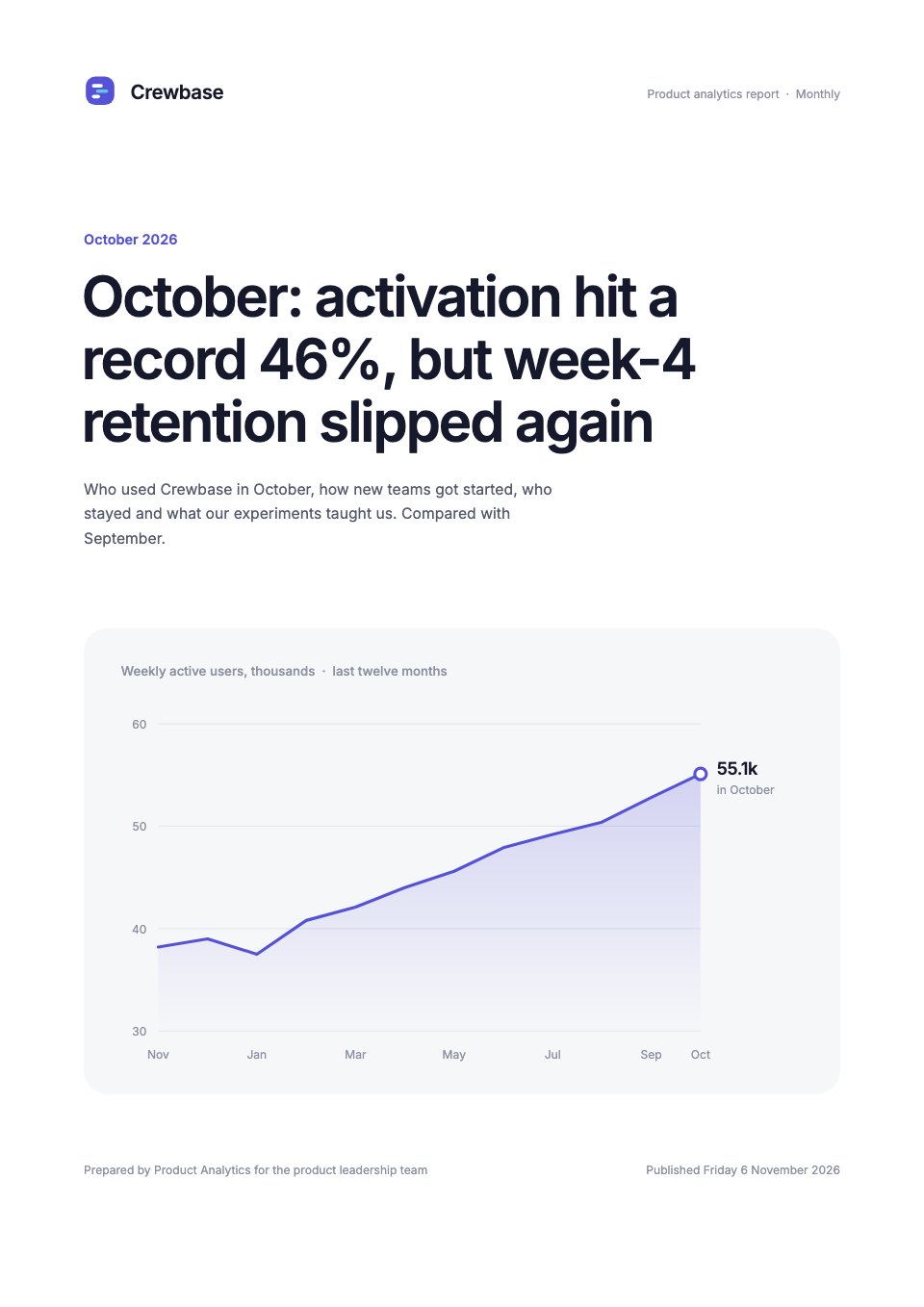
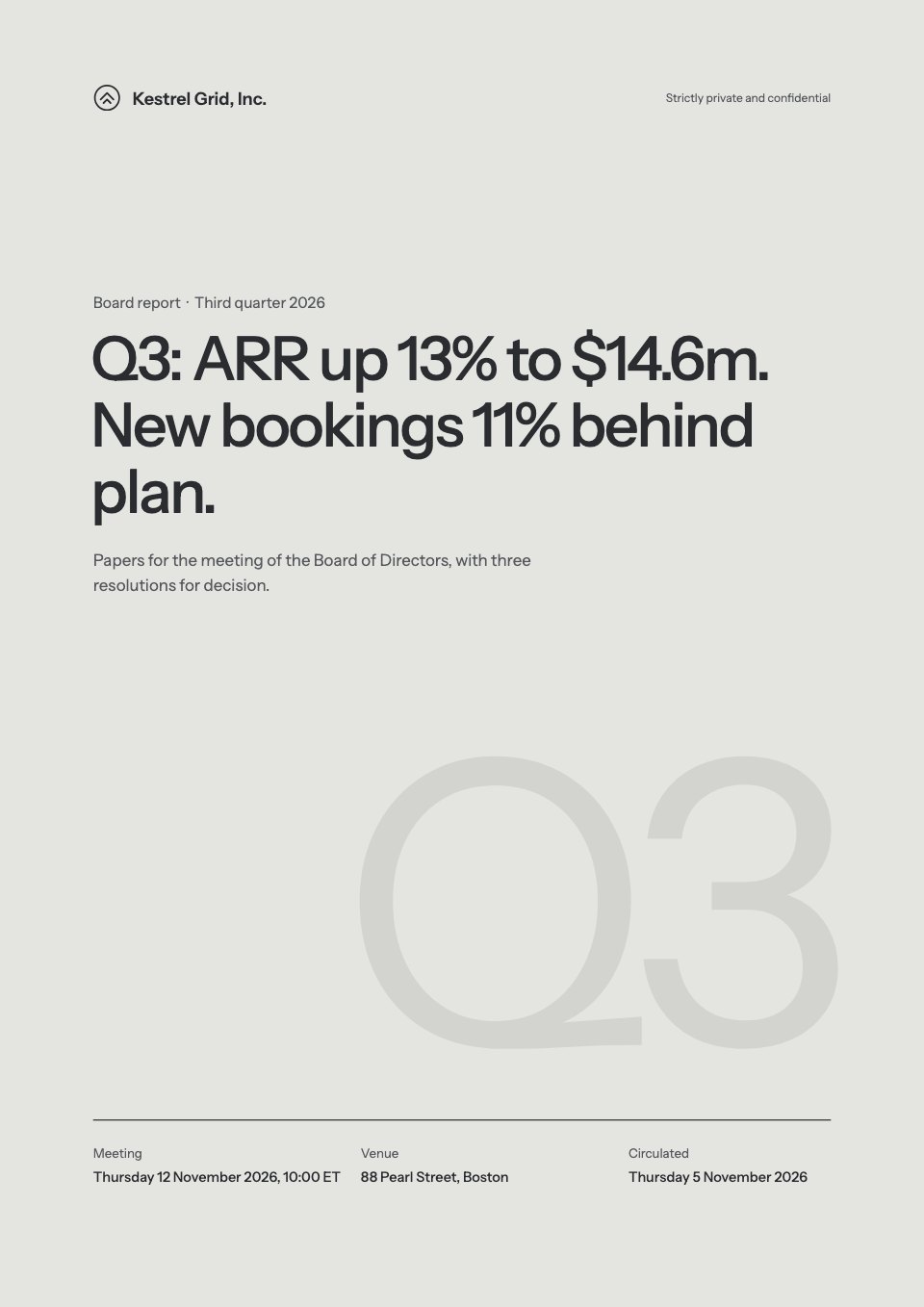
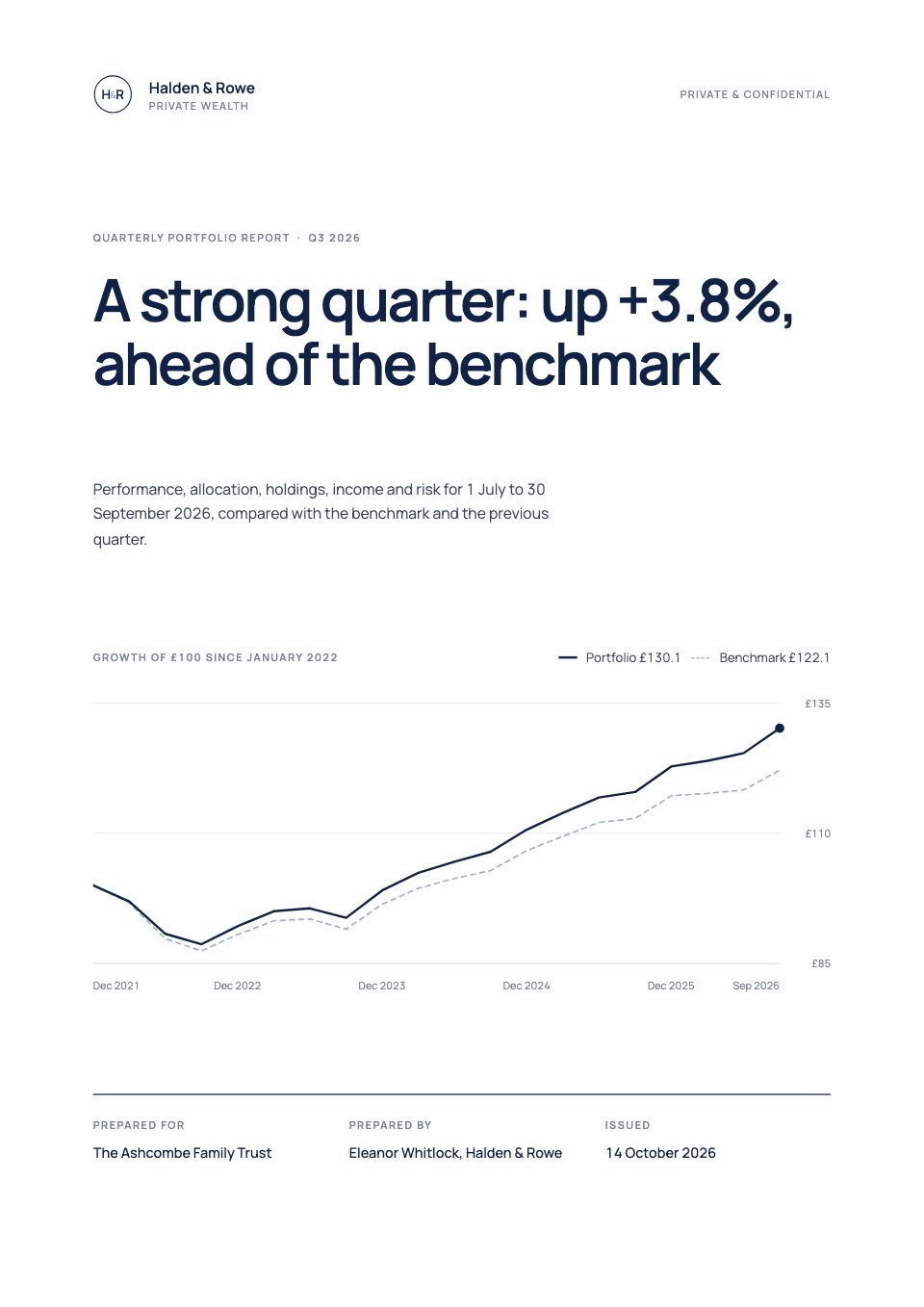
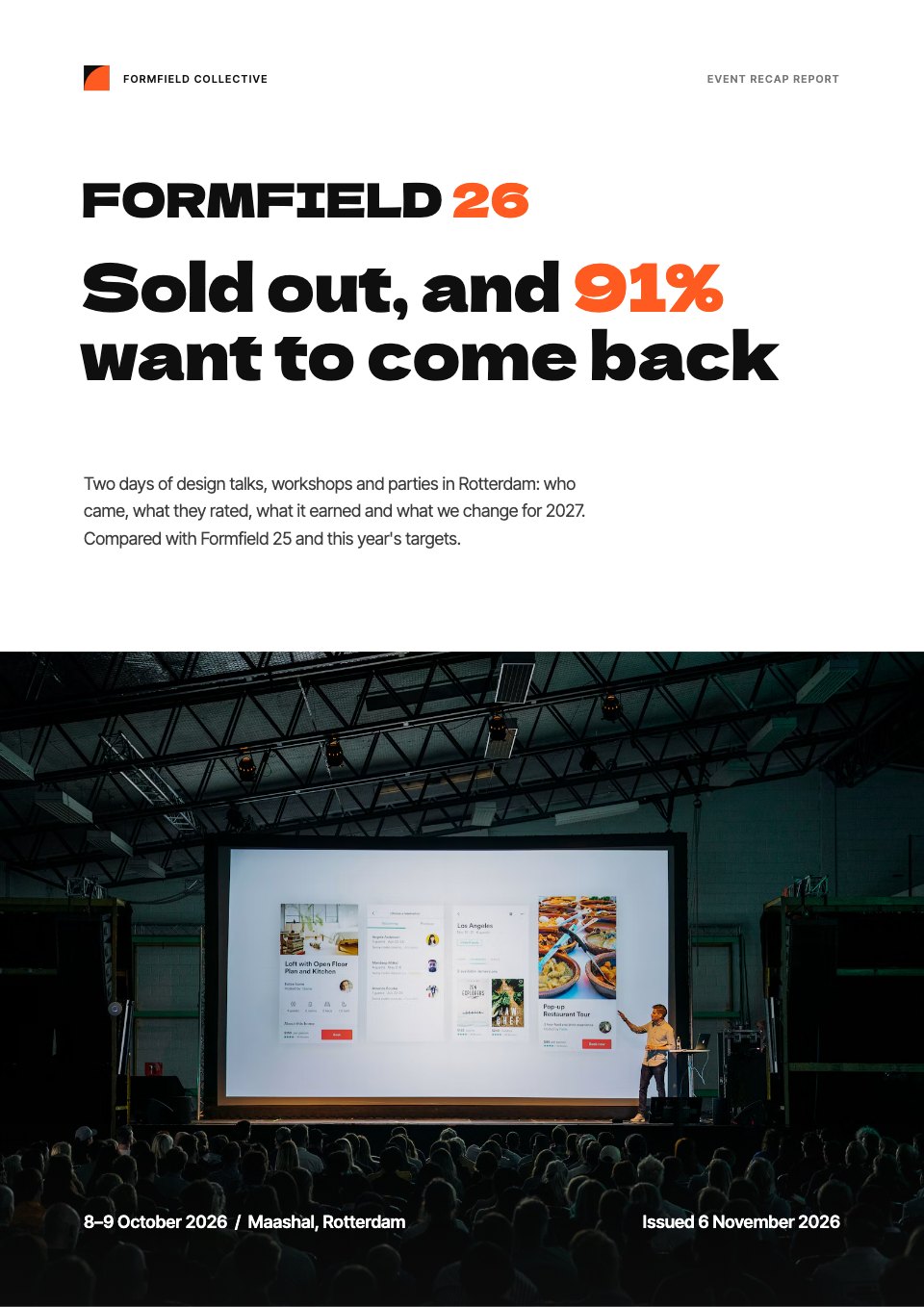
Annual Report
PreviewSales Report
PreviewQuarterly Business Review
PreviewResearch Report
PreviewSEO Report
PreviewMarketing Report
Preview






Starting from a description instead? Try the AI report generator.






Start your report with Docsiv AI
Describe the client or the project and Docsiv AI writes a first draft of your accessibility audit for you to edit, share and send.