

What’s inside the Competitor Analysis Report.
14 pages with real content in place. Rewrite them, reorder them, or add your own.
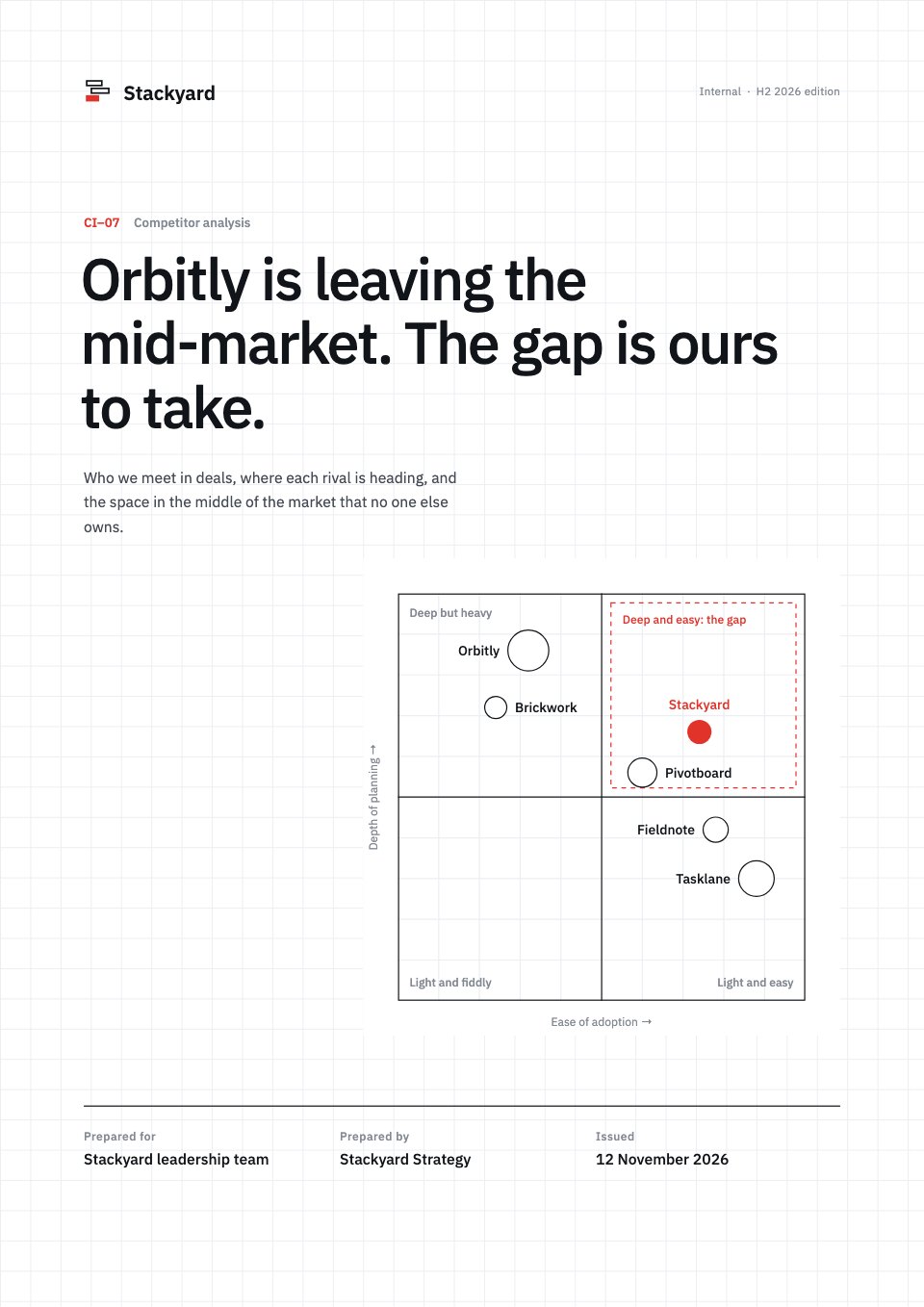
- 1Page 1Cover: the main finding as the title on a faint drafting grid, with the outlined positioning map
- 2Page 2Summary: three KPIs with change and status against target, the positioning map, the top recommendation and confidence
- 3Page 3Objectives and method: four research questions, the method, sample and dates, and the limitations
- 4Page 4Market: market size by segment from 2024 to 2028, with mid-market growth
- 5Page 5Market map: the segments each rival sells to and where it is moving
- 6Page 6Rival profile, Orbitly: the January price rise, strategy, weaknesses and what to say in deals
- 7Page 7Rival profile, Tasklane: its growing presence in our small-agency deals and where it stops
- 8Page 8Rivals at a glance: Pivotboard, Fieldnote and Brickwork with threat, changes and what to say
- 9Page 9Feature matrix: eight capability groups scored with Harvey balls for all six products
- 10Page 10Pricing: the yearly cost for a 50-seat team on every product, and our price index
- 11Page 11Win/loss: why we win and why we lose, from 212 competitive deals
- 12Page 12SWOT: Stackyard's strengths, weaknesses, opportunities and threats
- 13Page 13Recommendations: four moves with owners, dates, confidence and expected ARR, and the decision needed
- 14Page 14Sources and method: evidence, how to read the exhibits, external sources, key terms and contact
When to use it.
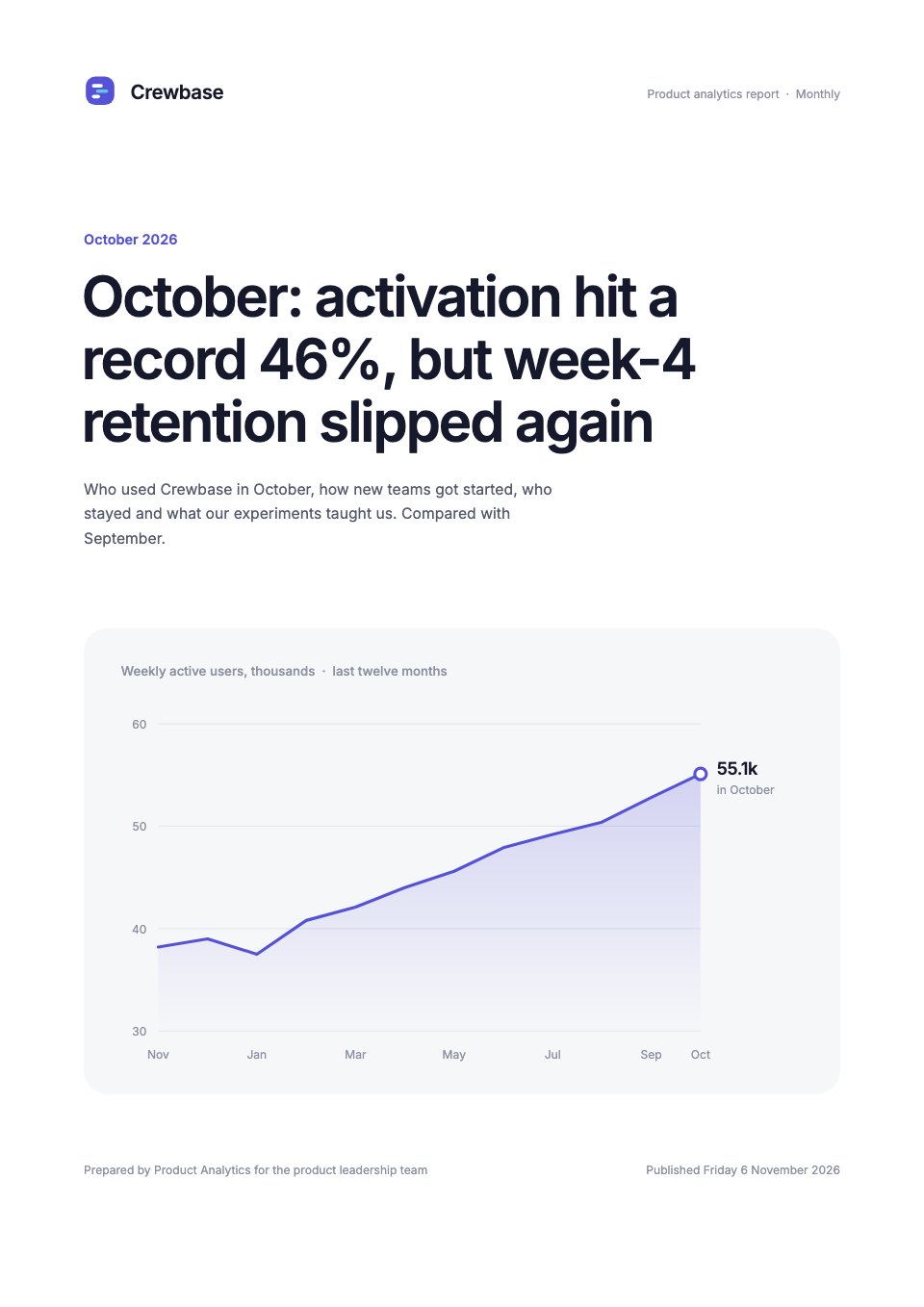
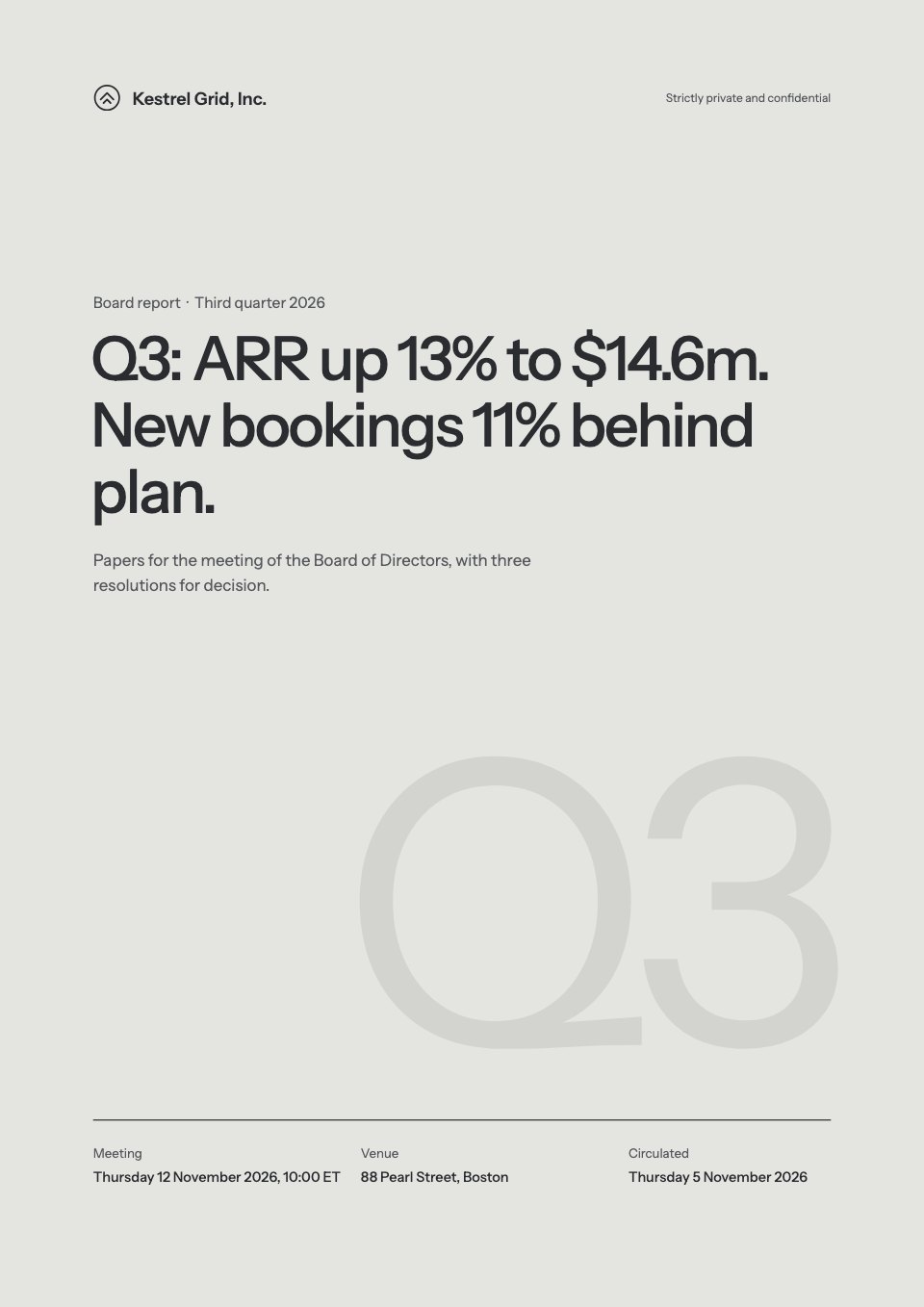
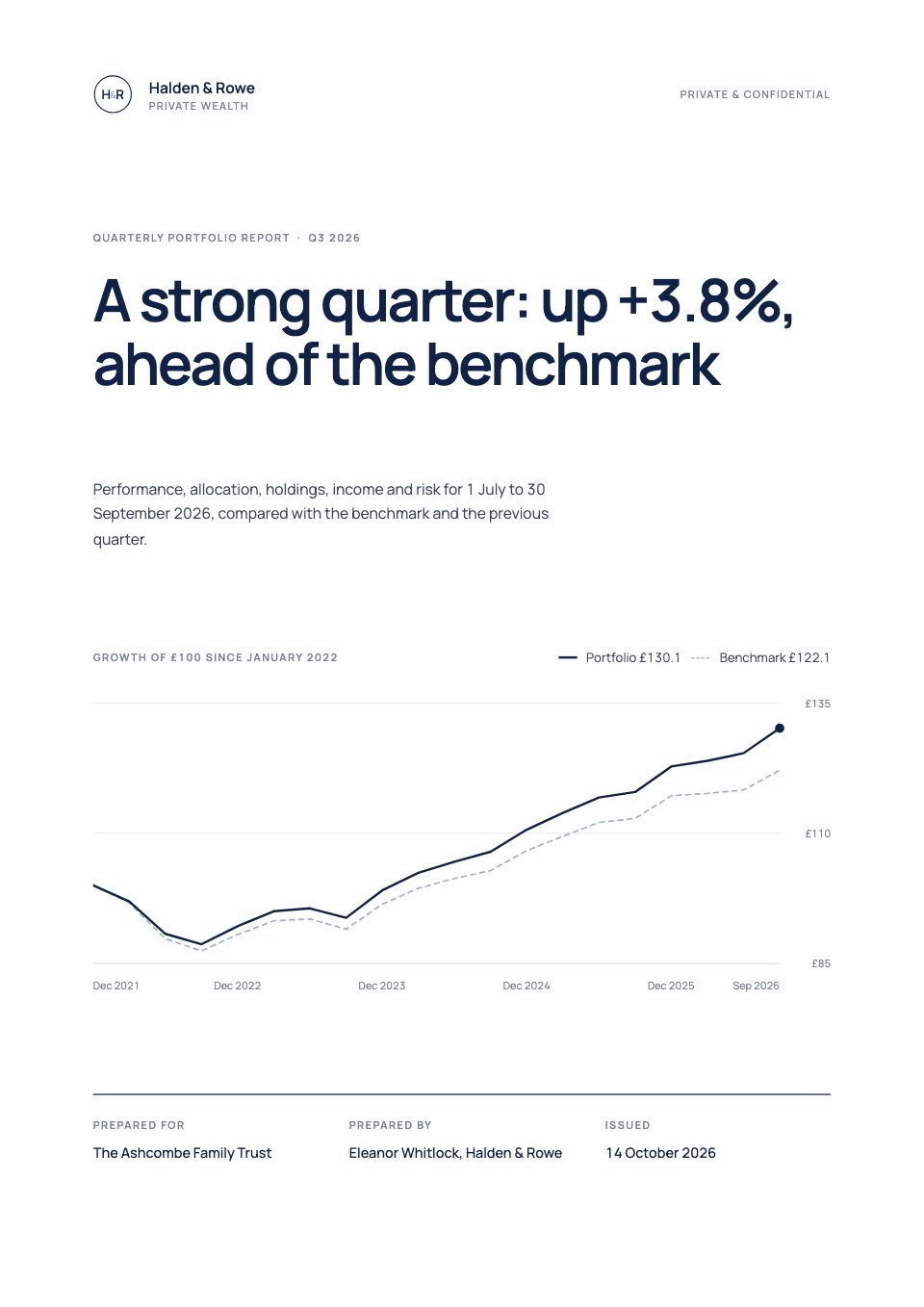
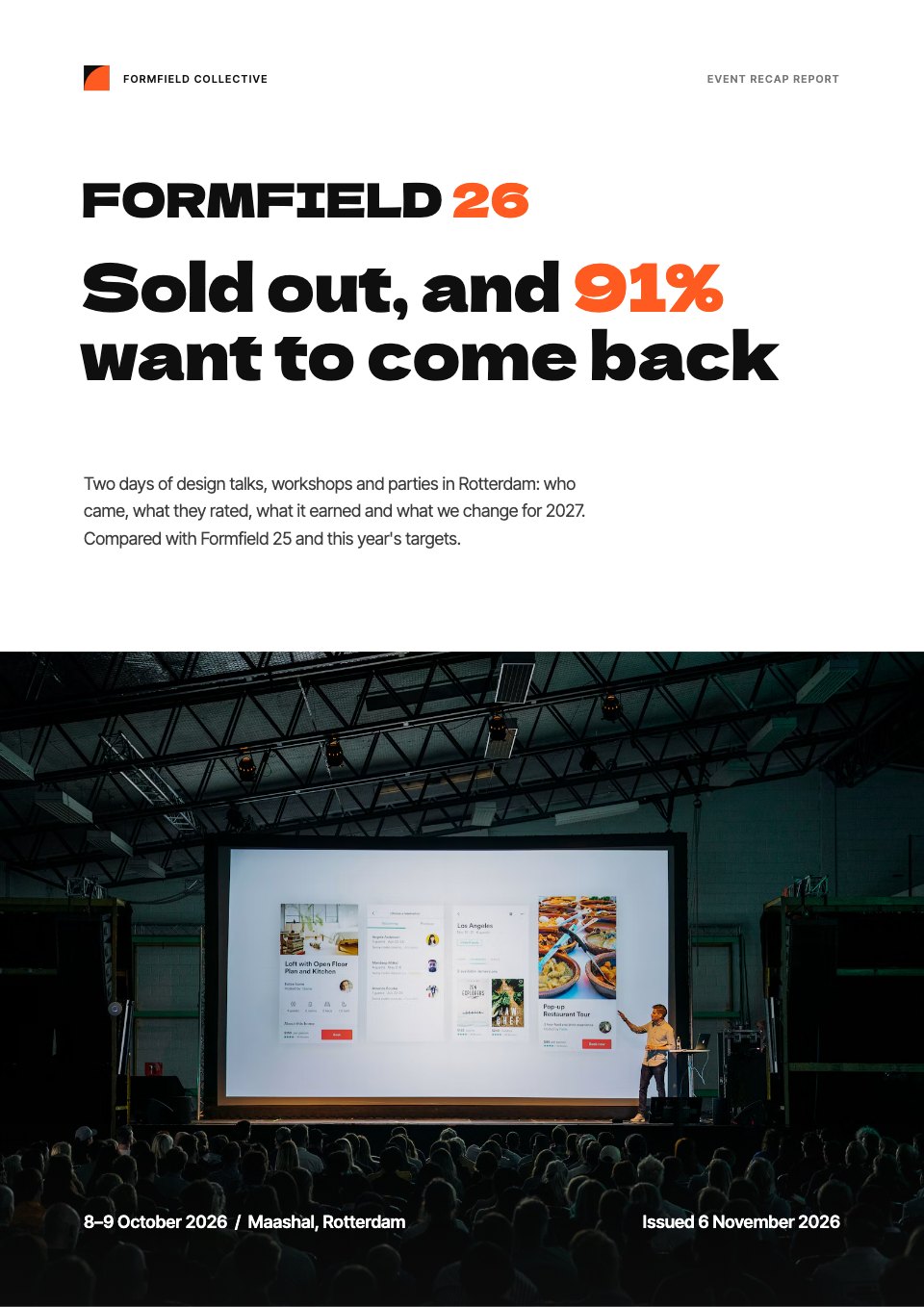
Competitor Analysis Report is a 14-page A4 report for product marketing, strategy and sales teams at a software company. It opens with a positioning map, then covers market size by segment, a market map, full profiles of two main rivals and a page on three more, a Harvey-ball feature matrix across six products, pricing for a 50-seat team, win/loss reasons from real deals and a SWOT. Four moves with owners and expected ARR close it. Thin black line work on white, with one signal red for your own company, keeps it clear.
Made for
- Agencies reporting to clients
- Consultants and freelancers
- Founders updating a board
- Teams sharing results
Make it yours in four steps.
Open it in Reports and work through it, or let Docsiv AI do the first pass with your details.
- Step 1
Replace your company, the rivals and the main finding on the cover.
- Step 2
Place each product on the positioning map and score the feature matrix with Harvey balls.
- Step 3
Update the rival profiles, pricing and win/loss reasons from your own research and deals.
- Step 4
Set the four moves with owners and expected ARR, then share the report as a link or PDF.
Start from the Competitor Analysis Report now.
Questions about this template.
Something else on your mind? Ask us in the chat, bottom right of the page.
Is the Competitor Analysis Report template free?
Yes. Create a free account and it opens in Docsiv's Reports app, ready to edit and share. The Free plan includes every Docsiv app and 500 AI credits a month.
Can I change the colours, fonts and text?
Yes, all of it. The template uses IBM Plex Sans with #ffffff, #111418, #e2332b, #eceef2, #b9bec7, and you can change any of them, rewrite every word and add or remove pages.
What can I export it as?
Reports in Docsiv offers: Report pages with charts, PDF and HTML exports. Once it's saved, you can also share it with a link.
Can Docsiv AI write the competitor analysis for me?
Yes. Tell Docsiv AI about the client or project and it can draft the content in this template's style, which you then review and edit. AI uses credits; the Free plan includes 500 a month.
Annual Report
PreviewSales Report
PreviewQuarterly Business Review
PreviewResearch Report
PreviewSEO Report
PreviewMarketing Report
Preview






Starting from a description instead? Try the AI report generator.







Start your report with Docsiv AI
Describe the client or the project and Docsiv AI writes a first draft of your competitor analysis for you to edit, share and send.