

What’s inside the Customer Satisfaction Report.
14 pages with real content in place. Rewrite them, reorder them, or add your own.
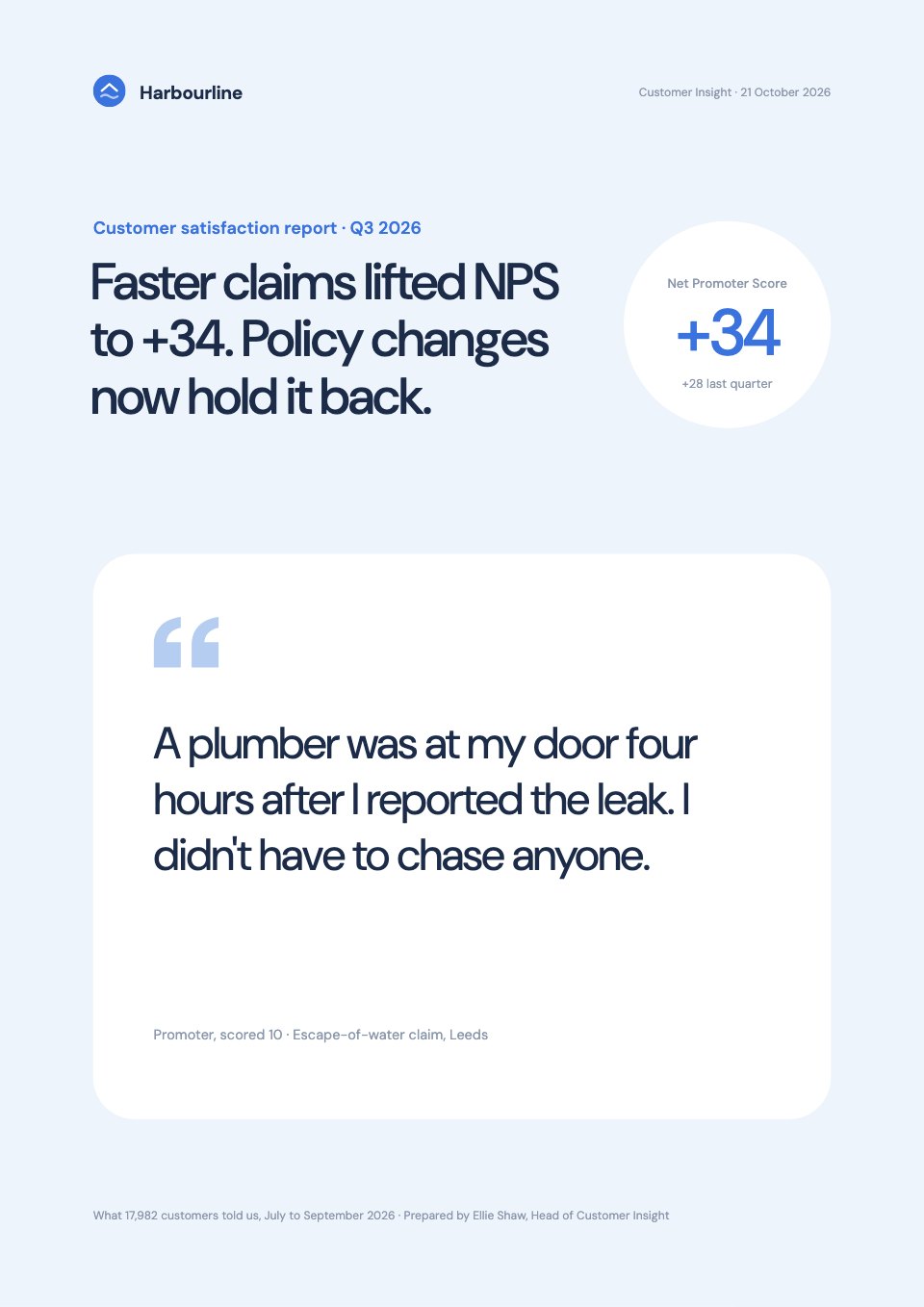
- 1Page 1An ice-blue cover with the main finding as the title, the NPS in a white circle and one big customer quote
- 2Page 2Summary: the question and answer, three findings with their numbers, the top recommendation and confidence
- 3Page 3What we asked and how: three questions, the method, sample, dates and limits
- 4Page 4Finding 1: the NPS gauge and the score over eight quarters
- 5Page 5Finding 2: claims NPS by days to settle
- 6Page 6In their own words: one big promoter quote and two detractor quotes
- 7Page 7Finding 3: NPS by journey stage, with policy changes the only stage that fell
- 8Page 8Finding 4: what detractors wrote about, led by unexplained renewal prices
- 9Page 9Finding 5: phone waits by weekday and CSAT by channel
- 10Page 10What drives the score: a key-driver map of importance against performance
- 11Page 11Implications: renewal rates by group and the estimated revenue at stake
- 12Page 12Three recommendations for Q4, each beside the verbatim behind it, with owner, date, target and confidence
- 13Page 13Next steps: the decision wanted, by when, and the Q4 dates
- 14Page 14Methodology: how NPS is scored, the survey programme and response rates
When to use it.
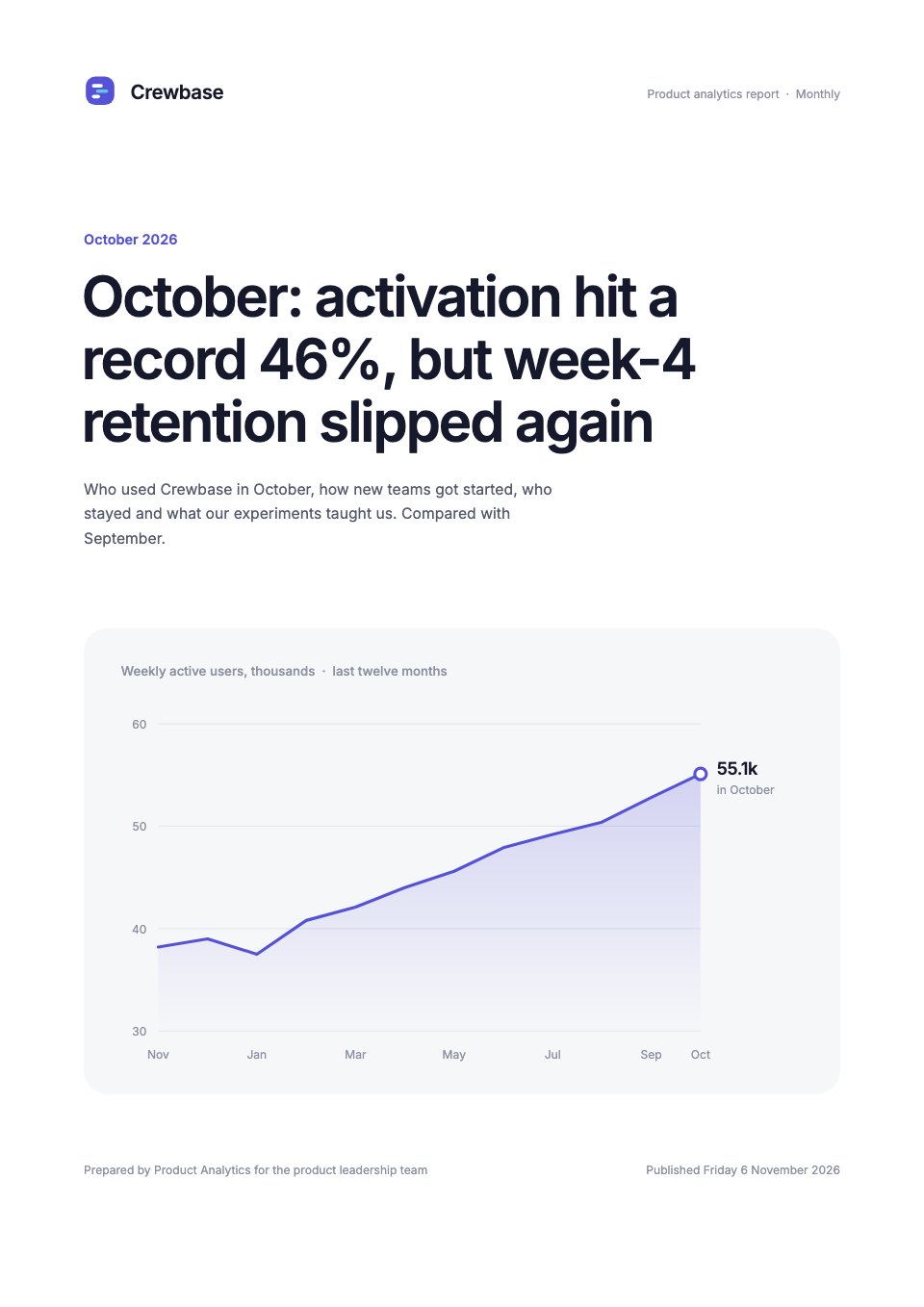
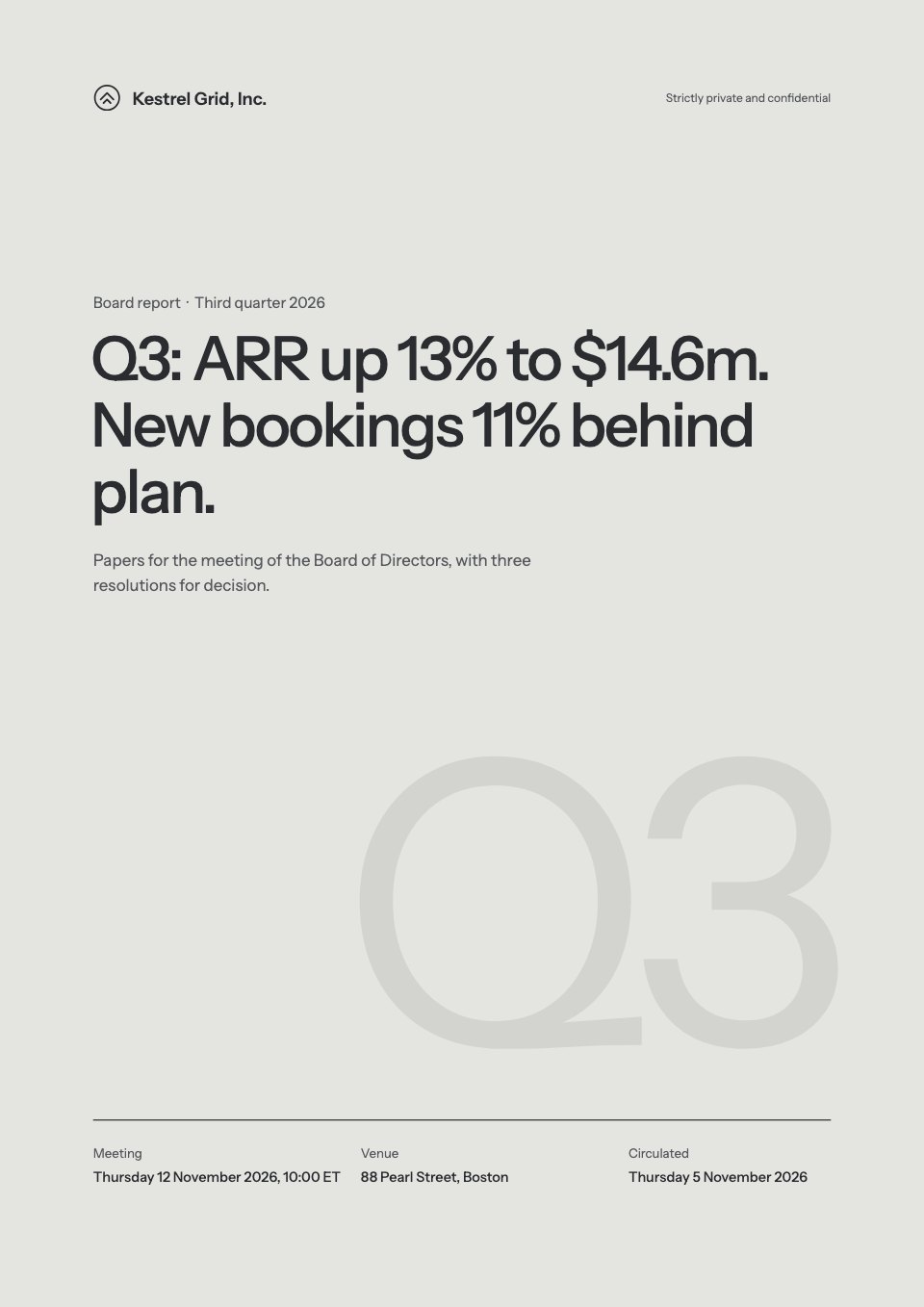
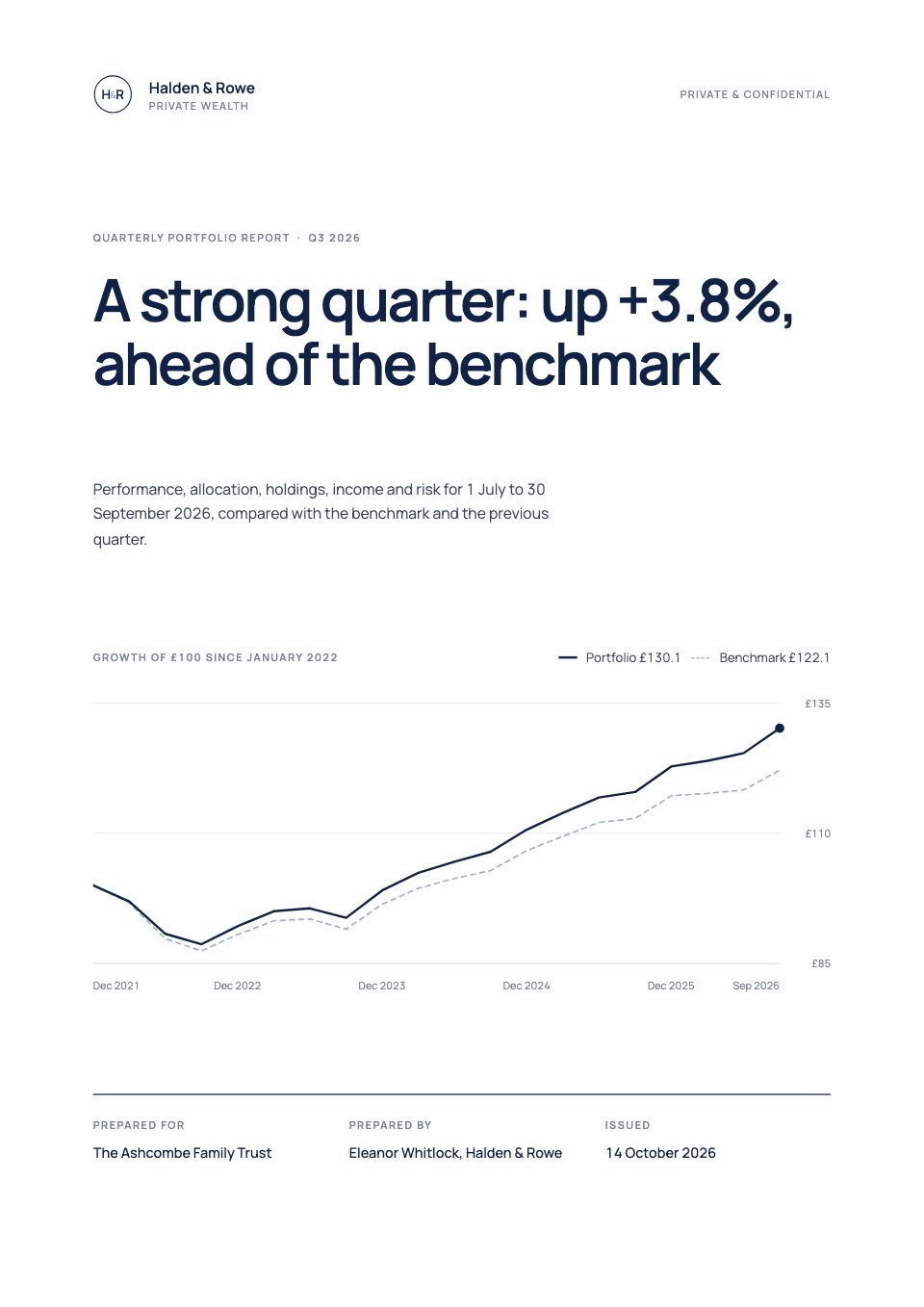
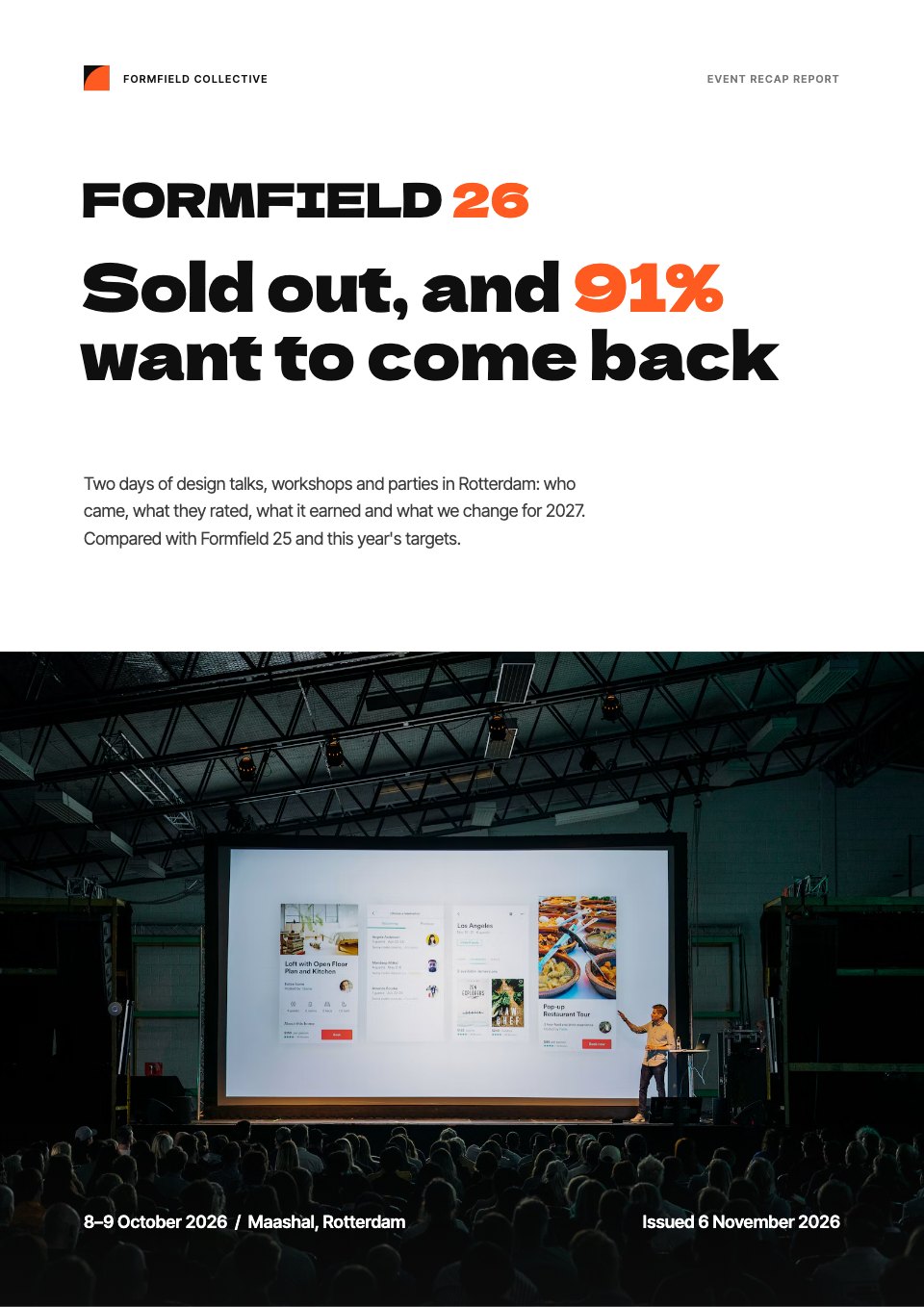
Customer Satisfaction Report is a 14-page quarterly NPS and CSAT report for insight, CX and service teams. It gives the answer first, then sets out five findings, each with one chart: the NPS gauge and eight-quarter trend, scores by journey stage, what detractors wrote about and CSAT by channel. A page of customer quotes, a key-driver map of importance against performance and the revenue at stake lead to three recommendations with owners, dates and confidence. Ice-blue pages, rounded cards and big quotes keep it soft and readable.
Made for
- Agencies reporting to clients
- Consultants and freelancers
- Founders updating a board
- Teams sharing results
Make it yours in four steps.
Open it in Reports and work through it, or let Docsiv AI do the first pass with your details.
- Step 1
Replace the company, the quarter, the main finding and the quote on the cover.
- Step 2
Enter your NPS, CSAT and response figures, and update the method, sample and limits.
- Step 3
Rewrite the five findings and swap in real verbatims from your survey comments.
- Step 4
Set the three recommendations with owners and dates, then share the report as a link or PDF.
Start from the Customer Satisfaction Report now.
Questions about this template.
Something else on your mind? Ask us in the chat, bottom right of the page.
Is the Customer Satisfaction Report template free?
Yes. Create a free account and it opens in Docsiv's Reports app, ready to edit and share. The Free plan includes every Docsiv app and 500 AI credits a month.
Can I change the colours, fonts and text?
Yes, all of it. The template uses DM Sans with #ffffff, #eef4fb, #3a72de, #b4cdf1, #1b2b48, and you can change any of them, rewrite every word and add or remove pages.
What can I export it as?
Reports in Docsiv offers: Report pages with charts, PDF and HTML exports. Once it's saved, you can also share it with a link.
Can Docsiv AI write the customer satisfaction report for me?
Yes. Tell Docsiv AI about the client or project and it can draft the content in this template's style, which you then review and edit. AI uses credits; the Free plan includes 500 a month.
Annual Report
PreviewSales Report
PreviewQuarterly Business Review
PreviewResearch Report
PreviewSEO Report
PreviewMarketing Report
Preview






Starting from a description instead? Try the AI report generator.







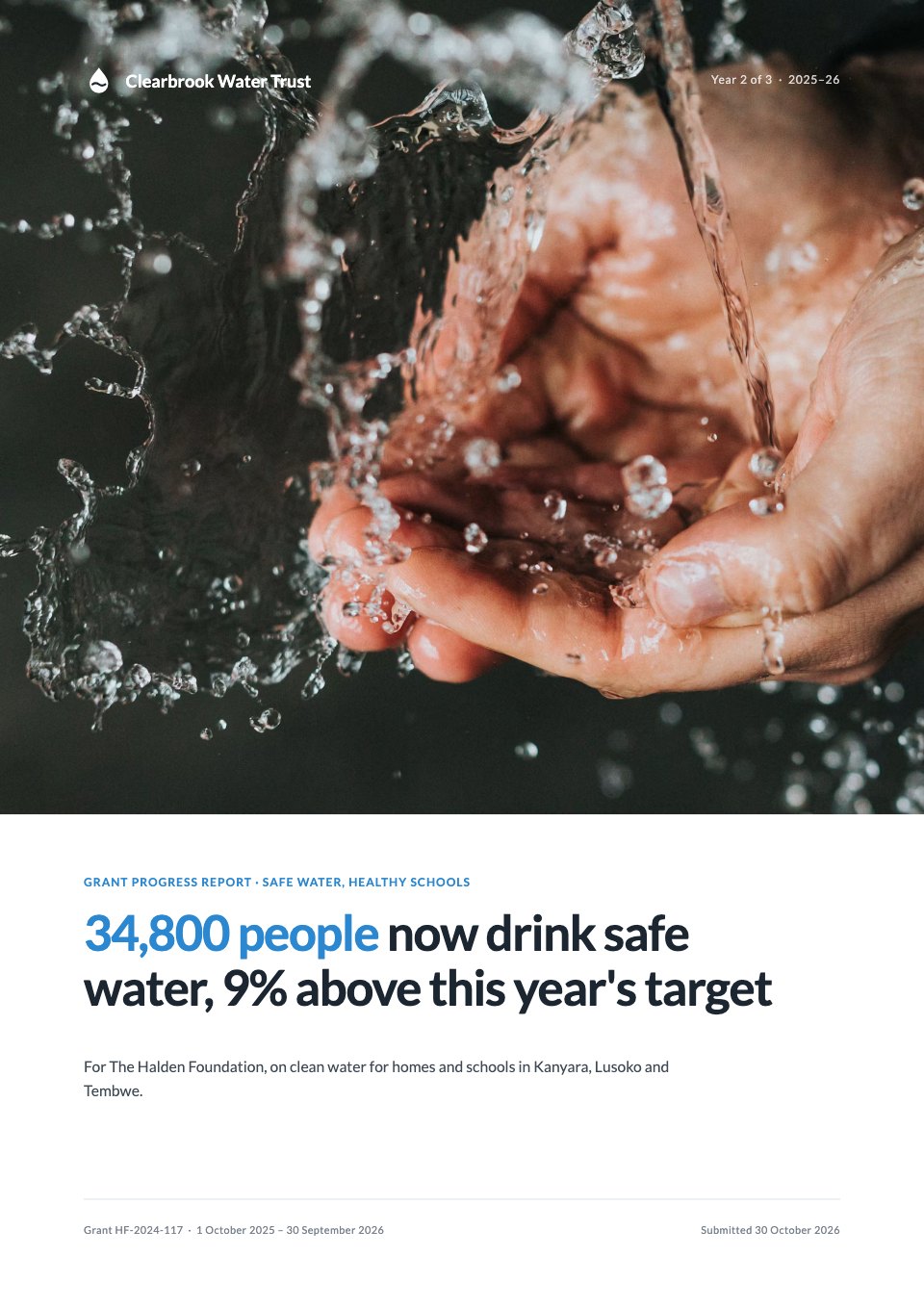
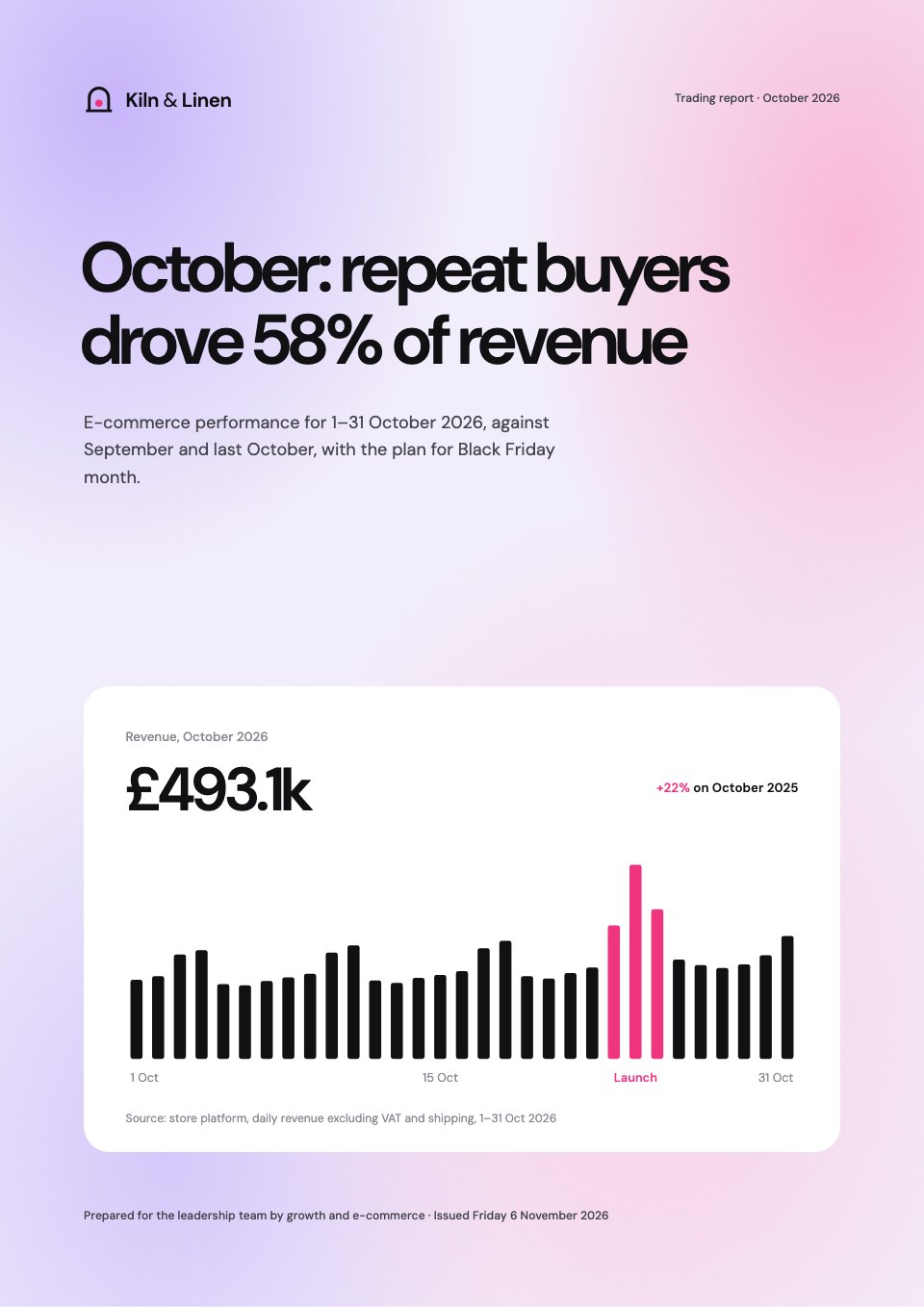
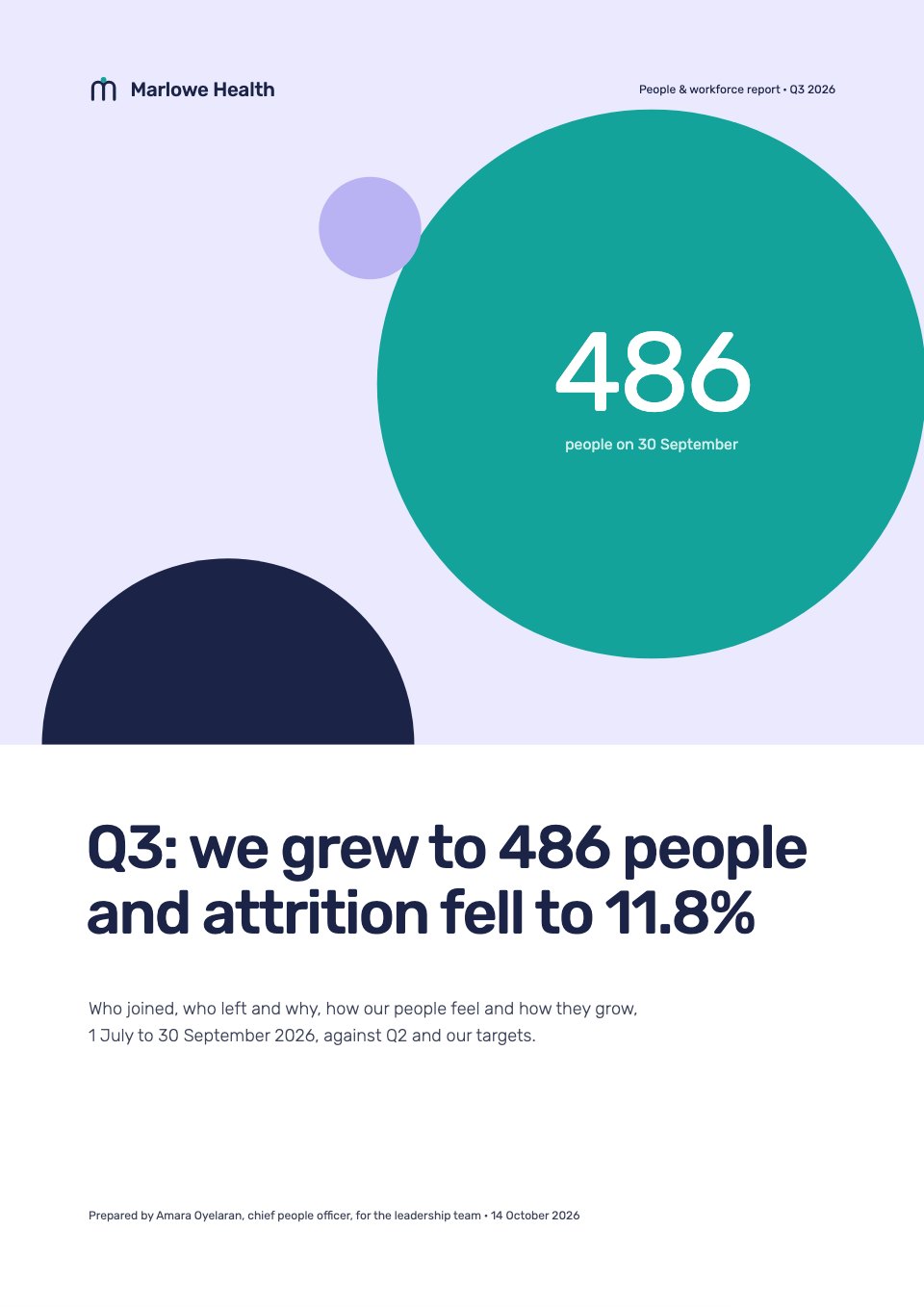
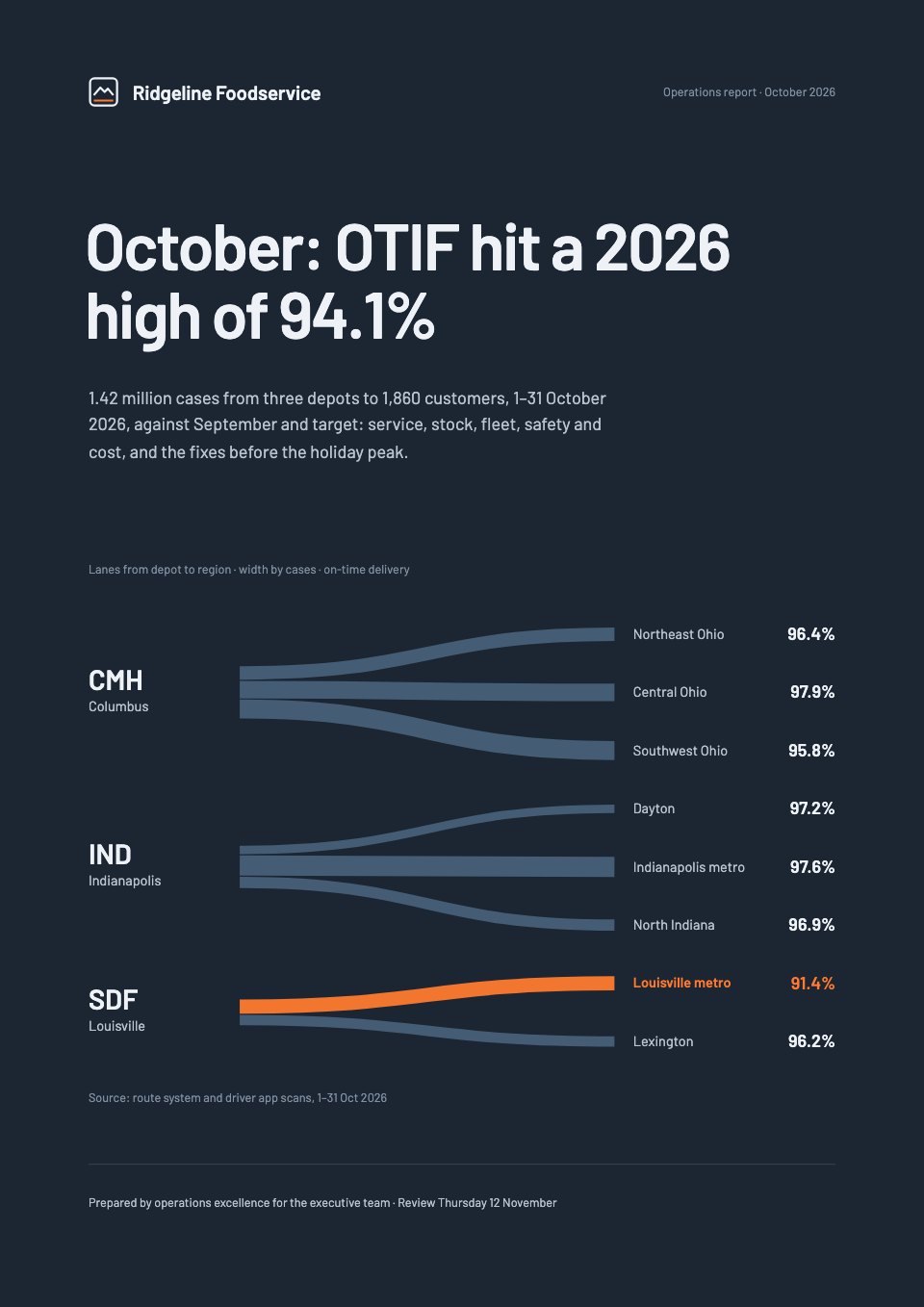
Start your report with Docsiv AI
Describe the client or the project and Docsiv AI writes a first draft of your customer satisfaction report for you to edit, share and send.