

What’s inside the Grant Progress Report.
14 pages with real content in place. Rewrite them, reorder them, or add your own.
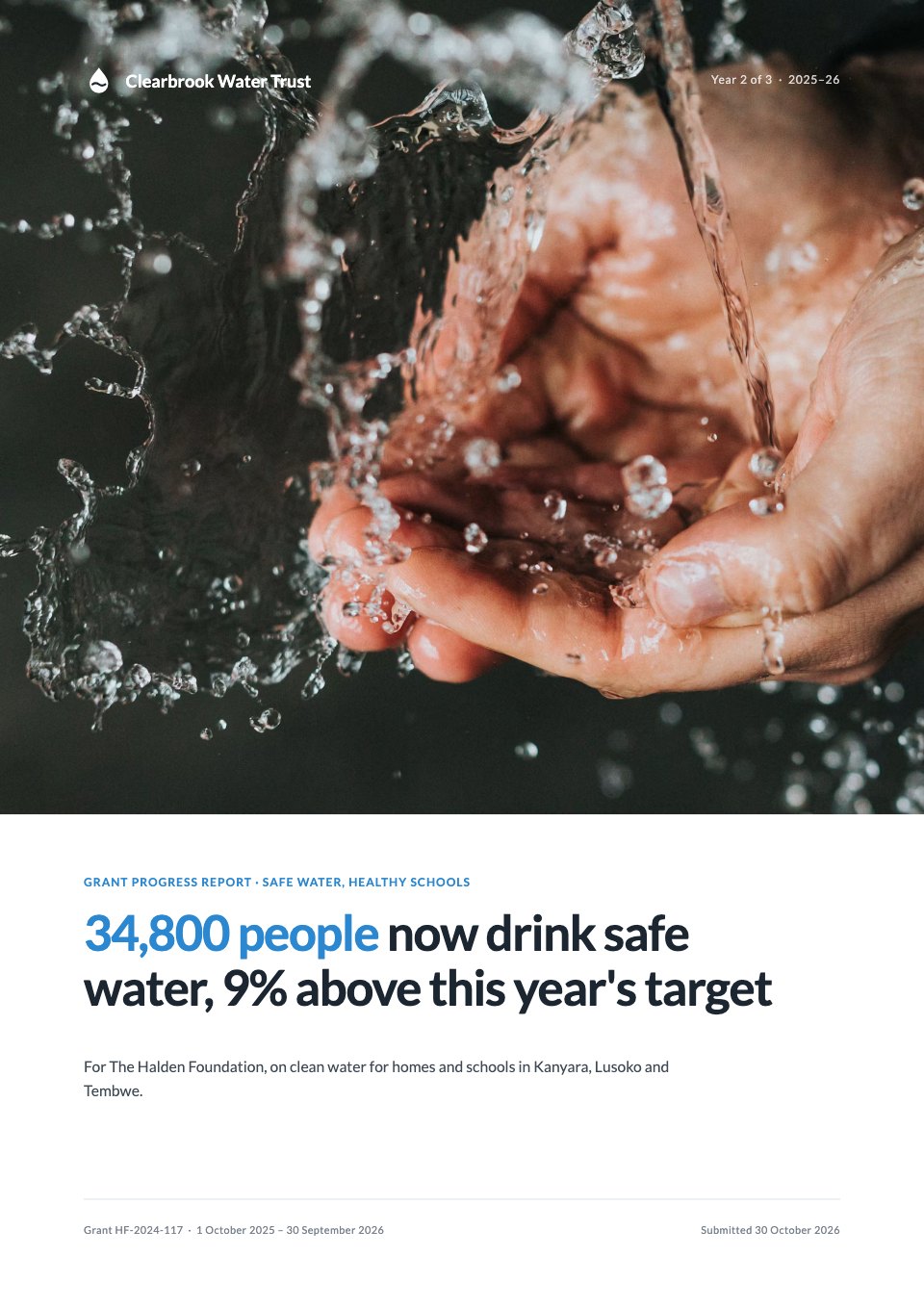
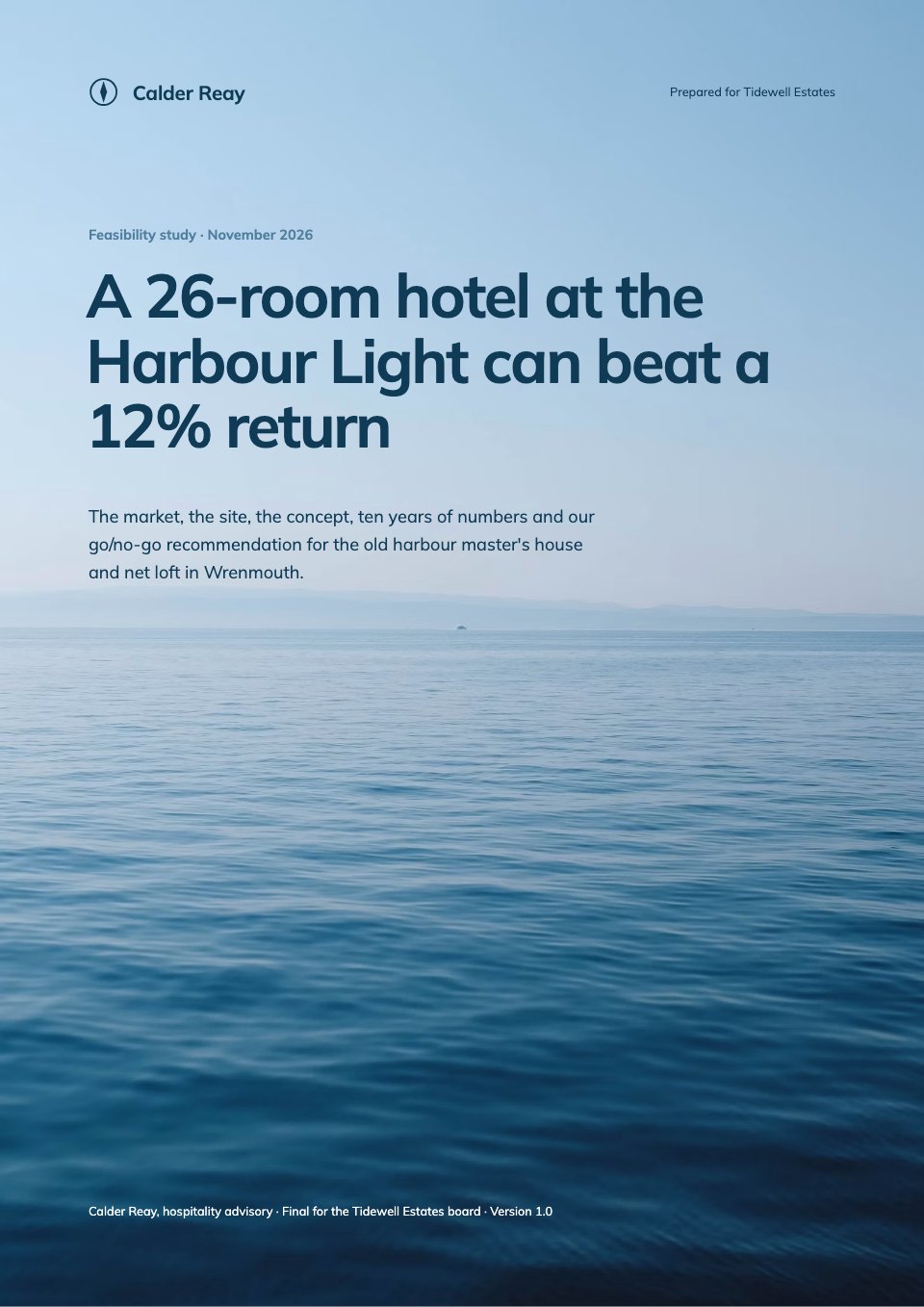
- 1Page 1A full-bleed water photo cover with the year's main result as the title and the grant details
- 2Page 2Summary: three KPIs, three outcomes, a photo and the funding ask with our confidence
- 3Page 3The programme: the theory of change and progress on the three-year goals
- 4Page 4Outputs: all seven year-two outputs against their targets
- 5Page 5Where we work: a map of water points working and planned, and people reached by district
- 6Page 6Outcome 1: time spent collecting water, by district, from baseline to now
- 7Page 7Outcome 2: diarrhoea cases in under-fives by month against the 2024 average
- 8Page 8Outcome 3: girls' school attendance by term, water quality and school toilets
- 9Page 9A story from the field: a full-width photo and a quote, chosen to reflect the wider evidence
- 10Page 10What worked and what didn't, and the other factors that contributed
- 11Page 11Lasting change: a full-height photo, committees, repair funds and working water points
- 12Page 12Financial summary: budget against actual, variance notes and the carry-over
- 13Page 13Year three: targets, milestones and the funding ask
- 14Page 14Method and certification: how we measured, what we can't show, consent and sign-off
When to use it.
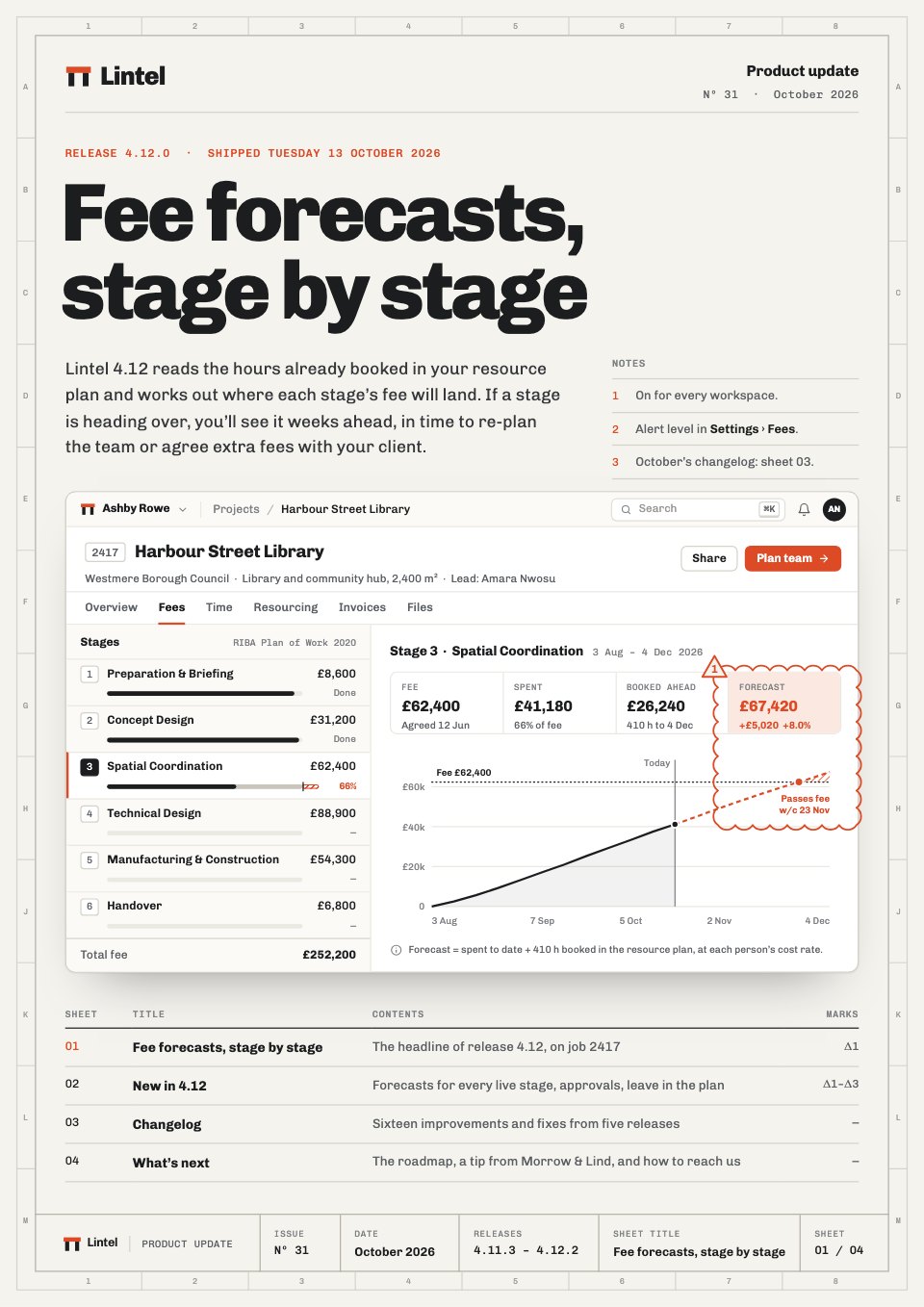
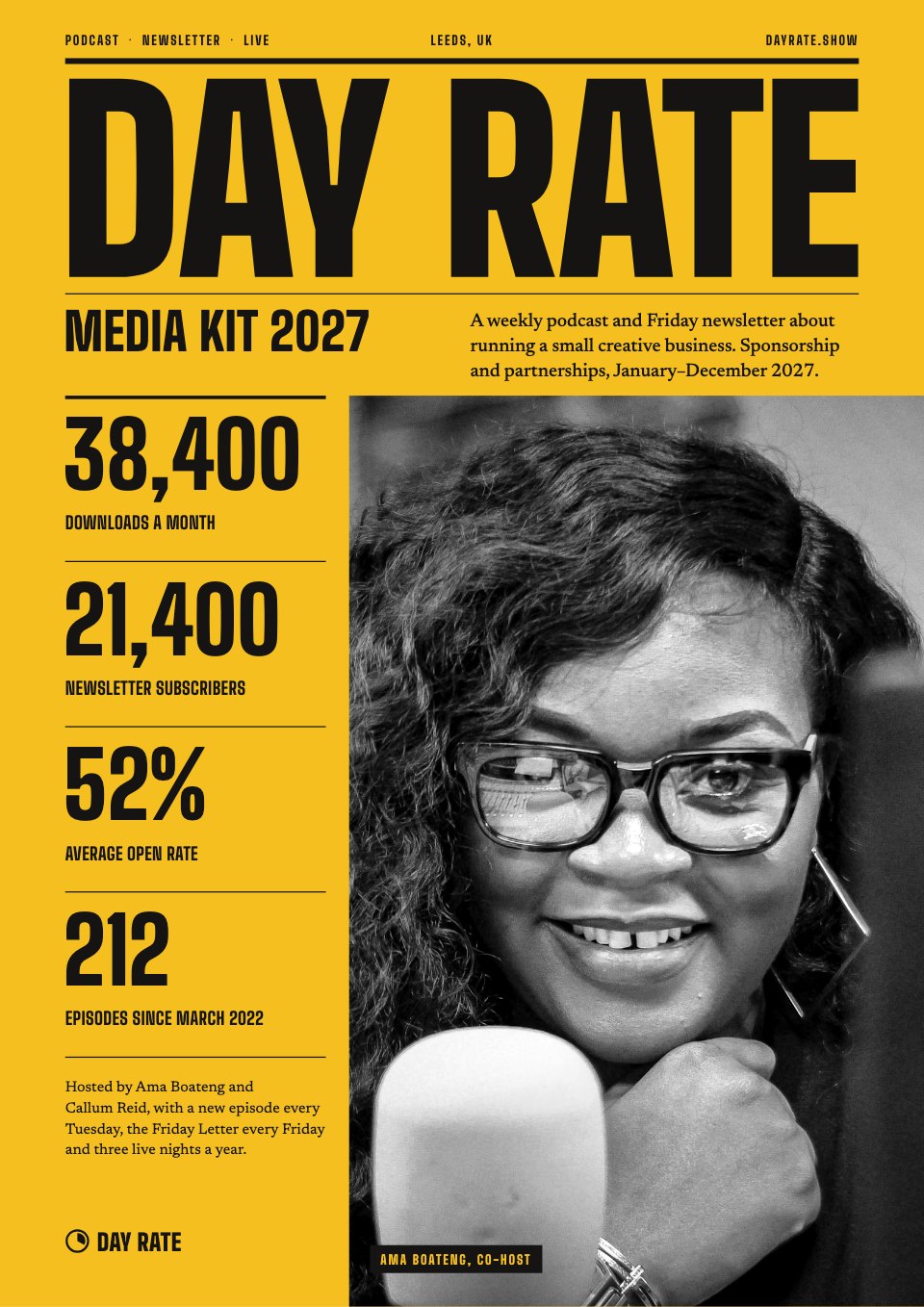
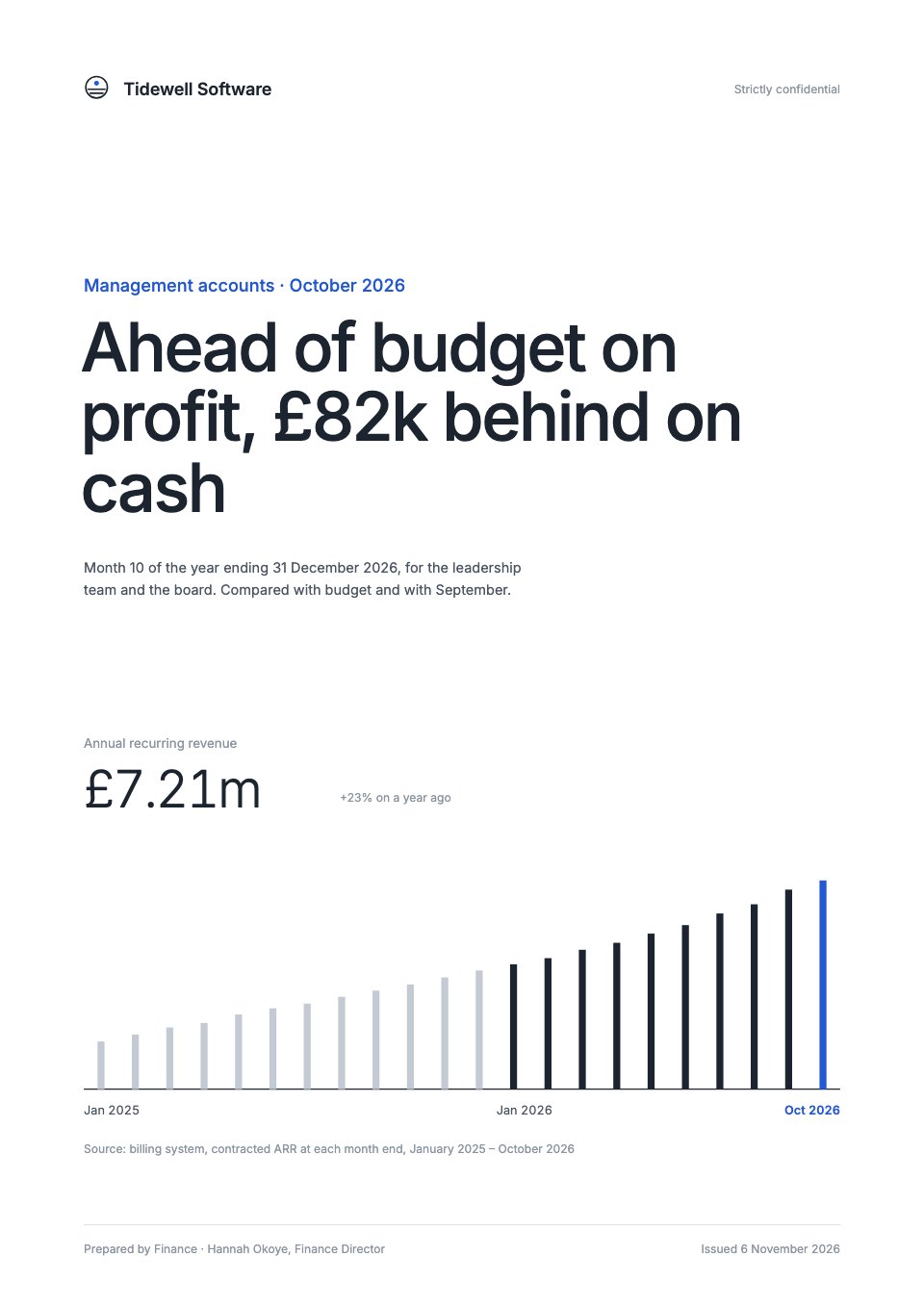
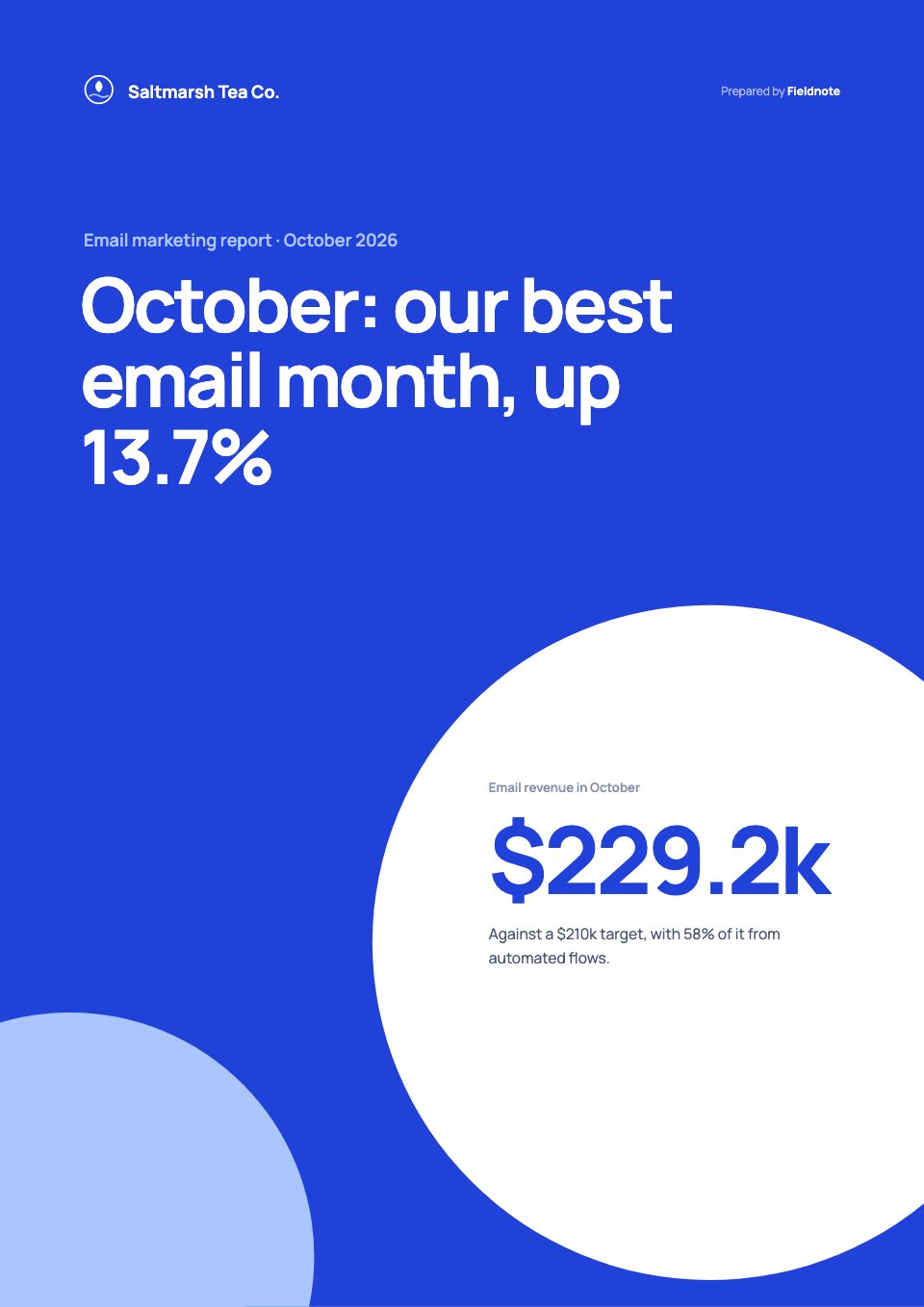
Grant Progress Report is a 14-page report from a nonprofit to its funder, shown for year two of a clean-water programme in three districts. It covers the theory of change, outputs against targets, a map of water points, three outcomes from baseline to now, a story from the field, what worked and what didn't, and lasting change. It closes with budget against actual, year-three targets with the funding ask and a signed certification. Full-bleed water and community photos with one sky blue keep it human and clear.
Made for
- Agencies reporting to clients
- Consultants and freelancers
- Founders updating a board
- Teams sharing results
Make it yours in four steps.
Open it in Reports and work through it, or let Docsiv AI do the first pass with your details.
- Step 1
Replace the organisation, the funder, the grant details and the cover photo.
- Step 2
Enter your outputs, outcome figures and budget against actual for the period.
- Step 3
Swap in your own field story, photos and district map.
- Step 4
Set next year's targets and ask, complete the certification, then share the report with your funder as a link or PDF.
Start from the Grant Progress Report now.
Questions about this template.
Something else on your mind? Ask us in the chat, bottom right of the page.
Is the Grant Progress Report template free?
Yes. Create a free account and it opens in Docsiv's Reports app, ready to edit and share. The Free plan includes every Docsiv app and 500 AI credits a month.
Can I change the colours, fonts and text?
Yes, all of it. The template uses Lato with #ffffff, #2a87d0, #e6f1fb, #1c2631, #c17a19, and you can change any of them, rewrite every word and add or remove pages.
What can I export it as?
Reports in Docsiv offers: Report pages with charts, PDF and HTML exports. Once it's saved, you can also share it with a link.
Can Docsiv AI write the grant report for me?
Yes. Tell Docsiv AI about the client or project and it can draft the content in this template's style, which you then review and edit. AI uses credits; the Free plan includes 500 a month.
Annual Report
PreviewSales Report
PreviewQuarterly Business Review
PreviewResearch Report
PreviewSEO Report
PreviewMarketing Report
Preview






Starting from a description instead? Try the AI report generator.






Start your report with Docsiv AI
Describe the client or the project and Docsiv AI writes a first draft of your grant report for you to edit, share and send.