

What’s inside the People & Workforce Report.
13 pages with real content in place. Rewrite them, reorder them, or add your own.
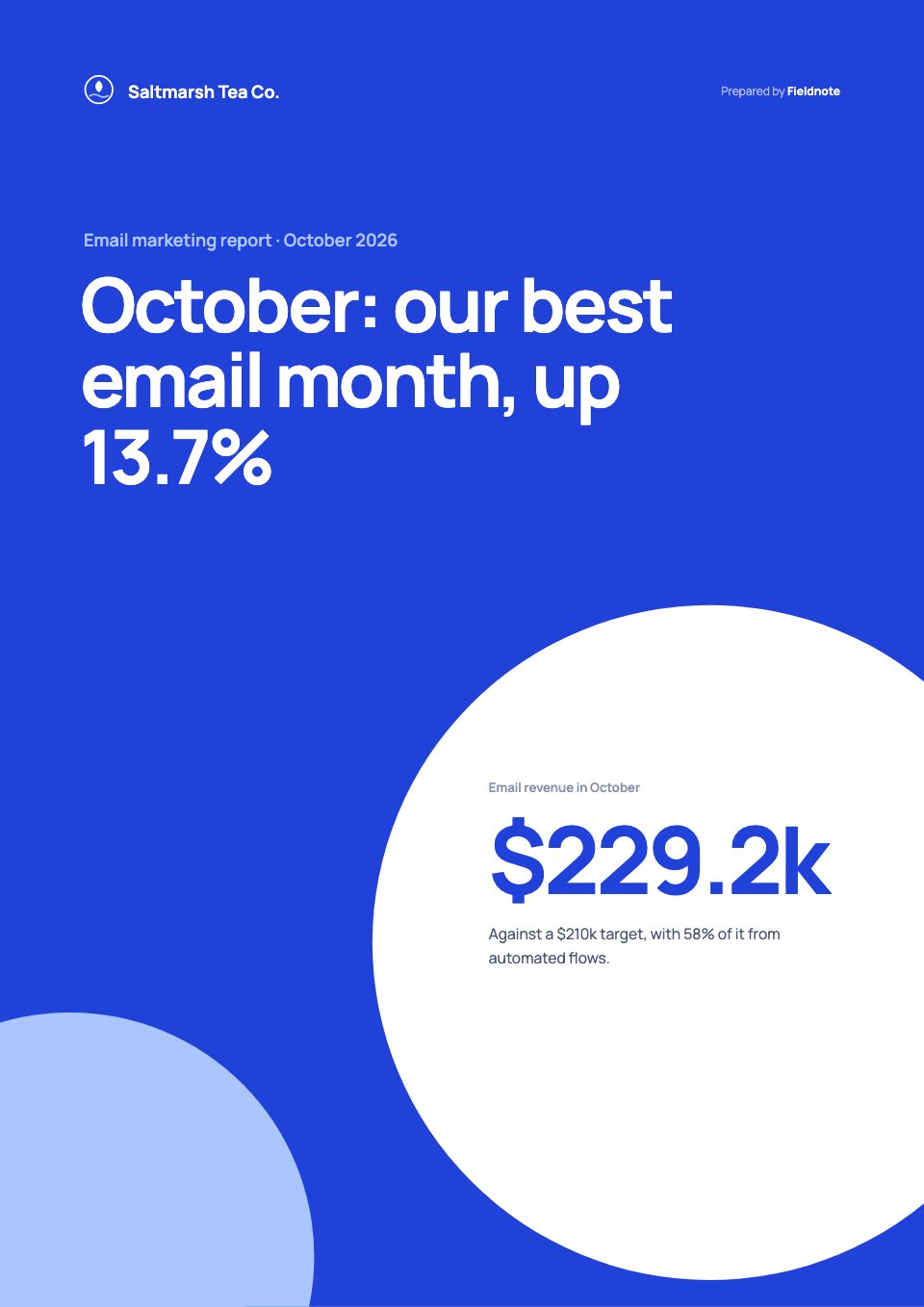
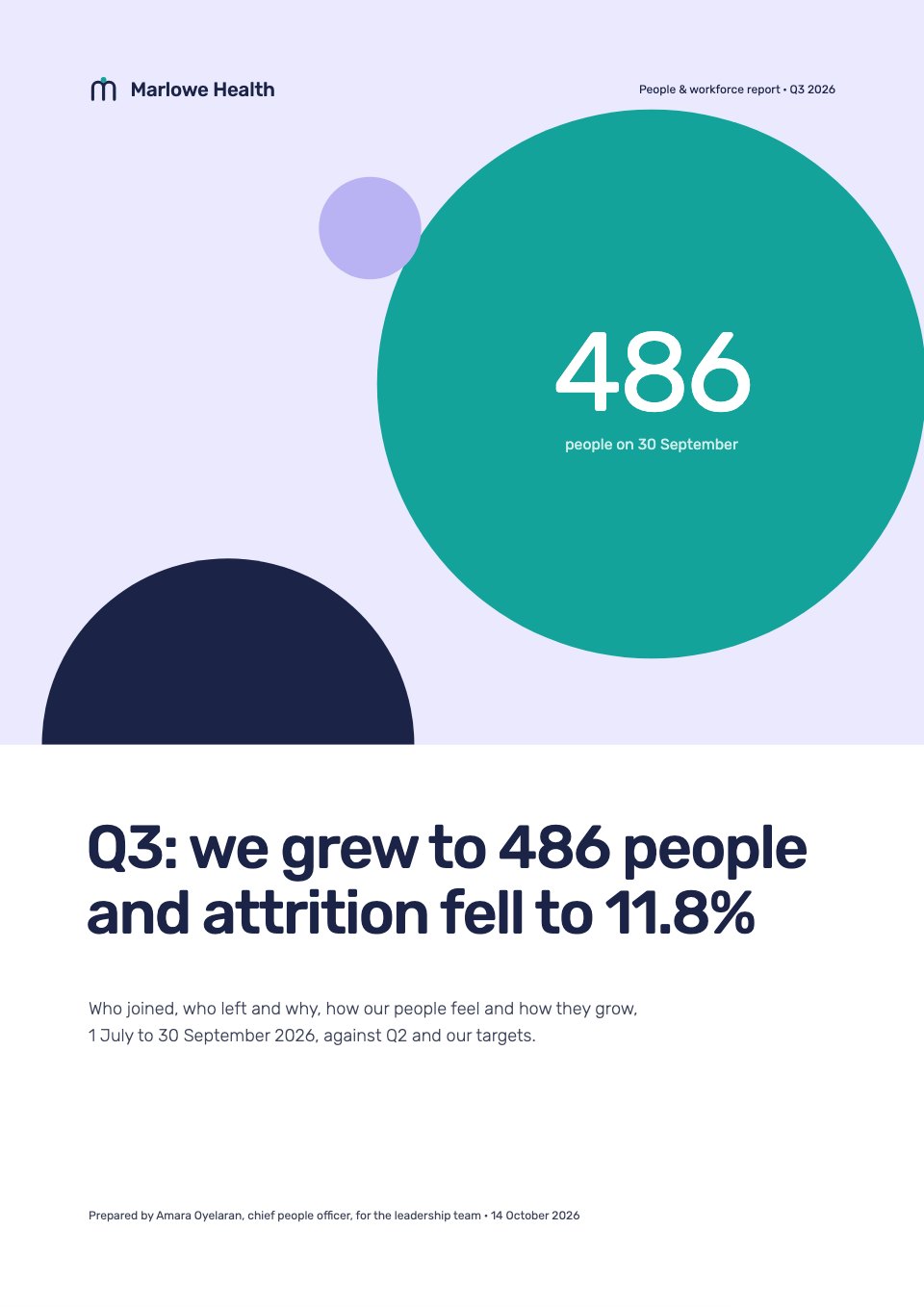
- 1Page 1A cover of flat lavender, teal and navy shapes with the quarter's verdict as the title and the headcount in a teal circle
- 2Page 2At a glance: the headcount bridge as circles sized by people, three headline measures with status against target and the quarter in one paragraph
- 3Page 3Goals against results: six people goals with target, actual and status, and why two fell short
- 4Page 4Headcount: five quarters by function as stacked columns, with each function's growth
- 5Page 5Hiring: the funnel from application to accepted offer, why offers were declined, and days to hire
- 6Page 6Attrition: the annualised rate on a navy field and leavers by main reason
- 7Page 7Diversity: women's share at each level this year against last, as a dot plot
- 8Page 8Engagement: theme scores from the July pulse and one comment on a navy card
- 9Page 9Learning and development: hours per person by function, promotions and the manager programme
- 10Page 10Pay bands: each level's range with women's and men's median pay and the gaps marked
- 11Page 11What worked and what didn't: three wins and three misses with their fixes
- 12Page 12Q4 priorities: five actions with owners and dates, and the Q4 targets on a navy field
- 13Page 13Definitions: the attrition formula drawn as circles, a glossary, sources and the people team's contacts
When to use it.
People & Workforce Report is a 13-page quarterly HR report for people teams to present to leadership. It sets six people goals against results, then covers headcount by function, the hiring funnel and days to hire, attrition by reason, women's share at each level, engagement themes, learning hours, and pay bands with women's and men's median pay. It closes with wins and misses and next quarter's priorities. Flat lavender, teal and navy shapes, with the headcount bridge drawn as circles sized by people, make the figures easy to take in.
Made for
- Agencies reporting to clients
- Consultants and freelancers
- Founders updating a board
- Teams sharing results
Make it yours in four steps.
Open it in Reports and work through it, or let Docsiv AI do the first pass with your details.
- Step 1
Replace the company, the quarter, the verdict and the headcount on the cover.
- Step 2
Enter headcount, hiring, leavers and diversity figures from your HR system.
- Step 3
Update the engagement themes, learning hours and pay bands.
- Step 4
Set next quarter's priorities with owners and dates, then share the report as a link or PDF.
Start from the People & Workforce Report now.
Questions about this template.
Something else on your mind? Ask us in the chat, bottom right of the page.
Is the People & Workforce Report template free?
Yes. Create a free account and it opens in Docsiv's Reports app, ready to edit and share. The Free plan includes every Docsiv app and 500 AI credits a month.
Can I change the colours, fonts and text?
Yes, all of it. The template uses Rubik with #1b2447, #14a39a, #b9b3f3, #ebe9fd, #ffffff, and you can change any of them, rewrite every word and add or remove pages.
What can I export it as?
Reports in Docsiv offers: Report pages with charts, PDF and HTML exports. Once it's saved, you can also share it with a link.
Can Docsiv AI write the HR report for me?
Yes. Tell Docsiv AI about the client or project and it can draft the content in this template's style, which you then review and edit. AI uses credits; the Free plan includes 500 a month.
Annual Report
PreviewSales Report
PreviewQuarterly Business Review
PreviewResearch Report
PreviewSEO Report
PreviewMarketing Report
Preview






Starting from a description instead? Try the AI report generator.







Start your report with Docsiv AI
Describe the client or the project and Docsiv AI writes a first draft of your HR report for you to edit, share and send.