

What’s inside the Influencer Campaign Report.
14 pages with real content in place. Rewrite them, reorder them, or add your own.
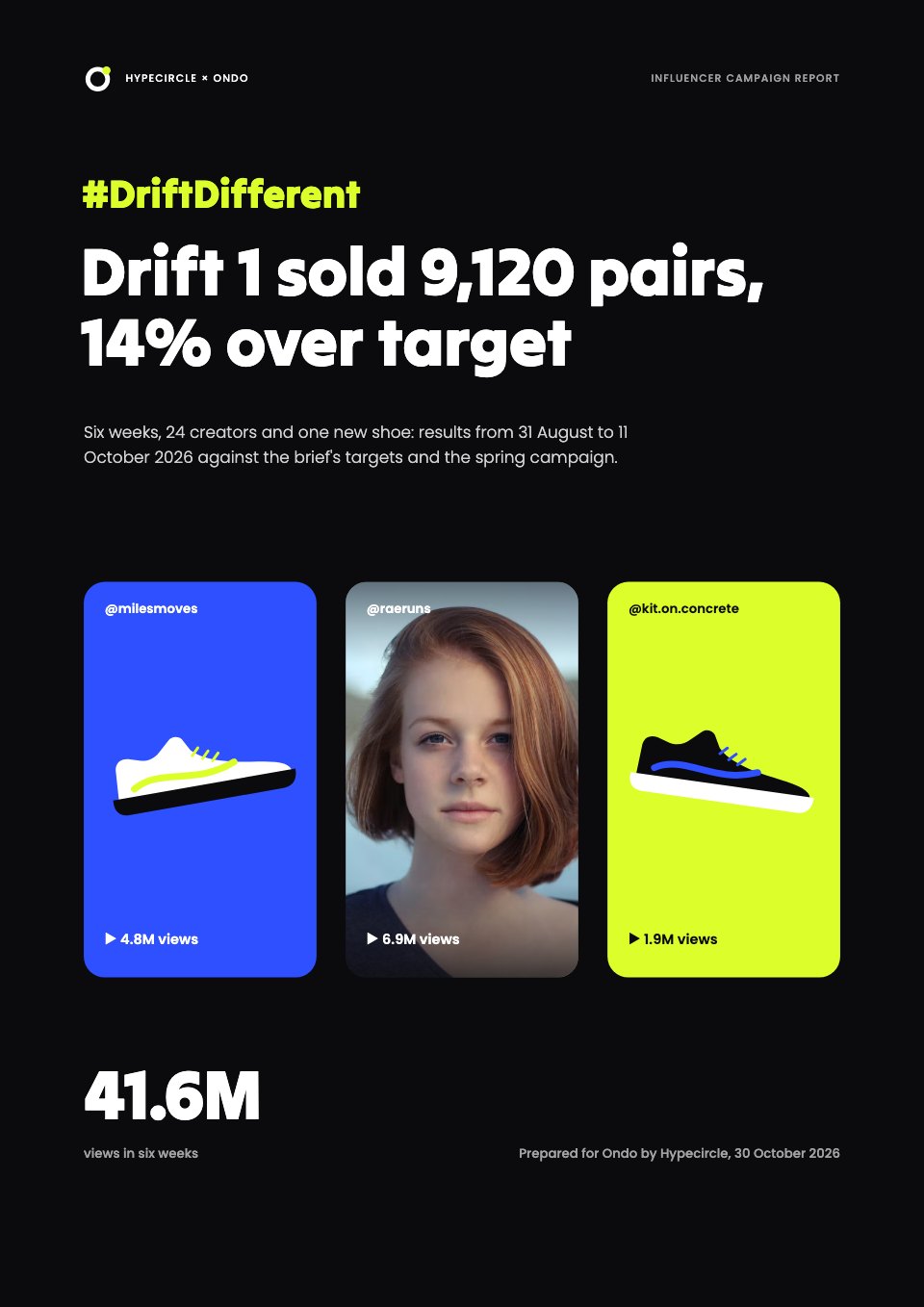
- 1Page 1A black cover with the hashtag, the verdict as the title, three tall content tiles and total views
- 2Page 2Summary: revenue, ROAS, cost per pair and engagement against target and the spring campaign, and the decision needed
- 3Page 3Goals against results: six targets from the brief with actual and status
- 4Page 4The funnel: views to engagements, clicks, store visits and pairs sold
- 5Page 5Reach: views by week and platform
- 6Page 6Creator leaderboard: the ten best-selling creators
- 7Page 7Tier performance: creator fees per pair sold by tier
- 8Page 8Content gallery: the six most-watched posts as tiles
- 9Page 9What content worked: watch time and code use by format
- 10Page 10Earned media value by platform against spend
- 11Page 11Sales attribution: codes, links and halo, and revenue by week
- 12Page 12What worked, what didn't and what we delivered
- 13Page 13Next drop: fees by tier, three changes with owner, date and expected effect, and the forecast
- 14Page 14How we measured: EMV and attribution with totals, a glossary and the agency contact
When to use it.
Influencer Campaign Report is a 14-page results report for agencies and brands after a creator campaign, shown for a six-week sneaker launch. It covers revenue, ROAS and cost per sale against target, the funnel from views to sales, reach by platform, a leaderboard of the ten best-selling creators, fees by tier, a gallery of the most-watched posts, earned media value and sales attribution. It closes with the plan for the next drop. Near-black pages with electric blue and acid yellow match the energy of the content it reports on.
Made for
- Agencies reporting to clients
- Consultants and freelancers
- Founders updating a board
- Teams sharing results
Make it yours in four steps.
Open it in Reports and work through it, or let Docsiv AI do the first pass with your details.
- Step 1
Change the brand, the campaign hashtag and the verdict on the cover.
- Step 2
Enter views, clicks, codes and sales for each creator and platform.
- Step 3
Replace the content tiles and gallery with your creators' best posts.
- Step 4
Set the next campaign's tiers, changes and forecast, then share the report as a link or PDF.
Start from the Influencer Campaign Report now.
Questions about this template.
Something else on your mind? Ask us in the chat, bottom right of the page.
Is the Influencer Campaign Report template free?
Yes. Create a free account and it opens in Docsiv's Reports app, ready to edit and share. The Free plan includes every Docsiv app and 500 AI credits a month.
Can I change the colours, fonts and text?
Yes, all of it. The template uses Tilt Warp and Poppins with #0b0b0e, #2f50ff, #dcff2b, #8fa0ff, #ffffff, and you can change any of them, rewrite every word and add or remove pages.
What can I export it as?
Reports in Docsiv offers: Report pages with charts, PDF and HTML exports. Once it's saved, you can also share it with a link.
Can Docsiv AI write the influencer campaign report for me?
Yes. Tell Docsiv AI about the client or project and it can draft the content in this template's style, which you then review and edit. AI uses credits; the Free plan includes 500 a month.
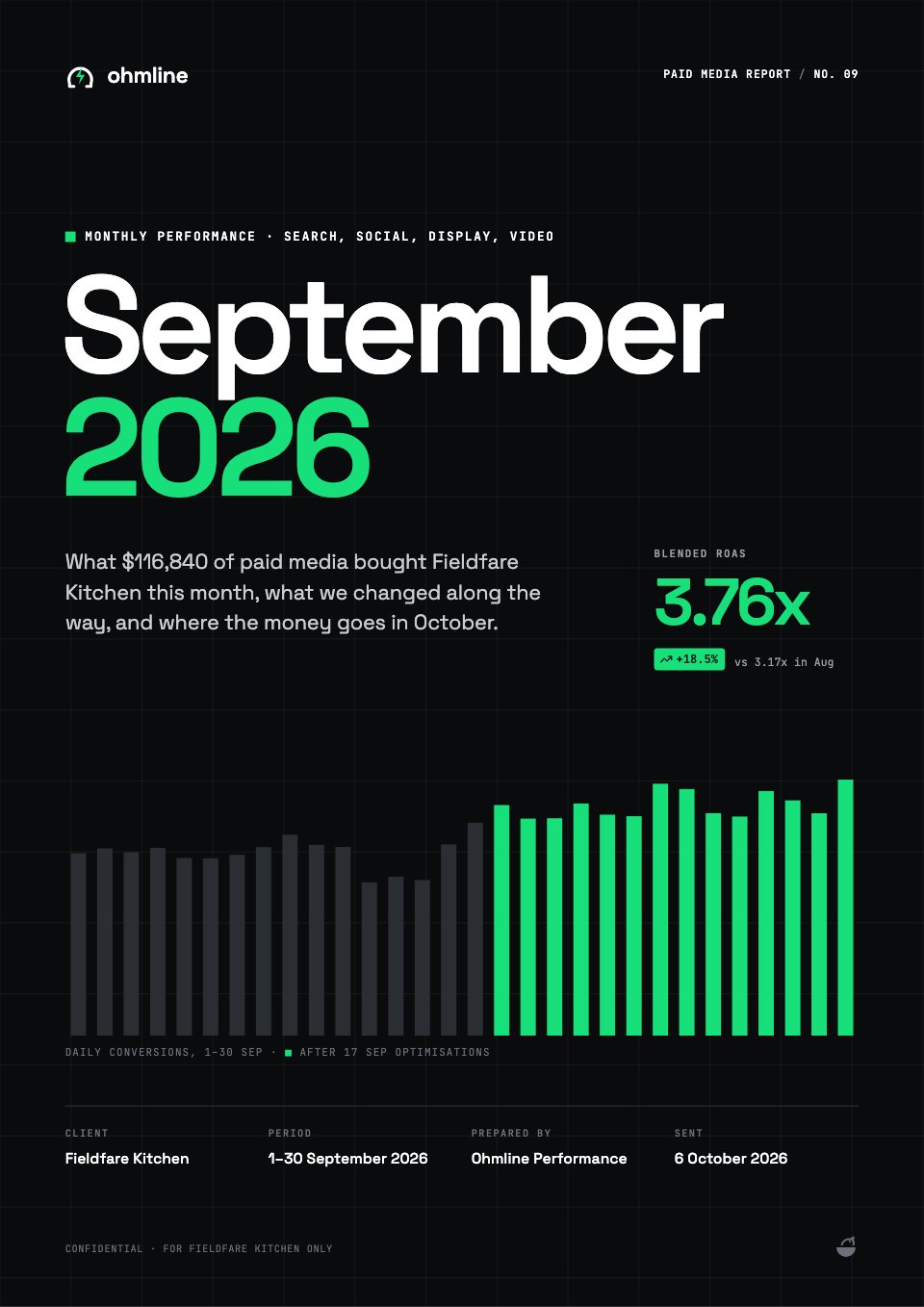
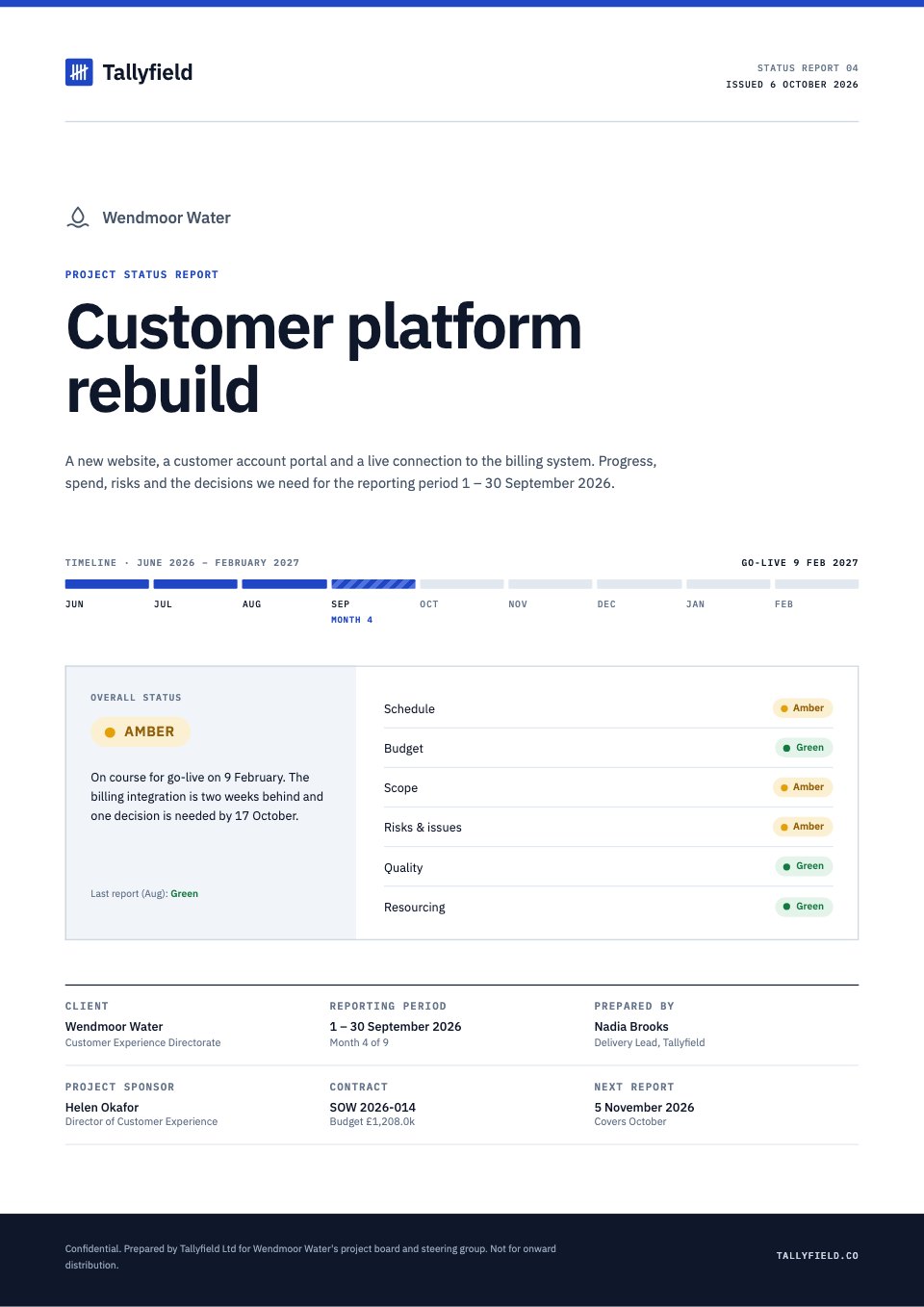
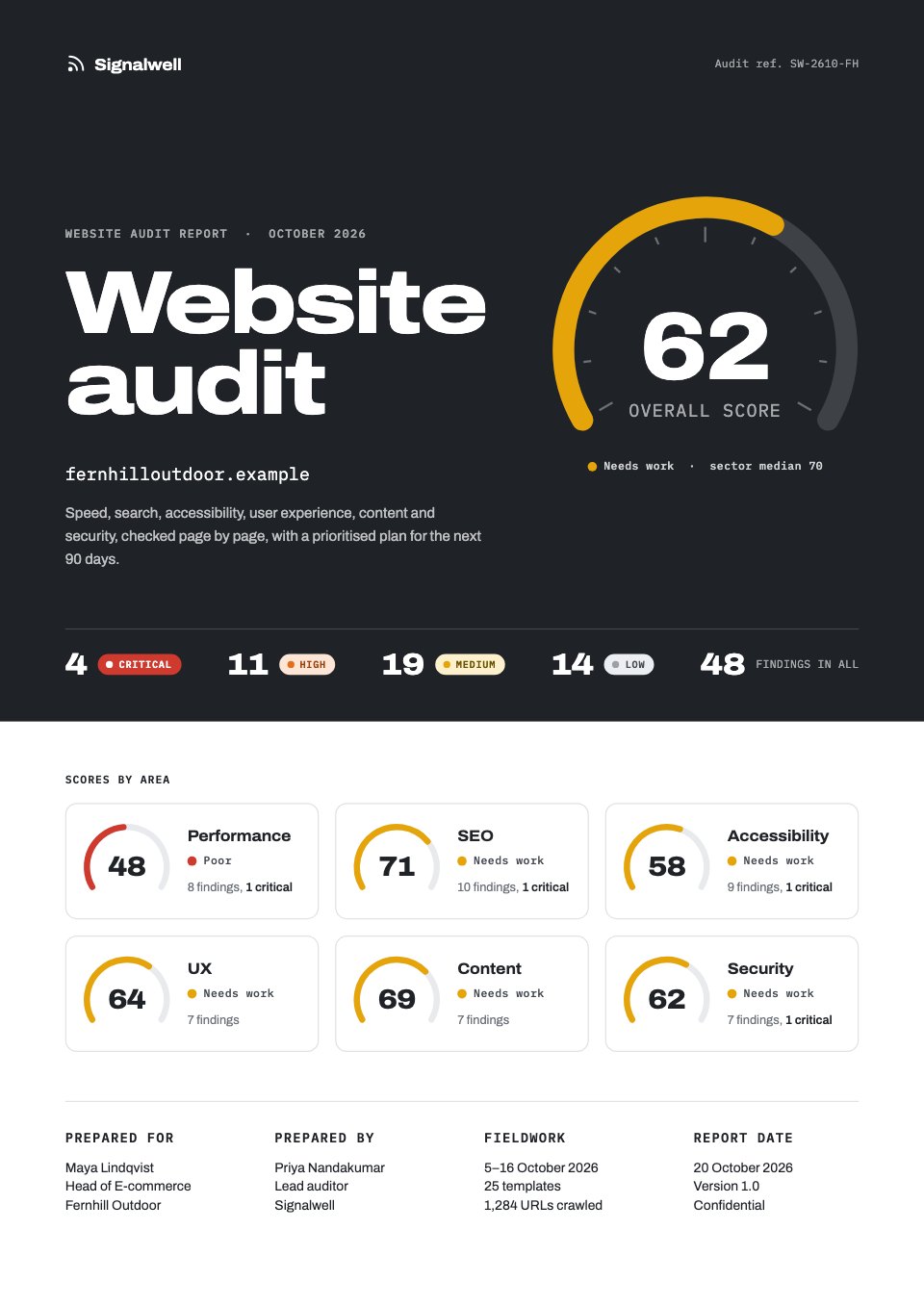
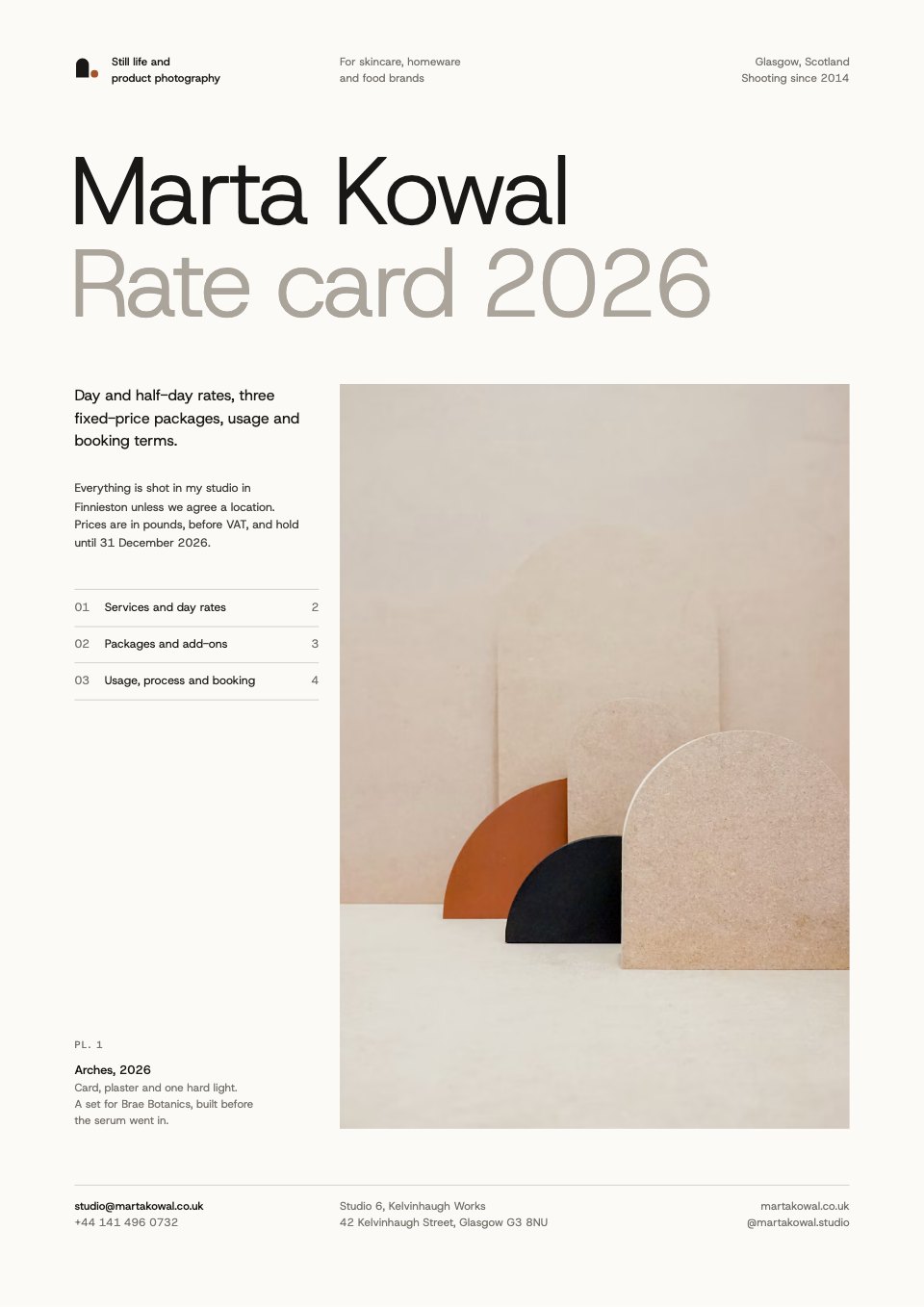
Annual Report
PreviewSales Report
PreviewQuarterly Business Review
PreviewResearch Report
PreviewSEO Report
PreviewMarketing Report
Preview






Starting from a description instead? Try the AI report generator.








Start your report with Docsiv AI
Describe the client or the project and Docsiv AI writes a first draft of your influencer campaign report for you to edit, share and send.