

What’s inside the White Paper.
12 pages with real content in place. Rewrite them, reorder them, or add your own.
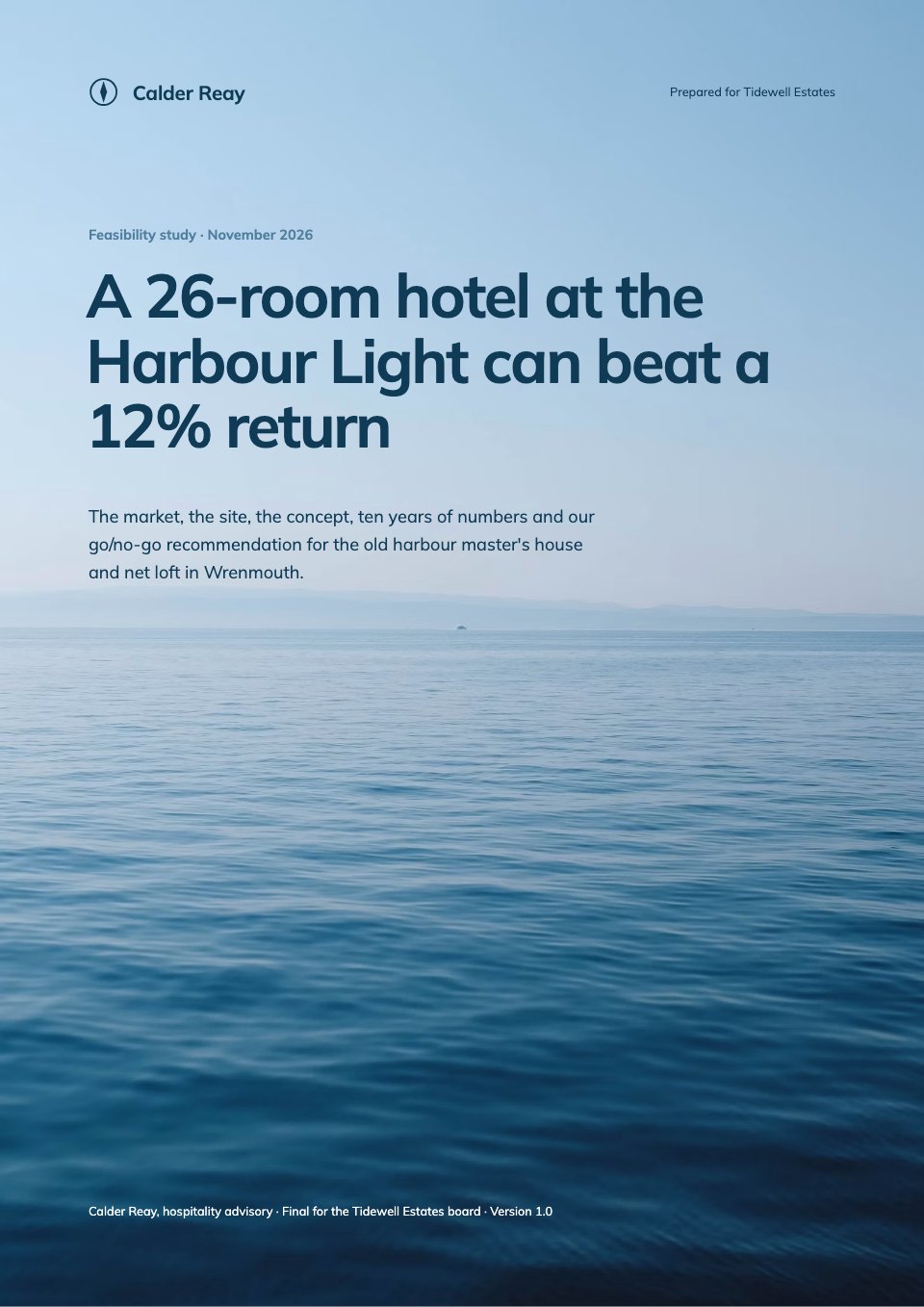
- 1Page 1Title page: the claim as title and subtitle, a 24-hour radial chart of the median building's load against the best tenth as cover art, the authors and the evidence base
- 2Page 2Executive summary: the answer in one headline and paragraph, four key findings with their numbers, Figure 1 (a weekday's load with the avoidable gap shaded) and the four steps recommended
- 3Page 3Contents and about this research: the sections with page numbers, who the paper is for, the data set and the survey in brief, and how to read the figures
- 4Page 4The problem: a building that never sleeps. A week of load for the median building against the best tenth, what draws power at 3 am, and why occupied hours are only 36% of the week
- 5Page 5How big it is: the after-hours share across 1,184 buildings as a histogram, by building type and size, and what the avoidable half is worth in dollars per 1,000 m² and across the sample
- 6Page 6Where the waste goes: the five causes of avoidable after-hours use as a ranked bar, and the facility manager survey on why it persists, with two quotes
- 7Page 7The framework: Find, Fix, Hold, Prove, drawn as a loop, with the question each step answers, what it needs, who owns it and when
- 8Page 8Fix in detail: twelve measures grouped by cost, with typical saving, dollars a year and simple payback, a saving-against-payback chart and comfort limits from ASHRAE 55
- 9Page 9Three examples: an office tower, a secondary school and a medical office building, each with its before-and-after load profile, what was changed and the verified saving
- 10Page 10Recommendations by role: what owners, facility managers, tenants and policymakers should each do, and six questions to ask of a building's data
- 11Page 11The first 90 days as a four-step plan with owners, Figure 11 on how many savings last a year with and without someone watching, and about Meterline
- 12Page 12Method notes (data set, definitions, survey and margin of error), the sample by building type, a glossary and numbered references, with the copyright and suggested citation
When to use it.
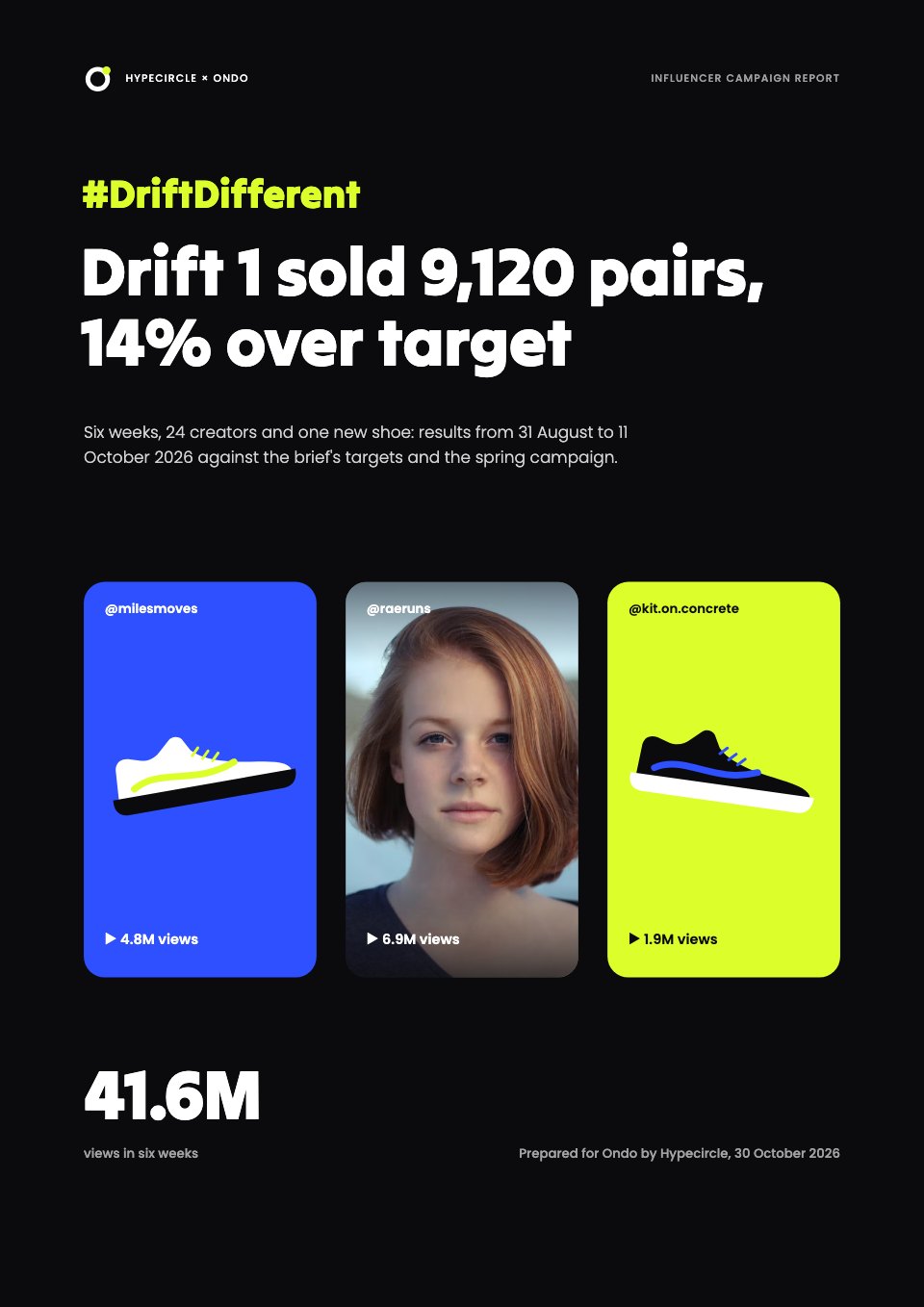
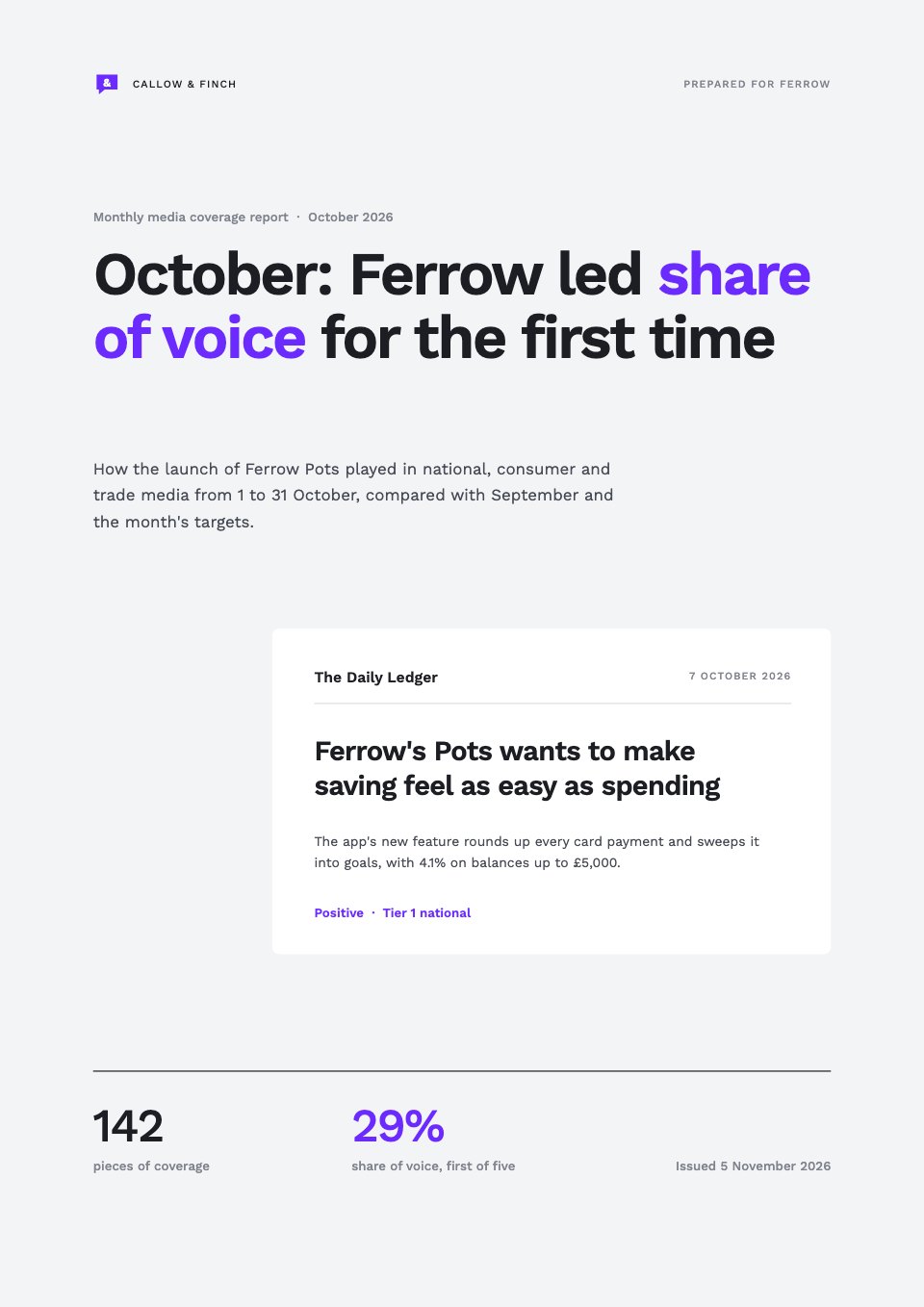
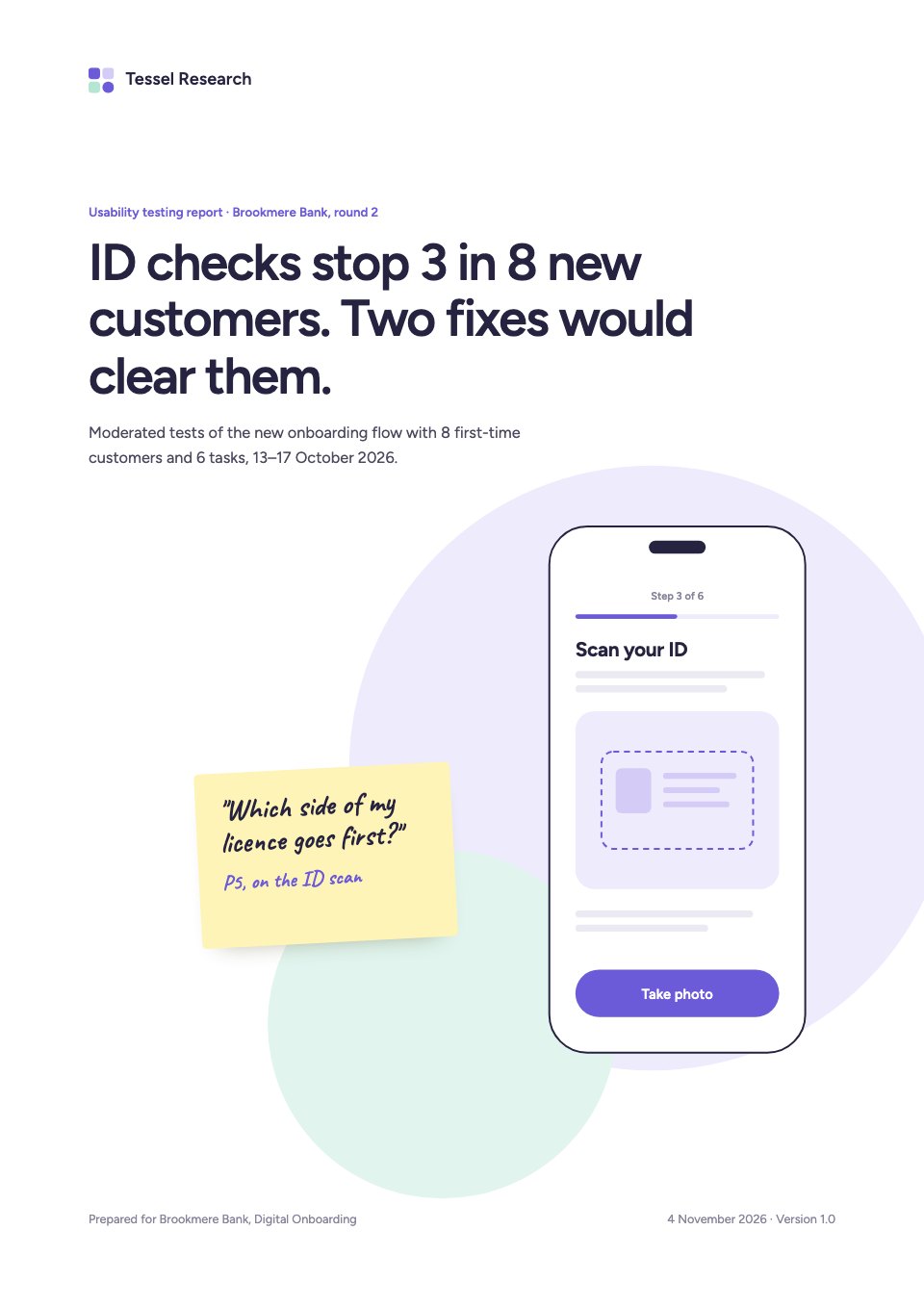
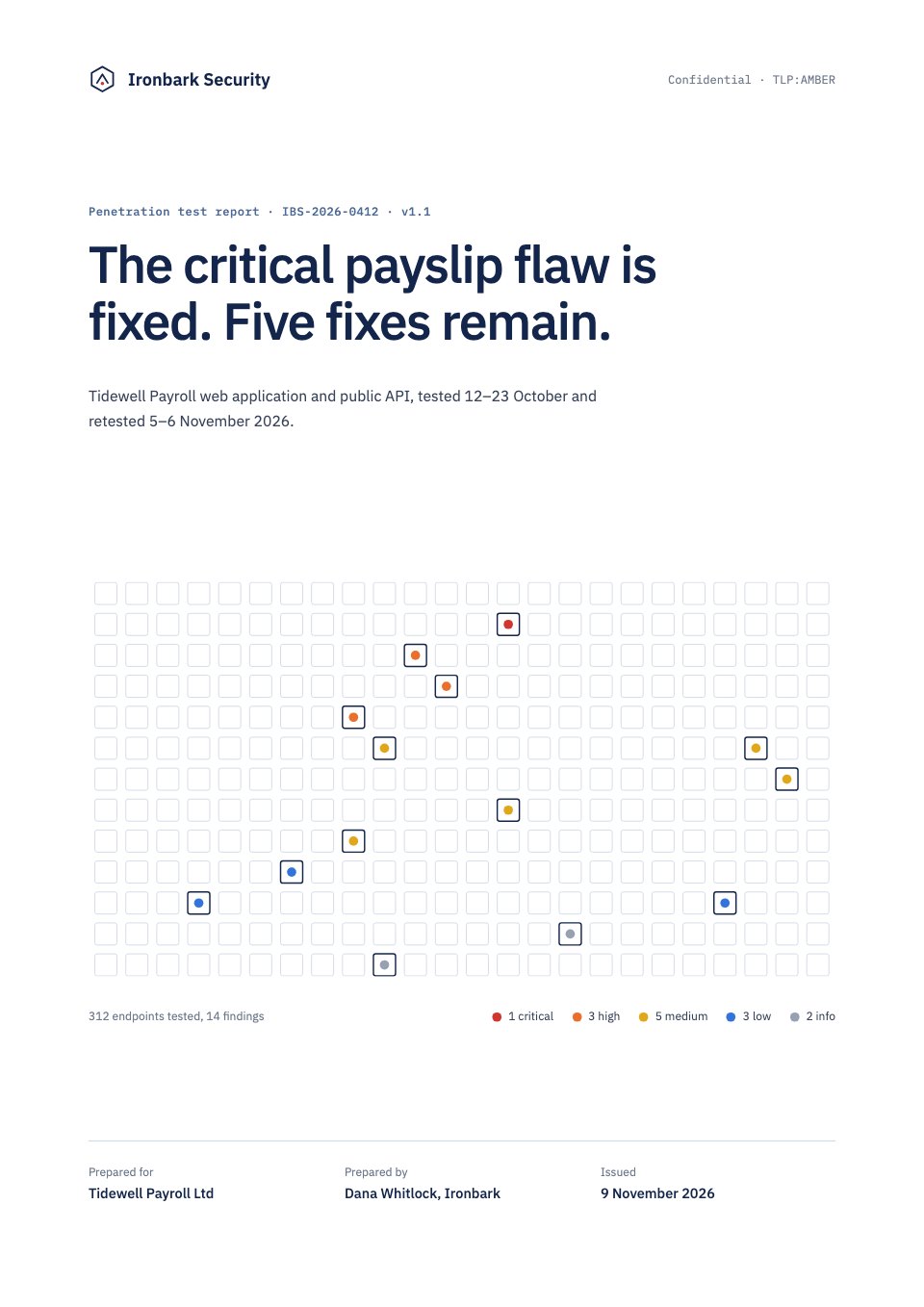
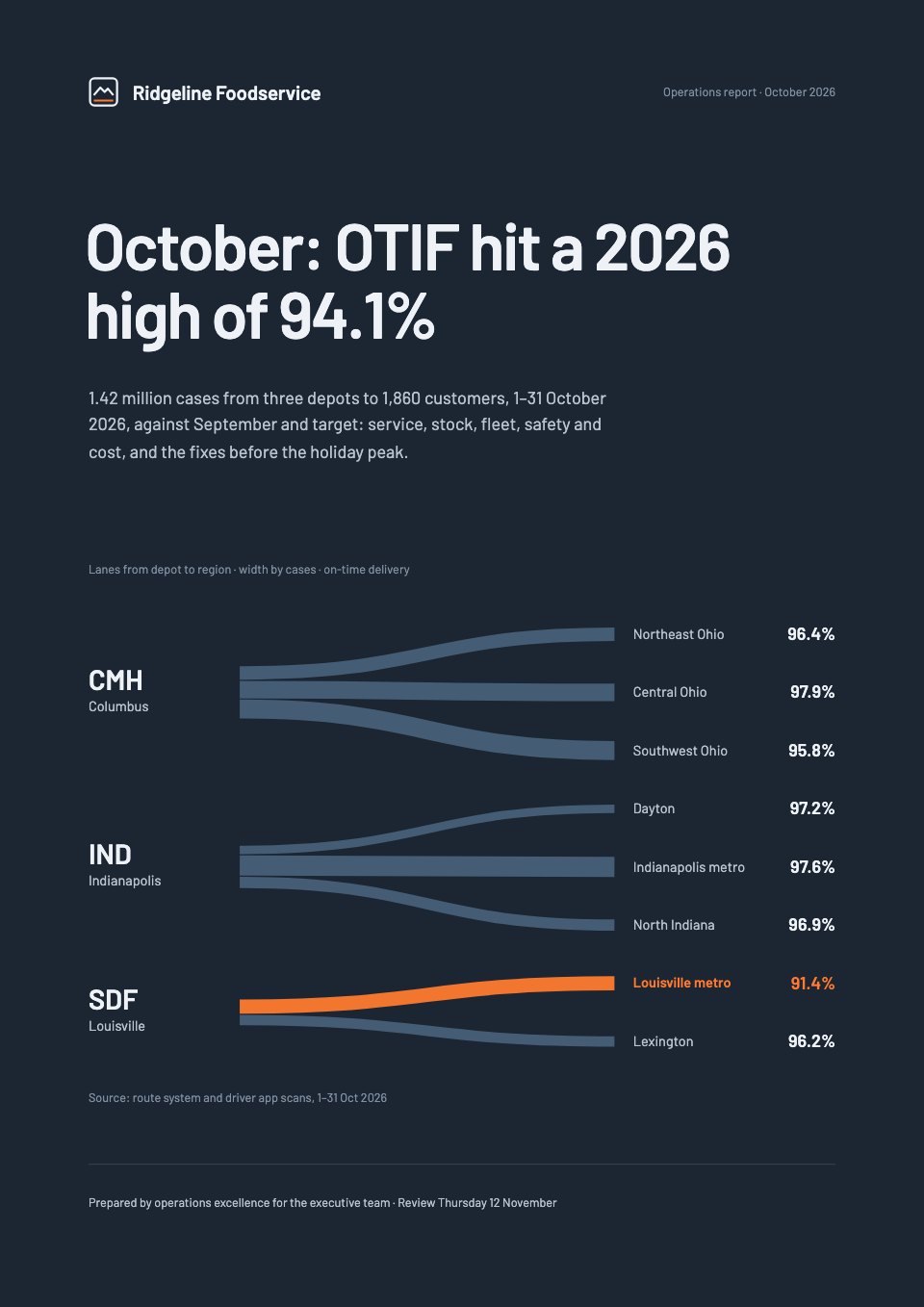
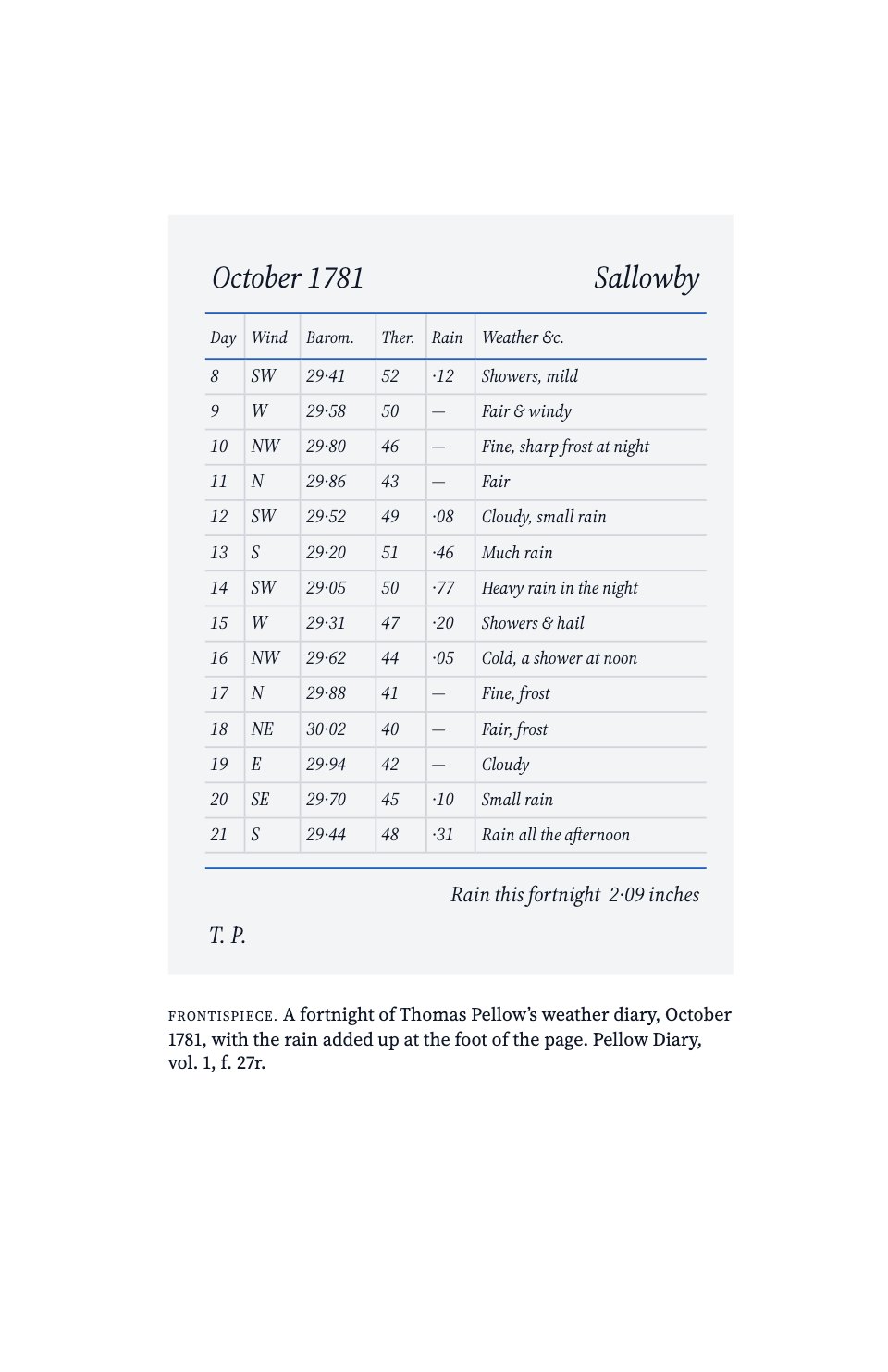
White Paper is a twelve-page A4 template for firms that publish research to win the trust of buyers, shown as a building-energy firm’s paper on why commercial buildings waste electricity when they’re empty. It opens with an executive summary of four findings and the key chart, then sets out the problem in data, how big it is, its causes, a four-step framework, twelve measures with paybacks, three examples with verified results, recommendations by role and a 90-day plan. It closes with the method, a glossary and numbered references, and every chart is drawn from the same figures.
Made for
- Agencies reporting to clients
- Consultants and freelancers
- Founders updating a board
- Teams sharing results
Make it yours in four steps.
Open it in Reports and work through it, or let Docsiv AI do the first pass with your details.
- Step 1
Put your firm, the title, the authors and the date on the title page and in the running header.
- Step 2
Replace the data behind each figure with your own research, and check the summary’s four findings still match the charts.
- Step 3
Rewrite the framework, measures and examples around your own method and projects.
- Step 4
Update the references, method notes and about us, then share the paper as a link or download it as a PDF.
Start from the White Paper now.
Questions about this template.
Something else on your mind? Ask us in the chat, bottom right of the page.
Is the White Paper template free?
Yes. Create a free account and it opens in Docsiv's Reports app, ready to edit and share. The Free plan includes every Docsiv app and 500 AI credits a month.
Can I change the colours, fonts and text?
Yes, all of it. The template uses Source Serif 4 and Source Sans 3 with #0e6672, #6b7280, #e4f0f1, #f3f4f6, #111827, and you can change any of them, rewrite every word and add or remove pages.
What can I export it as?
Reports in Docsiv offers: Report pages with charts, PDF and HTML exports. Once it's saved, you can also share it with a link.
Can Docsiv AI write the white paper for me?
Yes. Tell Docsiv AI about the client or project and it can draft the content in this template's style, which you then review and edit. AI uses credits; the Free plan includes 500 a month.
Annual Report
PreviewSales Report
PreviewQuarterly Business Review
PreviewResearch Report
PreviewSEO Report
PreviewMarketing Report
Preview






Starting from a description instead? Try the AI report generator.






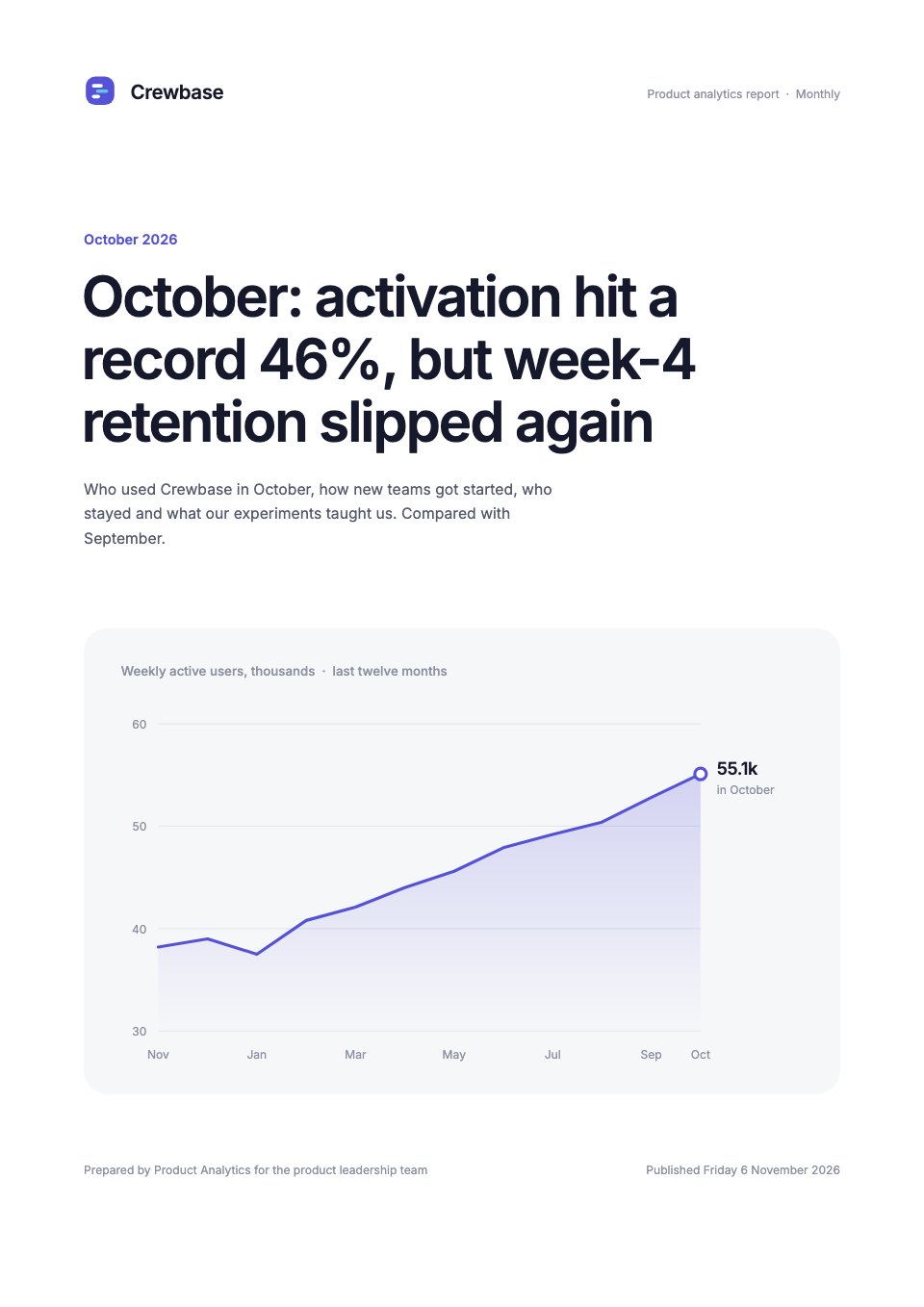
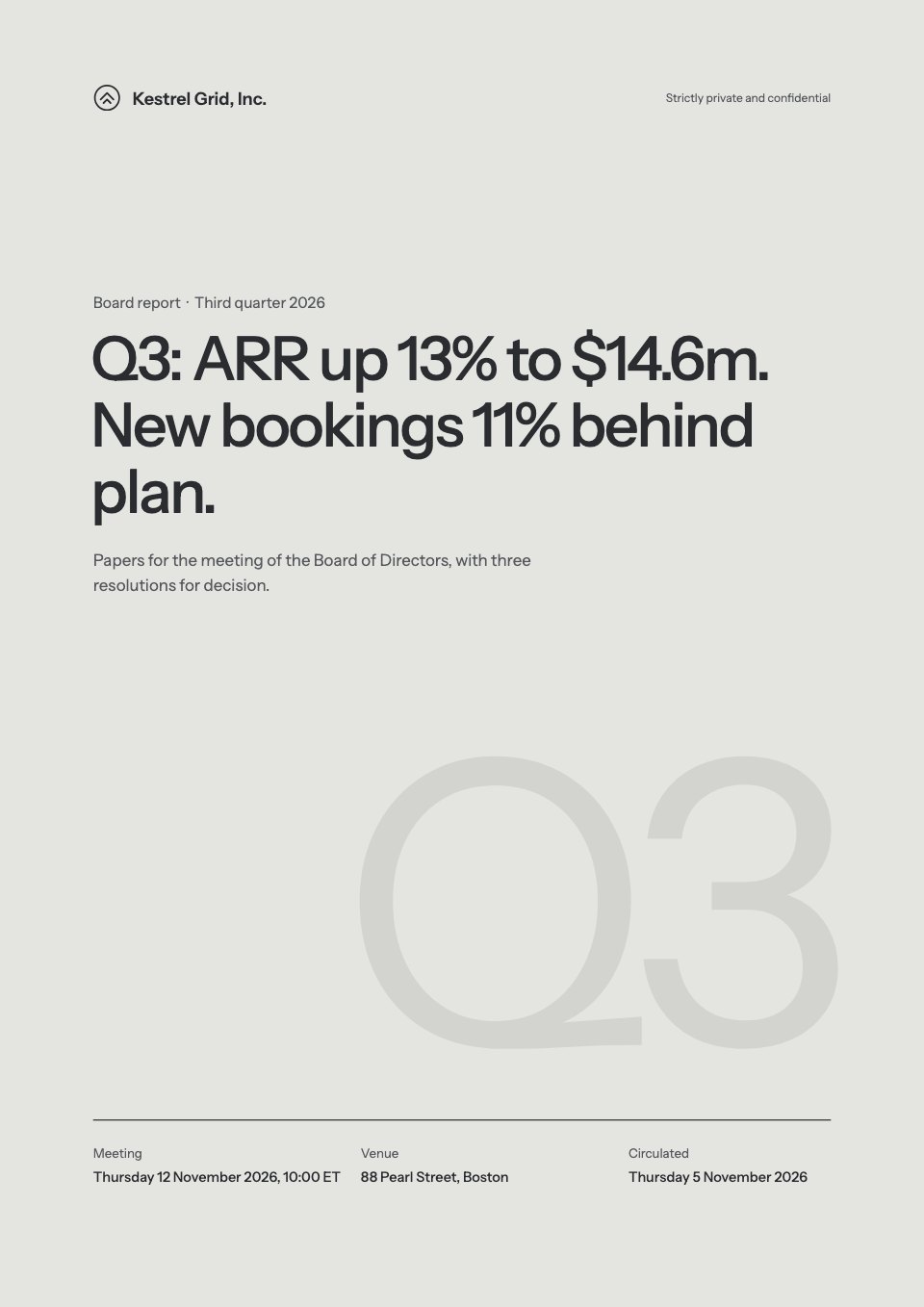
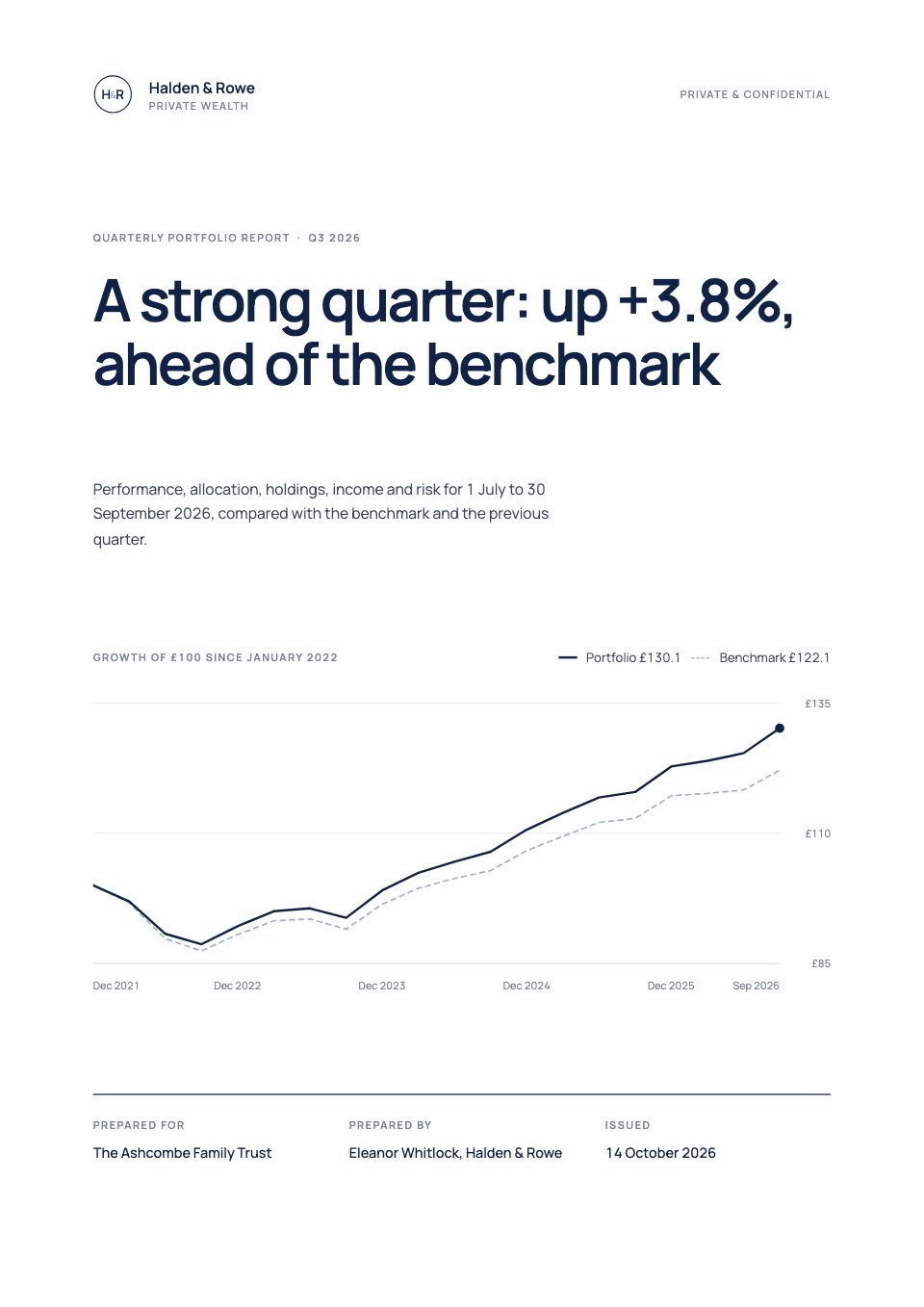
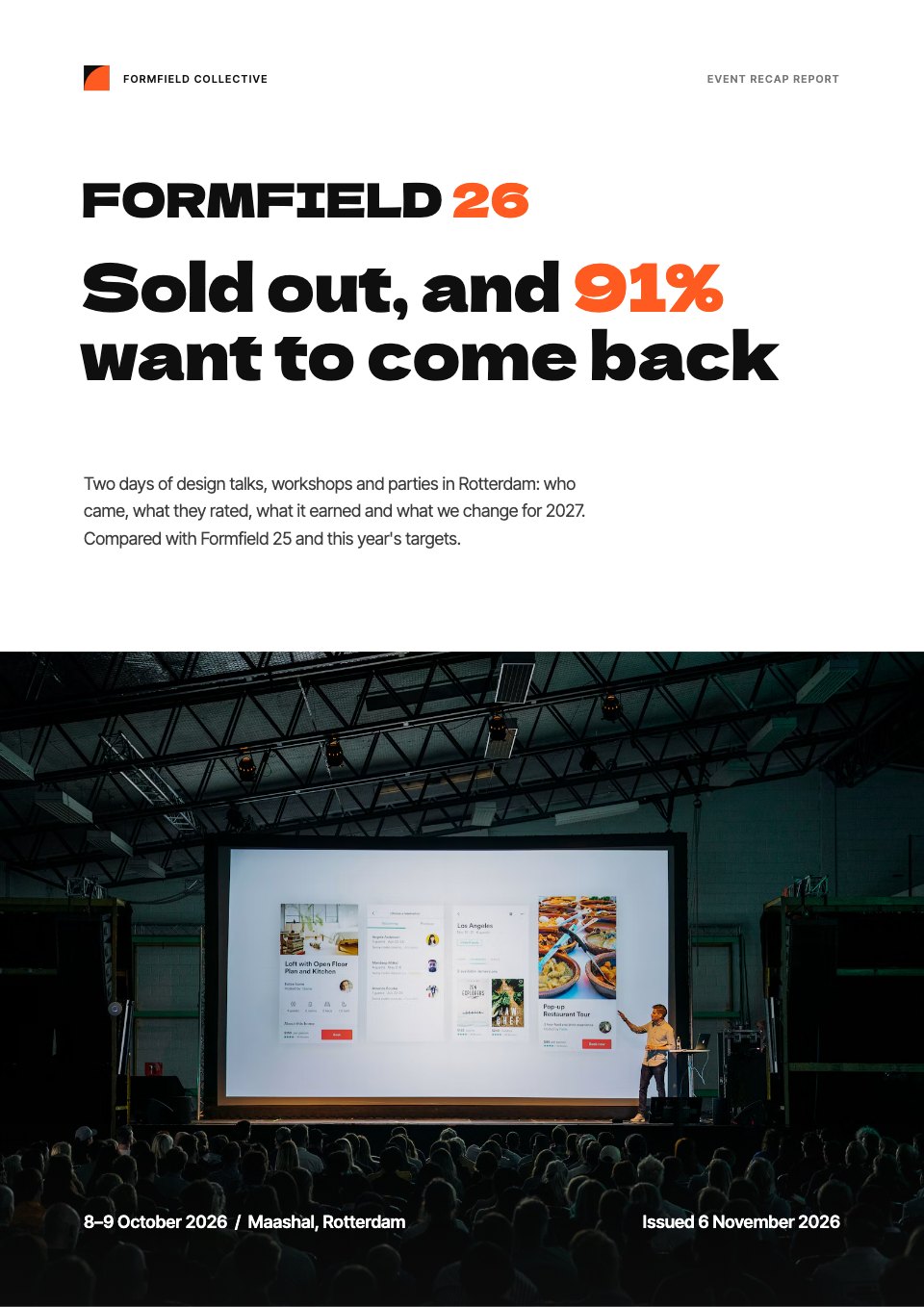
Start your report with Docsiv AI
Describe the client or the project and Docsiv AI writes a first draft of your white paper for you to edit, share and send.